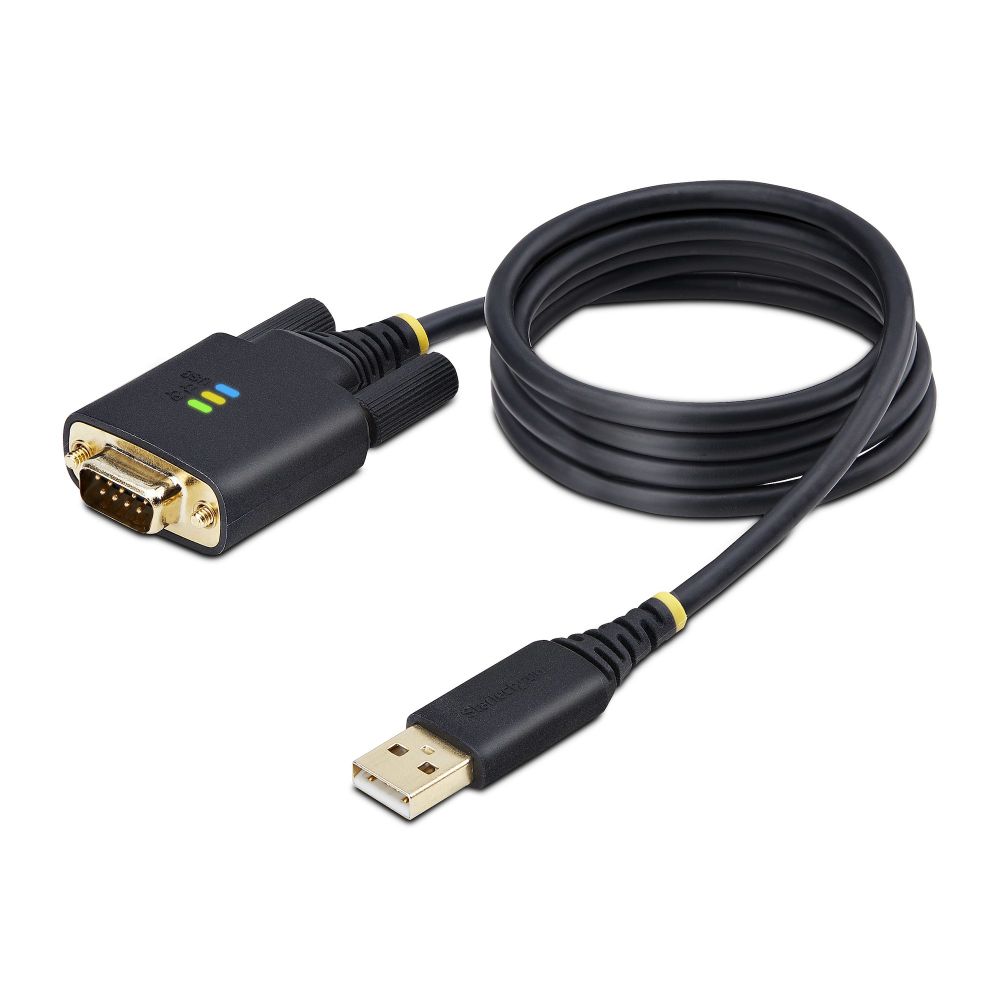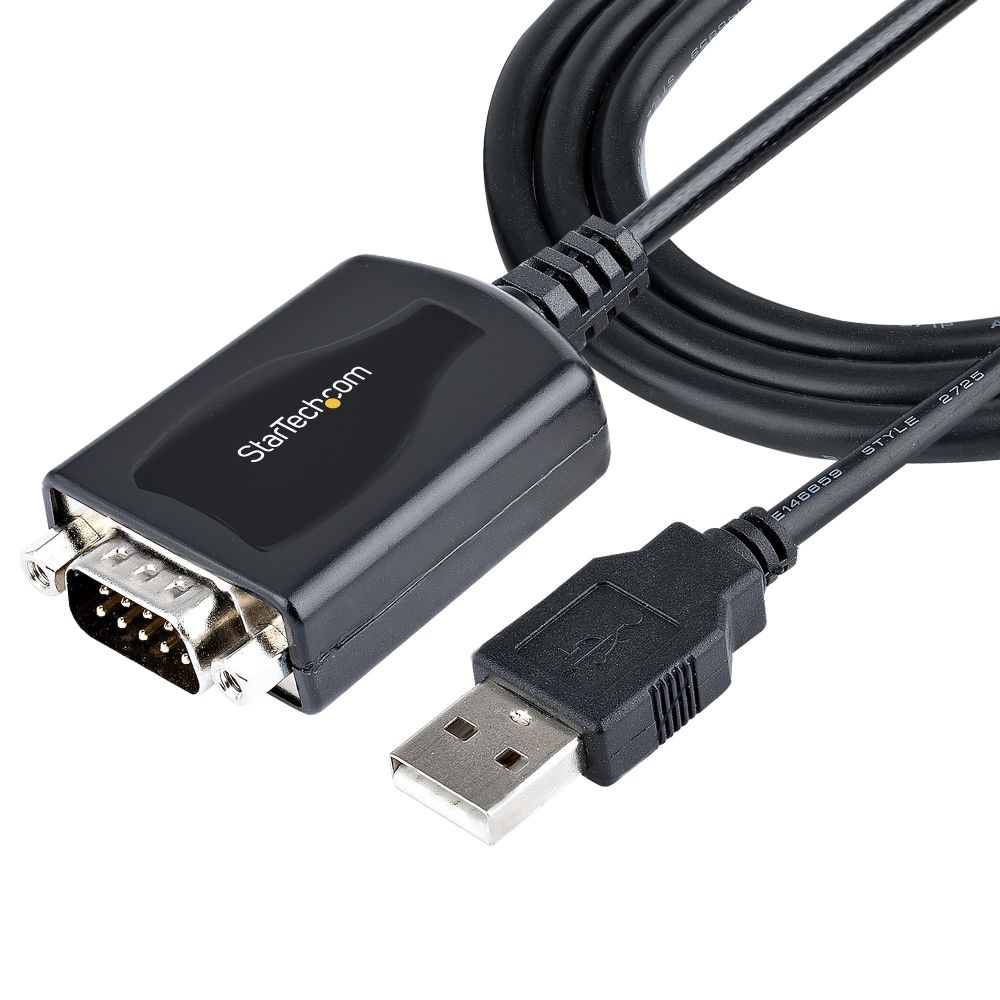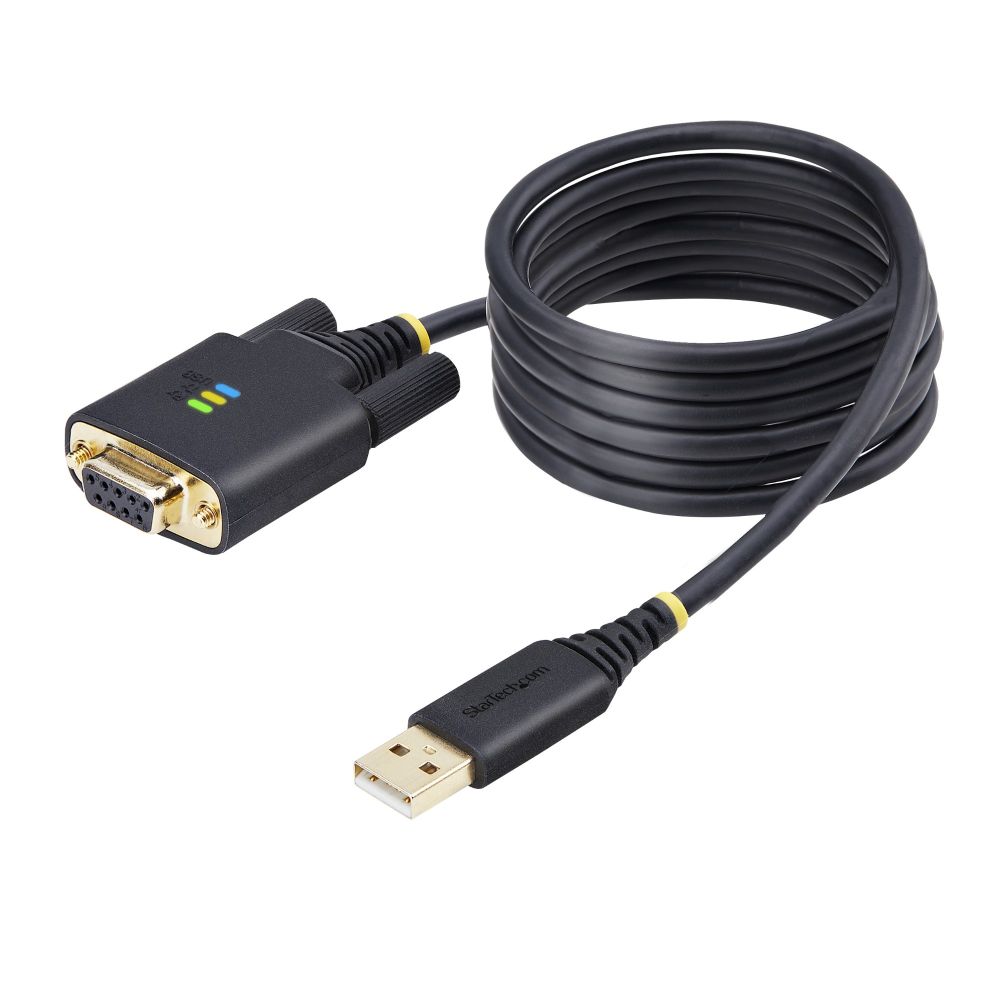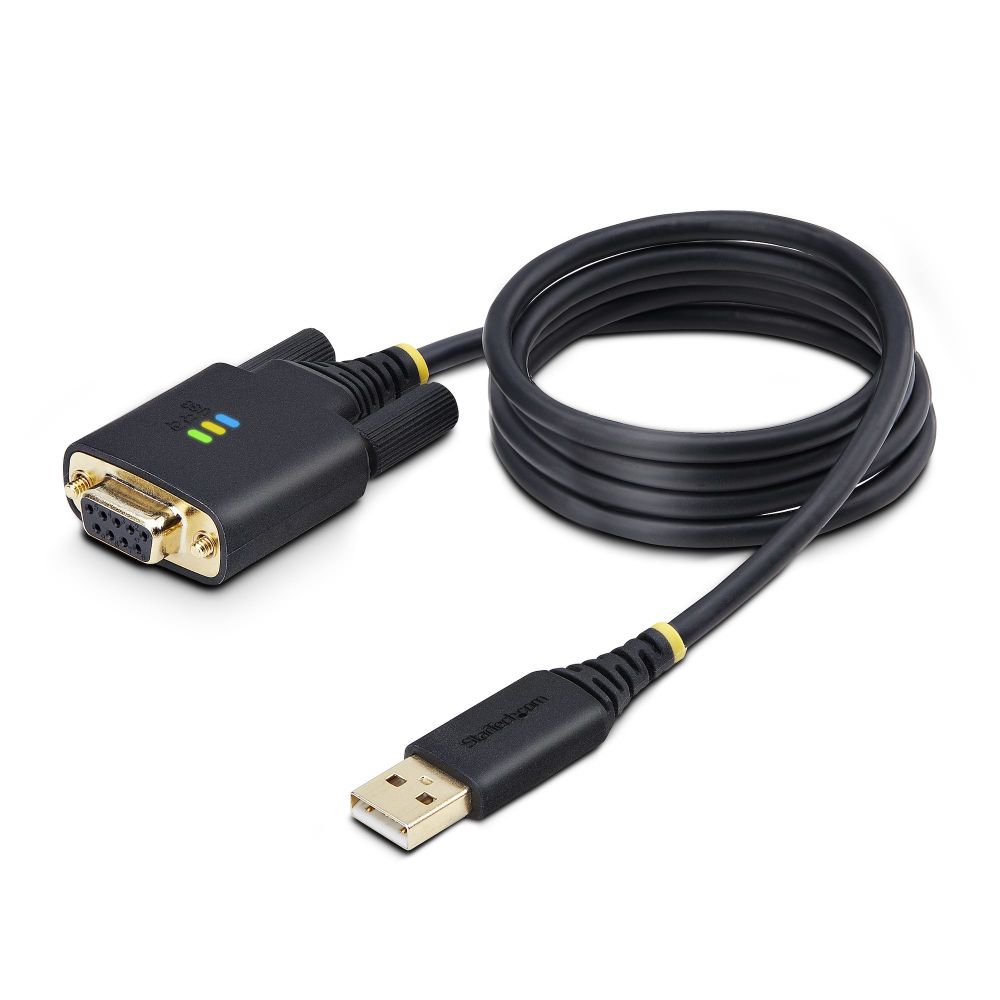
Cables

Shop cables for clean, reliable connections across your PC, monitor, audio, and networking setup. Choose the right cable type and length to reduce clutter, improve stability, and keep your workspace organised.

Cables for Cleaner Setups and Reliable Connectivity

The right cables make a big difference in stability, organisation, and everyday convenience—whether you're connecting monitors, peripherals, storage devices, or networking hardware. In our Cables category, you can choose dependable options to keep your workstation tidy and your devices running smoothly.

Where the right cables matter most

Monitors and display setups: A stable, high-quality connection helps avoid flicker, dropouts, and compatibility issues—especially with higher resolutions and refresh rates. Pair your display with a monitor mount to improve your desk layout and keep cables clean.

Peripherals and desk productivity: Clean connections keep your workspace organised and make daily use easier. Combine cabling with essential inputs like Keyboards and Mice, and improve comfort with smoother tracking using Mouse Pads.

Networking reliability: For a stable wired internet connection, choose the right Ethernet and network accessories. Build a dependable network using Networking Cables and organise devices through network switches based on your layout.

How to choose the right cable

Start with the connection type: Confirm what your device requires before you buy—monitor ports, USB connection type, audio connectors, or networking needs. For laptop users, good cable choices can help create a more productive desk setup.

Pick the correct length and quality: Measure your run and choose a length that allows neat routing without stretching or sharp bends. For high-bandwidth use (fast displays, stable networking), cable quality matters more—especially over longer distances.

Build a complete workstation.

Finish your setup with clear calls and streaming accessories like Webcams and better audio from Speakers. If you're optimising a whole desktop, explore performance parts in Custom PC for a more complete build plan.

Shop by brand

Choose reliable cable and connectivity options from Lindy for high-quality connections, and explore compatible Logitech accessories based on your workspace setup.

FAQ

How do I know which cable I need?

Start by checking the ports on both devices (monitor, PC, laptop, router) and confirm the connector type and required standard before buying.

Does cable quality affect performance?

Yes. For high-bandwidth use (higher-resolution monitors, stable networking), better-quality cables can reduce dropouts and improve stability, especially over longer lengths.

What cable length should I choose?

Measure your setup and choose the shortest practical length that still allows neat routing. Avoid overly long cables that create clutter or introduce signal issues.

Can cables affect gaming or monitor refresh rate?

Yes. Display cables must support the resolution and refresh rate you want. Using the correct cable standard helps avoid limitations or flicker.

Are Ethernet cables included in the cables category?

Some stores separate them. For dedicated network runs, explore Networking Cables for Ethernet-specific options.

What’s the best way to keep cables organised?

Use the proper lengths, route cables behind the desk, avoid tight bends, and keep display/peripheral/network cables separated where possible.