
Brand
 AKASAAKASA 4
 AMDAMD 2
 ANTECANTEC 28
 ARCTICARCTIC 126
 ASROCKASROCK 10
 ASUSASUS 50
 ASUS ACCESSORIESASUS ACCESSORIES 19
 BEQUIETBEQUIET 70
 CITCIT 2
 COOLERMASTERCOOLERMASTER 25
 CORSAIRCORSAIR 39
 DEEPCOOLDEEPCOOL 58
 FRACTAL DESIGNFRACTAL DESIGN 25
 GIGABYTEGIGABYTE 4
 HP POLYHP POLY 1
 INTELINTEL 2
 MSIMSI 21
- SCREENBEAM 1
 STARTECHSTARTECH 1
 TARGETTARGET 1
 VIDAVIDA 16
Save £0.76
Save £2.02
Save £6.00
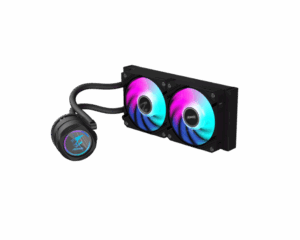
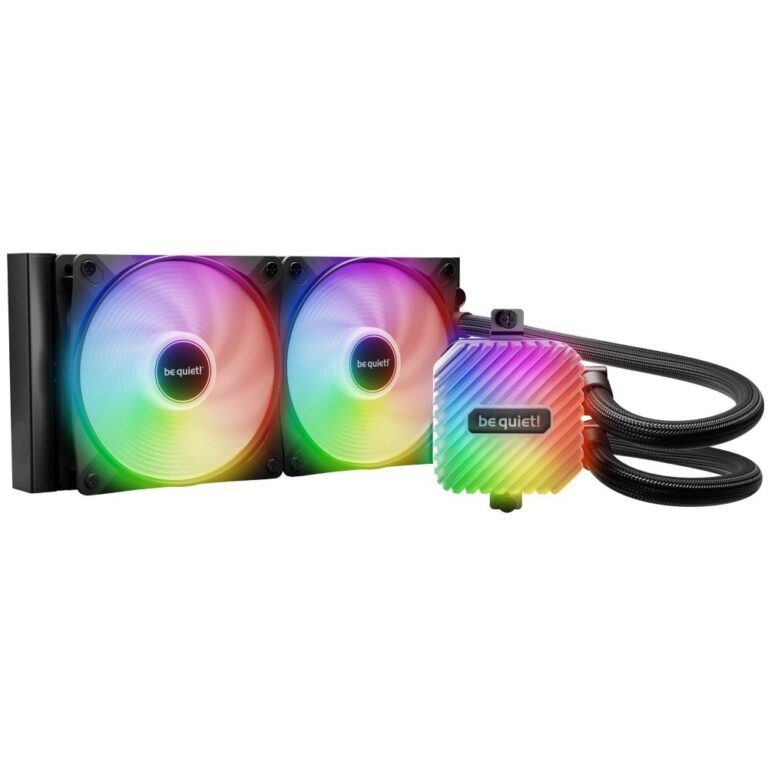
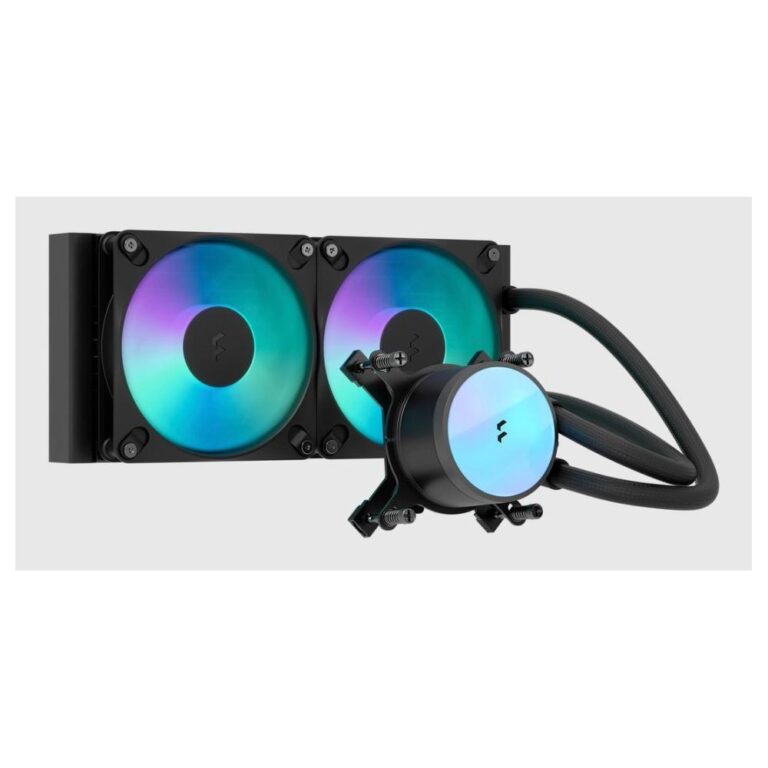
be quiet! LIGHT LOOP 240mm AIO Liquid Cooler
In stock
Original price was: £97.19.£91.19Current price is: £91.19.
New
New
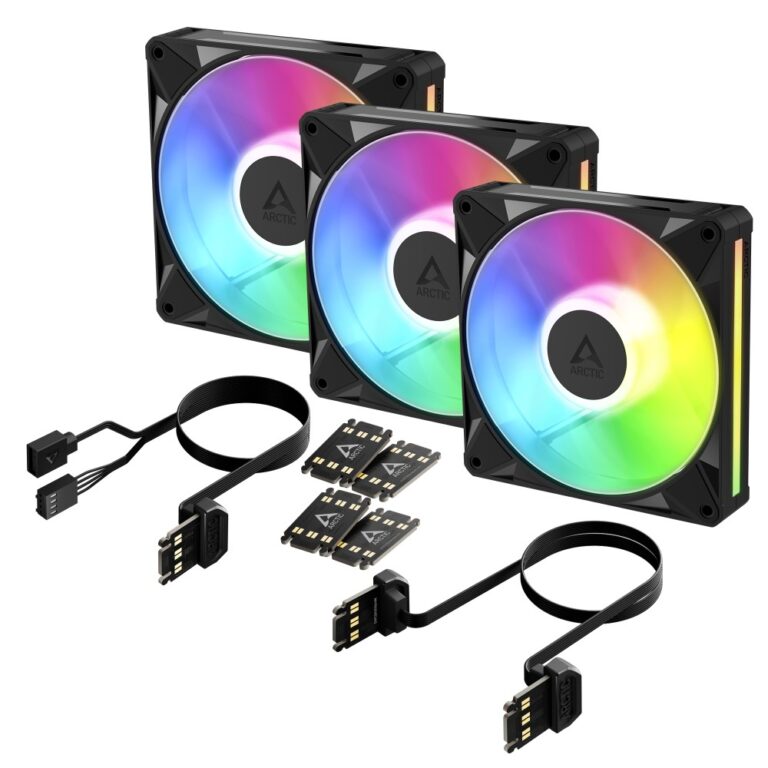
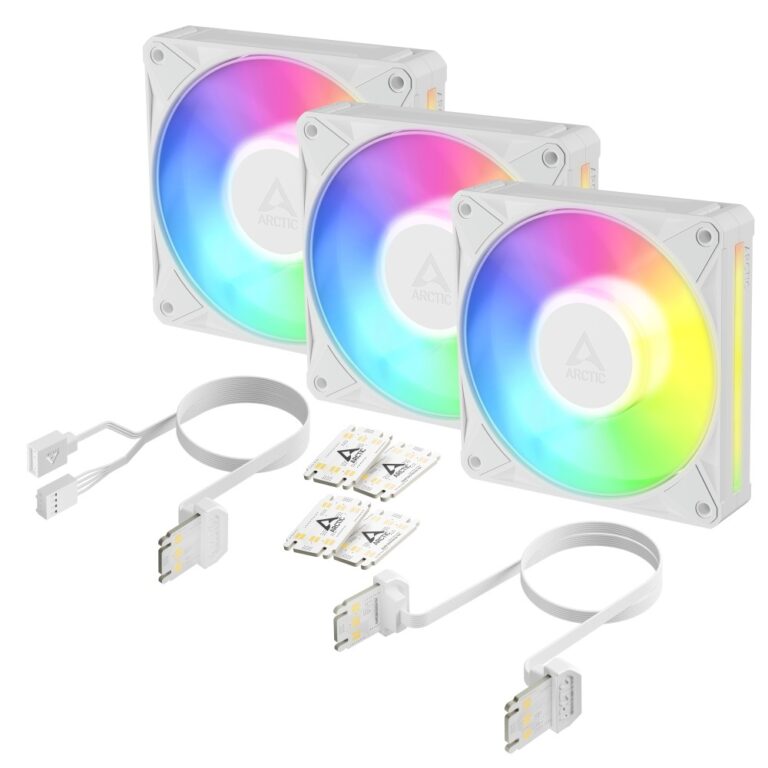
New
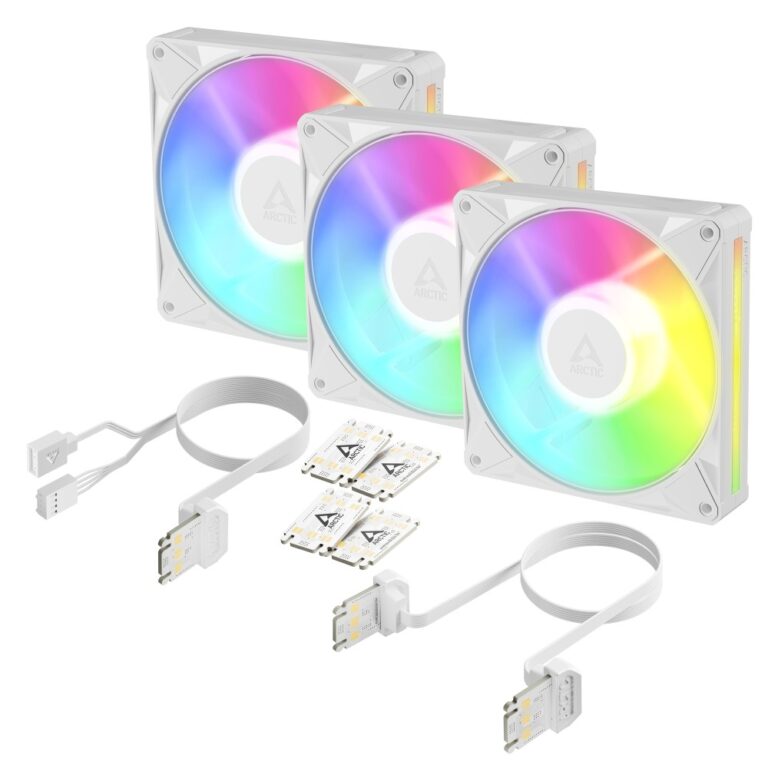
New
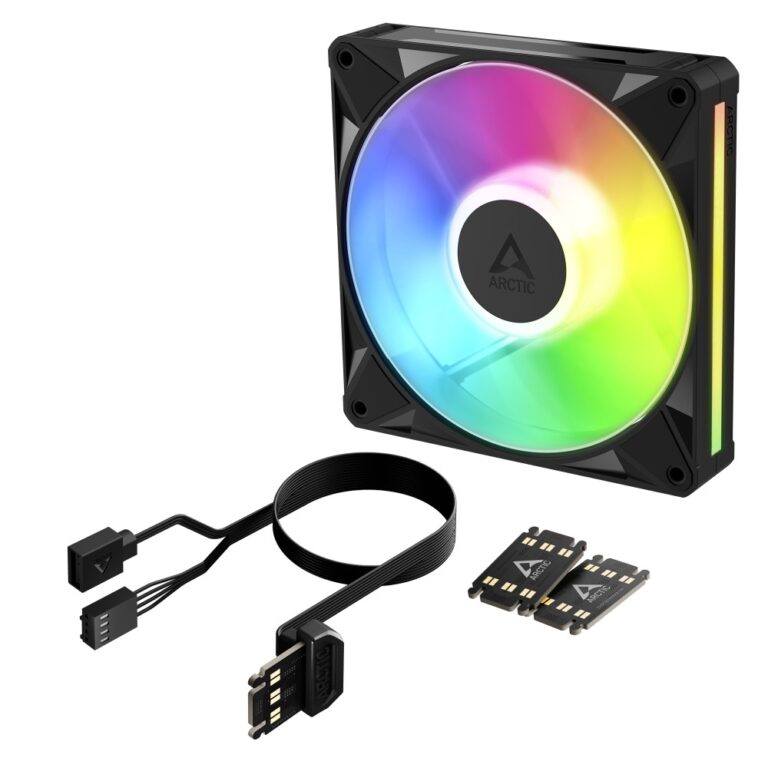
New
New

Save £2.40
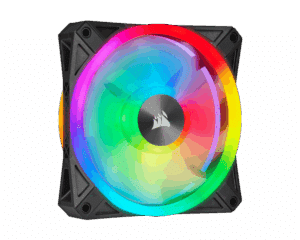
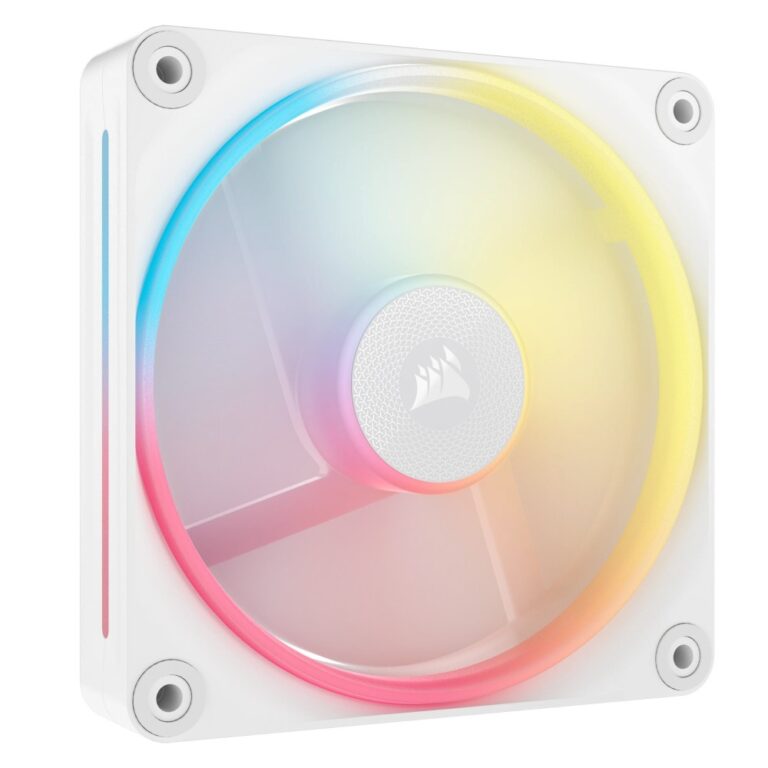
Corsair iCUE LINK LX120-R RGB 120 mm Computer Case Fan, White
In stock
Original price was: £40.79.£38.39Current price is: £38.39.
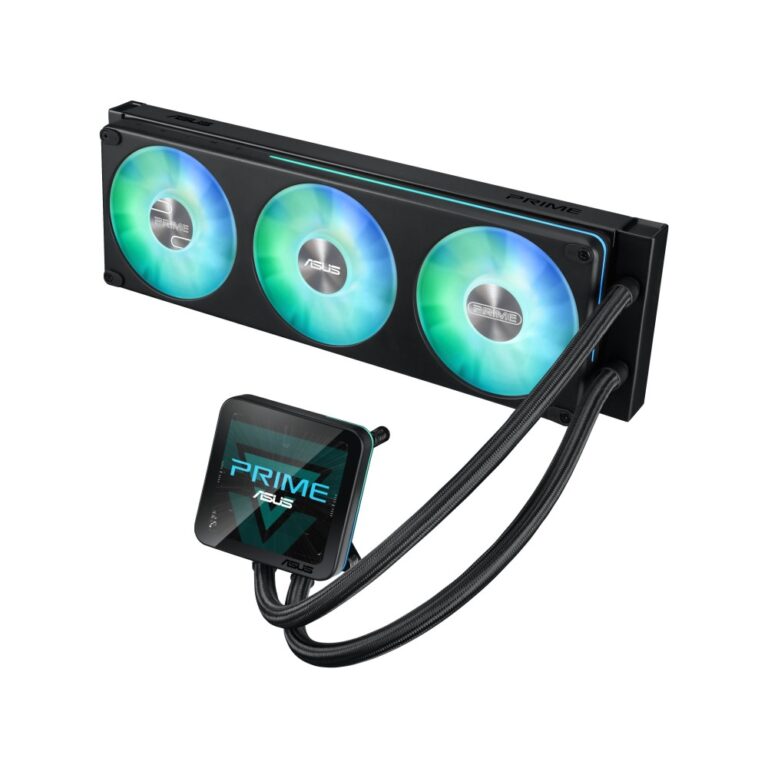
Save £8.40
ASUS Prime LC II 360 ARGB LCD All-in-One Liquid CPU Cooler with 3.95″ IPS Display, LGA 1700, AM5, Black
In stock
Original price was: £155.99.£147.59Current price is: £147.59.
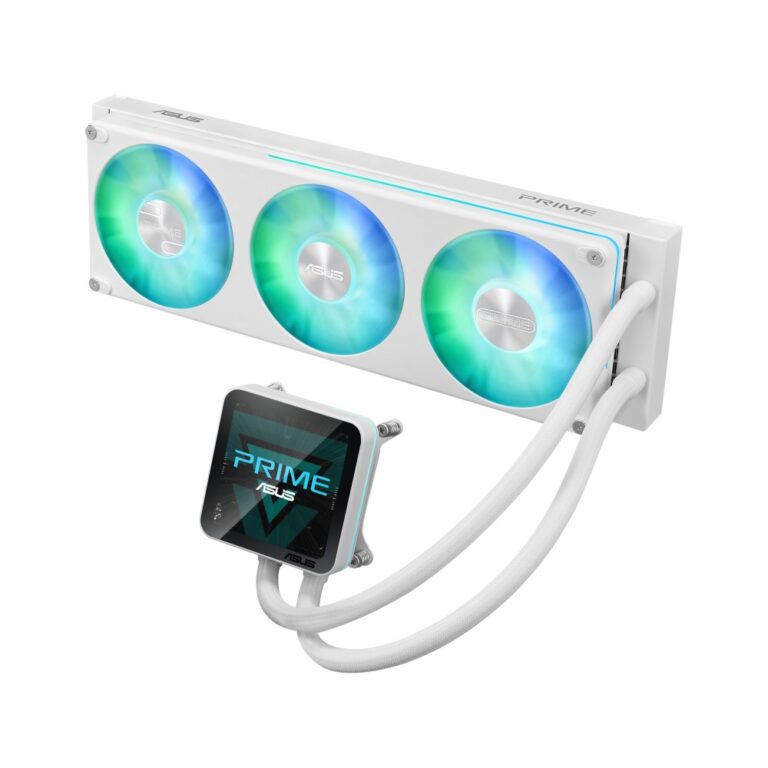
Save £11
ASUS Prime LC II 360 ARGB White All-in-One Liquid CPU Cooler with 3.95″ IPS Display
In stock
Original price was: £155.99.£145.19Current price is: £145.19.
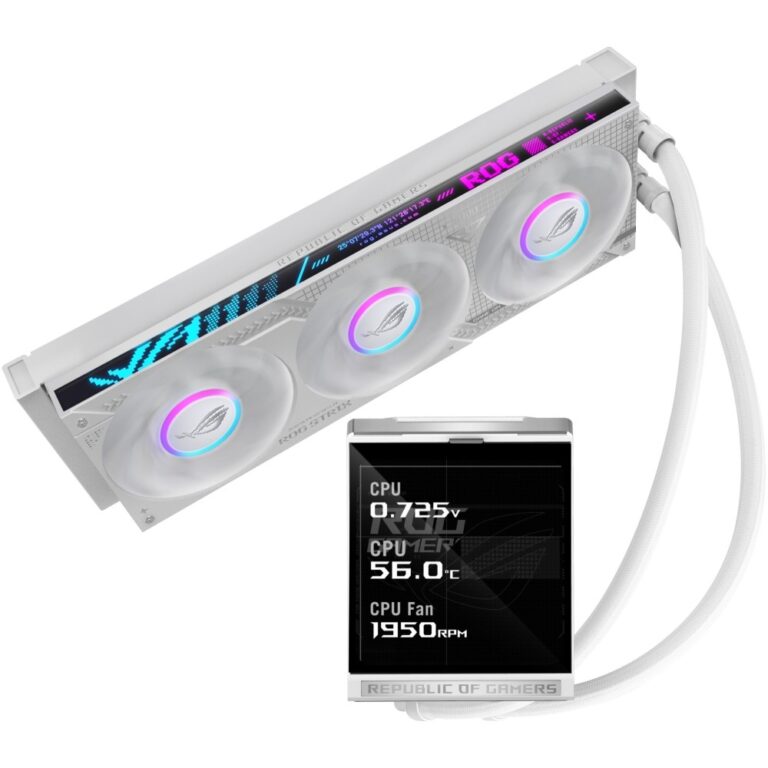
Save £13
ASUS ROG Strix LC IV 360 ARGB White Liquid CPU Cooler, 5.08″ IPS Display, LGA 1700, AM4, AM5, LGA 1851
In stock
Original price was: £230.39.£217.19Current price is: £217.19.
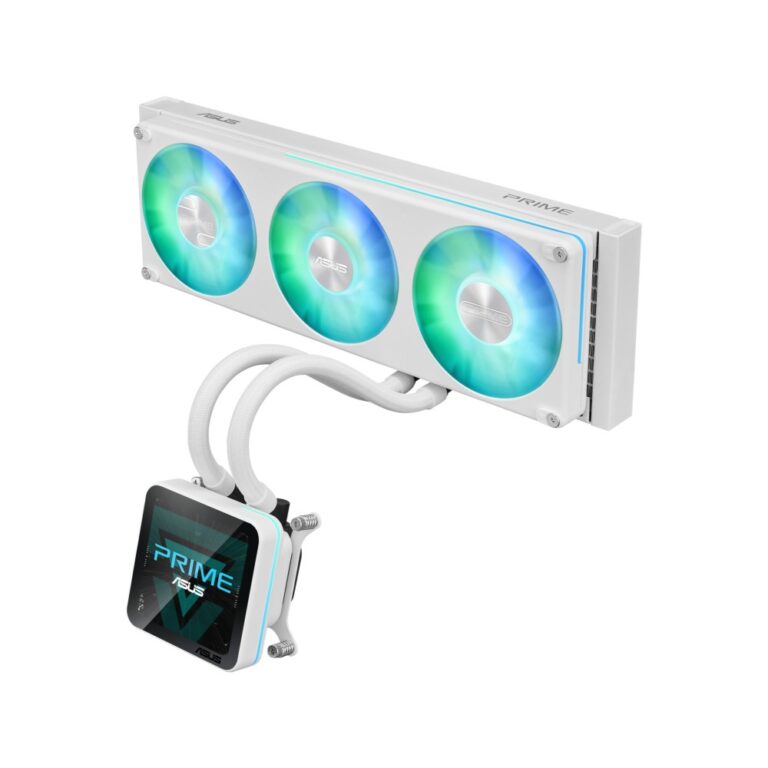
Save £9.60
ASUS Prime SLC II 360 ARGB All-in-One Liquid CPU Cooler, 3 x 120 mm Fans, 3.95″ IPS Display, LGA 1851/1700/AM5/AM4, White
In stock
Original price was: £155.99.£146.39Current price is: £146.39.
Save £9.60
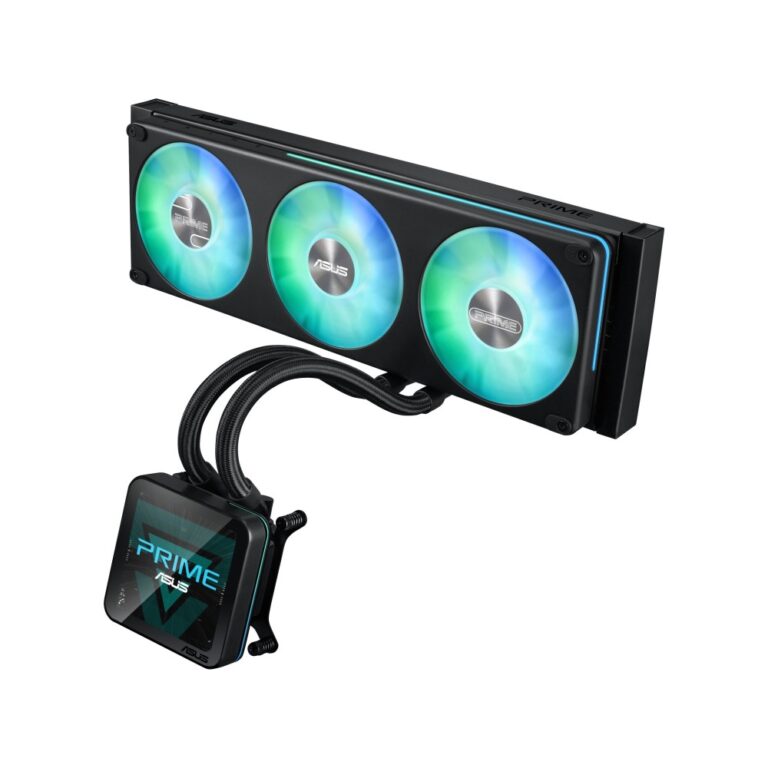
ASUS Prime SLC II 360 ARGB Liquid CPU Cooler, 3.95″ IPS Display, LGA 1851/1700/AM5/AM4, Black
In stock
Original price was: £155.99.£146.39Current price is: £146.39.
Save £7.20
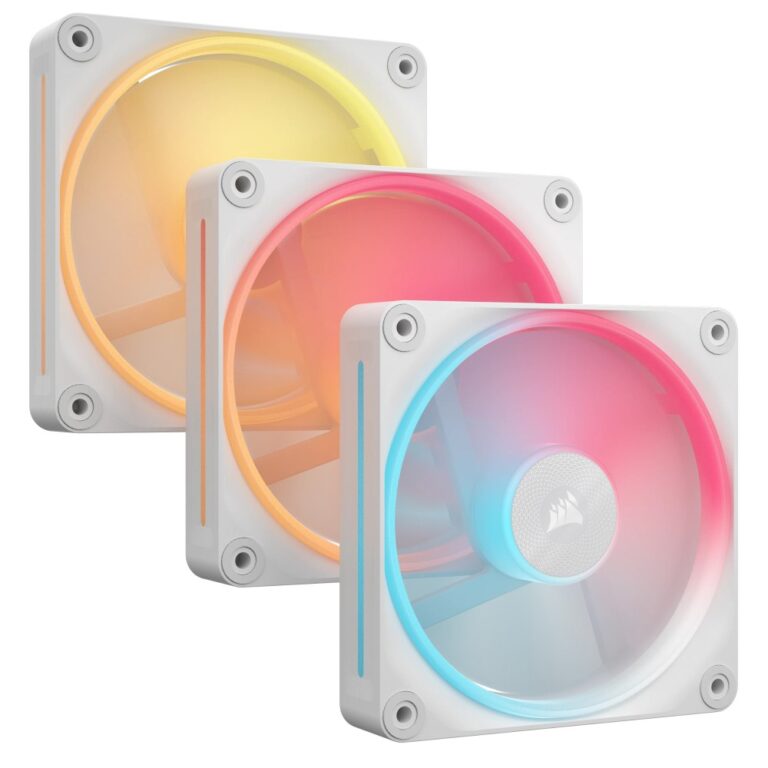
Corsair iCUE LINK LX120-R RGB Computer Case Fan 12 cm White 3 Pack
In stock
Original price was: £121.19.£113.99Current price is: £113.99.

Save £1.20
Fractal Design Dynamic 3 14 RGB 14 cm Computer Case Fan 1800 RPM PWM Rifle Bearing Black
In stock
Original price was: £19.19.£17.99Current price is: £17.99.
Save £8.40
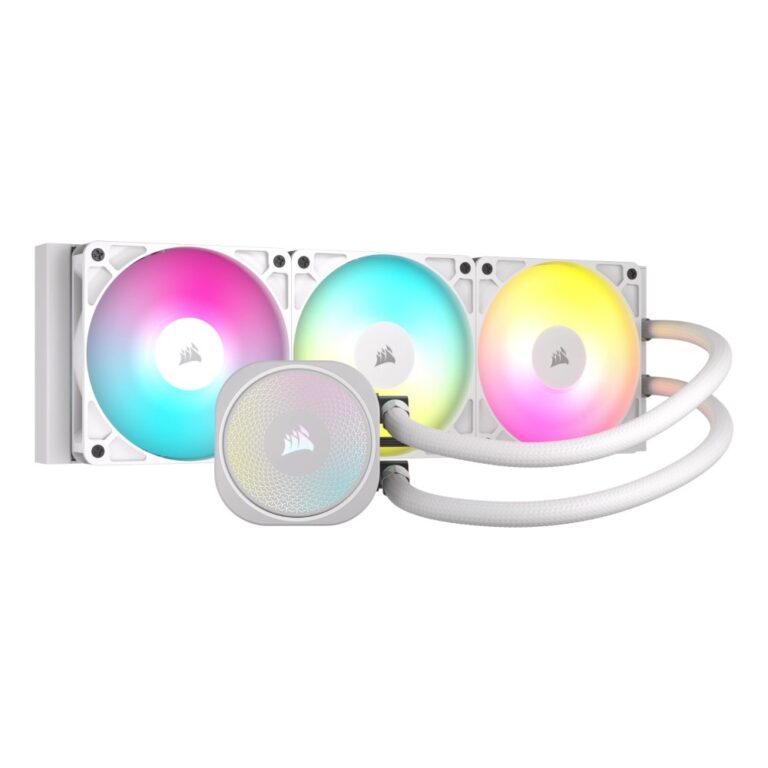
Corsair Nautilus 360 RS ARGB Liquid CPU Cooler – White (LGA 1700, AM4, AM5)
In stock
Original price was: £133.19.£124.79Current price is: £124.79.
Save £3.60
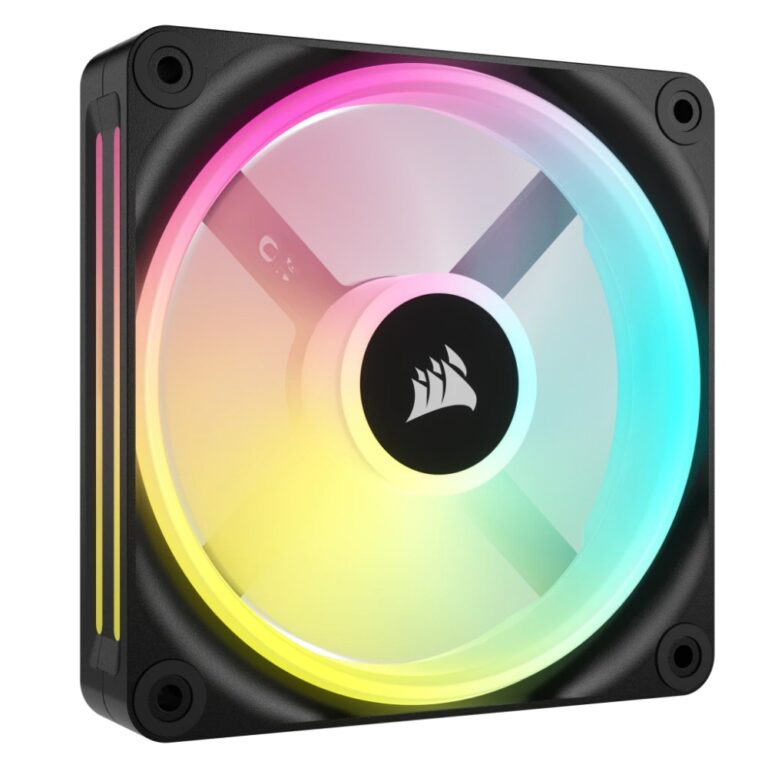
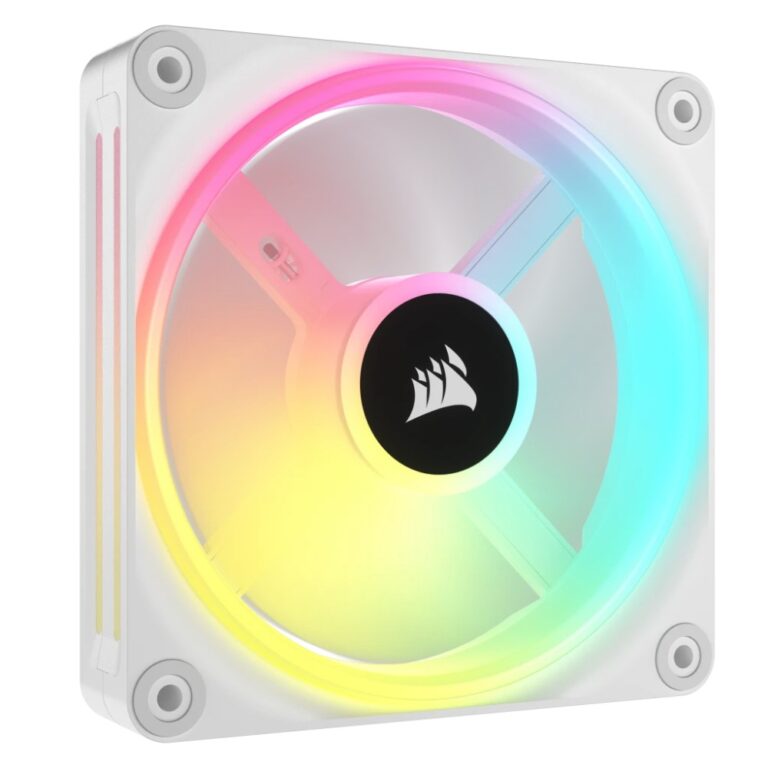
Corsair iCUE LINK QX120 RGB Computer Case Fan 12 cm PWM Magnetic Levitation Black, White
In stock
Original price was: £51.59.£47.99Current price is: £47.99.
Save £11
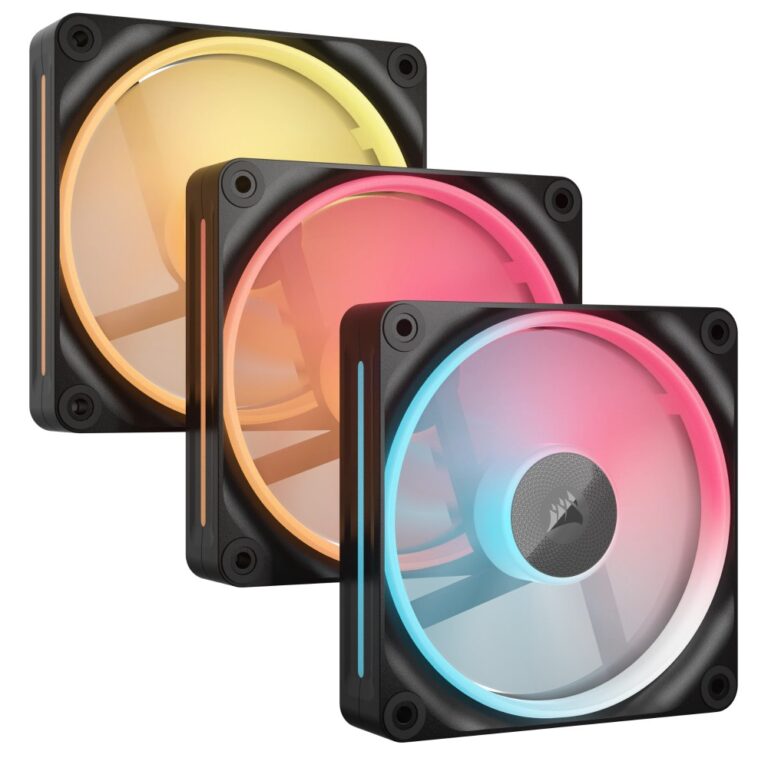
Corsair iCUE LINK QX120 RGB Computer Case Fan 12 cm White 3 Pack
In stock
Original price was: £157.19.£146.39Current price is: £146.39.
Save £7.20
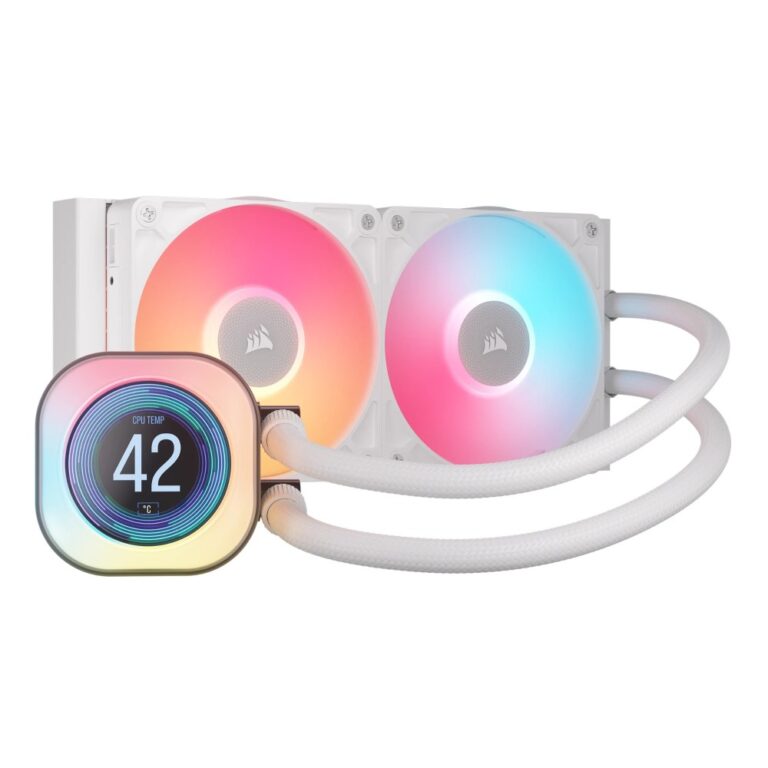
Corsair iCUE LINK LX120-R RGB Computer Case Fan 12 cm 2400 RPM 3 Pack Black
In stock
Original price was: £121.19.£113.99Current price is: £113.99.
Save £16
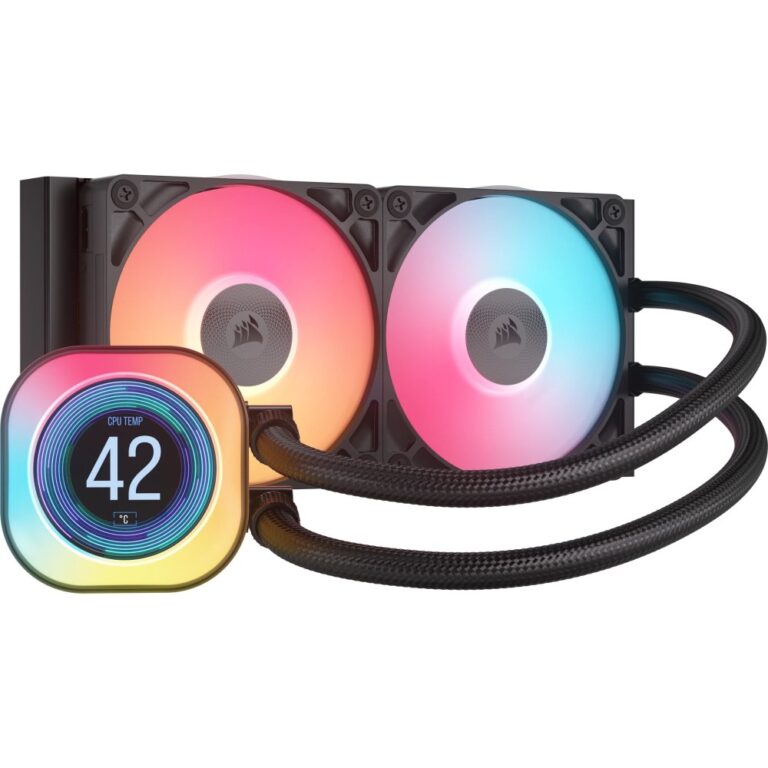
Corsair iCUE LINK TITAN 240 RX LCD All-in-One Liquid CPU Cooler 240mm White
In stock
Original price was: £243.59.£227.99Current price is: £227.99.
Save £16
Corsair iCUE LINK TITAN 240 RX LCD Liquid CPU Cooler 240mm IPS Display LGA 1851/1700 AM5/AM4 Black
In stock
Original price was: £243.59.£227.99Current price is: £227.99.
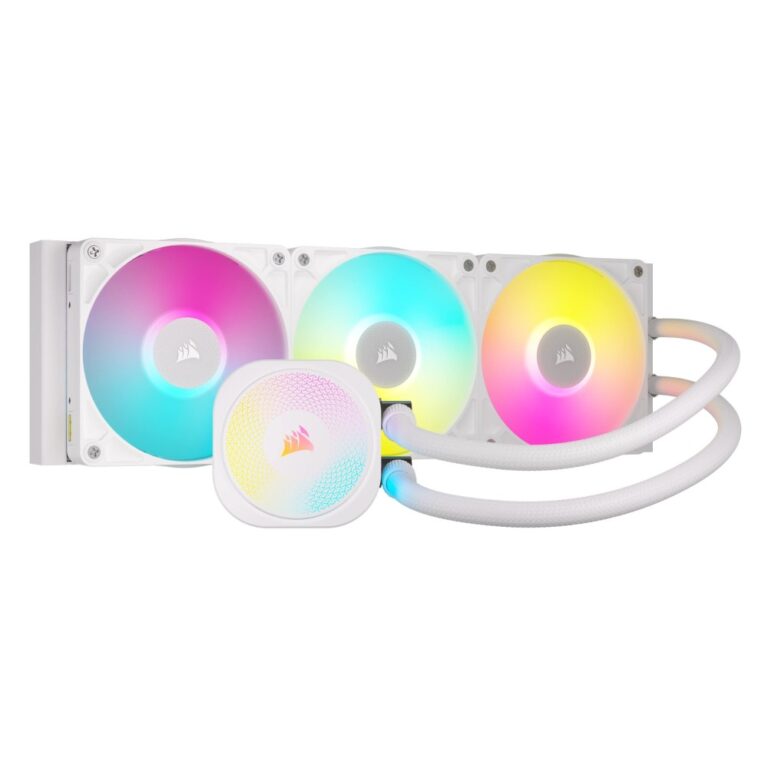
Save £12
Corsair iCUE LINK TITAN 360 RX RGB All-in-One Liquid CPU Cooler LGA 1700/1851/AM4/AM5 White
In stock
Original price was: £197.99.£185.99Current price is: £185.99.

-5%
Arctic P12 Pro Reverse 120 mm Case Fan 500-3000 RPM Black
In stock
Original price was: £5.99.£5.68Current price is: £5.68.

Save £0.73
Arctic S12038-8K Server Fan 120 mm 8000 RPM Dual Ball Bearing 4-pin Black
In stock
Original price was: £13.19.£12.46Current price is: £12.46.