










Save £49
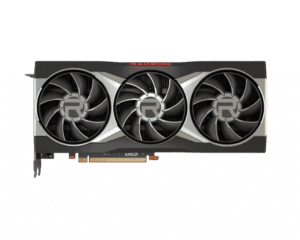
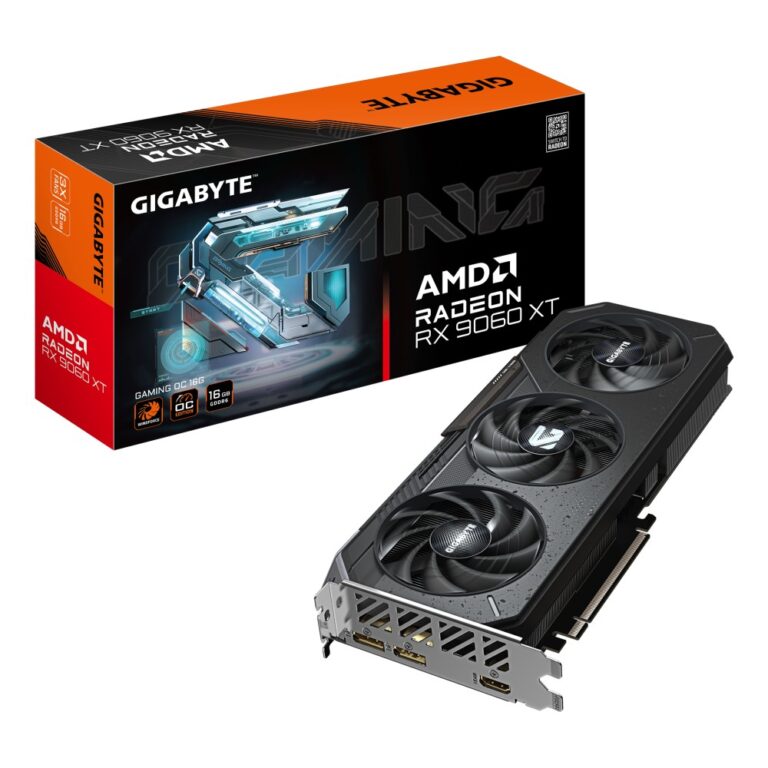
Gigabyte Radeon RX 9060 XT Gaming OC 16G Graphics Card Black
In stock
Original price was: £813.59.£764.39Current price is: £764.39.
Save £197
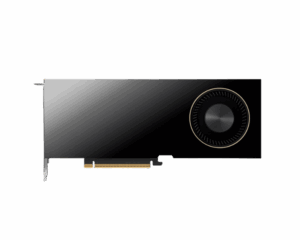
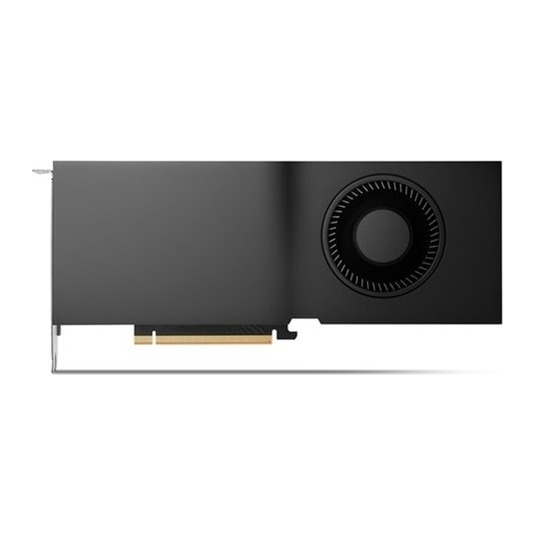
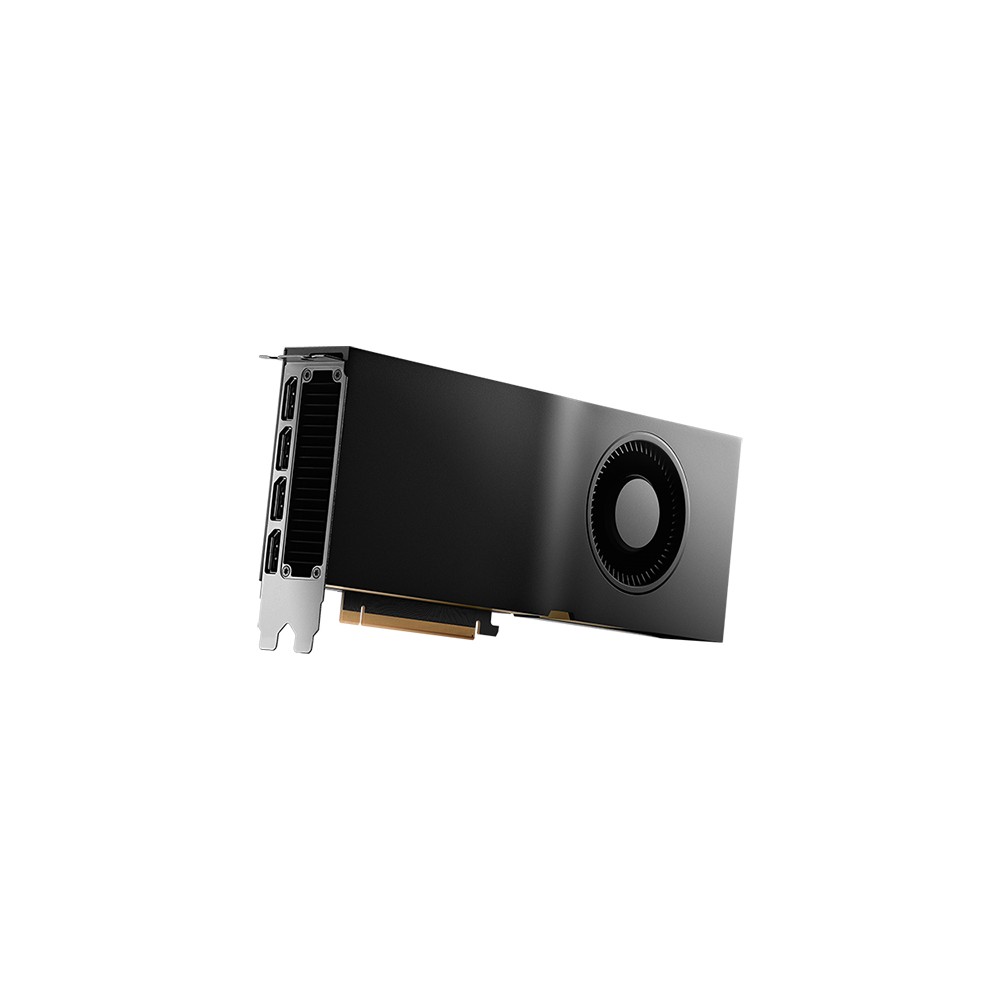
PNY NVIDIA RTX 5000 Ada Graphics Card 32GB GDDR6 Active Cooling PCIe 4.0 Black
In stock
Original price was: £3,941.99.£3,745.19Current price is: £3,745.19.
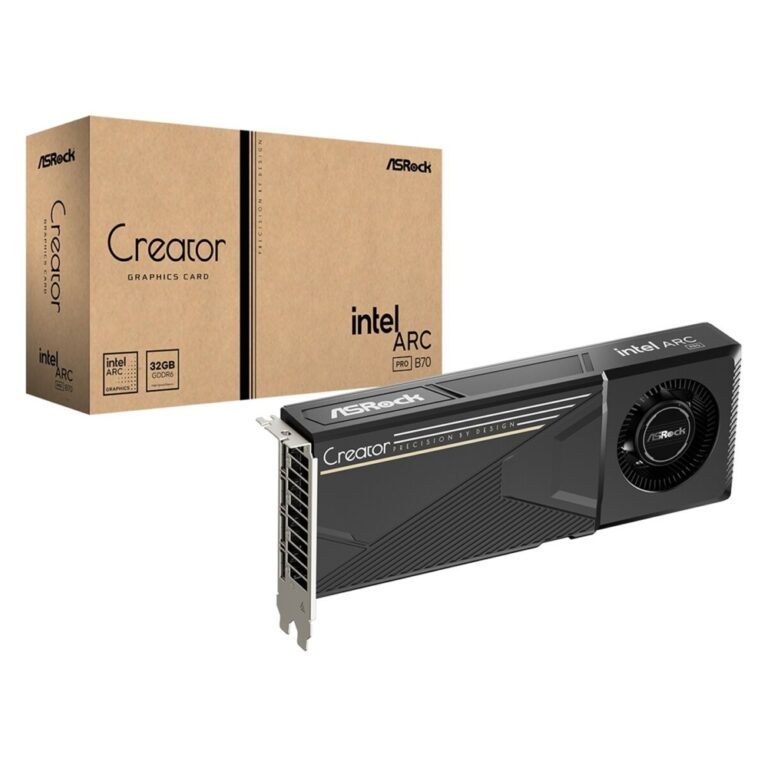
Save £78
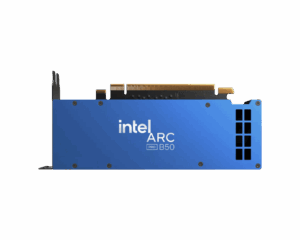
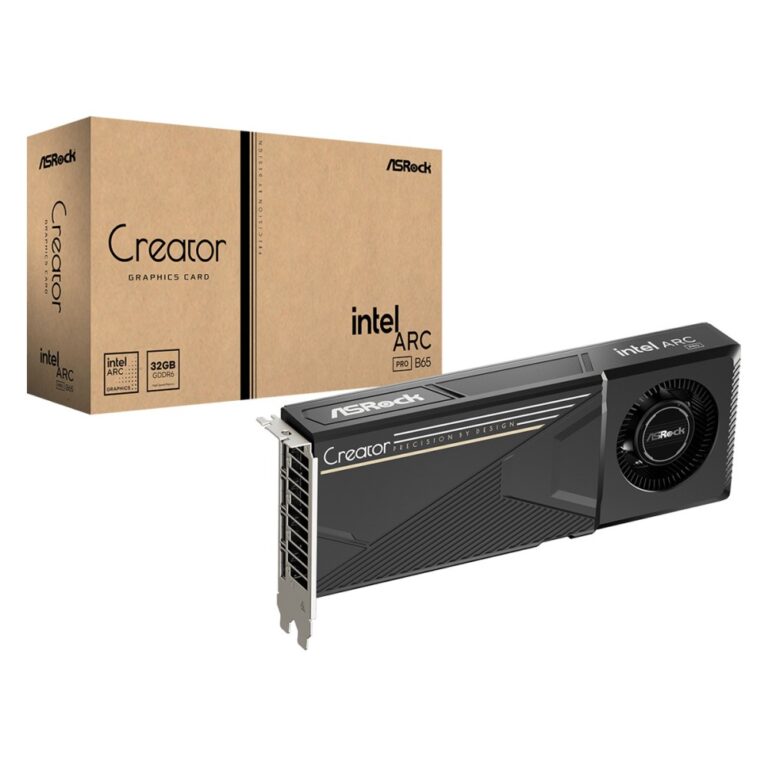
Asrock Intel Arc Pro B70 Creator 32GB Graphics Card
In stock
Original price was: £1,402.79.£1,324.79Current price is: £1,324.79.
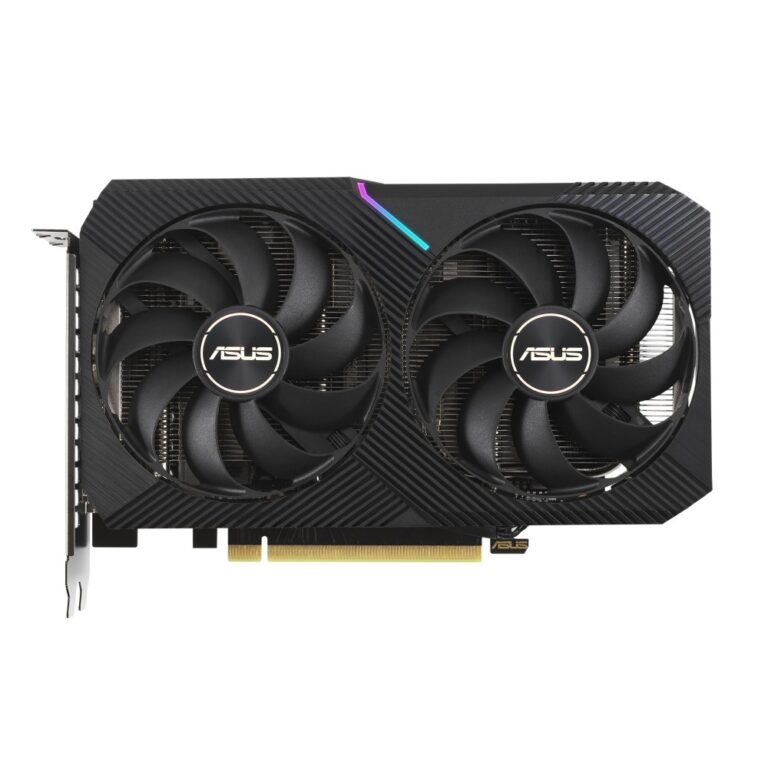
Save £34
ASUS Dual GeForce RTX 3060 V2 12GB GDDR6 Graphics Card
In stock
Original price was: £491.99.£458.39Current price is: £458.39.
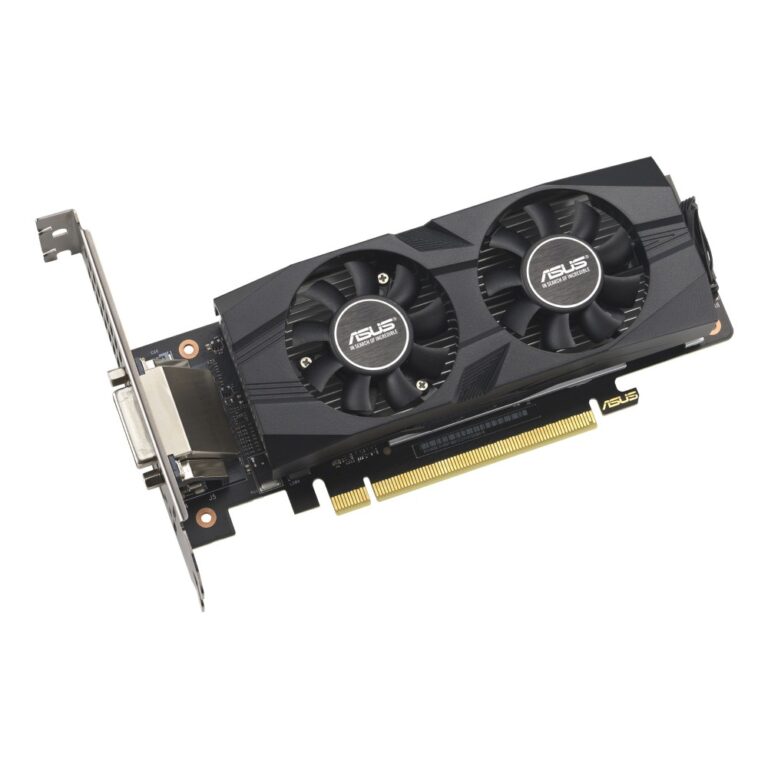
Save £19
ASUS GeForce RTX 3050 LP BRK OC Edition 6GB GDDR6
In stock
Original price was: £326.39.£307.19Current price is: £307.19.
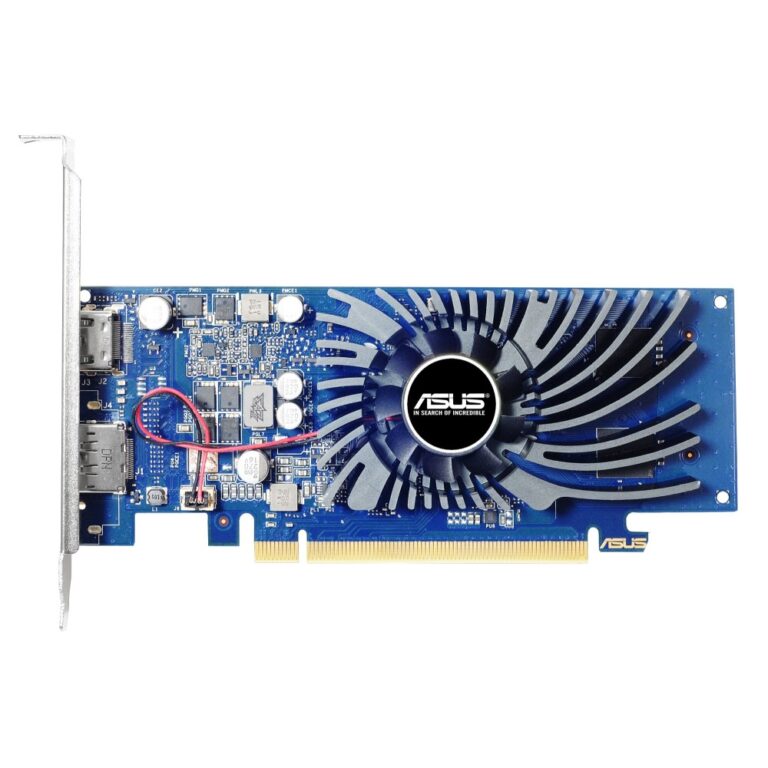
Save £7.20
ASUS GT 1030 2GB GDDR5 Graphics Card
In stock
Original price was: £122.39.£115.19Current price is: £115.19.
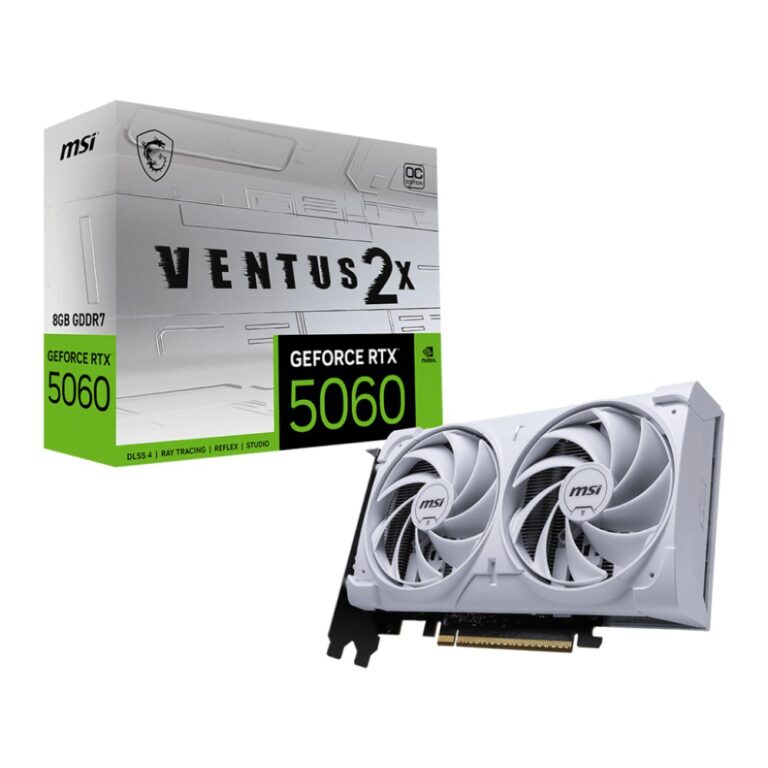
Save £35
MSI GeForce RTX 5060 VENTUS 2X OC WHITE 8GB GDDR7
In stock
Original price was: £514.79.£479.99Current price is: £479.99.
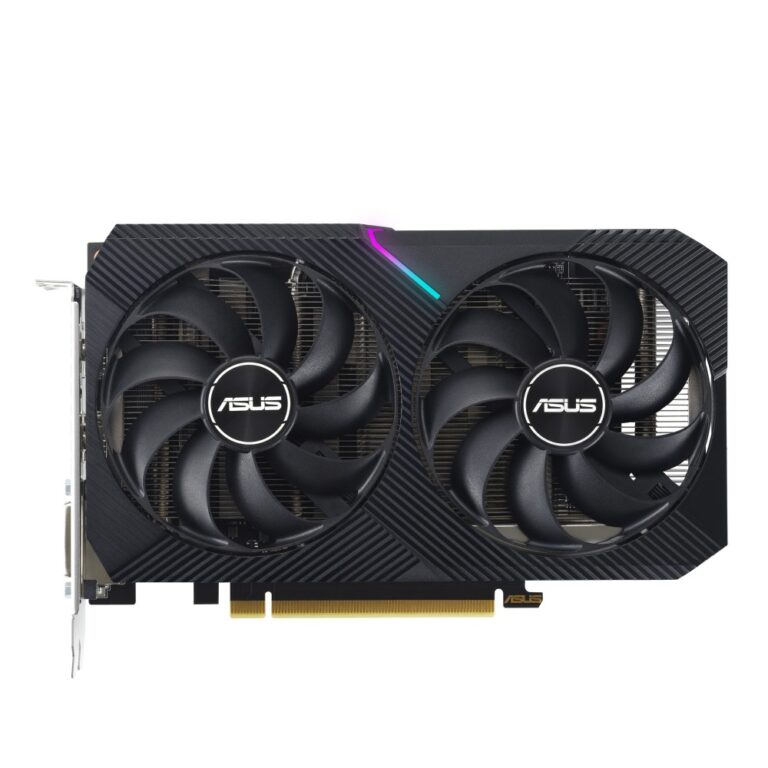
Save £29
ASUS Dual RTX 3050 8GB GDDR6 V2
In stock
Original price was: £409.19.£380.39Current price is: £380.39.
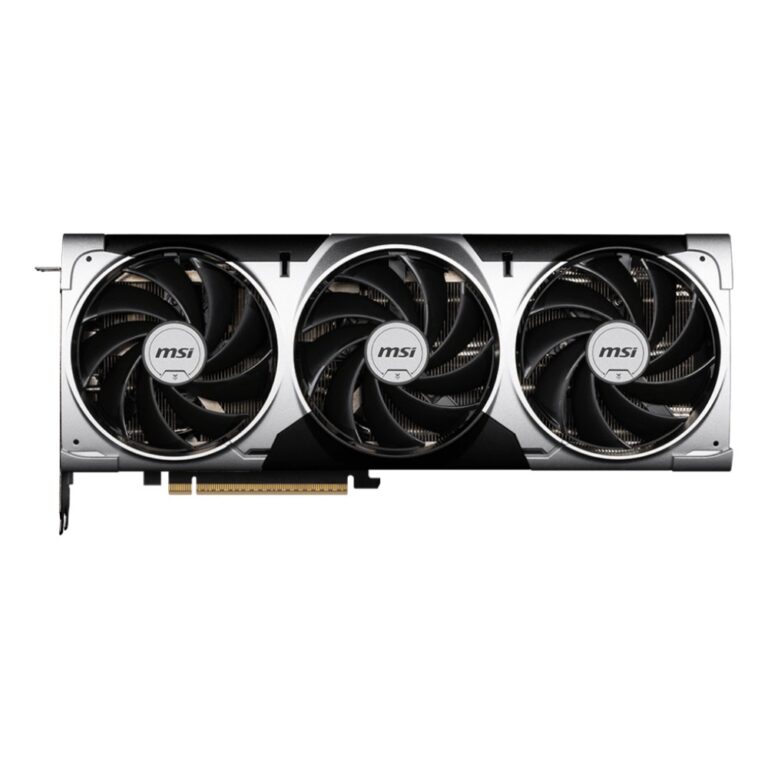
Save £86
MSI GeForce RTX 5070 Ti VENTUS 3X OC 16GB GDDR7
In stock
Original price was: £1,241.99.£1,155.59Current price is: £1,155.59.
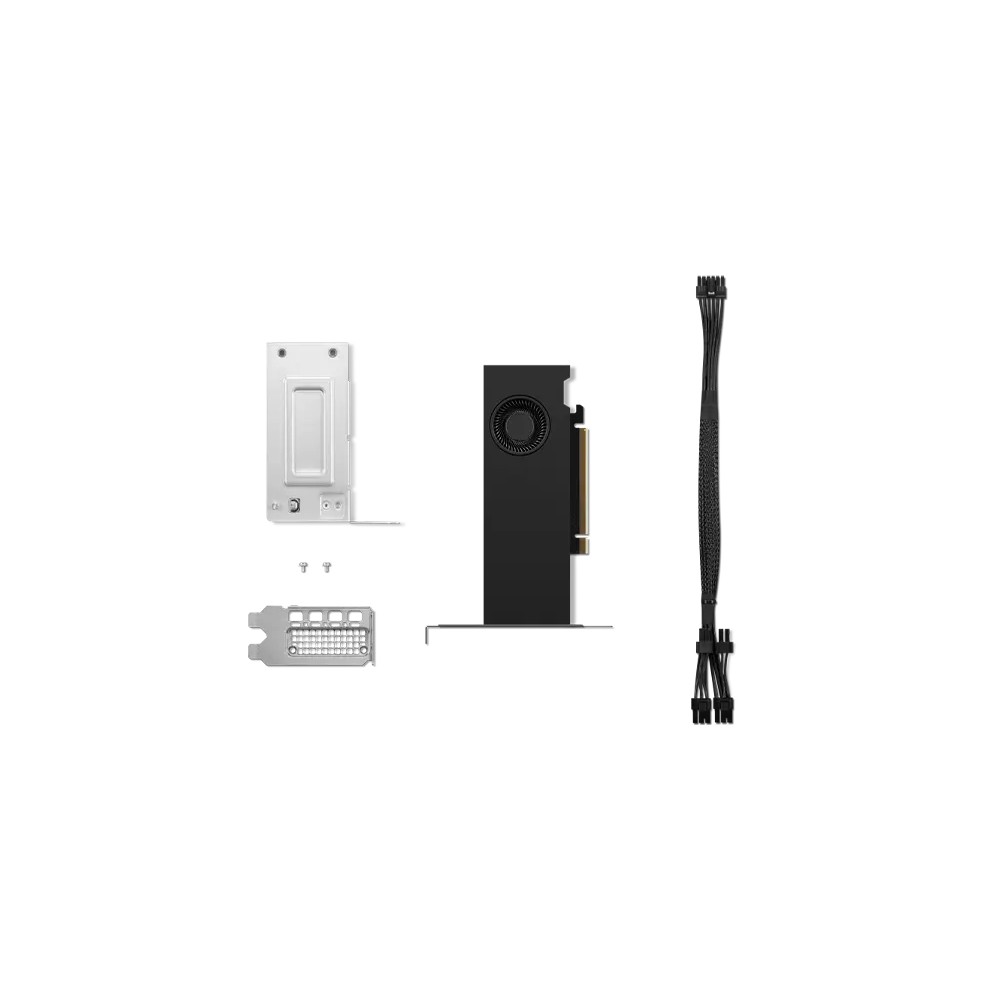
Save £58
Lenovo NVIDIA RTX 2000 Ada 16GB GDDR6
In stock
Original price was: £831.59.£773.99Current price is: £773.99.
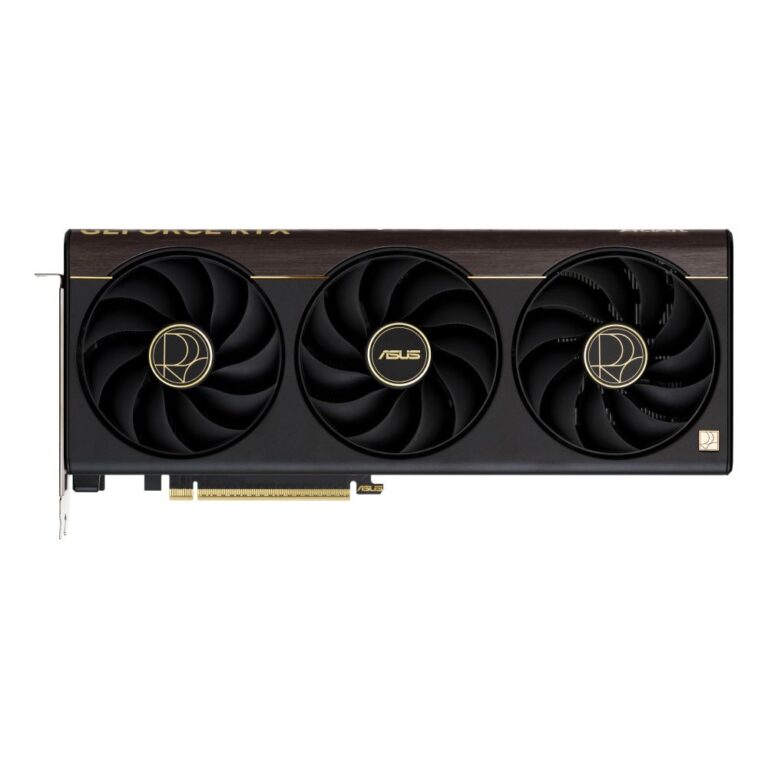
Save £86
ASUS ProArt RTX 5070 Ti 16 GB GDDR7
In stock
Original price was: £1,400.39.£1,313.99Current price is: £1,313.99.
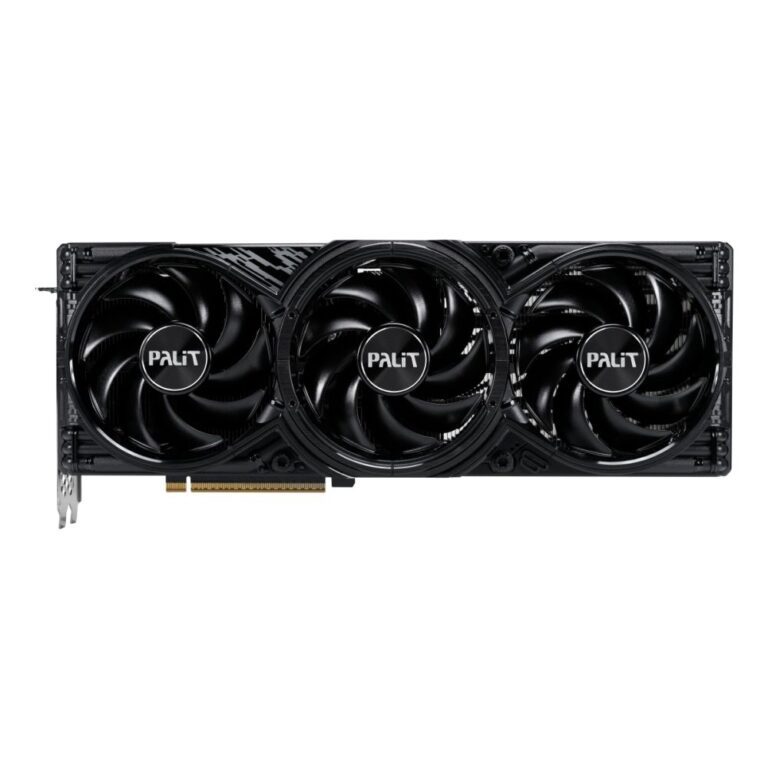
Save £76
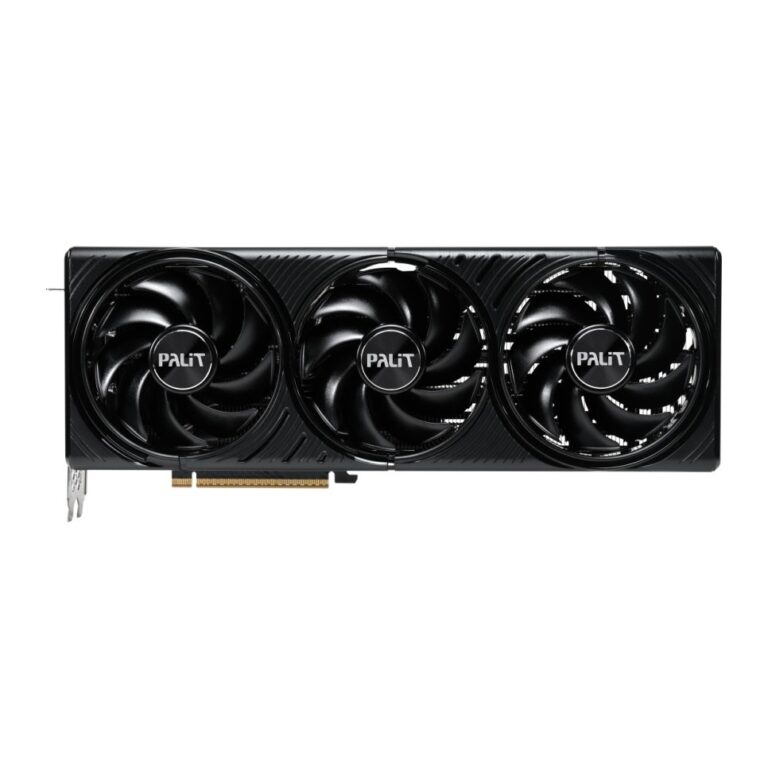
Palit GeForce RTX 5080 GamingPro V1 16GB GDDR7
In stock
Original price was: £1,497.59.£1,421.99Current price is: £1,421.99.
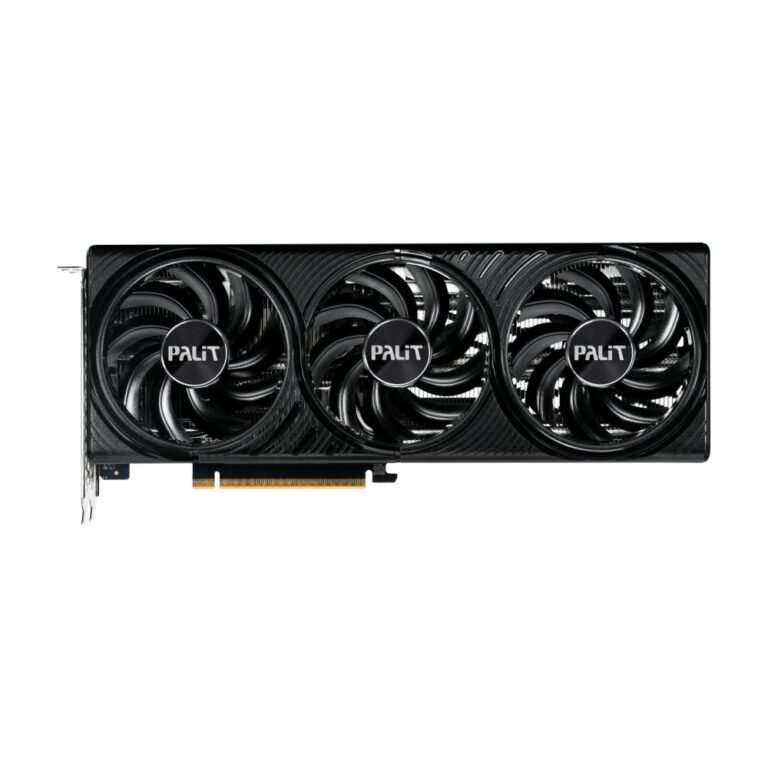
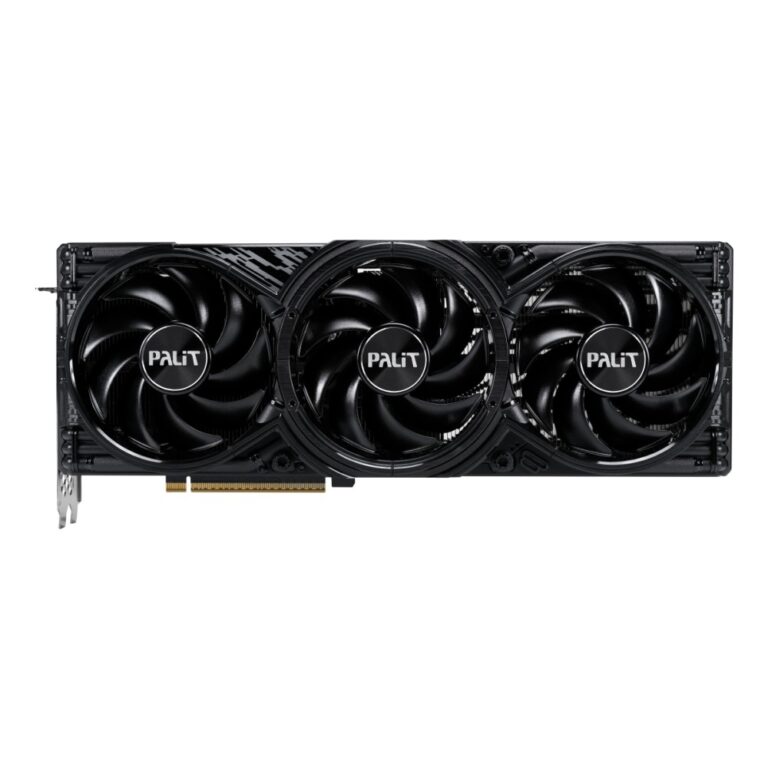
Save £89
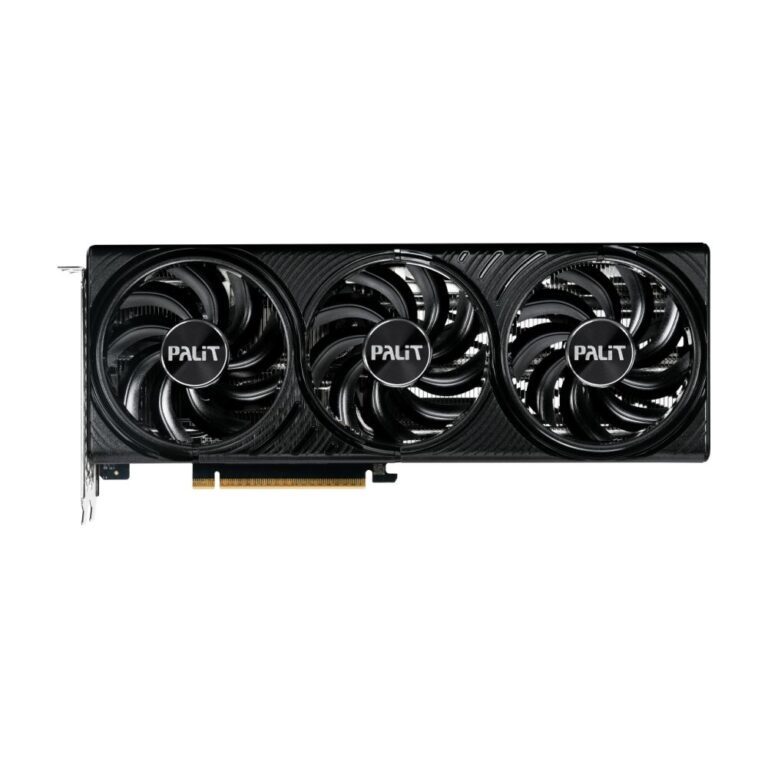
Palit GeForce RTX 5080 GamingPro OC Graphics Card 16 GB GDDR7 PCIe 5.0 Black
In stock
Original price was: £1,607.99.£1,519.19Current price is: £1,519.19.
Save £41
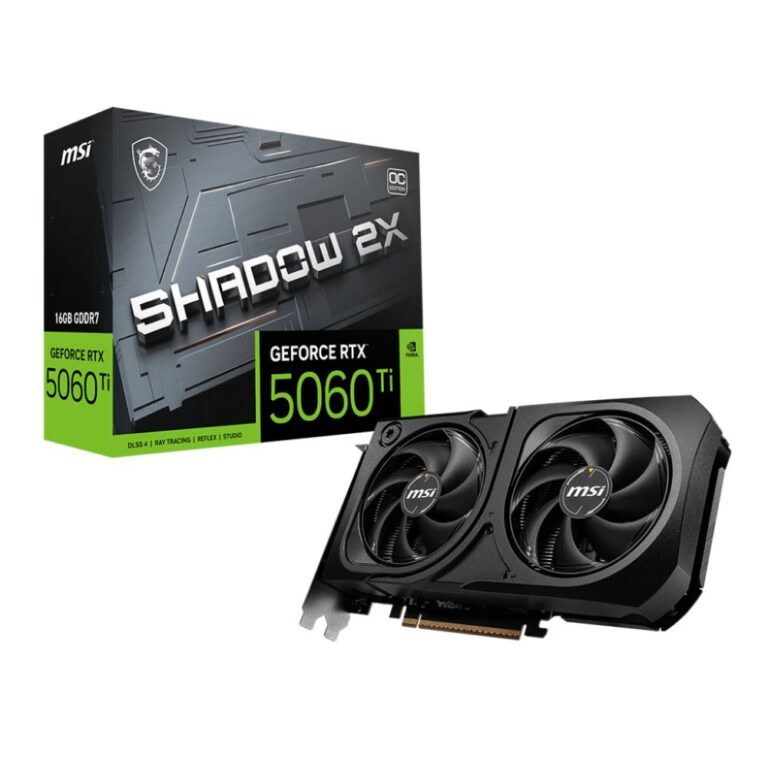
MSI GeForce RTX 5060 Ti 16GB Shadow 2X OC Plus
In stock
Original price was: £596.39.£555.59Current price is: £555.59.
Save £122
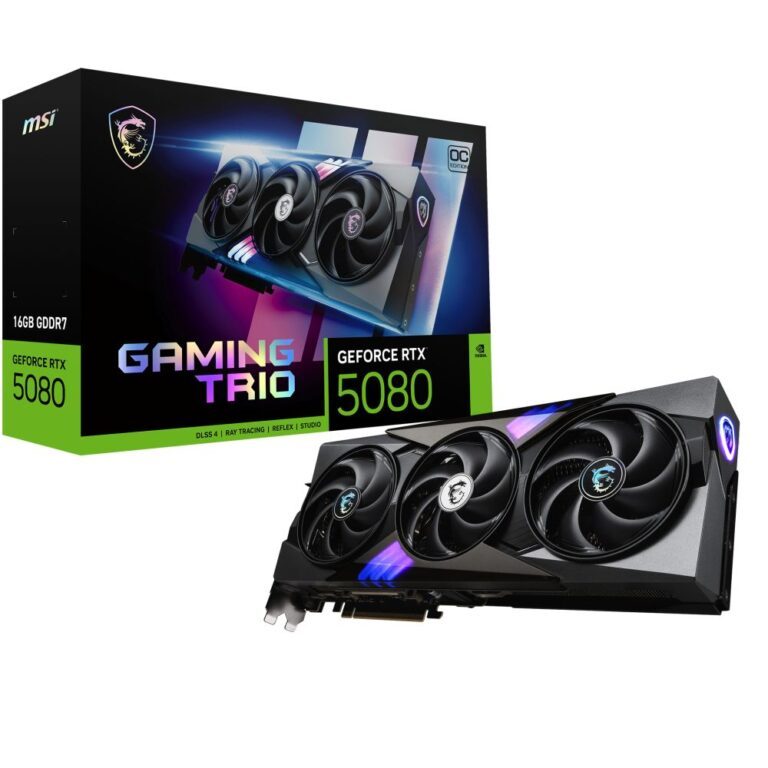
MSI GeForce RTX 5080 16G Trio OC Graphics Card
In stock
Original price was: £1,742.39.£1,619.99Current price is: £1,619.99.
Save £65
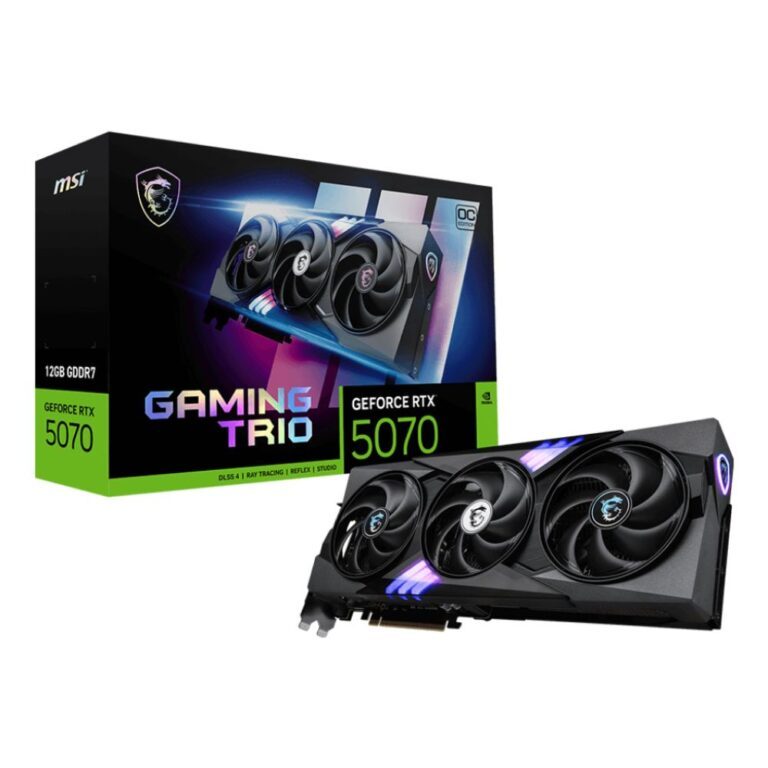
MSI GeForce RTX 5070 12G TRIO OC
In stock
Original price was: £935.99.£871.19Current price is: £871.19.
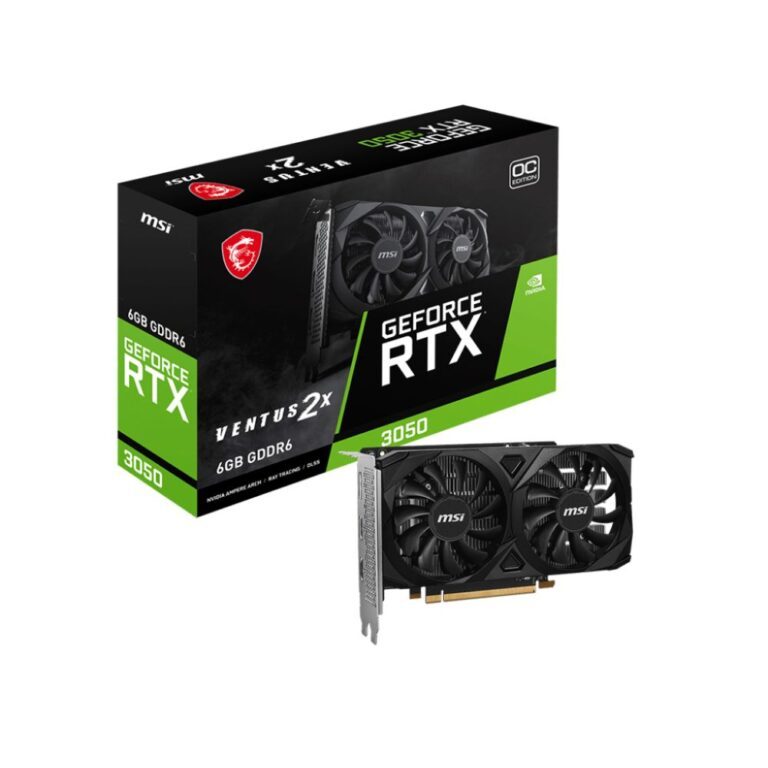
Save £22
MSI VENTUS GeForce RTX 3050 6G OC 6GB GDDR6
In stock
Original price was: £309.59.£287.99Current price is: £287.99.
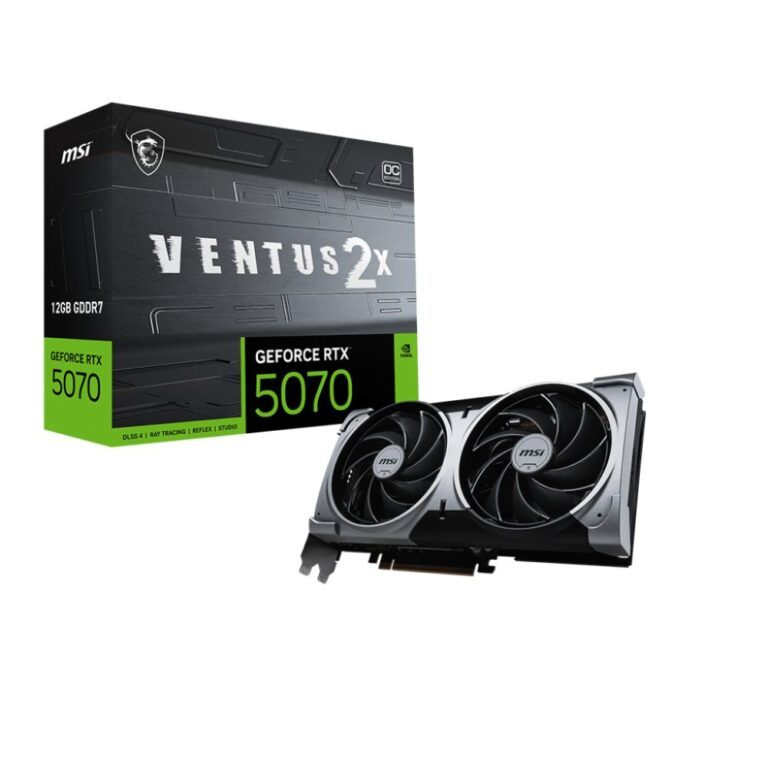
Save £62
MSI GeForce RTX 5070 VENTUS 2X OC 12GB GDDR7
In stock
Original price was: £890.39.£827.99Current price is: £827.99.
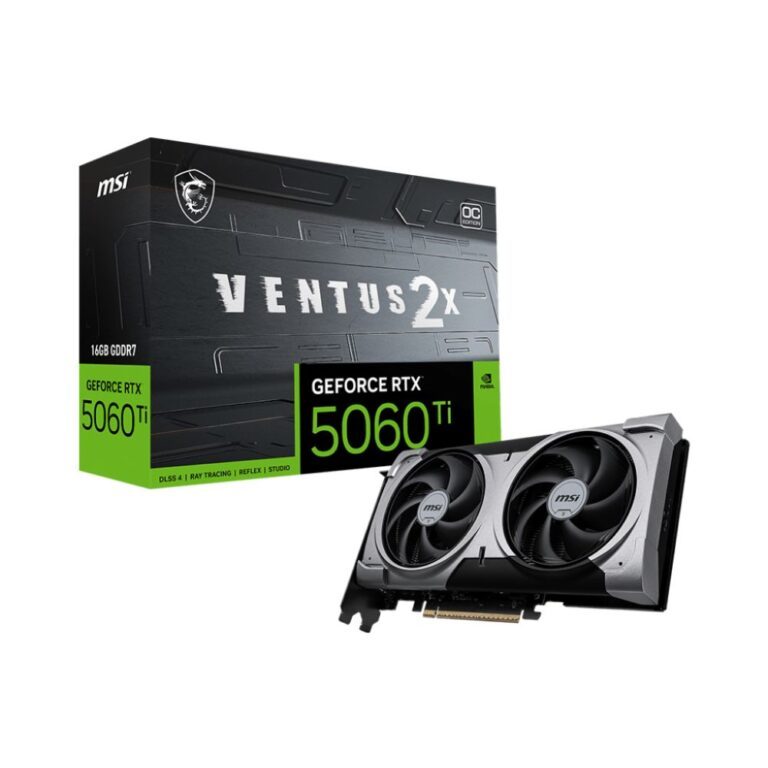
Save £52
MSI VENTUS GeForce RTX 5060 Ti 16G OC 16GB GDDR7
In stock
Original price was: £803.99.£752.39Current price is: £752.39.
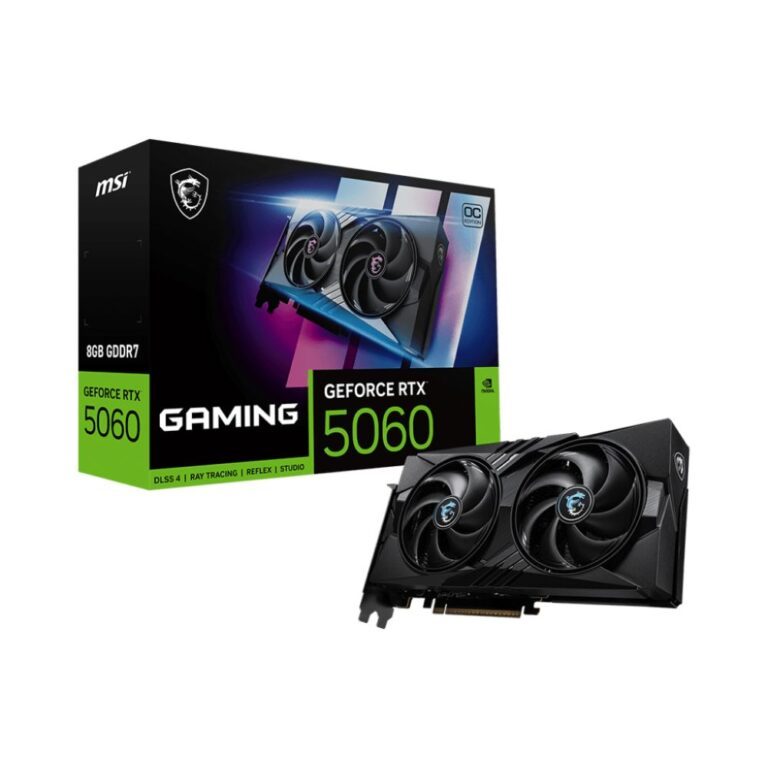
Save £29
MSI RTX 5060 8G GAMING OC 8GB
In stock
Original price was: £531.59.£502.79Current price is: £502.79.
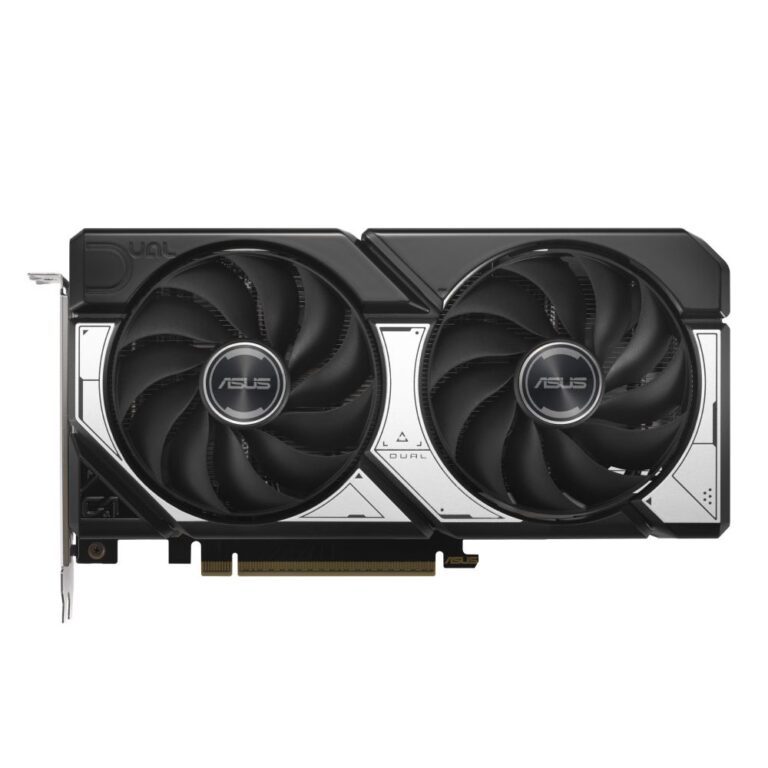
Save £56
ASUS Dual RTX 5060 Ti 16GB GDDR7
In stock
Original price was: £801.59.£745.19Current price is: £745.19.
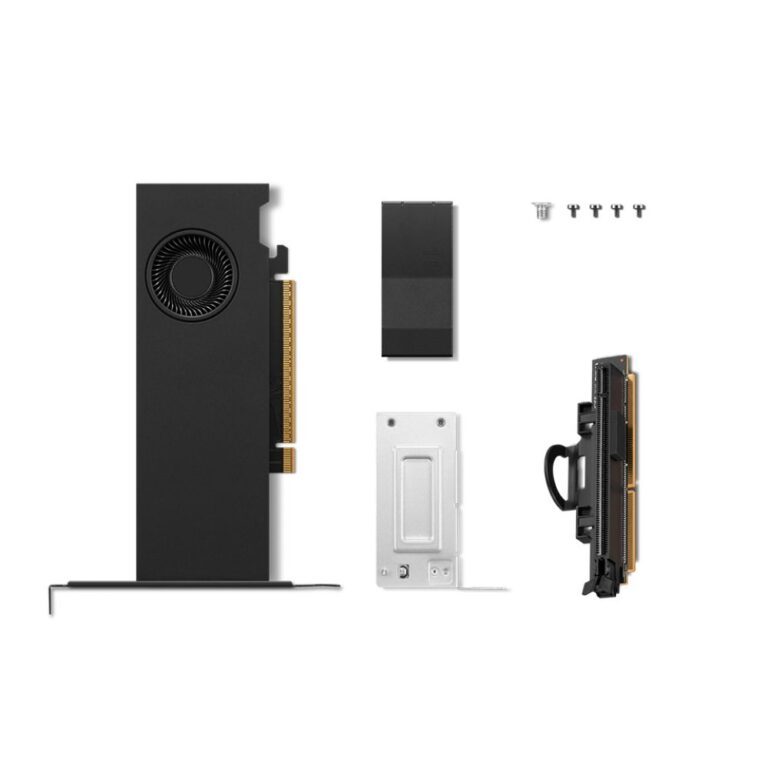
Save £73
Lenovo RTX PRO 2000 Blackwell 16GB
In stock
Original price was: £1,046.39.£973.19Current price is: £973.19.
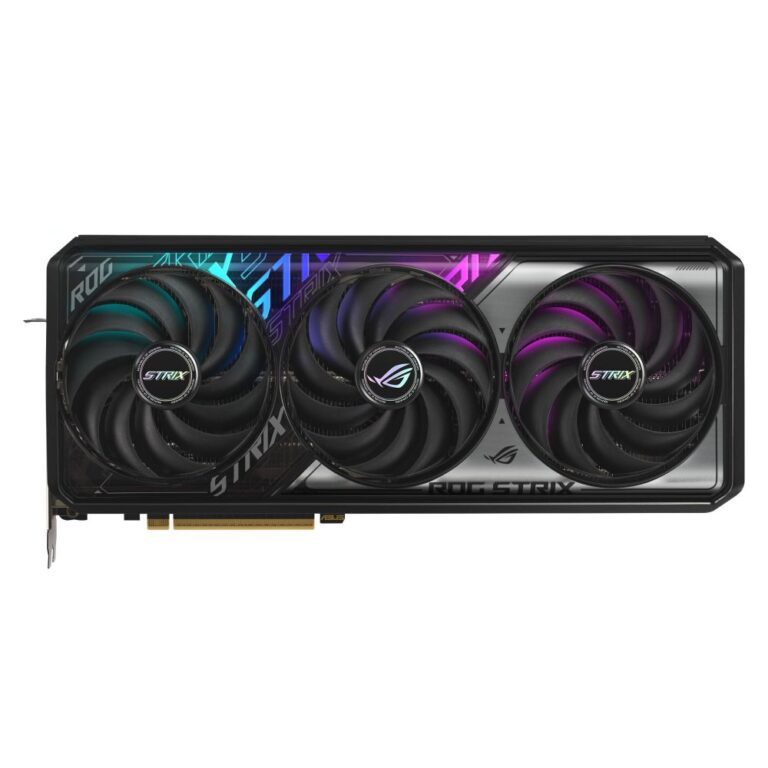
Save £85
ASUS ROG RTX 5070 Ti 16GB GDDR7
In stock
Original price was: £1,421.99.£1,336.79Current price is: £1,336.79.
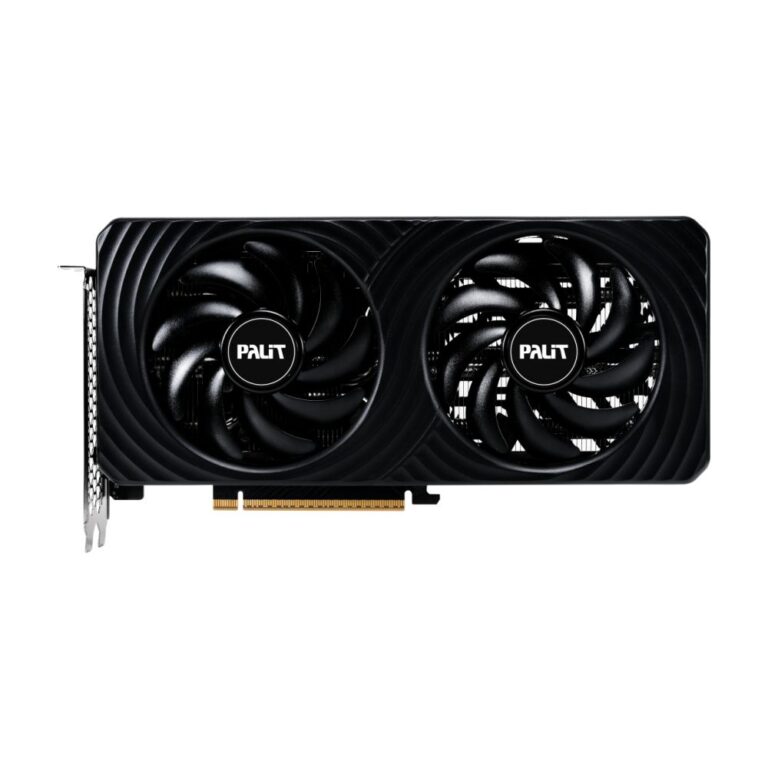
Save £32
Save £18
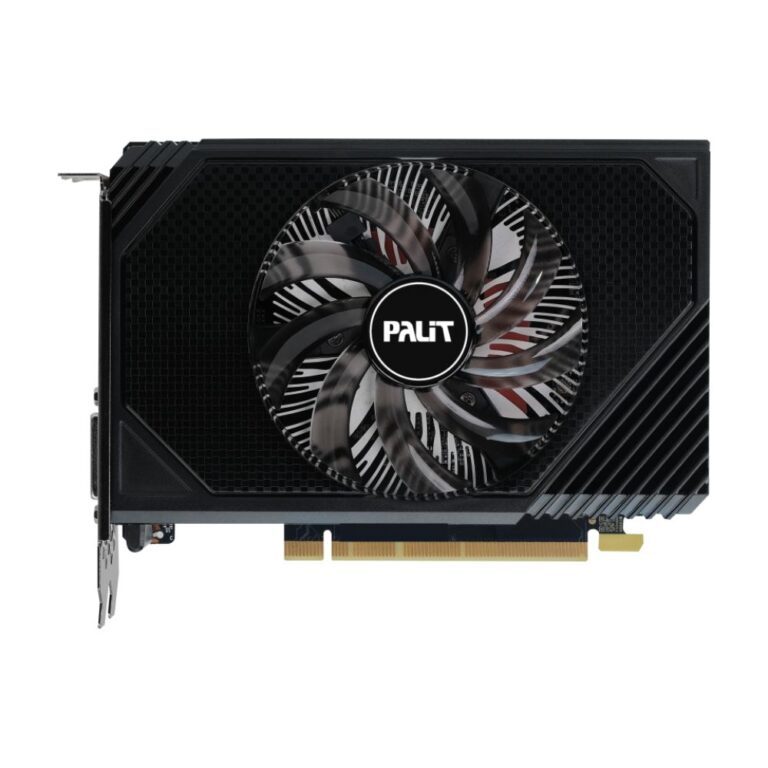
Palit GeForce RTX 3050 6GB GDDR6
In stock
Original price was: £285.59.£267.59Current price is: £267.59.
Save £30
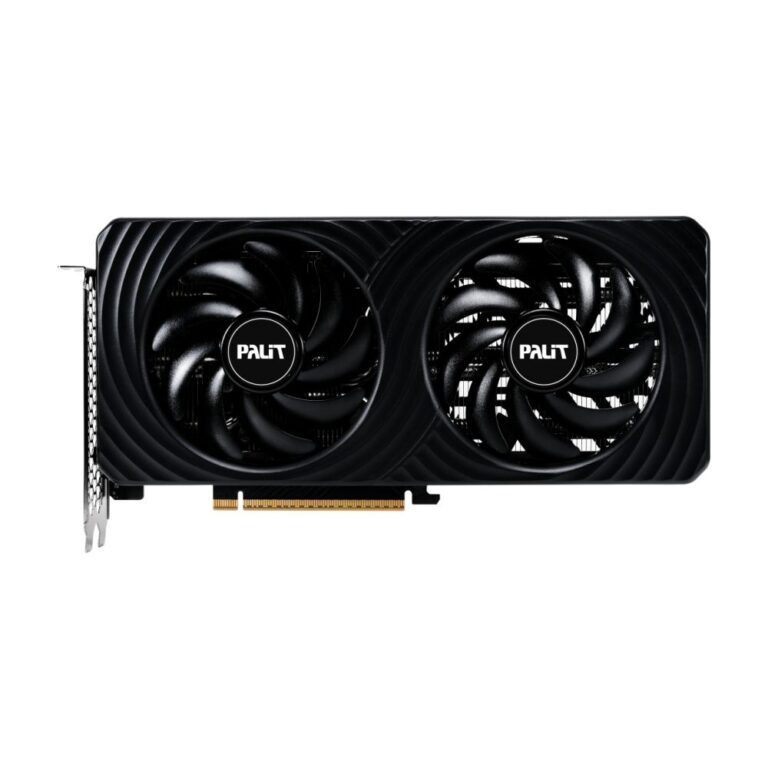
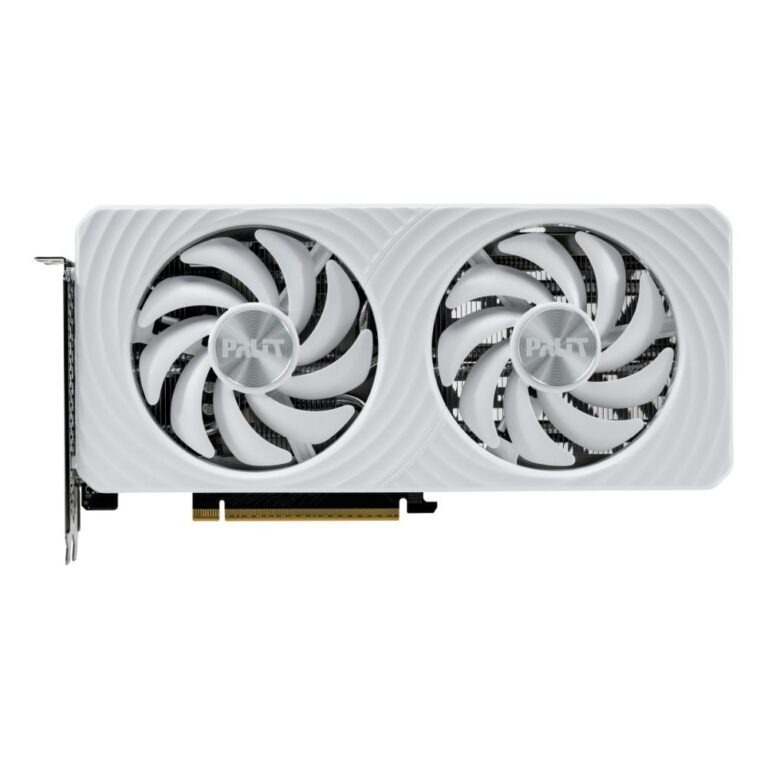
Palit RTX 5060 Ti White OC 8GB
In stock
Original price was: £536.39.£506.39Current price is: £506.39.
Save £36
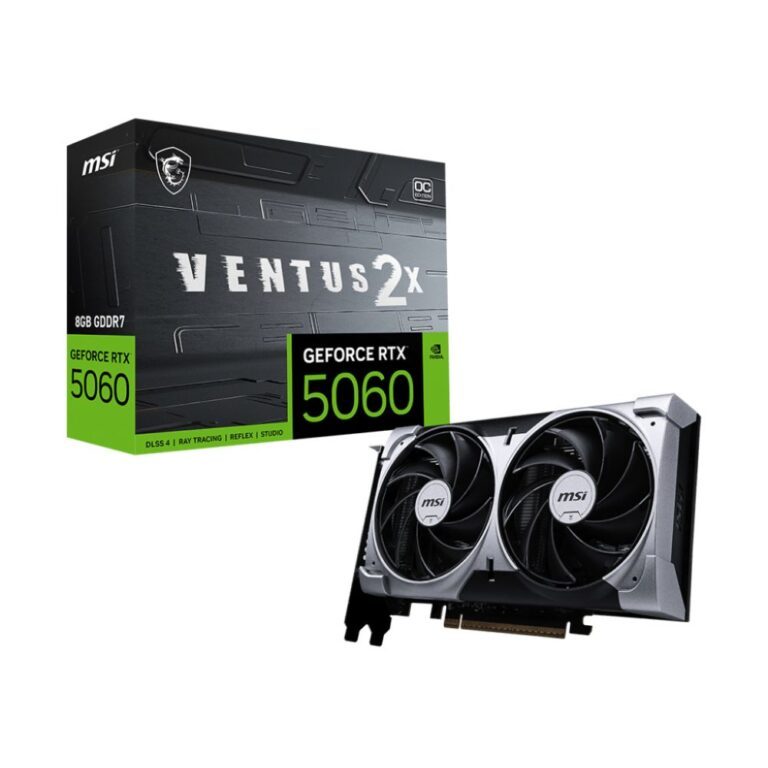
MSI RTX 5060 VENTUS 2X OC 8GB GDDR7
In stock
Original price was: £514.79.£478.79Current price is: £478.79.
Save £4.80
Save £7.20