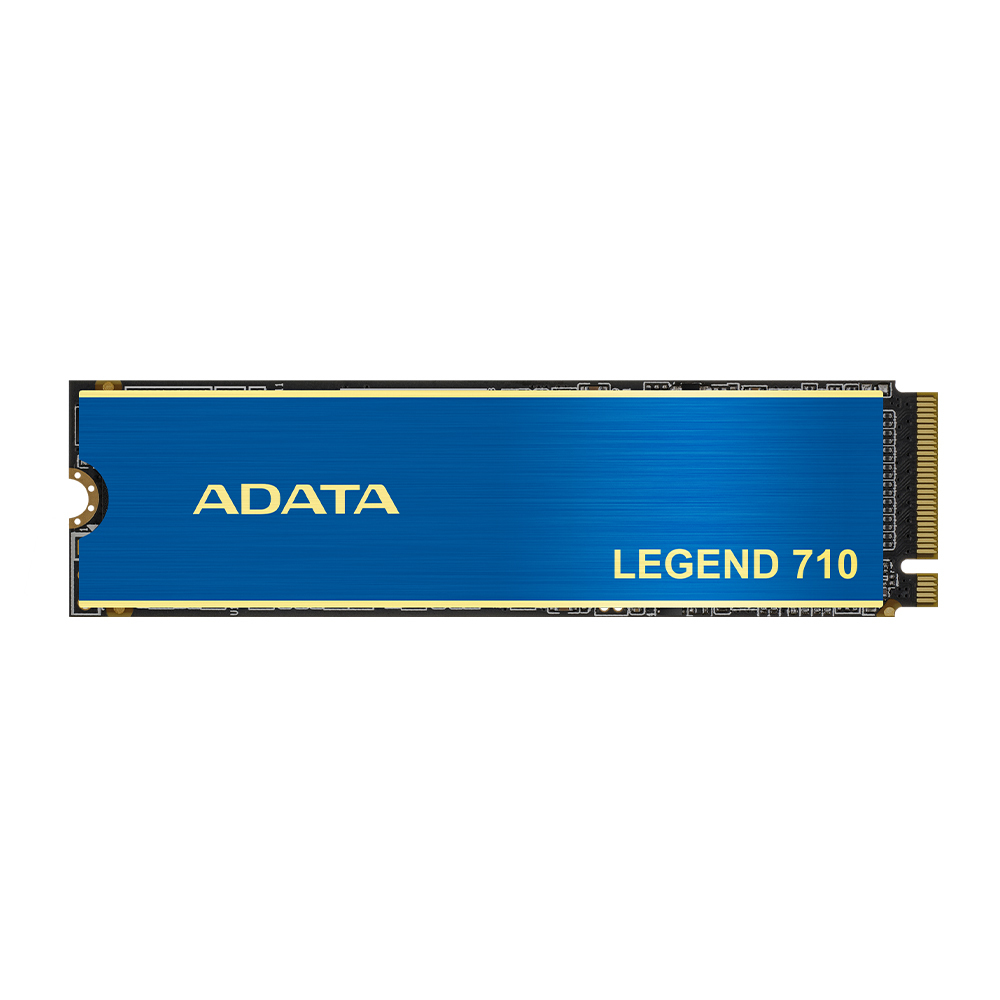
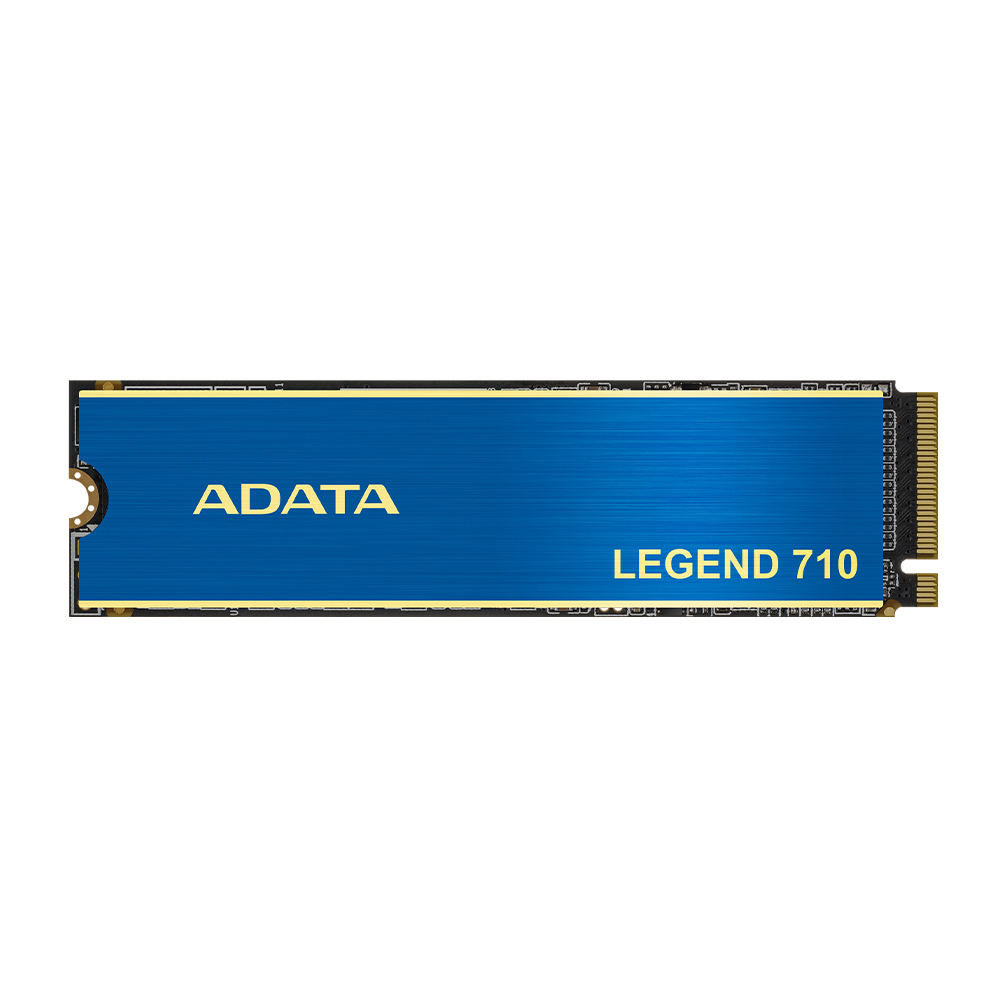
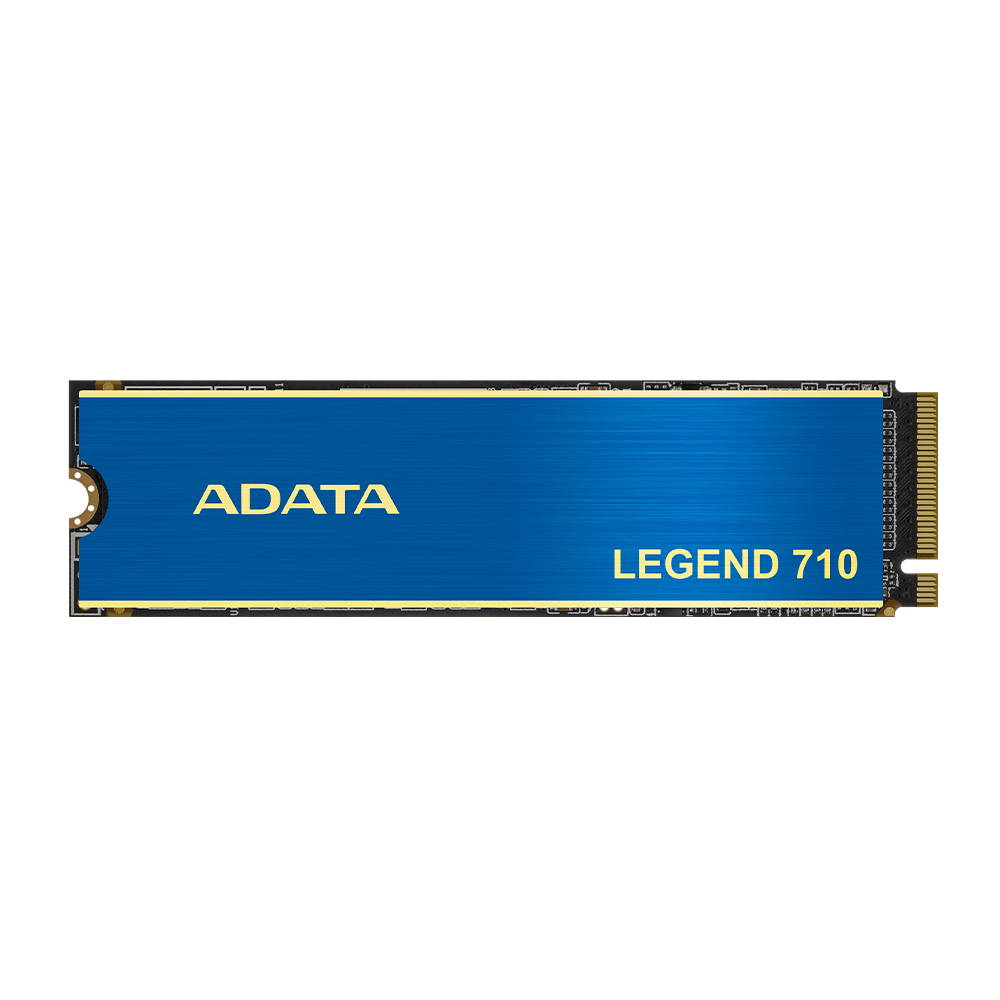
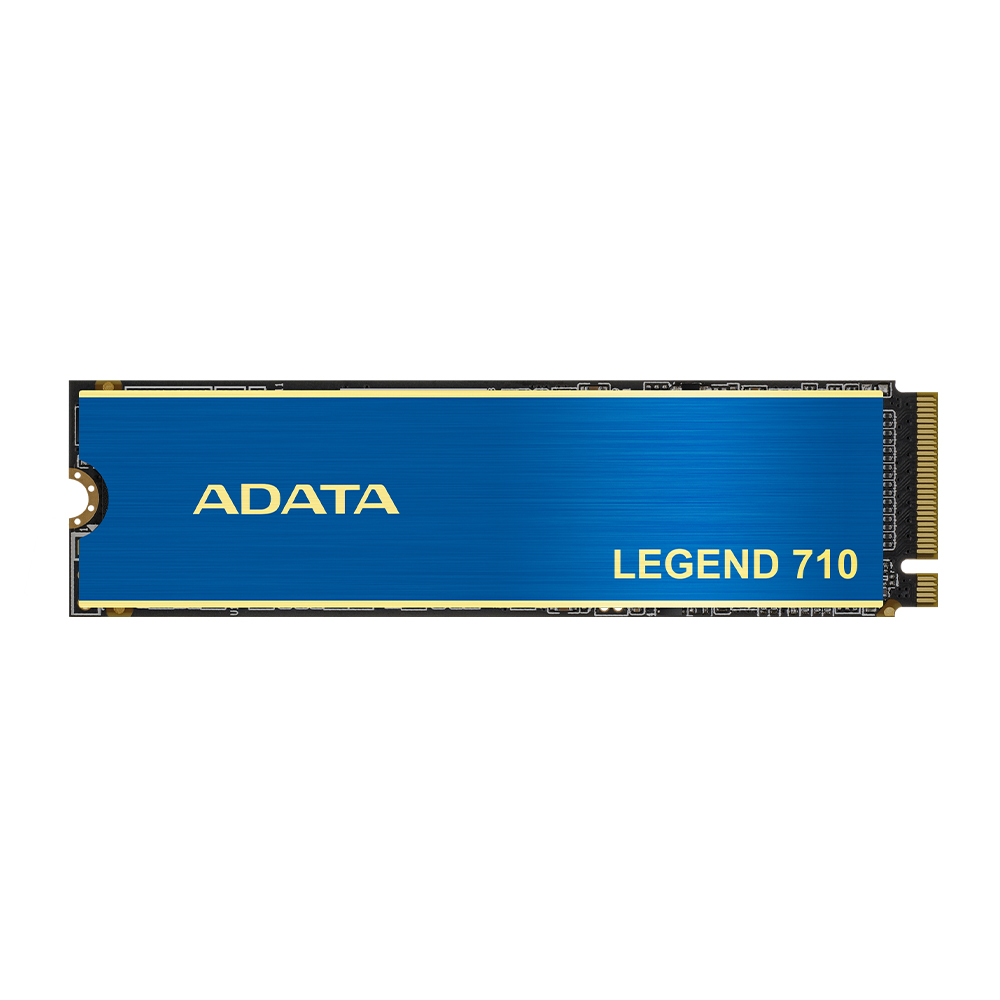
Shop computer storage at Hardvance for faster load times and dependable capacity. Choose SSDs, HDDs, and external storage from trusted brands for every workload. Compare speed, size, and interface to upgrade with confidence.
Storage plays a significant role in how fast your system feels and how much you can keep on hand. In our Computer Storage category, you can choose the right solution for your needs, whether you want faster boot times, quicker game loading, reliable backups, or high-capacity media storage.
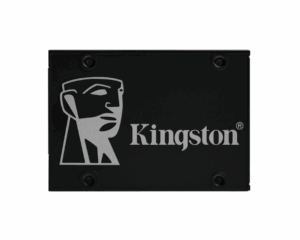
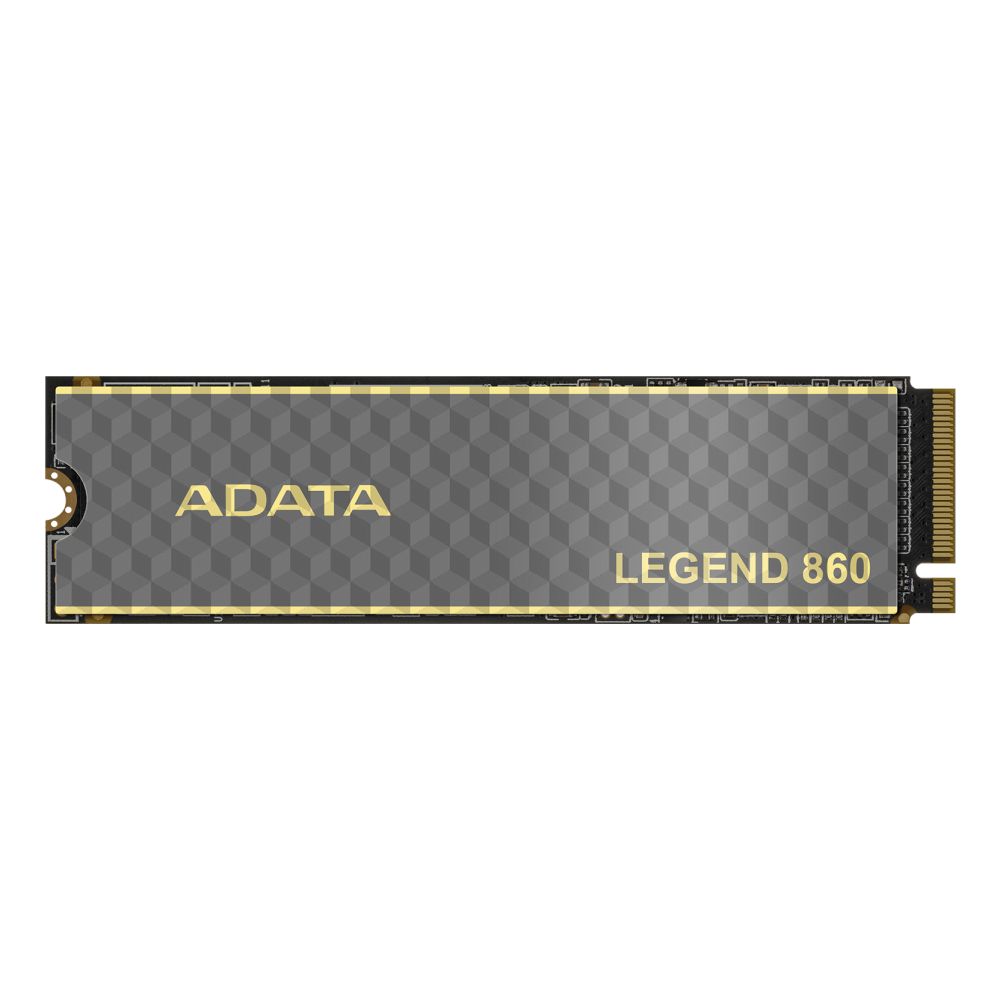
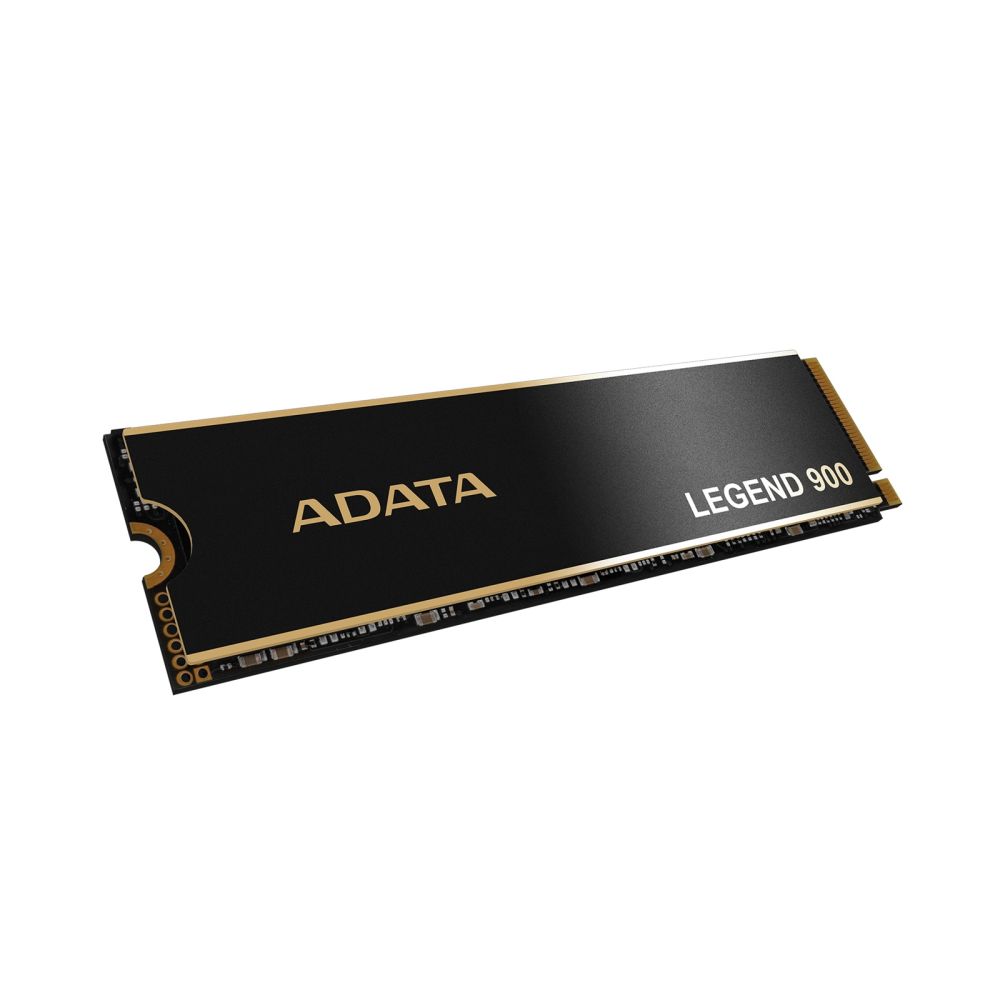
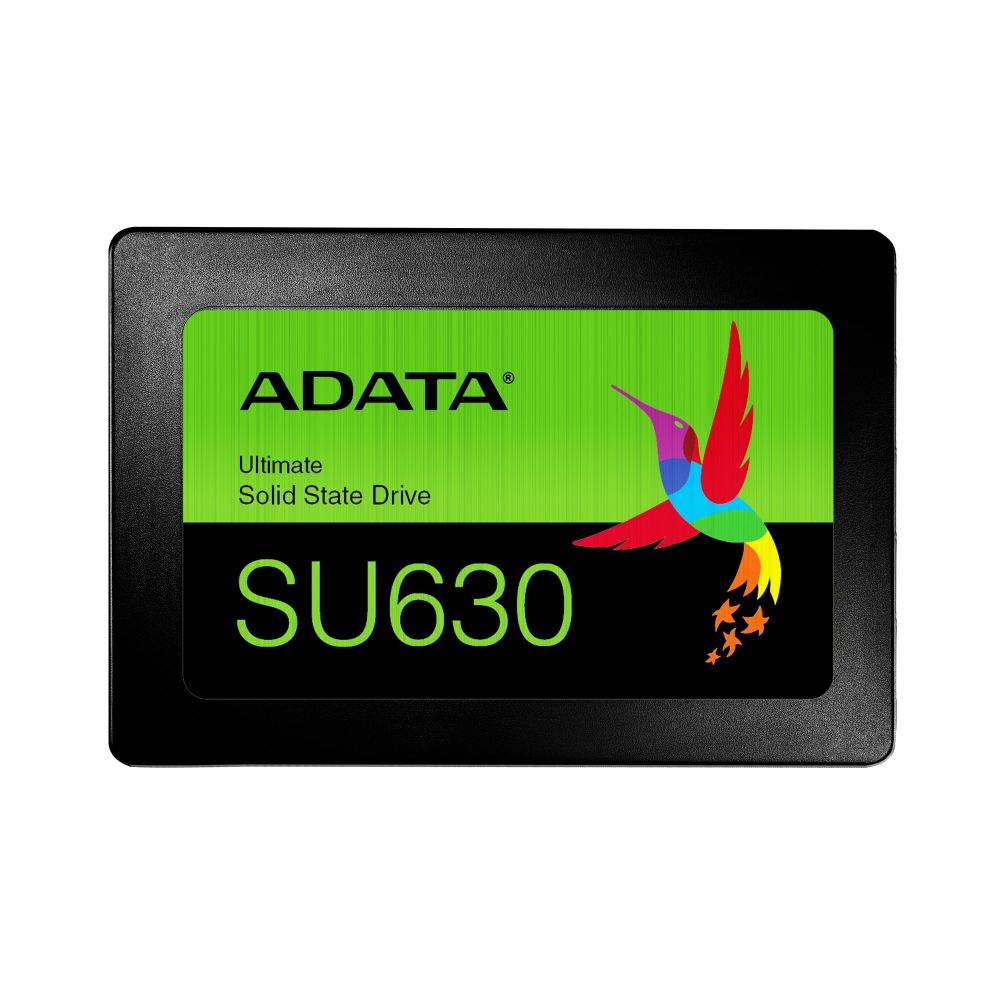
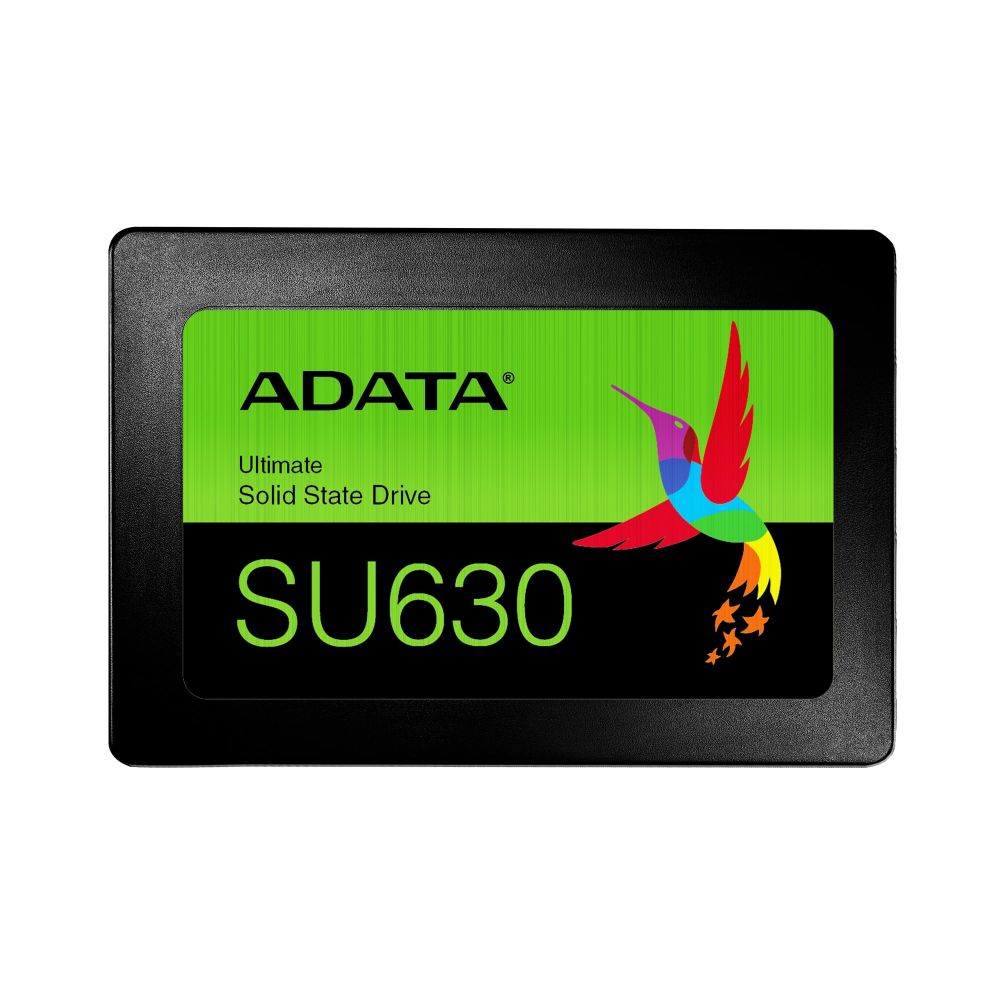
SSDs for performance: Solid-state drives deliver faster start-up and application loading than traditional hard drives. If you are upgrading an older system, moving to an SSD is one of the most noticeable improvements you can make.
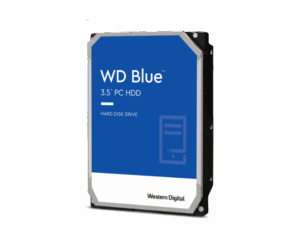
HDDs for capacity: Hard drives are a practical choice when you need lots of space for backups, extensive libraries, or long-term storage at a lower cost per gigabyte. Many users combine an SSD for speed with an HDD for extra capacity.
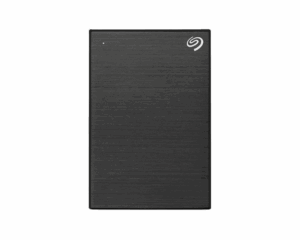
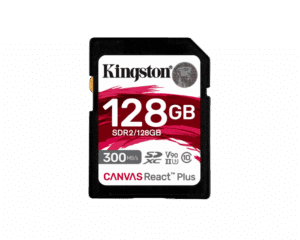
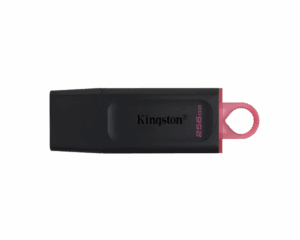
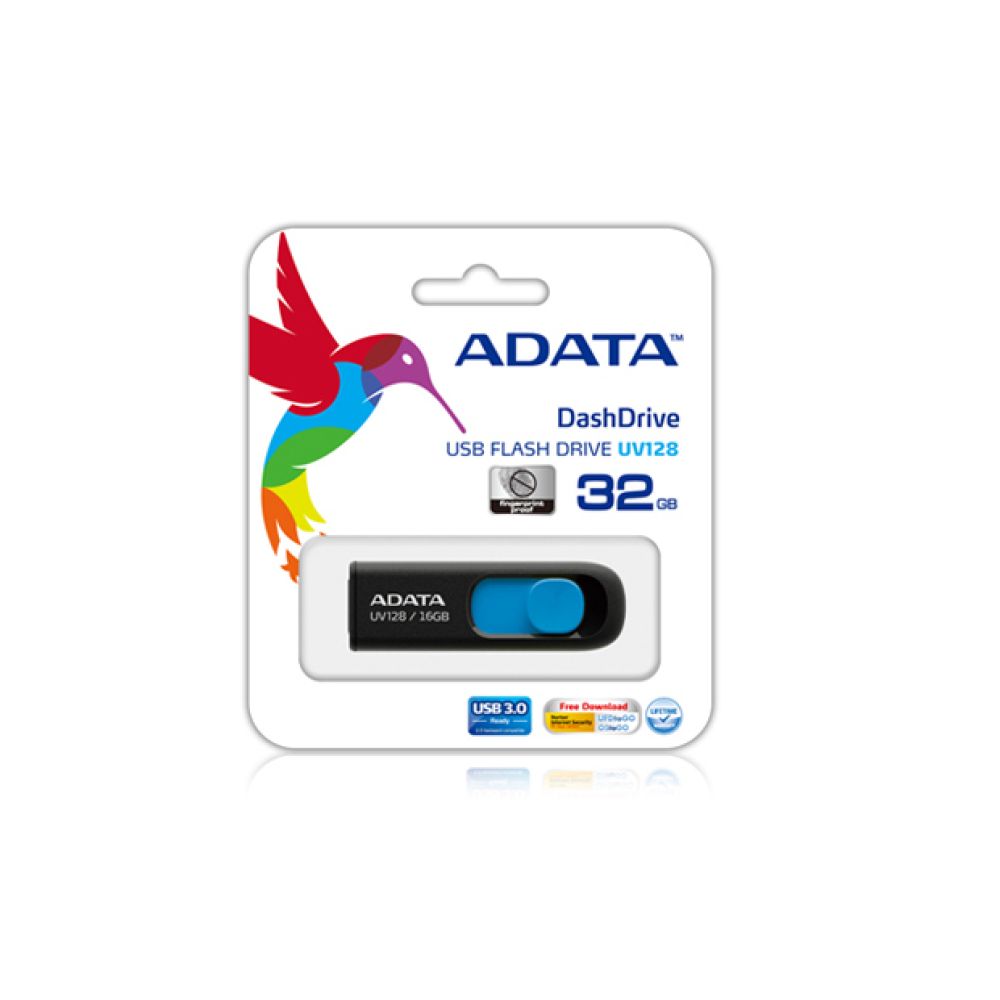
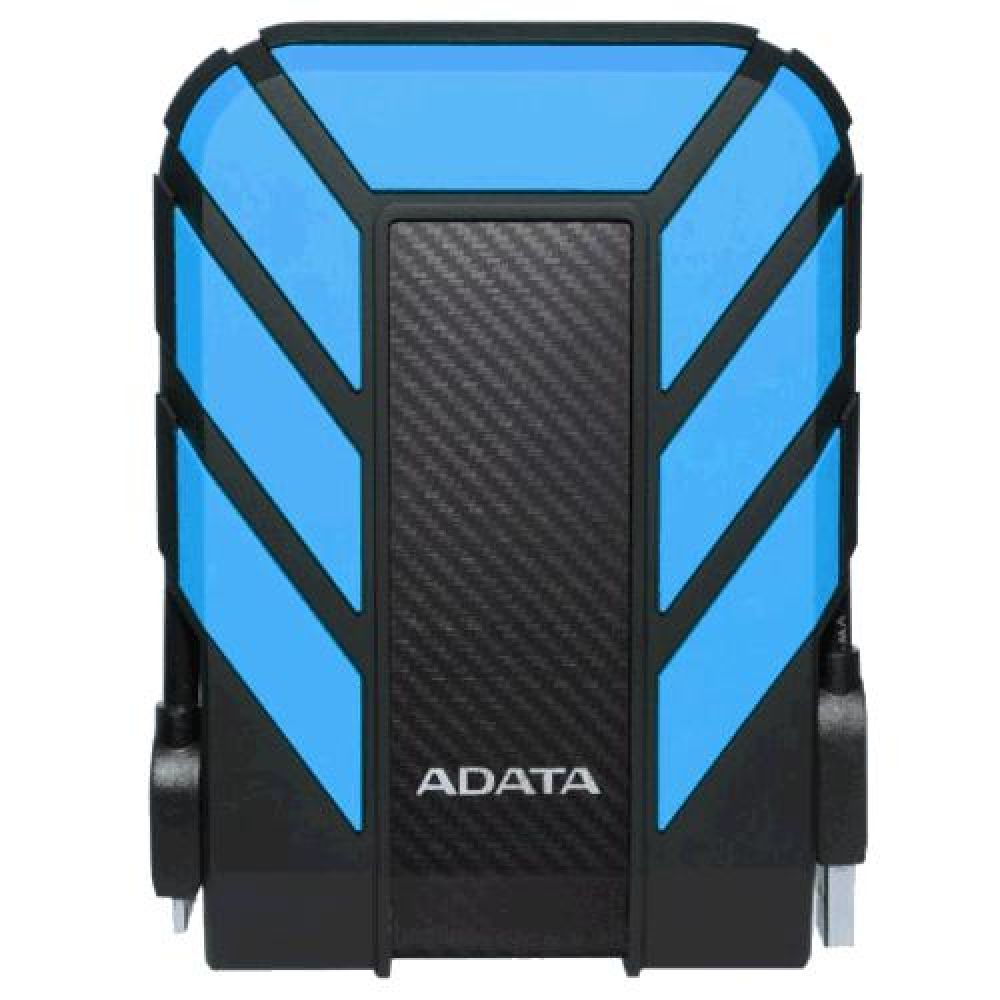
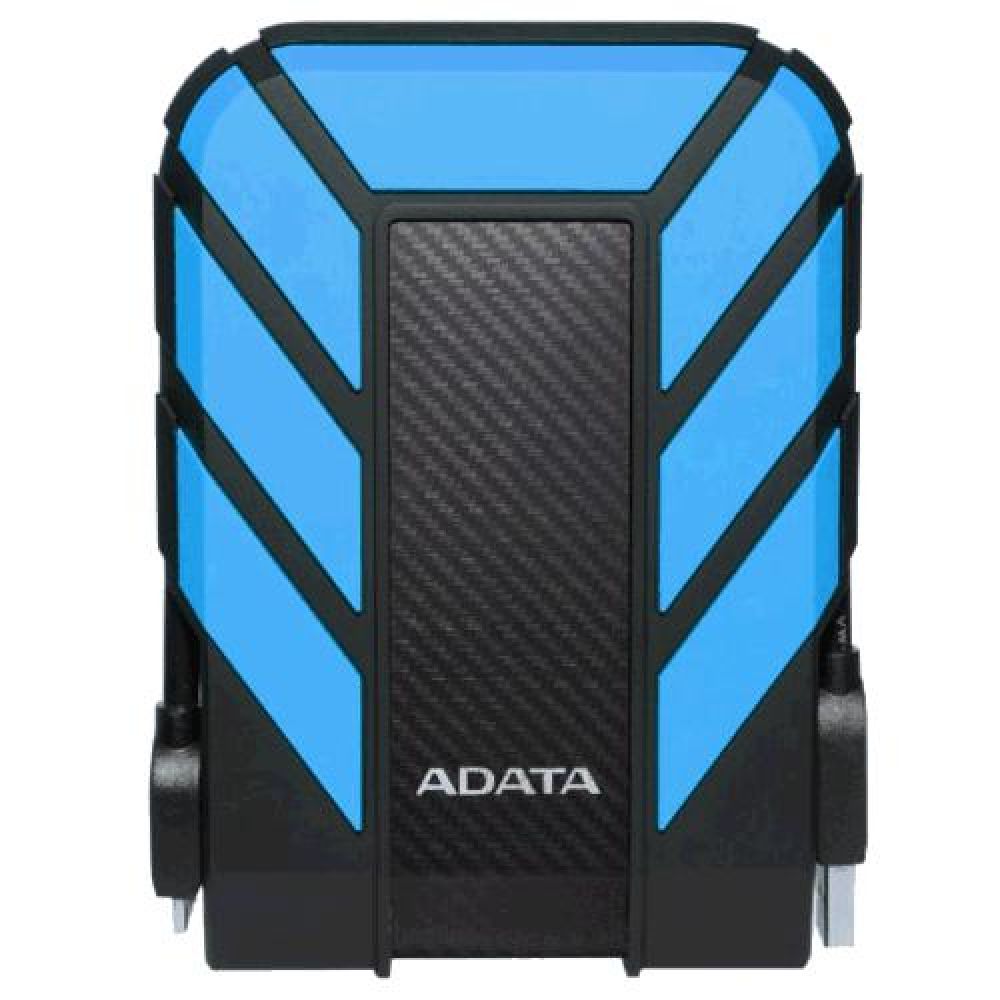
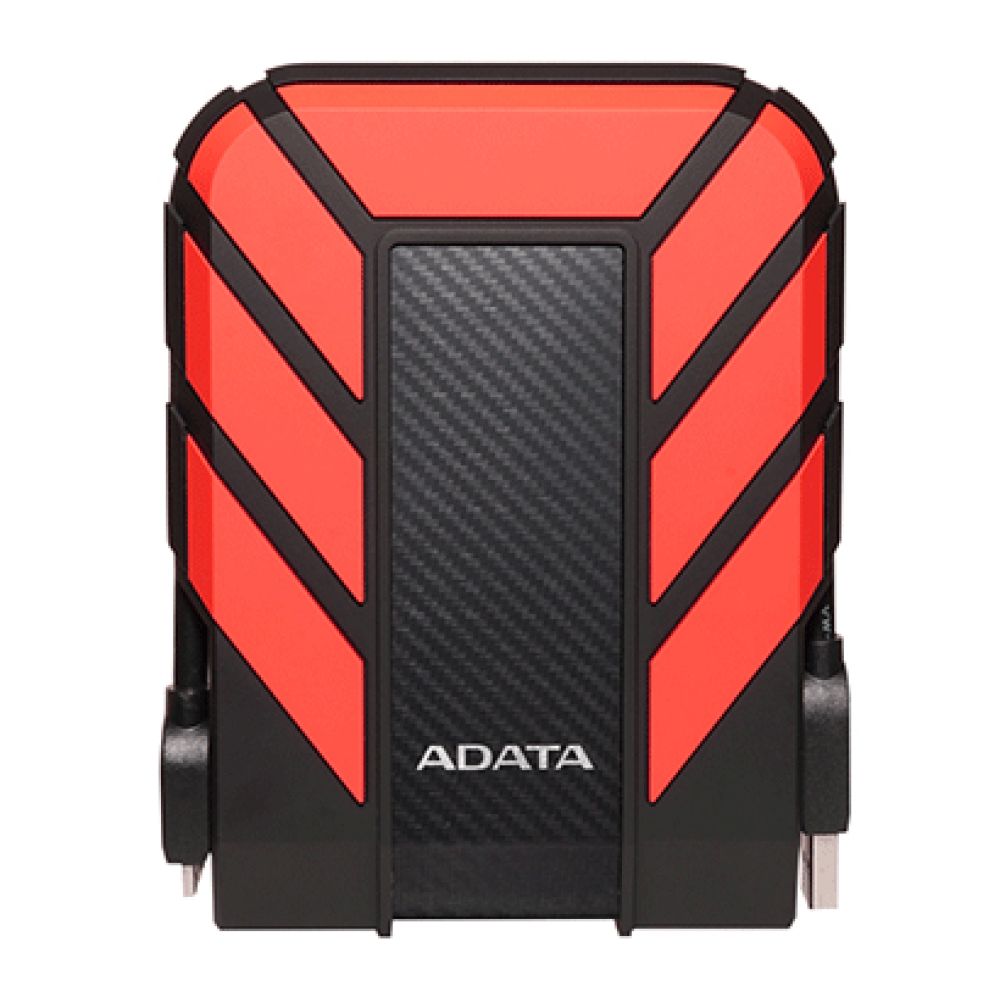
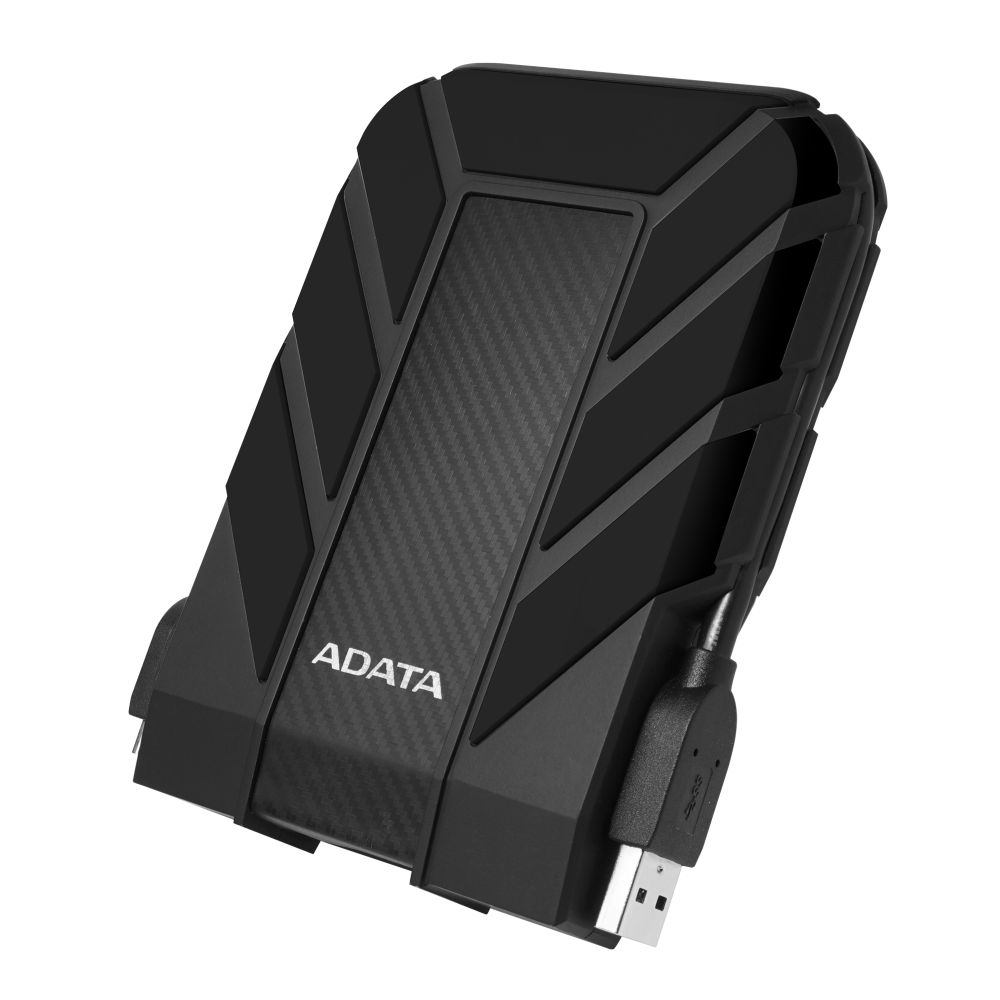
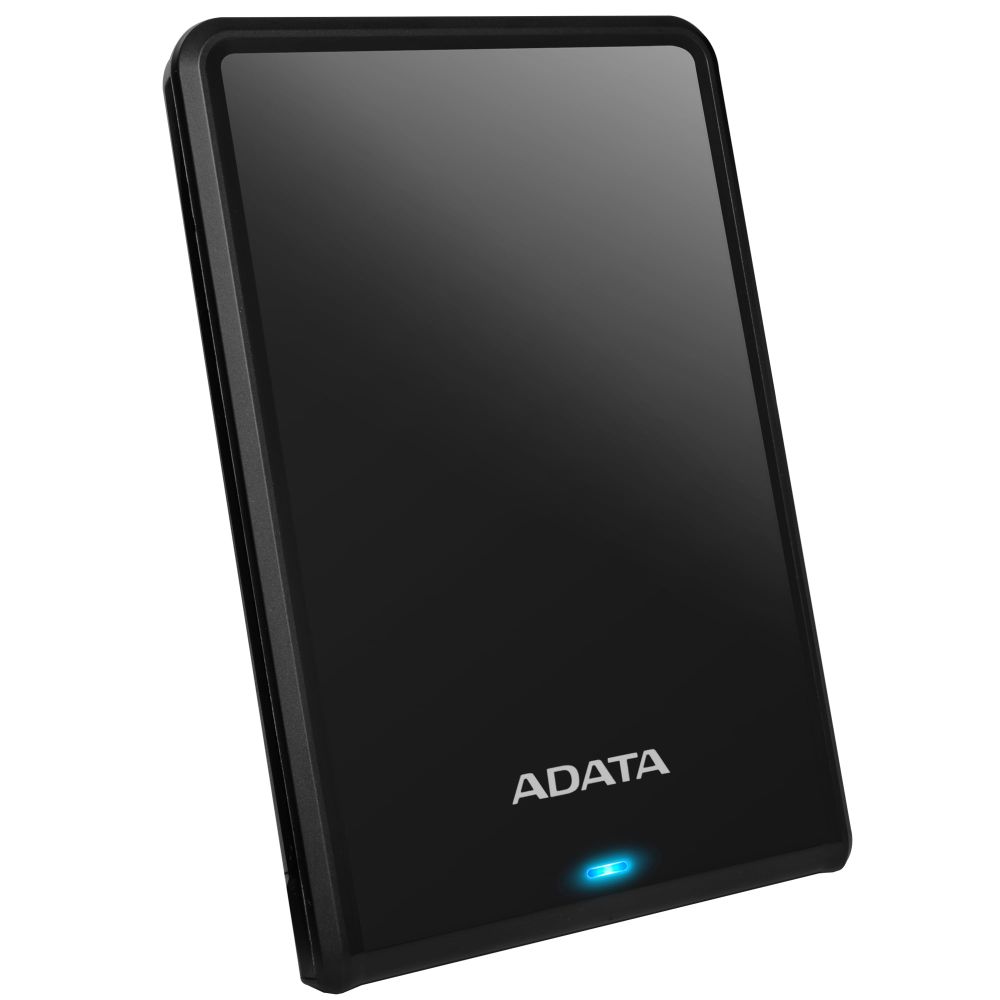
External storage for flexibility: External drives are ideal for backups, moving files between devices, or expanding capacity without opening your PC. Pairing a reliable drive with a good cable helps maintain stable transfer speeds, so it is worth checking Cables for the right connection type.
For the best experience, match your storage upgrade with a well-rounded setup. Consider adding compatible Memory for smoother multitasking, and if you are building or upgrading a full PC, check the motherboard for proper M.2 and SATA support. For laptops, you can also explore Laptop Accessories for practical add-ons that improve everyday usability.
Prefer a specific manufacturer or want to compare options by reliability and performance tier? Browse our Brands page to explore storage ranges and find the best value for your needs.
NVMe SSDs use PCIe and are typically faster. SATA SSDs are still quick and often more budget-friendly.
500GB to 1TB suits most users. Gamers and creators often prefer 1TB or more.
Yes. Upgrading to an SSD is one of the biggest improvements for boot times and everyday responsiveness.
An external SSD is faster and more durable. An external HDD offers greater capacity for the price.
Check your device ports and choose a compatible cable type for stable performance and reliable transfers.
No account yet?
Create an AccountContact us