Shop Categories
Price
Brand
Monitors & Displays
Browse monitors and displays at Hardvance for home offices, creative work and competitive gaming. Compare panel types, resolutions, refresh rates and screen sizes to choose a display that delivers strong image quality, smooth performance and everyday comfort.
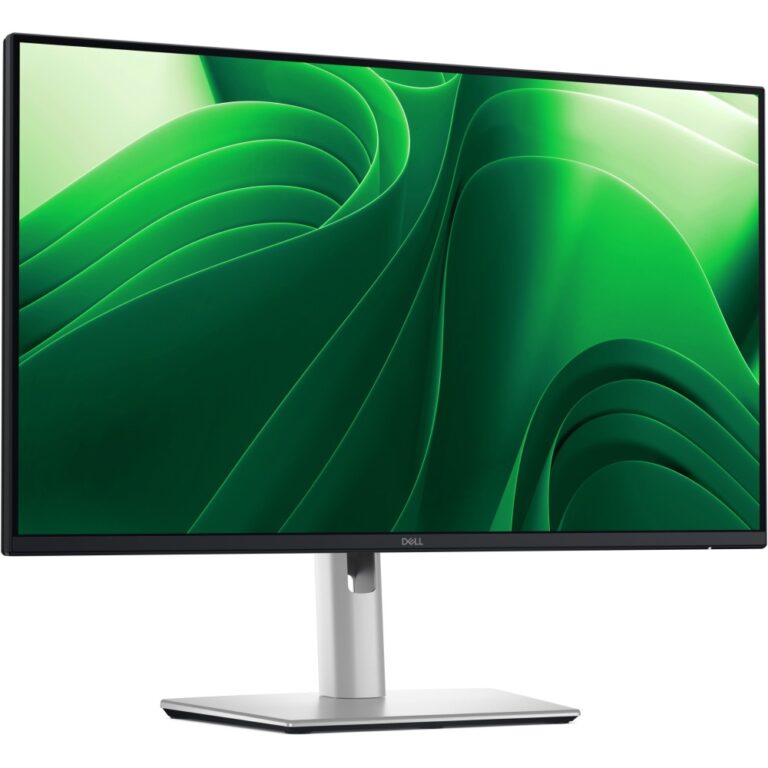
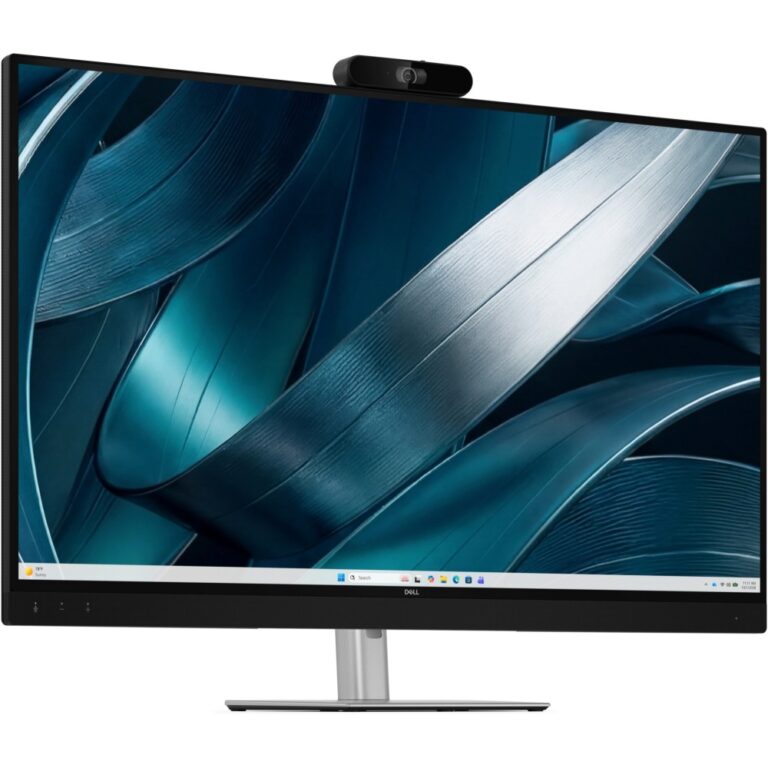
DELL UltraSharp U3226Q 31.5″ 4K Ultra HD QD-OLED Monitor
In stock
£2,322.68 inc VAT- 31.5-inch 4K Ultra HD QD-OLED flat panel with 140 ppi pixel density
- 120 Hz maximum refresh rate with 0.3 ms GTG response time
- 100% sRGB, 94% Adobe RGB, and 99% DCI-P3 colour coverage
- HDR True Black 500 with 1000 cd/m² peak brightness and 1,500,000:1 dynamic contrast
- Built-in USB hub with 140 W USB Power Delivery, Thunderbolt 4, and KVM switch
- Height, tilt, swivel, and pivot adjustable stand with VESA mounting and cable management
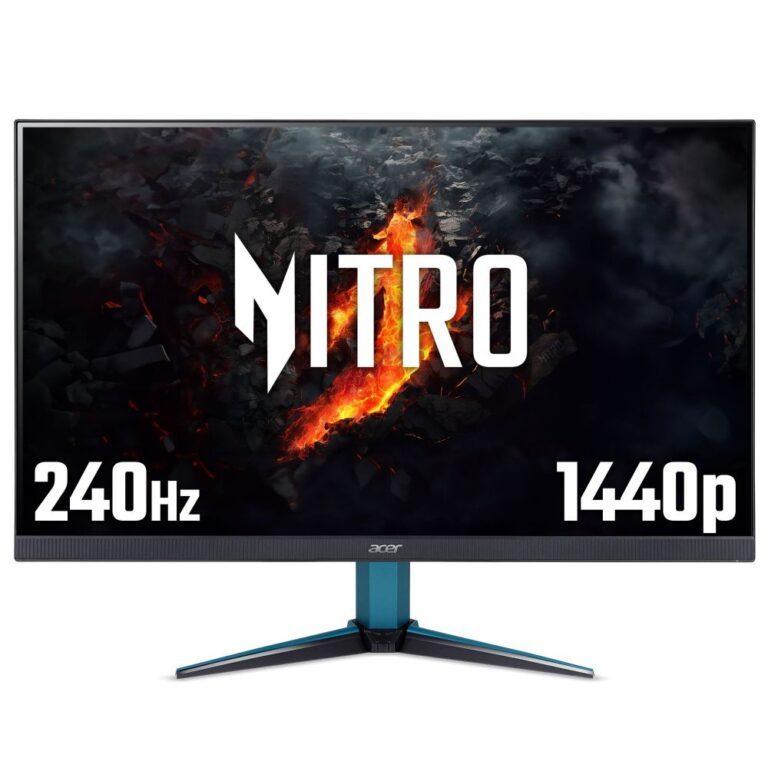
Acer Nitro VG272UW2 27″ Gaming Monitor
In stock
£196.19 inc VAT- 27″ Quad HD (2560×1440) IPS display with 240Hz refresh rate and 0.5ms response time
- VESA DisplayHDR 400 certified for enhanced contrast and lifelike visuals
- AMD FreeSync Premium technology for smooth, tear-free gaming
- Frameless design with 99% sRGB colour gamut and 1.07 billion colours
- 2W built-in speakers with low blue light and flicker-free technology
- 2x HDMI 2.0 and 1x DisplayPort 1.4 inputs for versatile connectivity
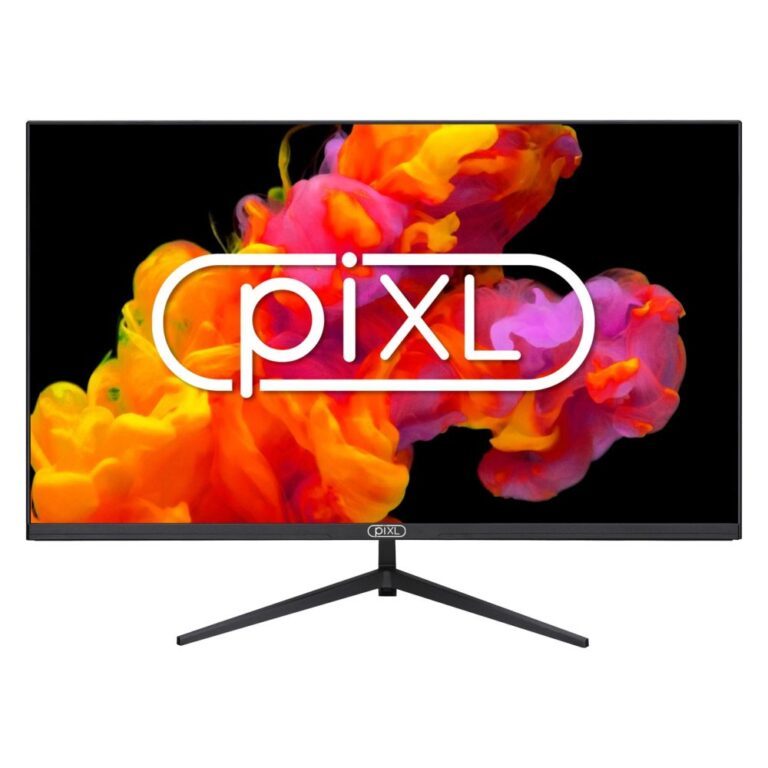
piXL 32″ Full HD LCD Monitor
In stock
£114.19 inc VAT- 32″ Full HD IPS LED monitor with 1920 x 1080 resolution
- Frameless design with ultra-thin 2cm profile
- IPS panel for wide viewing angles up to 178 degrees
- 4ms response time for smooth visuals
- VESA mountable with 100 x 100 mm interface
- HDMI and DisplayPort connections for versatile connectivity
iiyama G-MASTER 32″ 2560×1440 Quad HD Monitor
In stock
£200.75 inc VAT- 32″ Quad HD Fast IPS gaming monitor with 180Hz refresh rate and 0.5ms MPRT response time
- NVIDIA G-SYNC Compatible technology for smooth, tear-free gameplay
- 2560 x 1440 resolution with 400 cd/m² brightness and HDR10 support
- 150mm height adjustable stand with swivel, tilt, and VESA mounting options
- Built-in 2x10W speakers and 4-port USB 3.2 Gen 1 hub with USB-C connectivity
ASUS ROG Strix XG27ACS 27″ QHD 220Hz Fast IPS Gaming Monitor Black
In stock
£225.37 inc VAT- 27-inch Quad HD (2560 x 1440) Fast IPS display
- Rapid 220Hz refresh rate and 0.3ms (min.) response time
- HDR support (DisplayHDR 400, HDR10) with 500 cd/m² peak brightness
- Features NVIDIA G-SYNC Compatible and AMD FreeSync Premium for tear-free gaming
- Versatile connectivity including HDMI 2.1, DisplayPort 1.4, and USB Type-C with 15W power delivery
- Adjustable ergonomic stand with pivot, swivel, tilt, and height adjustment
- Anti-glare screen and Eye Care technologies (Low Blue Light, Flicker-free)
ASUS ROG Strix XG27ACS-W 27″ QHD 220Hz 0.3ms Fast IPS Gaming Monitor White
In stock
£234.92 inc VAT- 27-inch QHD (2560 x 1440) Fast IPS panel
- Blazing 220Hz refresh rate and 0.3ms response time (min.)
- G-SYNC Compatible and FreeSync Premium for tear-free gaming
- DisplayHDR 400 with 133% sRGB and 97% DCI-P3 colour gamut
- Versatile connectivity including USB Type-C with 15W Power Delivery
- Ergonomic stand with height, pivot, swivel, and tilt adjustments
- White finish for a sleek aesthetic
ASUS ProArt PA32USD 31.5″ 4K QD-OLED Monitor 3840 x 2160 240Hz 0.1ms Black
In stock
£2,513.30 inc VAT- 31.5-inch 4K Ultra HD QD-OLED display with 3840 x 2160 resolution
- Rapid 240 Hz refresh rate and 0.1 ms response time
- 1000 cd/m² peak brightness and 1,500,000:1 contrast ratio
- Extensive colour coverage: 99% DCI-P3 and 100% sRGB
- Multiple HDR technologies including Dolby Vision and DisplayHDR 400 True Black
- Built-in USB hub with Thunderbolt 4 ports and 96W Power Delivery
- Integrated KVM switch and VESA Adaptive Sync support
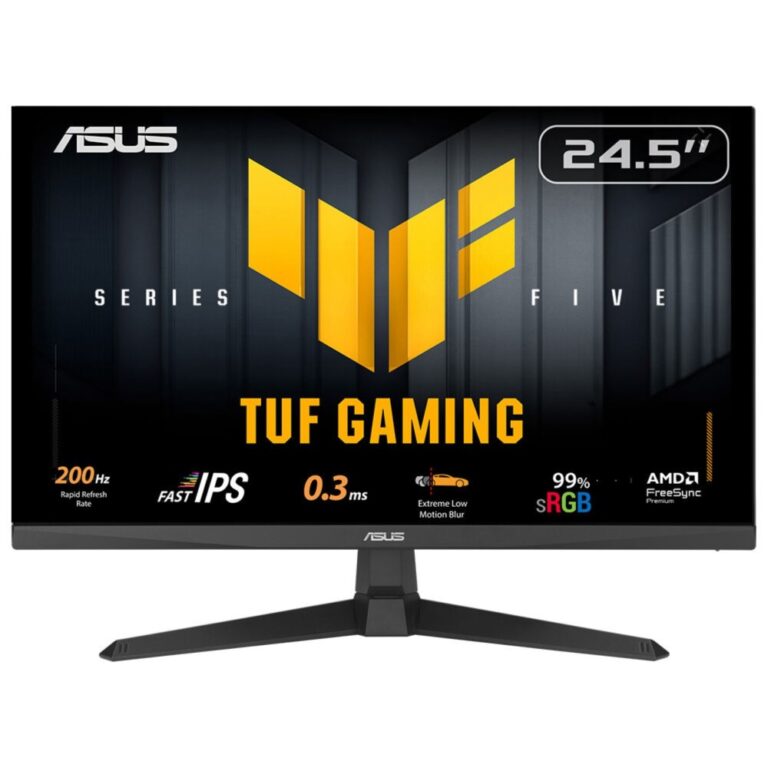
ASUS TUF Gaming VG27AQ5F 27″ QHD 220Hz Fast IPS LED Gaming Monitor Black
In stock
£173.44 inc VAT- 27-inch QHD Fast IPS display
- 220Hz refresh rate and 0.3ms response time
- NVIDIA G-SYNC Compatible and AMD FreeSync Premium
- HDR10 support with 95% DCI-P3 coverage
- Built-in 4W stereo speakers
- HDMI 2.1 and DisplayPort 1.4 connectivity
- Flicker-free and Low Blue Light technologies
ASUS ROG Strix XG27AQDMESZ 26.5″ WQHD QD-OLED 240Hz 0.03ms Gaming Monitor Black
In stock
£399.22 inc VAT- 26.5″ WQHD (2560 x 1440) QD-OLED display
- 240 Hz refresh rate, 0.03 ms response time
- NVIDIA G-SYNC Compatible and AMD FreeSync Premium
- High Dynamic Range (HDR10) with 400 cd/m² peak brightness
- Ergonomic stand with height, pivot, swivel, and tilt adjustments
- Connectivity: 2x HDMI 2.1, 1x DisplayPort 1.4, Headphone out
- ASUS OLED Care technology for display longevity
Fellowes Computer Monitor Stand with 3 Height Adjustments, 21″ Max Screen, 36kg Weight, Platinum
In stock
£47.20 inc VAT- Single display support
- Desk mounting type
- 36 kg maximum weight capacity
- Supports screens up to 21 inches (53.3 cm)
- Manual height adjustment from 115 to 165 mm
- Integrated storage drawer
- Platinum plastic housing
Fellowes Platinum Series Dual Monitor Arm for
In stock
£103.24 inc VAT- Supports two monitors up to 40 inches and 8 kg each
- Clamp/Grommet mounting for desk thickness 1-8.5 cm
- Integrated USB 3.2 Gen 1 hub with two Type-A ports
- Adjustable height (135-415 mm), tilt (±45°), pan (0-180°), and 360° swivel/rotation
- Features cable management and gas spring technology for effortless movement
- Durable black steel construction with FIRA International certification
- 5-year warranty for peace of mind
Fellowes Seasa Dual Monitor Arm – Freestanding Desk Mount for 2x 32″ Screens, 8kg Max, Black
In stock
£37.27 inc VAT- Freestanding desk mount for two 32″ screens
- Supports up to 8kg per display
- VESA mount compatible (75x75mm to 100x100mm)
- Full ergonomic adjustment: 360° rotation, 120° pan, +/-45° tilt
- Integrated cable management system
- Durable steel construction in black
- FIRA International certified with a 5-year warranty
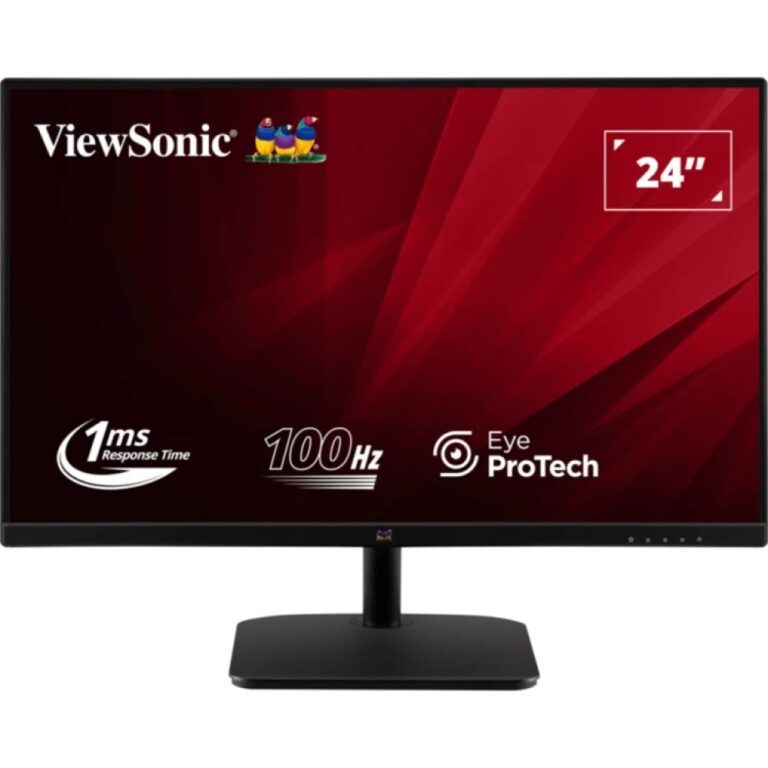
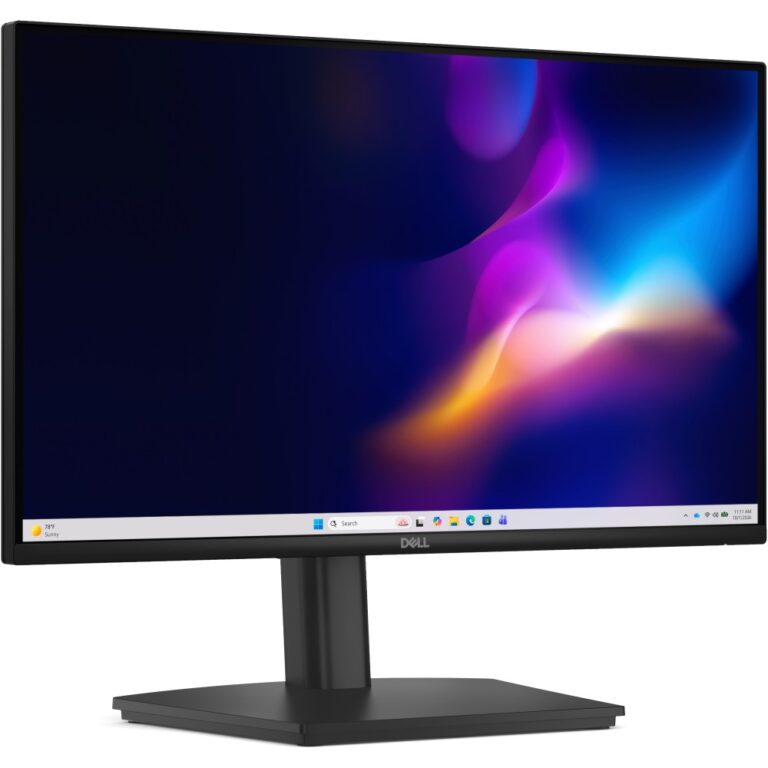
Dell E2225HM 21.5″ Full HD LCD Monitor, 1920 x 1080, 100Hz, 8ms, VA Panel
In stock
£67.62 inc VAT- 21.5″ Full HD LCD display with a 1920 x 1080 resolution
- VA Panel with 100Hz maximum refresh rate and 8ms response time (GTG)
- 3000:1 typical contrast ratio and 250 cd/m² brightness
- Dell ComfortView and Flicker-free technology for eye comfort
- HDMI 1.4, DisplayPort 1.2, and VGA connectivity with HDCP support
- VESA mountable (100 x 100 mm) with tilt adjustment
- ENERGY STAR, EPEAT Gold, and TCO certified for sustainability
Nebula N2325212 Portable Standard Throw Projector 1080p 400 ANSI Lumens LED Wi-Fi Black, Dark Grey
In stock
£562.73 inc VAT- 1080p Full HD resolution with 400 ANSI lumens brightness
- Portable design with 30-150″ screen size
Acer H5386BDi Projector 4500 ANSI Lumens 720p DLP 20000:1 Contrast White
In stock
£329.99 inc VAT- 4500 ANSI lumens brightness, 20000:1 contrast ratio
- Native 720p (1280×720) resolution, 16:9 aspect ratio
- DLP projection technology for sharp image quality
- Manual zoom (2.0:1) and focus with vertical keystone correction
- HDMI, VGA, USB 2.0 connectivity
- Built-in 3W speaker
- Compact 2.7kg white design
Vogel’s COMFORT TVM 3445 Full-Motion+ TV Wall Mount for 32-65″ Screens, 25kg Max, 180° Swivel, Black
In stock
£147.73 inc VAT- Wall mount for 32-65″ screens, up to 25 kg
- 180° swivel and 0-20° tilt adjustment for optimal viewing
- VESA compatibility from 100x100mm to 400x400mm
- Integrated cable management system
- Minimum wall distance 5.9 cm, maximum 58 cm
- Easy installation with included mounting kit and drilling template
- TÜV certified for safety and durability
Vogel’s COMFORT TVM 3405 SP TV Wall Mount
In stock
£38.84 inc VAT- Search functionality for ink and toner products
- Categorised listing of brands (e.g., Atos, Dataproducts, EGT)
- Includes major printer brands (e.g., Brother, Canon, Dell, HP)
- Image and thumbnail URLs for various brands
- Dynamic search URLs for category browsing
- Parent category identification for hierarchical browsing
Vogel’s PFW 6000 Series 6900 Mounting Kit – Fixed Wall Bracket – 80″-120″ Black
In stock
£182.32 inc VAT- Fixed wall bracket
- Screen size: 80″-120″
- Colour: Black
- Mounting kit
- PFW 6000 Series 6900
StarTech.com Full Motion Wall-Mount Monitor Arm for 12-30″ Displays, up to 9kg, Black
In stock
£105.19 inc VAT- Wall-mount design for 12″ to 30″ displays, up to 9kg
- VESA mount compatibility: 75x75mm to 100x100mm
- Full motion articulation with 62cm maximum extension
- Gas spring for one-touch height adjustment
- Flexible viewing angles: -65° to 90° tilt, 360° rotation, 180° pan
- Includes mounting kit, screws, washers, and spacers
- RoHS, CE, and REACH certified black finish
StarTech.com ARMDUALPIVOT Desk Mount Dual Monitor Arm, Full Motion, up to 2x 32″ Displays, Clamp/Grommet, Black
In stock
£196.20 inc VAT- Dual monitor support for displays up to 32″ (81.3 cm) and 8 kg each
- Full motion articulation with 90° swivel, tilt, and rotation for optimal viewing
- Desk mounting via C-clamp or grommet with integrated cable management
- VESA compatibility for 75 x 75 mm and 100 x 100 mm mounts
- Height adjustable design for ergonomic workstation setup
- Solid steel construction in black with RoHS compliance
Computer Monitors Buying Guide and FAQ
From everyday office monitors and computer displays to fast gaming monitors, the right screen makes your whole PC feel better. We stock PC monitors in every size, from compact 24 and 27 inch screens to large 32 inch and ultrawide displays, and every resolution from Full HD (1080p) and QHD to 4K, including curved and OLED panels. Shop by brand with Dell monitors, Samsung monitors and Lenovo monitors, or grab a portable monitor for your laptop. Below are straight, expert answers to the questions we are asked most about choosing, measuring, connecting and looking after a computer monitor.
What monitor should I buy for gaming?
Balance two things: resolution and refresh rate, then match them to your graphics card. A fast 1080p or 1440p screen at 144Hz or higher suits most gamers, while 4K is stunning if your GPU can drive it. For competitive shooters, a high refresh rate matters most. For single-player and visual games, resolution and panel quality take priority.
1080p, 1440p or 4K, which resolution is best?
1080p is easiest to drive and great for fast esports. 1440p is the current sweet spot, with a clear jump in sharpness while staying within reach of mid-range cards. 4K looks superb and suits larger screens and single-player games, but it asks a lot of your graphics card. Pick the resolution your GPU can comfortably run at the frame rate you want.
What refresh rate do I need, 144Hz, 240Hz or 360Hz?
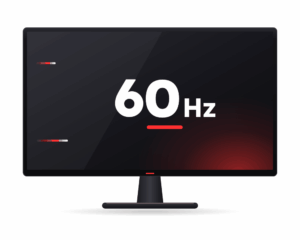
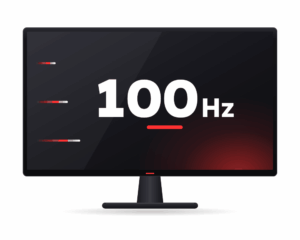
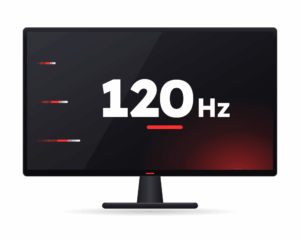
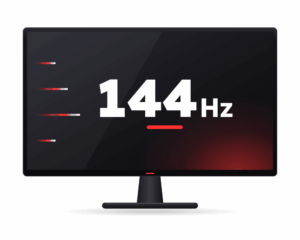
Higher refresh means smoother motion. 144Hz is a big step up from 60Hz and plenty for most players. 240Hz suits fast competitive games if your PC can push the frames. 360Hz is for serious esports. There is little point buying 240Hz or 360Hz unless your graphics card can reach those frame rates in the games you play.
OLED, IPS or Mini LED, which panel is best?
OLED gives the best contrast and near-instant response, which looks fantastic for games and films, and OLED gaming monitors are very popular for that reason. IPS offers great colour and value with strong all-round performance. Mini LED brings very bright HDR with deep local dimming. Choose OLED for the best image, IPS for value, and Mini LED for bright HDR.
What size monitor should I get (24, 27, 32 or ultrawide)?
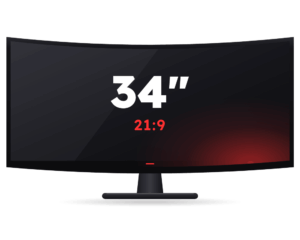
24 inch suits 1080p and competitive play up close. 27 inch is the popular all-rounder and pairs beautifully with 1440p. 32 inch and above is great for 4K and immersive single-player games. An ultrawide (34 inch and up) wraps more of the scene around you, which is brilliant for racing, flight and productivity.
Do I need G-Sync, FreeSync or HDMI 2.1?
Variable refresh (G-Sync or FreeSync) keeps motion tear-free by syncing the screen to your graphics card, and it is worth having on any gaming monitor. HDMI 2.1 matters if you want high refresh at 4K or you are connecting a current console. Check that the monitor ports and sync support match your PC or console before you buy.
What does a computer monitor do, and what is it used for?
A computer monitor is the screen that shows everything your PC or laptop produces, from the desktop and web pages to games, films and creative work. It takes the video signal from your graphics card or laptop over HDMI, DisplayPort or USB-C and turns it into the image you see. A better monitor means sharper text, more accurate colour and smoother motion, which is why the screen matters as much as the parts inside your computer.
How do I measure a computer monitor screen size?
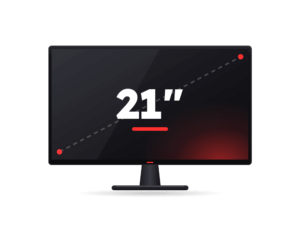
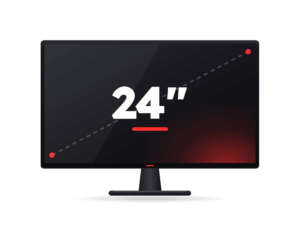
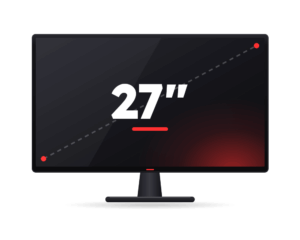
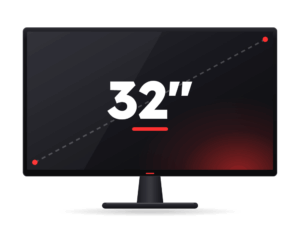
Screen size is measured diagonally, from one corner of the visible panel to the opposite corner, not including the bezel or stand. A 27 inch monitor is 27 inches corner to corner. Aspect ratio matters too, so a widescreen 32 inch display and an ultrawide 34 inch display are very different shapes even though the numbers look close. Always check both the diagonal size and the aspect ratio before you buy.
How much does a computer monitor cost?
In the UK a solid everyday Full HD monitor starts from around 80 to 120 pounds. A good 27 inch QHD screen for work or gaming usually sits between 150 and 300 pounds, while high refresh 4K, OLED and ultrawide monitors run from about 400 pounds upward. Brand, panel type, refresh rate and HDR all affect the price, so decide what you actually need before you spend.
Can I use a TV as a computer monitor?
Yes. Most modern TVs have HDMI and work as a computer monitor, which is handy for films and couch gaming. The catch is that TVs are large and lower in pixel density, so text can look soft up close, and many have slower response times and more input lag than a proper monitor. For a desk where you read and work all day, a dedicated computer monitor is the better choice. For a big screen across the room, a TV is fine.
Can I use a monitor with a laptop, or my laptop as a second screen?
Almost every laptop can drive an external monitor through HDMI, USB-C or DisplayPort, giving you a bigger, more comfortable display for work or gaming, and portable monitors are made exactly for this. Using a laptop panel as a second screen for a desktop is trickier, since most laptops only send video out rather than take it in, but Windows can extend your desktop onto a laptop wirelessly using Miracast.
How do I clean a computer monitor screen safely?
Turn the monitor off and let it cool. Wipe gently with a dry microfibre cloth to lift dust, then, if needed, lightly dampen the cloth with distilled water or a screen-safe cleaner. Never spray liquid straight onto the screen, and avoid paper towels, glass cleaner and anything with alcohol or ammonia, as these can strip the anti-glare coating. Wipe in soft, straight strokes and let it dry before switching back on.
How do I rotate the screen or split it across two monitors?
In Windows, right-click the desktop and open Display settings. To rotate a screen, pick the display and change its Orientation to portrait or landscape. To use two monitors, connect the second screen, set the layout to Extend so you get one continuous desktop, then drag the monitor icons to match how they sit on your desk. You can drag windows between them or snap them side by side.