

Price
Availability
Shop Categories

Gateways & Firewalls

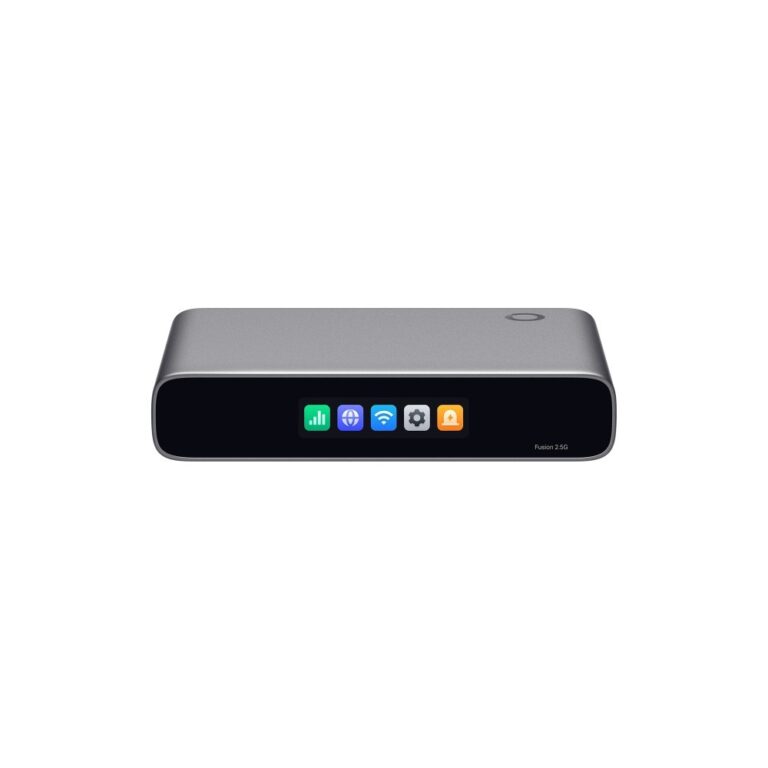
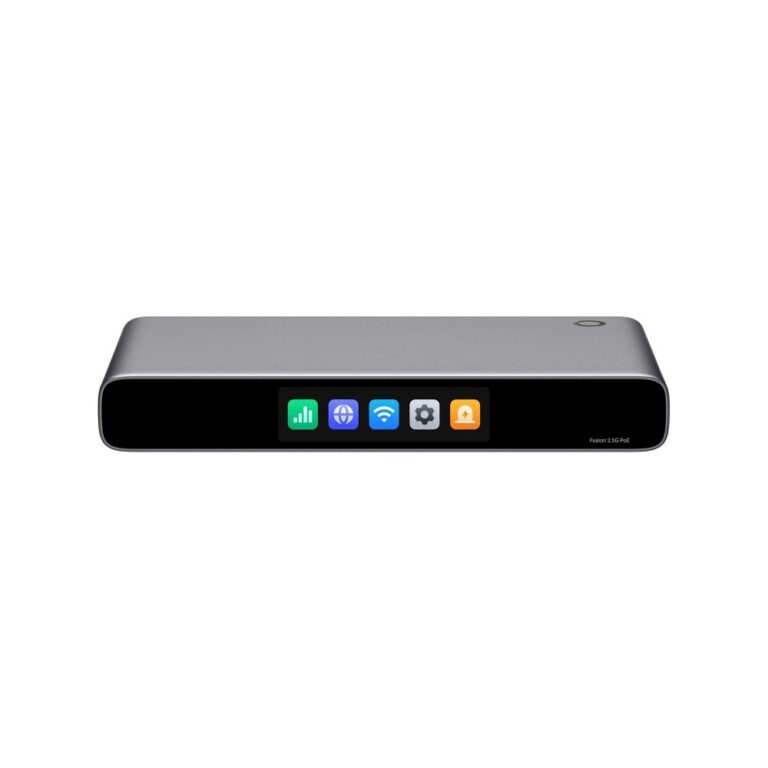
TP-Link Omada Fusion 2.5G PoE Gateway Controller 2.5Gbps 9 Ports PoE+ Touchscreen 2GB RAM Black

In stock

Original price was: £380.39.Current price is: £359.88.

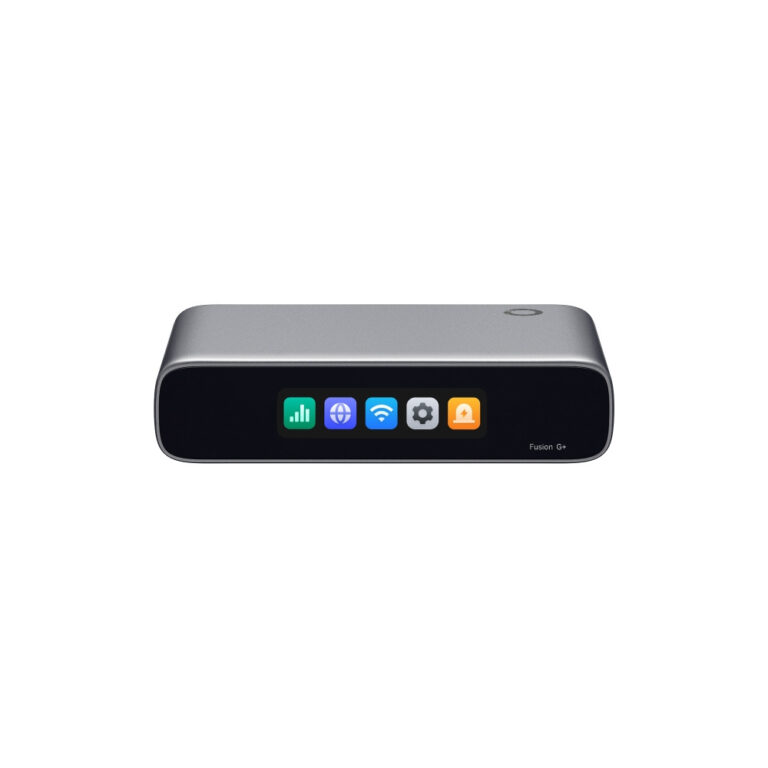
TP-Link Omada Fusion 2.5G Gateway and Controller 2.5G Ethernet 5 Ports 2GB DDR4 2.51″ Touchscreen

In stock

Original price was: £229.19.Current price is: £217.38.

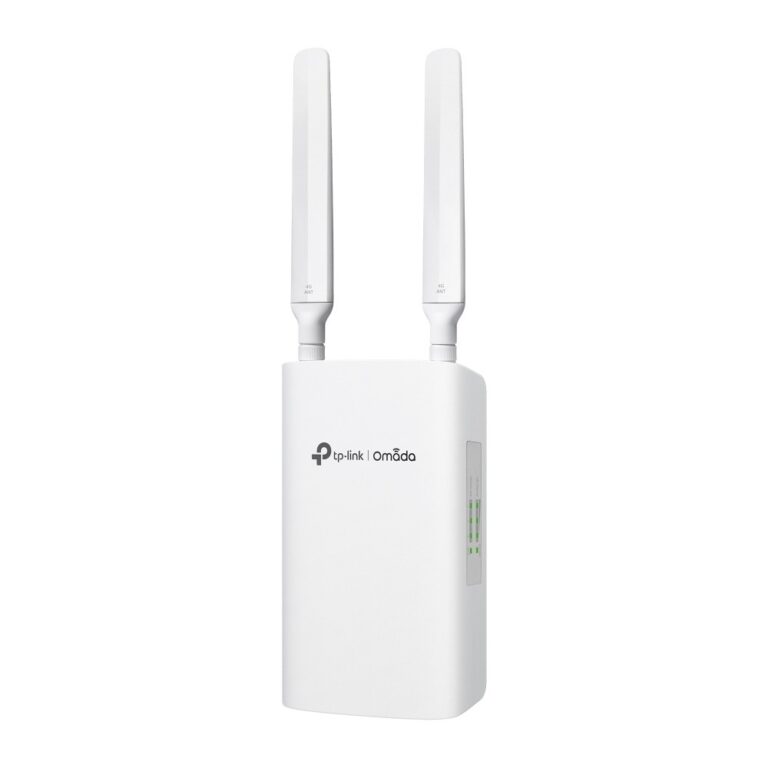
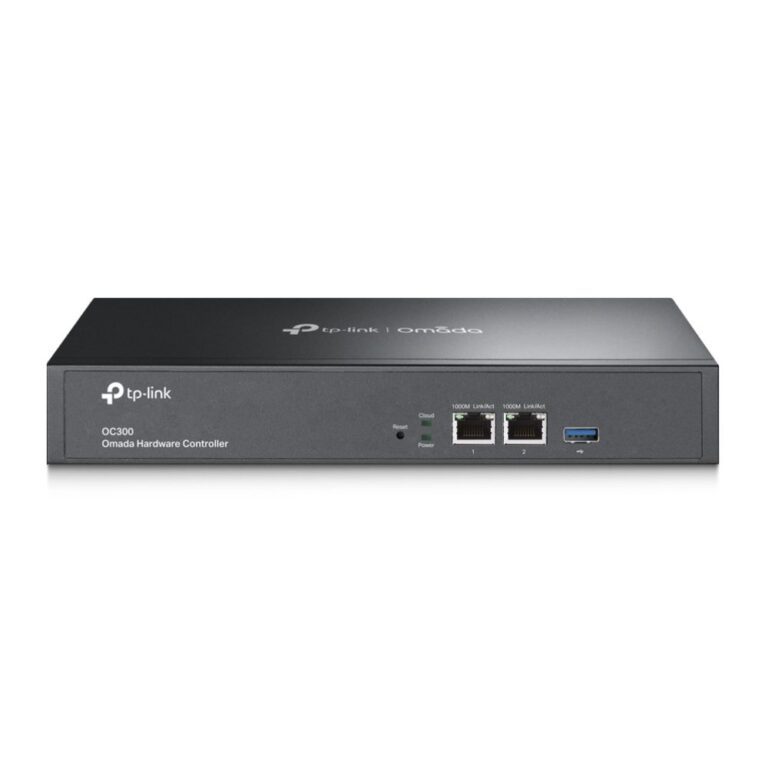
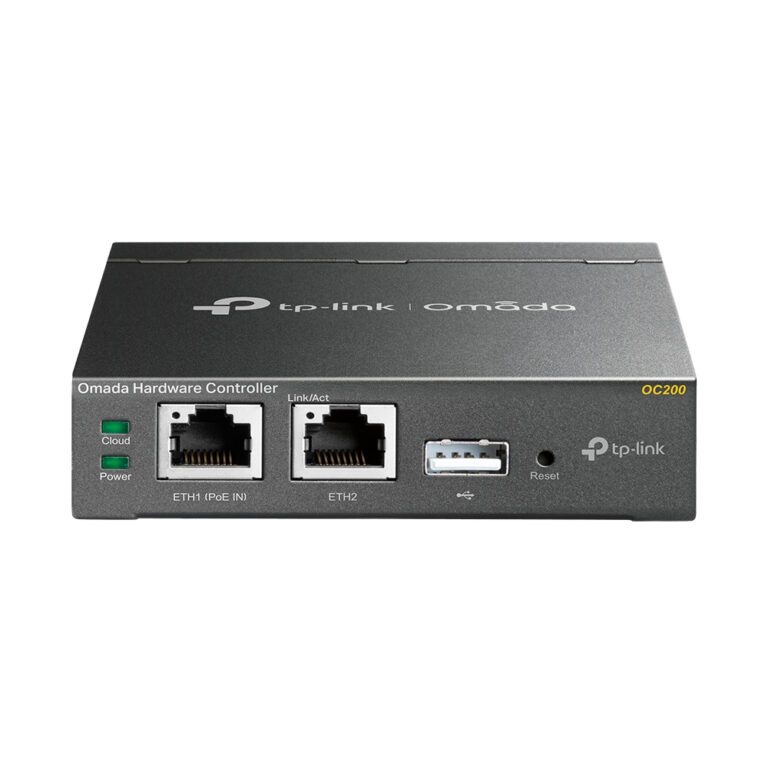
TP-Link Omada Controller Device

In stock

Original price was: £147.59.Current price is: £138.96.
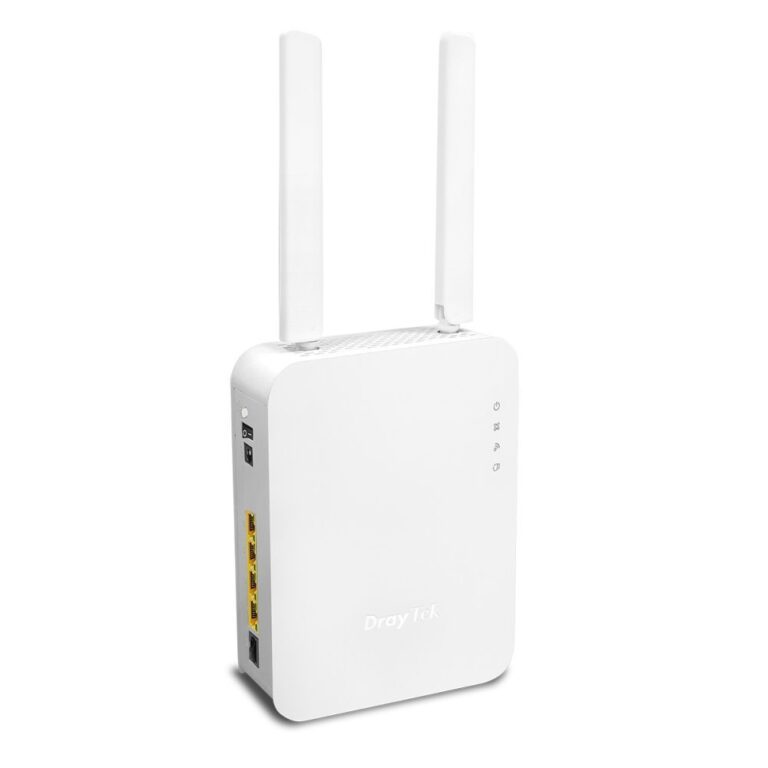
A gateway or firewall sits between your network and the internet, and it does what a consumer router does plus the things a business needs.

The substantive additions are VLANs to separate guest, staff and device traffic; VPN termination so remote staff or another site can connect in securely; deep packet inspection and intrusion prevention on the firewall models; and detailed logging, which is what lets you diagnose a problem rather than guess at it.

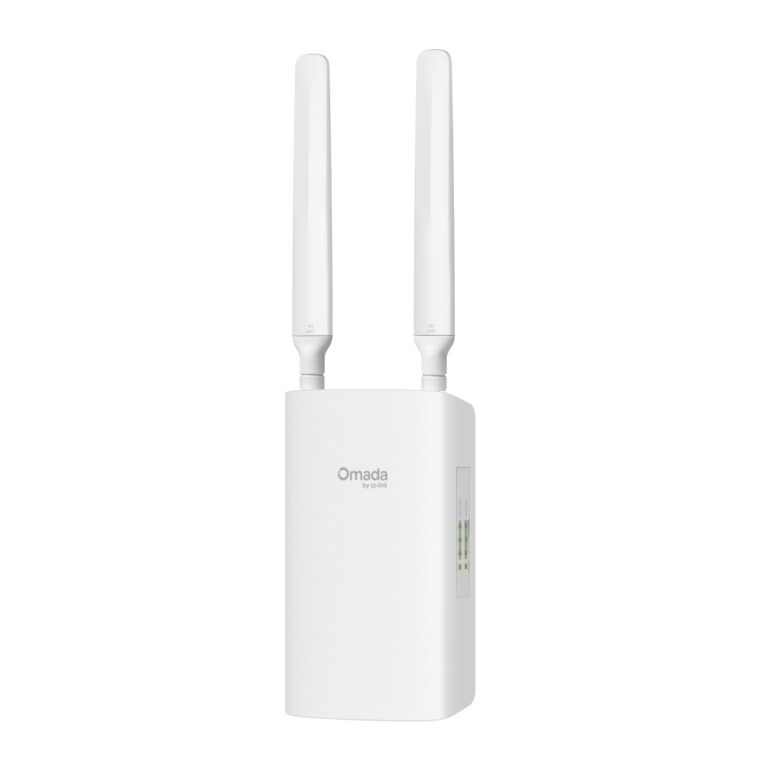
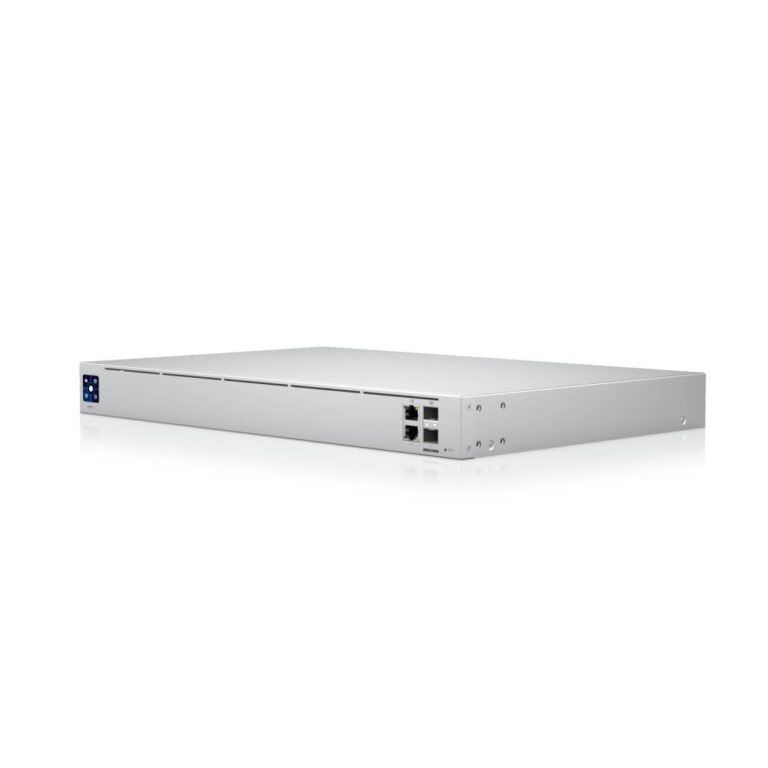
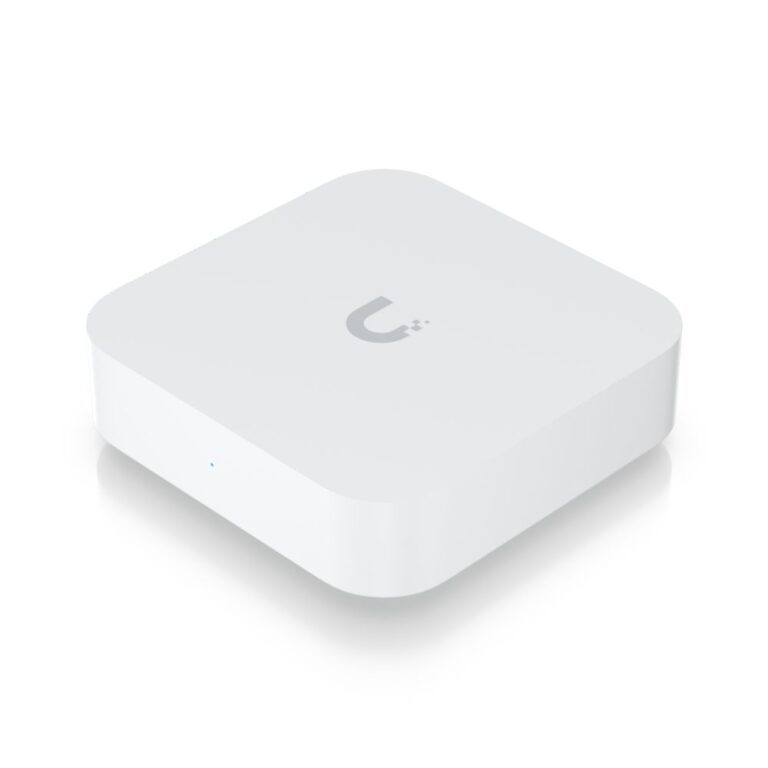
One thing to understand about the ecosystems here. Ubiquiti’s UniFi and TP-Link’s Omada gateways are managed through a controller — some units run it themselves, others need a separate controller device or software. Check which before ordering, because a gateway with no controller is only half a system. The advantage is that switches, access points and the gateway are then all managed from one interface.

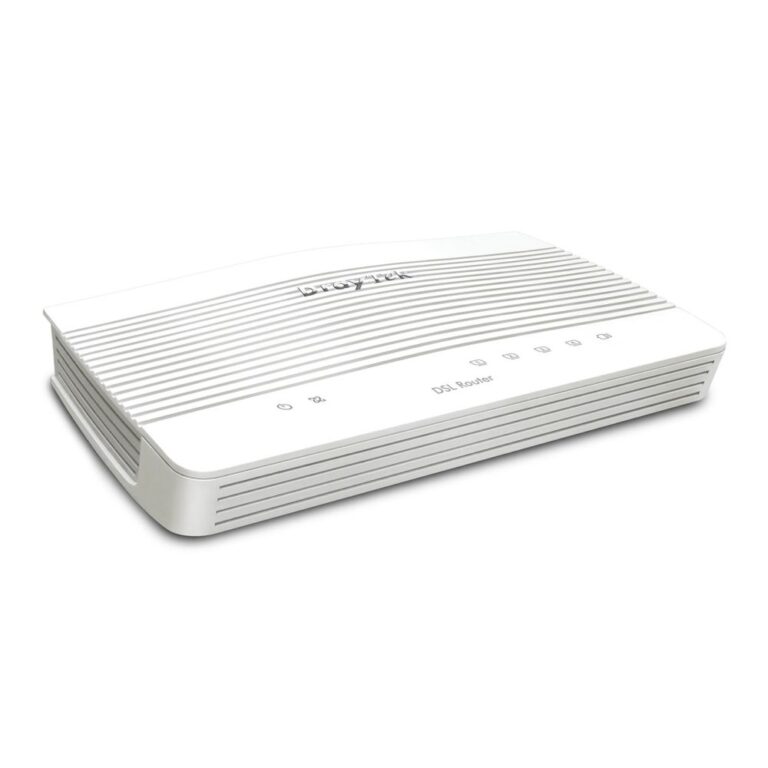
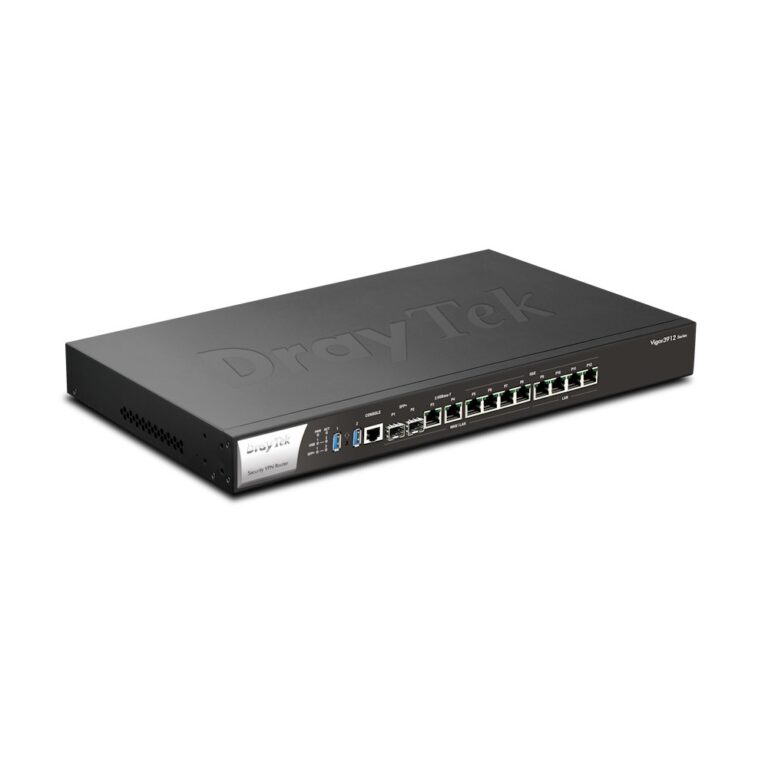
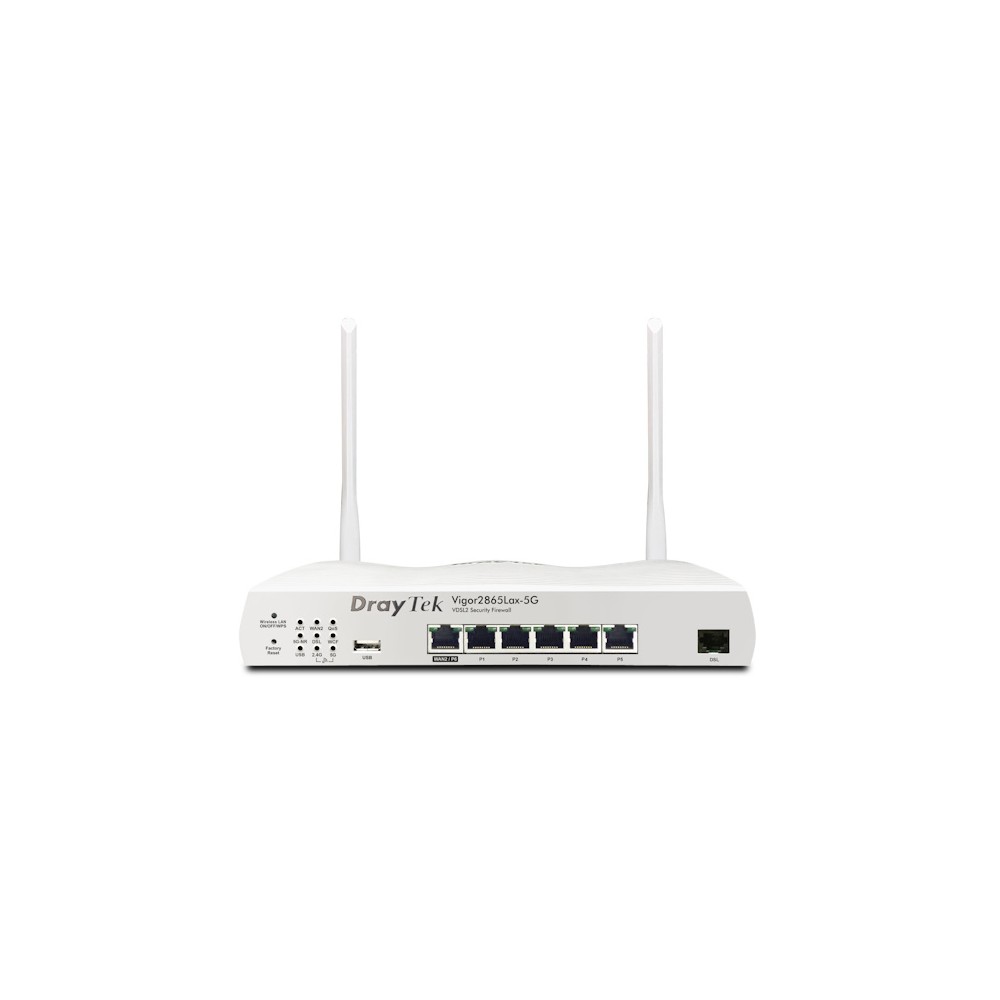
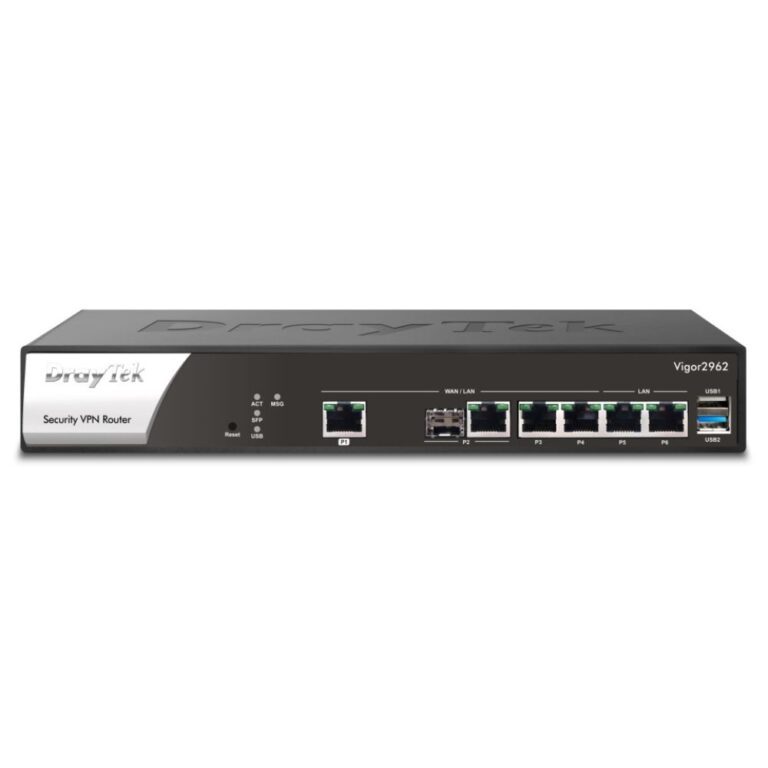
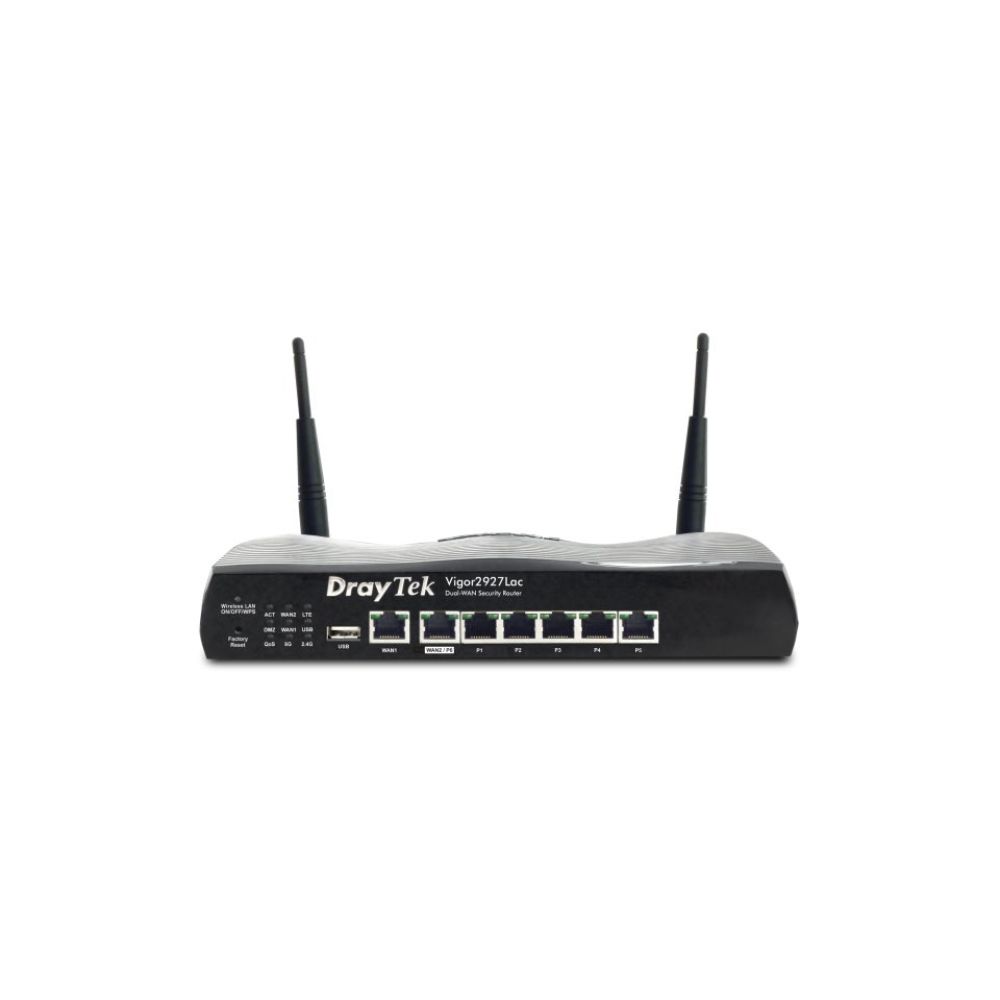
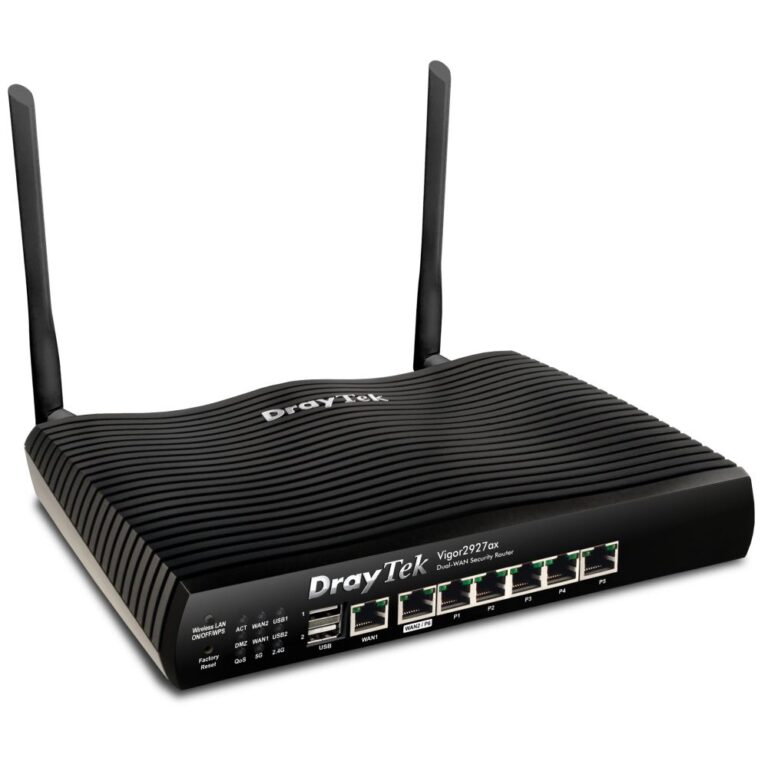
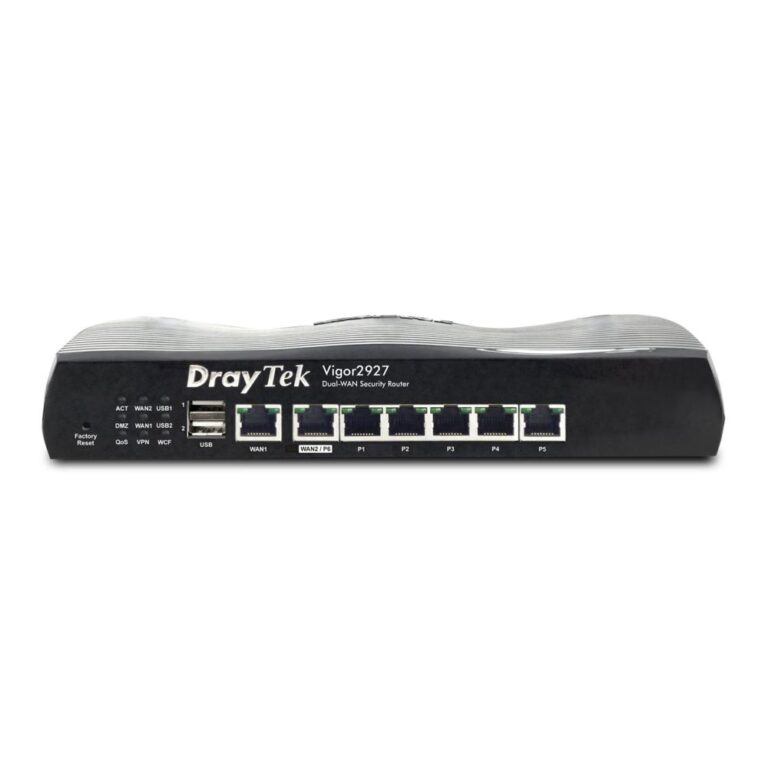
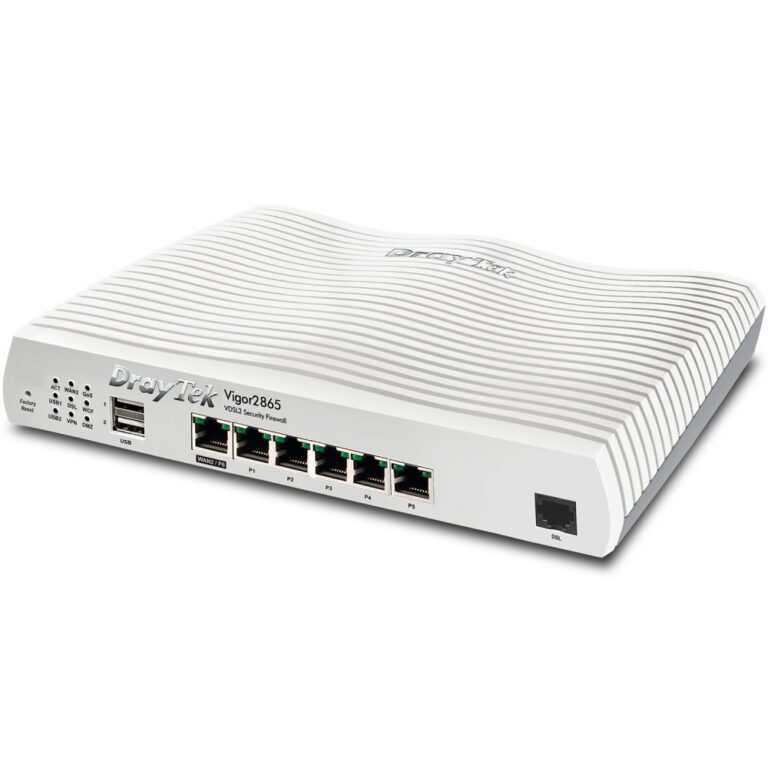
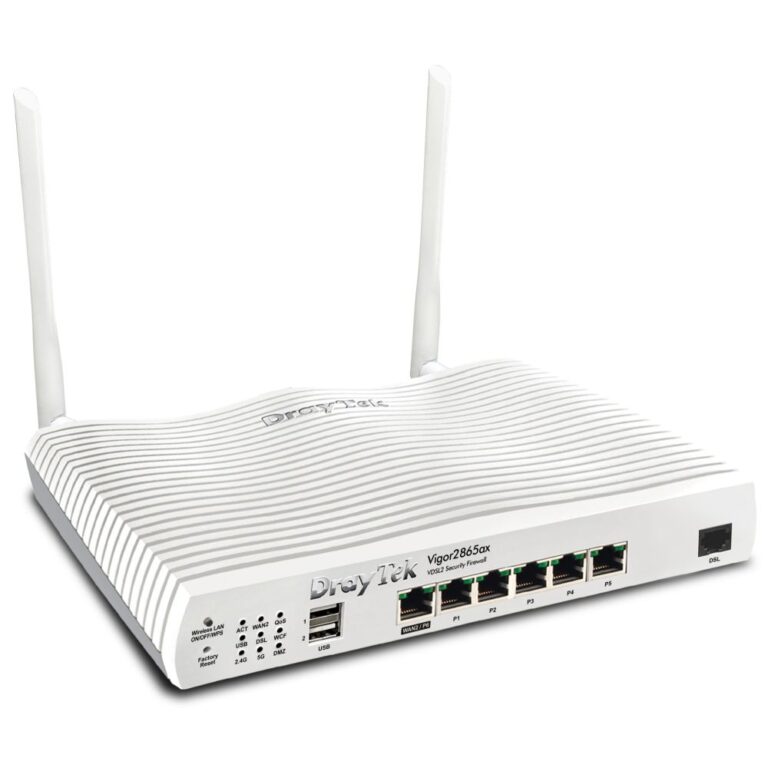
DrayTek firewalls work standalone with their own web interface, which suits a single-site installation.

See also networking and access points.

Gateways & Firewalls Buying Guide and FAQ

This Gateways & Firewalls range covers networking gear. Below are the common questions.

What does this networking product do?

This category covers gateways & firewalls that help you build a faster, more reliable home or office network. The right choice depends on your setup, so match it to your broadband, the number of devices and the coverage you need.

Will it work with my existing network?

Most networking gear connects to a standard home network by cable or Wi-Fi. Check the standards and speeds it supports so it keeps up with your broadband and devices, and that it fits how your network is set up.

How do I get the best performance?

Wire your main devices where you can for speed and stability, use up-to-date Wi-Fi (Wi-Fi 6 or 7) for wireless, and place hardware to give even coverage. Gigabit ports are the sensible baseline.