
Network Bridges & Point-to-Point
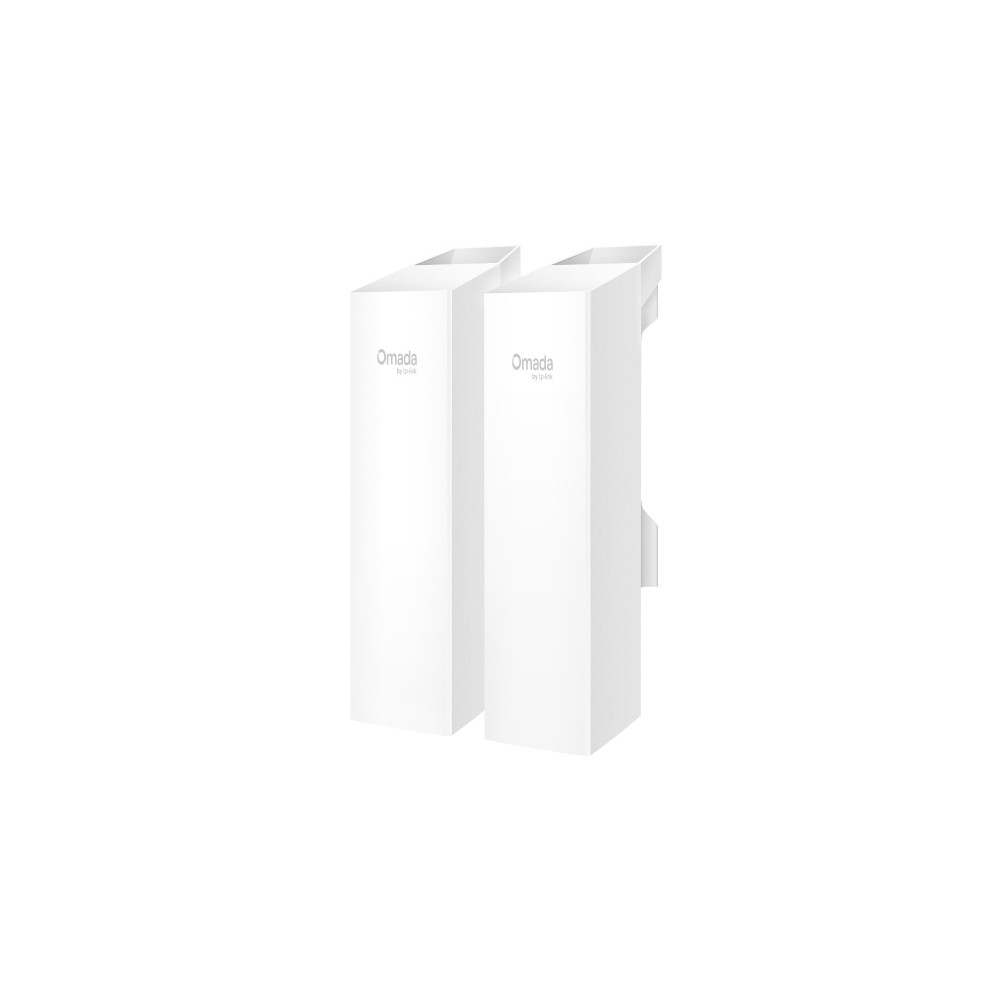
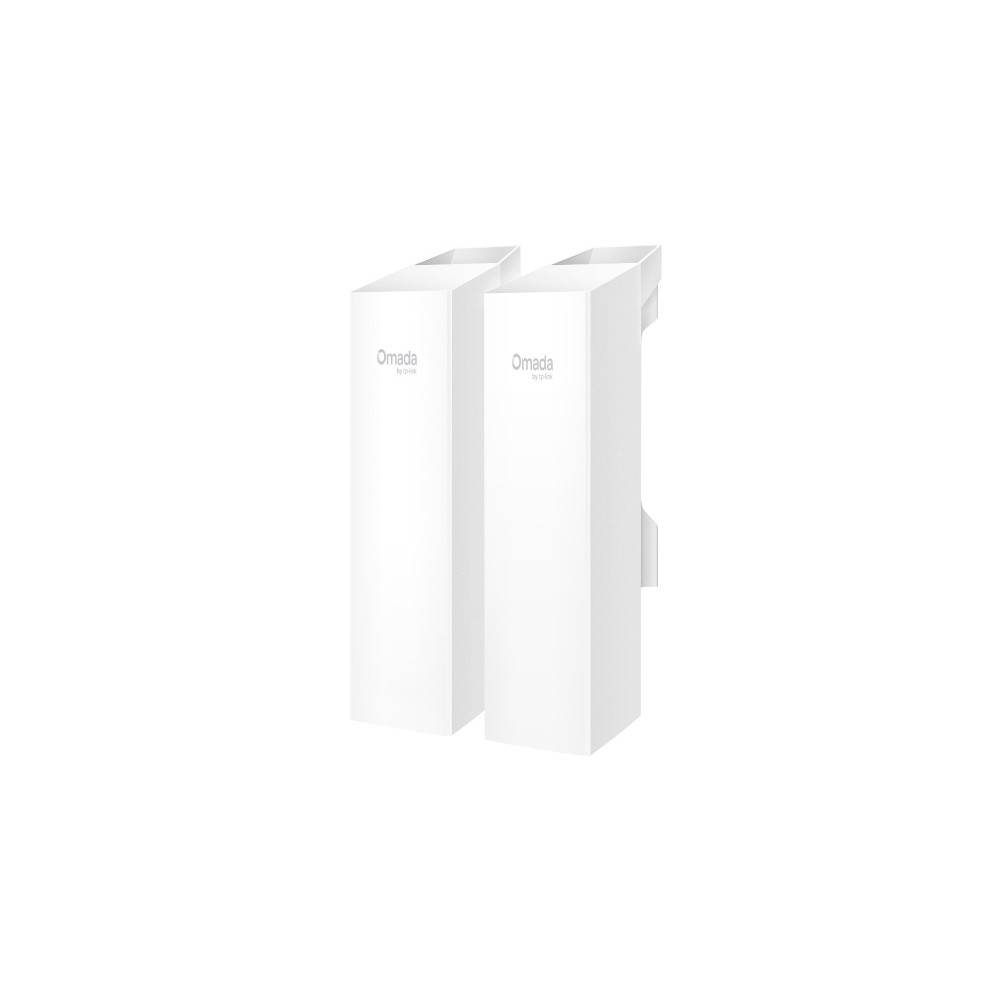
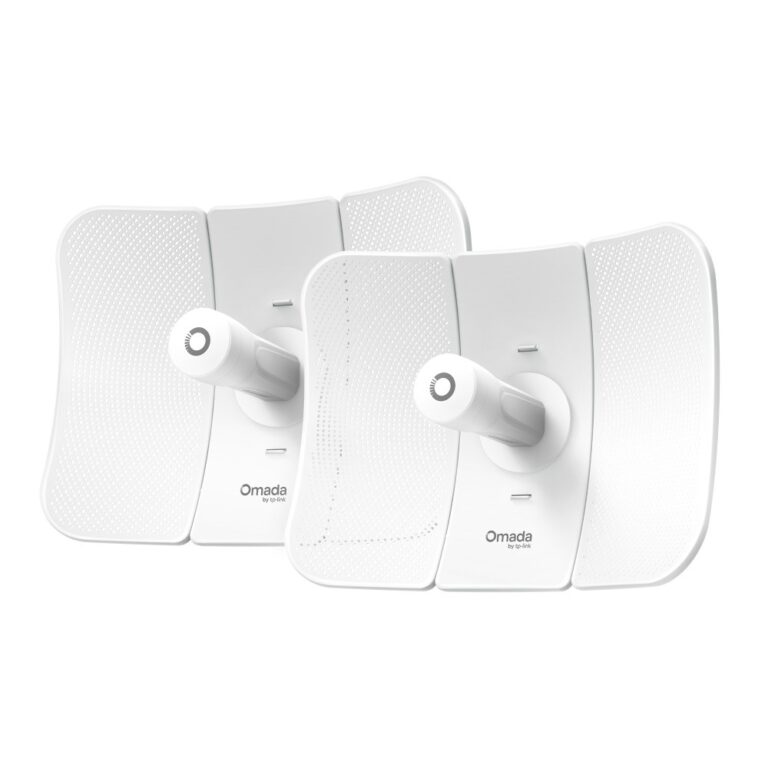
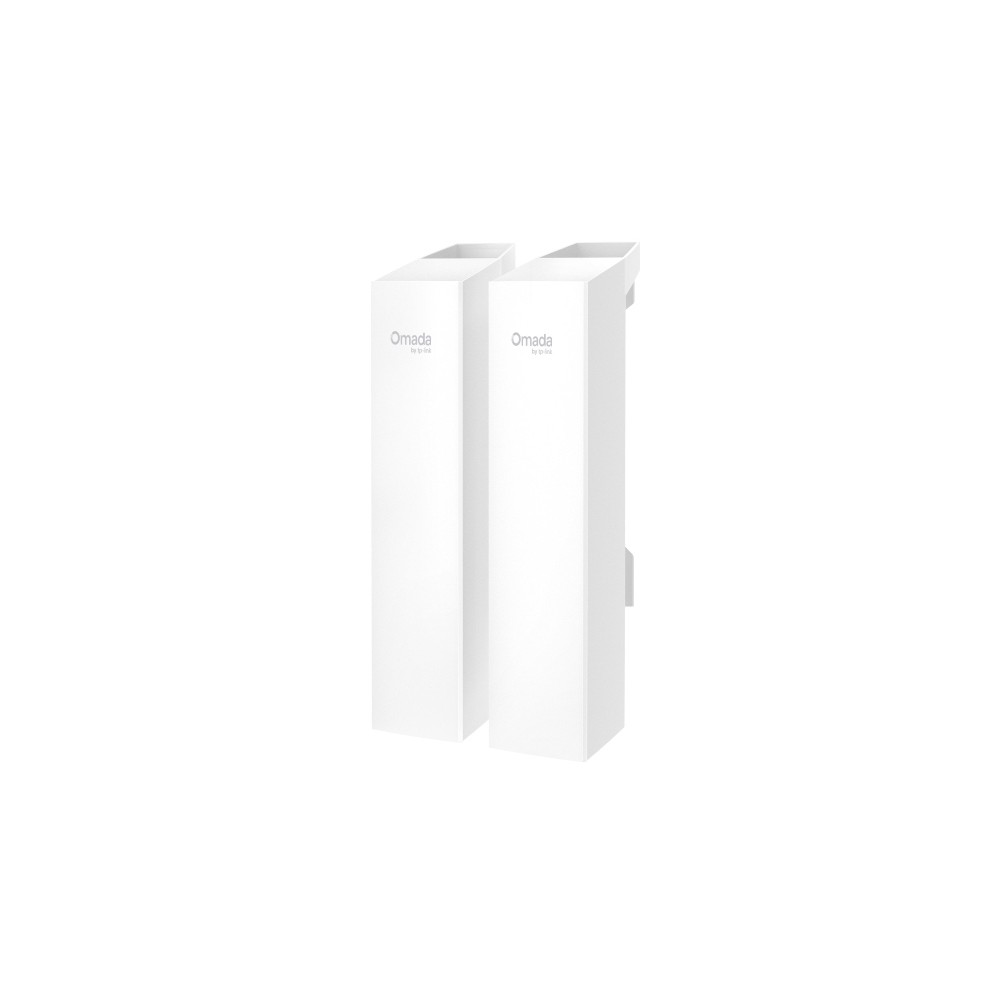
TP-Link Omada 5GHz 867Mbps Long-Range Indoor/Outdoor Wireless Bridge
In stock
TP-Link Omada 5GHz 867Mbps Indoor/Outdoor Wireless Bridge
In stock
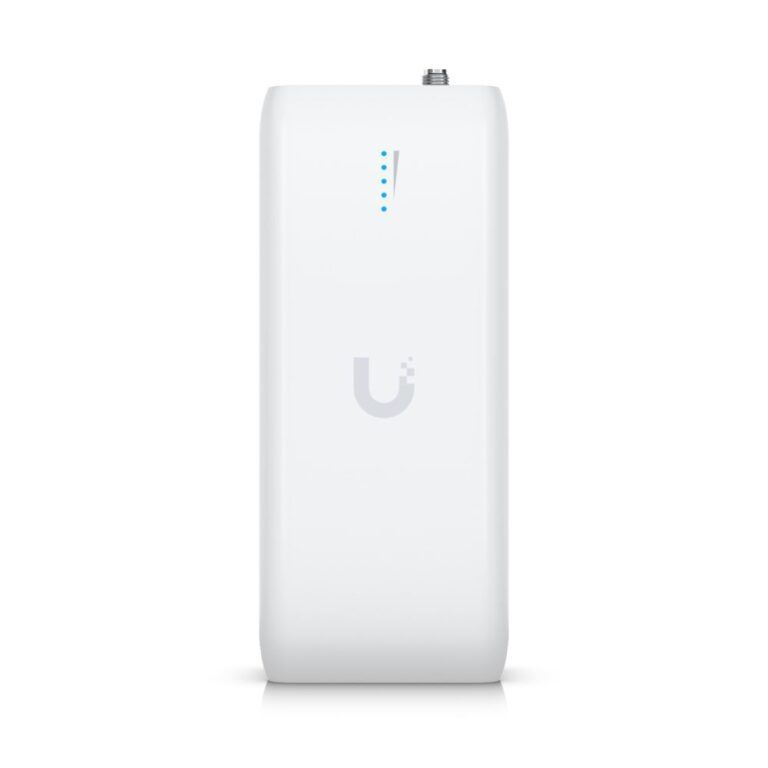
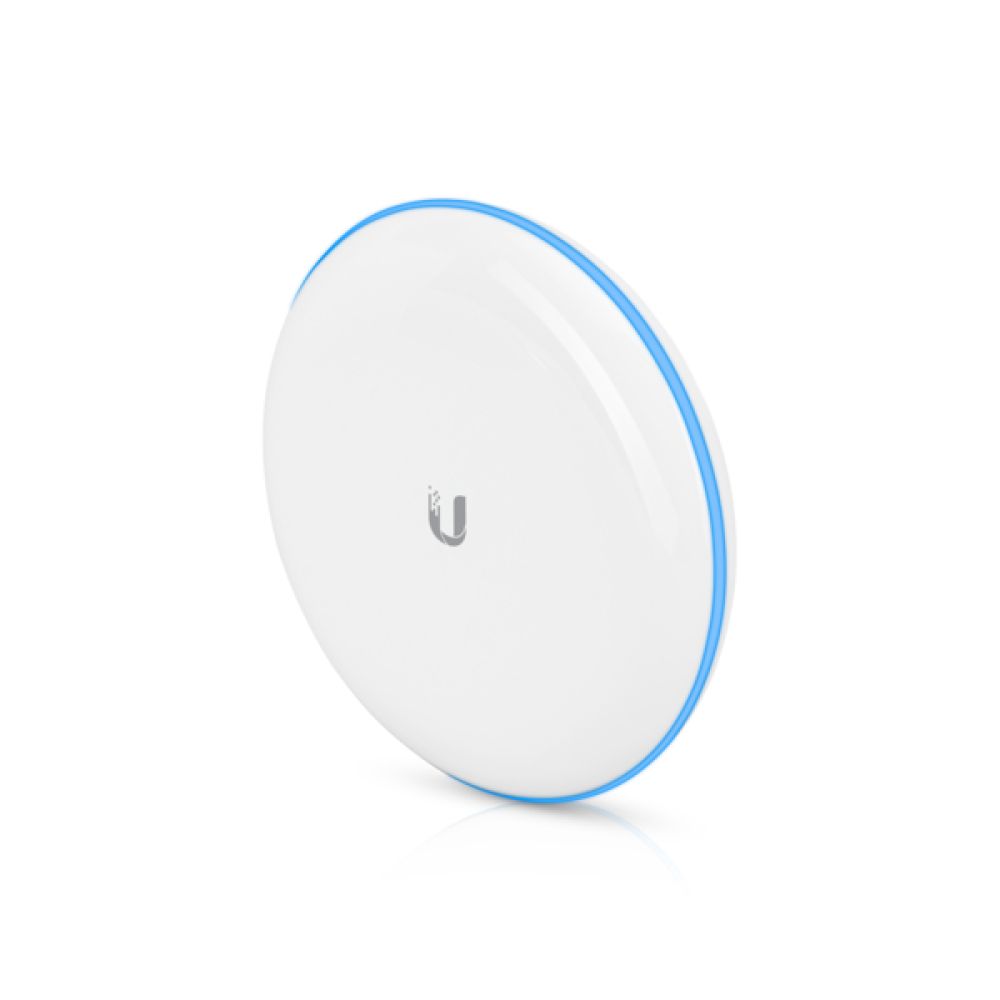
Ubiquiti UDB Wireless Bridge
In stock
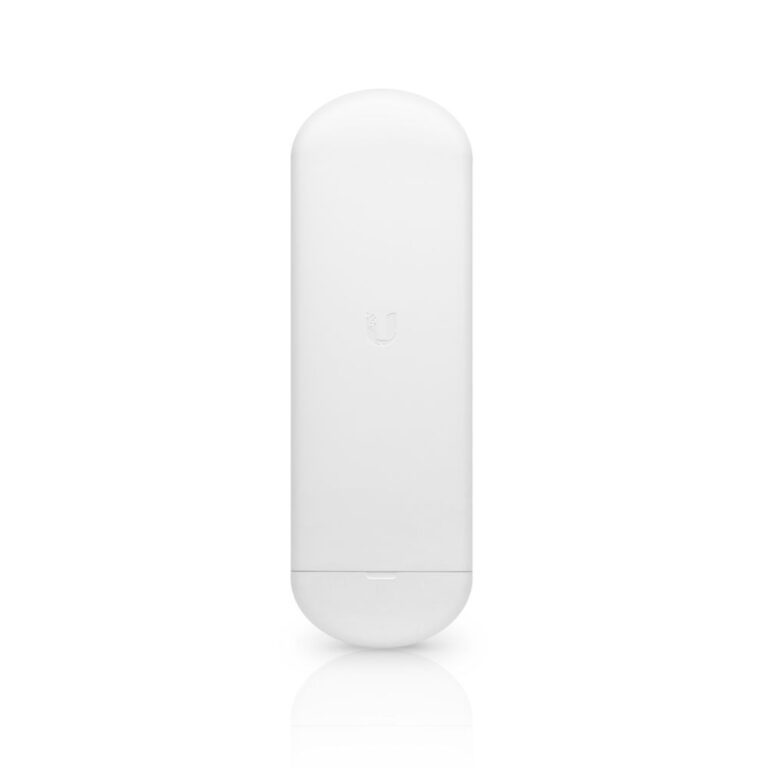
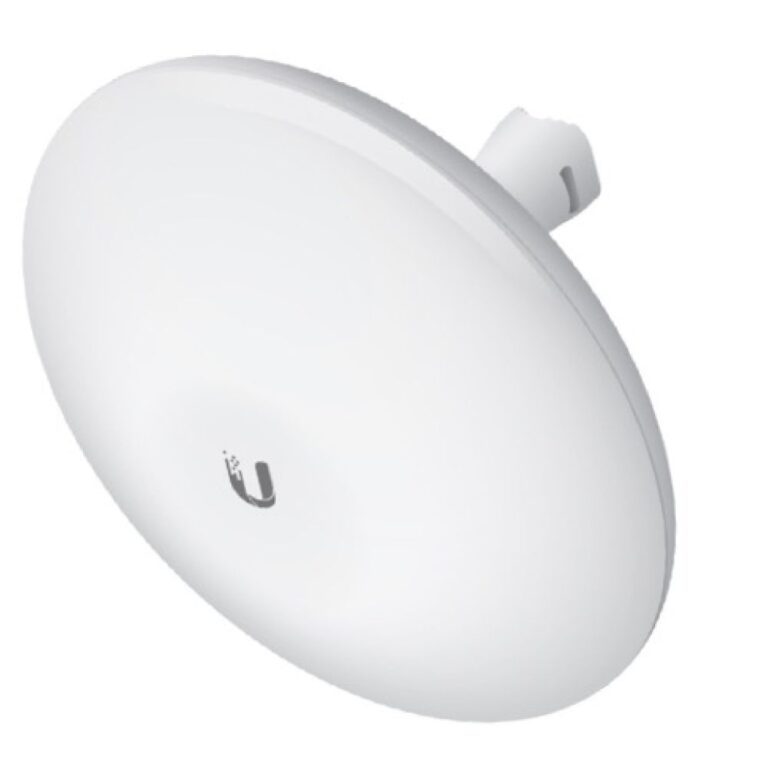
Ubiquiti NanoStation AC 1000 PoE White
In stock
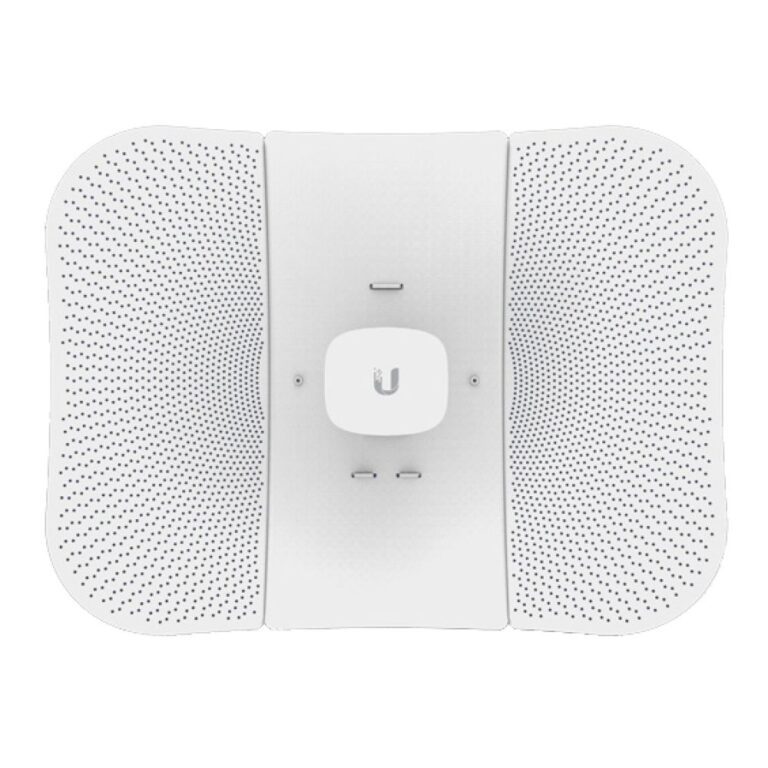
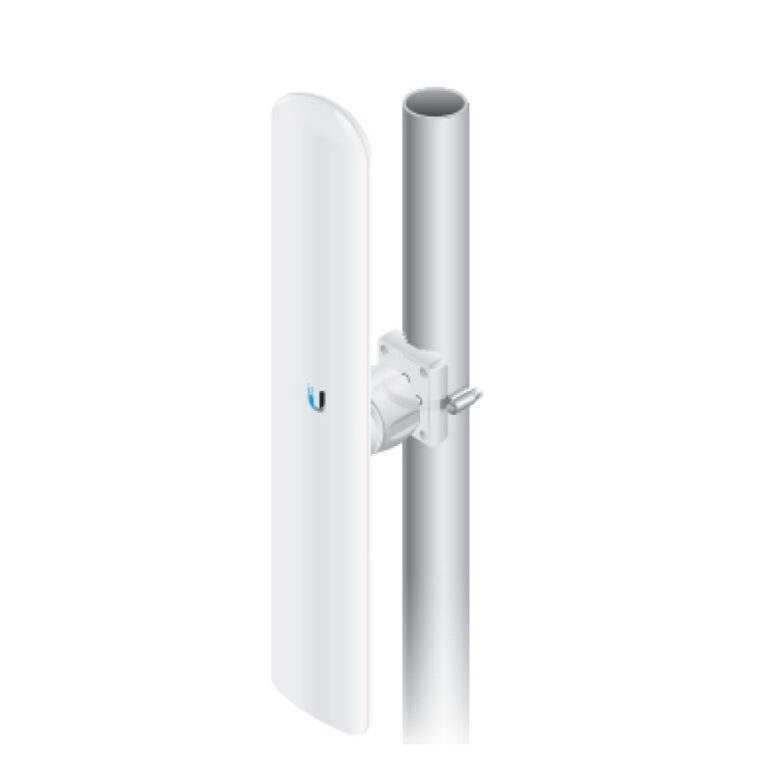
Ubiquiti LiteBeam AC Bridge 450 Mbps White
In stock
Ubiquiti LAP-120 MIMO Directional Antenna
In stock
A point-to-point bridge is a pair of radios that carries a network link through the air between two locations — a house and a garden office, a farm and an outbuilding, two units on an industrial estate, a site cabin. It is the answer when running a cable is impractical or the distance is too great for one.
Three things decide whether it will work.
Line of sight. This is the big one. These links need a clear path between the two antennas. Buildings block them completely; trees attenuate the signal badly and get worse in leaf and in rain. Elevation at both ends is usually what makes a marginal link reliable.
Distance and gain. Each model states a usable range. Higher-gain antennas reach further but with a narrower beam, so aiming matters more.
Frequency. 5GHz carries more data over shorter distances; lower frequencies travel further and tolerate obstruction better.
Most of these are powered over Ethernet, so one cable to each unit carries power and data.
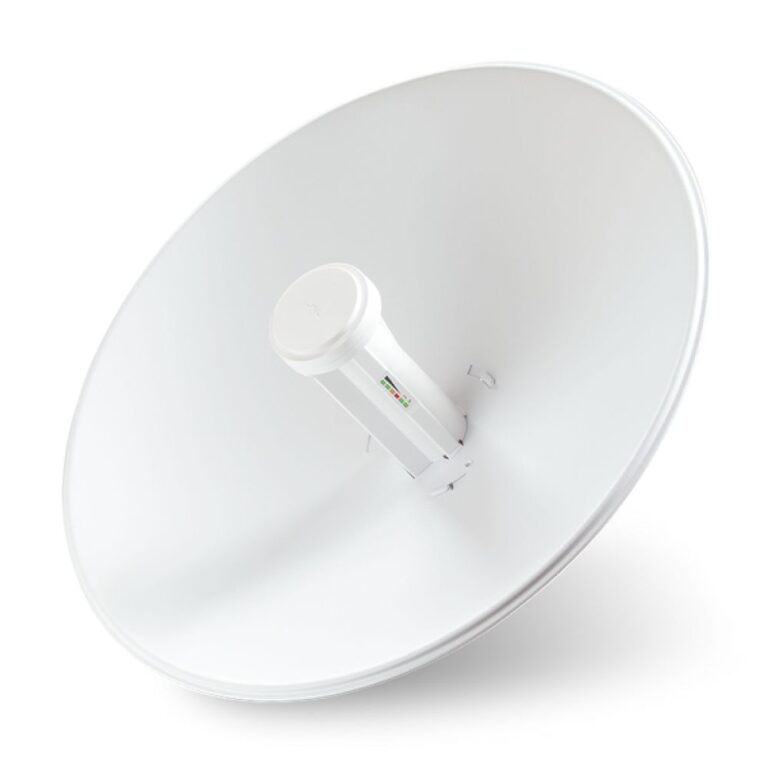
The range covers Ubiquiti NanoBeam and PowerBeam, and TP-Link Omada. See also antennas.
Network Bridges & Point-to-Point Buying Guide and FAQ
This Network Bridges & Point-to-Point range covers networking gear. Below are the common questions.
What does this networking product do?
This category covers network bridges & point-to-point that help you build a faster, more reliable home or office network. The right choice depends on your setup, so match it to your broadband, the number of devices and the coverage you need.
Will it work with my existing network?
Most networking gear connects to a standard home network by cable or Wi-Fi. Check the standards and speeds it supports so it keeps up with your broadband and devices, and that it fits how your network is set up.
How do I get the best performance?
Wire your main devices where you can for speed and stability, use up-to-date Wi-Fi (Wi-Fi 6 or 7) for wireless, and place hardware to give even coverage. Gigabit ports are the sensible baseline.