


Price
Availability
Shop Categories
Wi-Fi Extenders
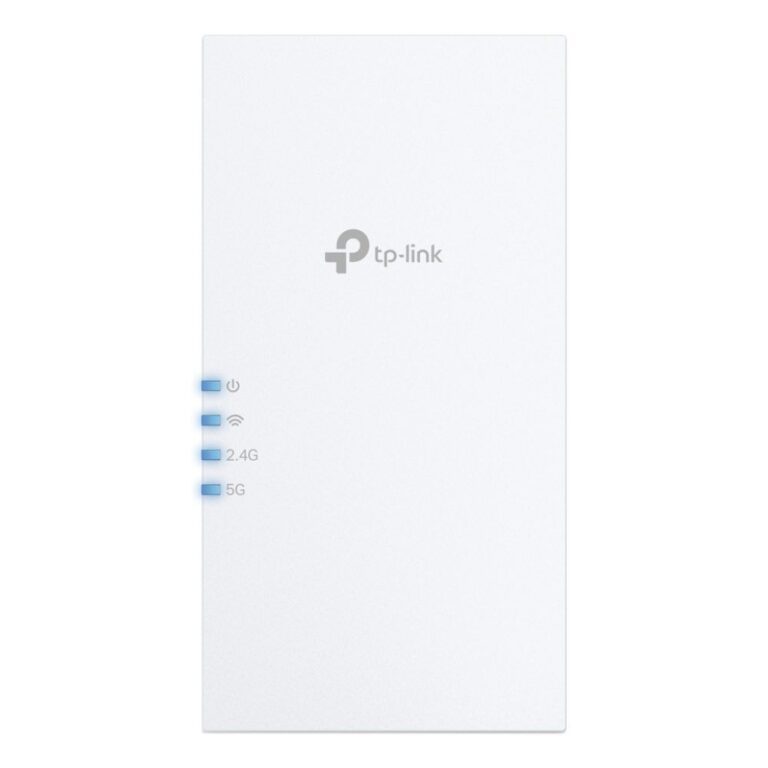
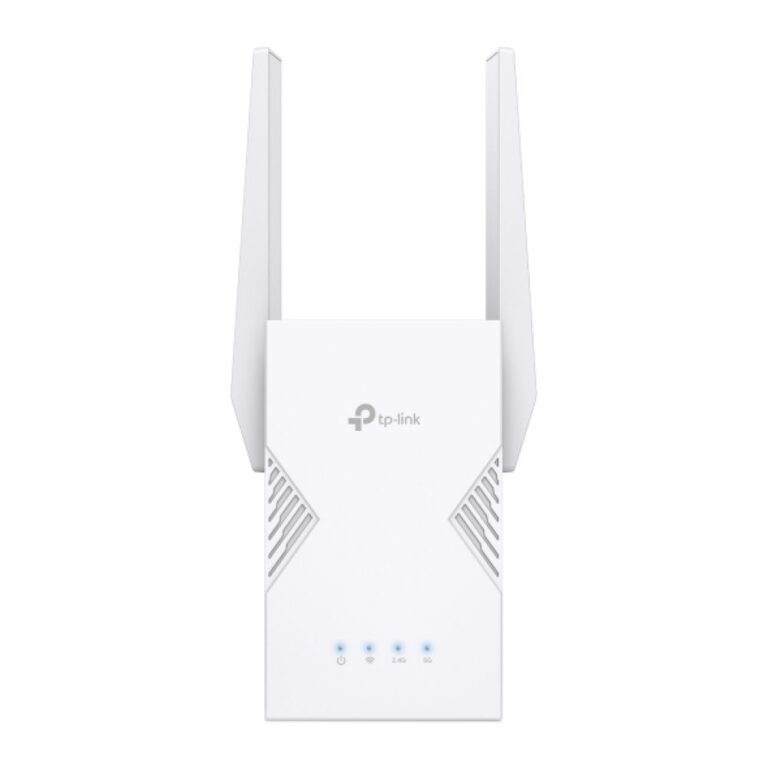
TP-Link RE705X Wi-Fi 6 Range Extender White
In stock
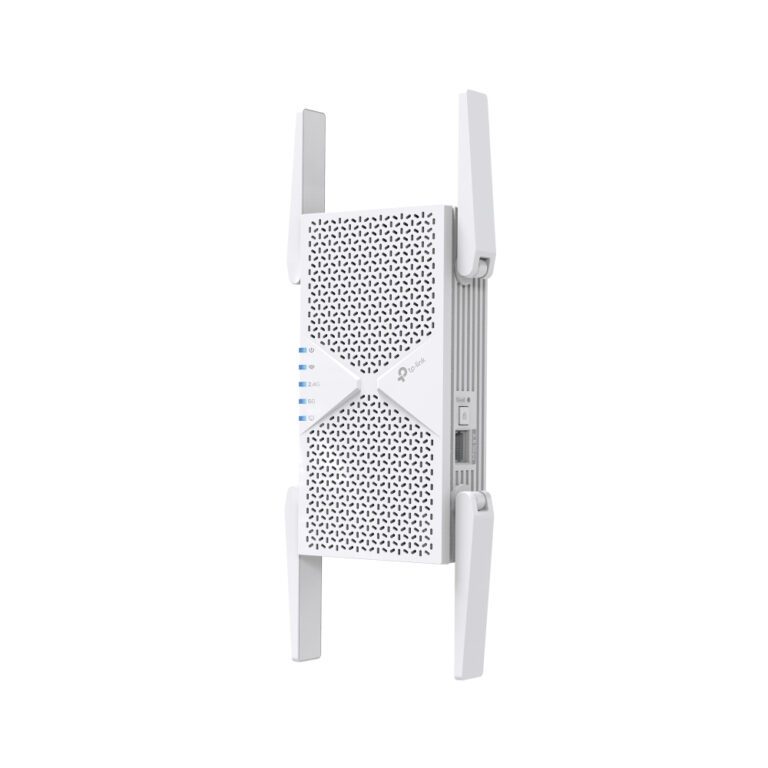
TP-Link RE405BE Wi-Fi 6E Network Extender 2500 Mbit/s White
In stock
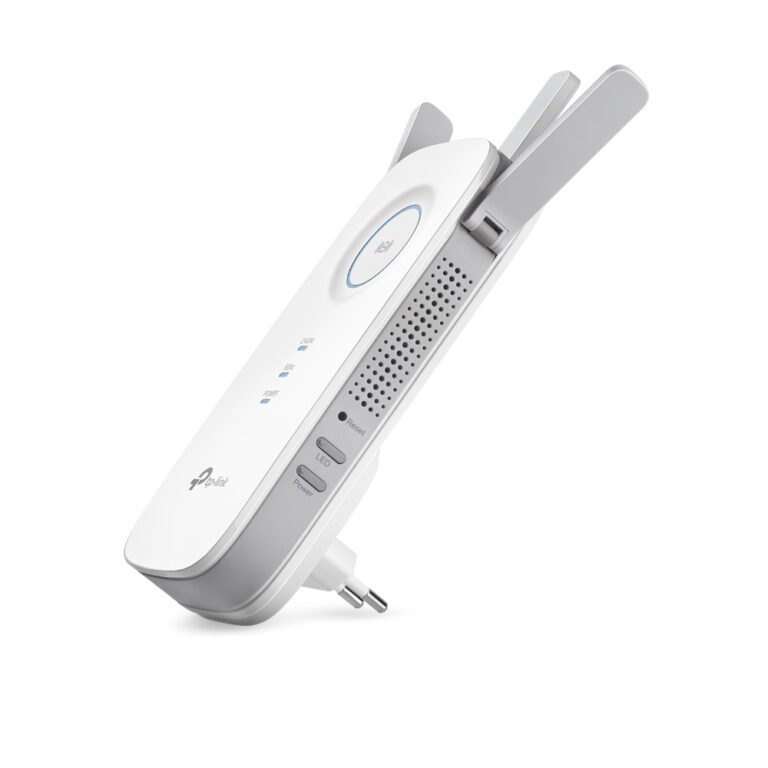
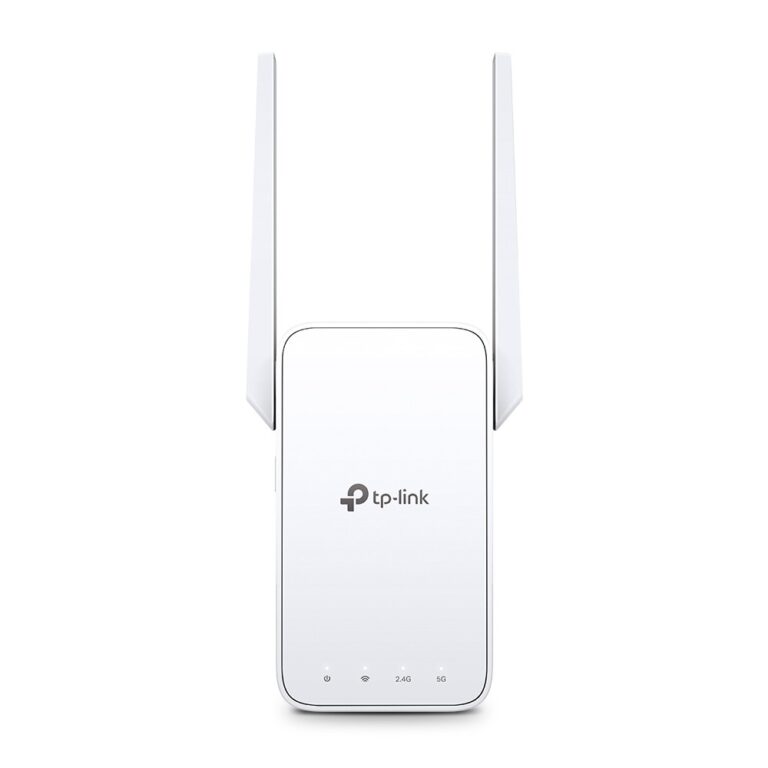
TP-Link RE450 Wi-Fi Extender, Dual Band, Gigabit Ethernet
In stock
TP-Link RE220BE Network Extender White
In stock
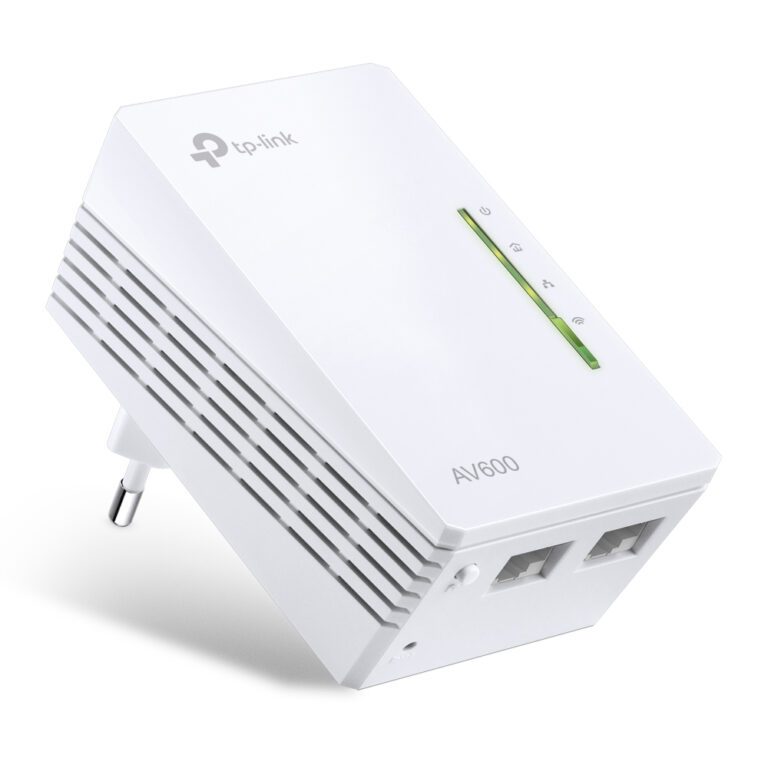
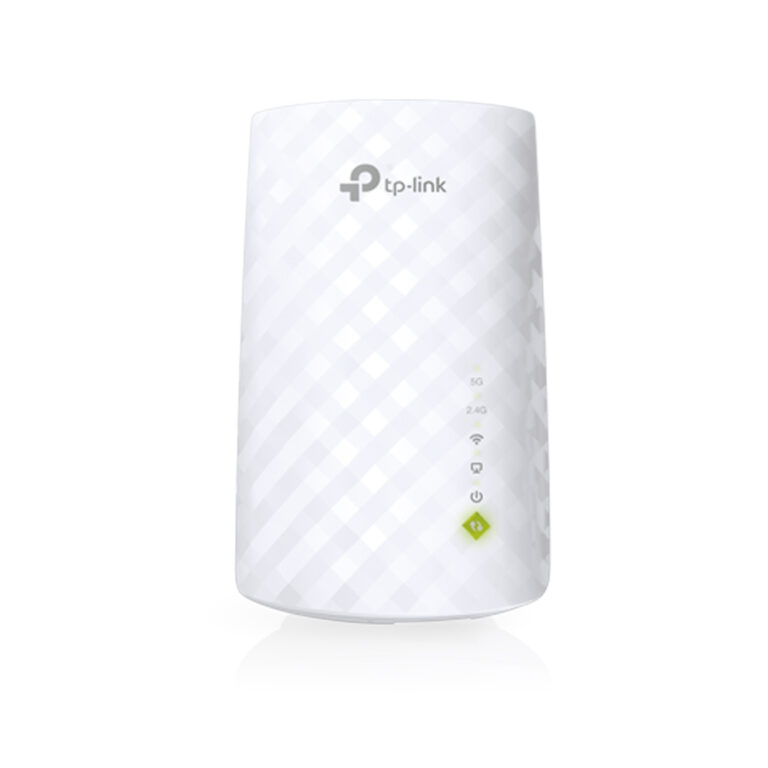
TP-Link AV600 Wi-Fi Extender
In stock
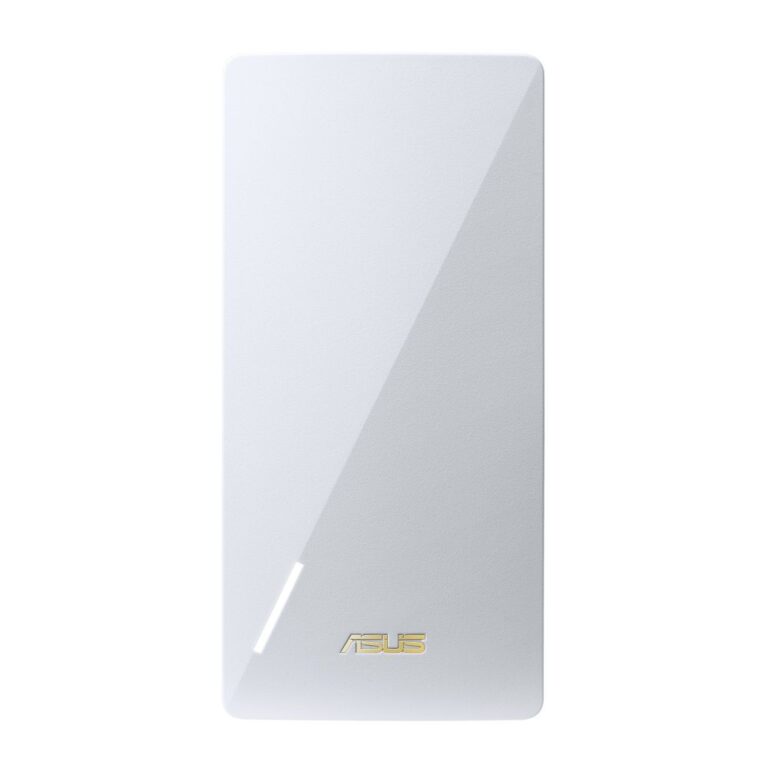
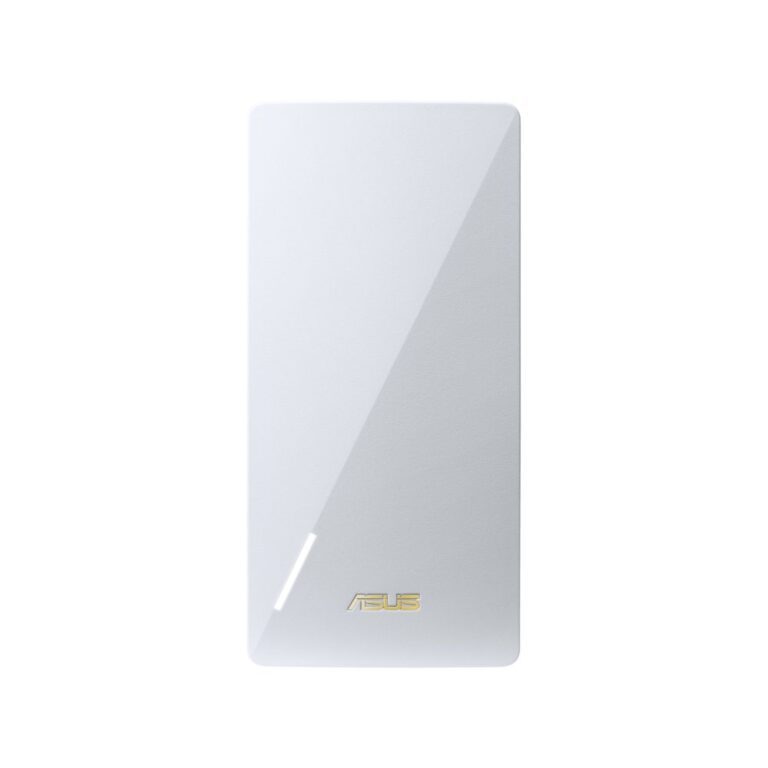
ASUS BE3600 Network Repeater White
In stock
ASUS RP-AX58 White Network Transmitter
In stock
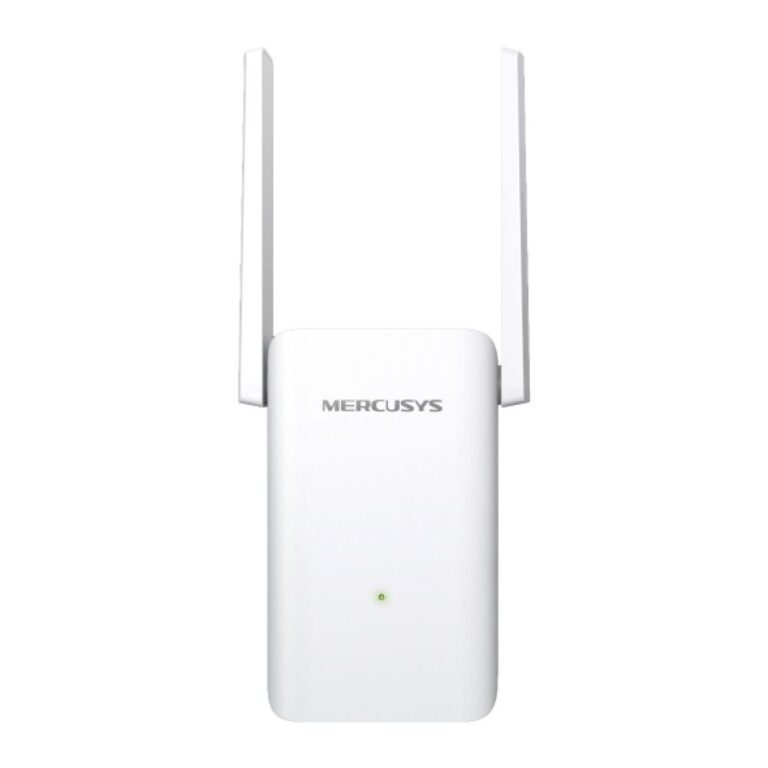
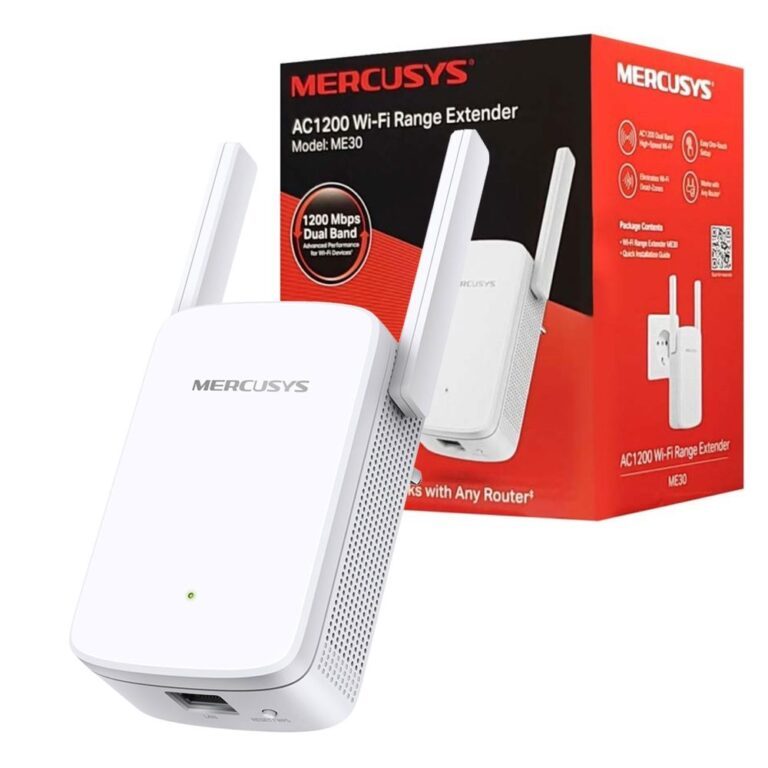
Mercusys ME80X Extender 100/1000 Mbps
In stock
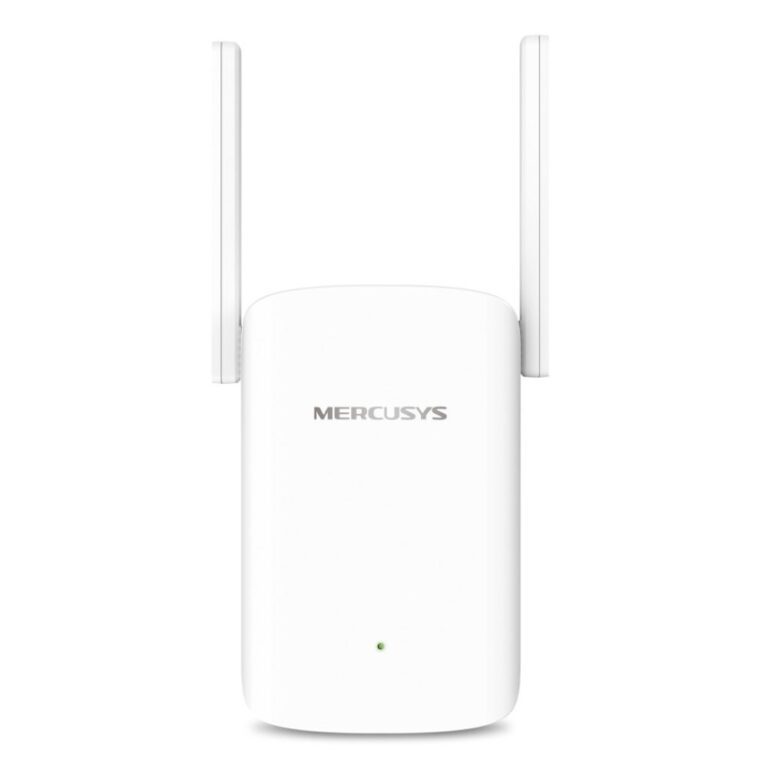
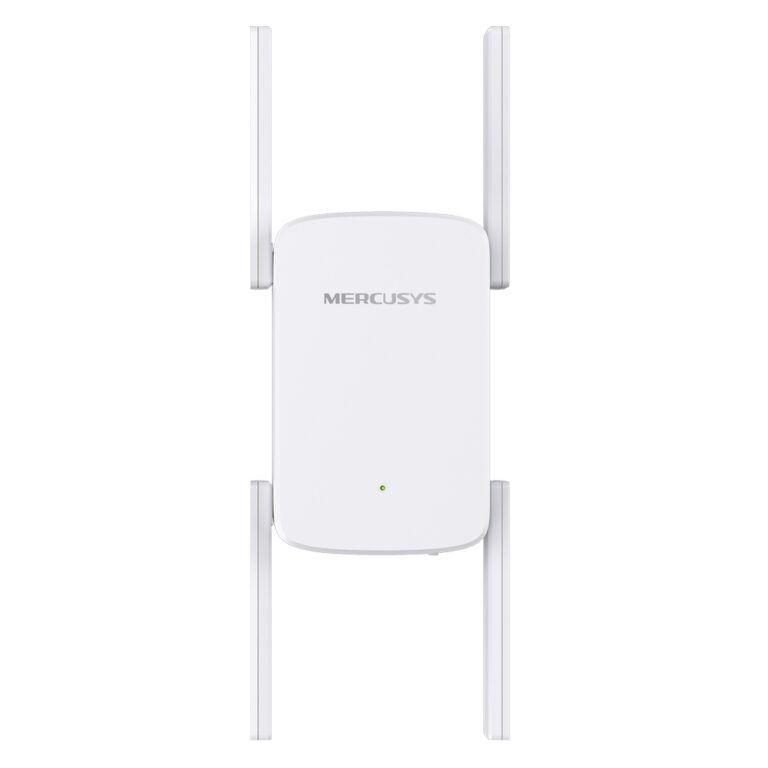
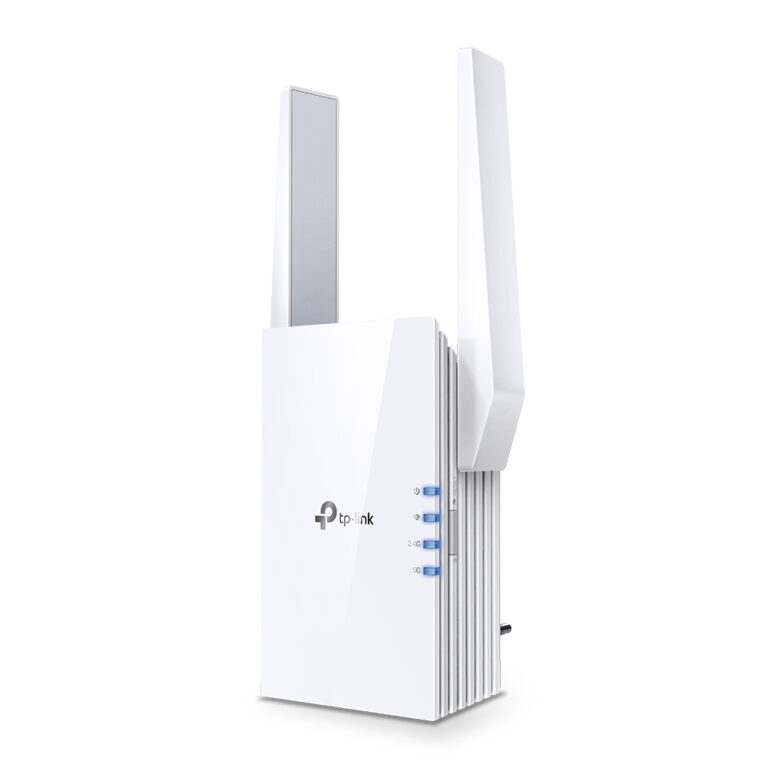
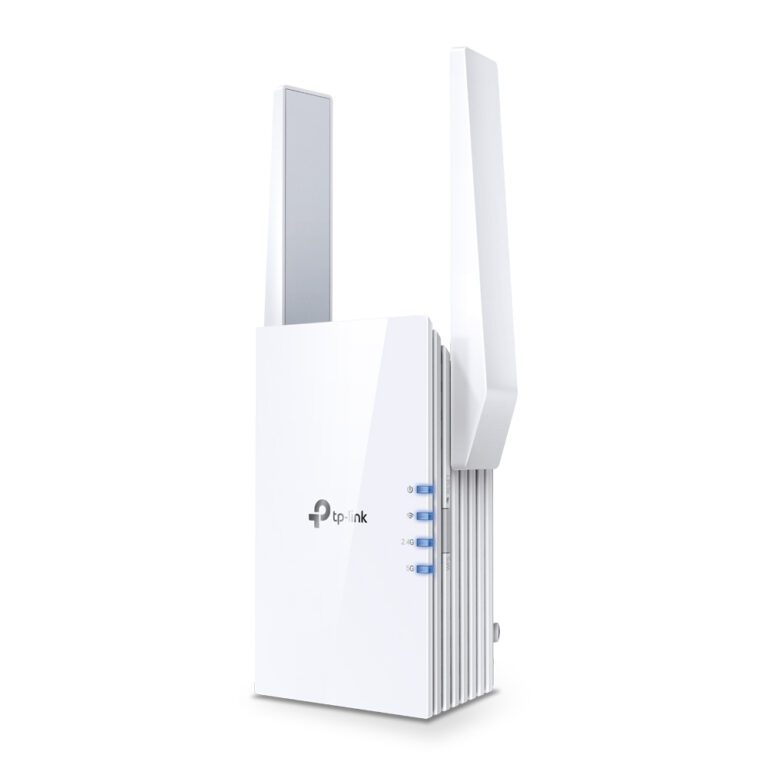
A Wi-Fi extender picks up your router’s signal and rebroadcasts it, which pushes coverage into a room the router cannot reach.
Where it works well: one specific dead spot — a back bedroom, a garden office, an upstairs corner — where the extender can be placed somewhere that still gets a decent signal from the router. Placed too far away it simply rebroadcasts a weak signal.
Where it does not: whole-house coverage. An extender creates a second network and halves throughput on single-band models, because the same radio talks to the router and to your devices. If more than one room is a problem, a mesh Wi-Fi system is the better answer — one network name, seamless handover, and no halving.
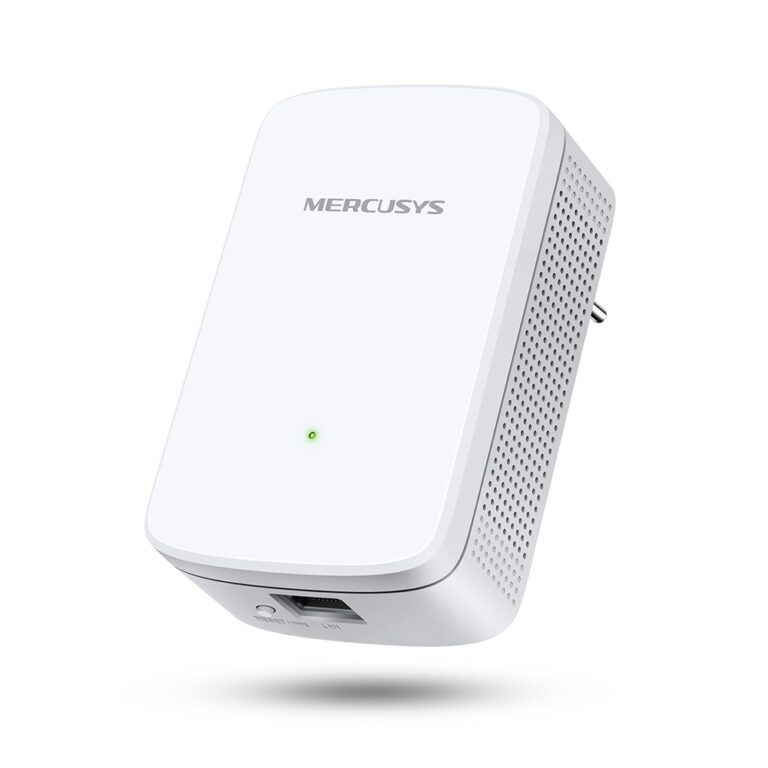
Match the standard to your router: Wi-Fi 5 (AC), Wi-Fi 6 (AX) or Wi-Fi 6E. Models with an Ethernet port can also serve as a wired access point, which is the most reliable option of all if a cable can reach.
The range covers TP-Link, Mercusys, ASUS and Ubiquiti.
Wi-Fi Extenders Buying Guide and FAQ
This Wi-Fi Extenders range covers networking gear. Below are the common questions.
What does this networking product do?
This category covers wi-fi extenders that help you build a faster, more reliable home or office network. The right choice depends on your setup, so match it to your broadband, the number of devices and the coverage you need.
Will it work with my existing network?
Most networking gear connects to a standard home network by cable or Wi-Fi. Check the standards and speeds it supports so it keeps up with your broadband and devices, and that it fits how your network is set up.
How do I get the best performance?
Wire your main devices where you can for speed and stability, use up-to-date Wi-Fi (Wi-Fi 6 or 7) for wireless, and place hardware to give even coverage. Gigabit ports are the sensible baseline.