Filter by brands
 GIGABYTEGIGABYTE 1
- LOGIX 13
- TARGET 11
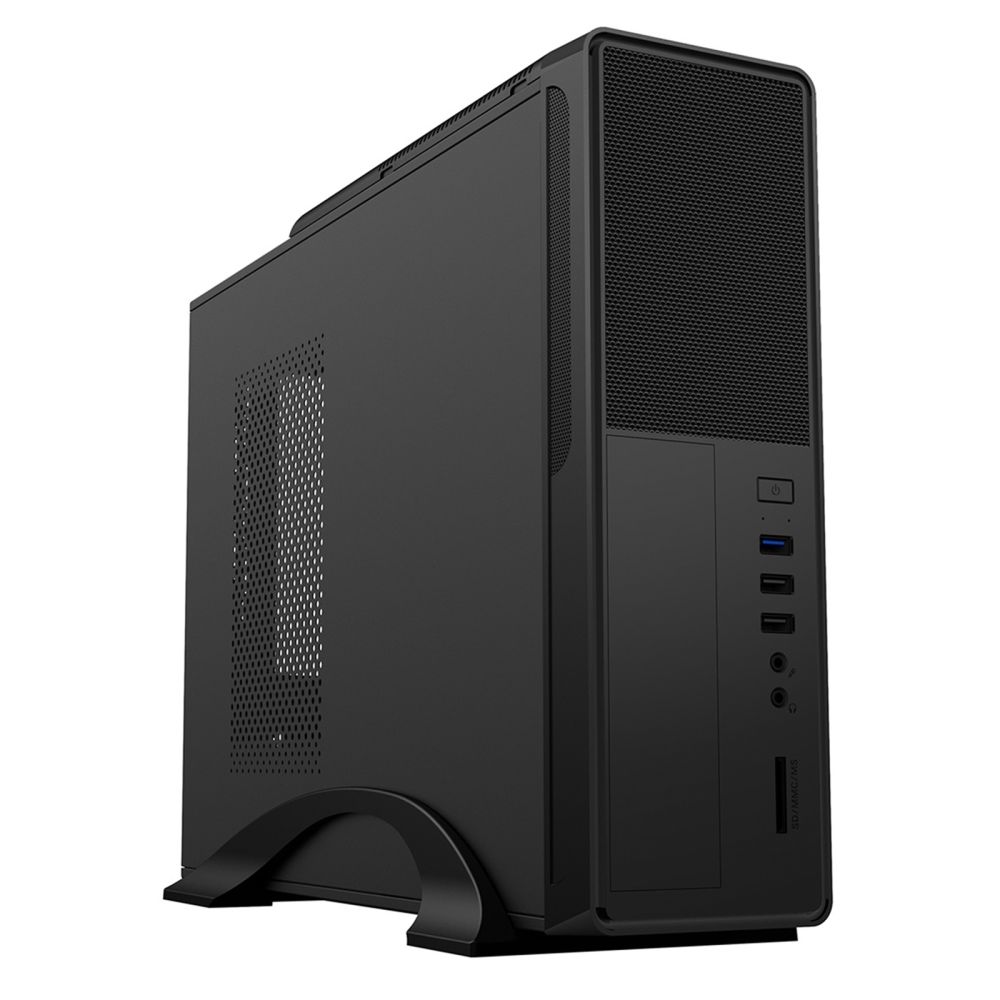
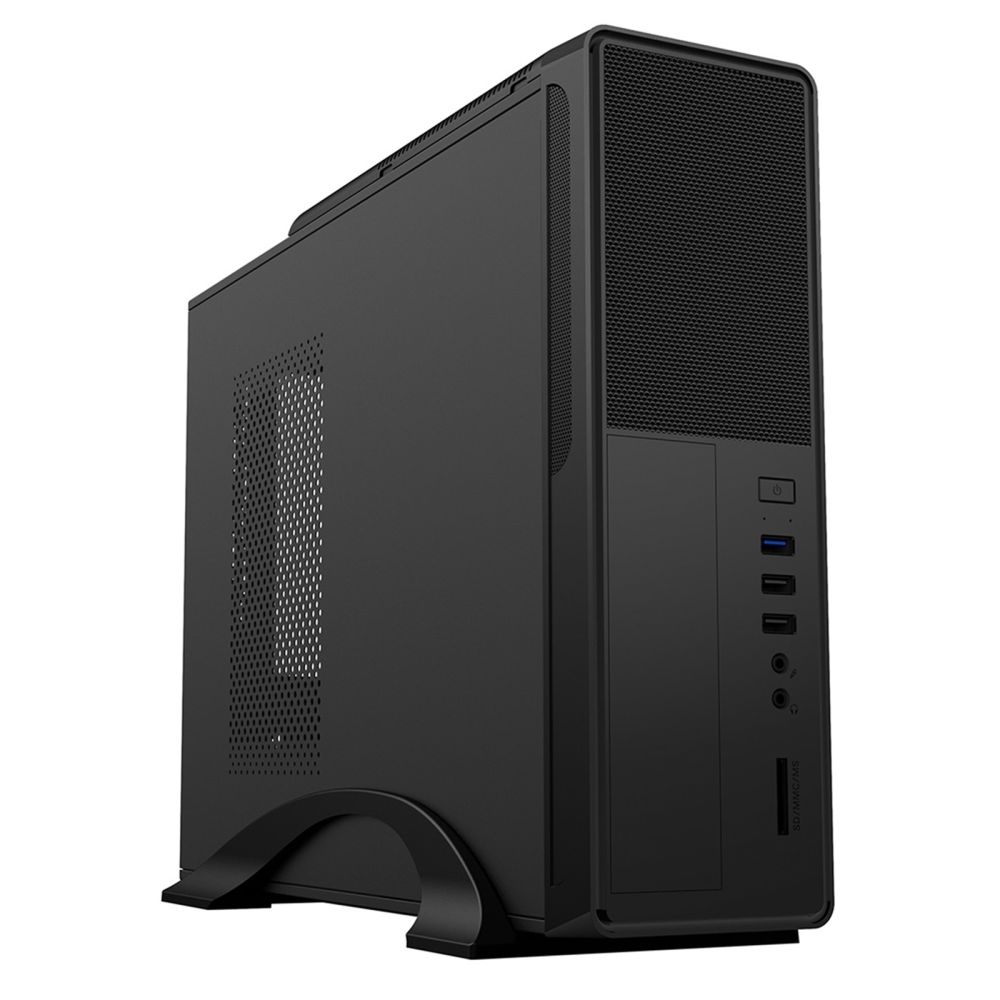
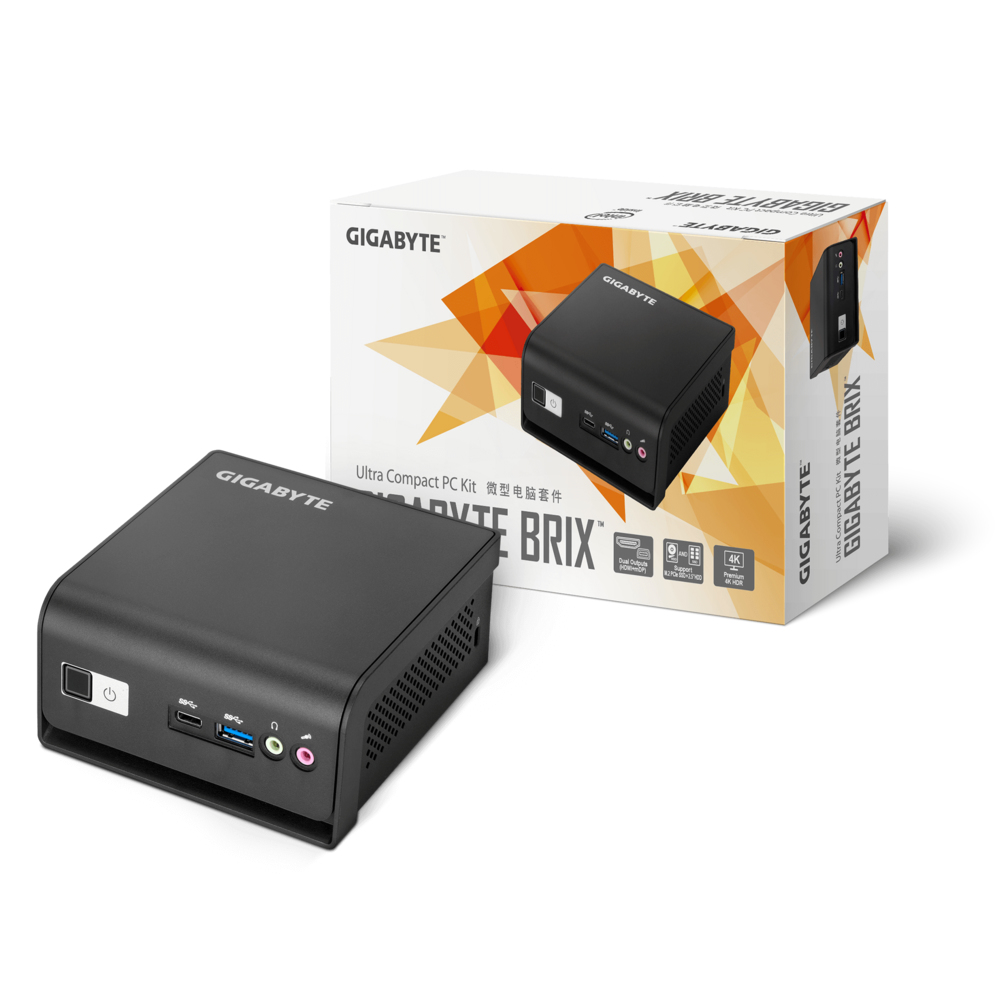
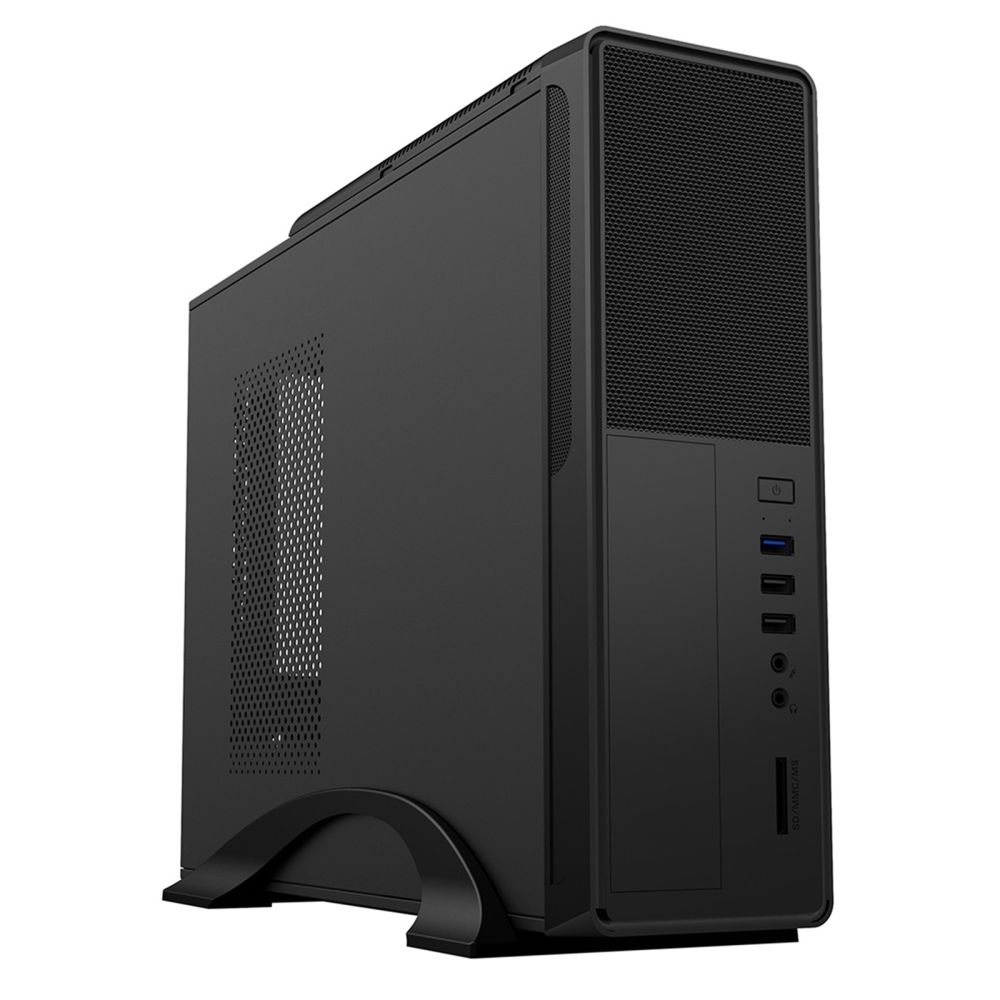
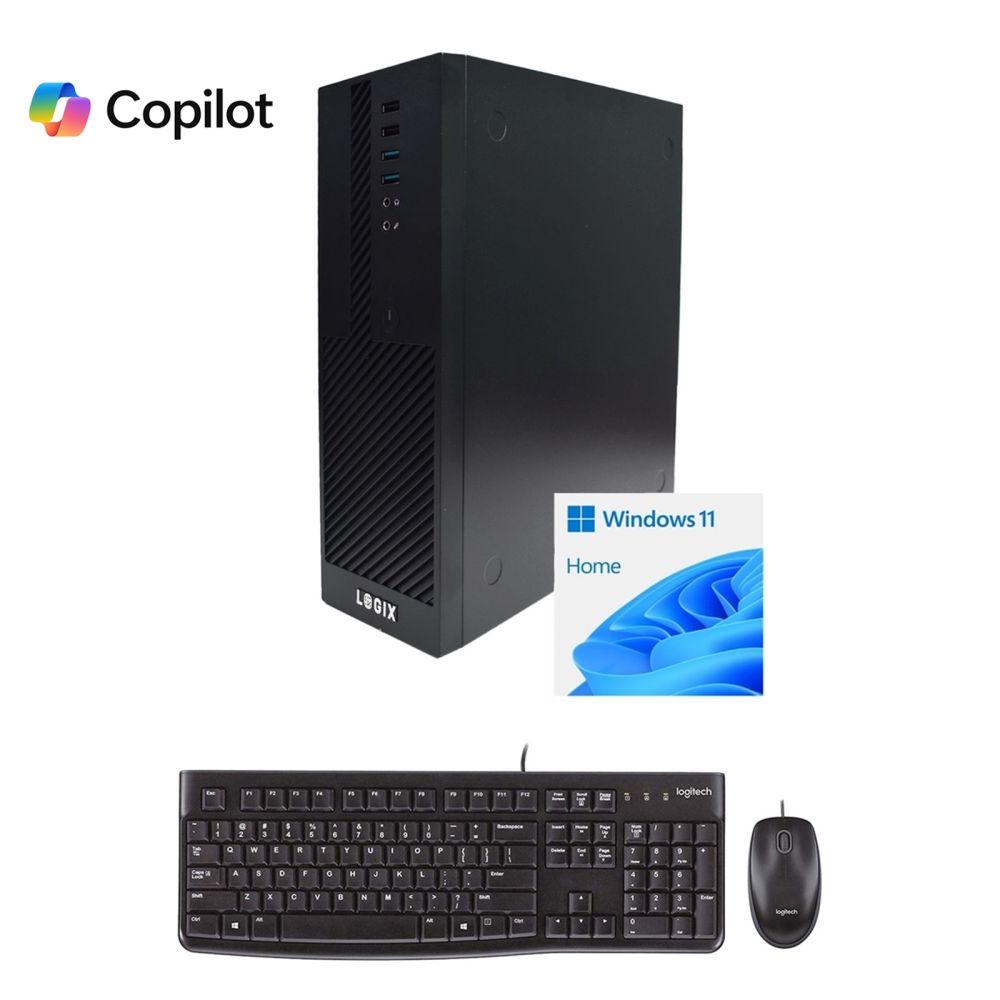
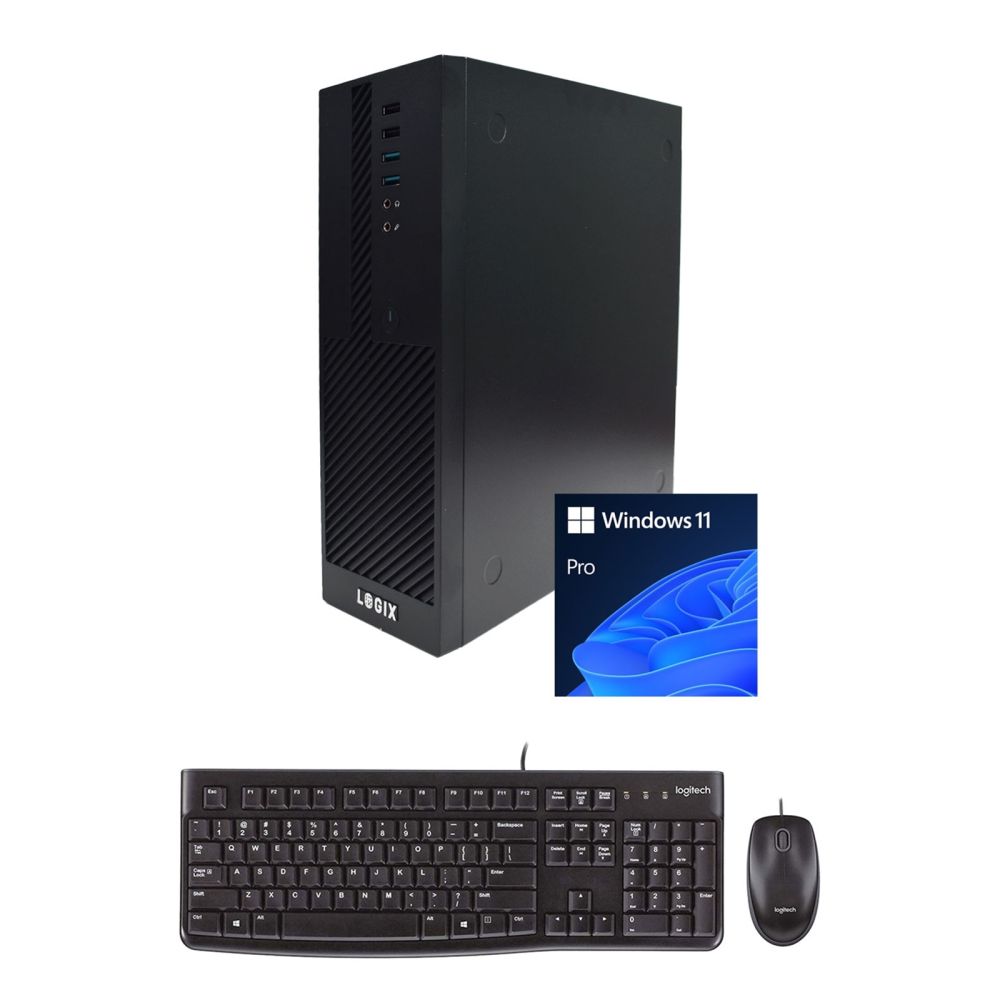
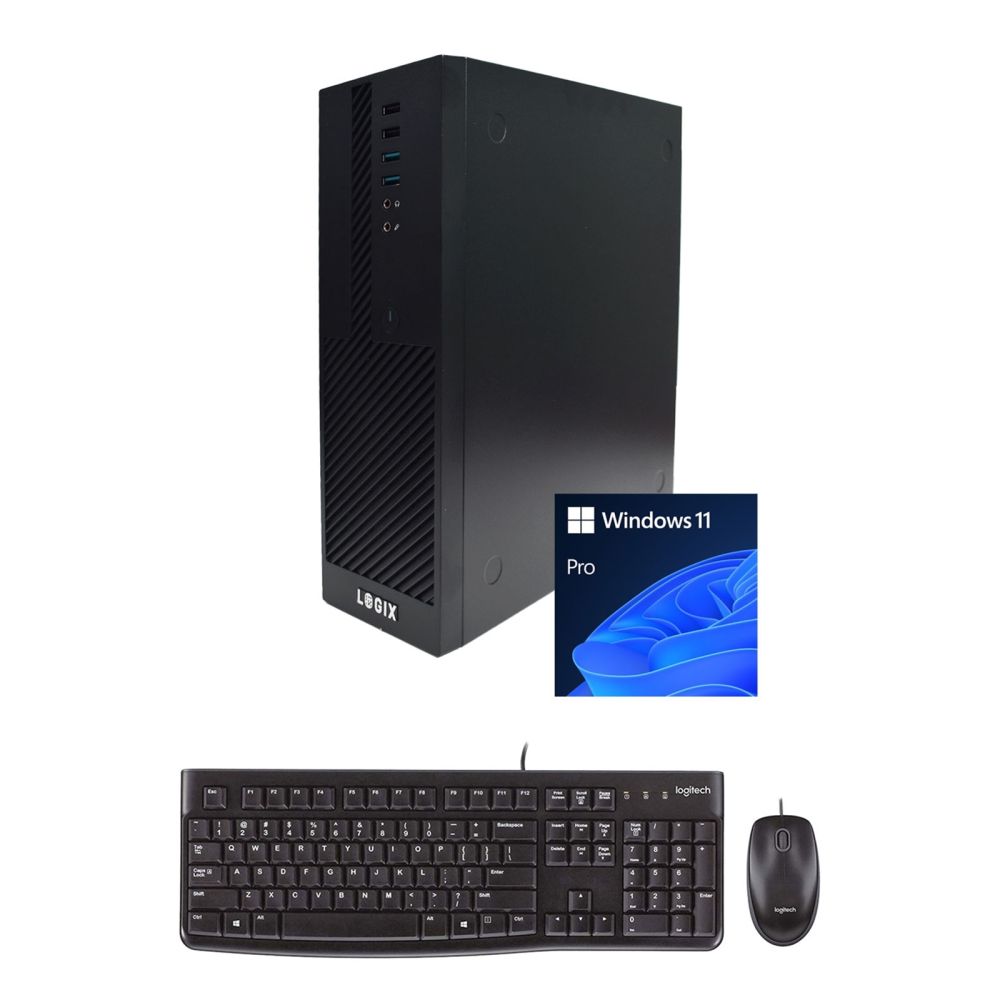
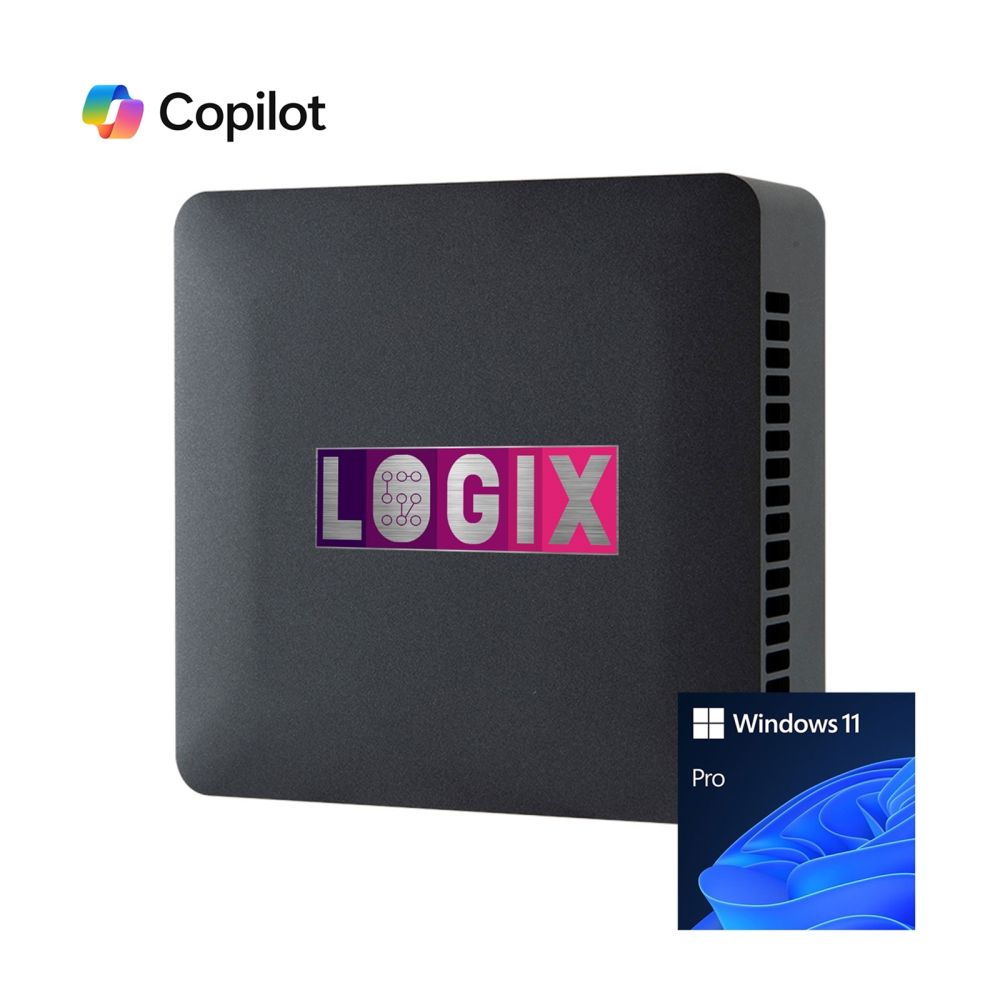
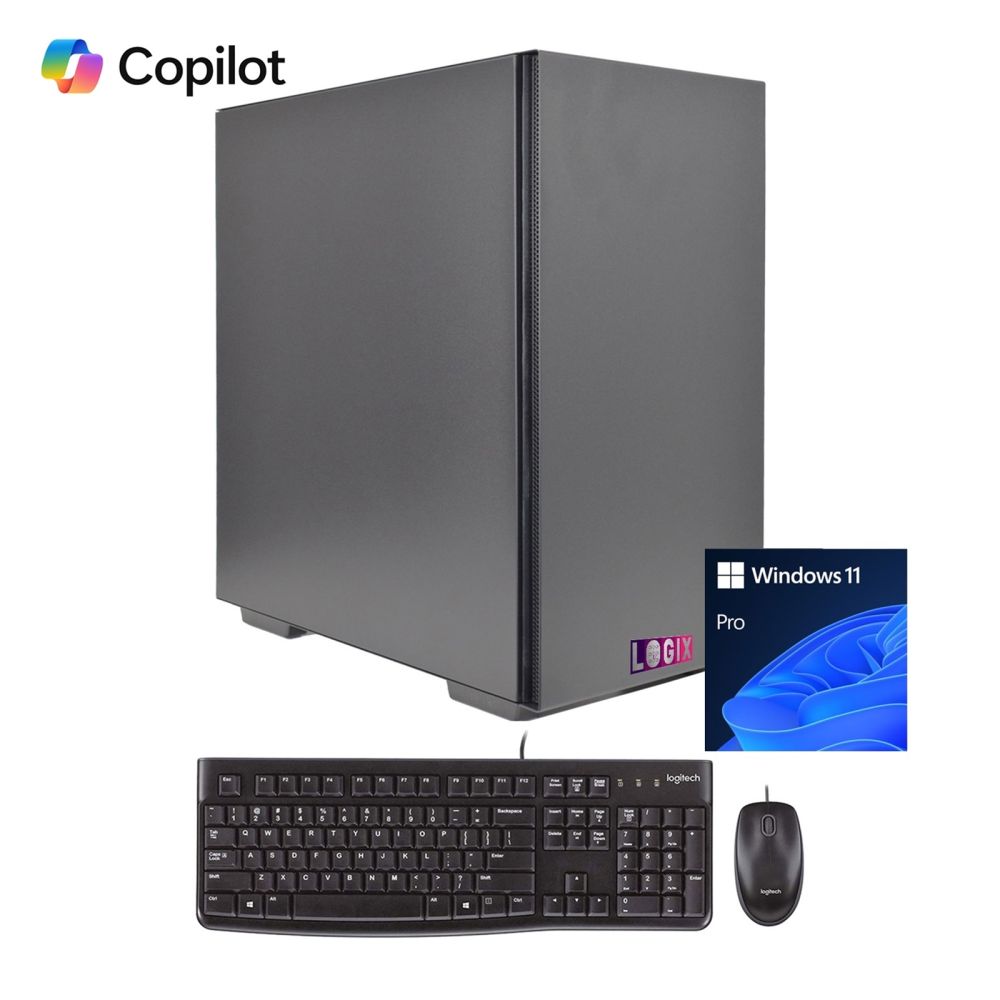
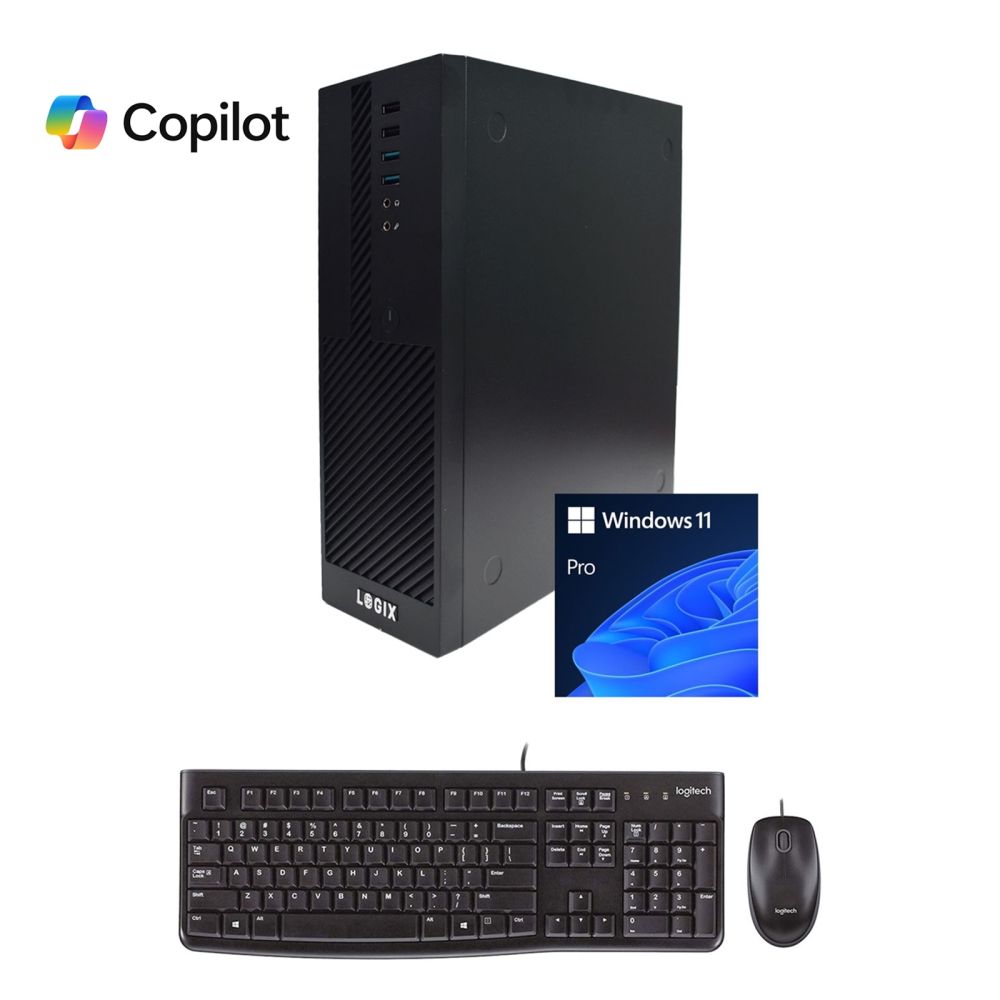
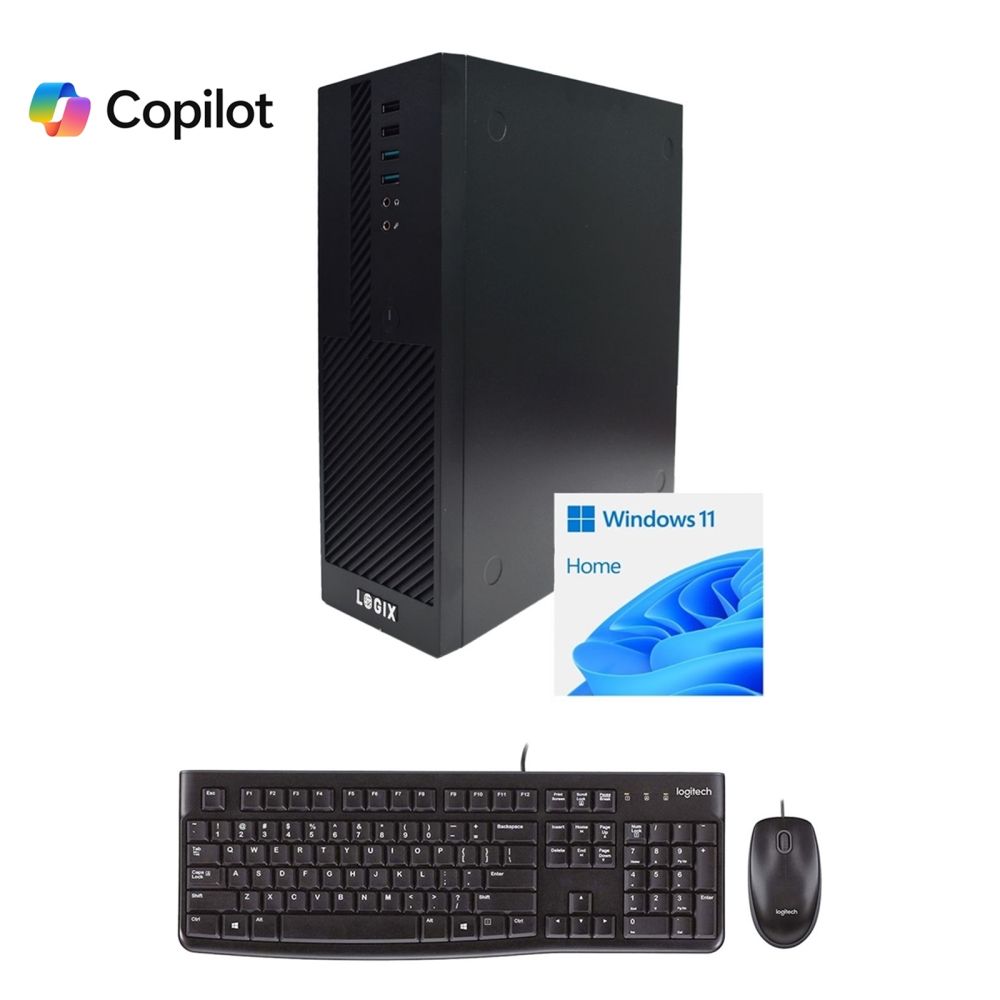
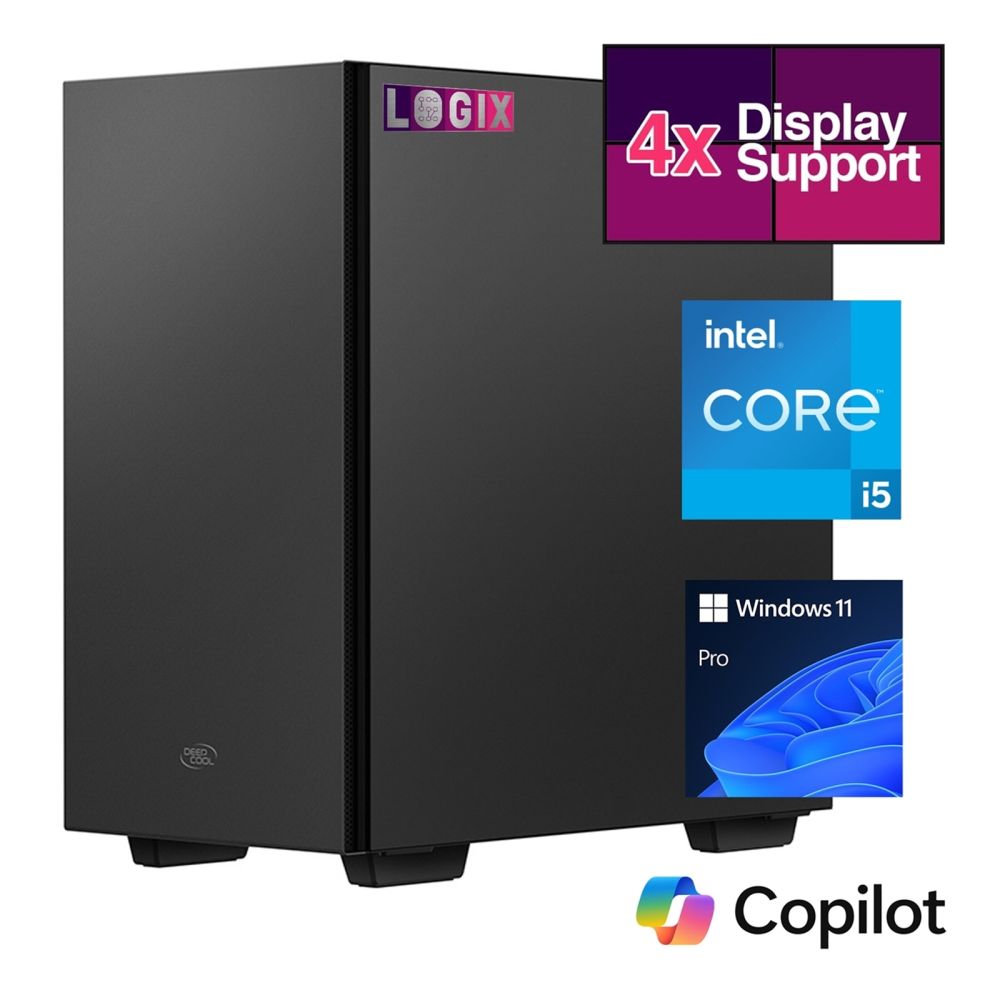
LOGIX i5-1335U 10-Core CPU, 16GB DDR4, 500GB NVMe, WiFi 6, Bluetooth 5.2, Win 11 Pro
In stock
£821.72 inc VAT
GIGABYTEGIGABYTE 1Build a custom PC that matches your exact needs for gaming, productivity, and creator workloads. Choose compatible components with the right performance, cooling, and upgrade path for a balanced, reliable system.
In stock
In stock
In stock
In stock
In stock
In stock
In stock
In stock
In stock
In stock
In stock
In stock
In stock
A custom PC lets you choose the exact performance level, cooling, and upgrade path you want—whether you're building for gaming, productivity, or demanding creative work. In our Custom PC category, you can explore core components and build essentials to plan a balanced system from the ground up.
Choose a processor that matches your workload: For everyday use and office tasks, a balanced CPU keeps everything responsive. For content creation and heavier multitasking, higher core counts can significantly improve performance. Start by comparing options in Processors, then narrow your platform choice to AMD or Intel.
Match the motherboard platform to the CPU socket and chipset. Compare Motherboard platforms, or go straight to AMD Motherboards and Intel Motherboards to select the best upgrade path and features for your build.
Choose enough RAM for your use: RAM capacity affects multitasking and workload performance. Browse compatible kits in Memory to match your platform and performance goals.
Pick fast storage for responsiveness: Storage impacts boot time and loading speed. Start with NVMe SSDs for maximum everyday speed, then add extra capacity using SATA SSDs or bulk storage via HDDs from Computer Storage.
If you're building for gaming or GPU-accelerated applications, choose a graphics card that matches your target resolution and refresh rate. Explore options for graphics cards, or narrow your choice to NVIDIA, AMD, or Intel graphics cards based on your performance goals and software needs.
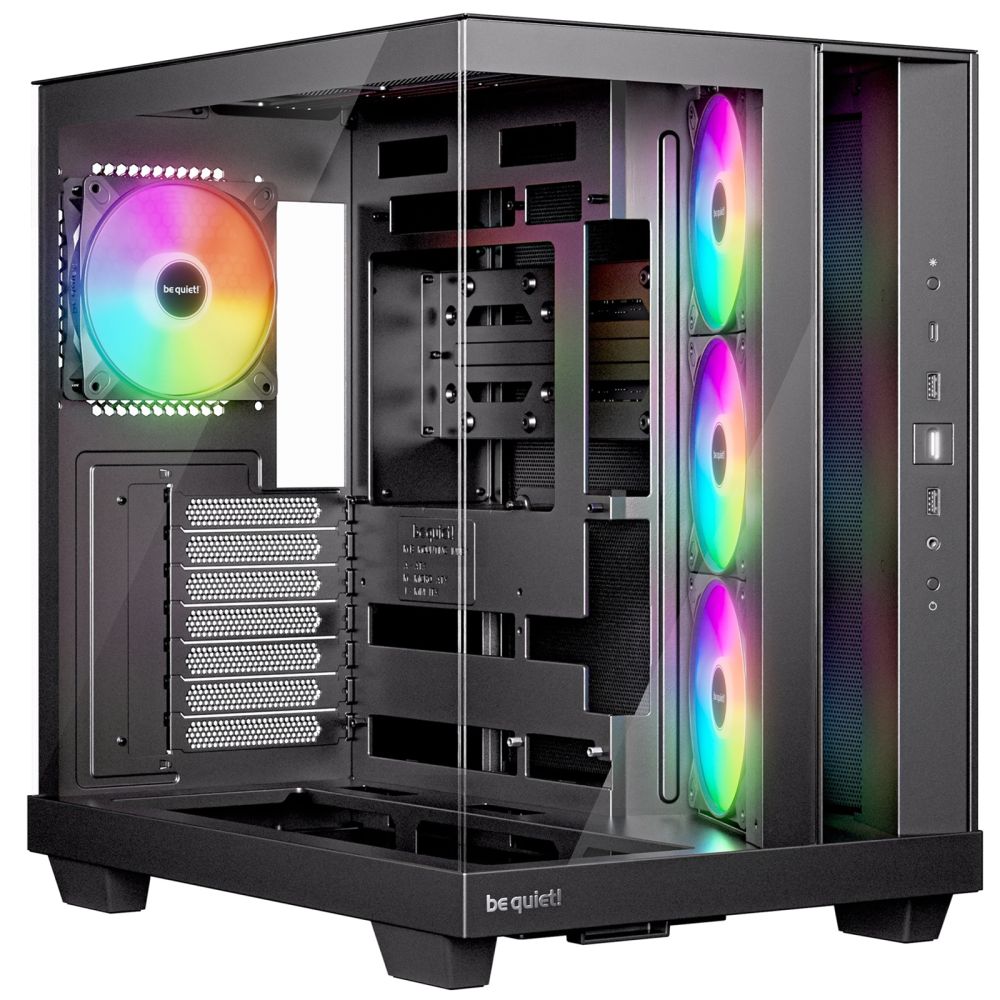
Choose the proper case and airflow: Good airflow improves stability and reduces noise. Pick the right size and layout from Cases, then improve airflow with PC Case Fans and cooling options from Fans & Cooling.
Keep temperatures under control: Choose the right CPU cooler for your build—air coolers from PC CPU Coolers or higher-performance options like AIO CPU Coolers. For optimal contact and efficiency, use high-quality thermal paste.
Choose a reliable power supply: A stable PSU is essential for performance and component safety—especially with powerful GPUs. Browse trusted options in Power Supplies and leave headroom for future upgrades.
Finish your custom PC with the correct display and peripherals. Choose a monitor that matches your performance goals from Monitors, then add essential inputs such as keyboards and Mice. For a cleaner, more comfortable workspace, consider Monitor Mount, plus Speakers and Webcams for meetings and streaming.
Build with trusted component brands such as ASUS, MSI, ASRock, and GameMax, depending on your build style. For storage and memory, compare options from Samsung, Kingston, Crucial, and WD.
Start with your main use (gaming, work, creation), then pick the CPU platform and motherboard. This determines compatibility for RAM and future upgrades.
Match the CPU socket and motherboard chipset, check the RAM type (DDR4/DDR5), confirm the GPU size fits the case, and ensure the PSU has sufficient wattage and connectors.
It's not mandatory, but it makes a big difference in boot time and loading. NVMe is a significant "first upgrade" for most custom PCs.
It depends on your tasks. Every day use needs less, while gaming, creator work, and heavy multitasking benefit from higher capacity.
Pick a reliable PSU with enough wattage headroom for your GPU and CPU. Quality matters more than just a high watt rating.
At a minimum, ensure good case airflow and a suitable CPU cooler. More powerful CPUs/GPUs benefit from better coolers and additional case fans for stable performance.
No account yet?
Create an AccountContact us