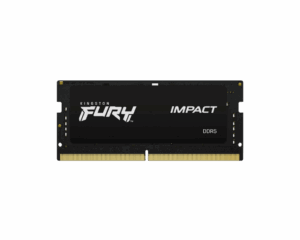
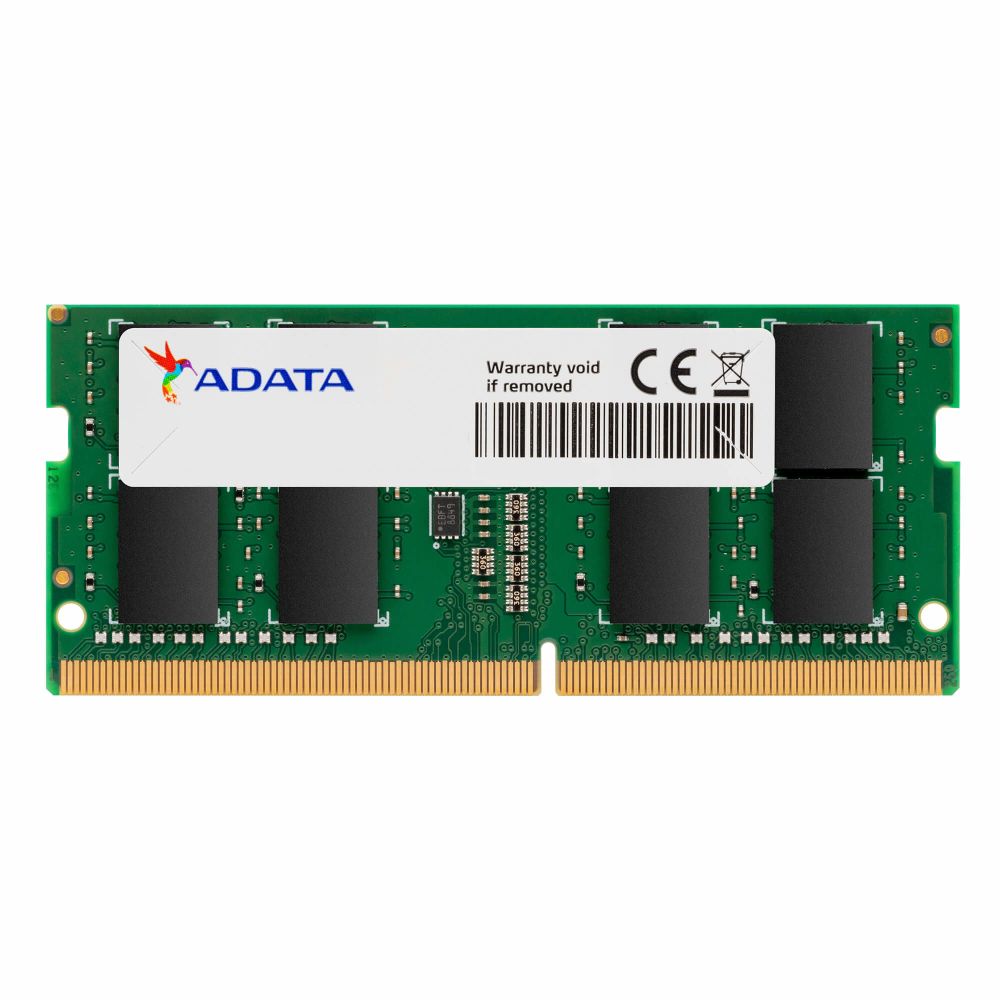
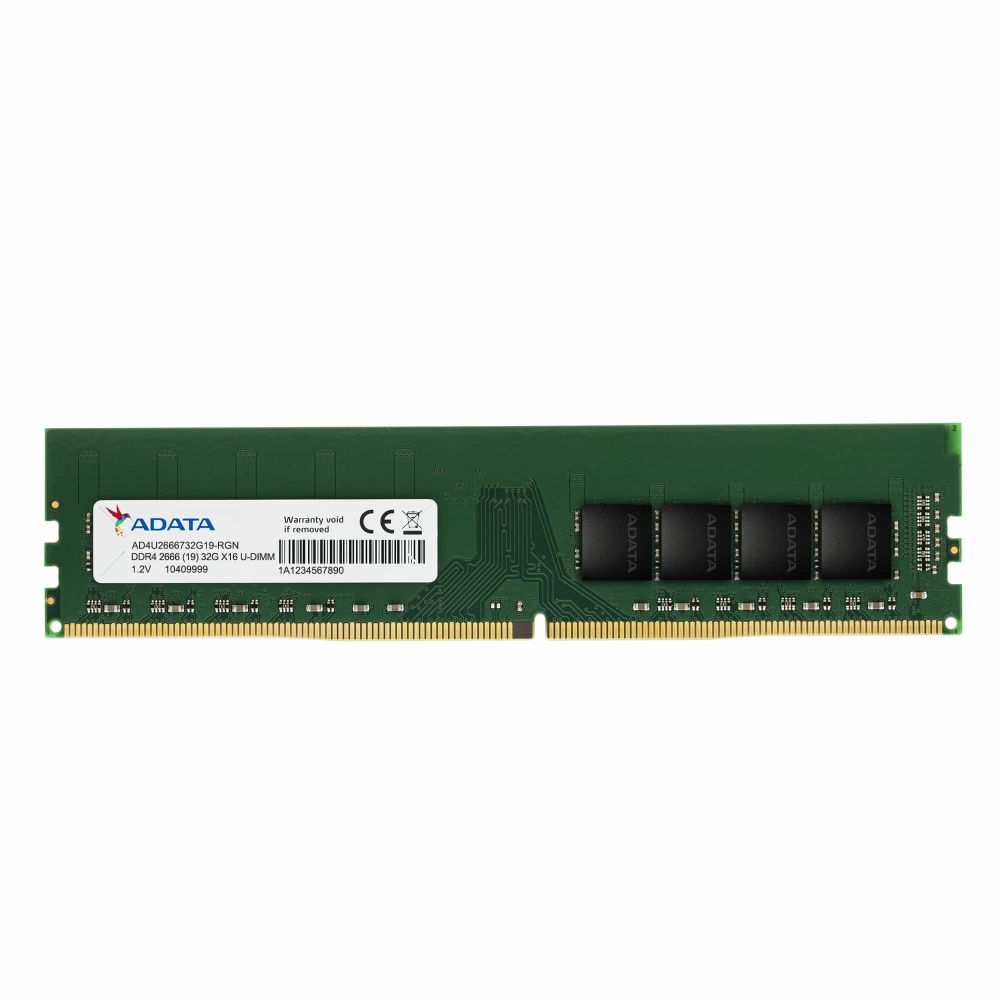
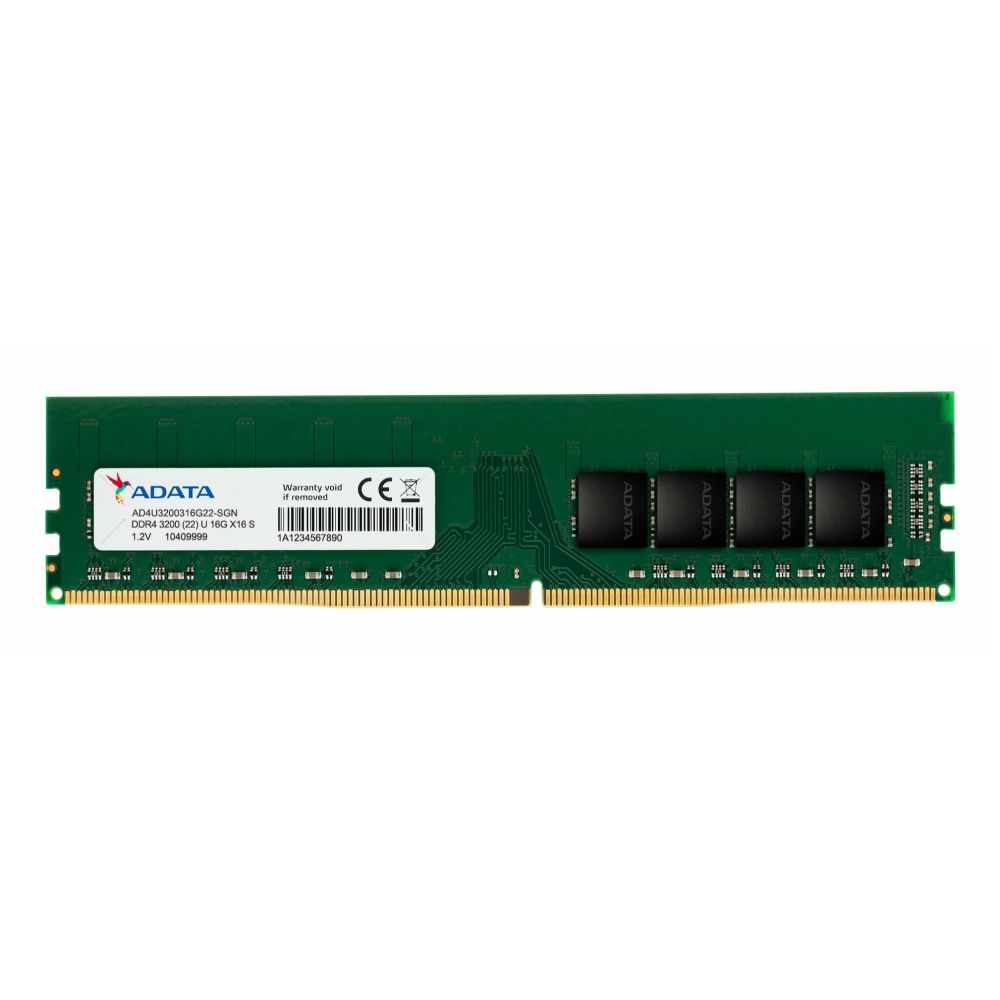
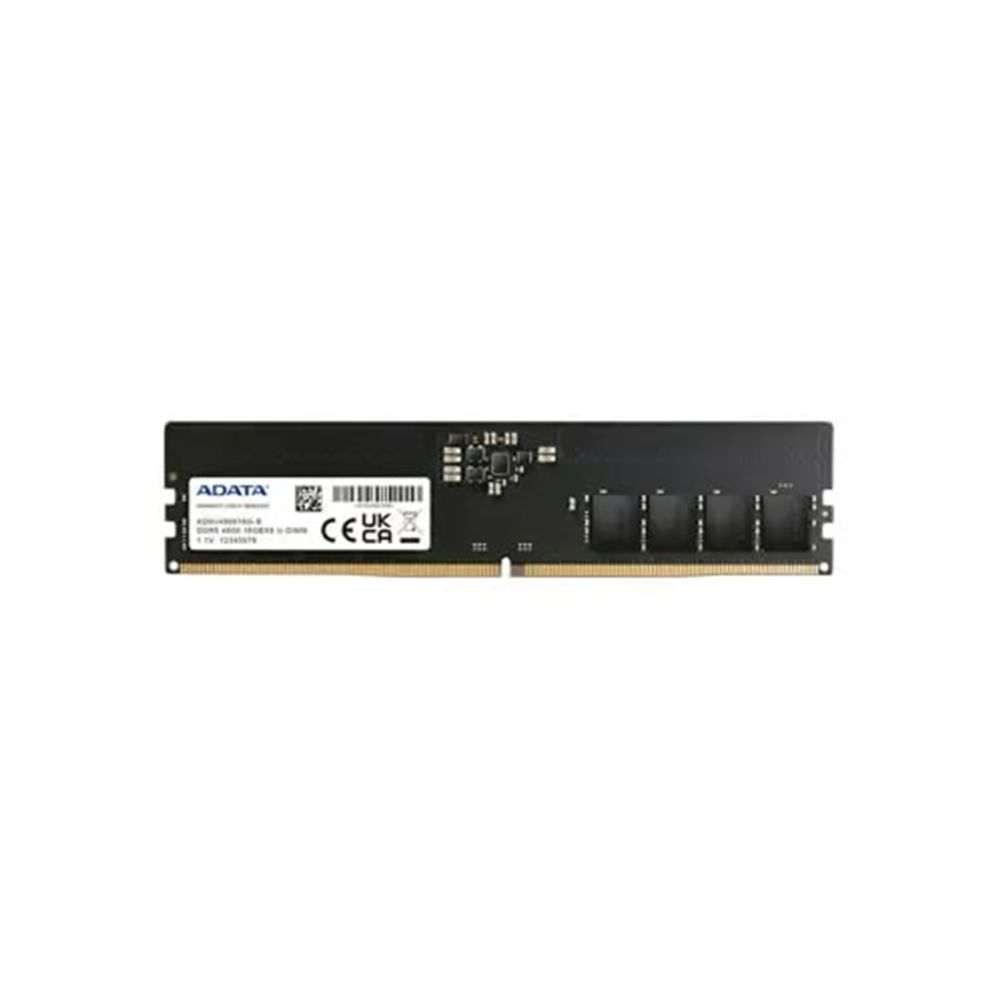
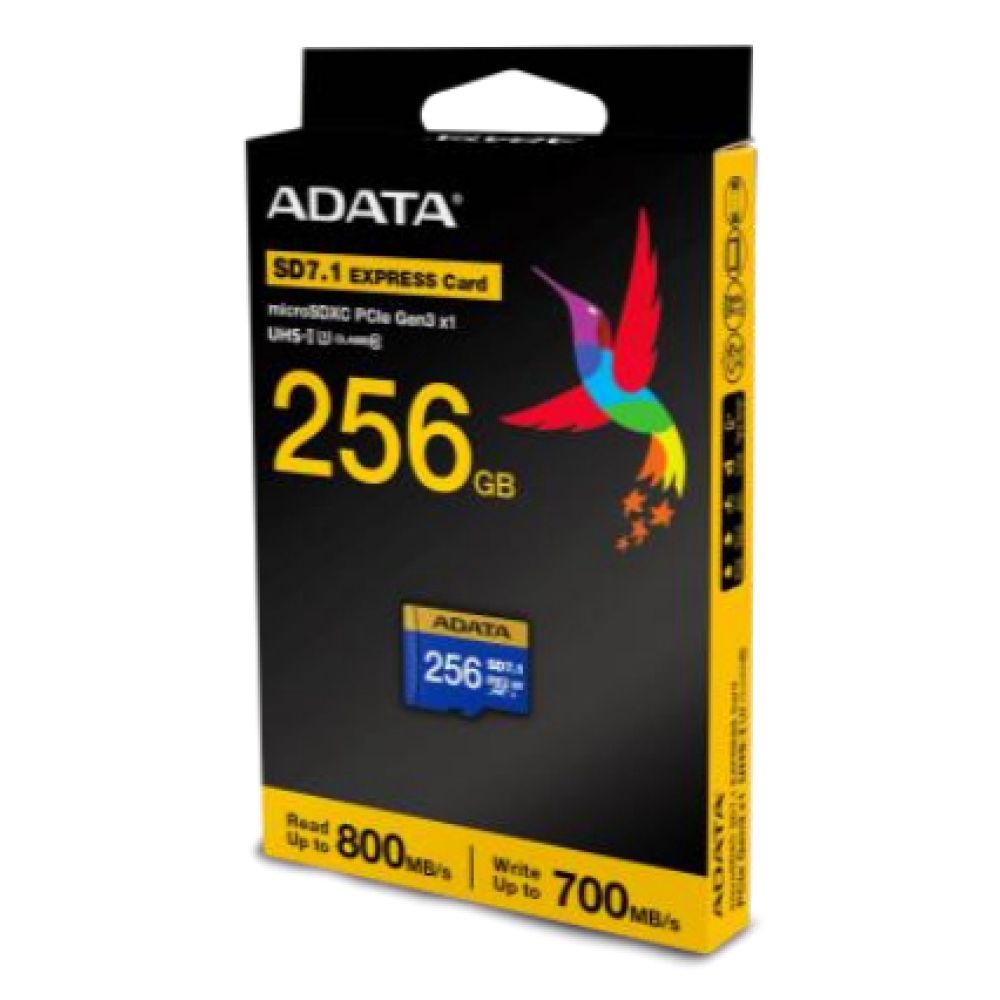
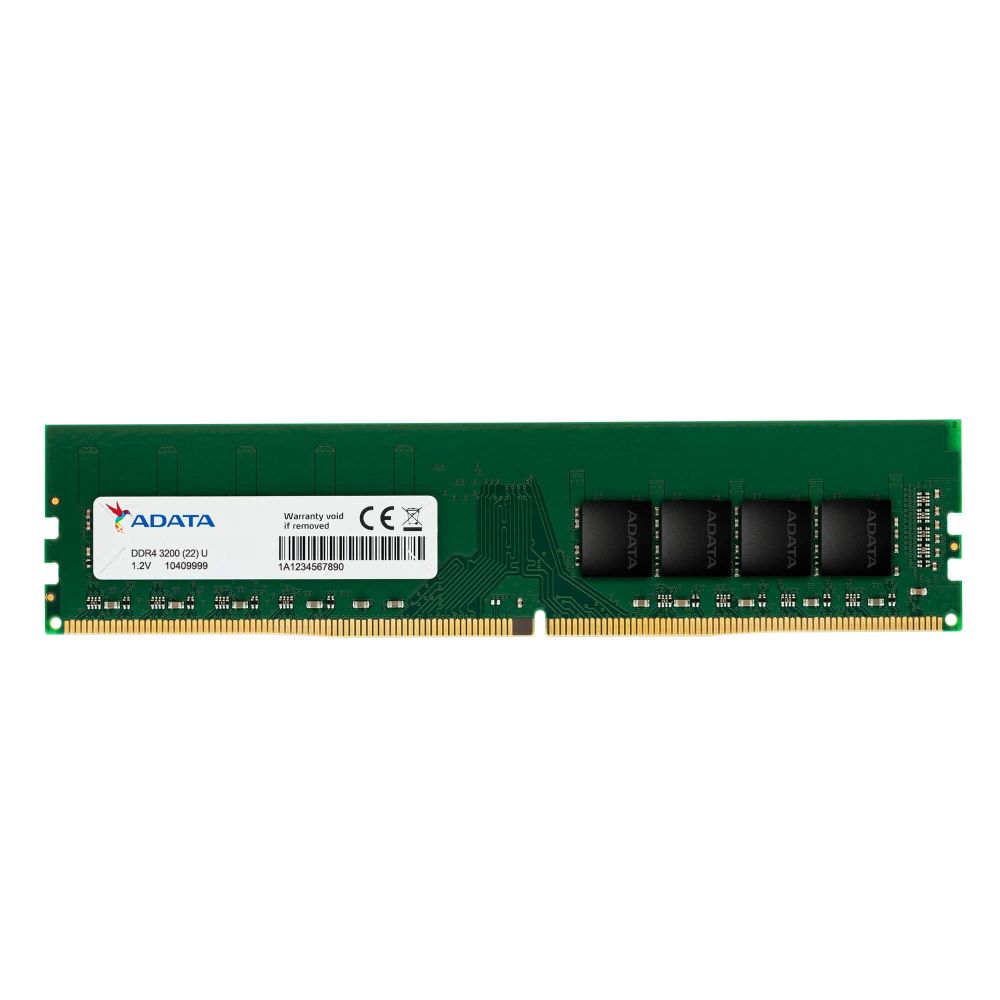
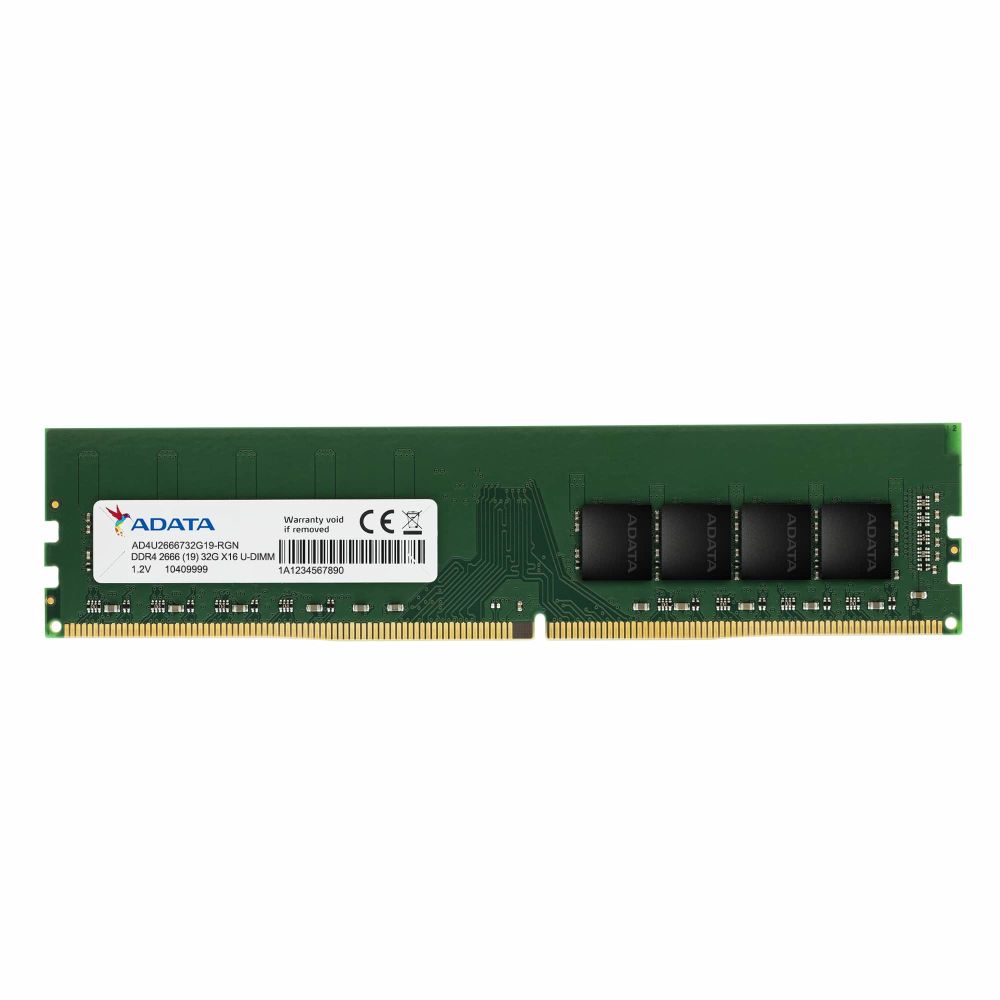
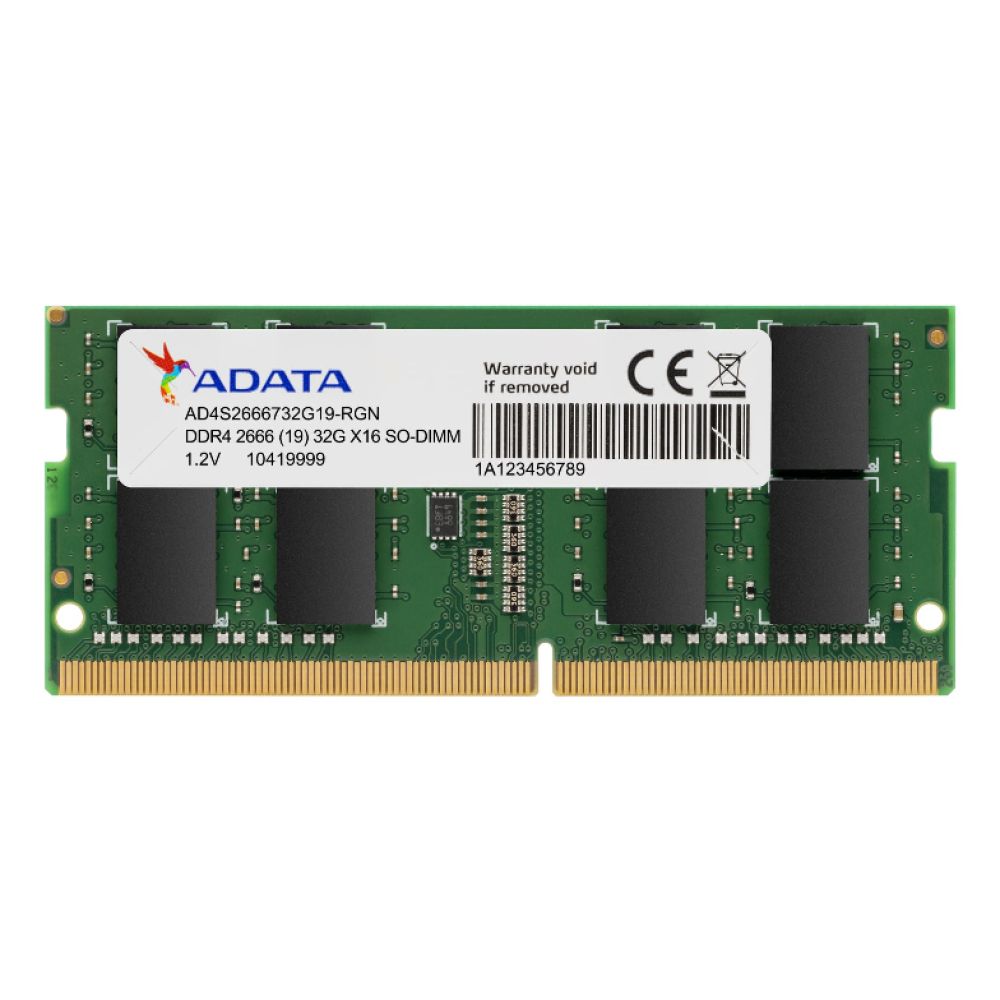
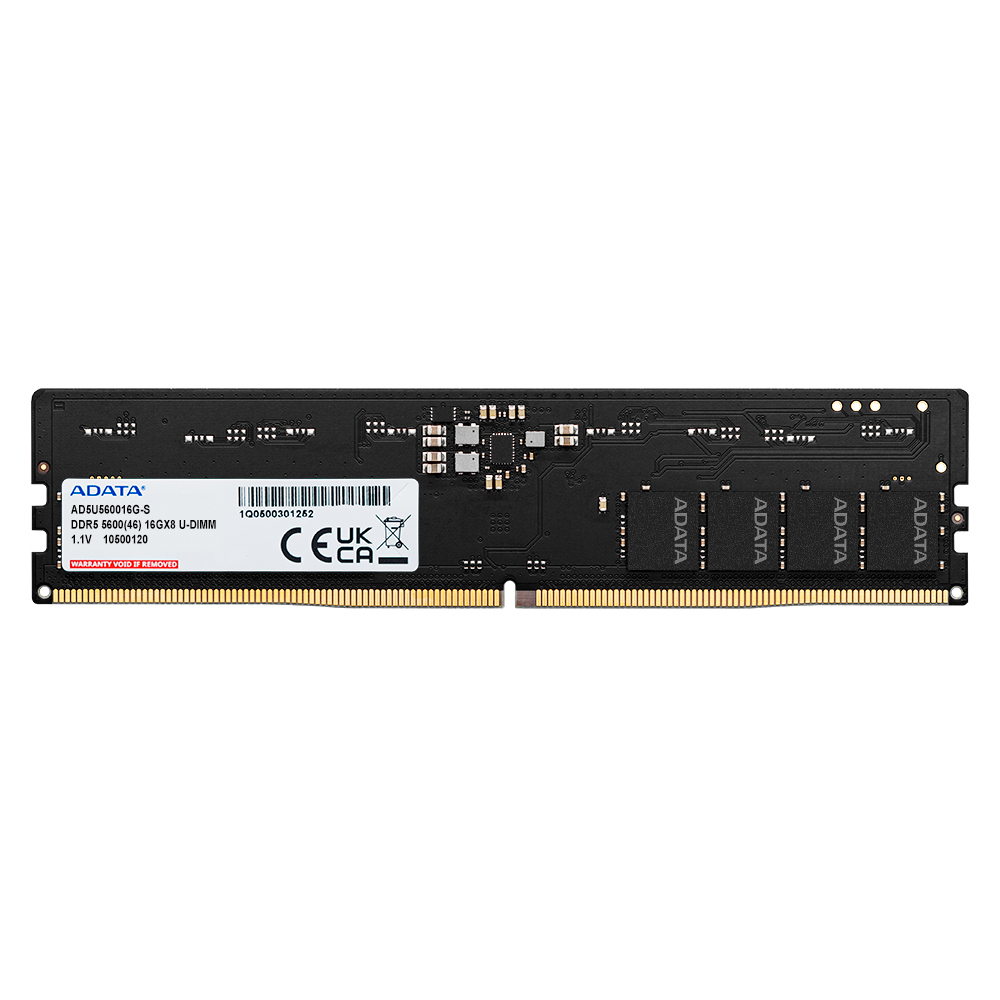
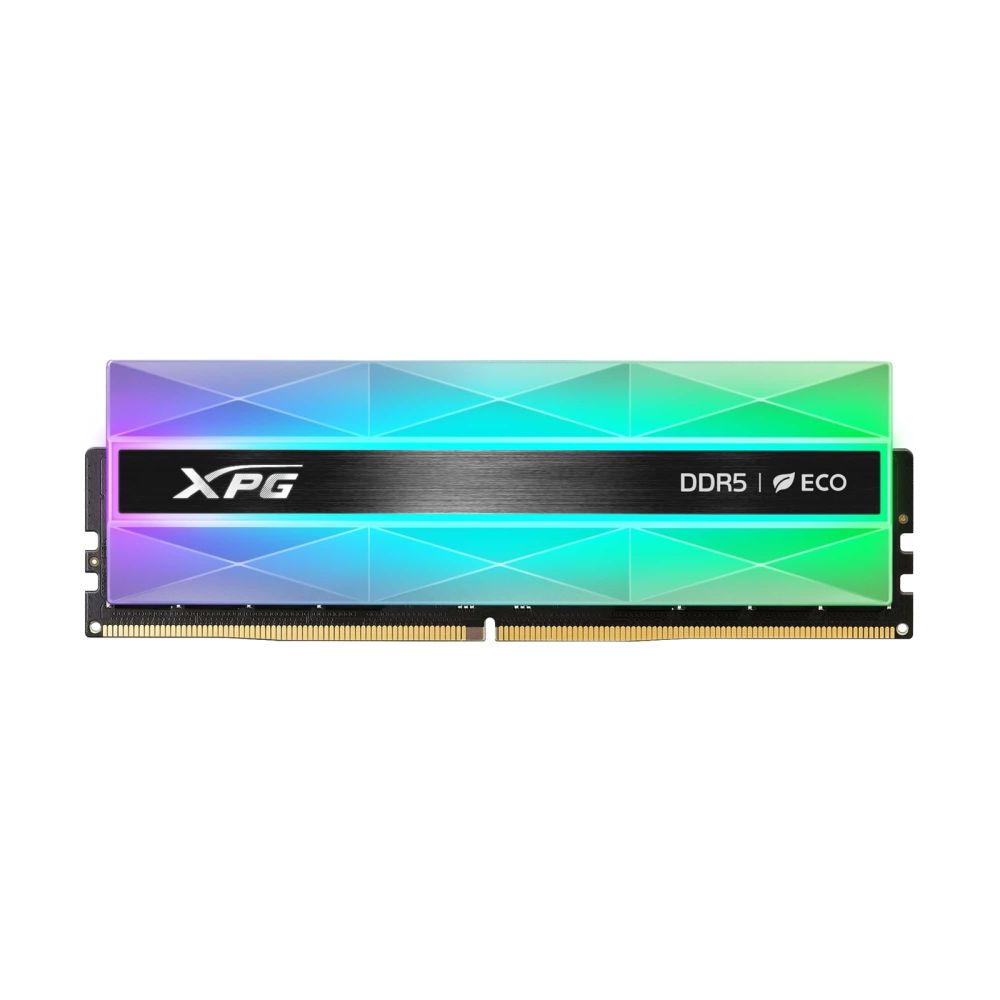
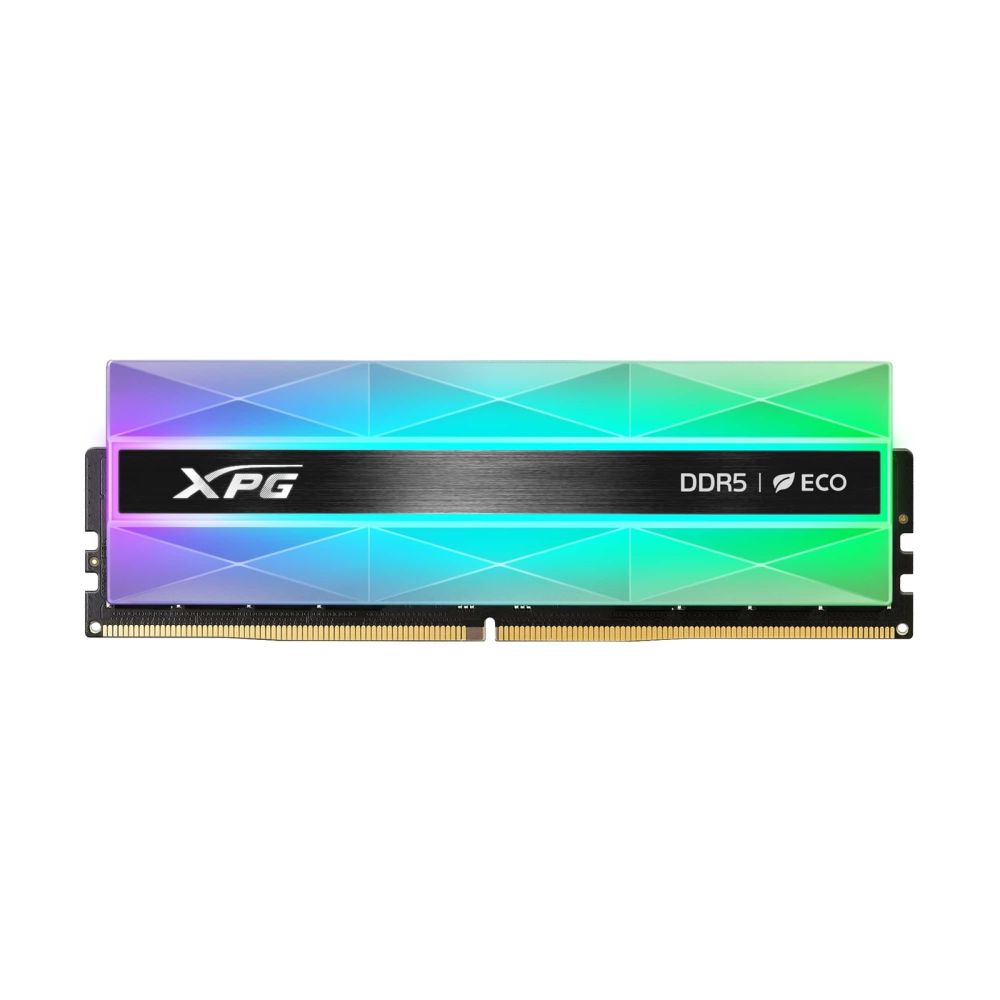
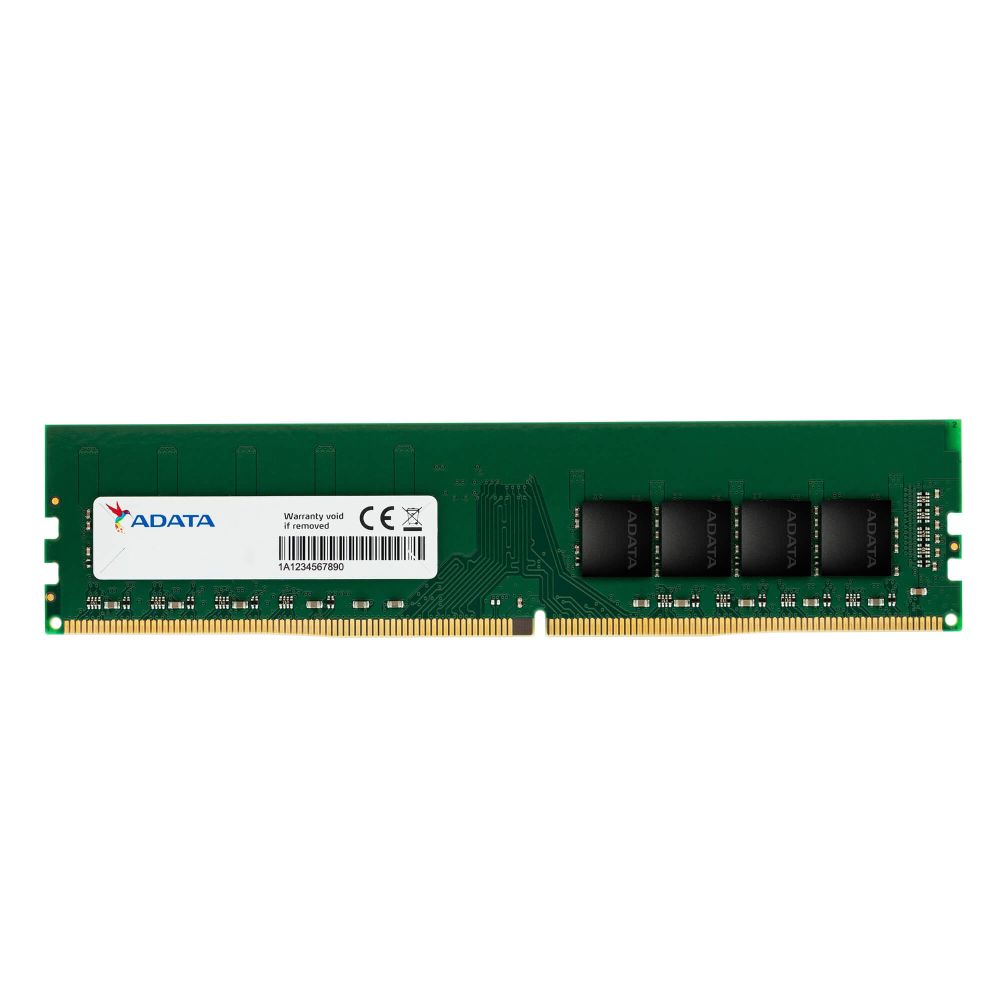
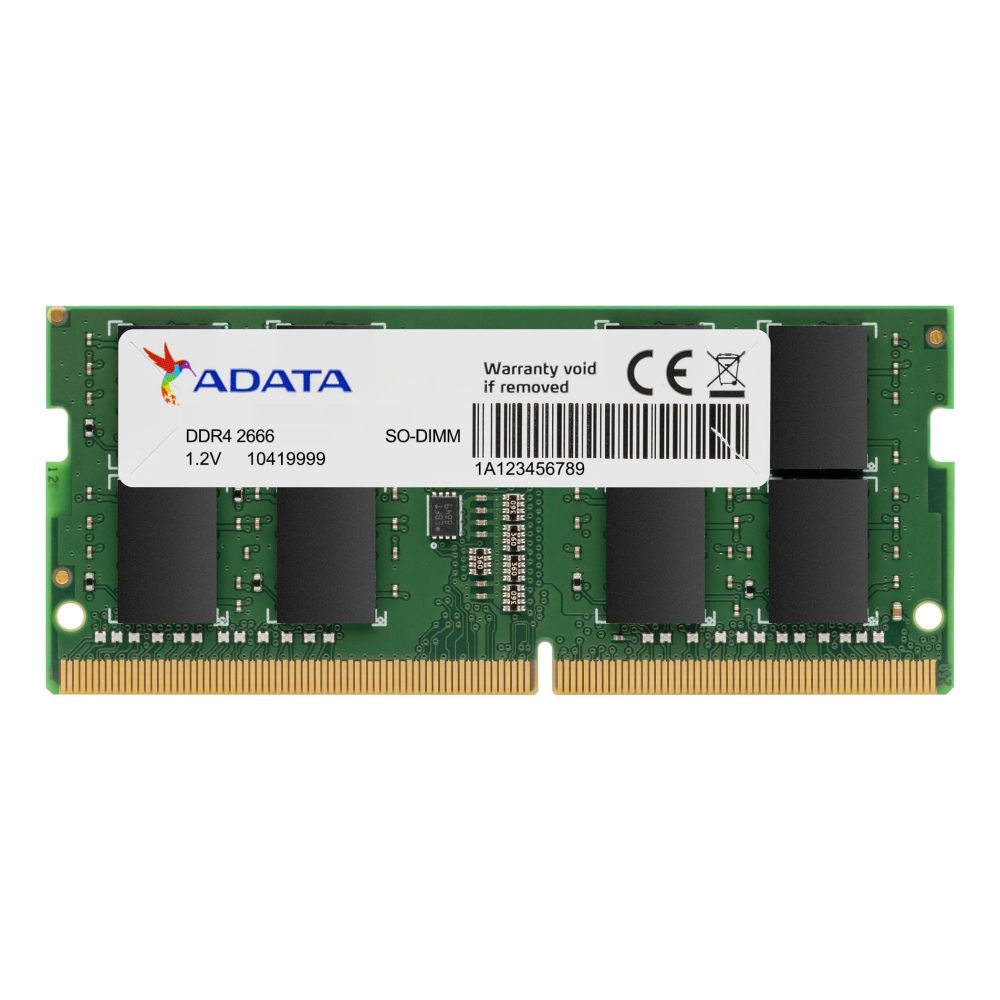
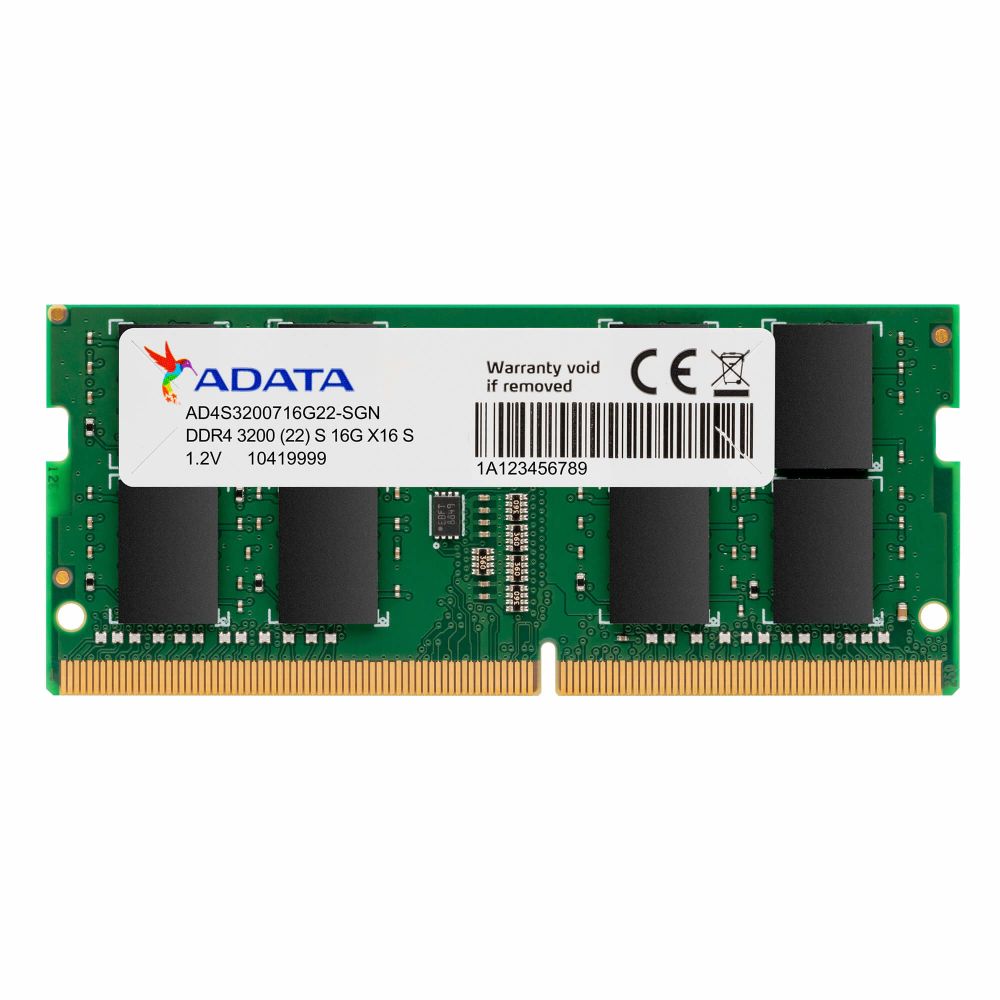
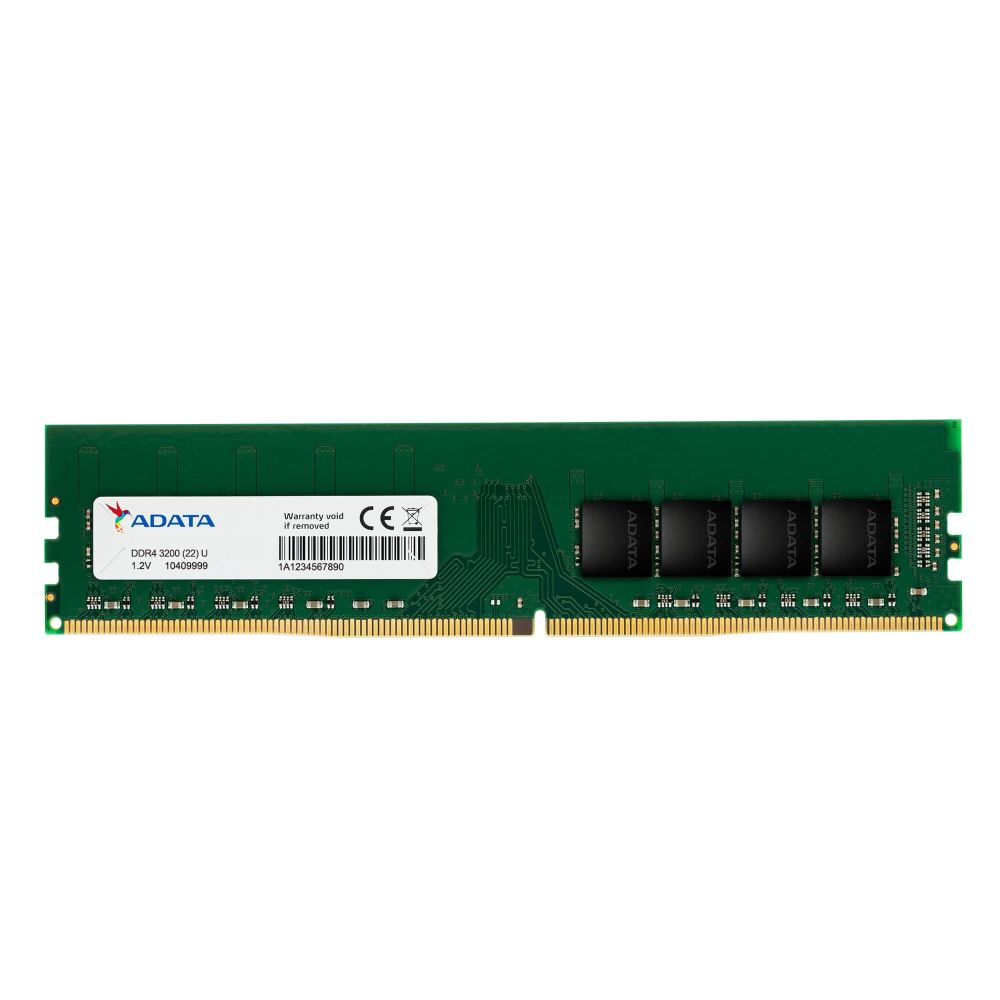
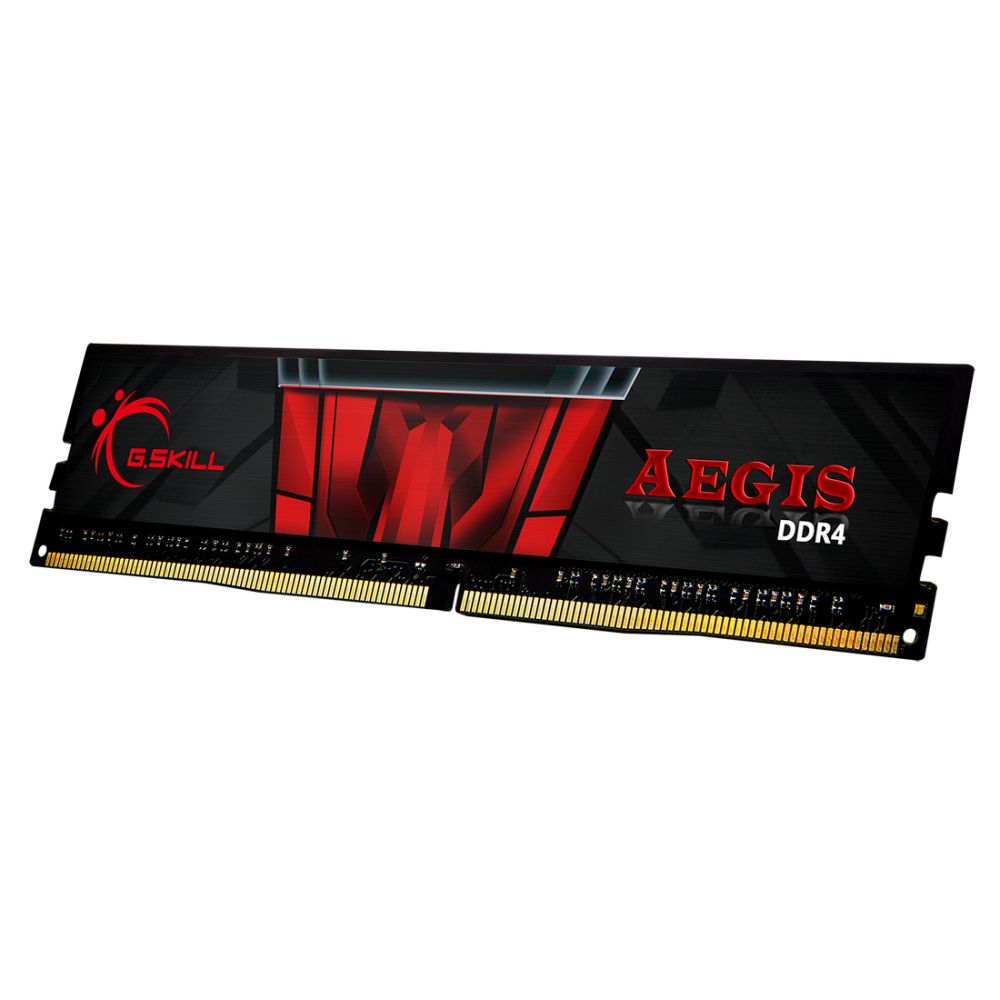
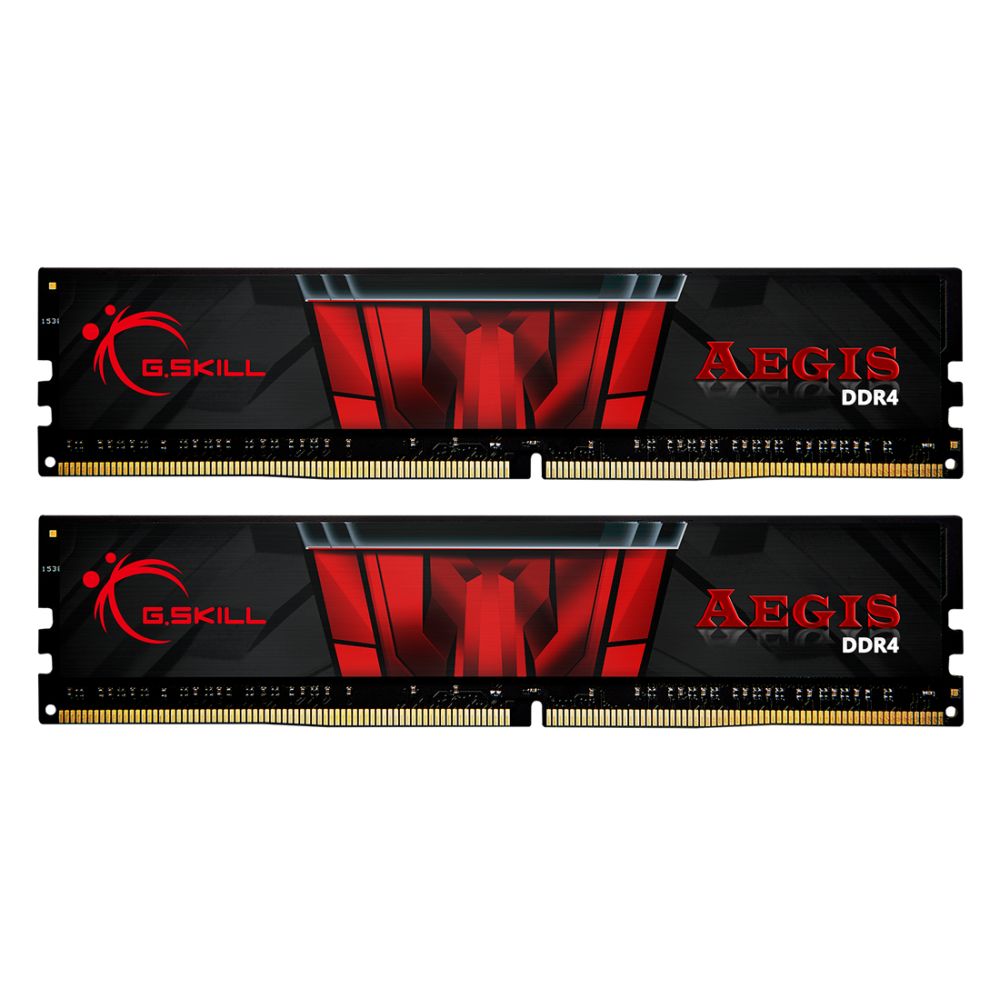
Upgrade your PC with memory that improves multitasking, gaming smoothness, and overall responsiveness. Choose the right RAM capacity and speed for your platform, whether DDR4 or DDR5.Find stable, compatible kits that are long-term reliable.
In stock
When a PC feels slow while switching tabs, running multiple apps, or playing modern games, RAM is often the limiting factor. Our Memory selection is focused on stable, compatible kits that help your system stay smooth under load, whether you are upgrading an older build or assembling a new platform.
More memory helps reduce stuttering and slowdowns caused by background apps and heavy browsing. It can also improve consistency in gaming by reducing hitching when your system is juggling textures, voice chat, and other processes. If your PC still loads slowly or feels sluggish at start-up, pairing RAM with faster storage from Computer Storage can deliver an even bigger “snappy” feel.
Before you choose a kit, confirm whether your platform uses DDR4 or DDR5 and how many slots you have available. Your board and CPU decide what is supported, so it is worth checking your Motherboards platform and your Processors generation first. That simple check prevents mismatches and helps you pick the right speed and capacity.
For gaming builds, balanced RAM capacity supports smoother gameplay, especially when paired with a dedicated GPU from Graphics Cards. For productivity and long sessions, stability and airflow also matter. A quality PSU from Power Supplies, good airflow from Cases, and sensible thermals from Fans and Cooling help keep your system consistent, especially under sustained workloads.
If you have a preferred brand or want to compare tiers and specs quickly, browse our Brands page and choose the kit that fits your platform and budget.
16GB is a strong baseline for most users. 32GB is recommended for creators, heavy multitasking, and demanding workloads.
Buy what your motherboard supports. DDR5 is newer and can offer higher bandwidth, while DDR4 can be better value on supported platforms.
A matched kit is usually safer for compatibility and performance. It also helps dual-channel operation on many systems.
Slow boot and loading times are often storage-related. Consider upgrading storage if you still use an HDD.
Many kits require enabling the memory profile in BIOS to run at rated speed. If you want maximum stability, you can also run at default settings.
No account yet?
Create an AccountContact us