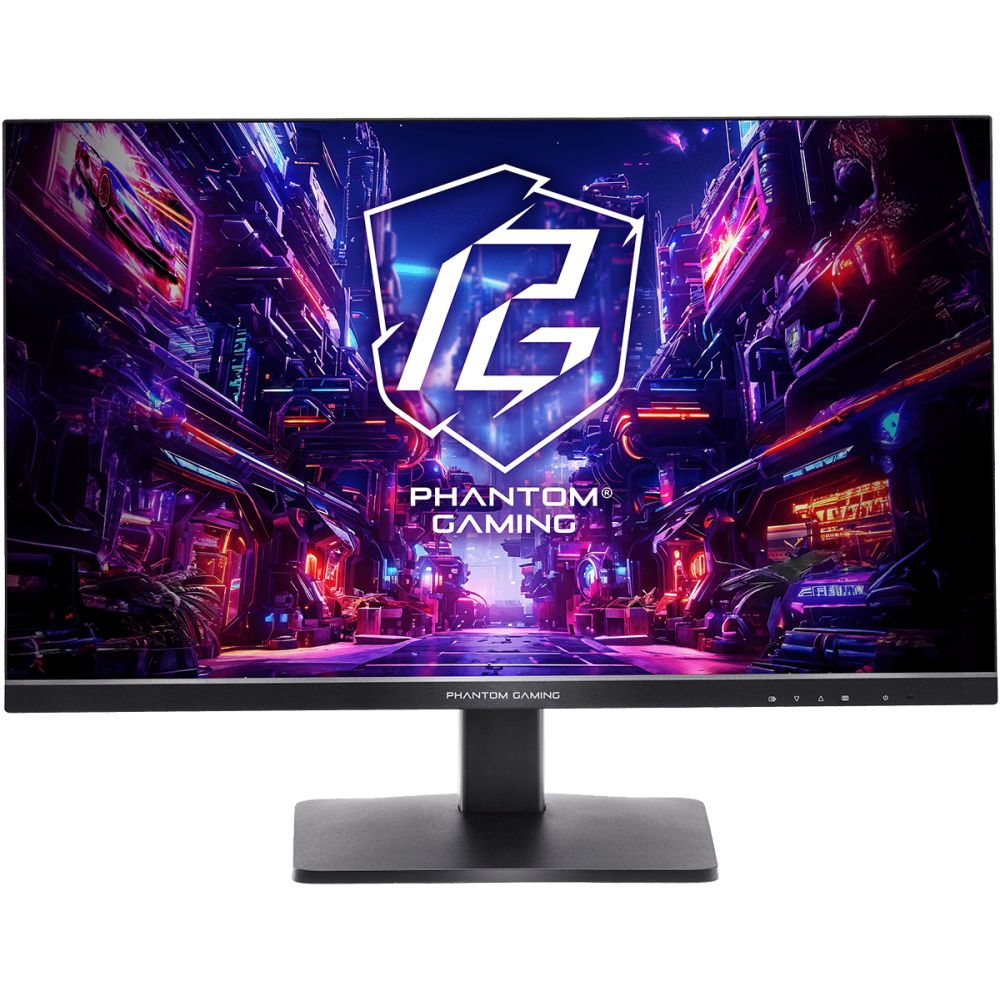
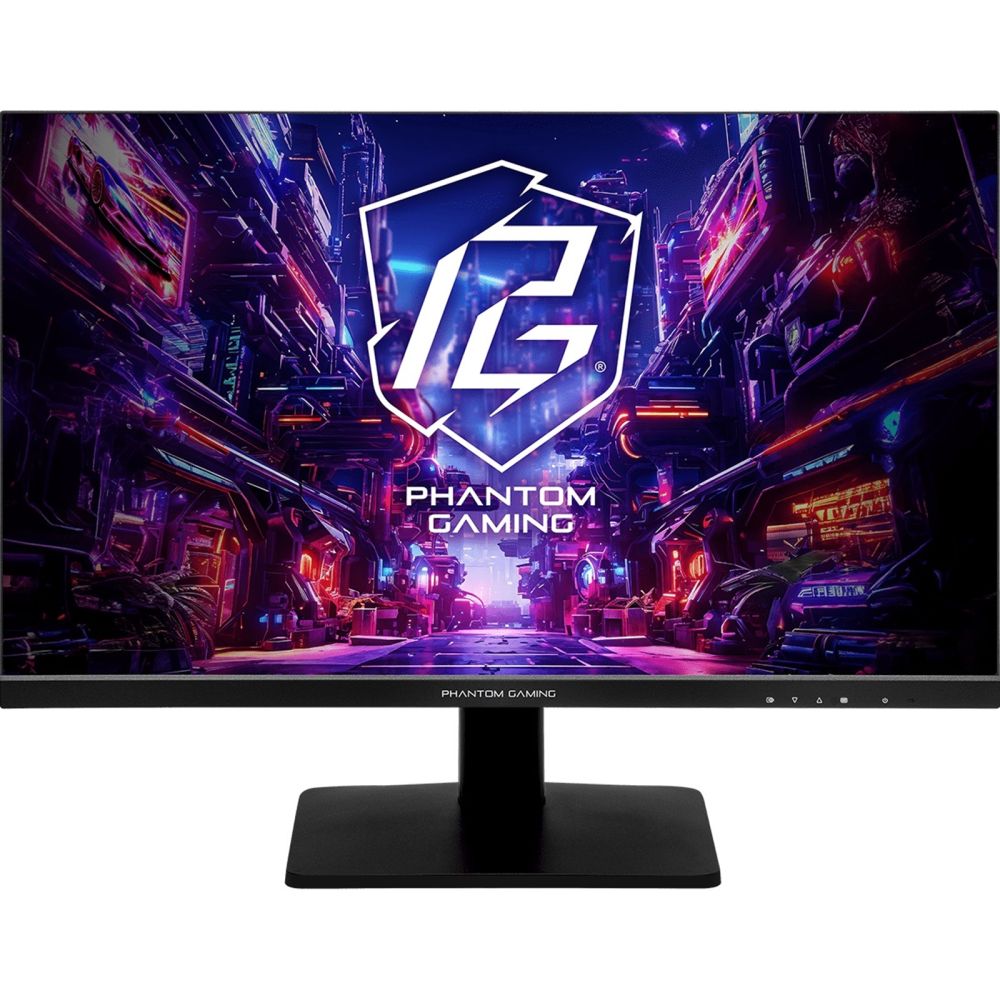
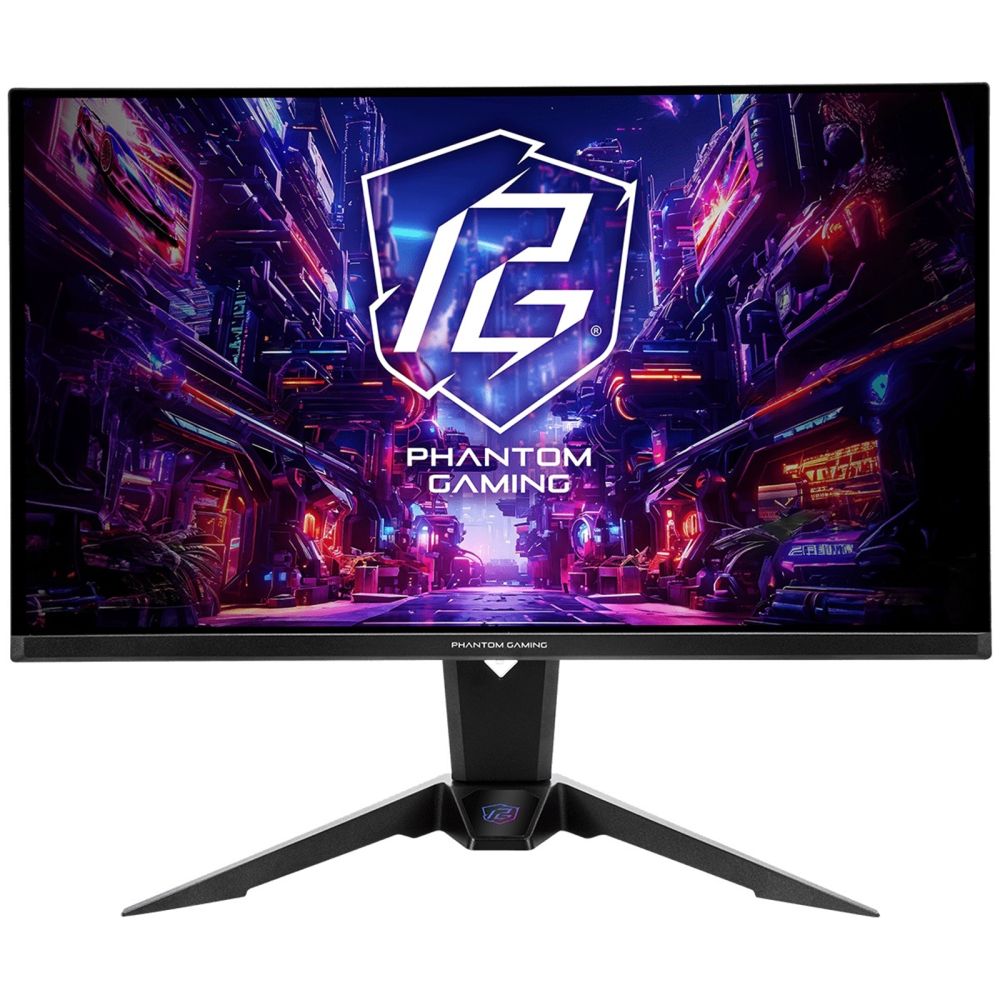
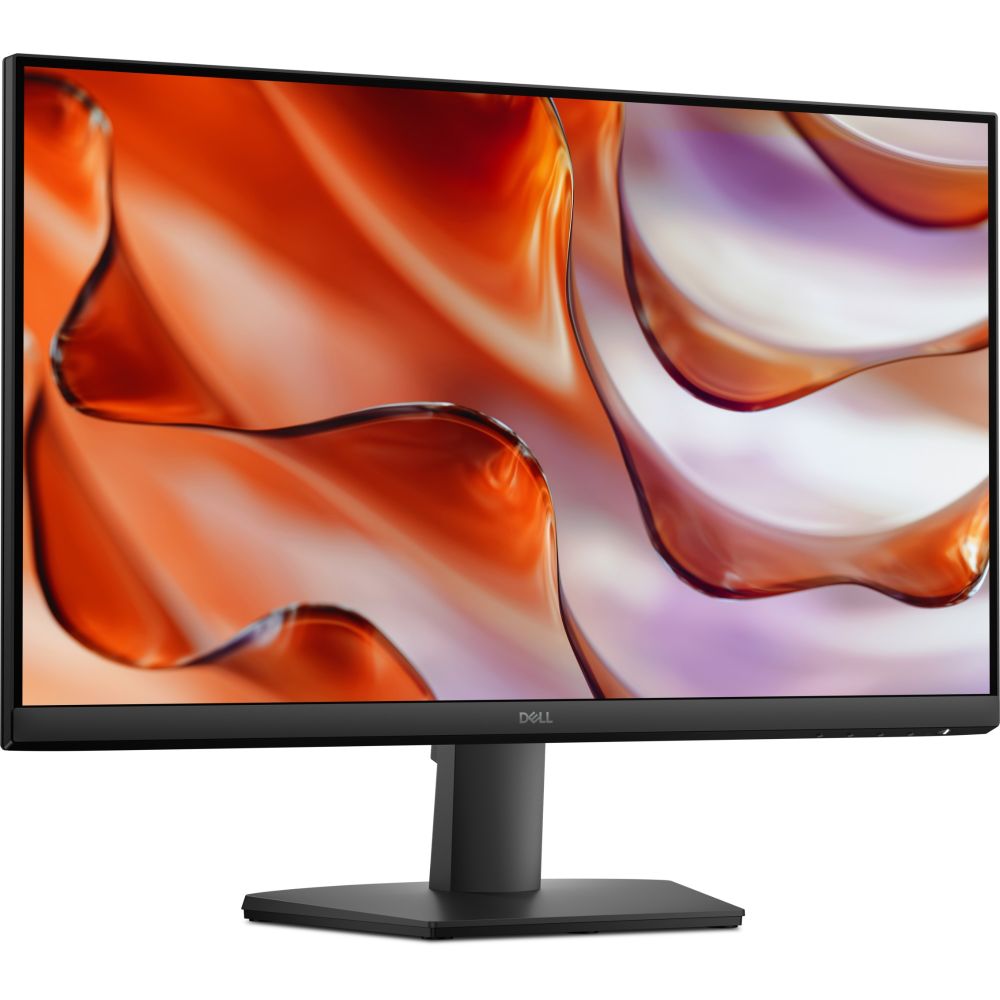
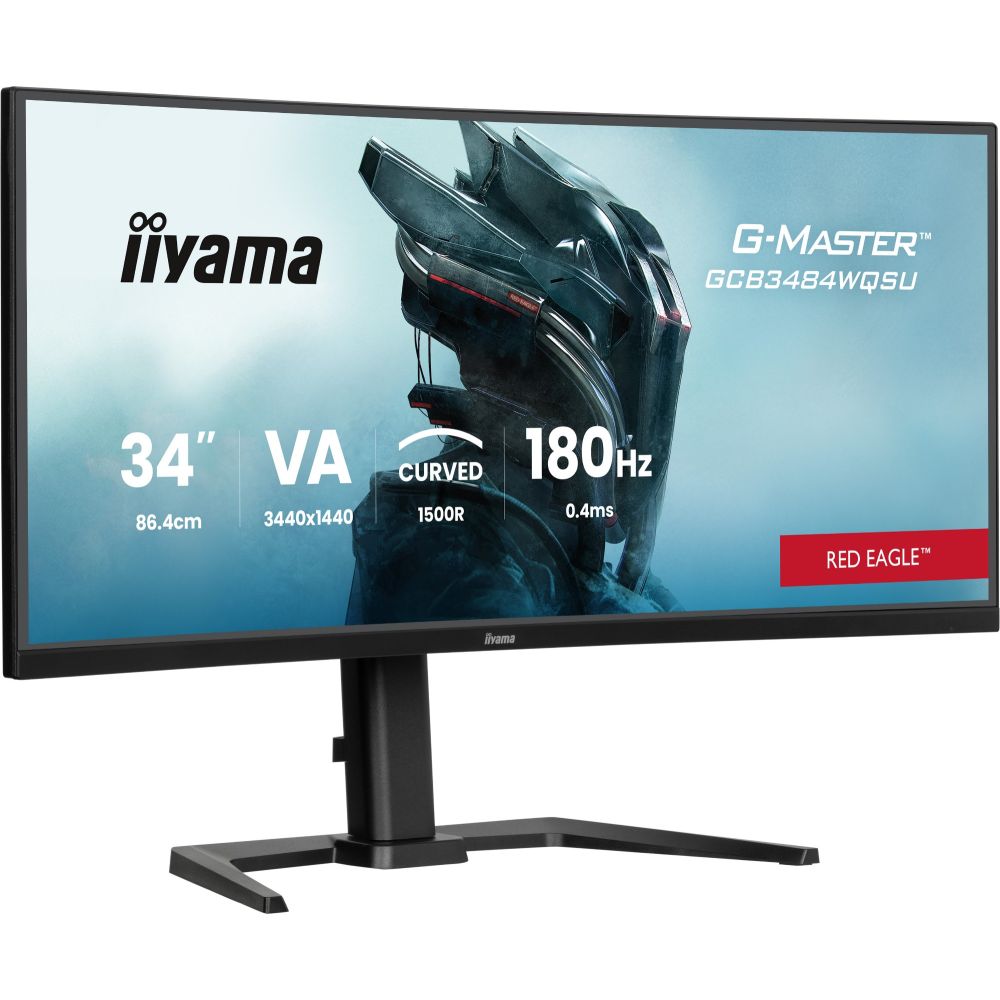
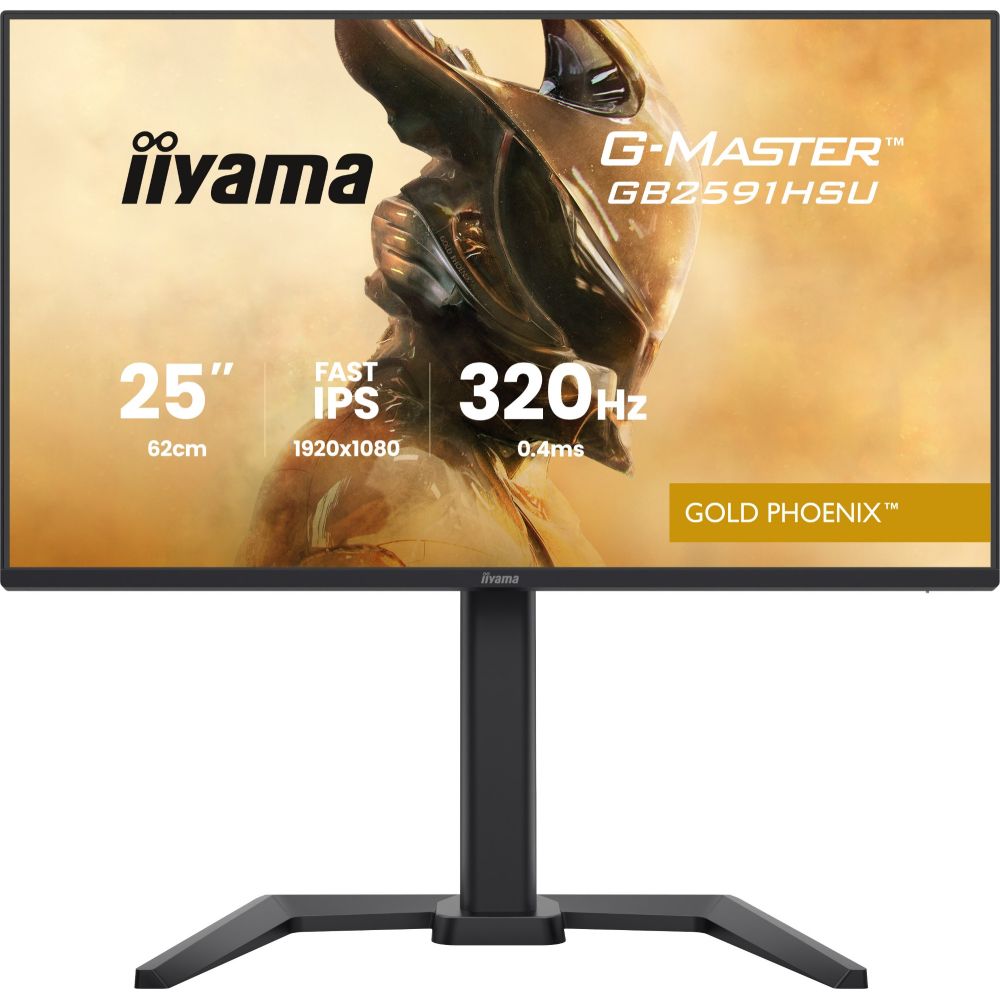
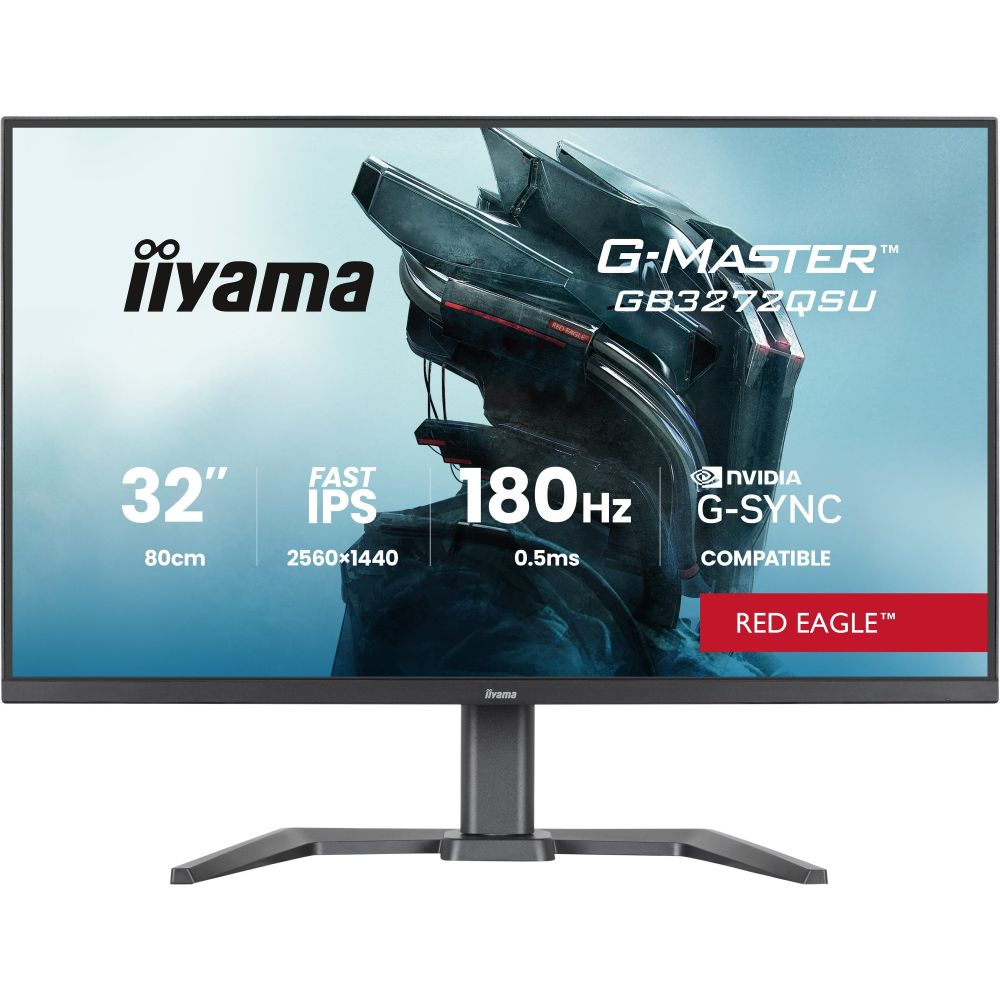
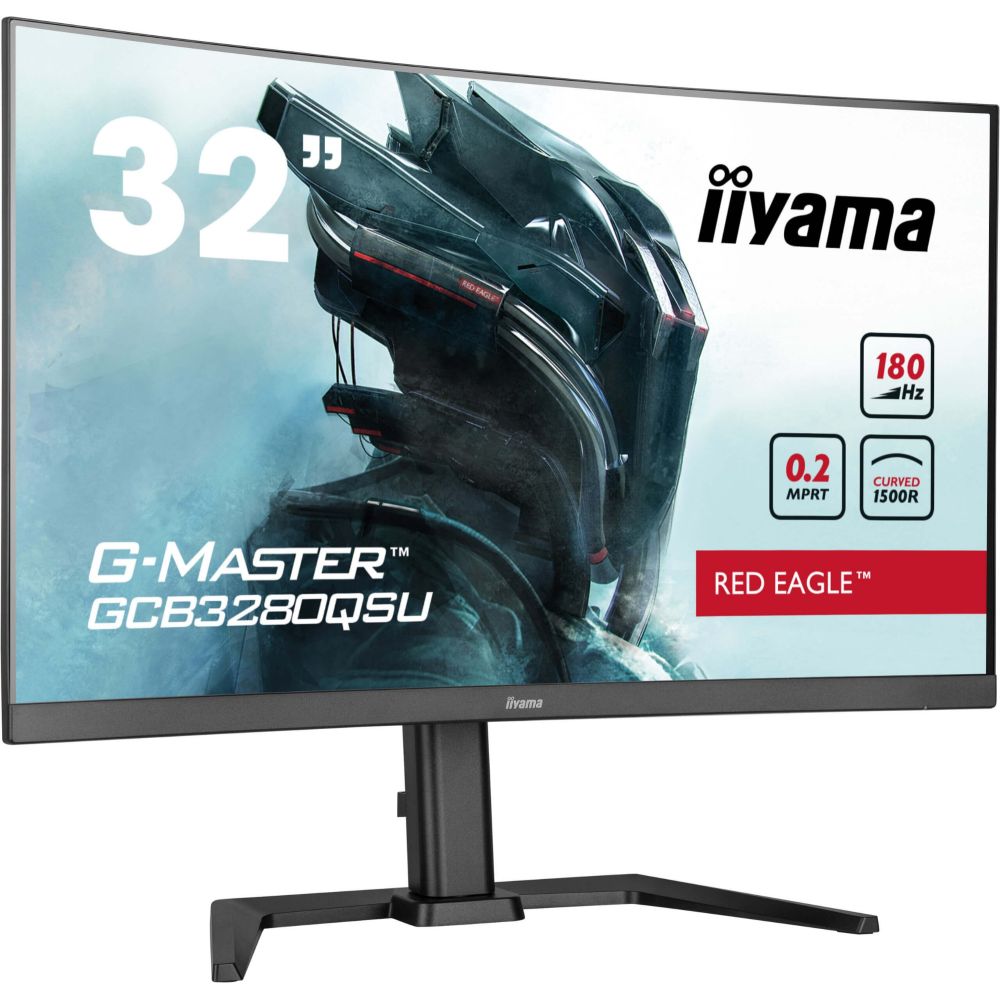
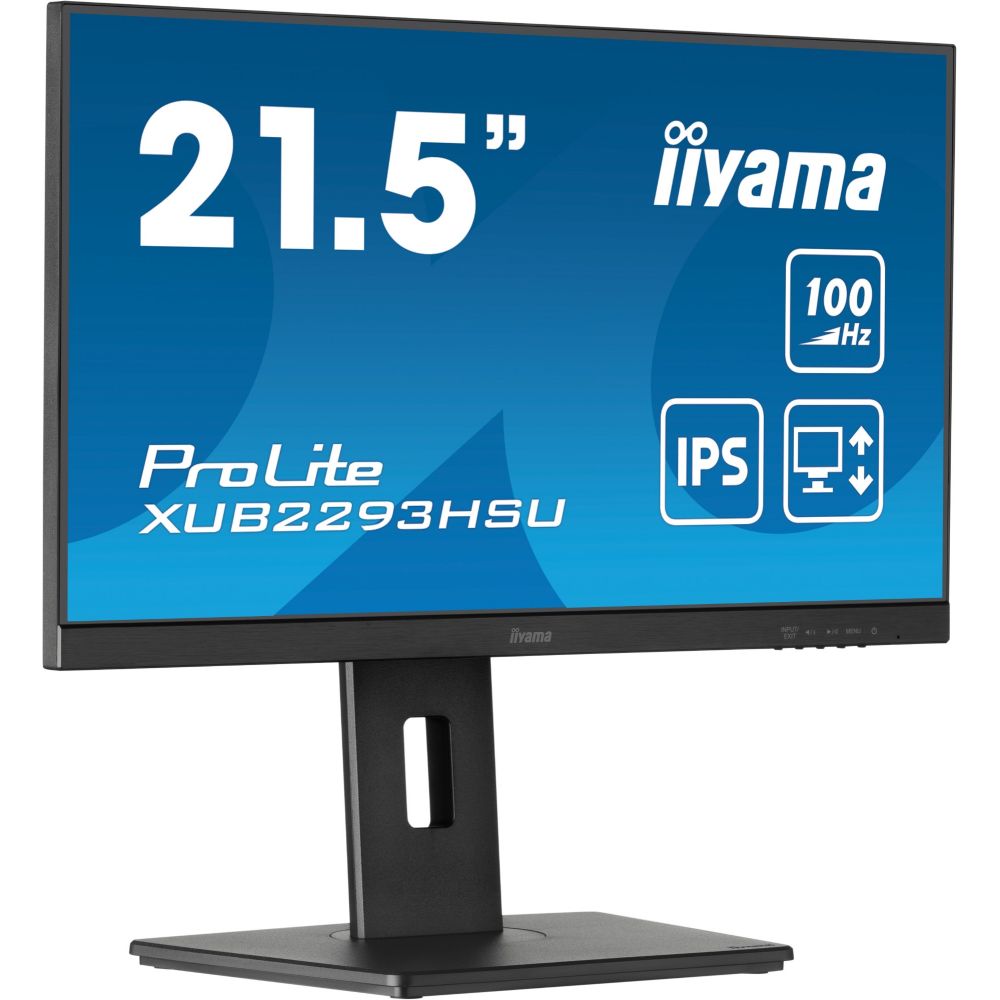
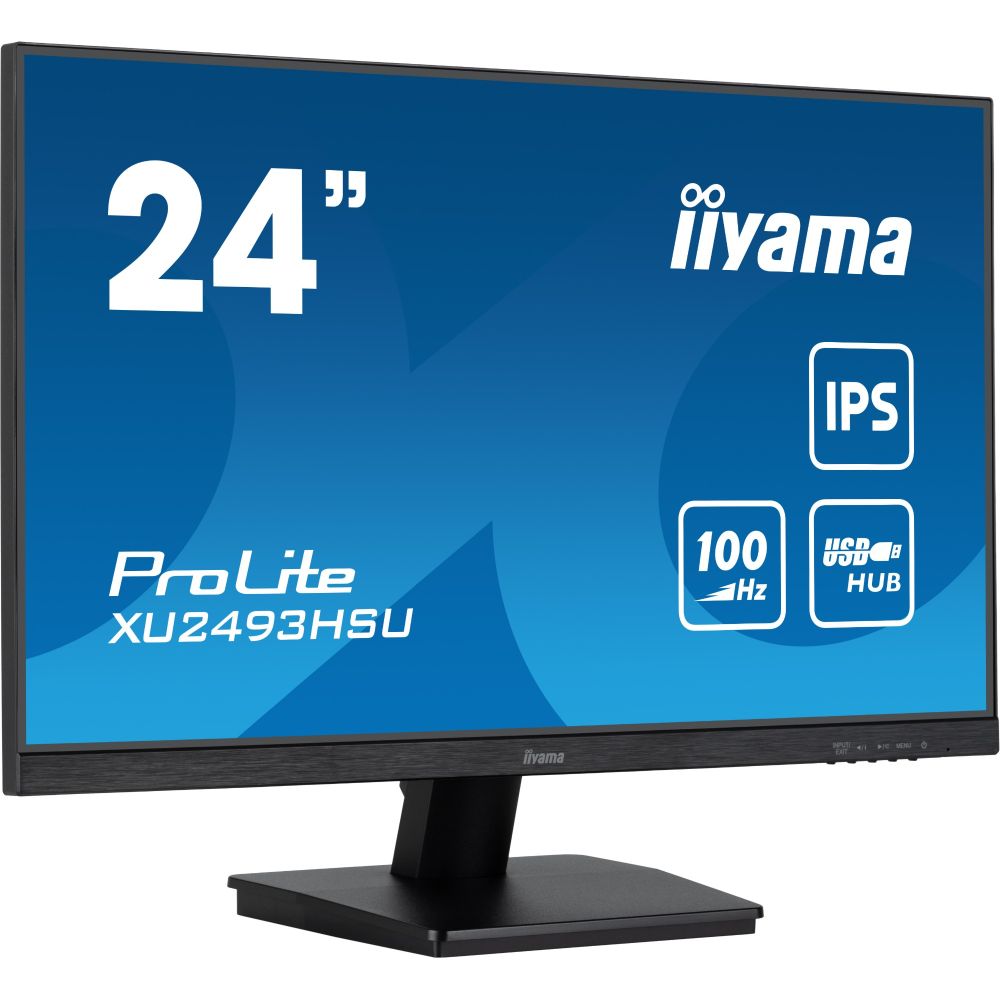
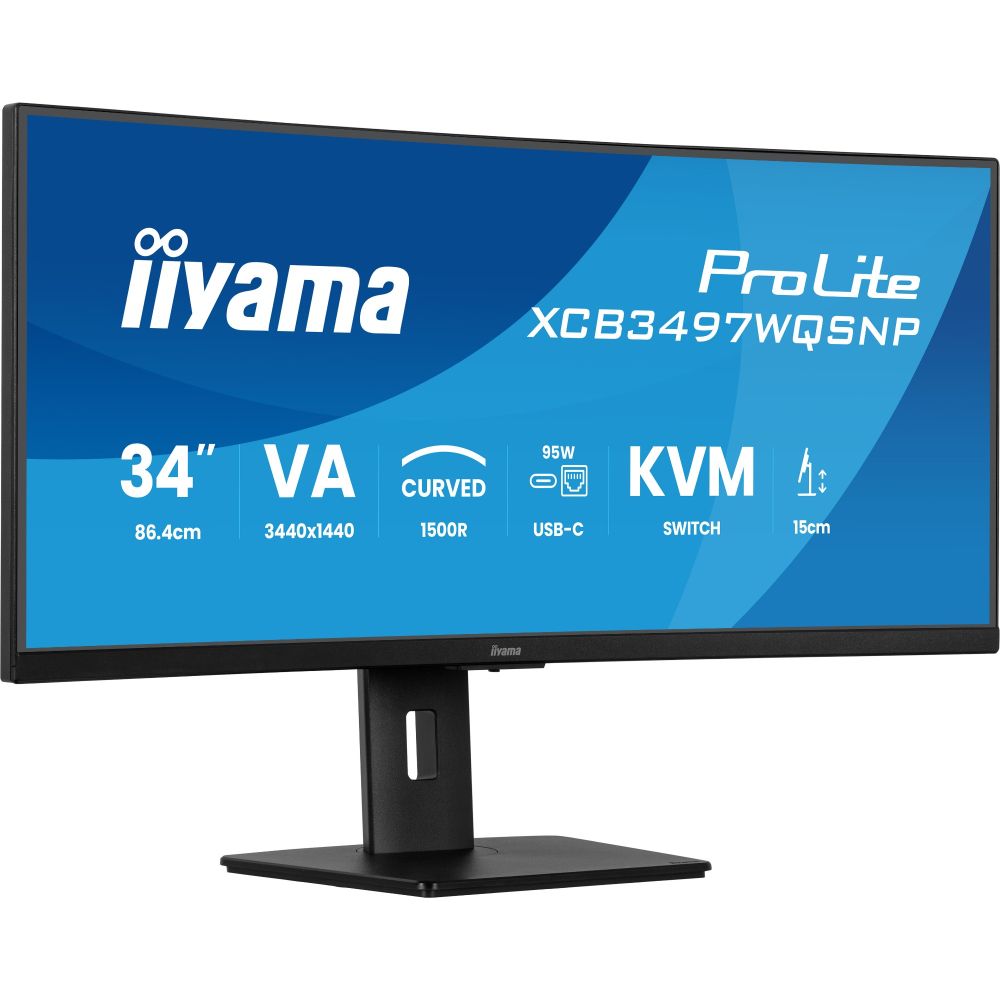
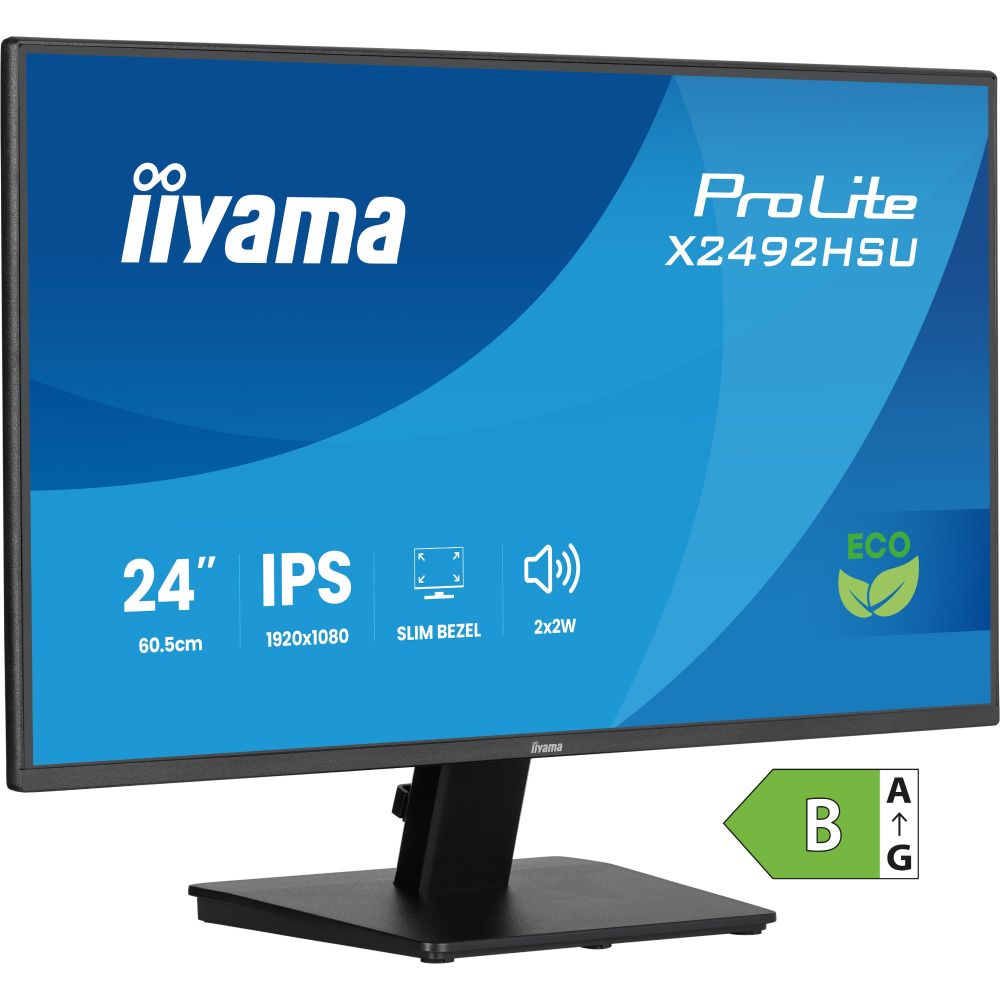
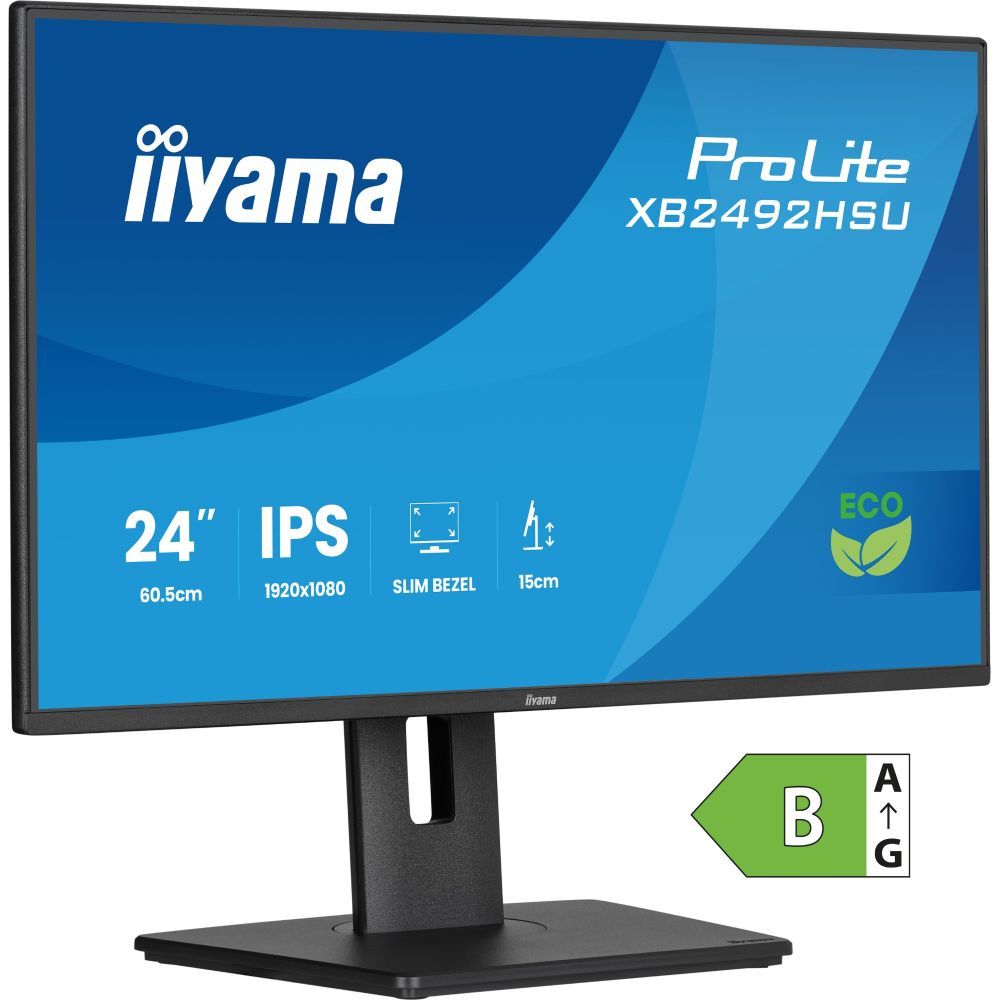
Shop monitors for work, gaming, and creative setups with options for different sizes, resolutions, and refresh rates. Choose the right display for smoother multitasking, sharper colour, and comfortable everyday viewing.
In stock
A good monitor improves everything you do—clearer text for office work, smoother motion for gaming, and better screen space for multitasking. In our Monitors category, you can compare screen sizes, resolution, refresh rate, and panel types to match your workspace and performance needs.
Pick the right size and resolution: For everyday productivity, a larger screen and sharper resolution make documents and spreadsheets easier to read. For creators, higher resolution helps with detail and workspace. For gaming, balance resolution with the refresh rate your system can drive.
Match the refresh rate to your use: Higher refresh rates feel smoother for gaming and fast motion, while a standard refresh rate is often enough for office tasks. If you're building a gaming PC, pair your display with a graphics card that delivers the performance you need to get the best experience at your chosen resolution.
Connectivity and compatibility: Check the ports you need (HDMI/DisplayPort/USB) and make sure your cable run fits your desk setup. For adapters and essentials, browse Cables to keep connections clean and reliable.
For a more comfortable workspace, consider height and tilt adjustment or add a flexible arm from Monitor Mount to improve posture and free up desk space. Finish your setup with Keyboards, Mice, and audio options, including speakers, for a complete workstation.
If you work from a laptop, a second screen can dramatically improve productivity—browse Laptops and pair them with a suitable external display. For compact desks, explore PC and mini PC setups, or build your own system in Custom PC, and choose a monitor that fits your performance goals.
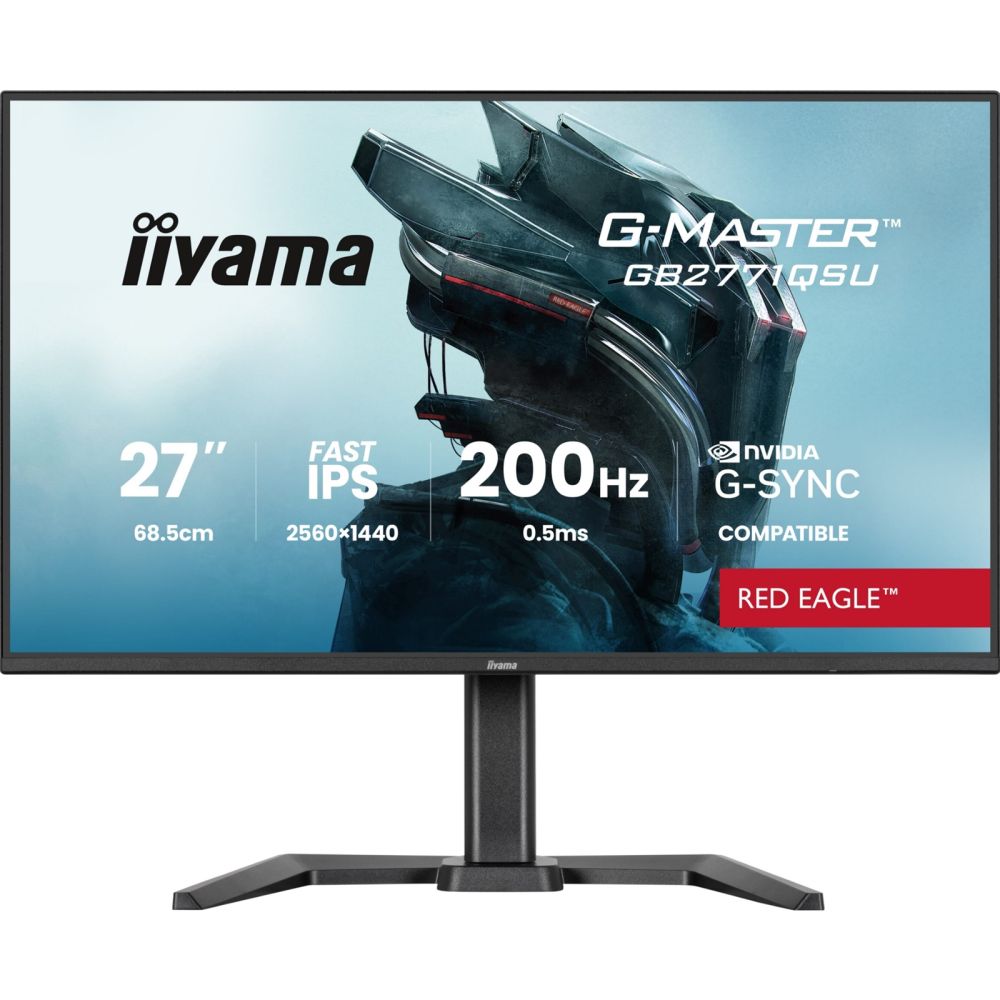
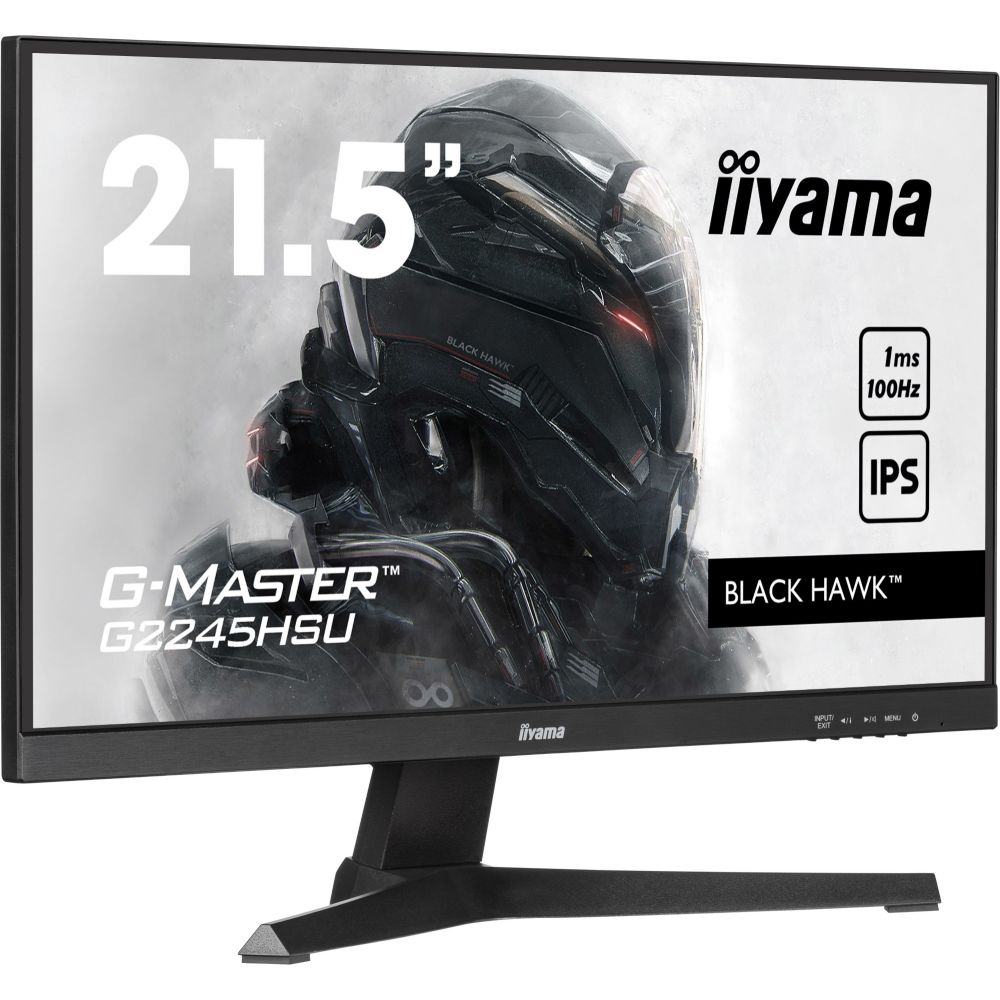
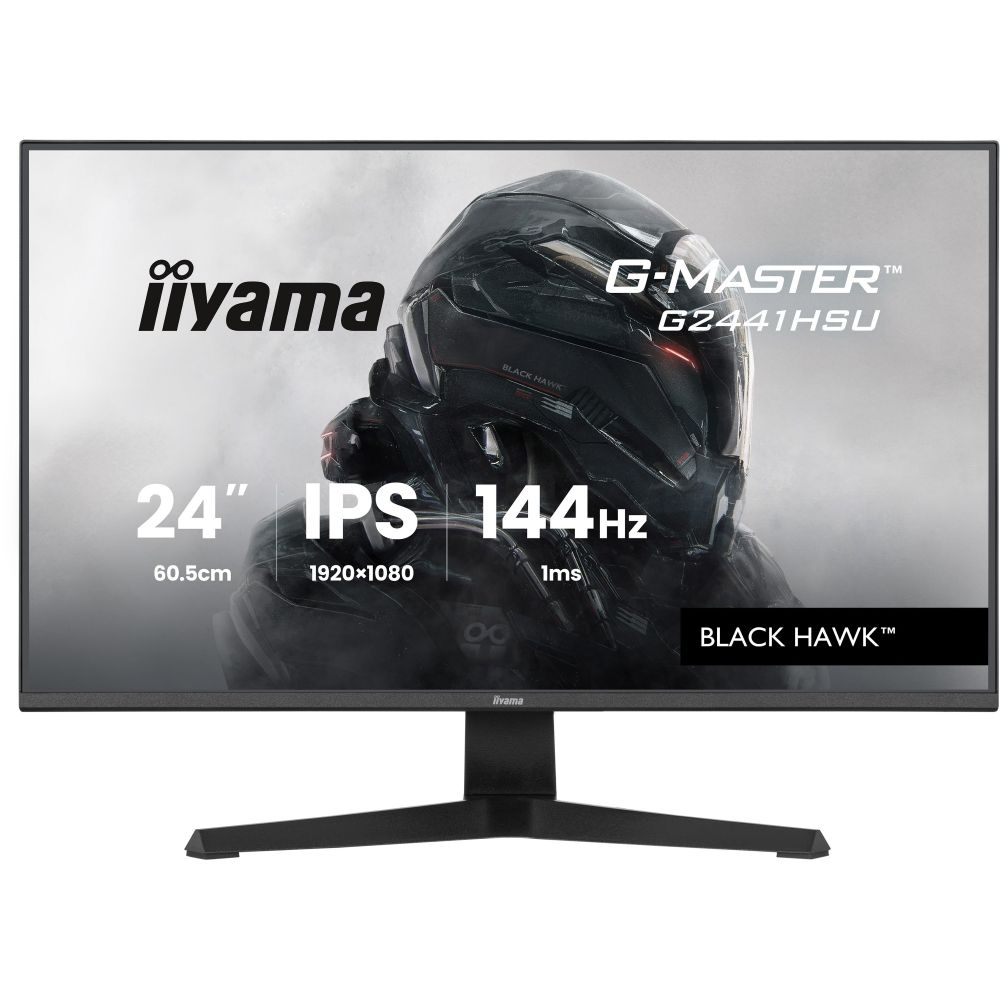
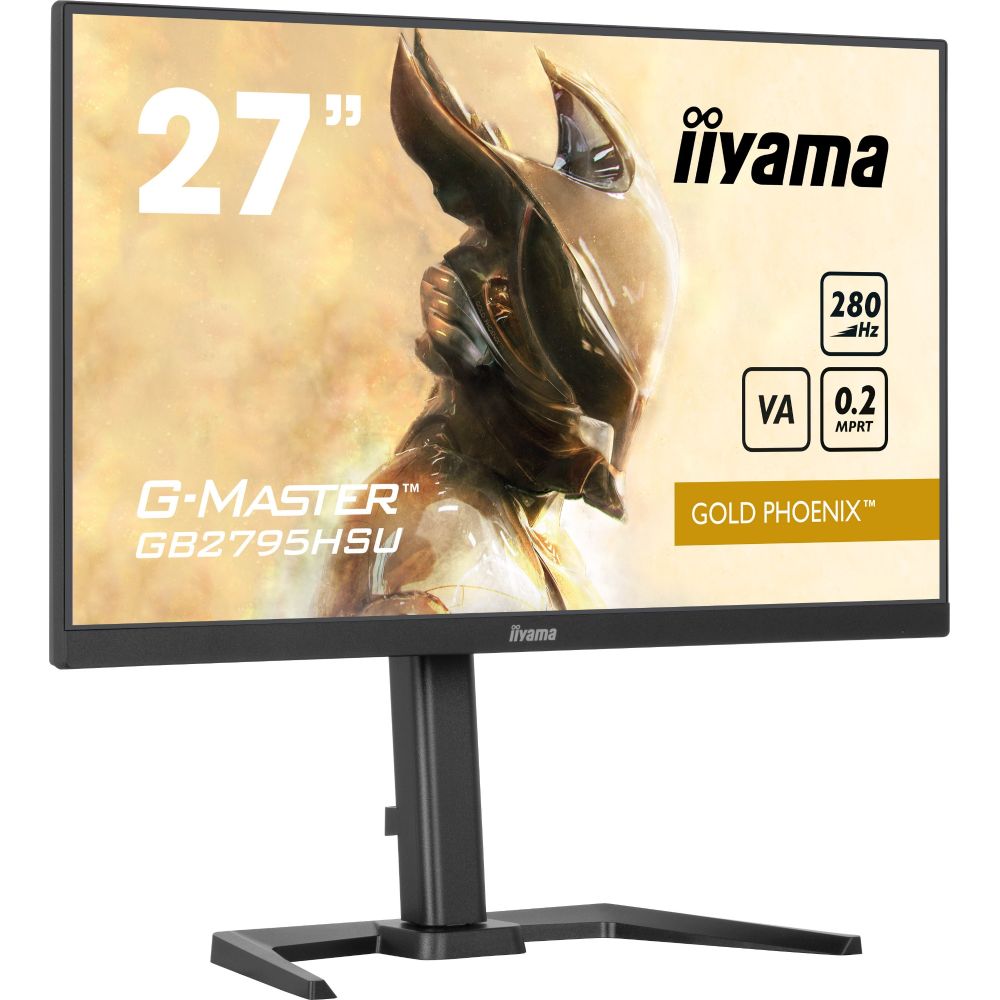
Prefer a specific manufacturer? Compare popular display ranges from AOC, Dell, LG, iiyama, ViewSonic, Samsung, and Lenovo, then choose the best fit for your workspace and budget.
Choose based on desk space and how you work. Larger screens help multitasking, while smaller sizes can be ideal for compact setups or secondary displays.
For work and creators, higher resolution often matters most for clarity and detail. For gaming and fast motion, a higher refresh rate can feel smoother. Your graphics card performance should match your target.
IPS is popular for colour and viewing angles; VA often offers stronger contrast, and TN can be faster but usually has weaker colour reproduction and viewing angles. The best choice depends on your priority.
A mount can improve ergonomics, free up desk space, and make it easier to position the screen at the right height and angle, especially for dual-monitor setups.
Yes. Just confirm the ports you need (HDMI/DisplayPort/USB-C) and use the right cable or adapter. A monitor is a great upgrade for productivity with laptops and compact PCs.
Look at size, resolution, refresh rate, response time, available ports, adjustability, and your intended use (work, gaming, or creative tasks).
No account yet?
Create an AccountContact us