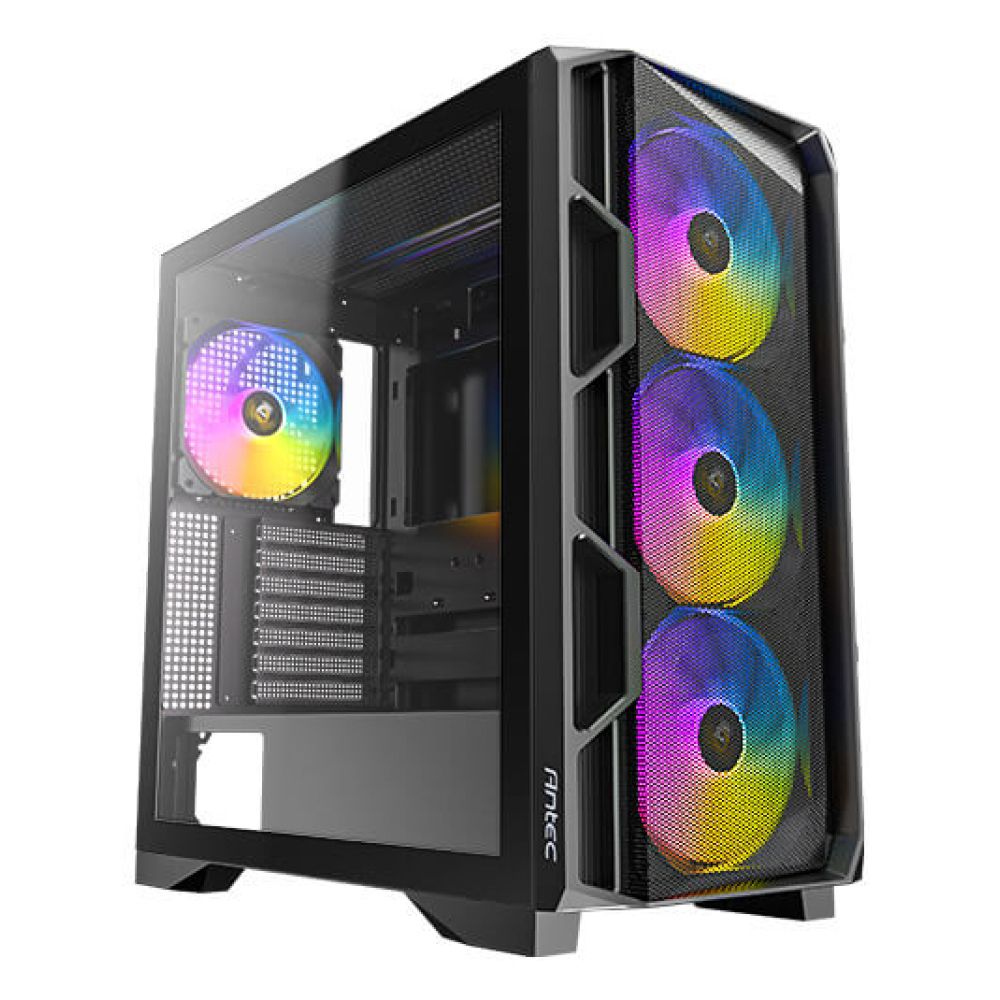
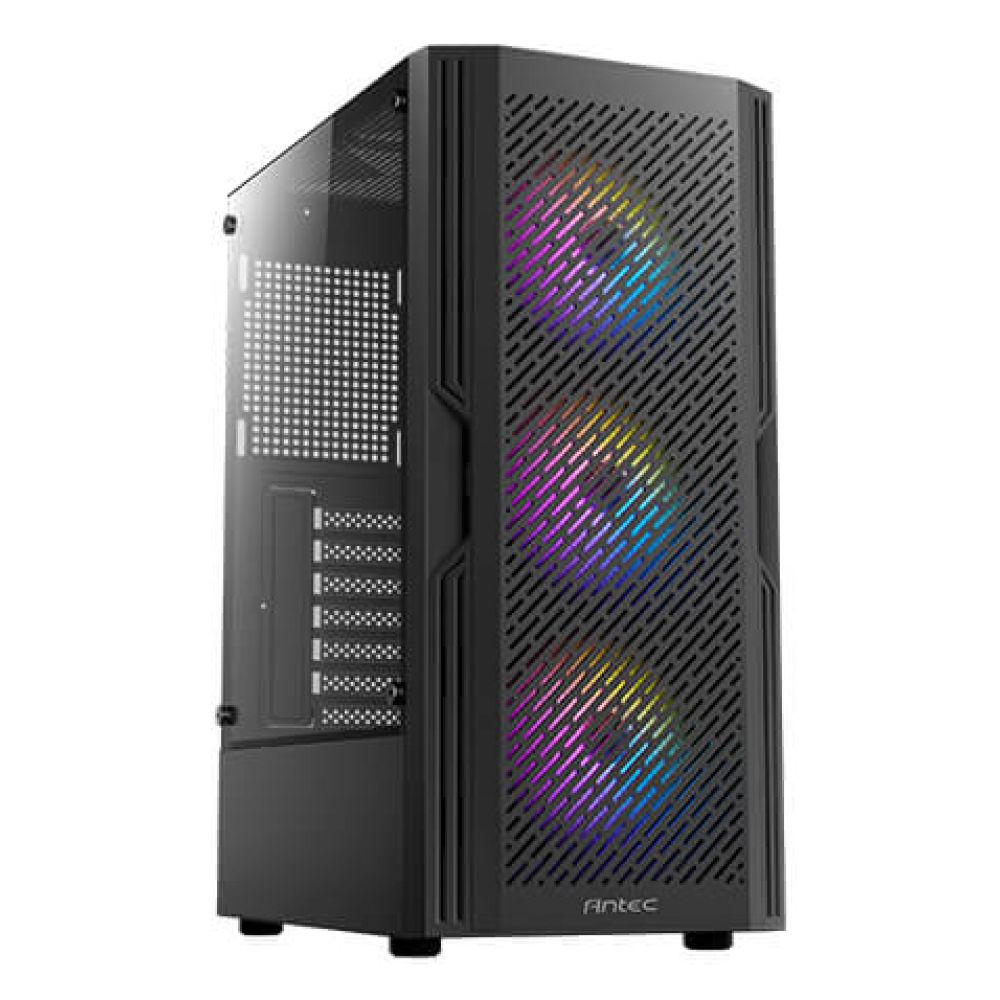
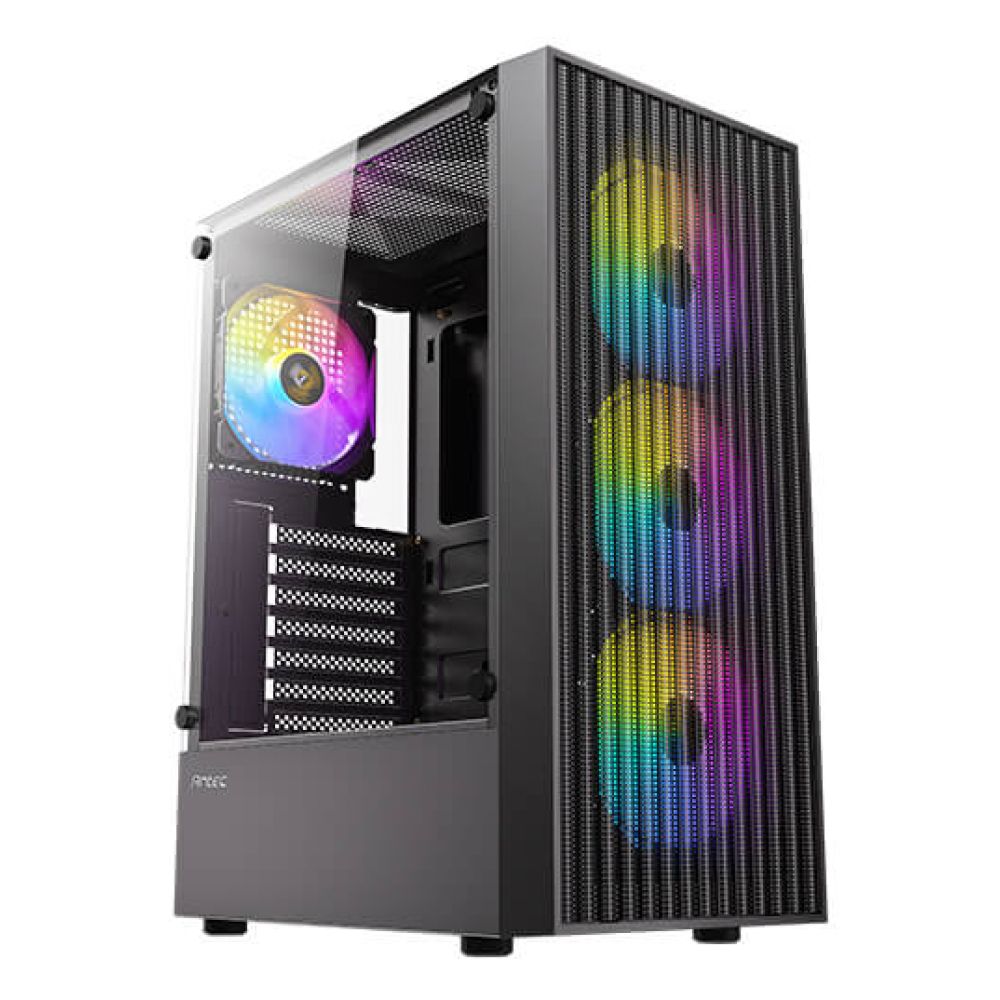
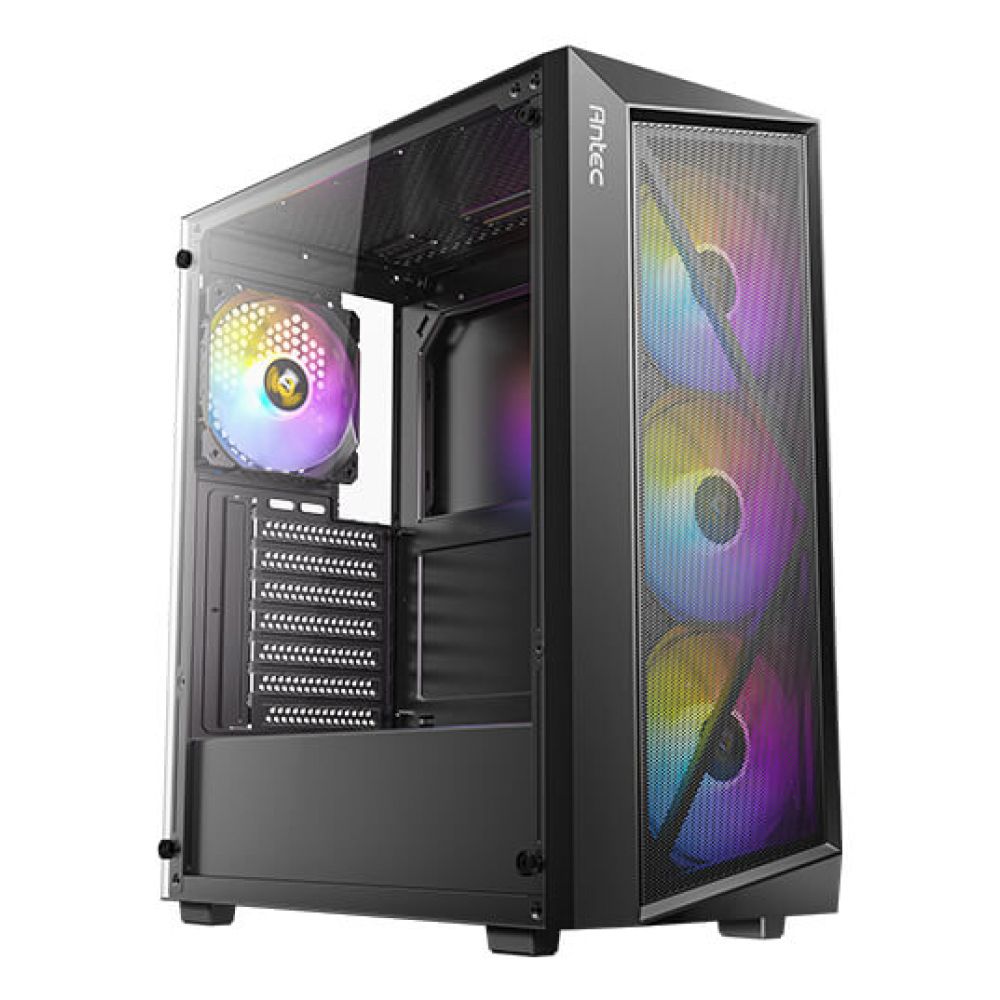
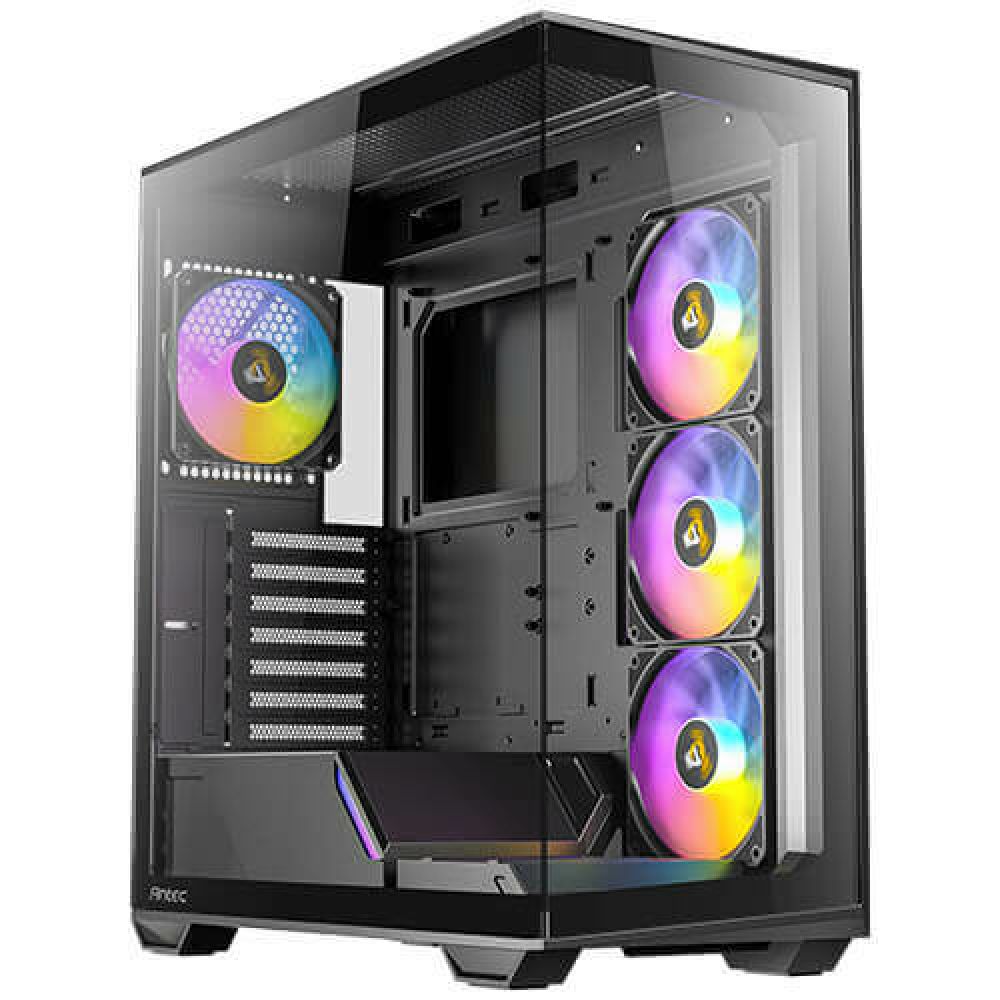
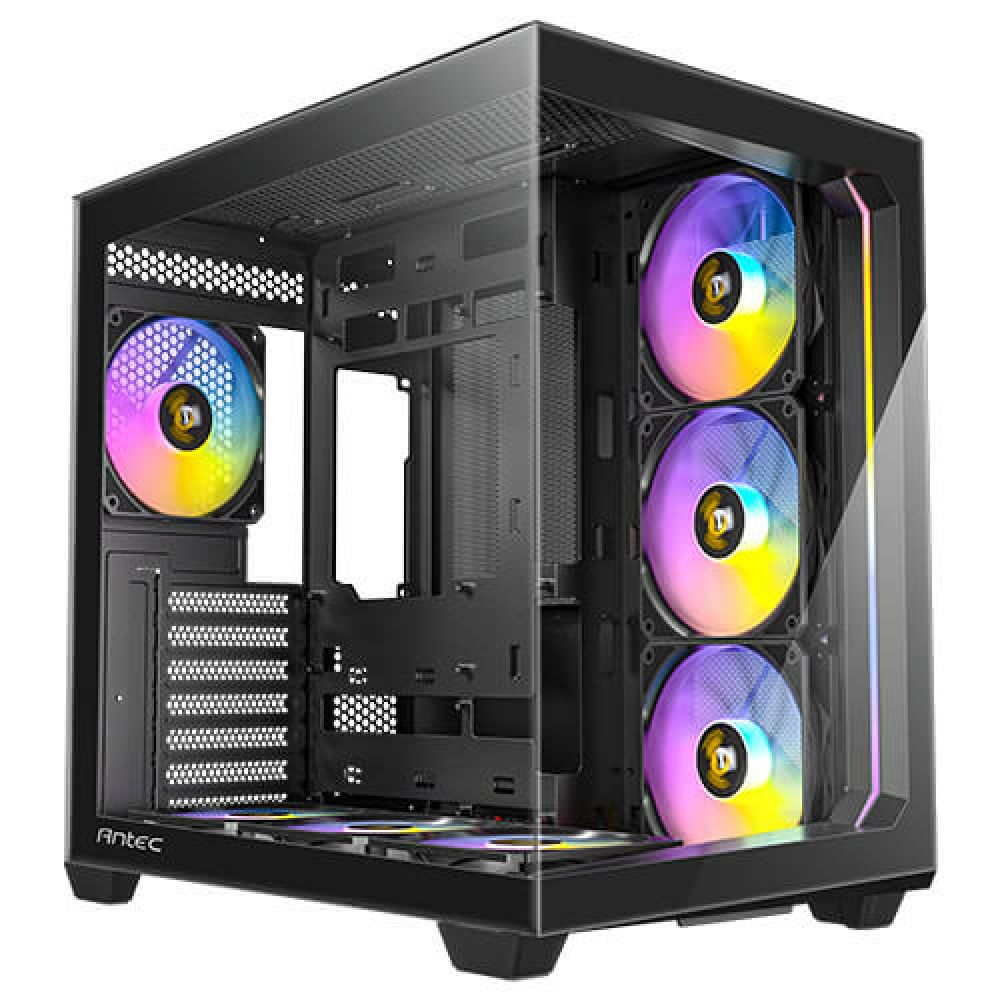
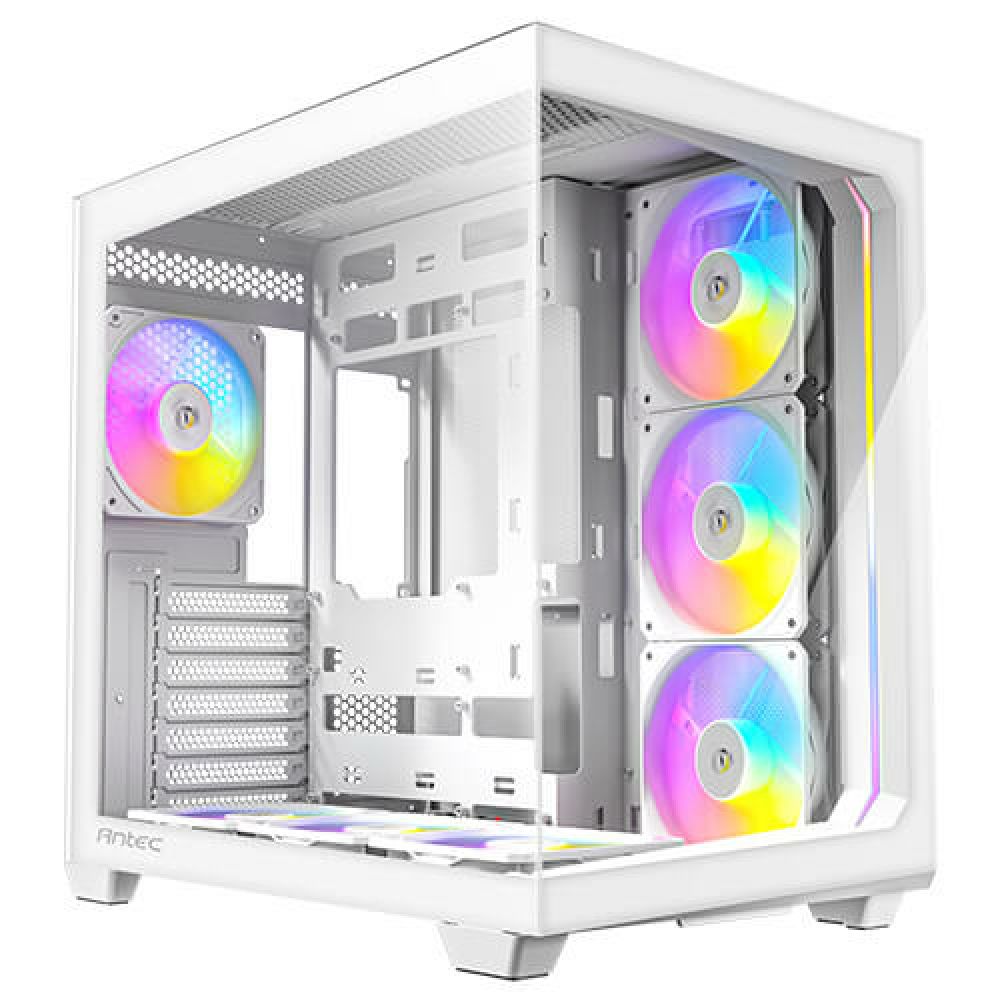
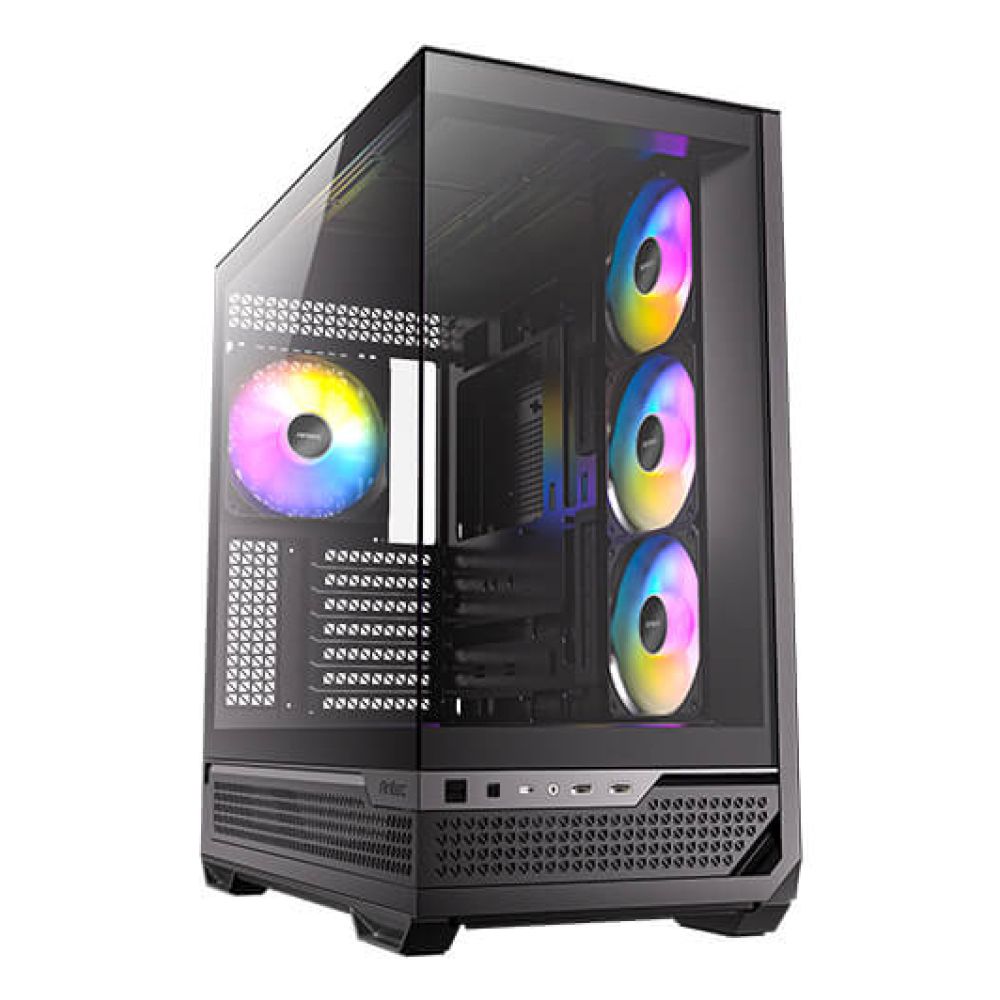
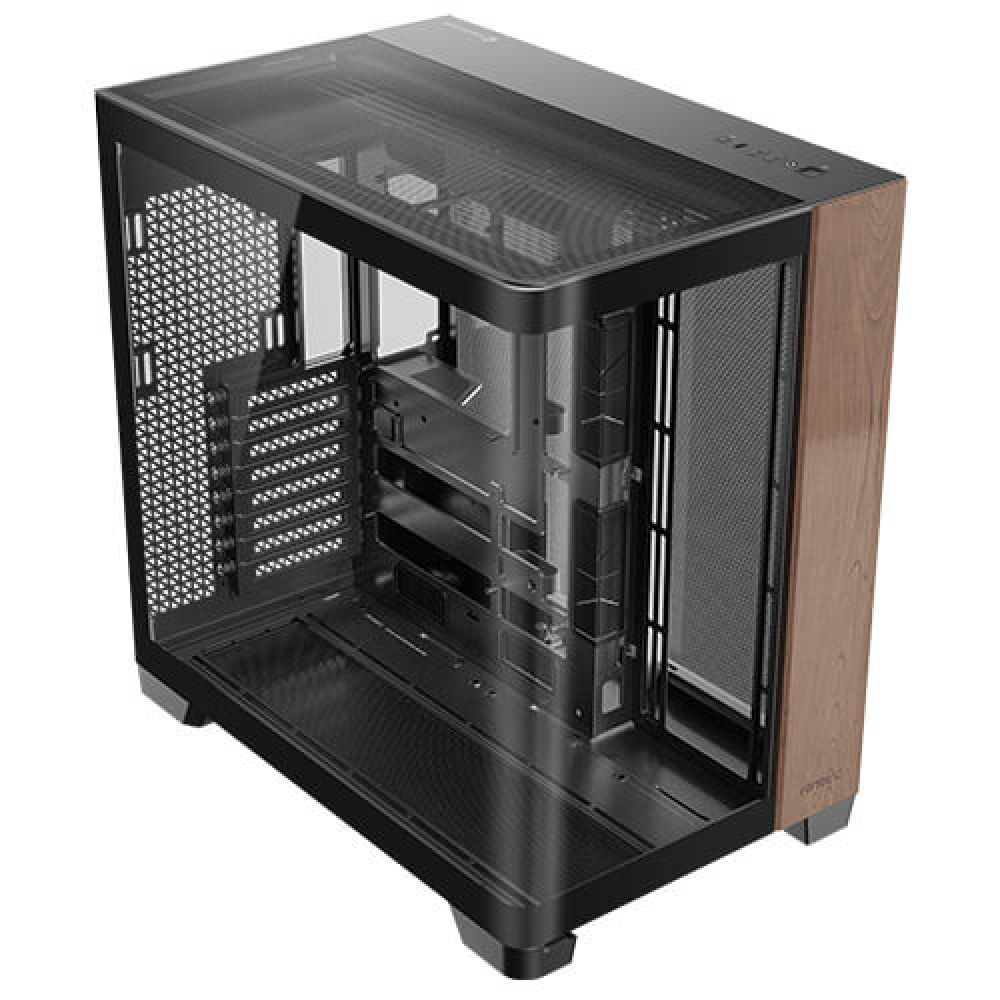
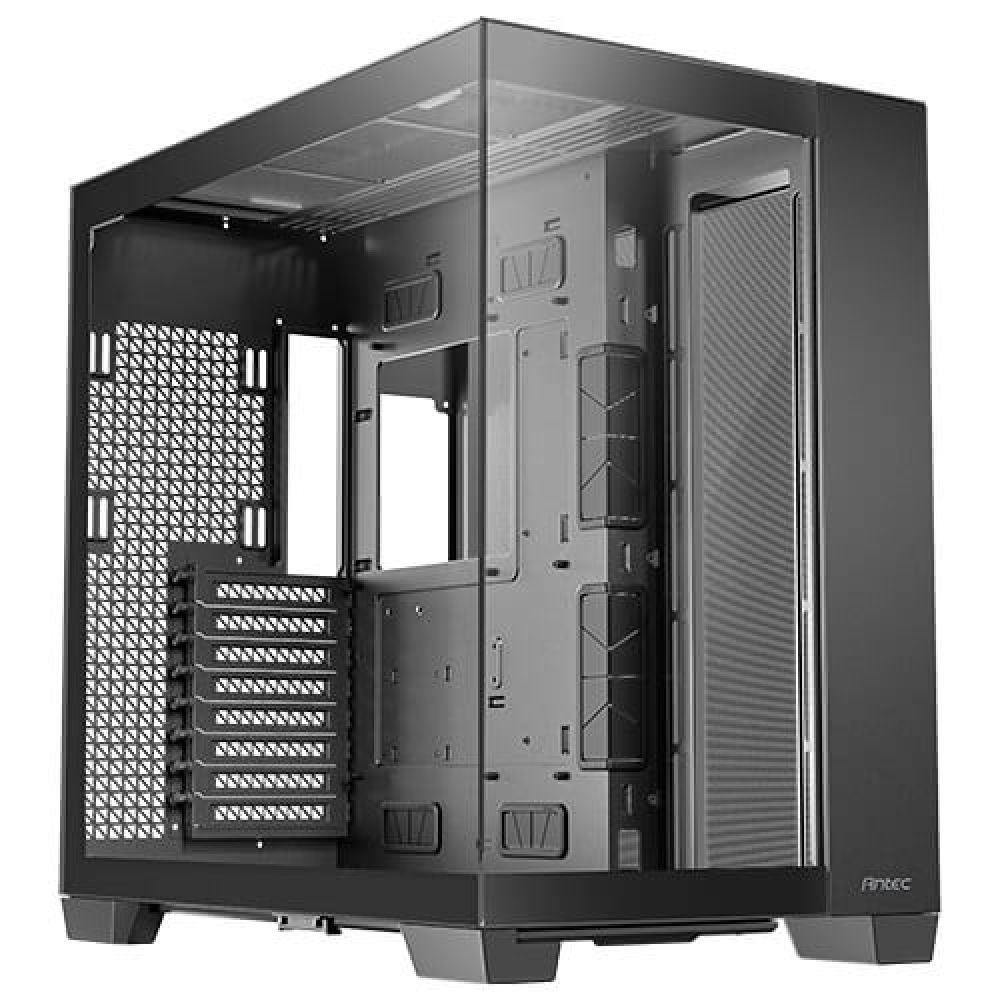
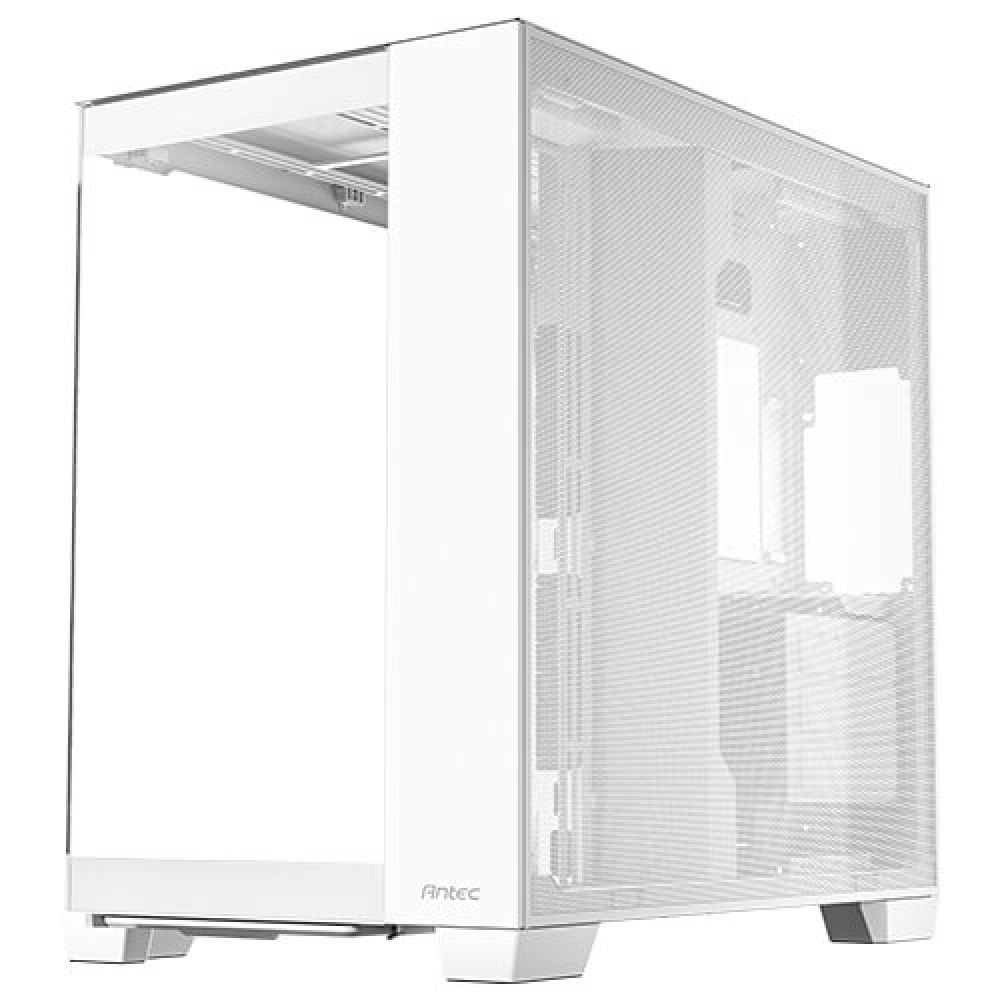
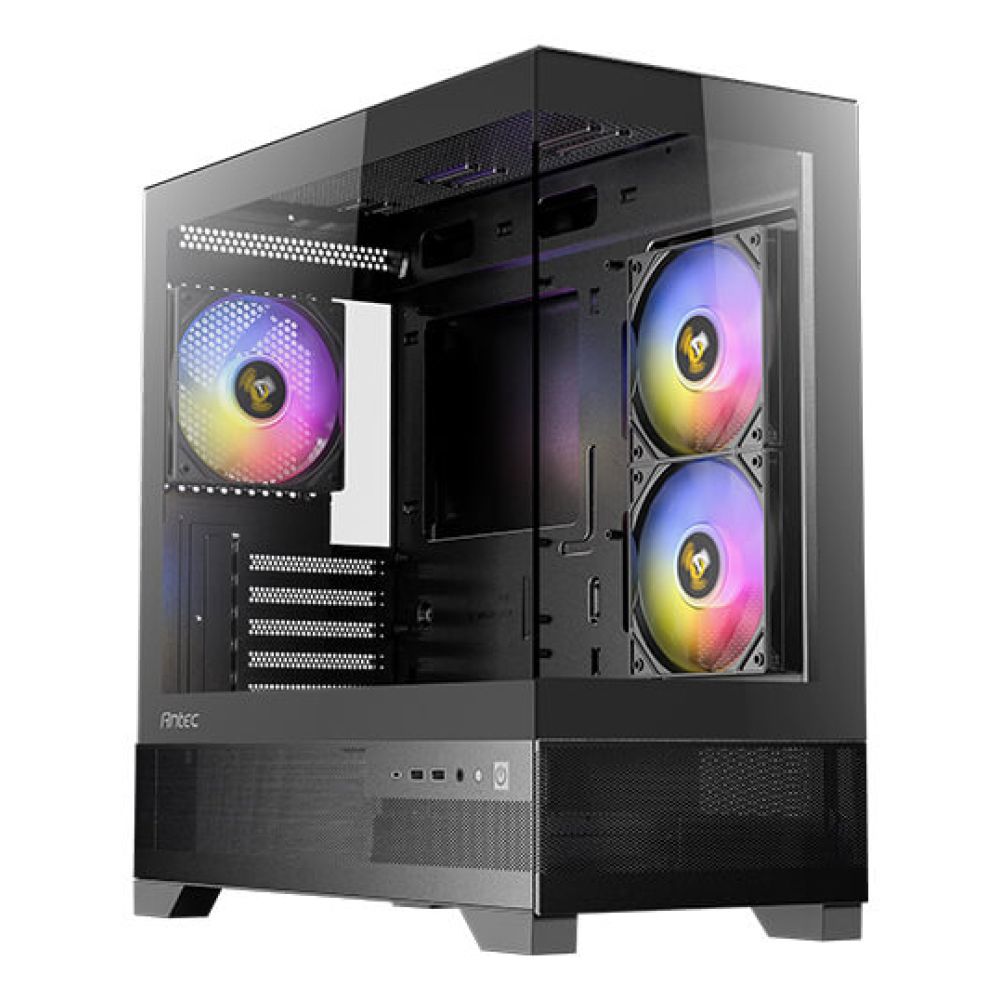
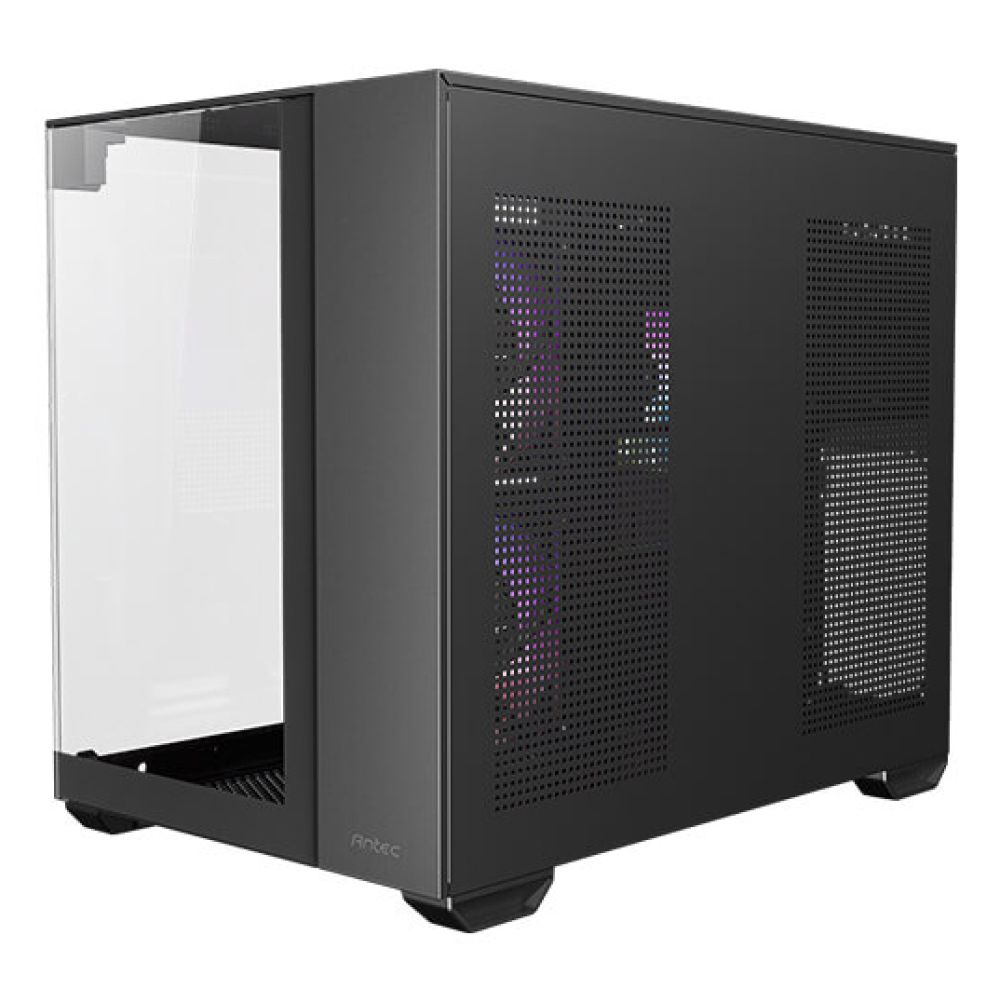
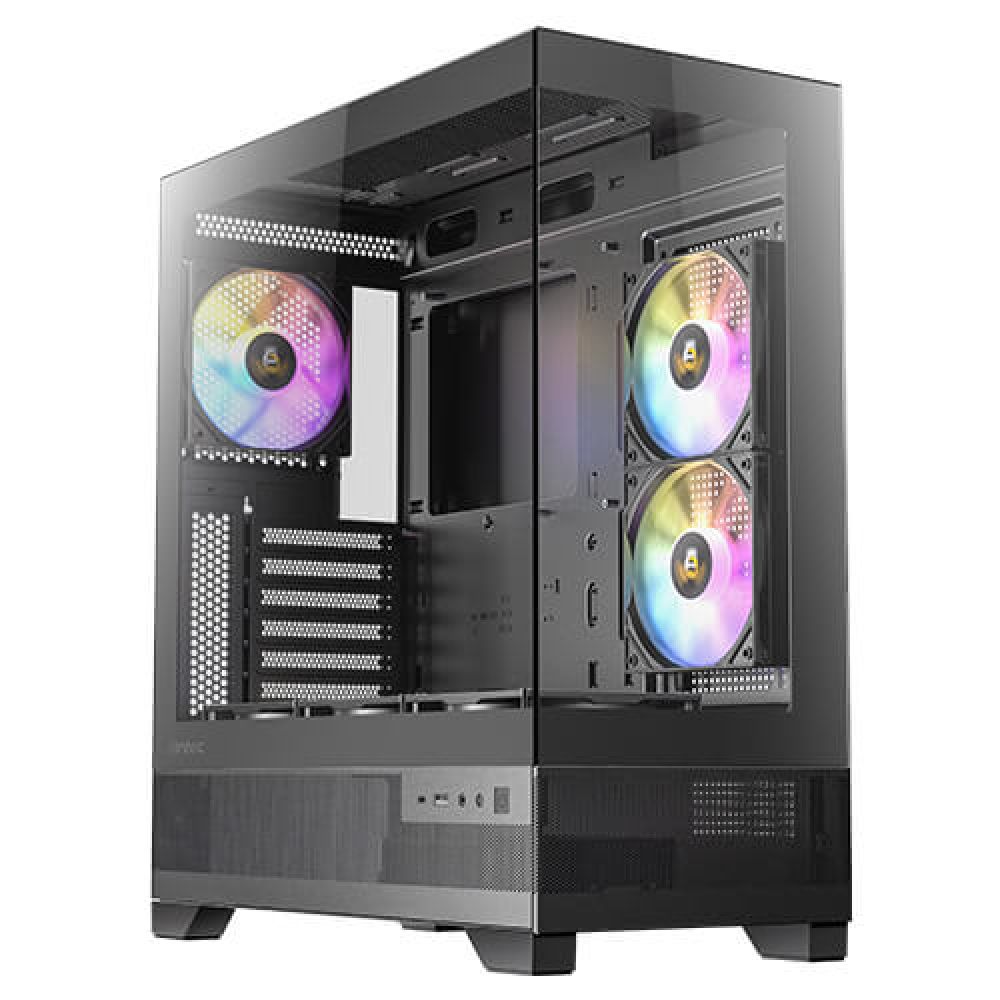
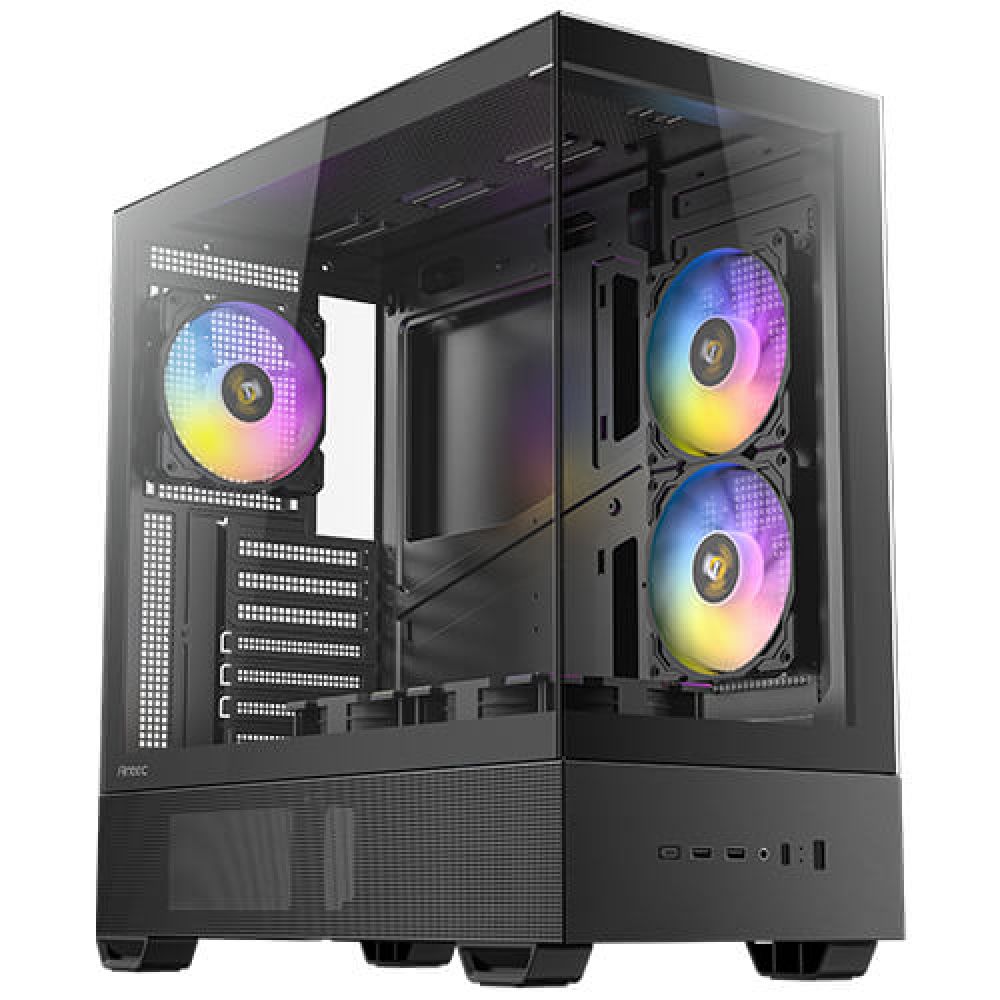
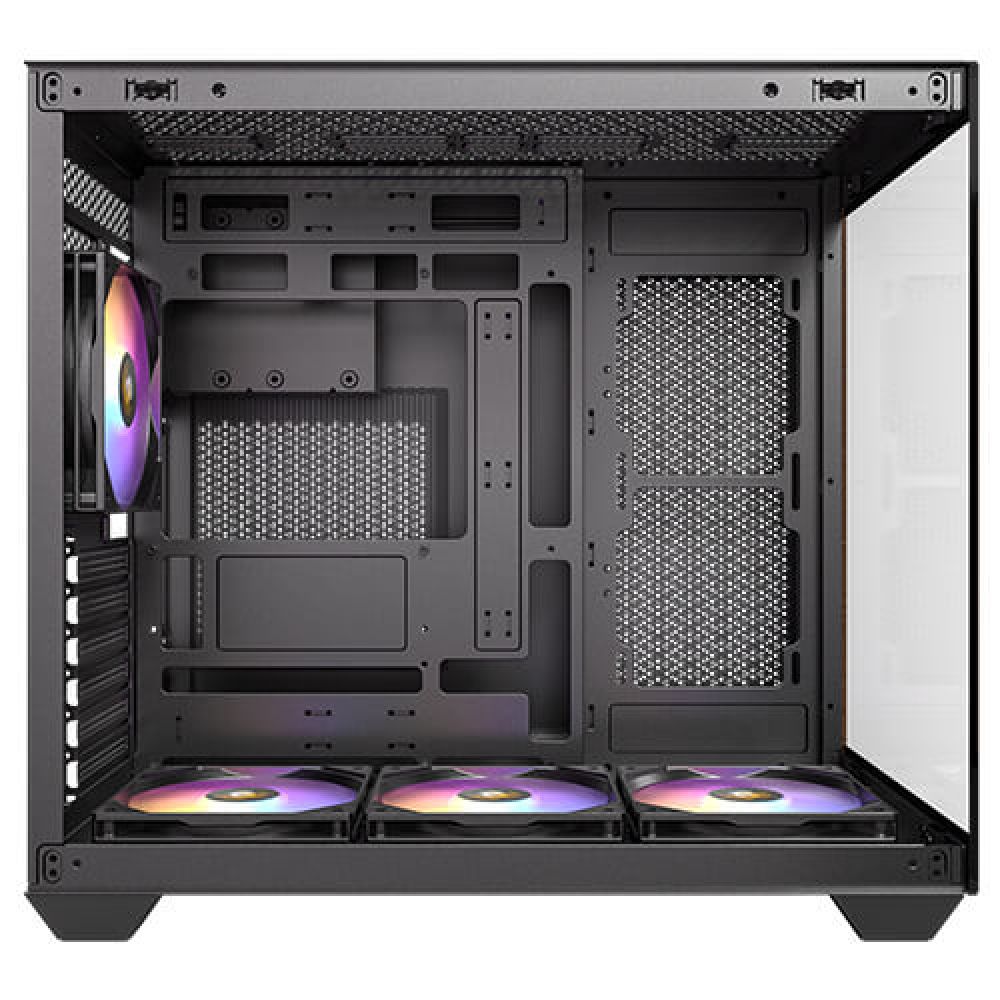
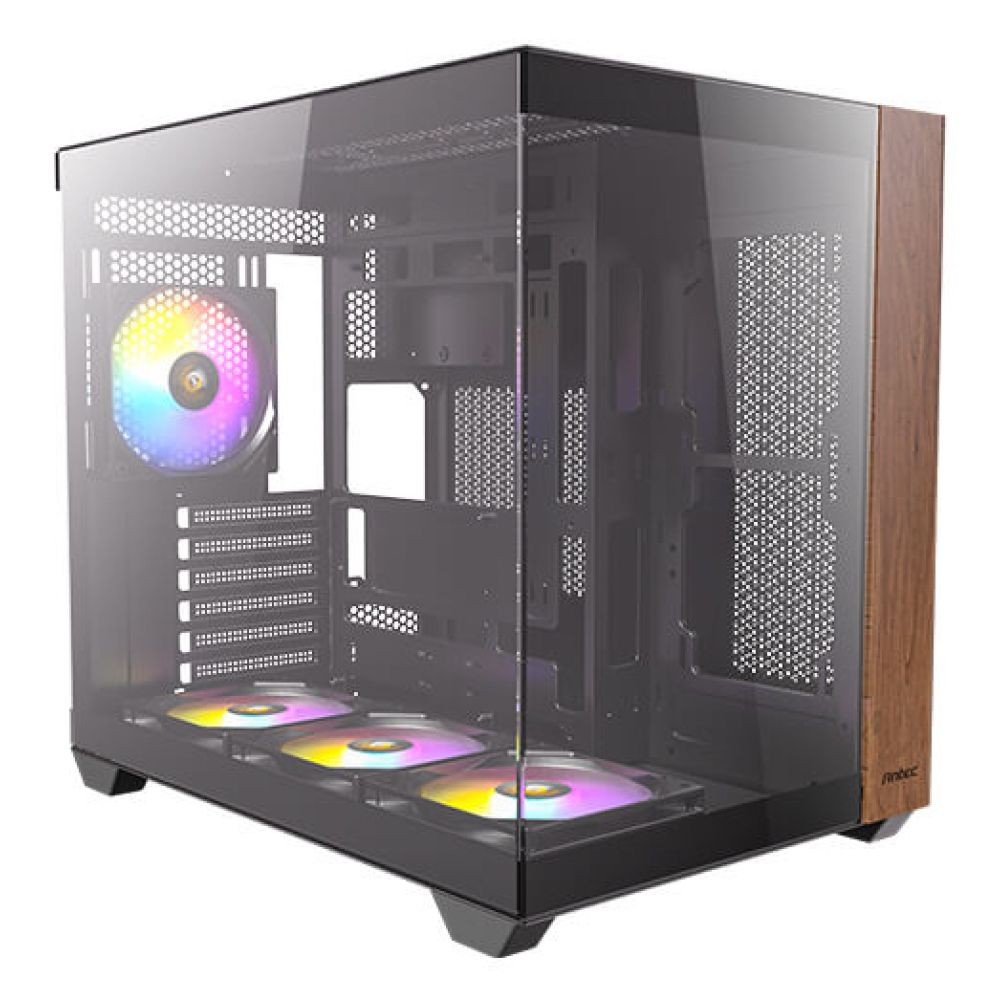
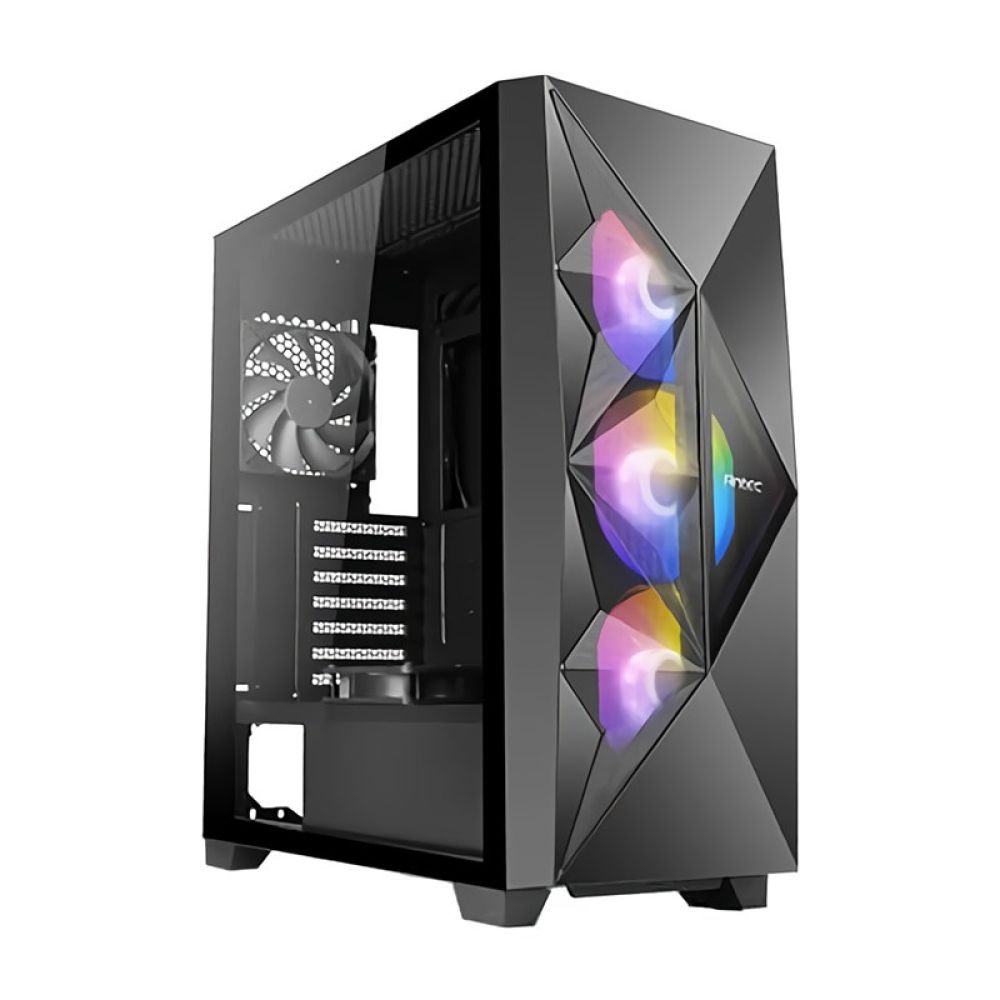
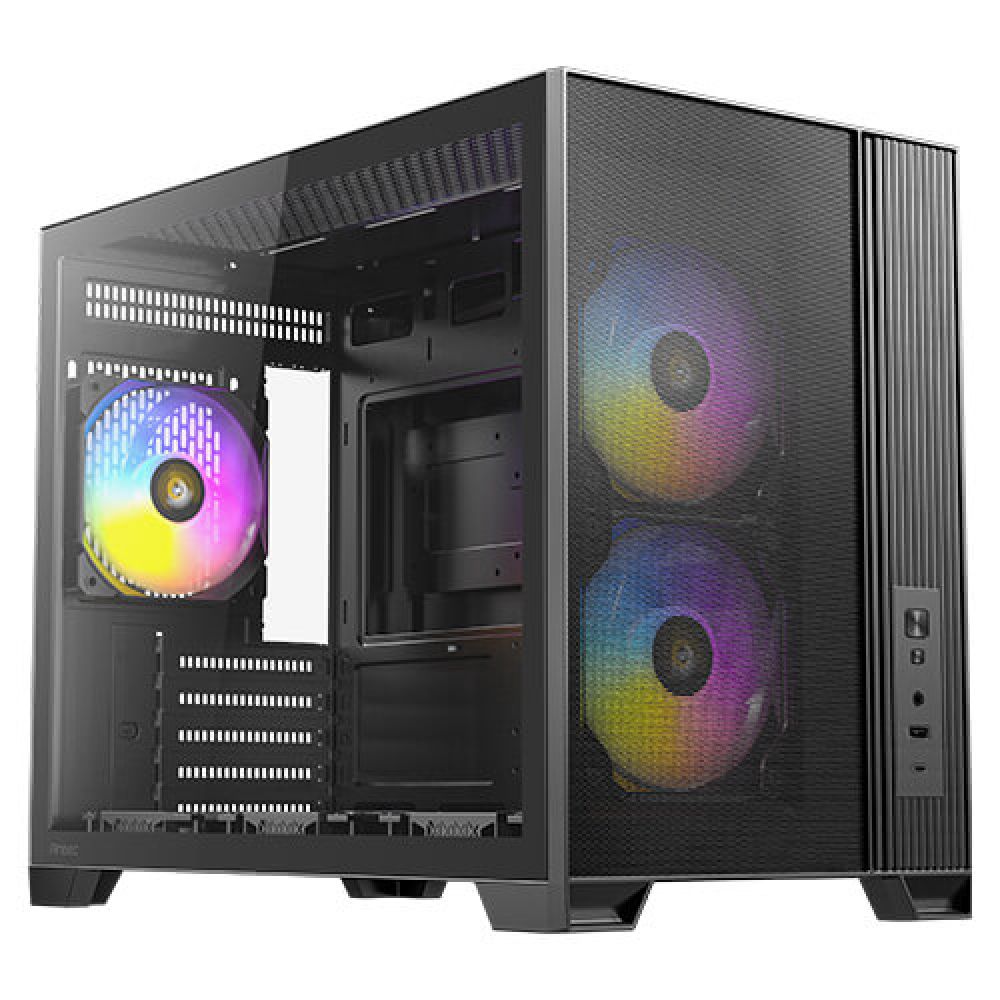
PC cases house your components and protect them from dust and damage. They come in various sizes to fit different motherboard form factors and cooling setups. Choose a case that matches your build style, whether for gaming, workstation, or compact living-room PCs.
In stock
Your case is more than a shell. It controls airflow, noise, cable management, and how easy it is to build or upgrade later. In our Cases category, you can choose designs focused on high airflow, clean aesthetics, compact footprints, or extra space for powerful components.
Motherboard support: Start by confirming form factor support (ATX, micro-ATX, mini-ITX). If you are still deciding on a platform, you can browse Motherboards first, then choose a case that fits your board and leaves room for future upgrades.
Graphics card clearance: Many modern GPUs are long and thick, so clearance matters. Before you buy, please check the size of your planned card in Graphics Cards and make sure your case comfortably supports it, including space for front fans or radiators.
Good airflow helps components boost consistently and stay quieter. Look for mesh panels, sensible fan mounts, and room for your preferred cooling style. To tune thermals, choose quality options from Fans and Cooling, and make sure your power delivery stays stable with a reliable unit from Power Supplies.
Small details make a big difference. Cable routing space, dust filters, tool-less panels, and front I/O placement all affect the building experience and maintenance. For a system that feels fast and responsive, pairing your build with quick storage from Computer Storage and adequate Memory helps the whole setup run more smoothly.
If you prefer a specific case style or manufacturer, browse our Brands page to compare designs, features, and value, then choose the case that matches your build goals.
Match the case to your motherboard form factor and check clearance for your GPU, CPU cooler, and radiators if you plan liquid cooling.
Yes. Better airflow lowers temperatures, improves stability, and can reduce fan noise under load.
Check your GPU length and thickness and compare it to the case’s maximum clearance, accounting for front fans or radiators.
Many cases work well with two or three fans. Extra fans can help depending on your CPU and GPU heat output.
Cable management space, dust filters, good front I/O, and tool-less access make building and maintenance much easier.
No account yet?
Create an AccountContact us