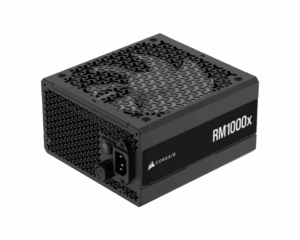
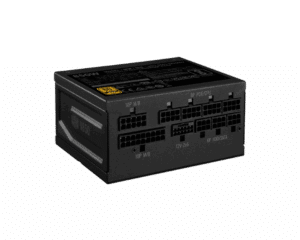
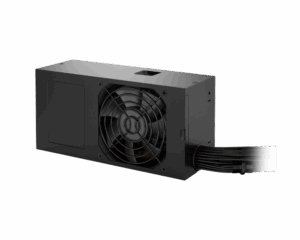
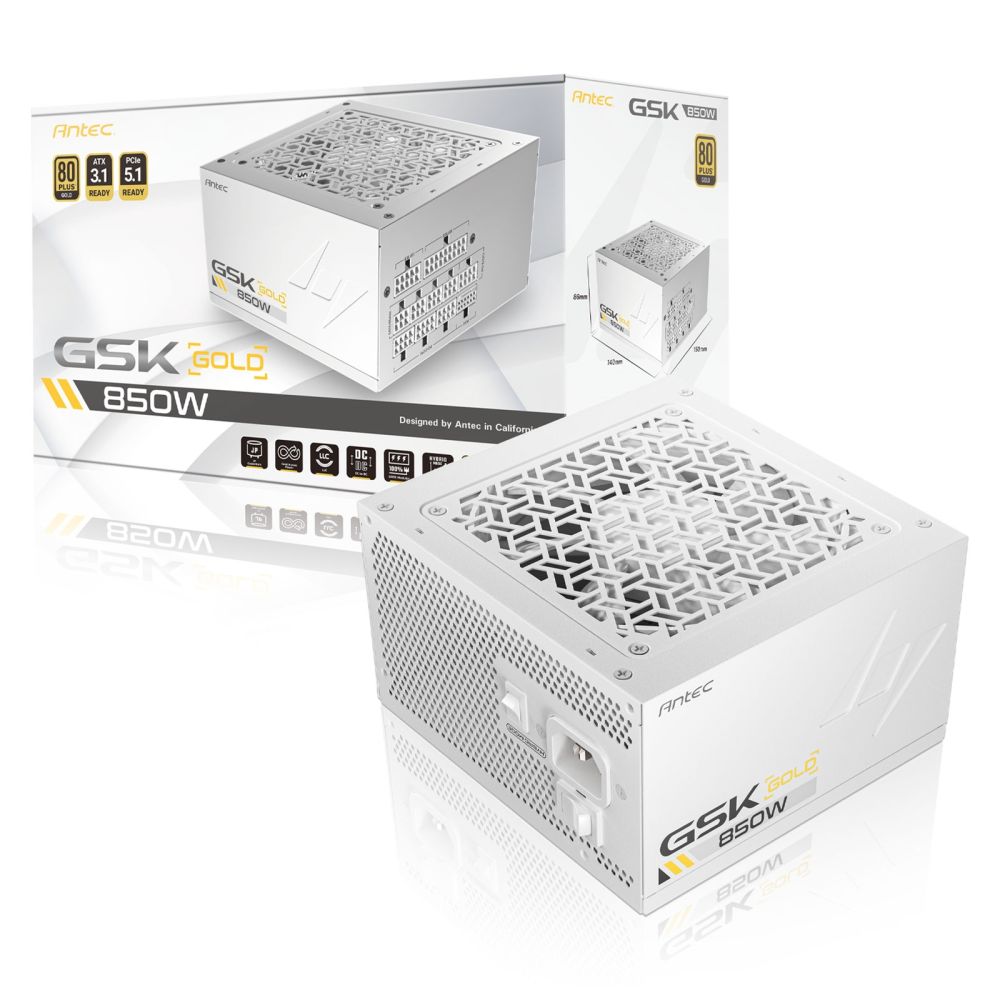
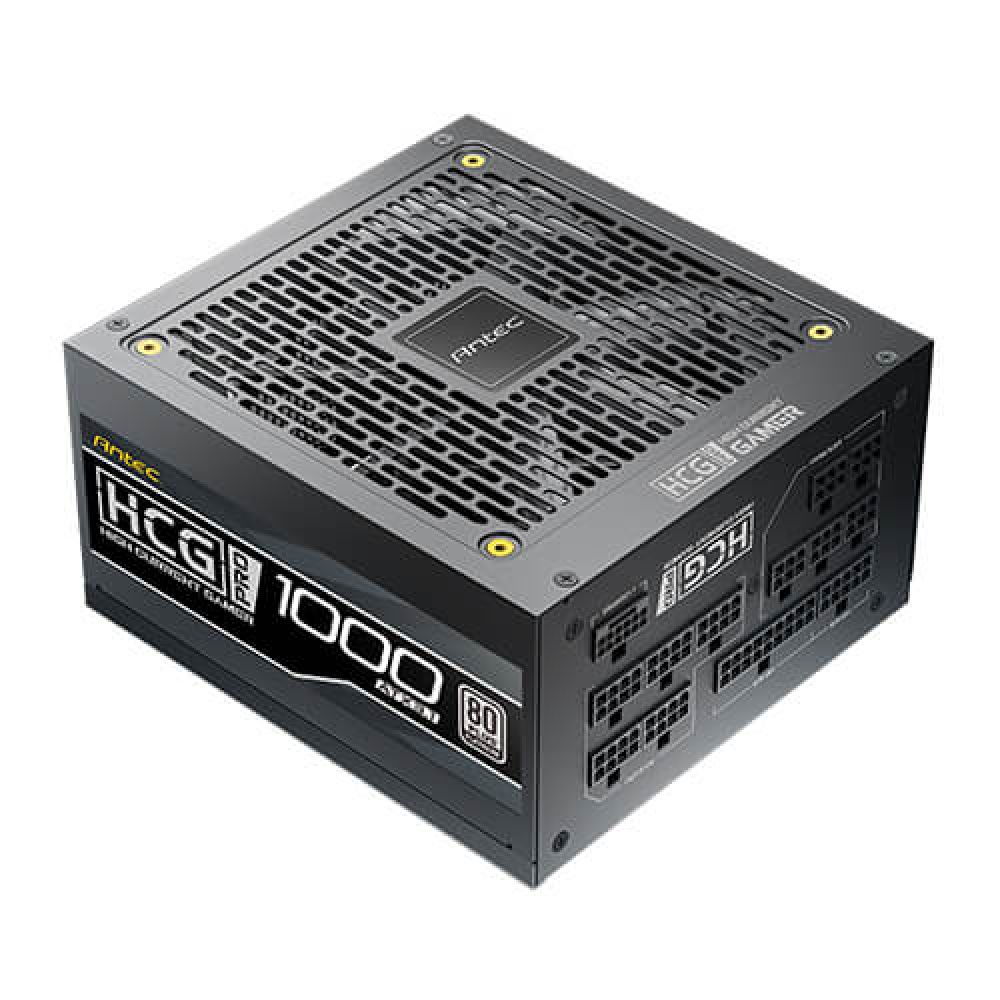
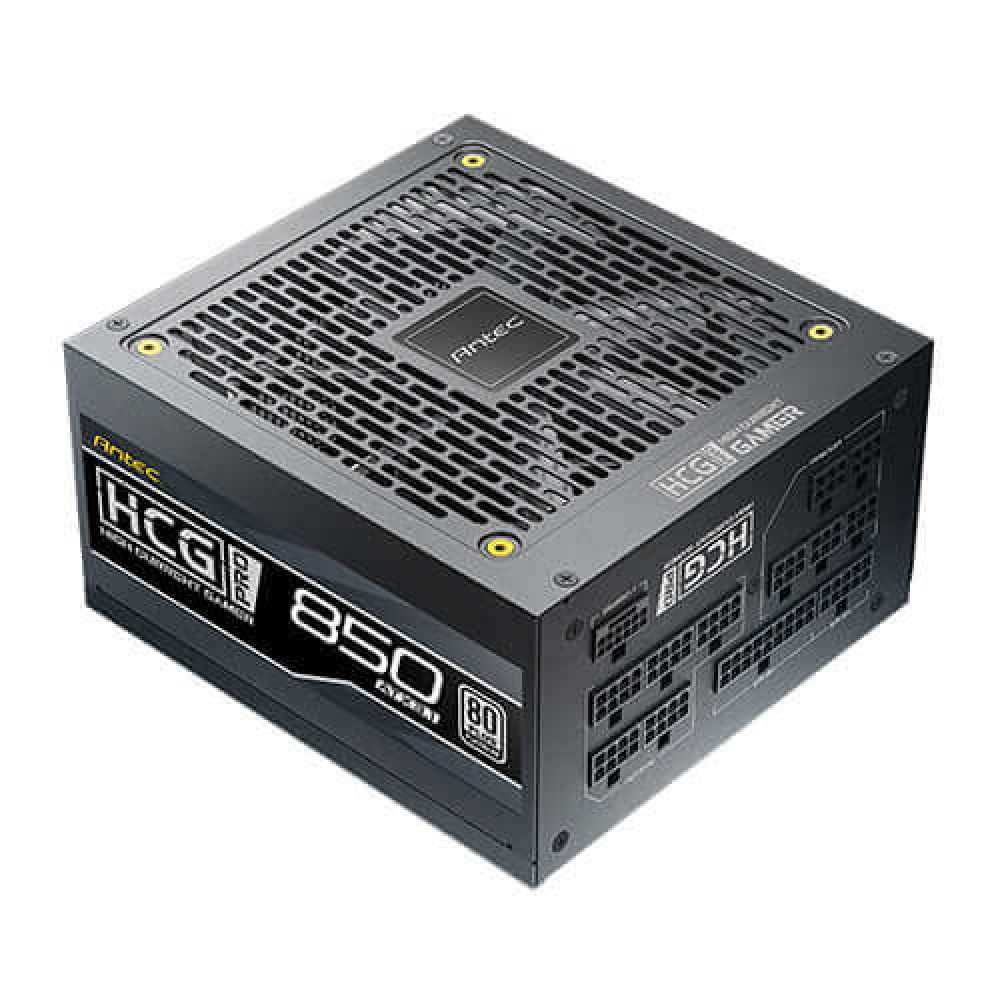
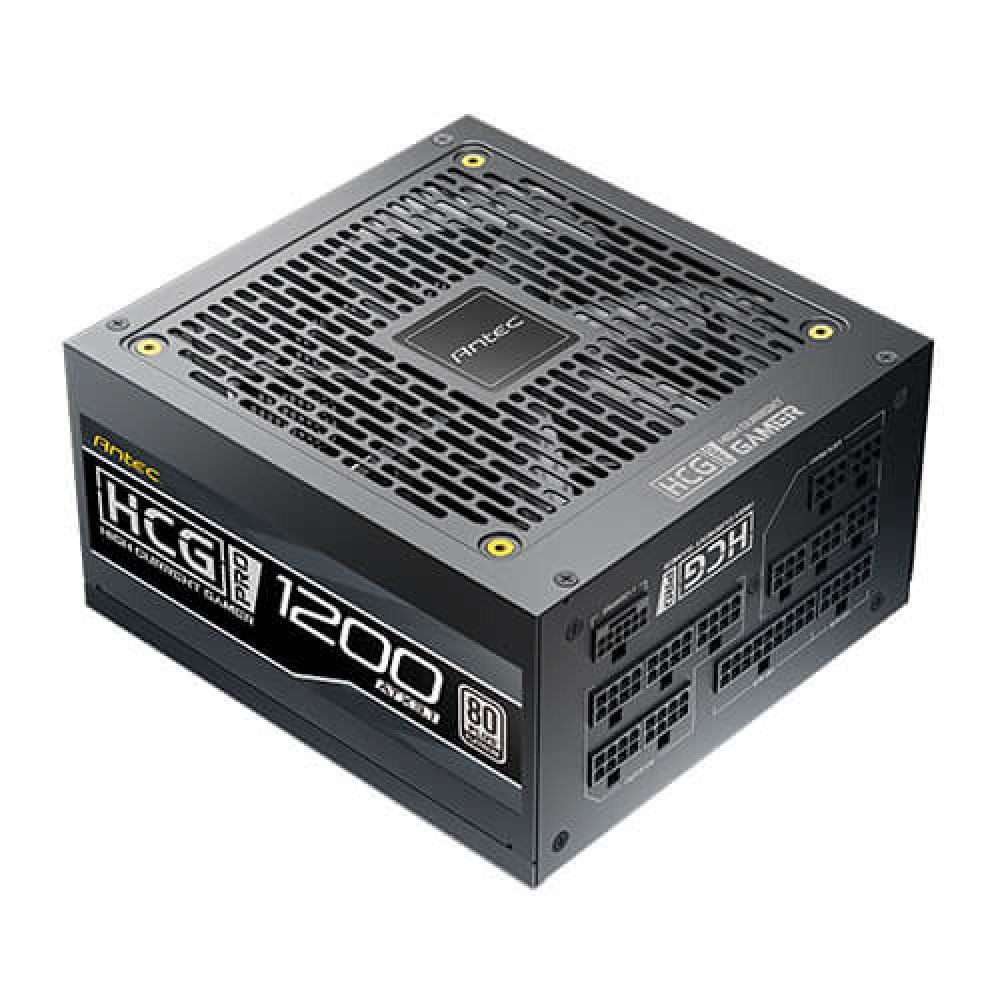
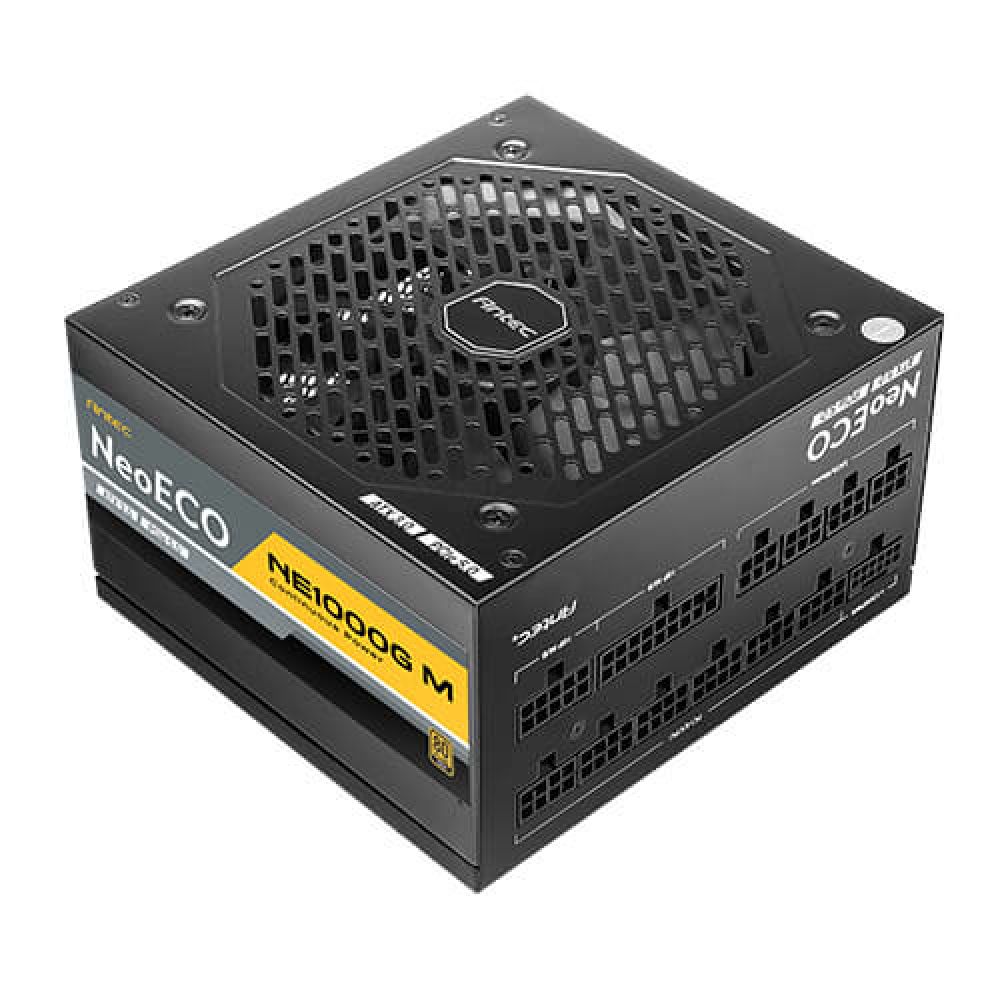
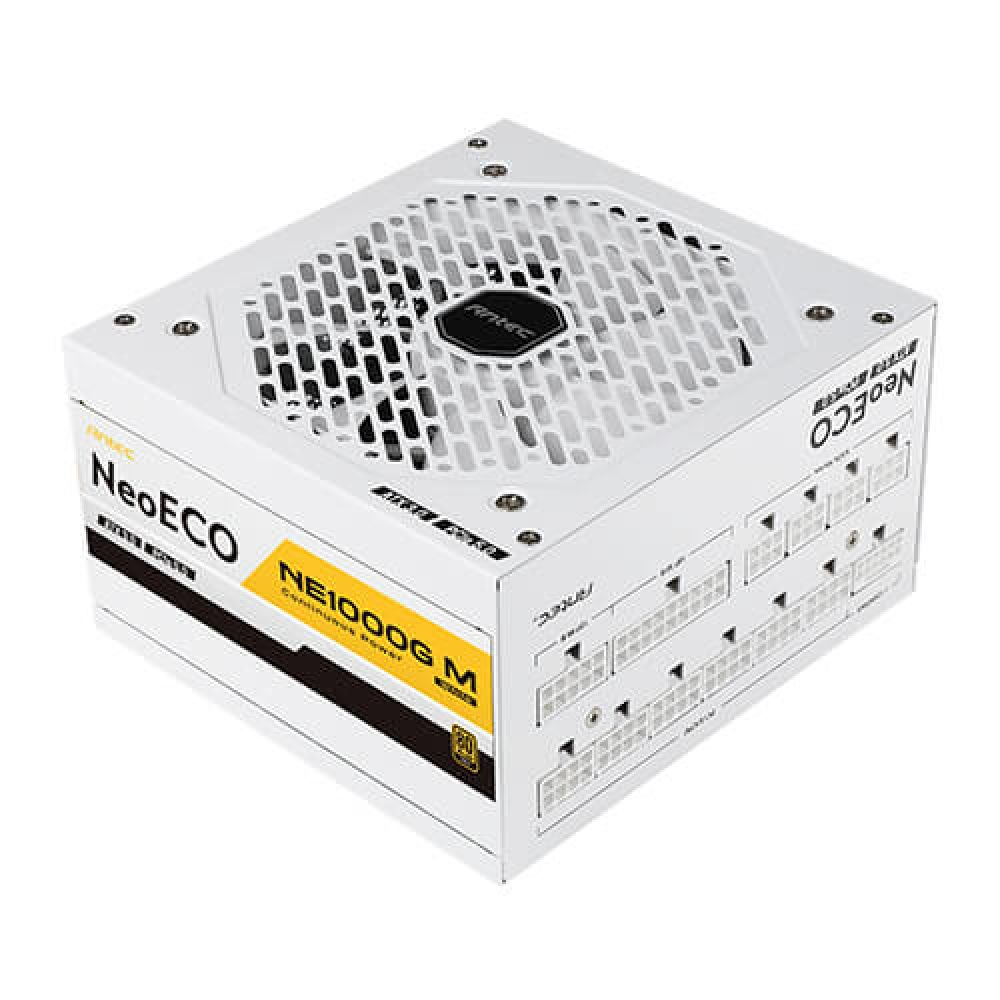
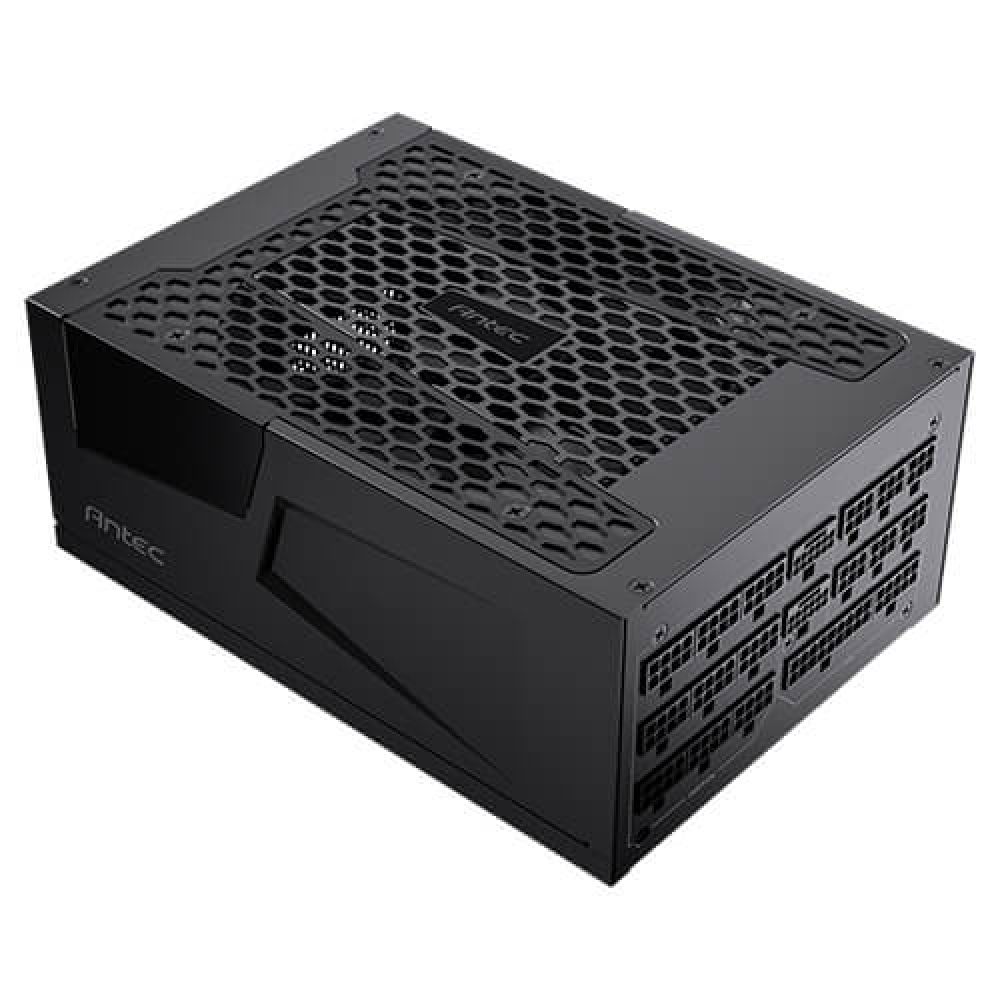
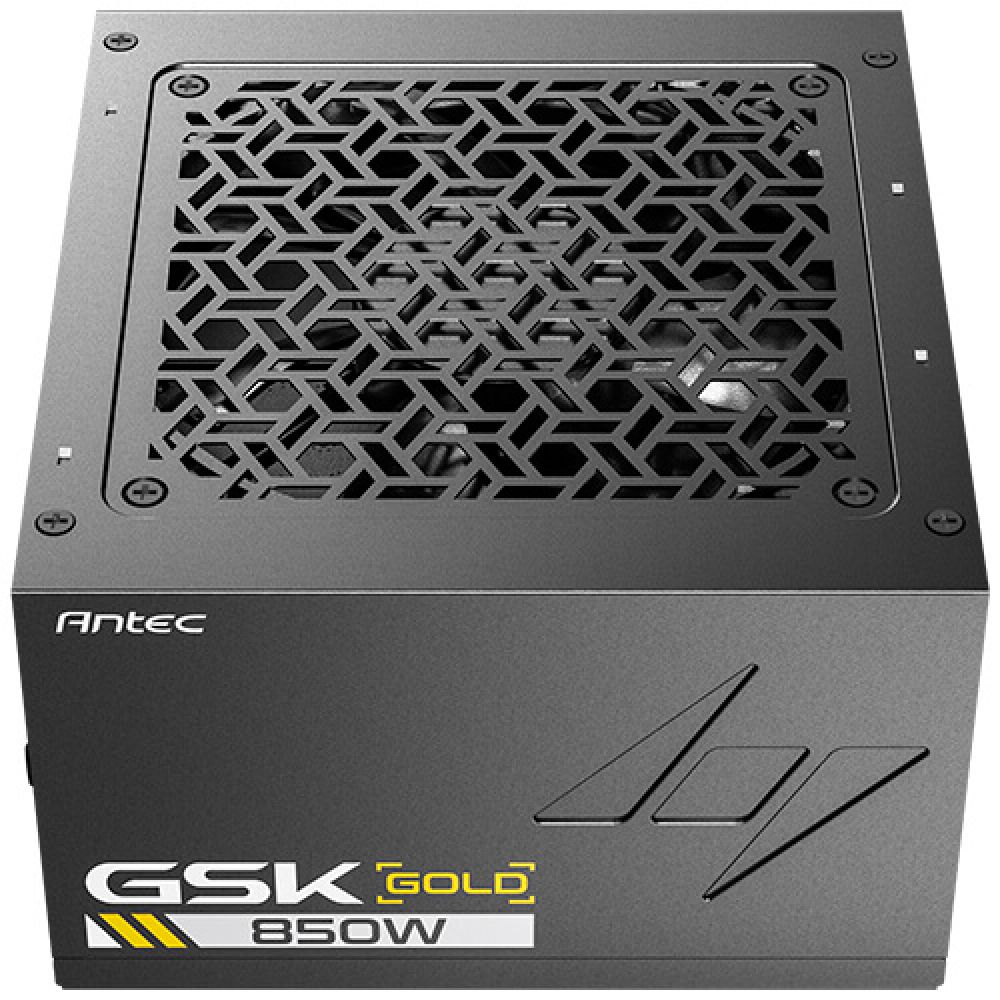
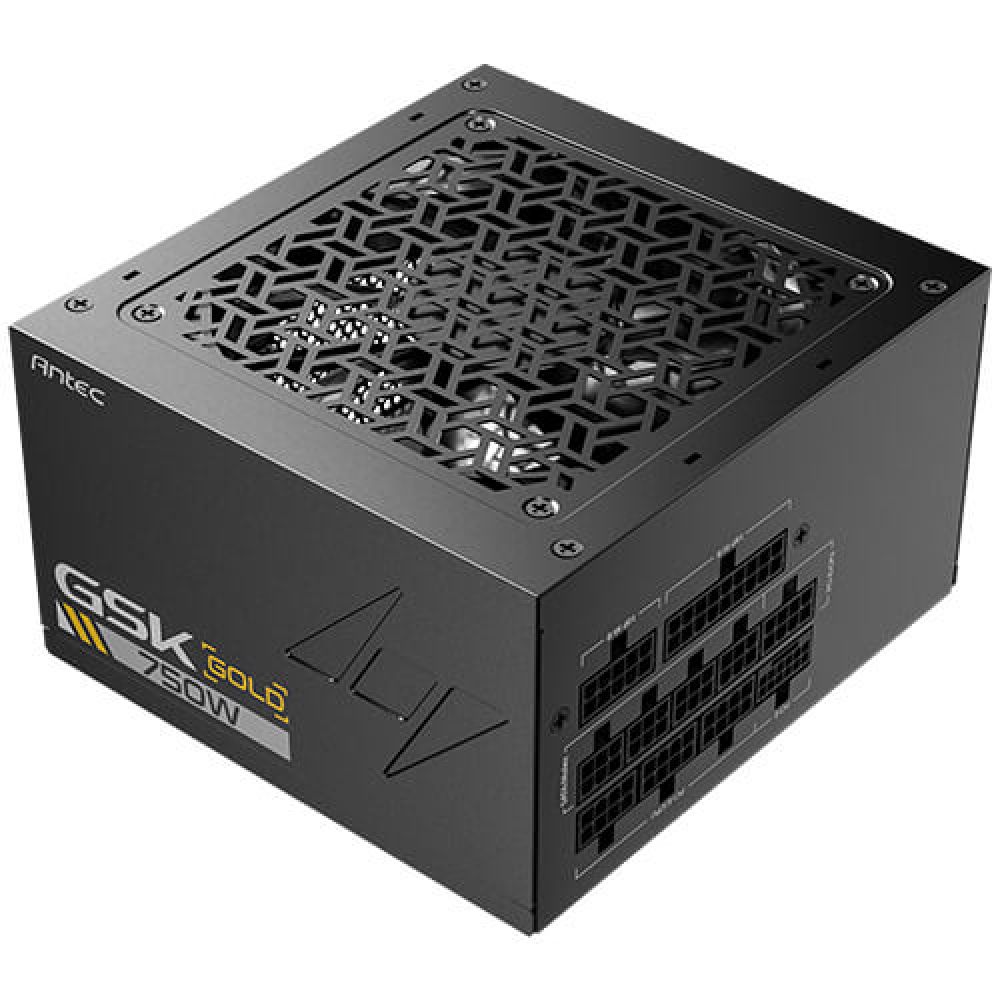
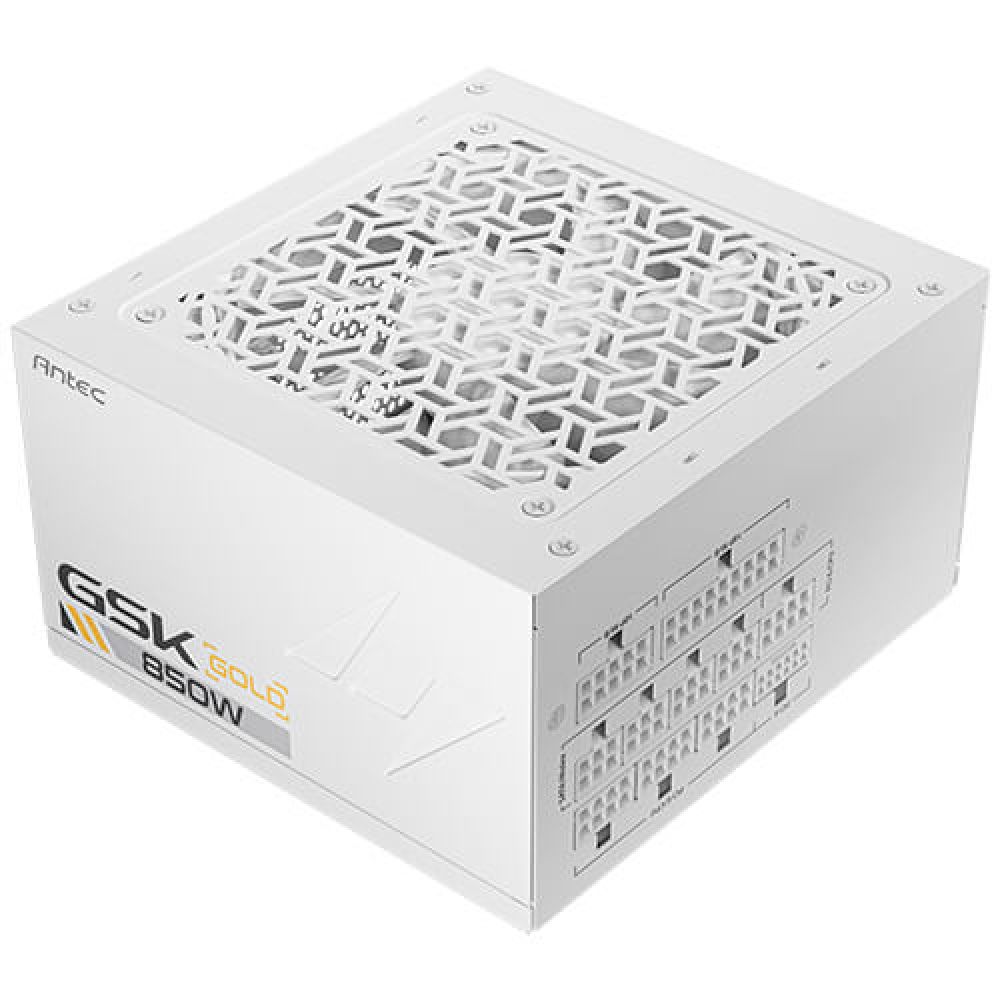
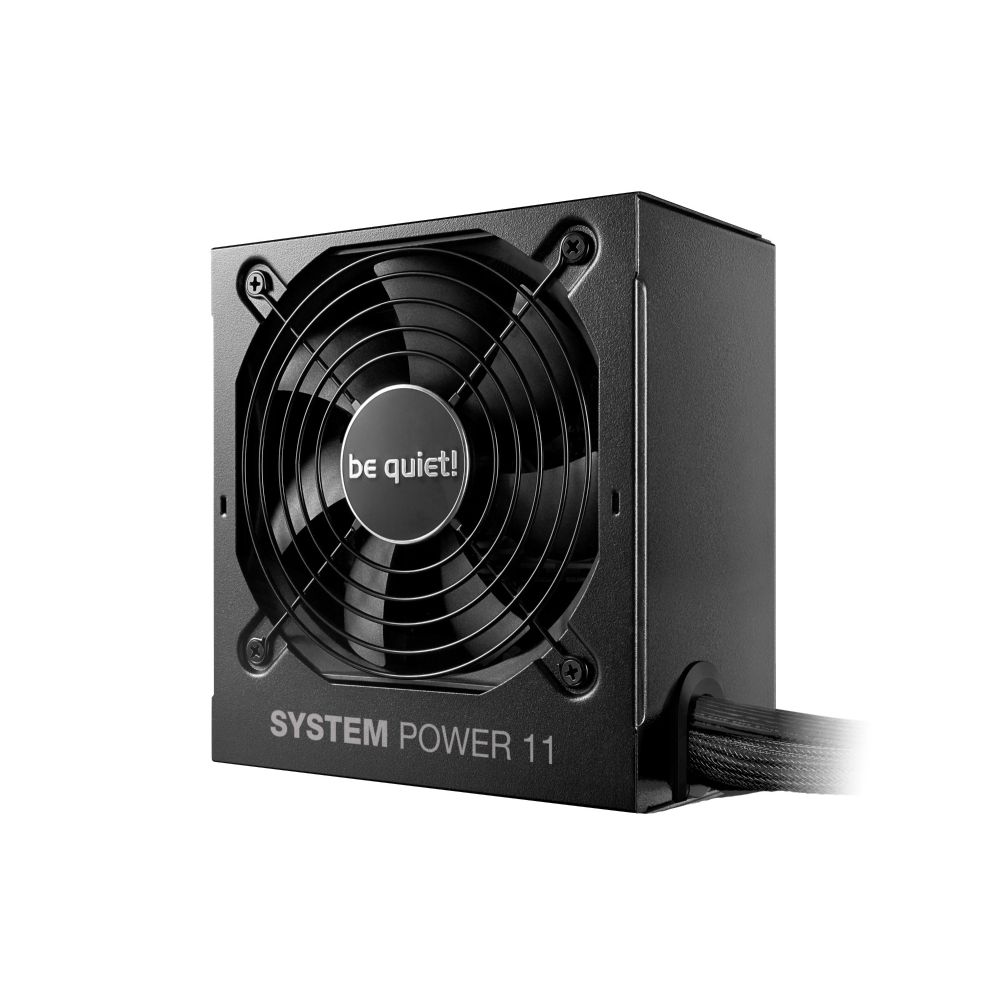
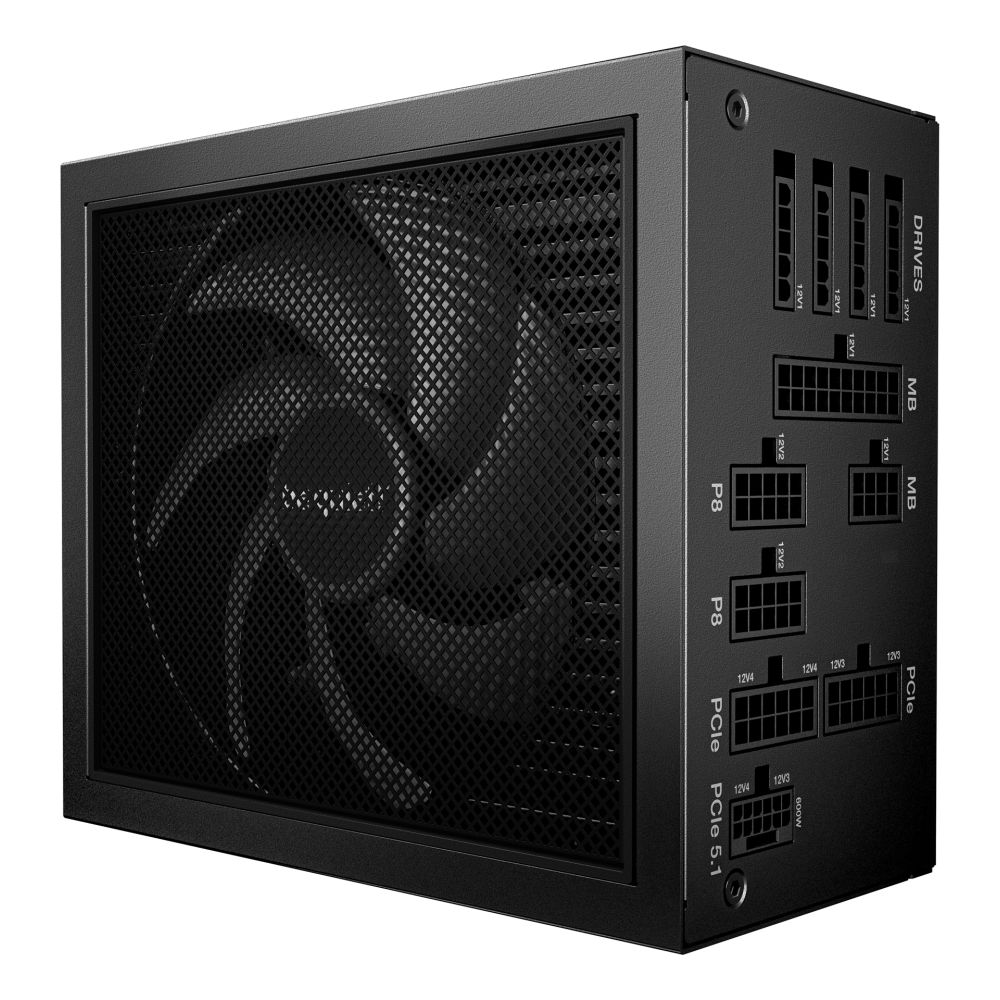
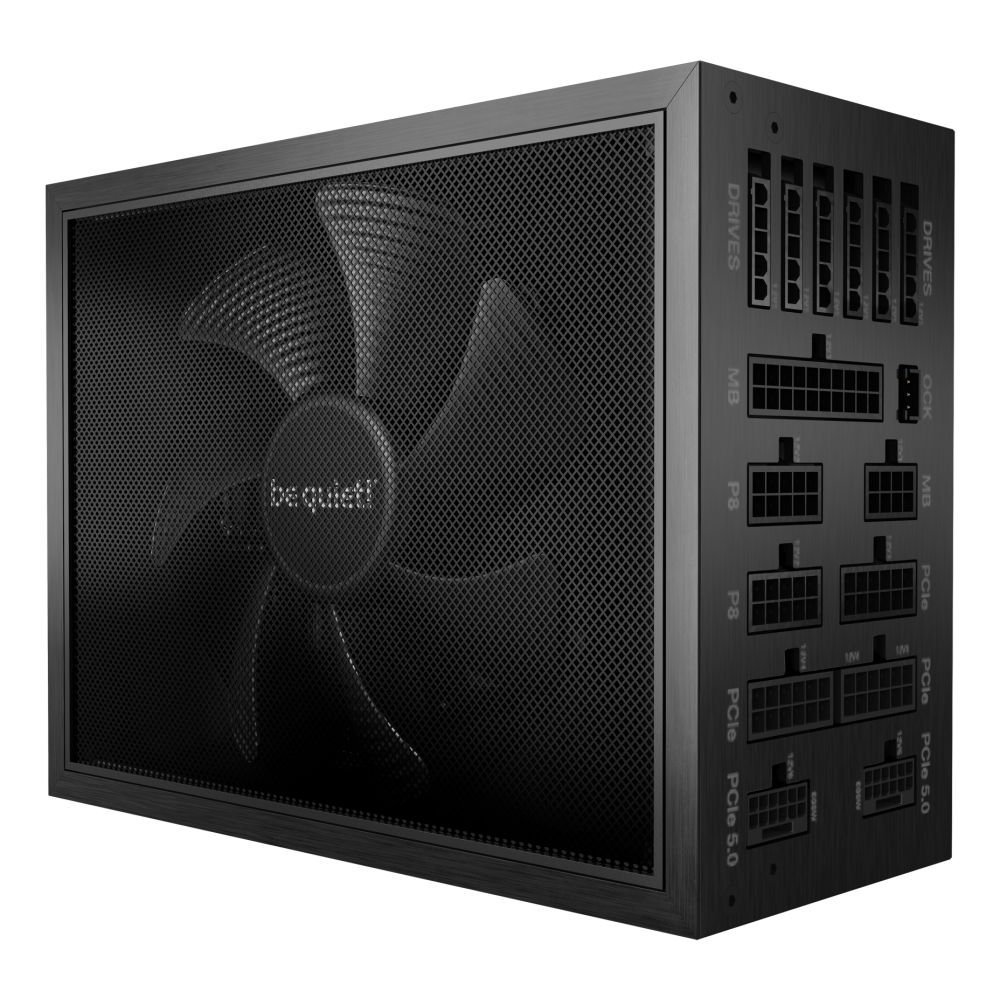
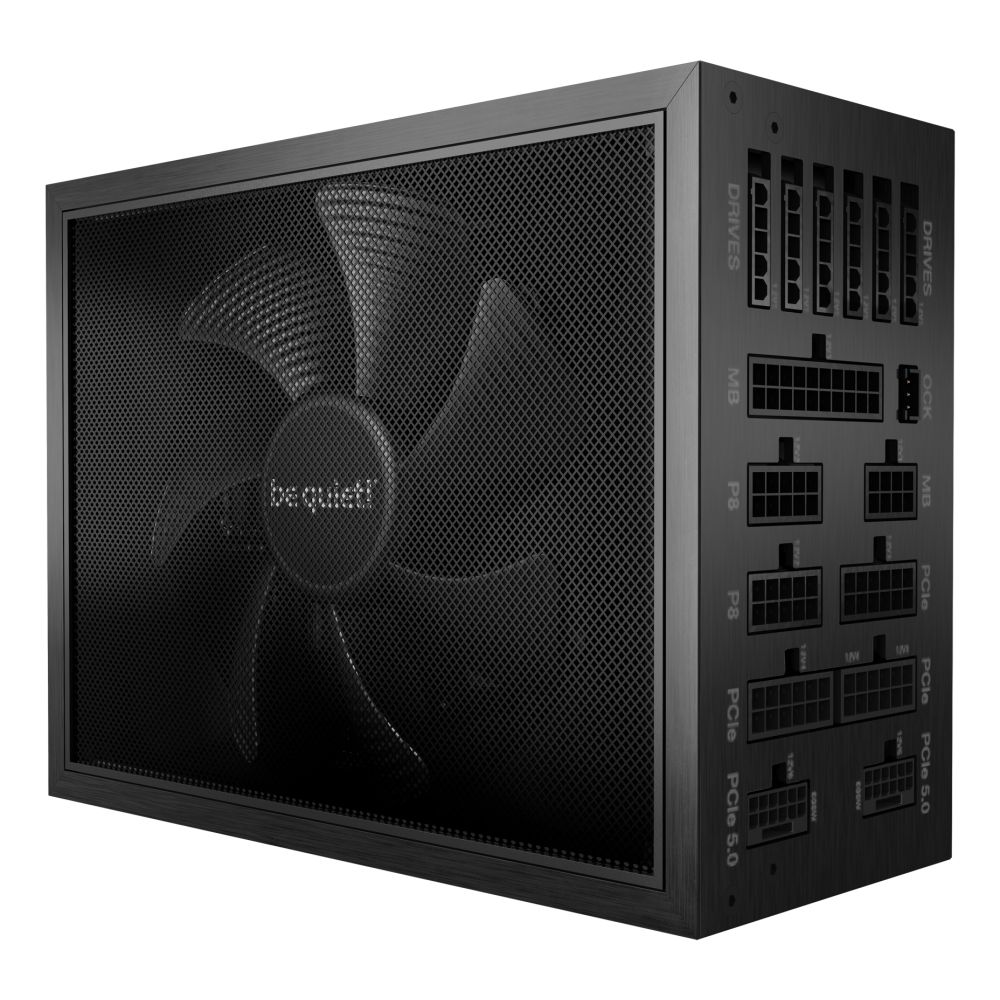
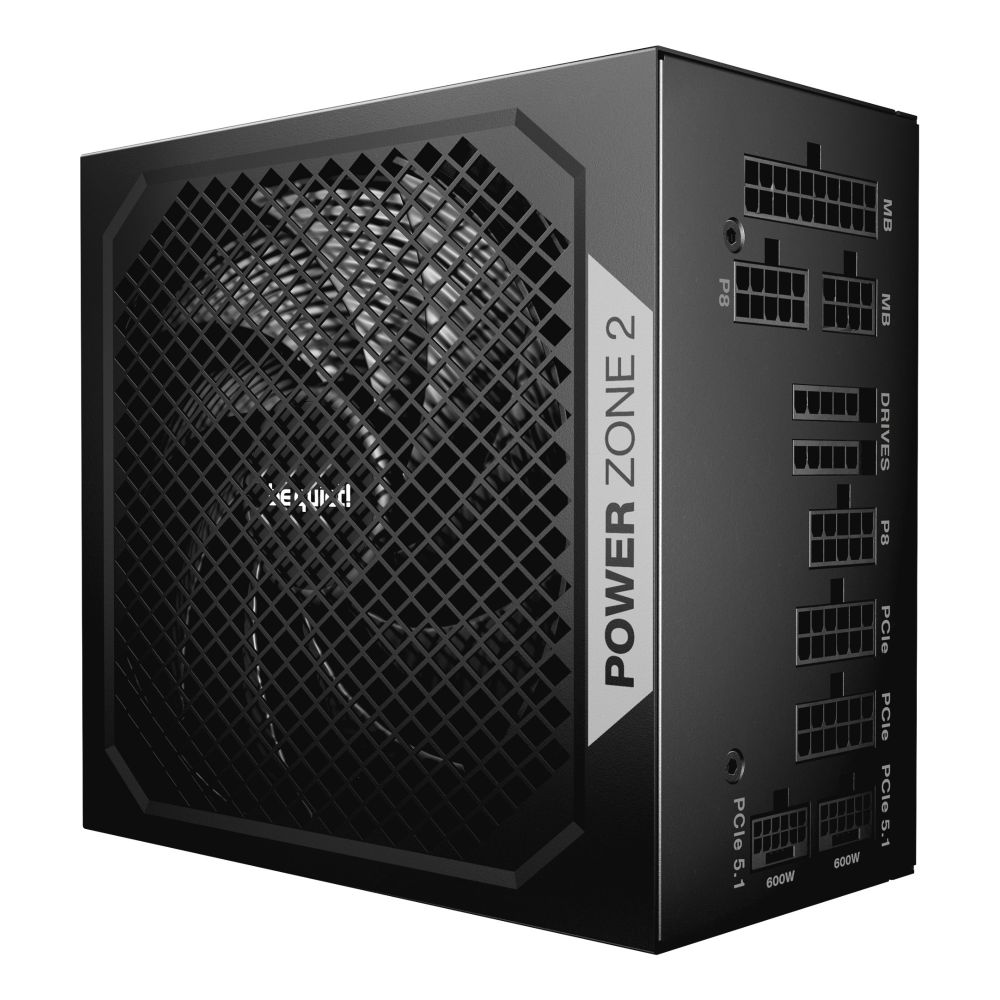
Shop power supplies at Hardvance for clean, stable power and long-term reliability. Choose the correct wattage, efficiency level, and connector support for your build. A quality PSU protects your components and keeps performance consistent.
A PSU is not the part to guess on. It affects stability, upgrade headroom, and even how quiet your PC runs under load. In our Power Supplies category, you can choose reliable units designed to deliver clean power for modern gaming PCs, productivity systems, and upgrade-ready builds.
Wattage with headroom: Start by considering your most power-hungry components, especially your GPU and CPU. If you are planning a graphics upgrade, check your options in Graphics Cards, then select a PSU that provides the recommended wattage with extra headroom for stability and future upgrades.
Efficiency and heat: Higher efficiency can reduce wasted power and heat inside the case. Less heat often means quieter fans and a smoother-running build, especially during gaming or long productivity sessions.
Connectors and compatibility: Modern builds may require specific PCIe and CPU power connectors. Please confirm your planned platform using Motherboards and Processors, then make sure your PSU has the right cables for your setup. Good cable routing also improves airflow, so pairing with a suitable chassis from Cases makes building and maintenance easier.
A quality PSU delivers consistent power, but temperatures also affect stability. Strong airflow and sensible thermals help components sustain performance and reduce noise. If you are building a higher-wattage system, consider improving airflow using Fans and Cooling. For clean installation and reliable connections, it is also worth having the right leads and accessories from Cables.
If you prefer a specific PSU brand or want to compare models by efficiency tier and features, browse our Brands page to choose the option that best fits your build and upgrade plans.
Estimate your CPU and GPU needs, then add headroom for stability and upgrades. Avoid running a PSU at its limit.
It is an efficiency rating. Higher efficiency usually means less wasted power and less heat.
Modular PSUs let you use only the cables you need, improving cable management and airflow. Non-modular can be more cost-effective.
A low-quality or failing PSU can cause crashes and may risk hardware. A reliable PSU is a key part of system protection.
Wattage, connector support for your GPU and CPU, PSU size compatibility with your case, and efficiency level.
No account yet?
Create an AccountContact us