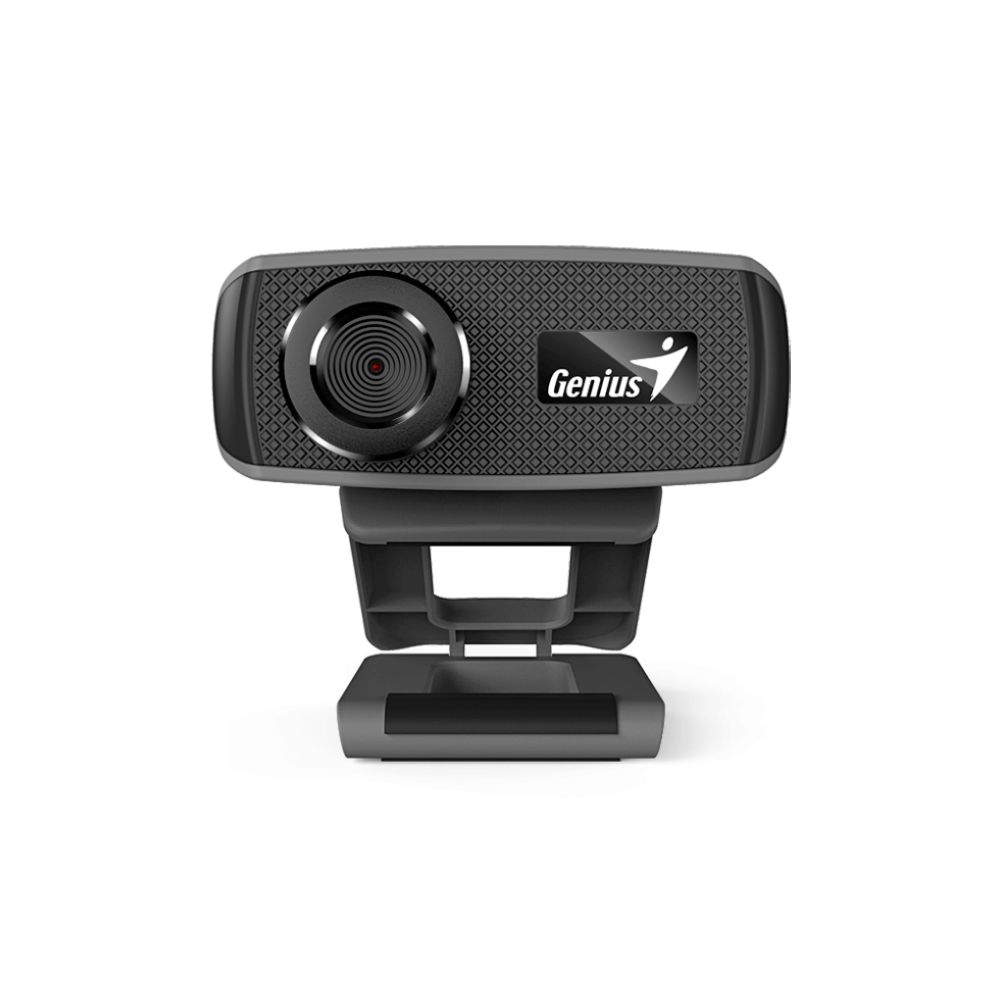
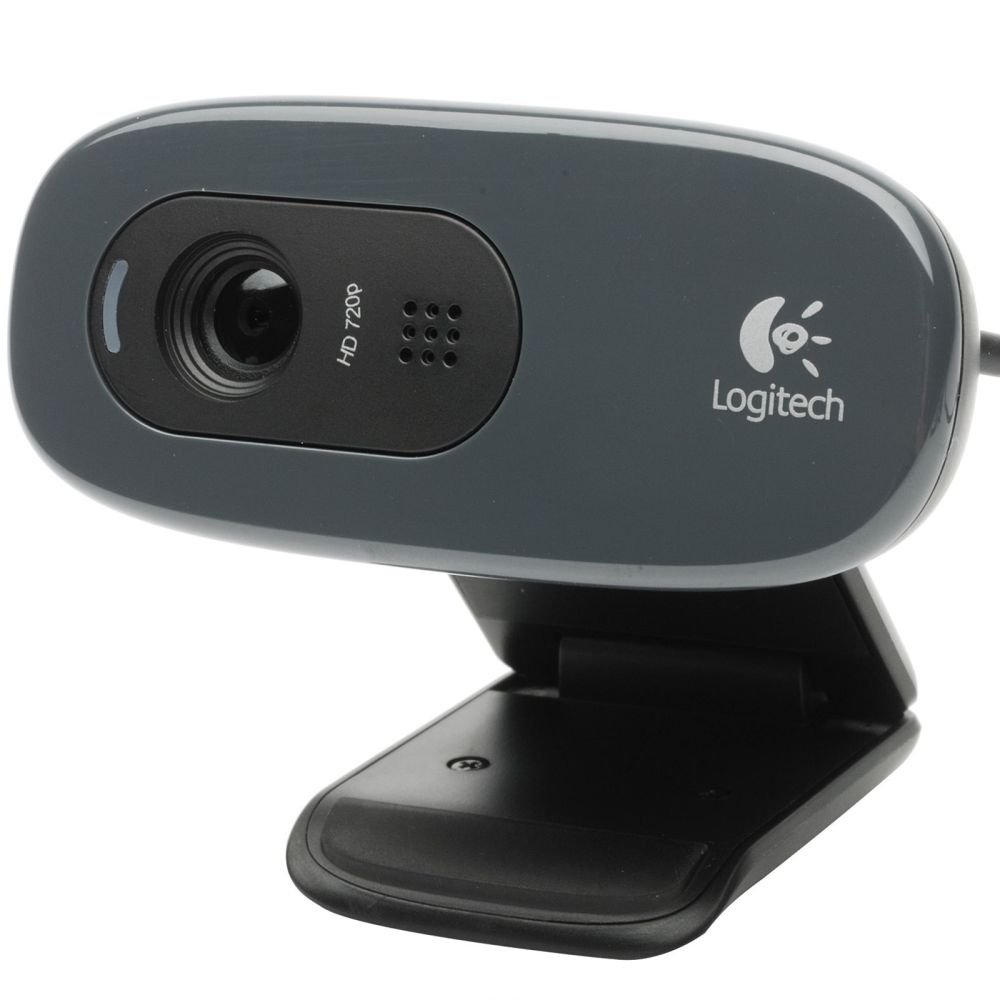
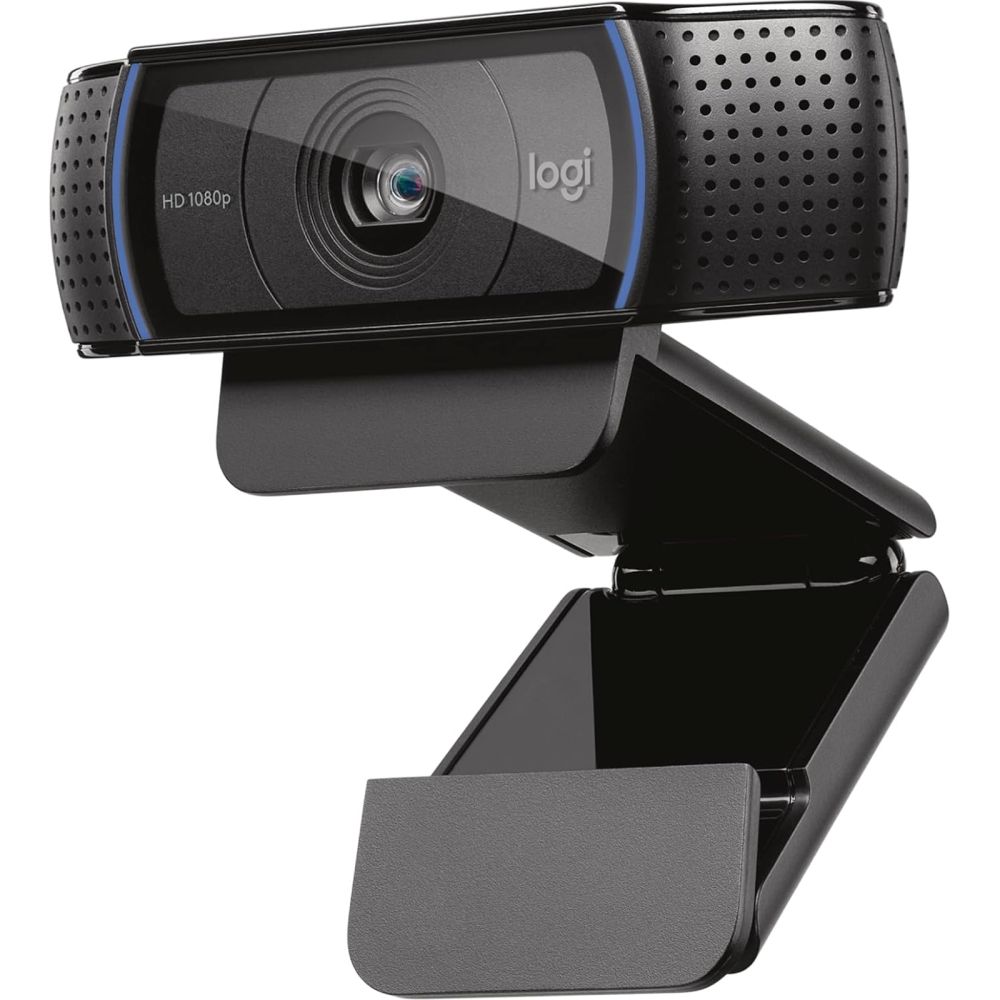
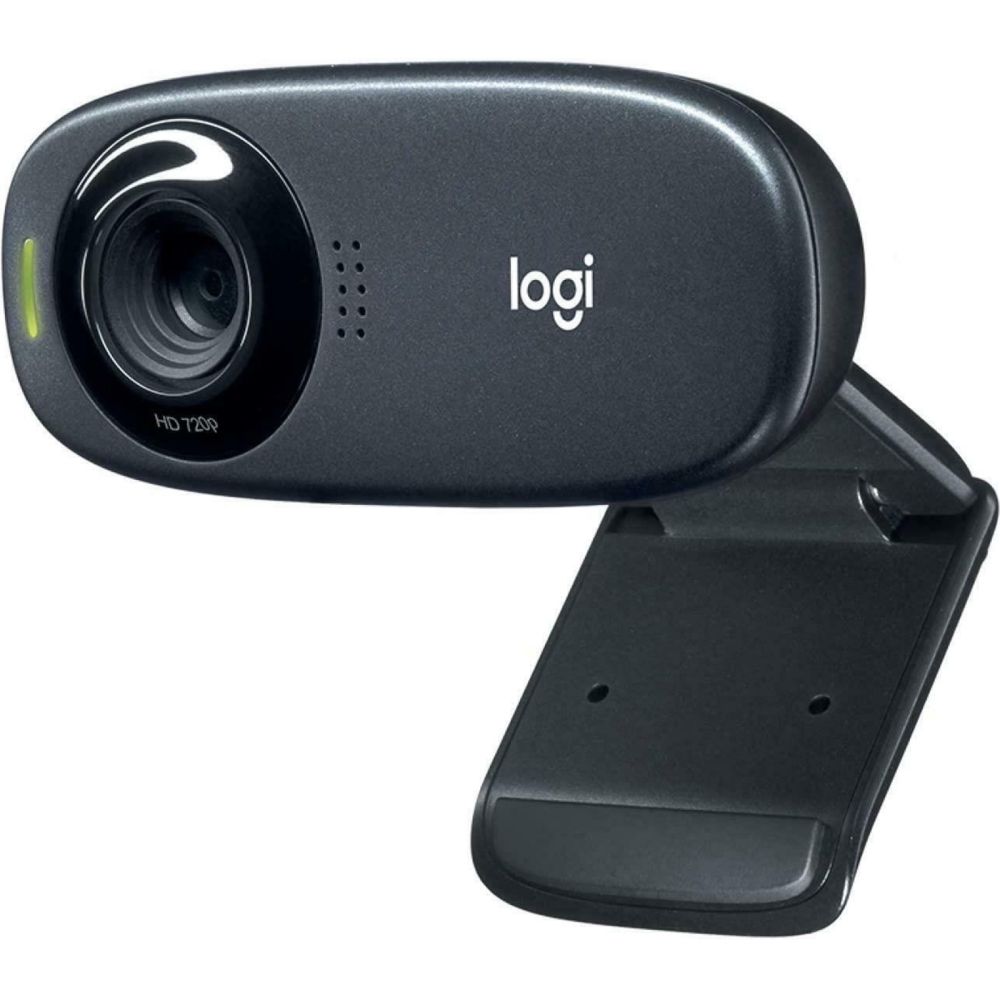
Shop webcams for clearer video calls, online meetings, and streaming. Choose the right resolution, microphone quality, and placement to look professional and stay sharp in any lighting.
A good webcam helps you look sharper and sound clearer in meetings, remote work, online classes, and content creation. In our Webcam category, you can compare resolution, frame rate, and features that improve image quality in different lighting conditions.
Pick the right resolution and frame rate: For everyday calls, a reliable webcam with clear image quality is usually enough. For frequent meetings or streaming, higher-resolution, smoother video can make you look more professional and improve viewing comfort.
Placement and camera angle matter: Position the webcam at eye level for a natural look. If you use an external monitor, consider using a Monitor Mount better to position your screen and camera for more comfortable viewing.
Lighting and audio considerations: Lighting has a big impact on image quality. Pair your webcam with a clean workstation setup and clear audio using Speakers, especially if you work in a quiet environment and want better call clarity.
Webcams are a strong upgrade for laptop users who want a better camera angle and clearer quality than built-in cameras. Pair your setup with a larger display from Monitors and a comfortable input setup using Keyboards and Mice.
For a clean desk experience, manage cables, improve comfort by keeping the screen stable with a Monitor Mount, and keep your workspace organised for professional-looking calls.
Choose reliable Logitech webcams for work and streaming setups, and explore Microsoft productivity accessories based on your workspace needs.
For everyday calls, standard resolution is usually enough. For frequent meetings, higher resolution can look sharper, especially on larger screens.
Often, yes. External webcams can provide better image quality, improved placement, and more consistent results across different lighting conditions.
Place it at eye level and avoid harsh backlighting. A natural angle can make you look more professional on calls.
Many do, but microphone quality varies. In noisy environments or when you need a more unmistakable voice, you may prefer a headset or a dedicated mic.
Most webcams work via USB and are compatible with common video-call apps. Check connection type and system requirements if needed.
Consider resolution, frame rate, low-light performance, field of view, microphone quality, and how you plan to mount it (monitor/laptop/tripod).
No account yet?
Create an AccountContact us