
Webcam

Shop webcams for clearer video calls, online meetings, and streaming. Choose the right resolution, microphone quality, and placement to look professional and stay sharp in any lighting.

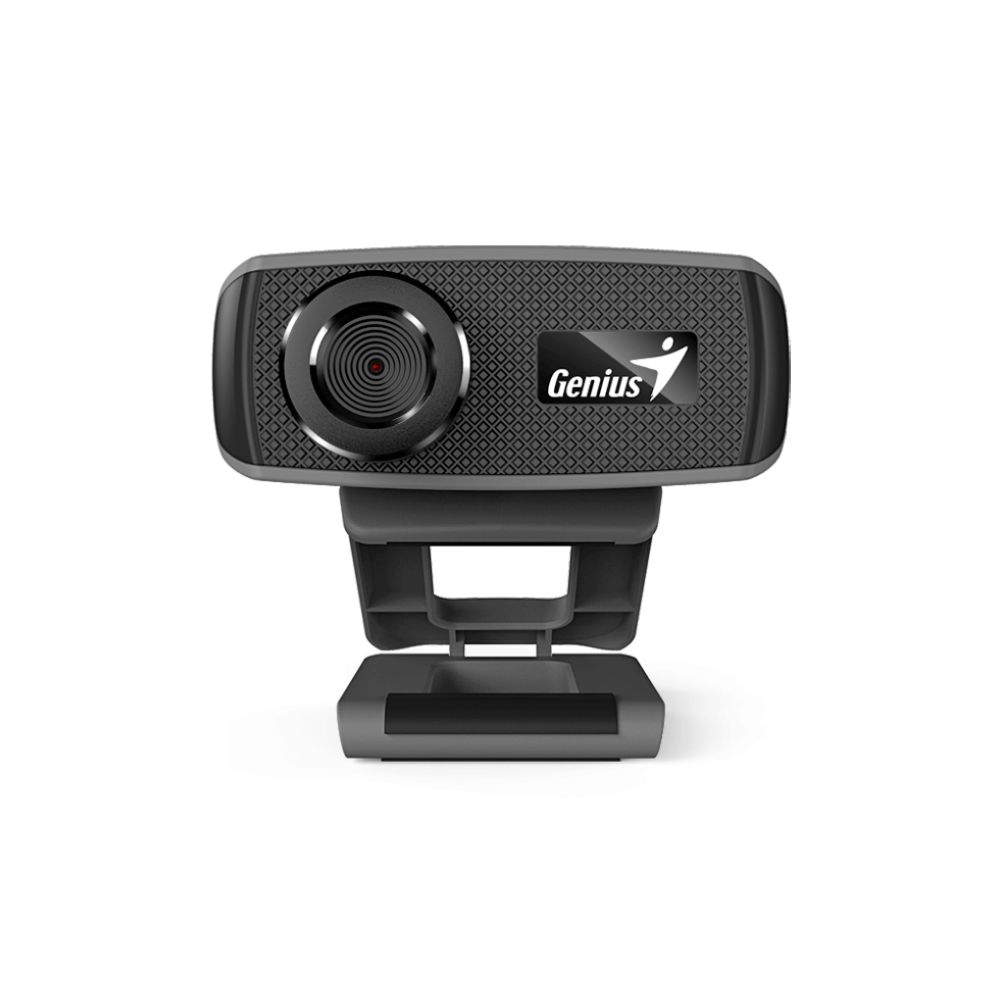
Genius FaceCam 1000X USB Webcam

(0)

In stock

£14.21 inc VAT
  • 720p HD video conferencing with AVI and WMV formats
  • 1 MP CMOS sensor with manual focus for clear visuals
  • Built-in microphone for HD audio capture
  • Universal clip for LCD panels, notebooks, or standalone use
  • USB-powered and compatible with Windows, Mac, and Linux
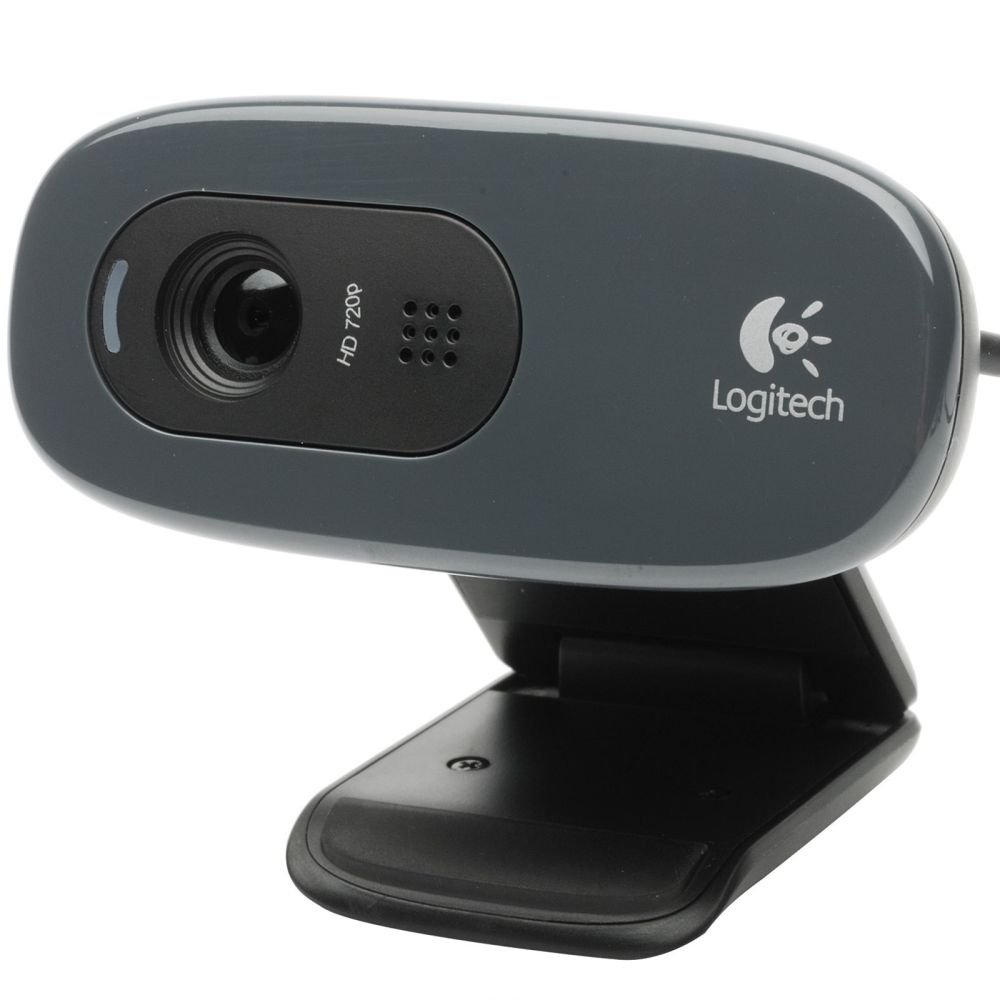
Logitech C270 HD Webcam for Video Calling

(0)

In stock

£21.87 inc VAT
  • HD 720p video calling at 30fps
  • Noise-reducing microphone for clear voice
  • Automatic light correction for vibrant colours
  • Universal clip for screens or shelves
  • Compatible with Windows, macOS, Chrome OS, Android
  • Fixed focus lens with 60° field of view
  • Plug-and-play via 1.5m USB cable

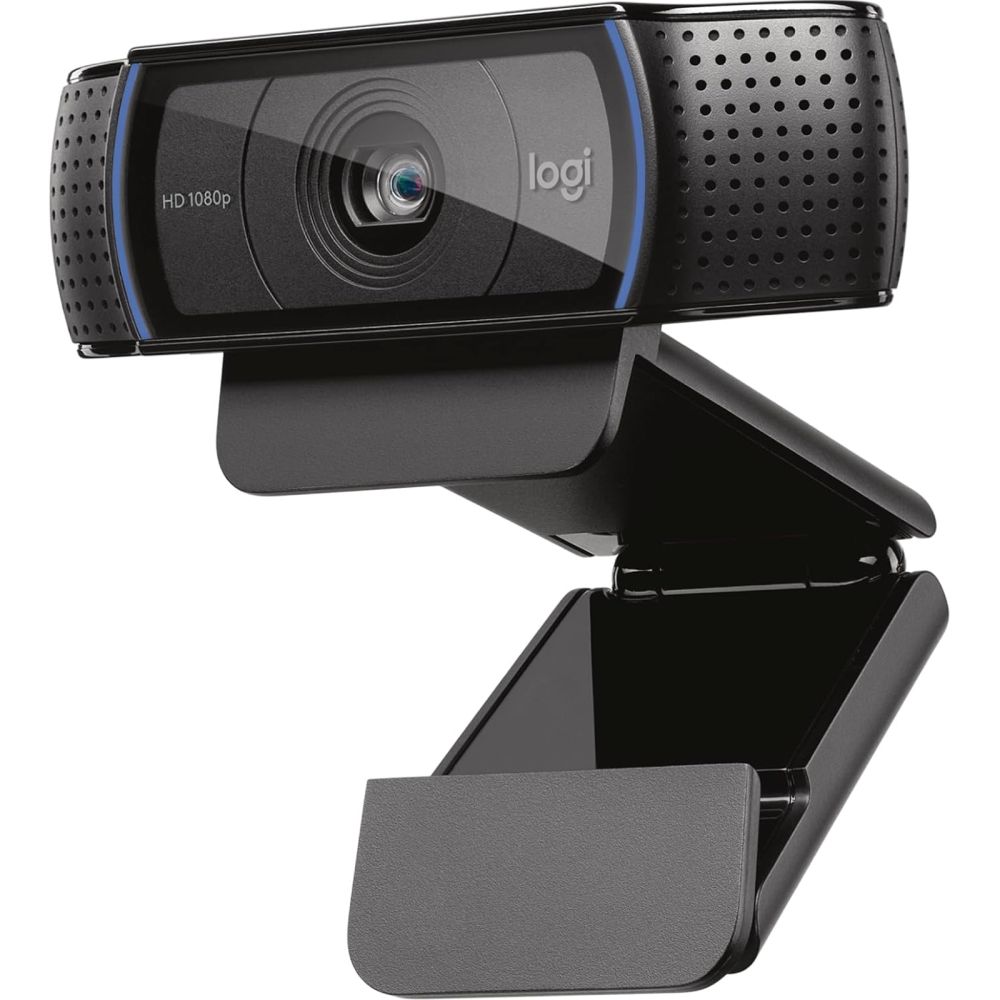
Logitech C920S HD Pro Webcam with 1080p Video

(0)

In stock

£67.28 inc VAT
  • Manufacturer: Logitech
  • Model: C920S HD Pro
  • Resolution: 1080p Full HD
  • Weight: 0.16 kg
  • EAN: 5099206082199
  • Part Code: 960-001252

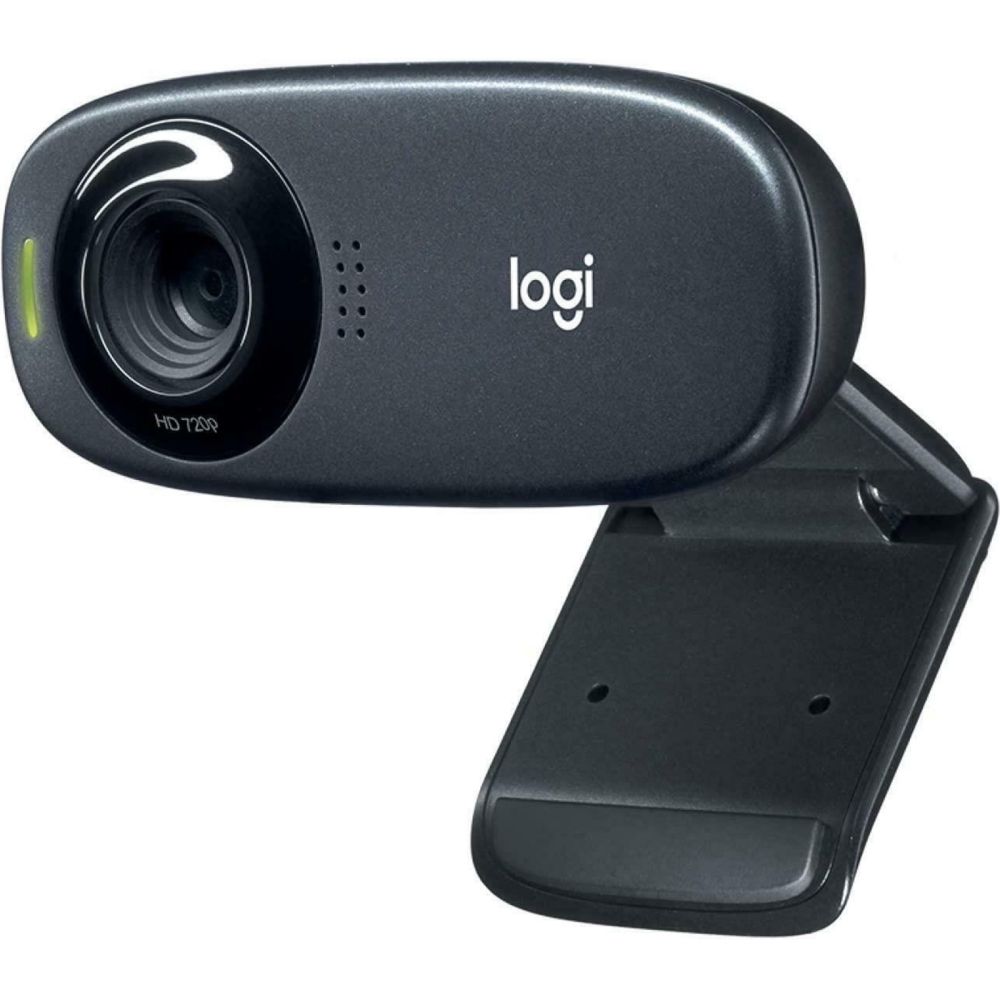
Logitech C310 HD Webcam, 720p/30fps, WideScreen

(0)

Out of stock

£23.12 inc VAT
  • HD 720p/30fps widescreen video calls
  • Auto-light correction with RightLight 2 technology
  • Built-in noise-reducing mono microphone
  • Adjustable universal clip for secure mounting
  • Compatible with Windows 7+, macOS 10.10+, Chrome OS

Webcams for Clear Video Calls, Meetings, and Streaming

A good webcam helps you look sharper and sound clearer in meetings, remote work, online classes, and content creation. In our Webcam category, you can compare resolution, frame rate, and features that improve image quality in different lighting conditions.

How to choose the right webcam

Pick the right resolution and frame rate: For everyday calls, a reliable webcam with clear image quality is usually enough. For frequent meetings or streaming, higher-resolution, smoother video can make you look more professional and improve viewing comfort.

Placement and camera angle matter: Position the webcam at eye level for a natural look. If you use an external monitor, consider using a Monitor Mount better to position your screen and camera for more comfortable viewing.

Lighting and audio considerations: Lighting has a big impact on image quality. Pair your webcam with a clean workstation setup and clear audio using Speakers, especially if you work in a quiet environment and want better call clarity.

Perfect for laptops and desktop workstations

Webcams are a strong upgrade for laptop users who want a better camera angle and clearer quality than built-in cameras. Pair your setup with a larger display from Monitors and a comfortable input setup using Keyboards and Mice.

Build a complete video-call setup.

For a clean desk experience, manage cables, improve comfort by keeping the screen stable with a Monitor Mount, and keep your workspace organised for professional-looking calls.

Shop by brand

Choose reliable Logitech webcams for work and streaming setups, and explore Microsoft productivity accessories based on your workspace needs.

FAQ

What webcam resolution do I need?

For everyday calls, standard resolution is usually enough. For frequent meetings, higher resolution can look sharper, especially on larger screens.

Is a webcam better than a laptop camera?

Often, yes. External webcams can provide better image quality, improved placement, and more consistent results across different lighting conditions.

How should I position my webcam?

Place it at eye level and avoid harsh backlighting. A natural angle can make you look more professional on calls.

Do webcams include microphones?

Many do, but microphone quality varies. In noisy environments or when you need a more unmistakable voice, you may prefer a headset or a dedicated mic.

Will a webcam work with any PC or laptop?

Most webcams work via USB and are compatible with common video-call apps. Check connection type and system requirements if needed.

What should I check before buying a webcam?

Consider resolution, frame rate, low-light performance, field of view, microphone quality, and how you plan to mount it (monitor/laptop/tripod).