Filter by brands
 ASROCKASROCK 15
 GIGABYTEGIGABYTE 61
 PNYPNY 14
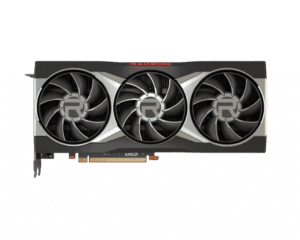
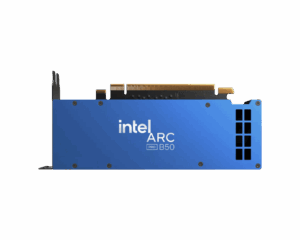
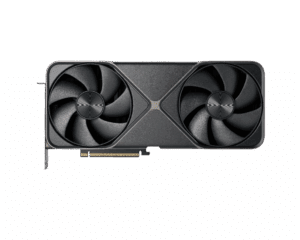
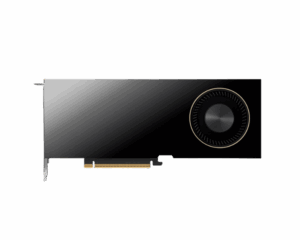
ASROCKASROCK 15GIGABYTEGIGABYTE 61PNYPNY 14Shop graphics cards at Hardvance for smooth gaming, faster creative work, and high-resolution performance. Compare VRAM, cooling designs, and power requirements to match your build.
You can find the proper GPU for your monitor, your games, and your workload.
In stock
In stock
Your graphics card is the main driver of frame rates, visual quality, and GPU-accelerated workloads. In our Graphics Cards category, you can choose a GPU that fits your target resolution, refresh rate, and software needs, whether you play competitive titles, enjoy AAA gaming, or work with video, design, and 3D tools.
Match the GPU to your monitor: Your display determines how much performance you actually need. If you are upgrading your screen, browse Monitors first, then pick a graphics card that can comfortably drive your resolution and refresh rate for the games you play.
VRAM and real-world usability: VRAM is important for higher resolutions, large textures, and certain creator workloads. If you work with large projects, pairing your GPU with fast storage from Computer Storage can also improve load times and project handling, especially when dealing with big assets.
Power and connectors: Many modern GPUs require stronger power delivery and the right connectors. Before you buy, check your PSU wattage and quality, then choose a suitable unit from Power Supplies if an upgrade is needed.
Case clearance and airflow: Graphics cards vary in length and thickness. Confirm your case supports the GPU size, and consider improving airflow with fans and Cooling. A well-ventilated chassis from Cases helps maintain stable boost clocks and quieter operation.
Platform balance: A GPU performs best when paired with a capable platform. If you are building or upgrading the full system, check the Processors and Motherboards to ensure your system remains balanced for gaming and productivity.
Want a specific manufacturer or cooler design? Browse our Brands page to compare models by features, cooling style, and value, then choose the GPU that fits your build goals.
Start with your monitor resolution and refresh rate, then choose a GPU that can deliver stable frame rates for the games you play.
More VRAM helps with higher resolutions, high texture settings, and some creator workloads. Choose based on your target resolution and usage.
Check the GPU length and thickness against your case clearance. Also consider airflow for stable performance.
Possibly. Check recommended wattage and power connectors for the GPU, then ensure your PSU can handle it safely.
Common causes include CPU bottlenecks, limited cooling, outdated drivers, or using a lower resolution where the CPU becomes the limit.
No account yet?
Create an AccountContact us