



-
 Buy now, pay later with Klarna
-
 Pay in 3 interest-free payments with PayPal



You may also like
£183.48 inc VAT
200 in stock
Buy now, pay later with Klarna
Pay in 3 interest-free payments with PayPal
1-3 Days
Delivery on orders over £100
£5.80
Free
Payment Methods:
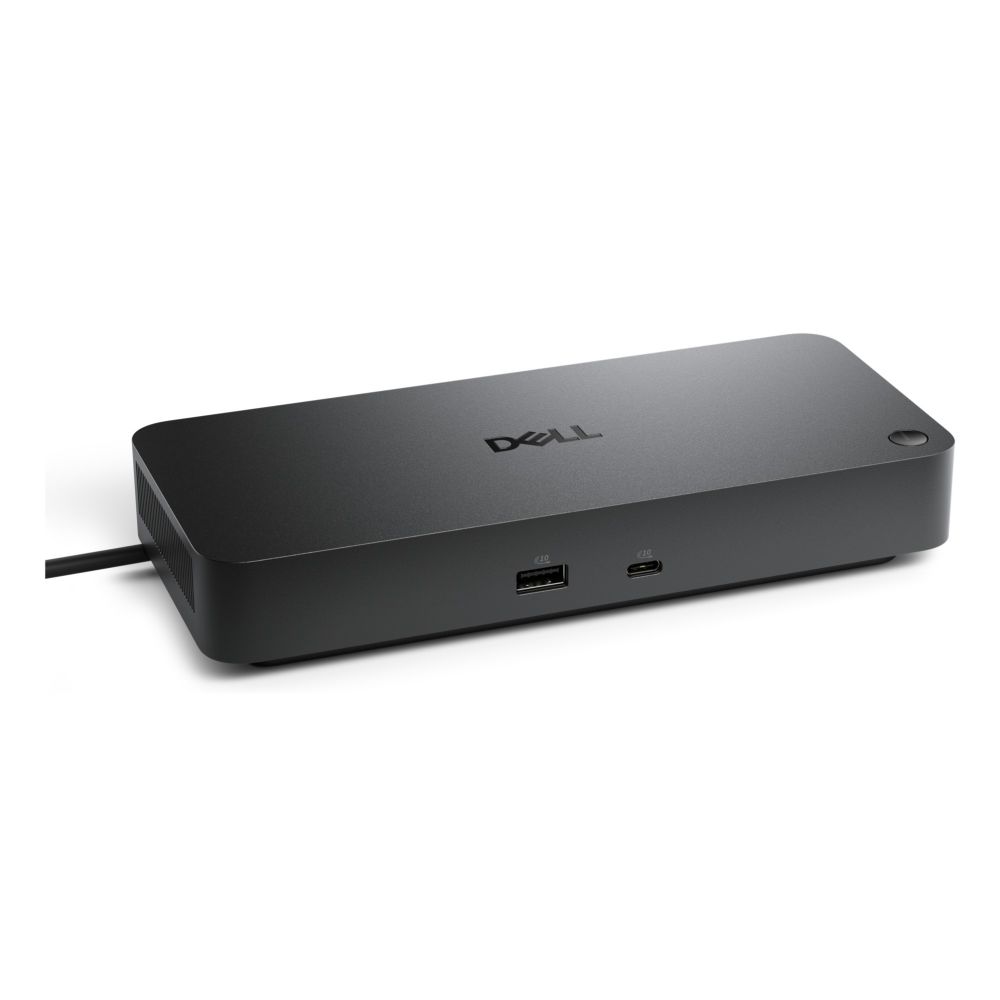
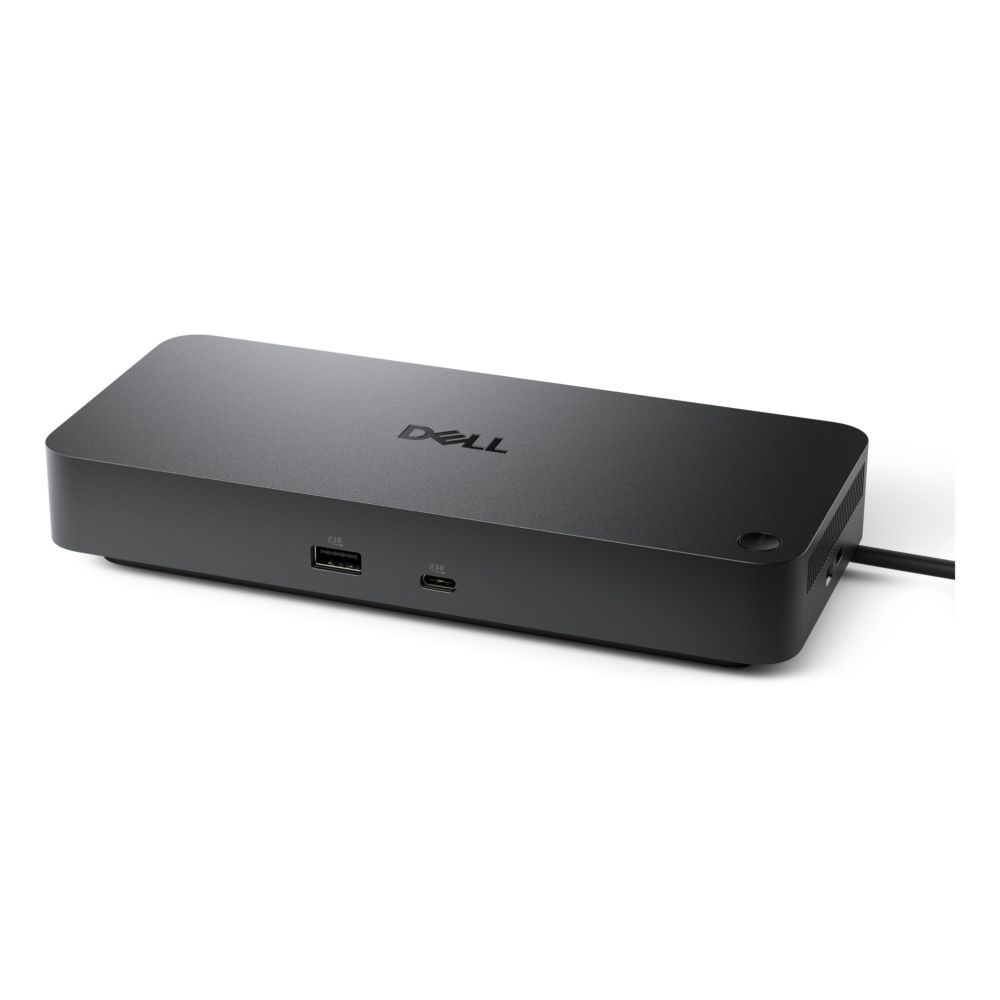
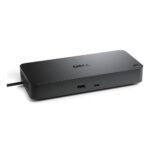
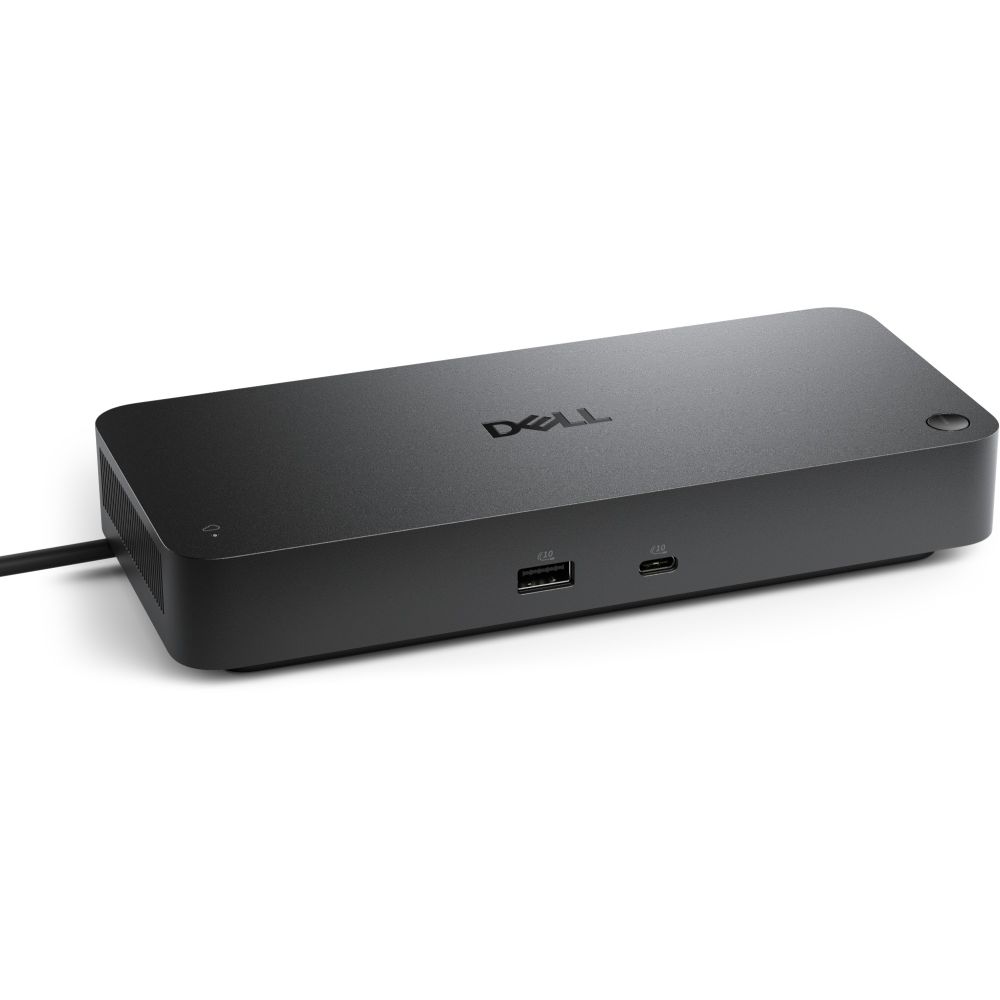
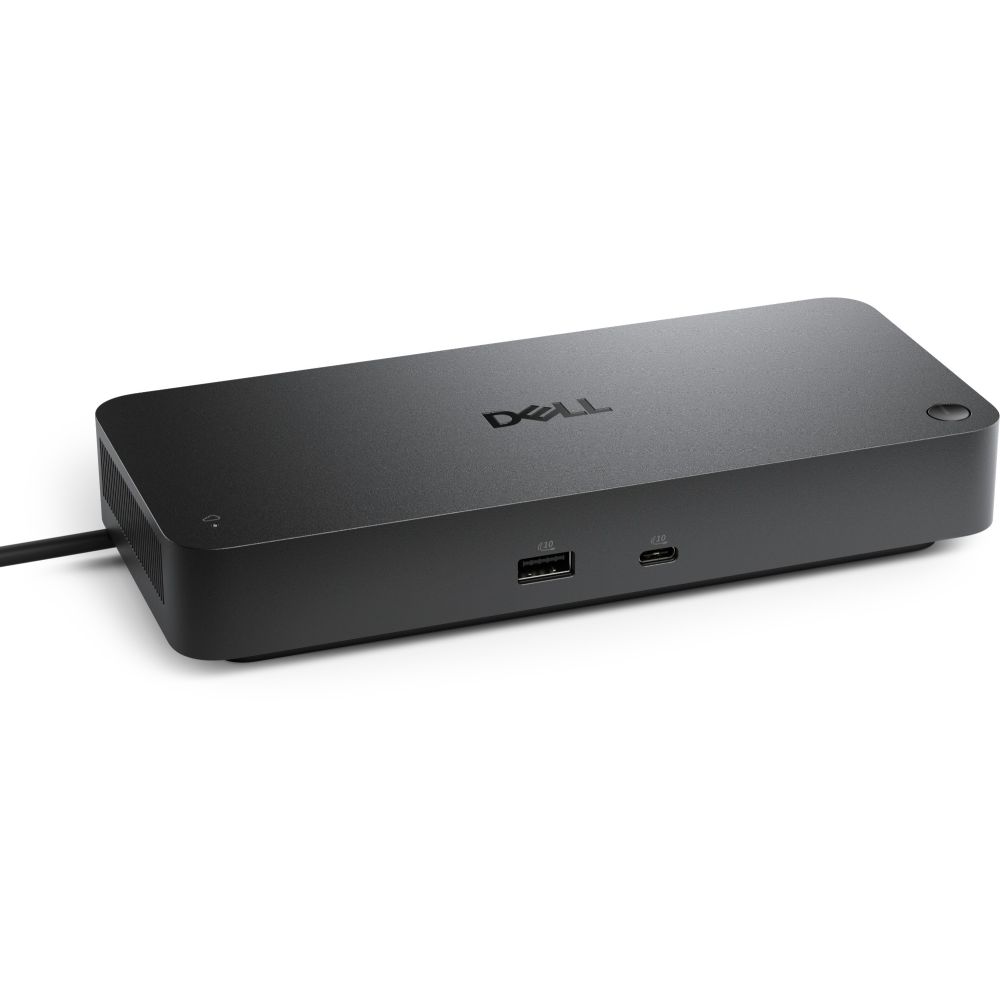
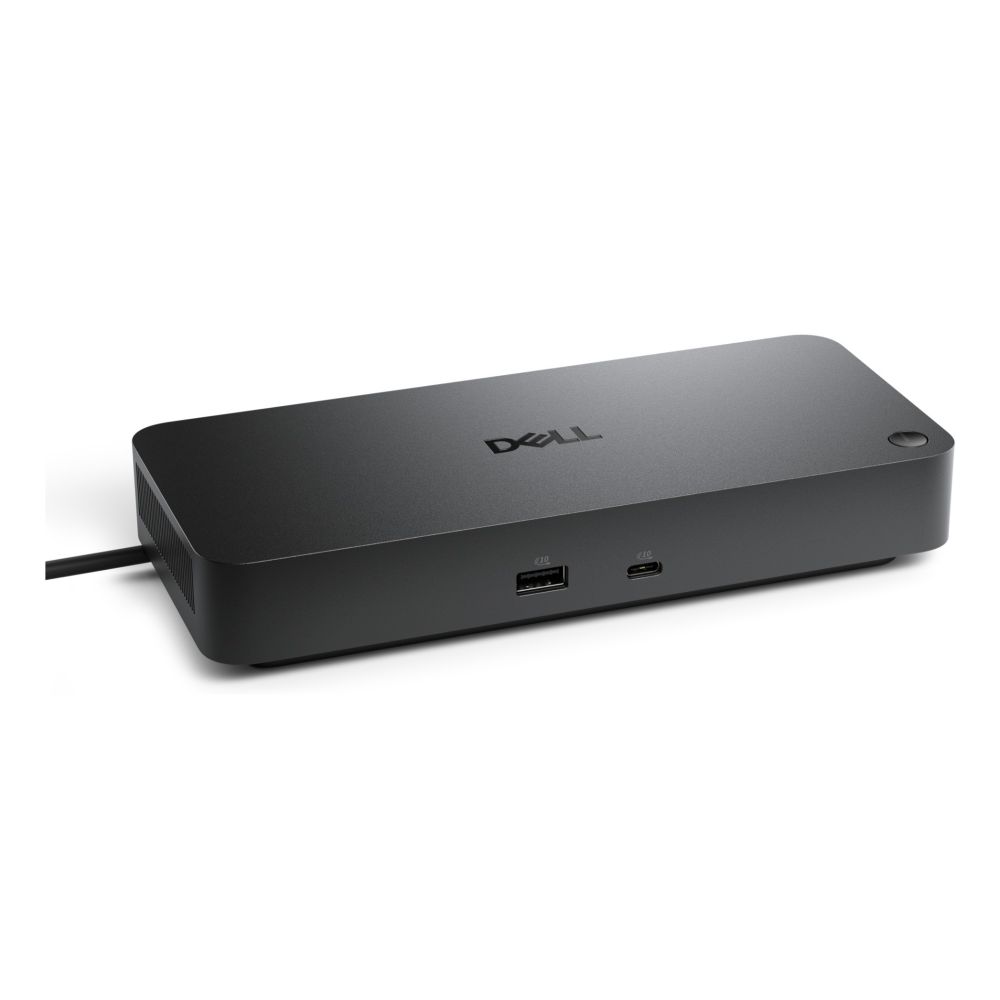
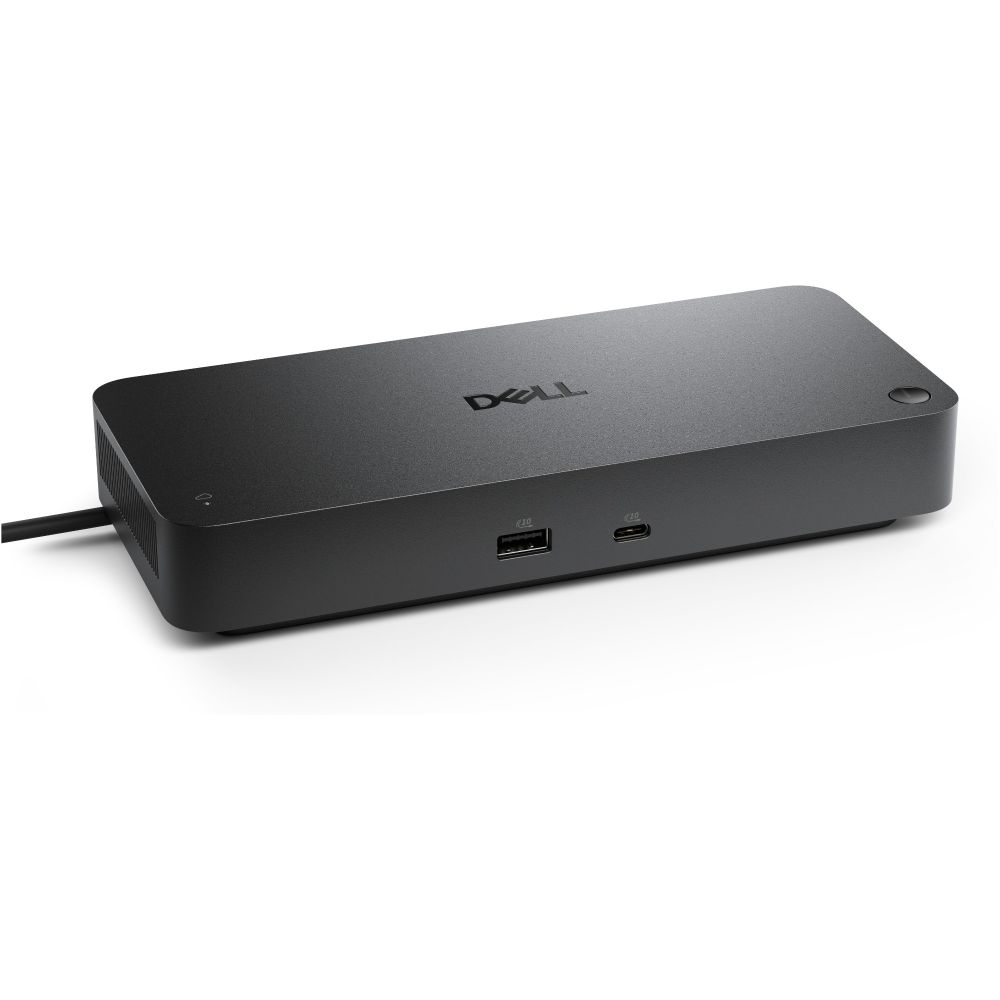
The DELL DELL-WD25TB4 laptop dock/port replicator Wired Thunderbolt 4 Black delivers up to 130W power delivery through Thunderbolt 4, making it ideal for professionals who need to connect multiple displays, high-speed peripherals, and charge their laptop simultaneously from a single cable.
| Metric | Spec |
|---|---|
| Host Interface | Thunderbolt 4 |
| Power Delivery | Up to 130W |
| Display Support | 4 displays, 6144 x 3456 resolution |
| Ethernet | 2.5 Gb/s RJ-45 |
| USB Ports | 4x USB-A, 2x USB-C |
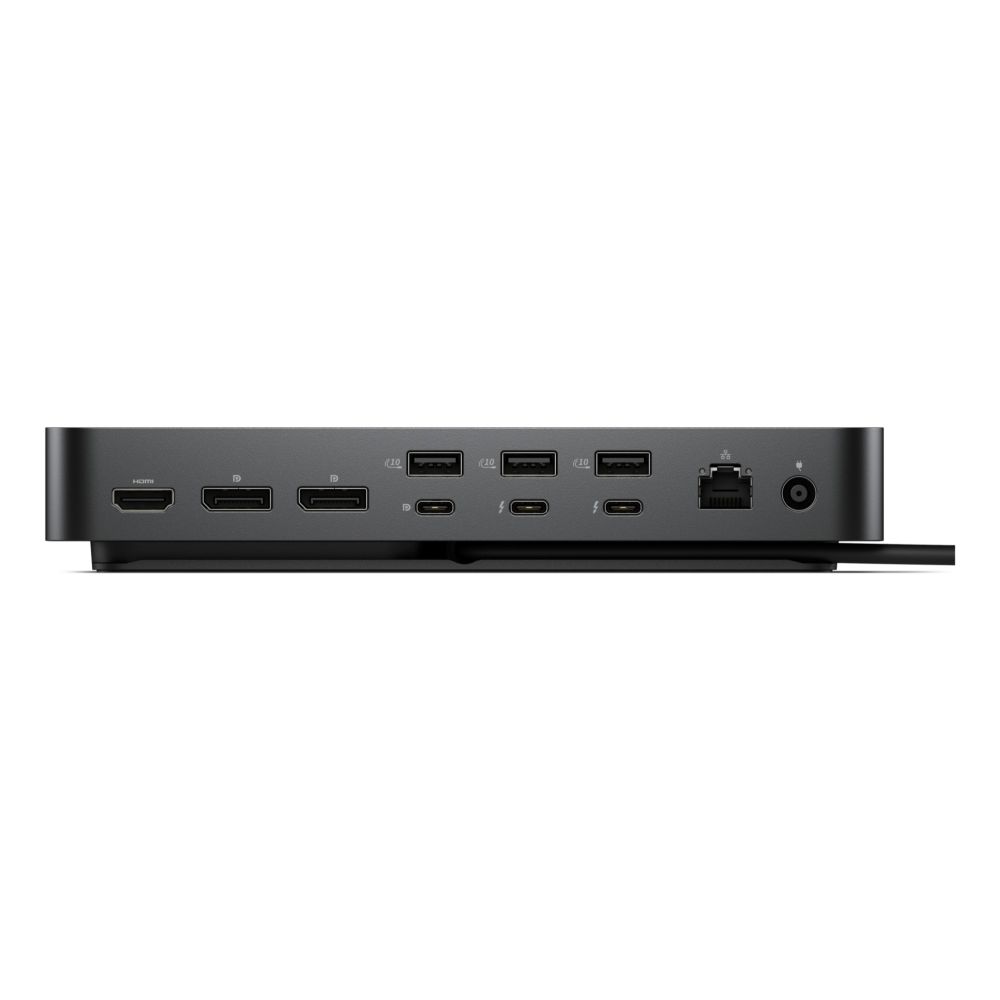
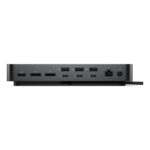
With support for up to four displays at 6144 x 3456 resolution, this dock transforms any workspace into a multi-screen command center. The combination of one HDMI 2.1 port and two DisplayPort 1.4 connections provides flexible display configuration options for professionals who need maximum screen real estate for productivity applications, video editing, or data analysis.
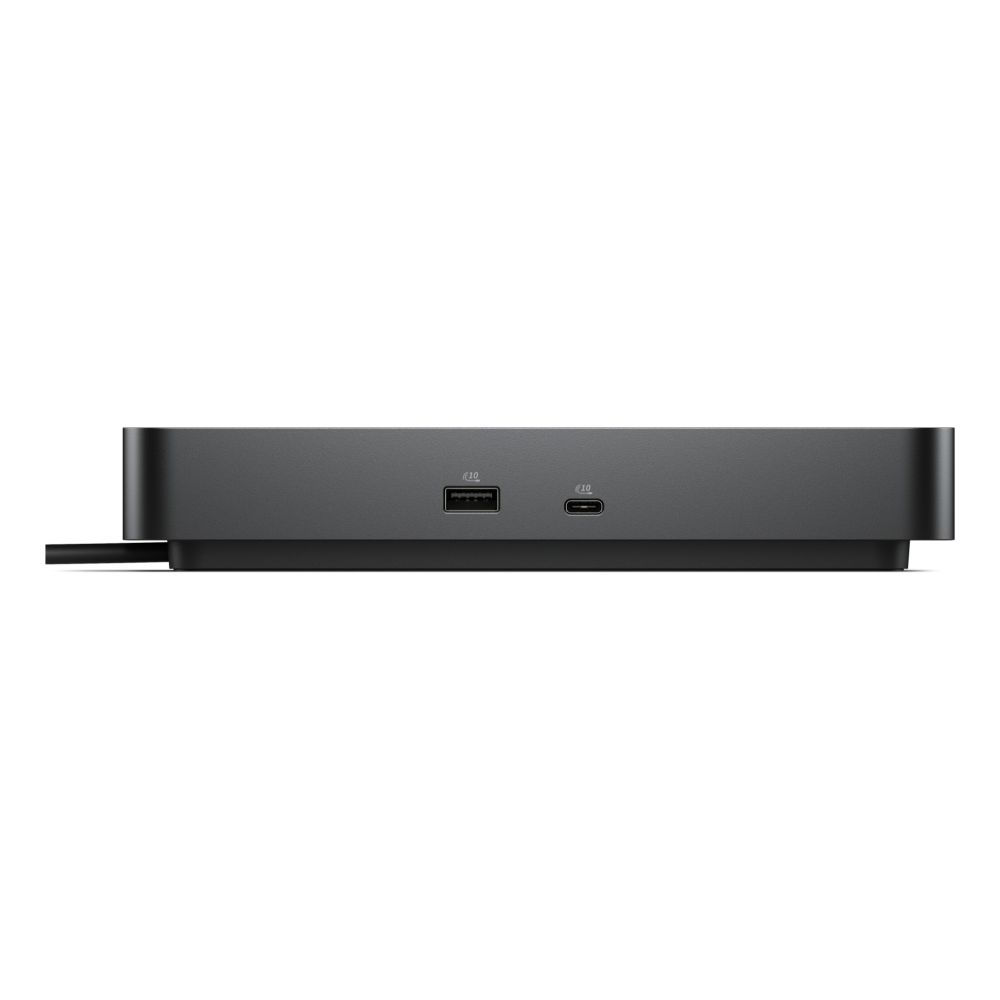
Beyond display capabilities, the WD25TB4 offers extensive connectivity with four USB-A 3.2 Gen 2 ports and two USB-C 3.2 Gen 2 ports for high-speed data transfer at 1.25 Gbit/s. The integrated 2.5 Gb/s Ethernet port ensures reliable wired network connectivity, while the 130W USB Power Delivery can charge even the most demanding laptops through the Thunderbolt connection, eliminating the need for a separate power adapter.
The dock’s 180W power supply provides ample headroom for powering connected devices while charging your laptop. Windows 10/11, macOS, Linux (Ubuntu 24.04 LTS, Linpus Linux 9.6), and ChromeOS compatibility ensures broad device support across different professional environments. The integrated Kensington cable lock slot adds physical security for office deployments, while the on/off switch provides convenient power management.
A: Yes, the dock supports multiple 4K displays depending on your laptop’s Thunderbolt capabilities and the specific display configuration.
A: Yes, the WD25TB4 is compatible with macOS devices that have Thunderbolt 4 ports.
A: USB ports support up to 1.25 Gbit/s transfer speeds via USB 3.2 Gen 2.
A: No, the dock includes only the AC power adapter and power cable. HDMI cables must be purchased separately.
A: Yes, Thunderbolt 4 devices support hot-swapping when connected to compatible systems.
The DELL WD25TB4 represents a premium Thunderbolt 4 docking solution for professionals who demand maximum connectivity, charging power, and display support from a single connection. Its 130W power delivery capability makes it particularly suitable for high-performance laptops and mobile workstations. Covered by the standard Manufacturer Warranty.
| Ports & interfaces | |
|---|---|
| USB 3.2 Gen 2 (3.1 Gen 2) Type-A ports quantity | 4 |
| USB 3.2 Gen 2 (3.1 Gen 2) Type-C ports quantity | 2 |
| Host interface | Thunderbolt 4 |
| Ethernet LAN (RJ-45) ports | 1 |
| HDMI ports quantity | 1 |
| HDMI version | 2.1 |
| DisplayPorts quantity | 2 |
| Microphone in | No |
| Connectivity technology | Wired |
| USB Power Delivery (USB PD) | Yes |
| USB Power Delivery up to | 130 W |
| DisplayPort version | 1.4 |
| Thunderbolt 4 ports quantity | 2 |
| Network | |
| Wake-on-LAN ready | Yes |
| Ethernet LAN | Yes |
| Ethernet LAN data rates | 2500 Mbit/s |
| Ethernet LAN (RJ-45) ports | 1 |
| Performance | |
| Maximum digital resolution | 6144 x 3456 pixels |
| Number of displays supported | 4 |
| On/off switch | Yes |
| Product colour | Black |
| Card reader integrated | No |
| LED indicators | Yes |
| Data transfer rate | 1.25 Gbit/s |
| Cable lock slot type | Kensington |
| Maximum refresh rate | 60 Hz |
| Technical details | |
| Product colour | Black |
| Data transfer rate | 1.25 Gbit/s |
| Total carbon footprint (kg of CO2e) | 93 |
| Storage | |
| Card reader integrated | No |
| Power | |
| Power source type | DC |
| Power supply | 180 W |
| Software | |
| Windows operating systems supported | Windows 10, Windows 11 |
| Mac operating systems supported | Yes |
| Linux operating systems supported | Linpus Linux 9.6, Ubuntu 24.04 LTS |
| Other operating systems supported | ChromeOS |
| Indication | |
| LED indicators | Yes |
| Weight & dimensions | |
| Weight | 567 g |
| Width | 90 mm |
| Depth | 35.3 mm |
| Height | 205 mm |
| Design | |
| Windows operating systems supported | Windows 10, Windows 11 |
| Mac operating systems supported | Yes |
| Product colour | Black |
| LED indicators | Yes |
| Cable lock slot type | Kensington |
| Packaging data | |
| Quantity per pack | 1 pc(s) |
| Packaging content | |
| Quick start guide | Yes |
| Cables included | AC |
| AC adapter included | Yes |
| Quantity per pack | 1 pc(s) |
| Carbon footprint | |
| Total carbon footprint (kg of CO2e) | 93 |
| PAIA version | GaBi version 1, 2025 |
| Carbon emissions, energy usage (kg of CO2e) | 60.45 |
| Carbon emissions, manufacturing (kg of CO2e) | 29.481 |
| Carbon emissions, logistics (kg of CO2e) | 2.046 |
| Carbon emissions, end-of-life (kg of CO2e) | 1.116 |
| Identifiers | |
| Distributor SKUs | CQ45453, 12189478, 210-BTHY, STD10230044, 360-210-BTHY, 360-DELL-WD25TB4 |
| Additional EANs | 5715328161863 |
No account yet?
Create an Account
Reviews
Clear filtersThere are no reviews yet.