
Brand
 ANKERANKER 1
 ASUSASUS 6
 BELKINBELKIN 13
 DELLDELL 13
 HAMAHAMA 3
 HPHP 20
 HYPERHYPER 1
 KENSINGTONKENSINGTON 11
 LENOVOLENOVO 22
 LINDYLINDY 1
 MICROSOFTMICROSOFT 6
- Origin Storage 43
- Panasonic 1
 PLUGABLEPLUGABLE 12
- PORT DESIGNS 2
 PREVOPREVO 2
- Razer 4
 STARTECHSTARTECH 59
 TARGUSTARGUS 14
- TRIPP LITE 2
 UGREENUGREEN 9
 VERBATIMVERBATIM 2
New
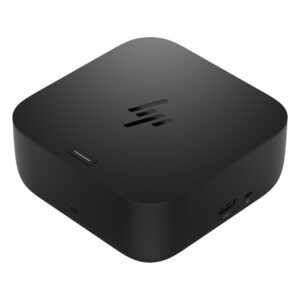
Save £7.81 New
HP USB-C 100W G6 Docking Station, 4K 120Hz, HDMI 2.1, 2x DisplayPort, Jet Black
In stock
Original price was: £161.99.£154.18Current price is: £154.18.
New
Save £4.48
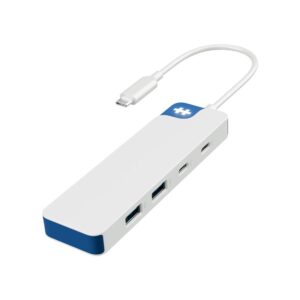
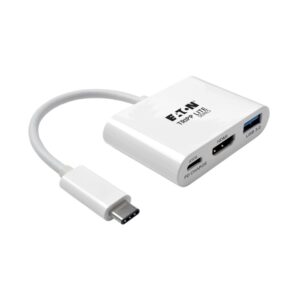
Tripp Lite U444-06N-HU-C USB-C to HDMI Adapter, 1080p 60Hz, USB-A 5Gbps, 60W PD, White
In stock
Original price was: £74.39.£69.91Current price is: £69.91.
Save £5.22
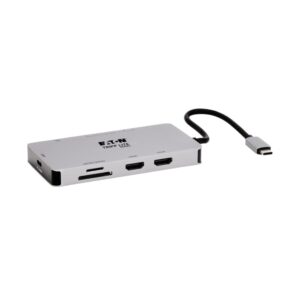
Tripp Lite U442-DOCK8G-GG USB-C Docking Station, Dual HDMI, up to 4K 60Hz, 5Gbps Hub, 100W PD, Gigabit Ethernet, SD/MicroSD Card Reader
In stock
Original price was: £98.39.£93.17Current price is: £93.17.
Save £5.92
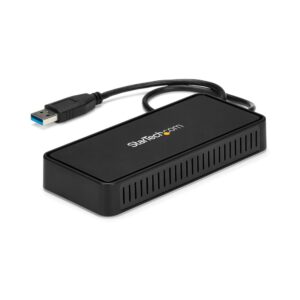
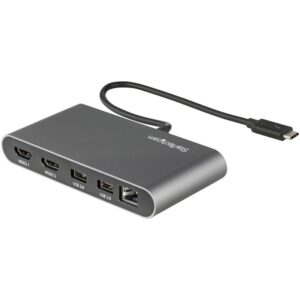
StarTech.com Thunderbolt 3 Dual HDMI Mini Dock, 2 x 4K 60Hz, Gigabit Ethernet, USB-A 5Gbps, Grey
In stock
Original price was: £93.59.£87.67Current price is: £87.67.
Save £8.05
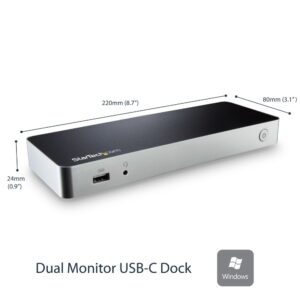
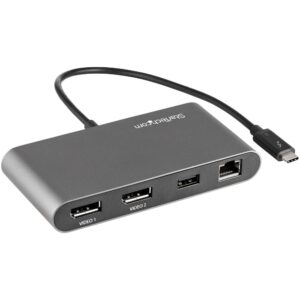
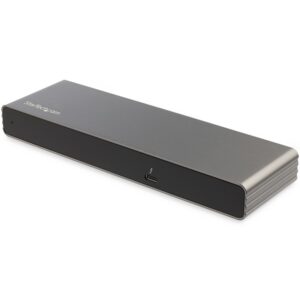
StarTech.com Thunderbolt 3 Dock, Dual 4K 60Hz, 85W PD, DisplayPort, HDMI, VGA, 2x USB-A, Gigabit Ethernet, Mac & Windows
In stock
Original price was: £127.19.£119.14Current price is: £119.14.
Save £6.97
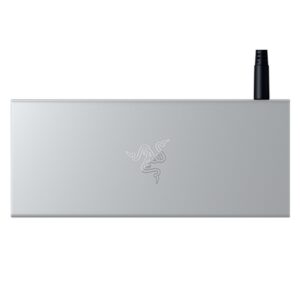
Razer USB-C Dock, 85W Power Delivery, HDMI, Gigabit Ethernet, 2 x USB-A 3.2 Gen 2, SD/microSD Card Reader, Mercury Aluminium
In stock
Original price was: £130.79.£123.82Current price is: £123.82.
Save £7.36
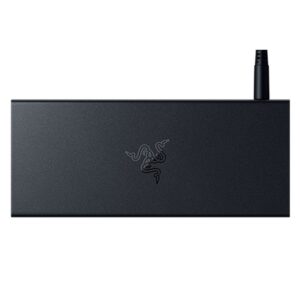
Razer USB-C Dock, 85W Power Delivery, HDMI 4K 60Hz, Gigabit Ethernet, 2 x USB-A 3.2 Gen 2, Black
In stock
Original price was: £130.79.£123.43Current price is: £123.43.
Save £4.61
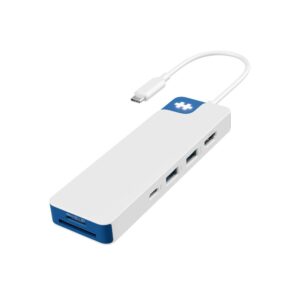
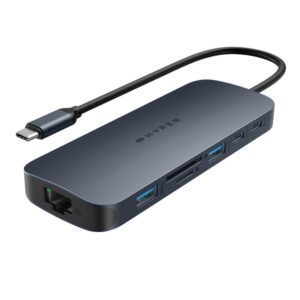
Targus HyperDrive Next 10 USB-C Hub HD4005GL, 4K 60Hz, 140W Power Delivery, Blue
In stock
Original price was: £95.99.£91.38Current price is: £91.38.
Save £9.85
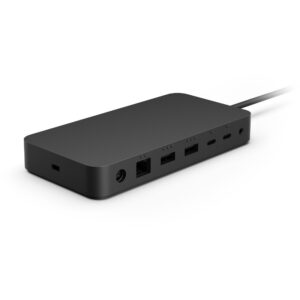
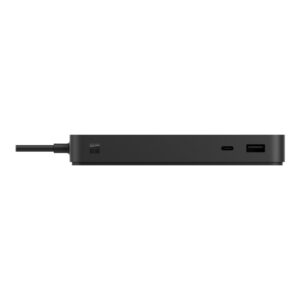
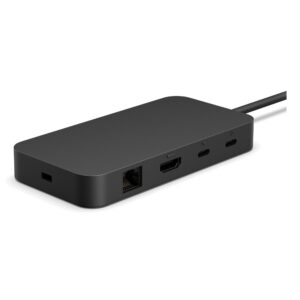
Microsoft Surface USB4 Dock, Dual 4K Display Support, 2 USB4 Ports, HDMI 2.1, Gigabit Ethernet, Black
In stock
Original price was: £195.59.£185.74Current price is: £185.74.
Save £4.75
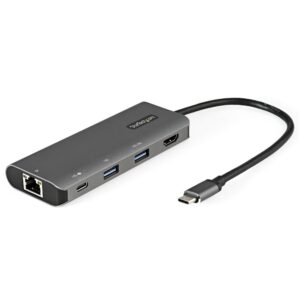
StarTech.com DKT31CHPDL USB-C Multiport Adapter, 4K 30Hz HDMI, 100W PD, 10Gbps, Gigabit Ethernet, 25cm Cable
In stock
Original price was: £81.59.£76.84Current price is: £76.84.