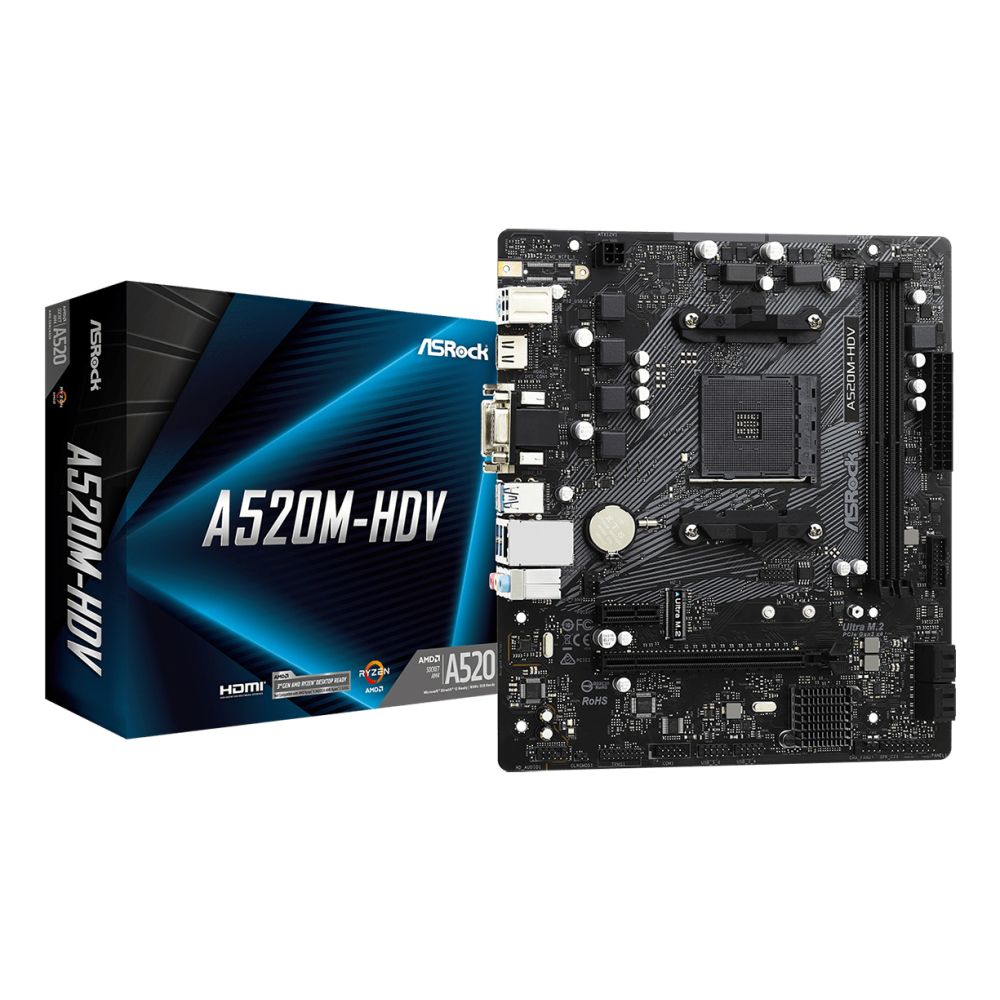
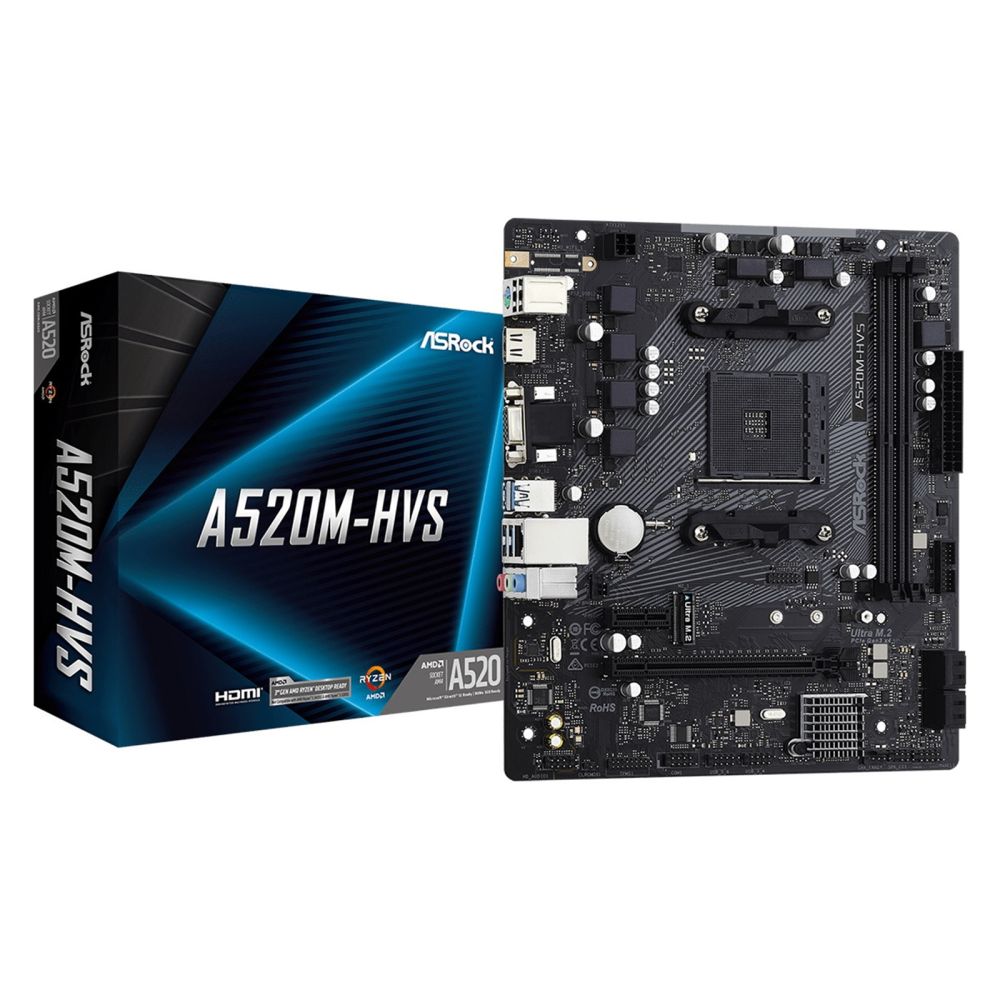
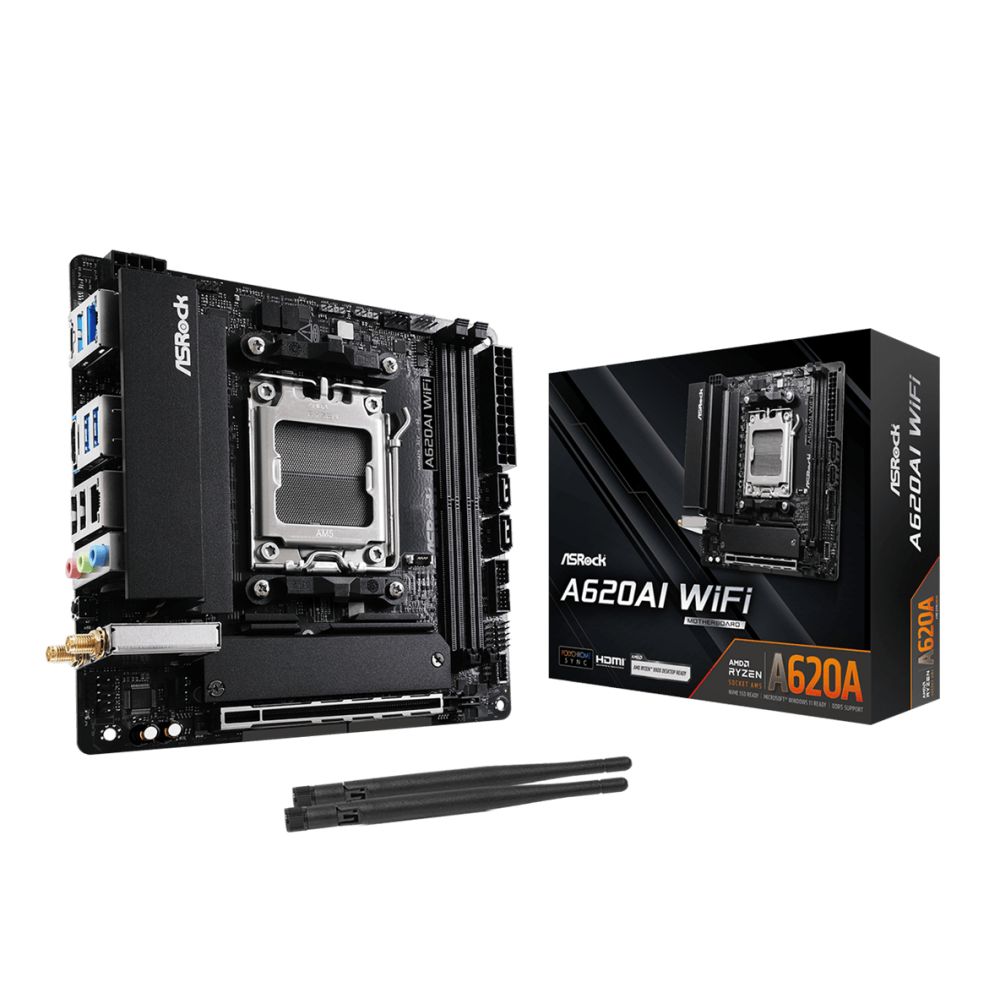
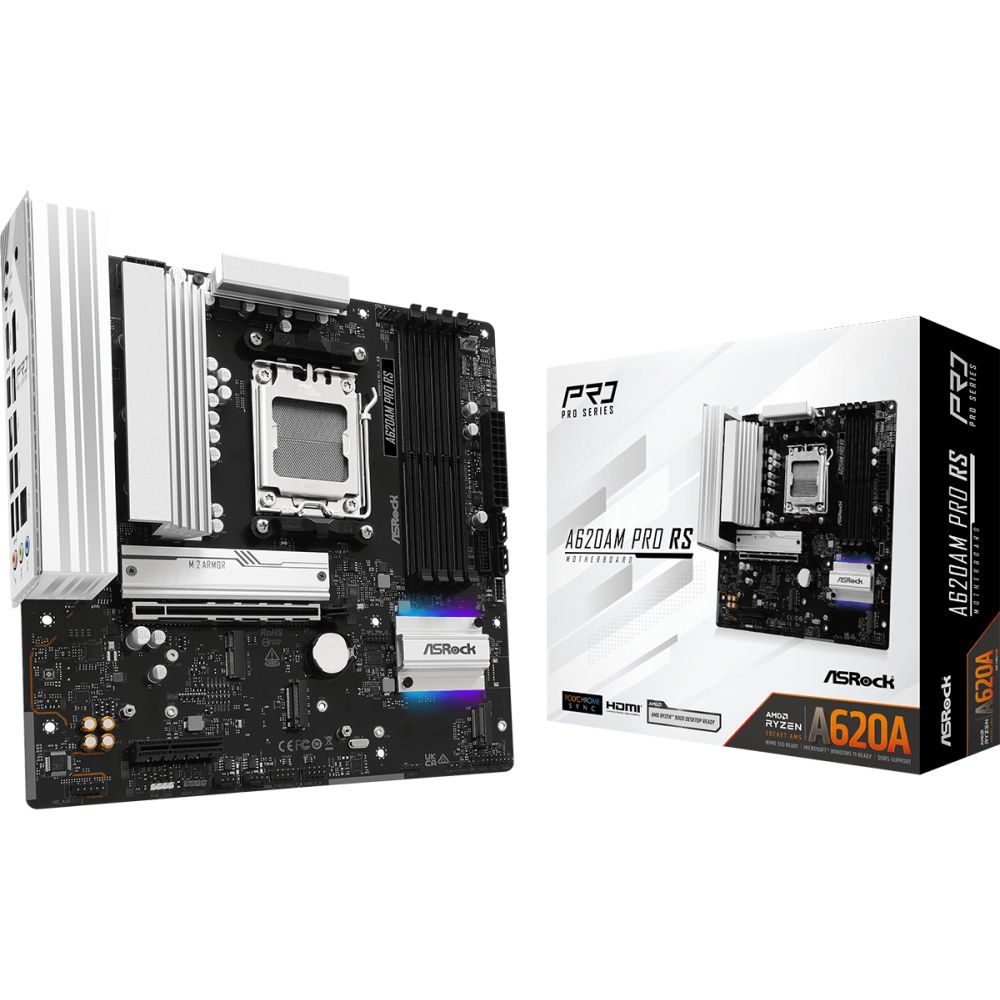
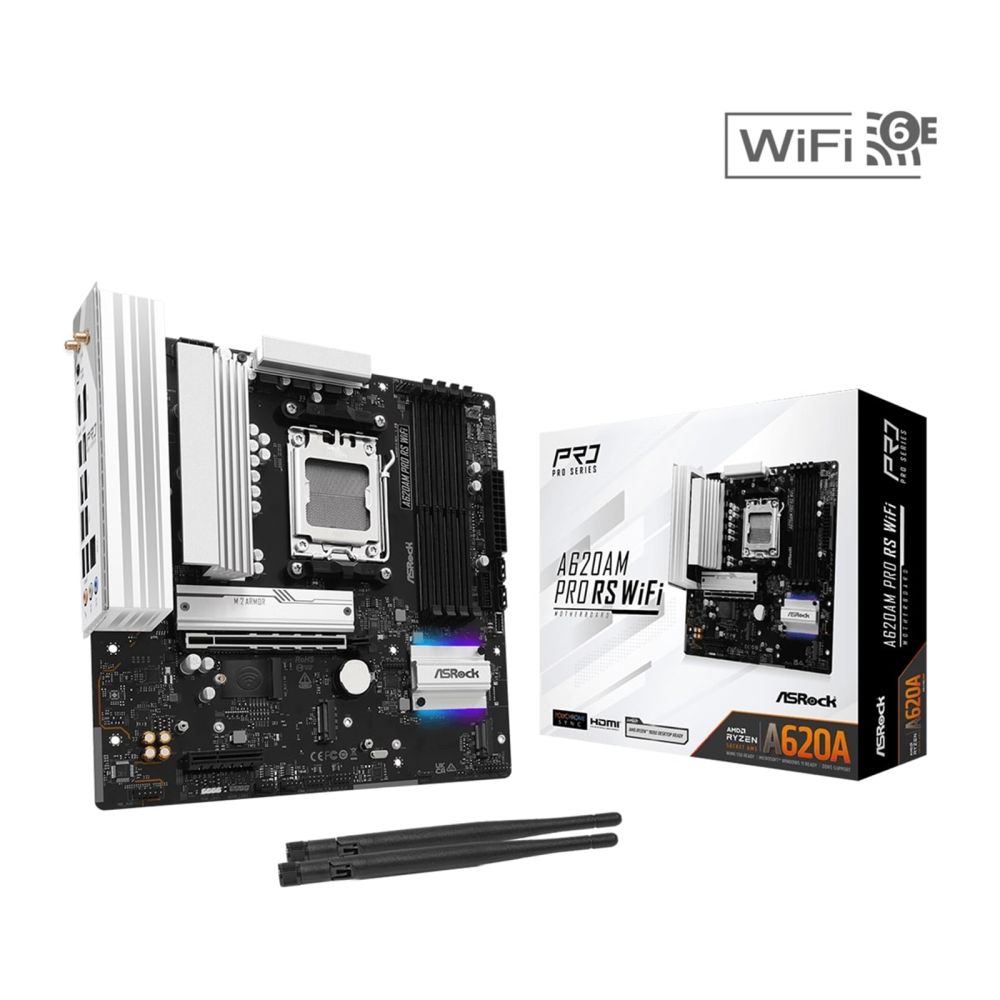
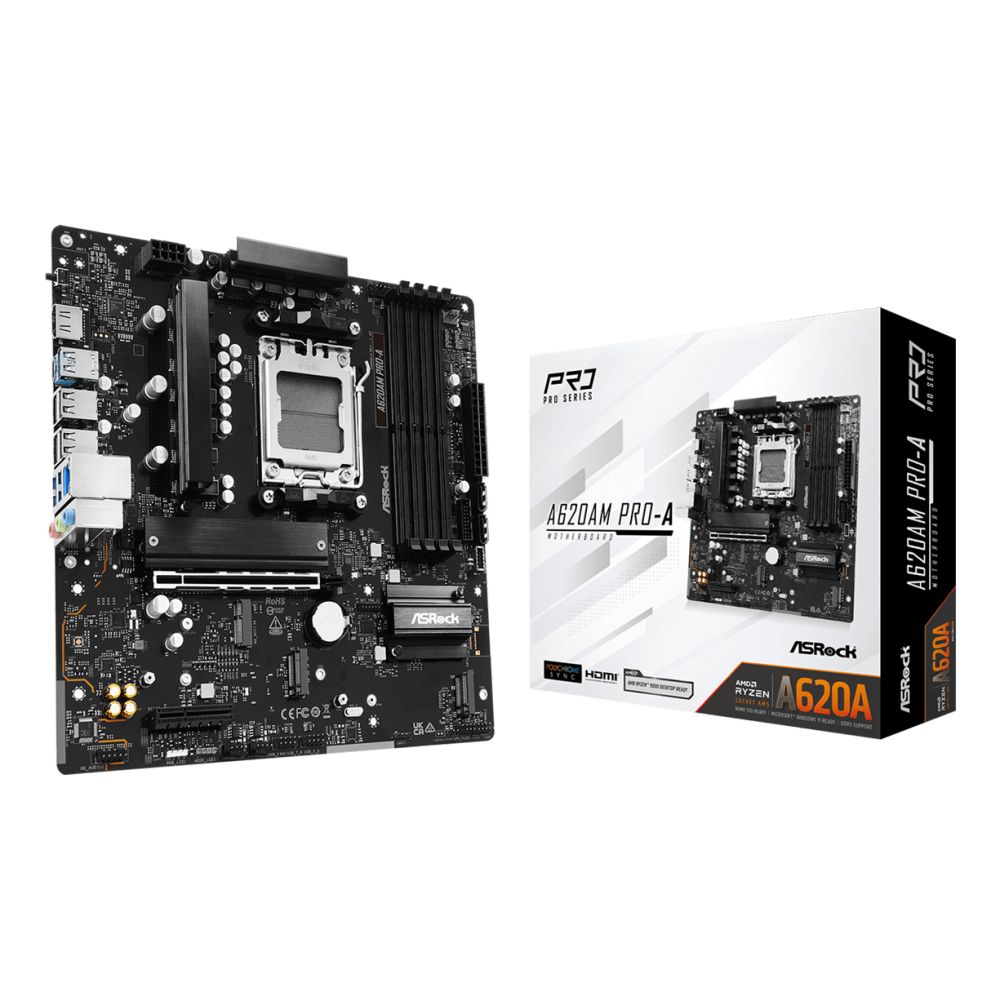
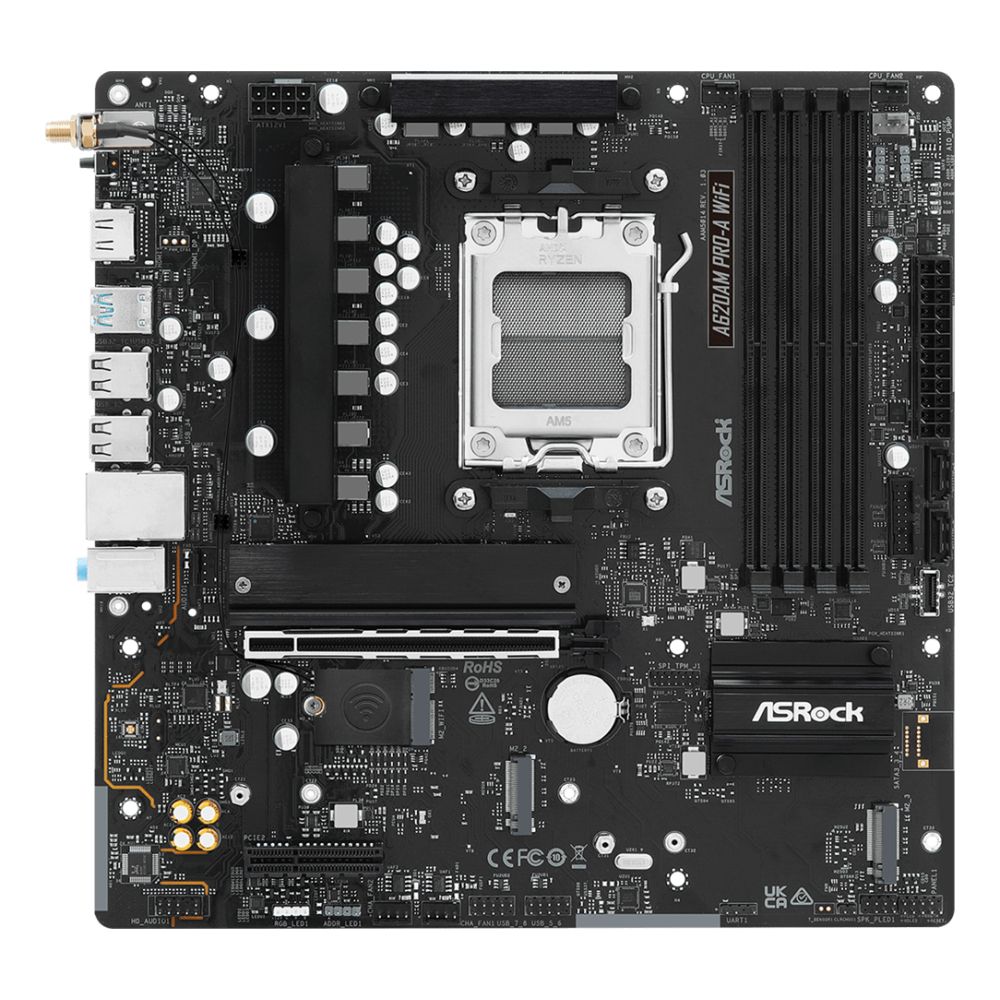
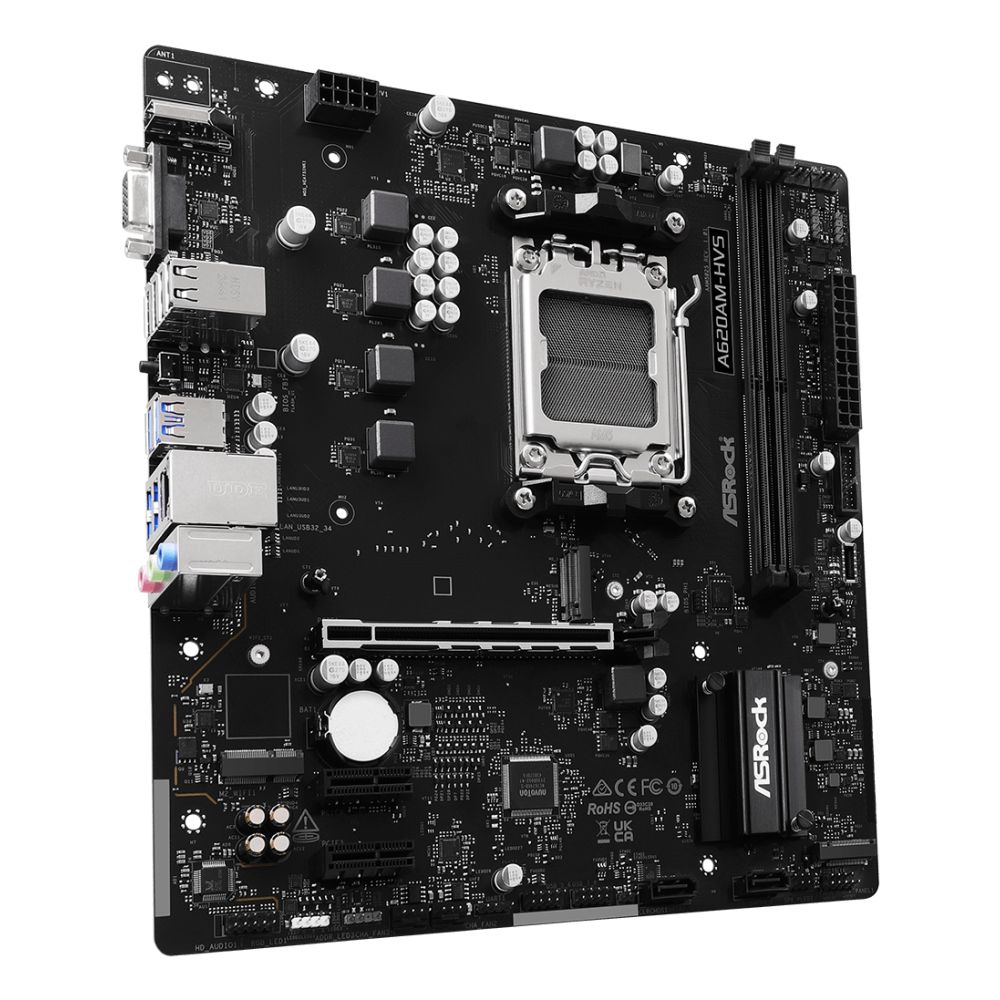
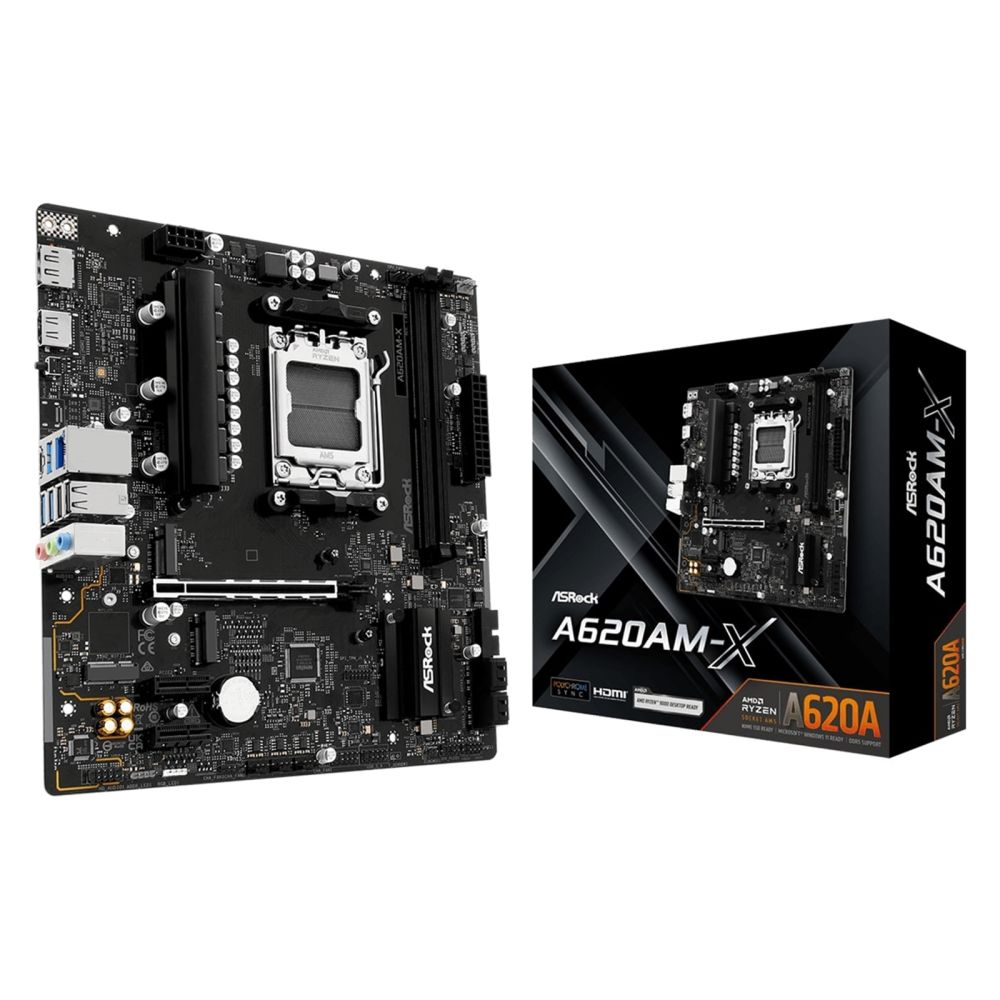
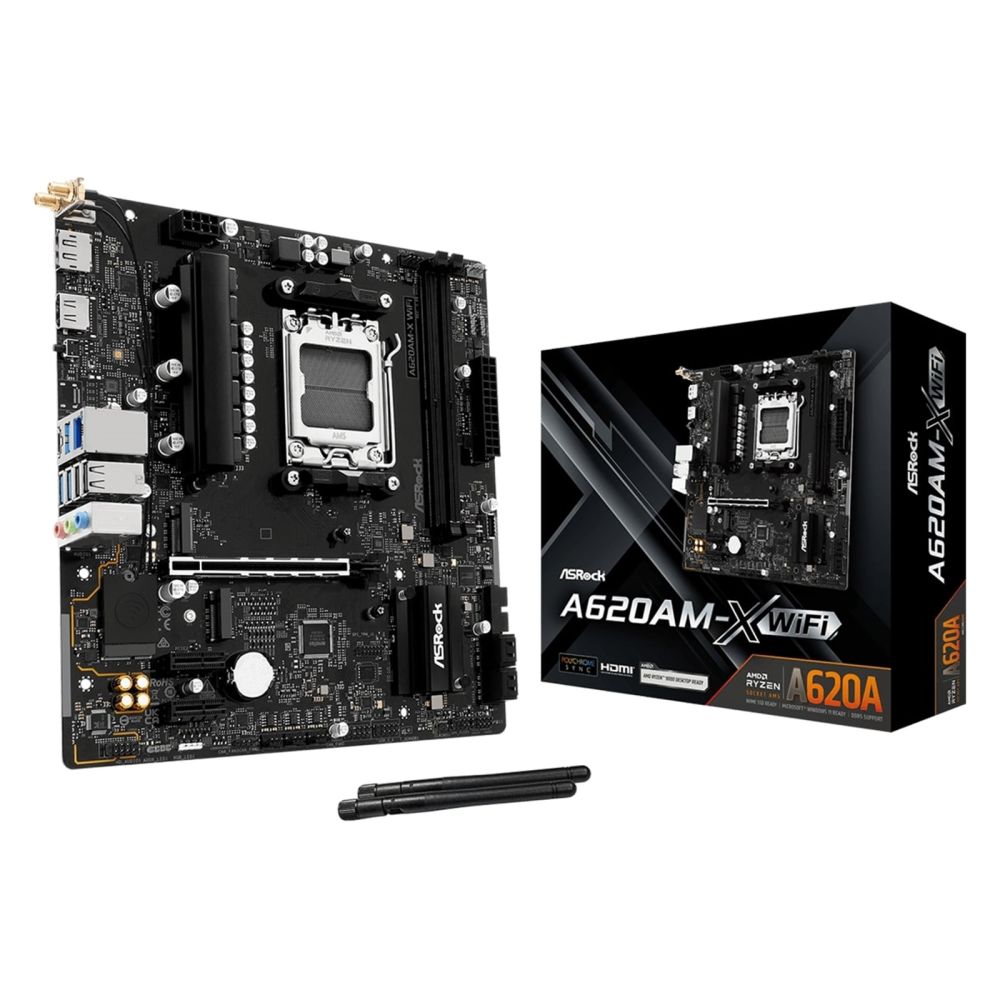
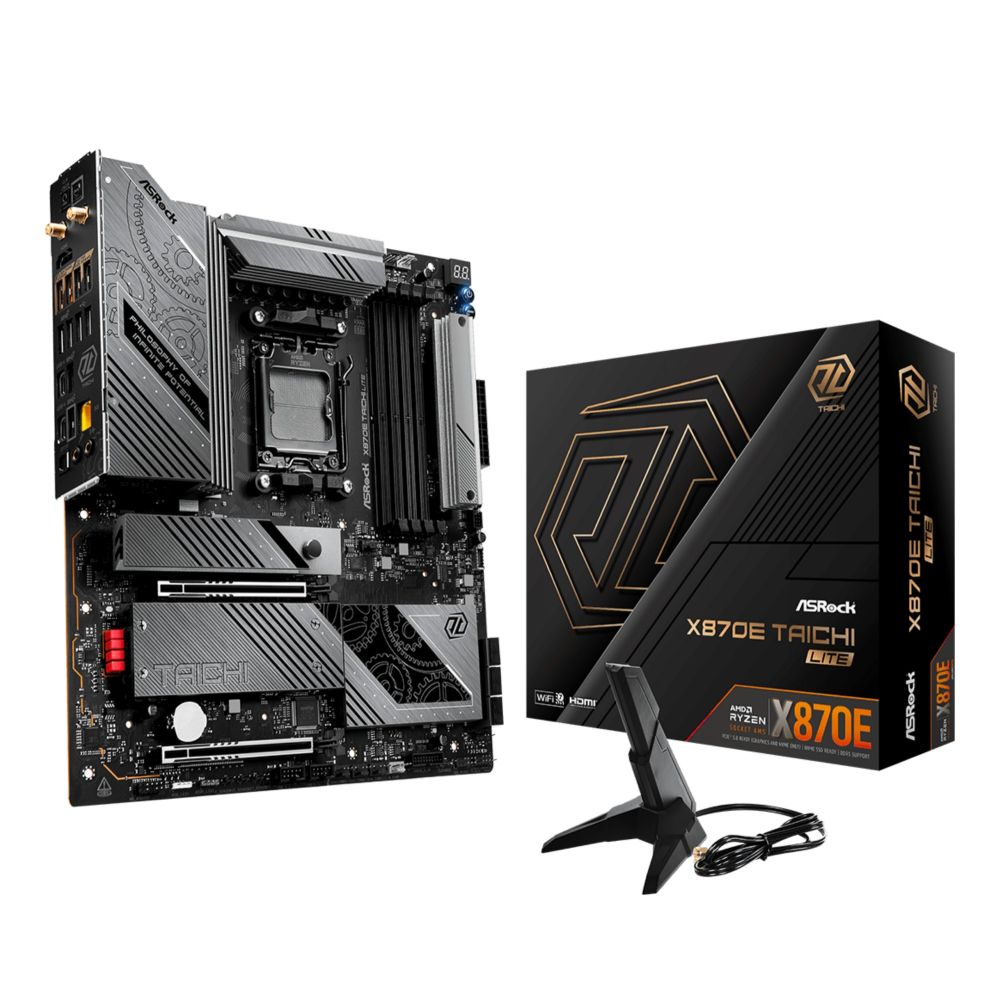
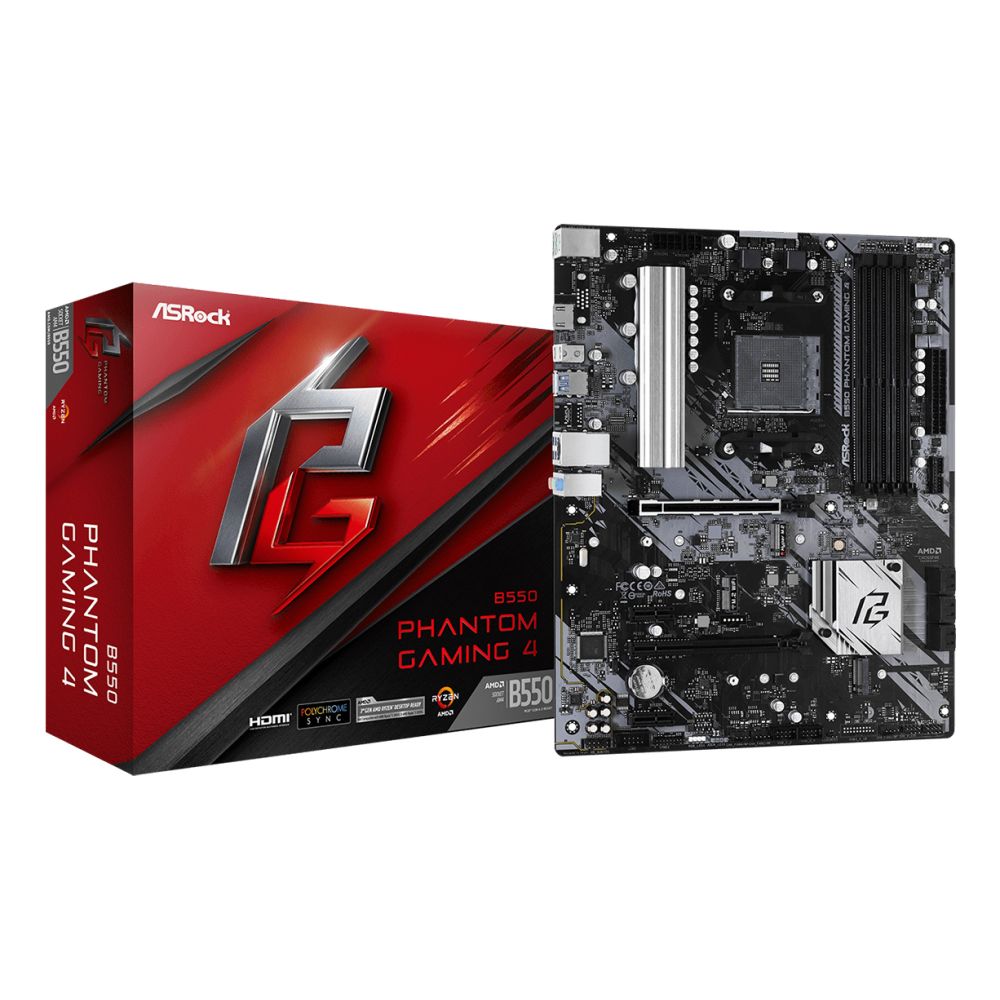
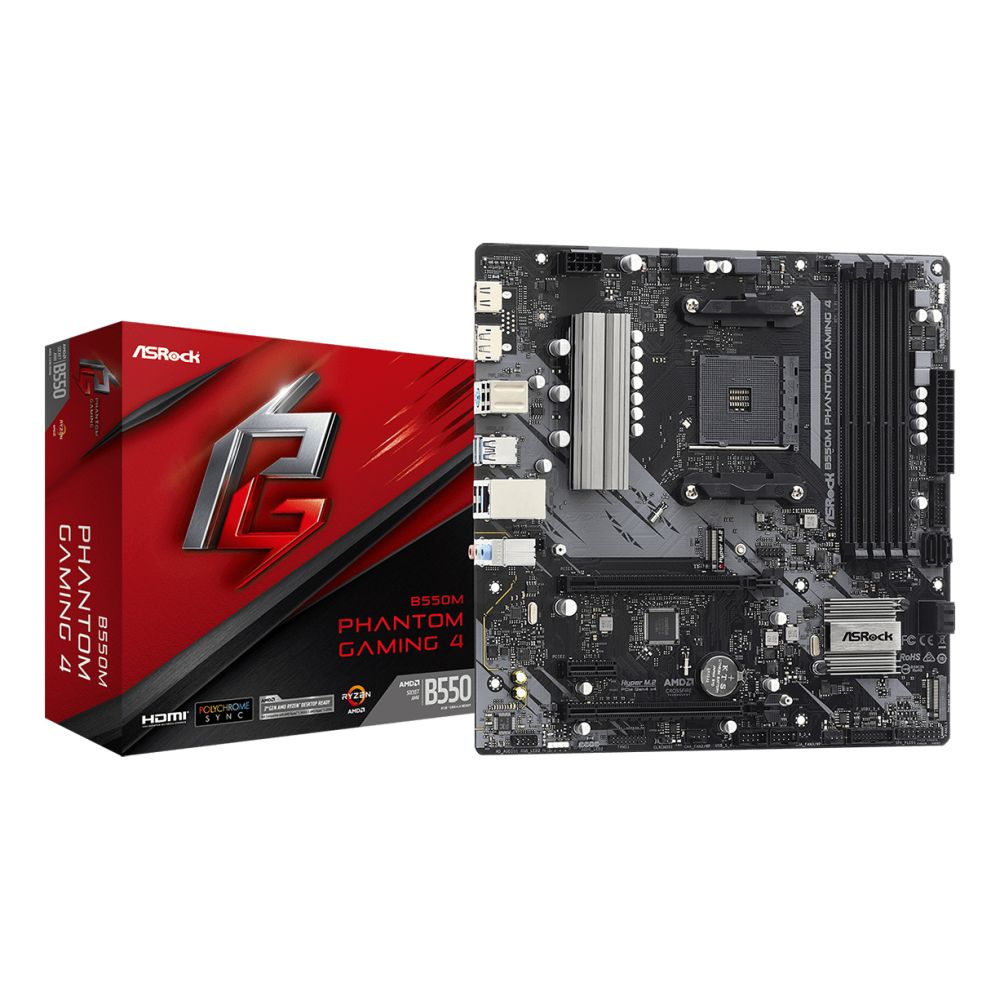
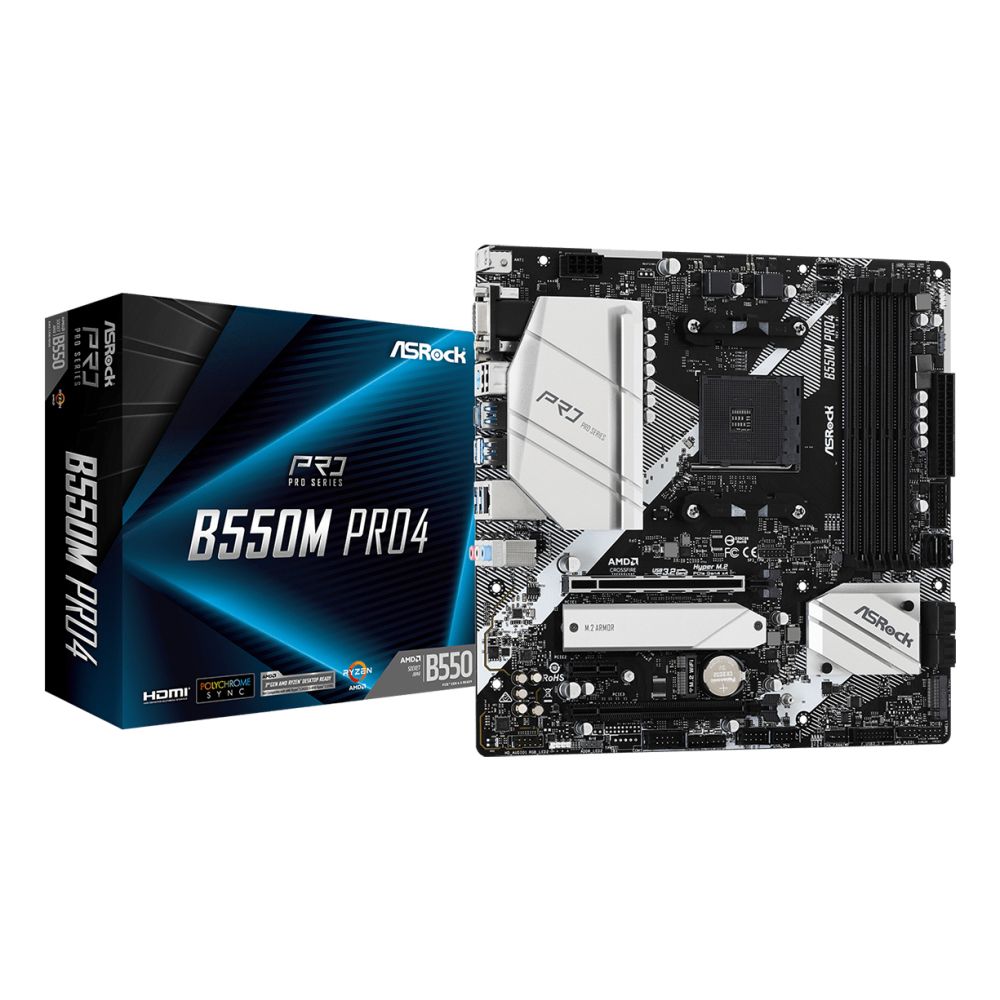
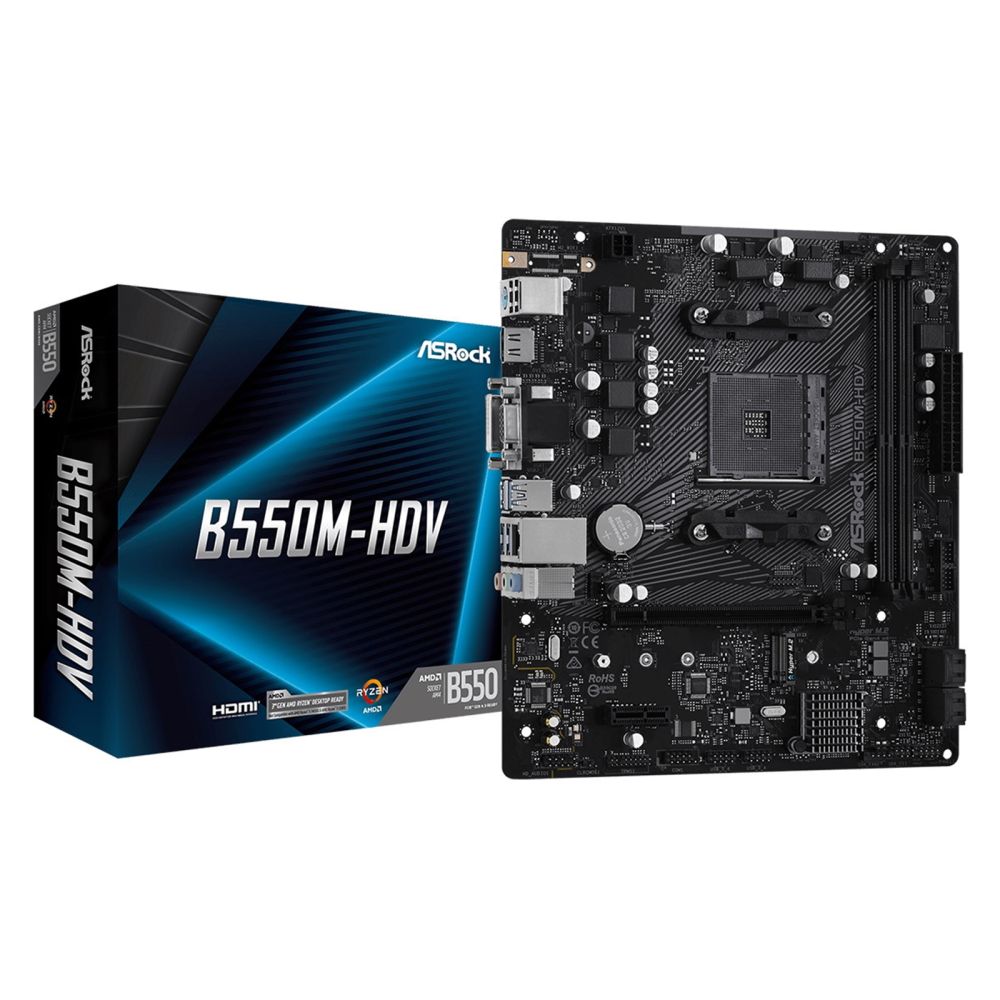
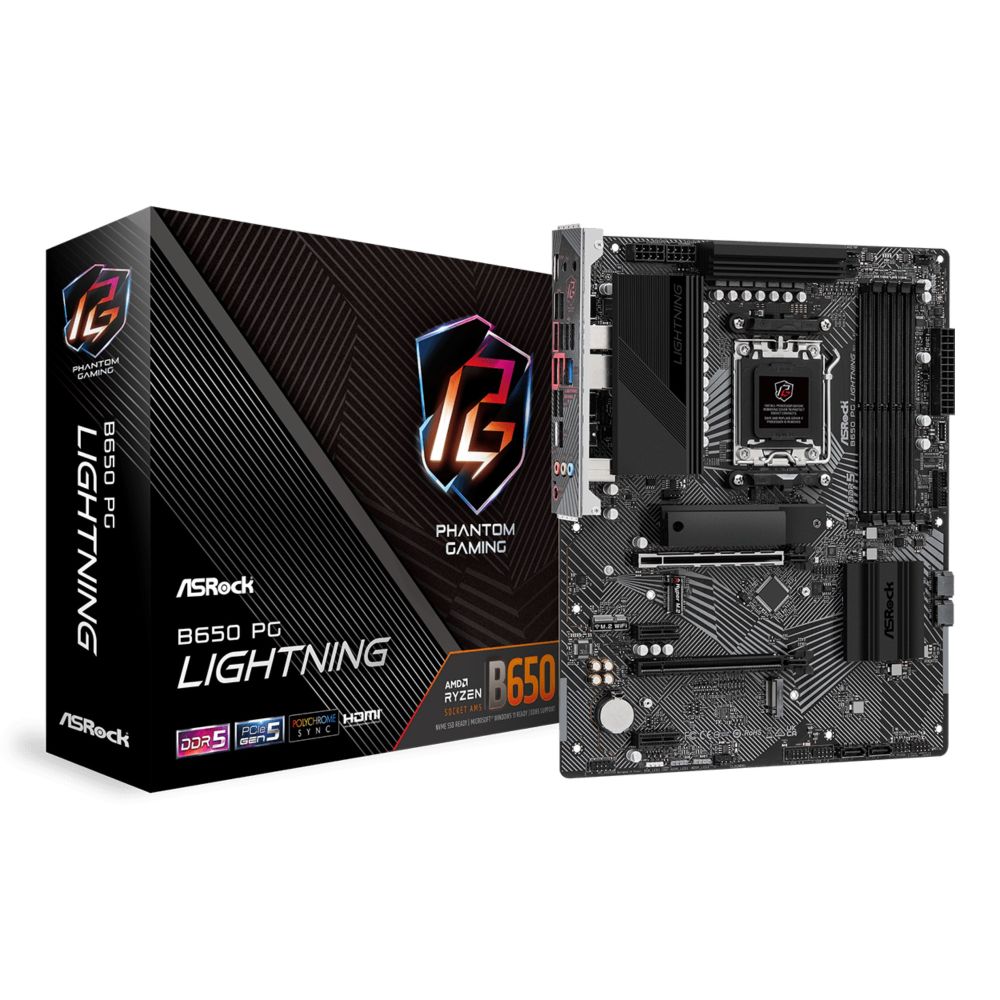
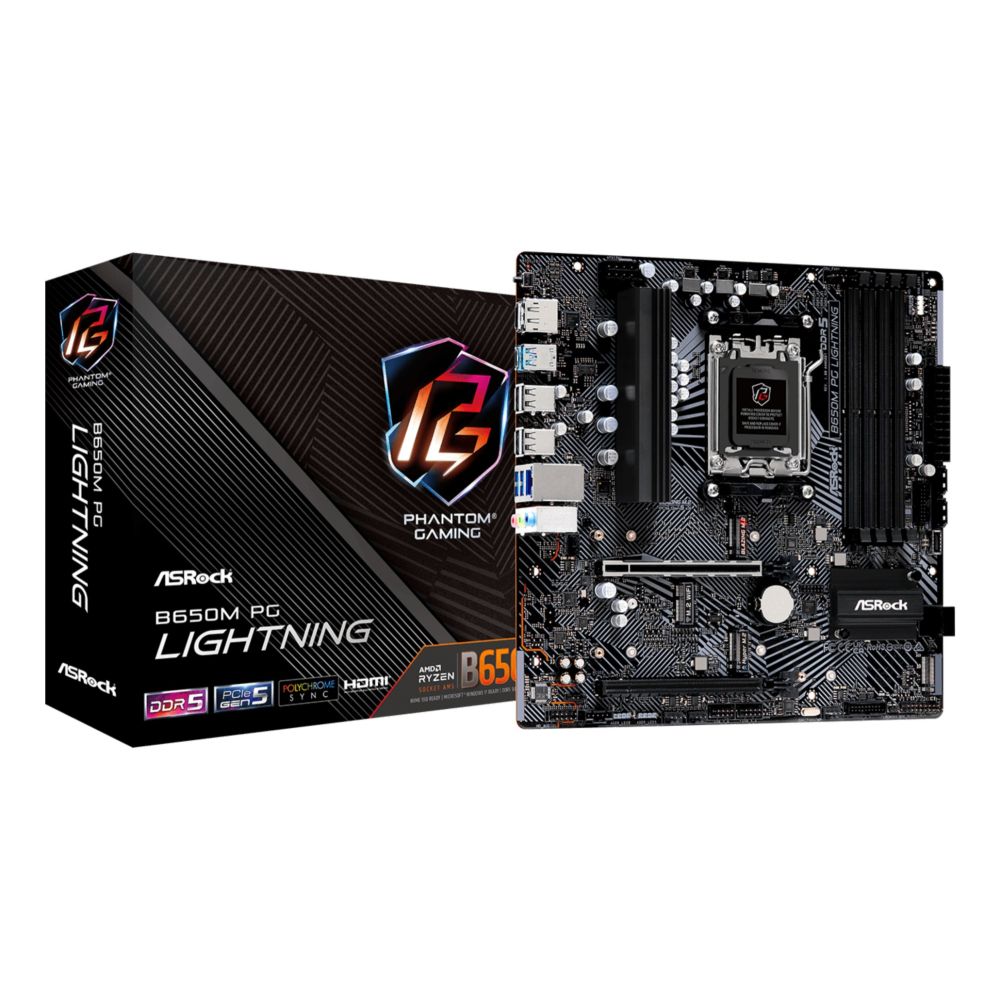
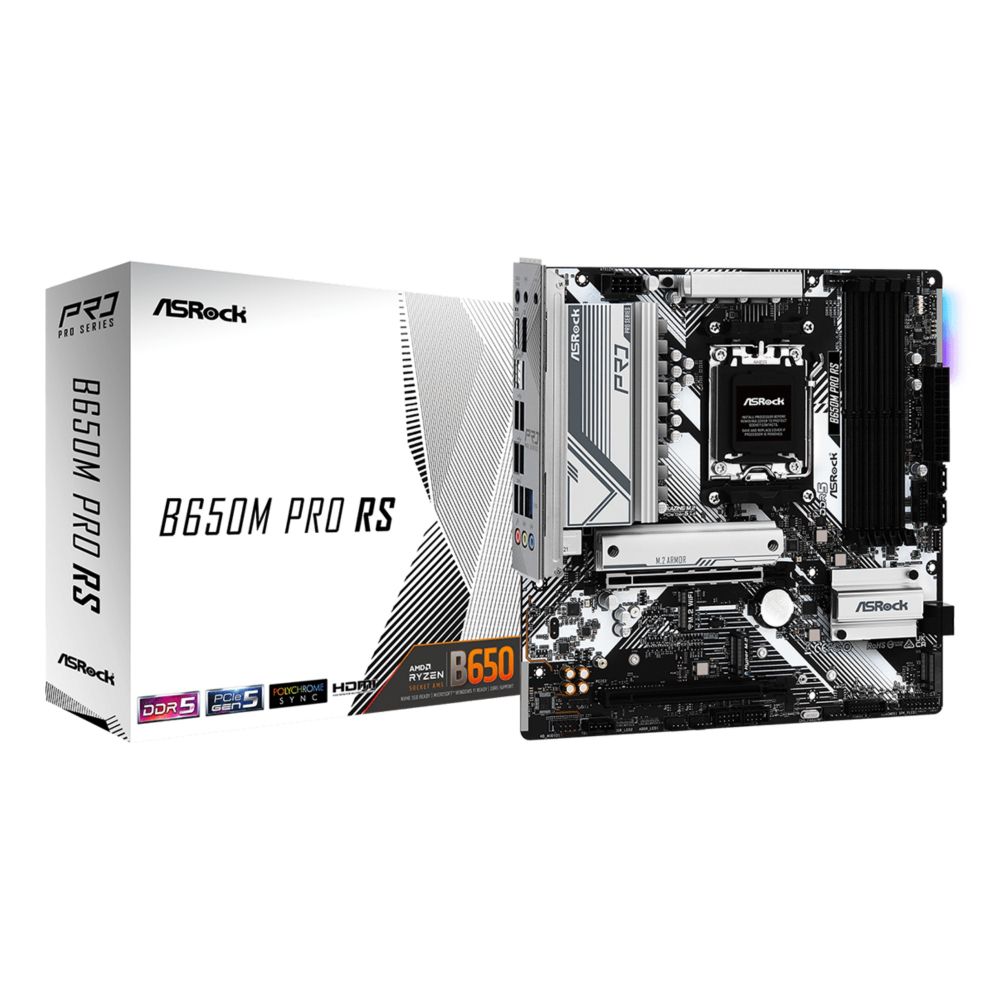
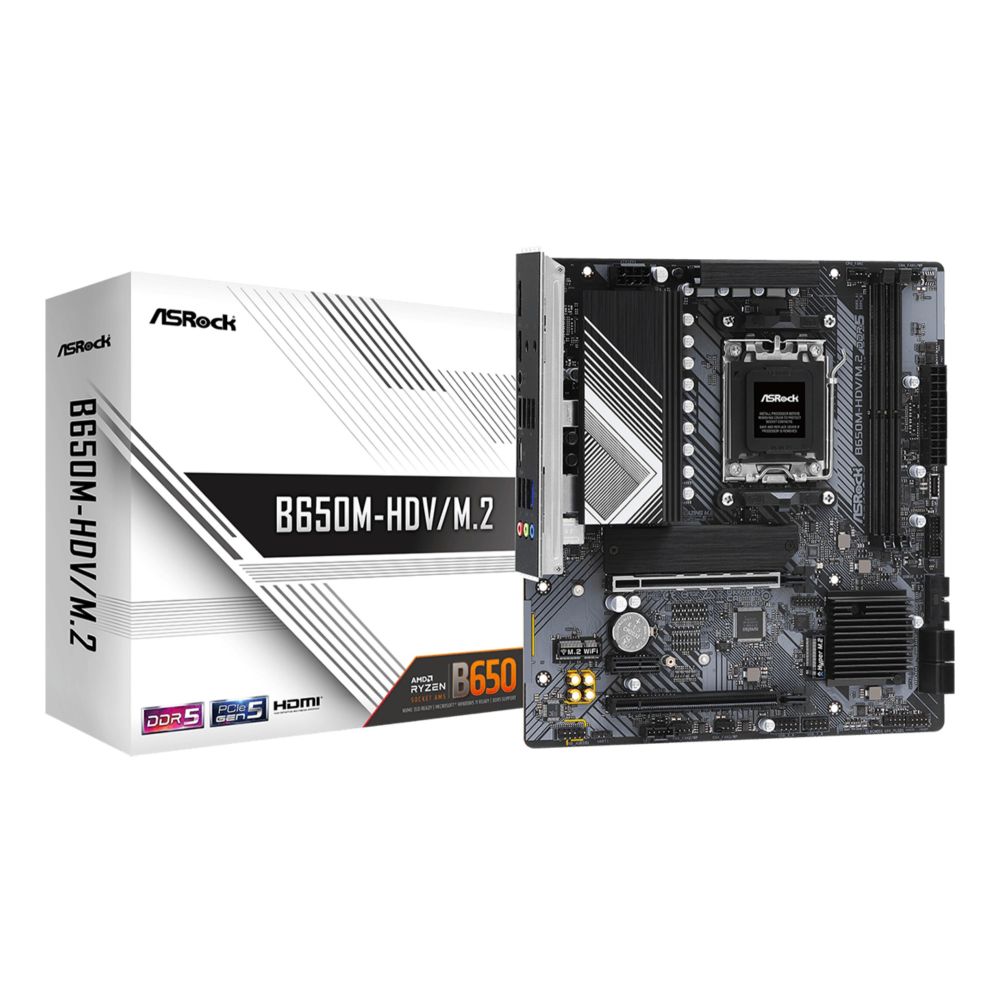
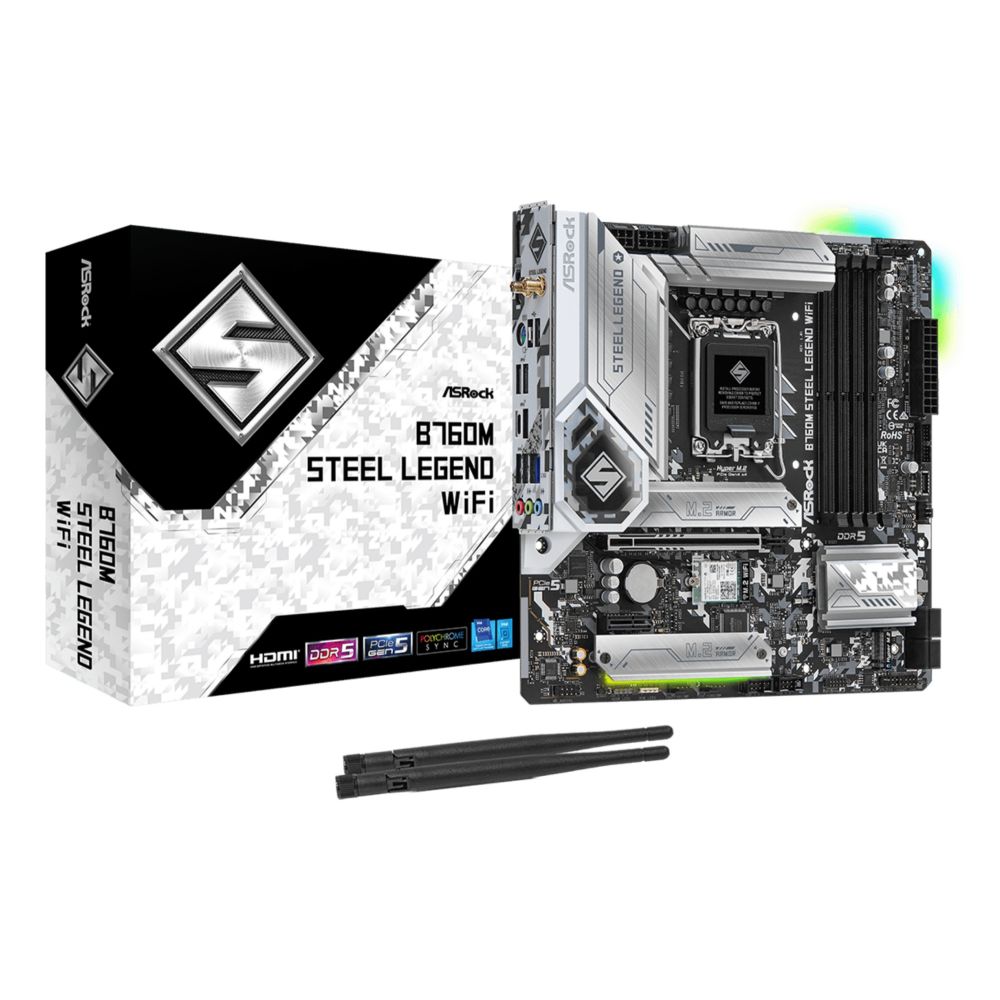
Shop motherboards at Hardvance for stable performance and long-term reliability. Choose compatible options for AMD and Intel platforms from trusted brands. Build with confidence using the right features for your setup.
In stock
In stock
The right motherboard is the foundation of a stable PC. At Hardvance, our Motherboards category is curated to help you choose the correct platform for your processor, your upgrade plans, and your connectivity needs. Compare sockets, chipsets, memory support, PCIe generation, and I/O features to build a system that performs reliably today and stays upgrade-friendly for the future.
CPU compatibility: Always match the motherboard socket and chipset to your processor. If you are still choosing a CPU, explore Processors first, then pick a board that supports your CPU generation and desired features.
Memory support: Confirm the RAM type and supported speeds, then choose compatible kits from Memory. This helps avoid compatibility issues and ensures smooth performance for gaming and productivity.
Expansion and graphics: If you plan to install a dedicated GPU, check PCIe slots and spacing, then browse compatible options in Graphics Cards. For storage expansion, pay attention to M.2 and SATA ports and add fast drives from Computer Storage.
Finish your system with a well-sized case from Cases, a dependable PSU from Power Supplies, and effective airflow solutions from Fans and Cooling. These choices improve stability, thermals, and long-term reliability.
Prefer a specific manufacturer or want to compare features across models? Use our Brands page to explore leading motherboard brands and find the best value for your platform and requirements.
Match the socket and chipset to your CPU, then check RAM type, PCIe support, storage ports, and connectivity.
Chipsets affect features like PCIe lanes, USB options, overclocking support, and the number of M.2/SATA connections.
Only if you want wireless networking without using a separate Wi-Fi card or USB adapter.
No. Check the motherboard form factor (ATX, micro-ATX, mini-ITX) and ensure your case supports it.
If you use higher-end CPUs or intensive workloads, good case airflow and a quality CPU cooler improve stability and component lifespan.
No account yet?
Create an AccountContact us