



-
 Buy now, pay later with Klarna at checkout
-
 Pay in 3 interest-free payments with PayPal at checkout



£40.69 inc VAT
In stock
In stock
Buy now, pay later with Klarna at checkout
Pay in 3 interest-free payments with PayPal at checkout Payment Methods:
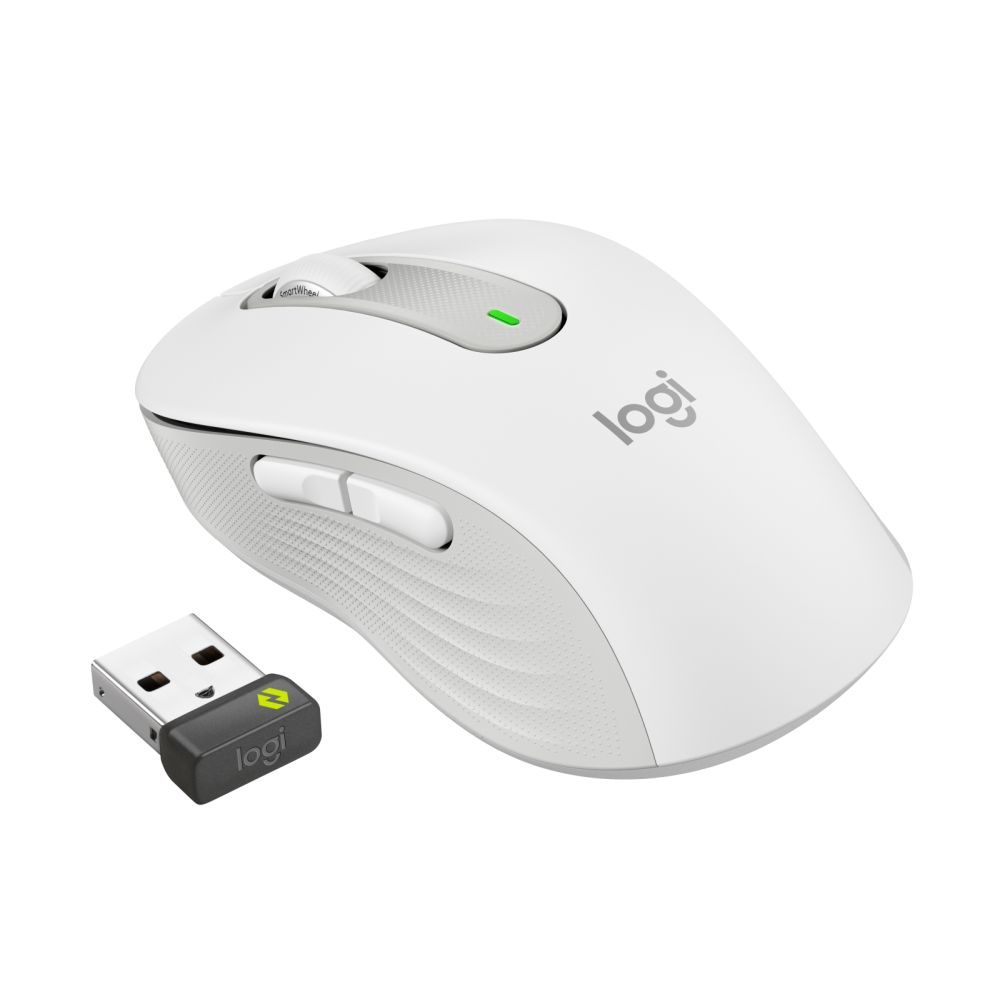
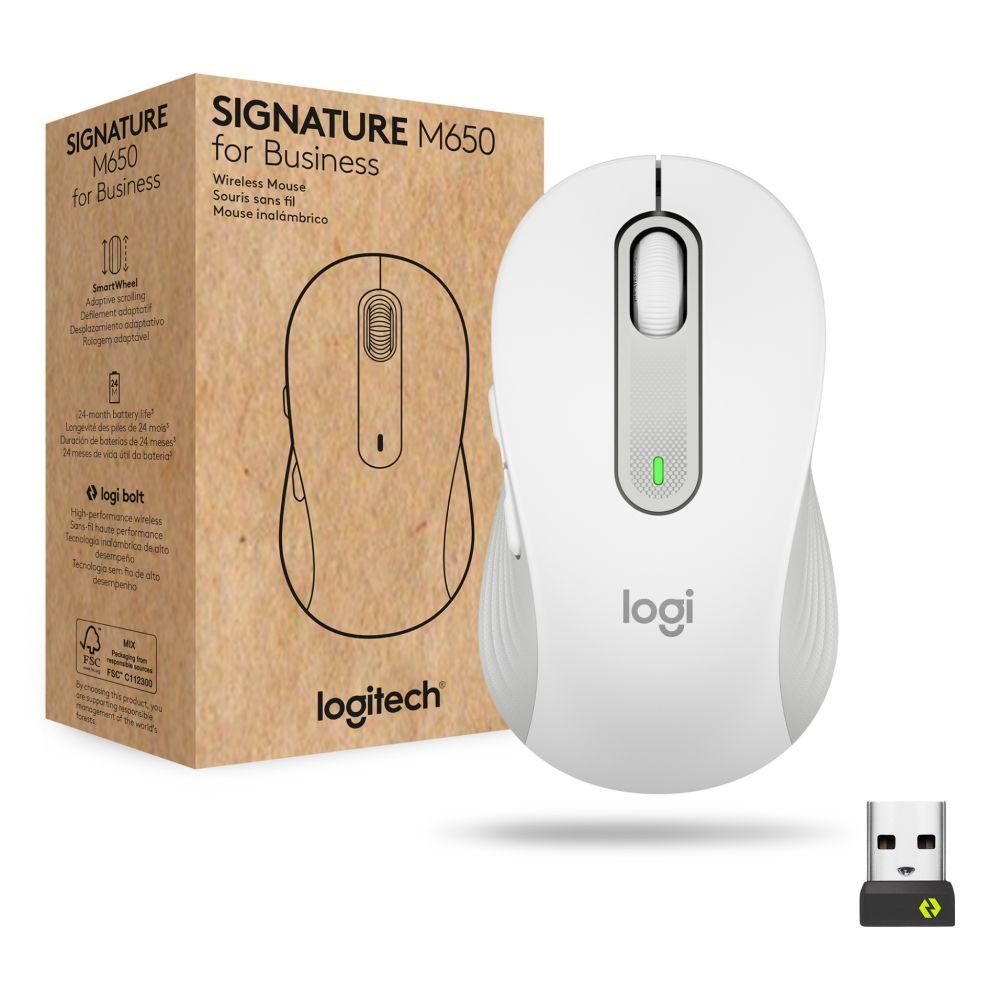
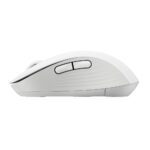
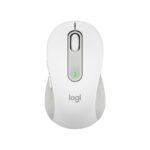
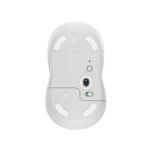
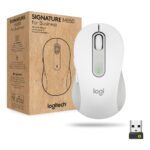
The Logitech Signature M650 for Business is a compact wireless mouse built for office productivity, featuring Bluetooth Low Energy connectivity, ergonomic right-hand design, and up to 24 months of battery life. Its 4000 DPI optical sensor ensures precise tracking on most surfaces, making it ideal for daily office tasks and remote work setups.
This mouse combines reliable performance with comfort-focused design, offering a quiet click mechanism and rubber grips for extended use without fatigue.
| Metric | Spec |
|---|---|
| Connectivity | Bluetooth Low Energy + USB-A Nano receiver |
| Battery Life | Up to 24 months |
| Resolution | 4000 DPI |
| Buttons | 5 |
| Weight | 101.2 g |
| Colour | White |
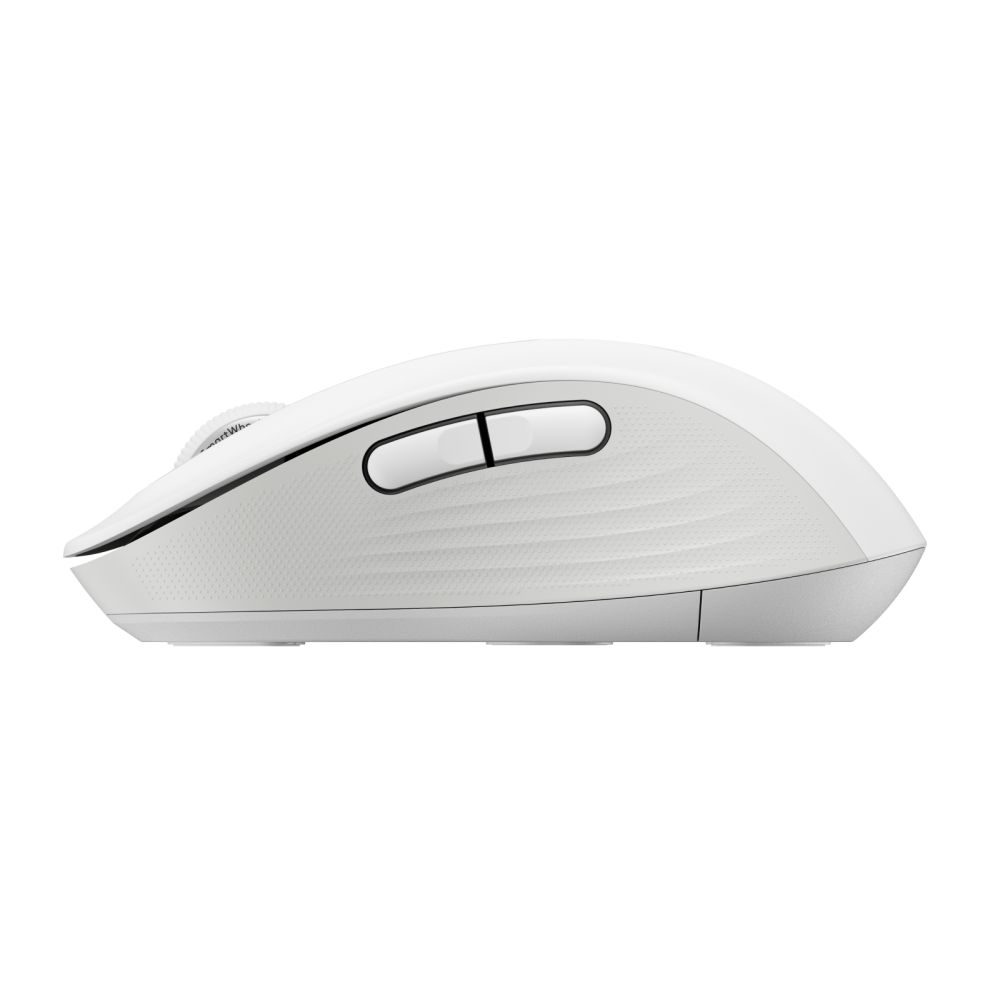
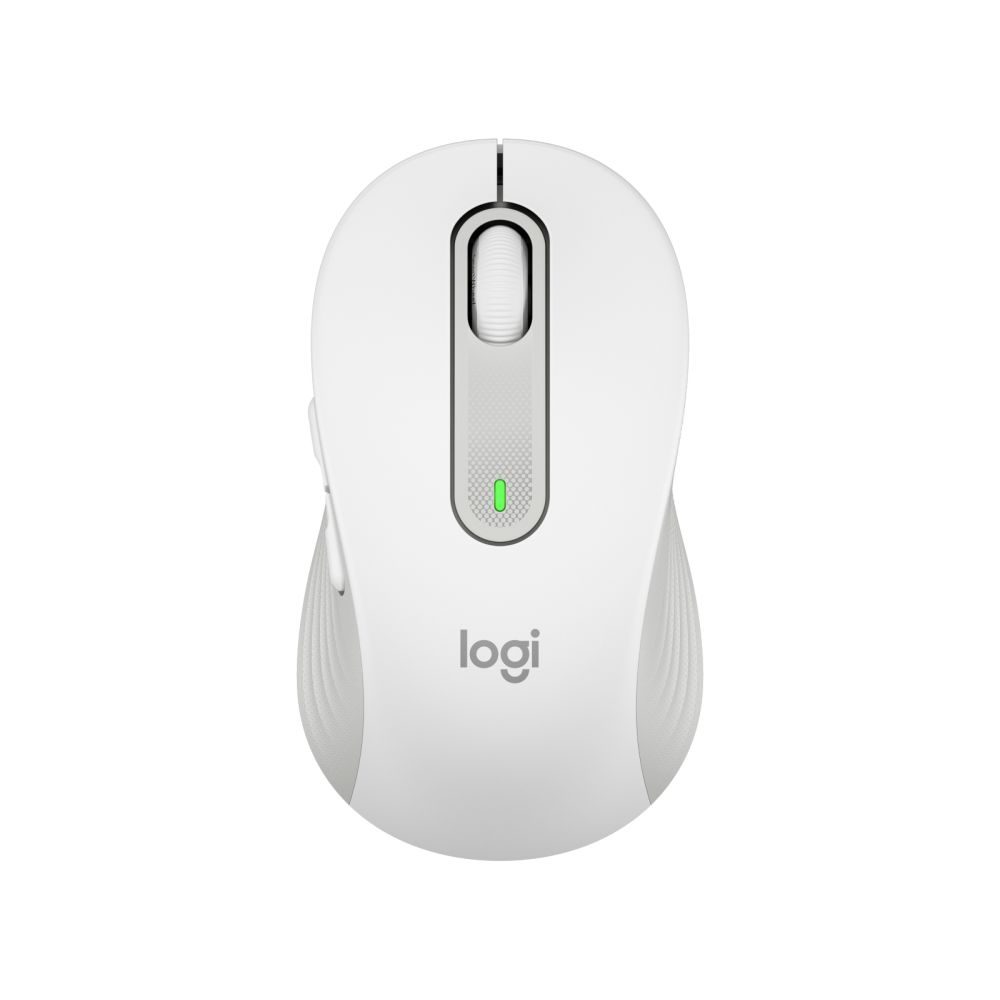
The right-hand ergonomic shape and rubber grips reduce hand strain during long work sessions. The contoured design supports a natural palm position, while the monochromatic white finish maintains a professional appearance in any office environment.
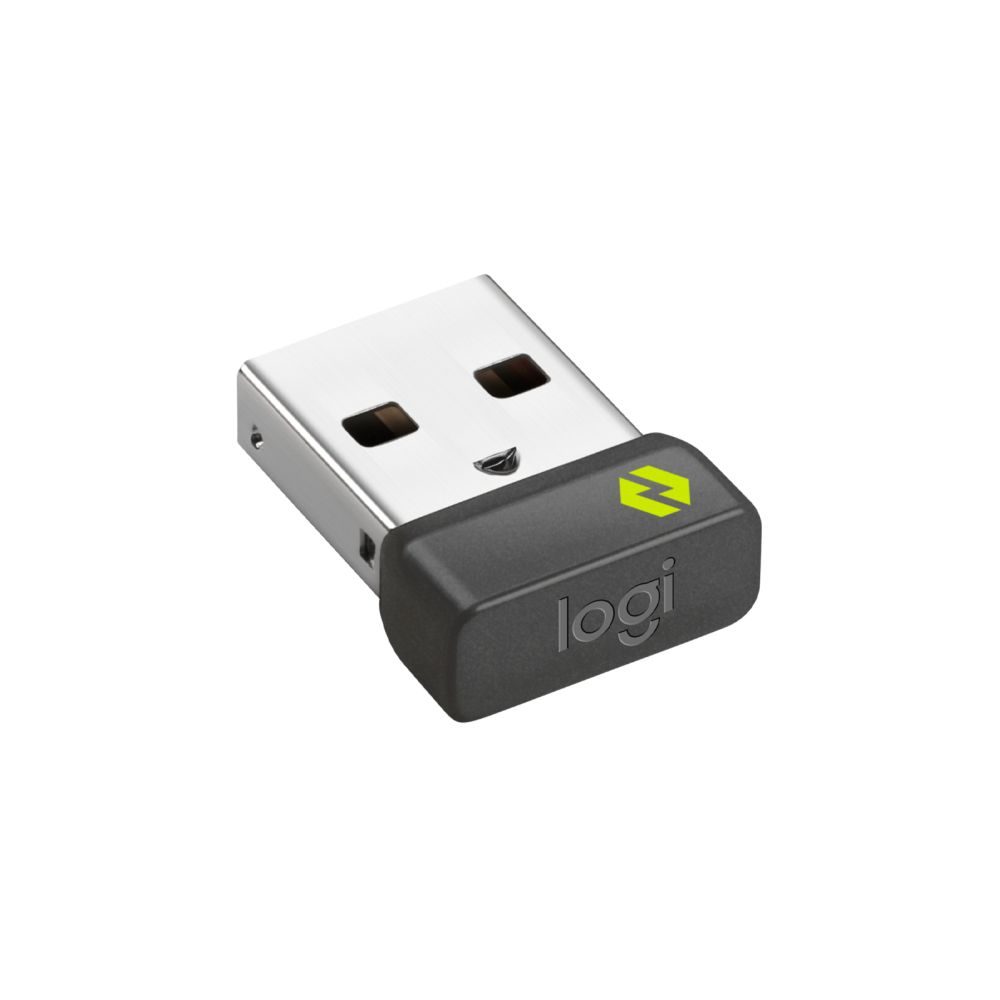
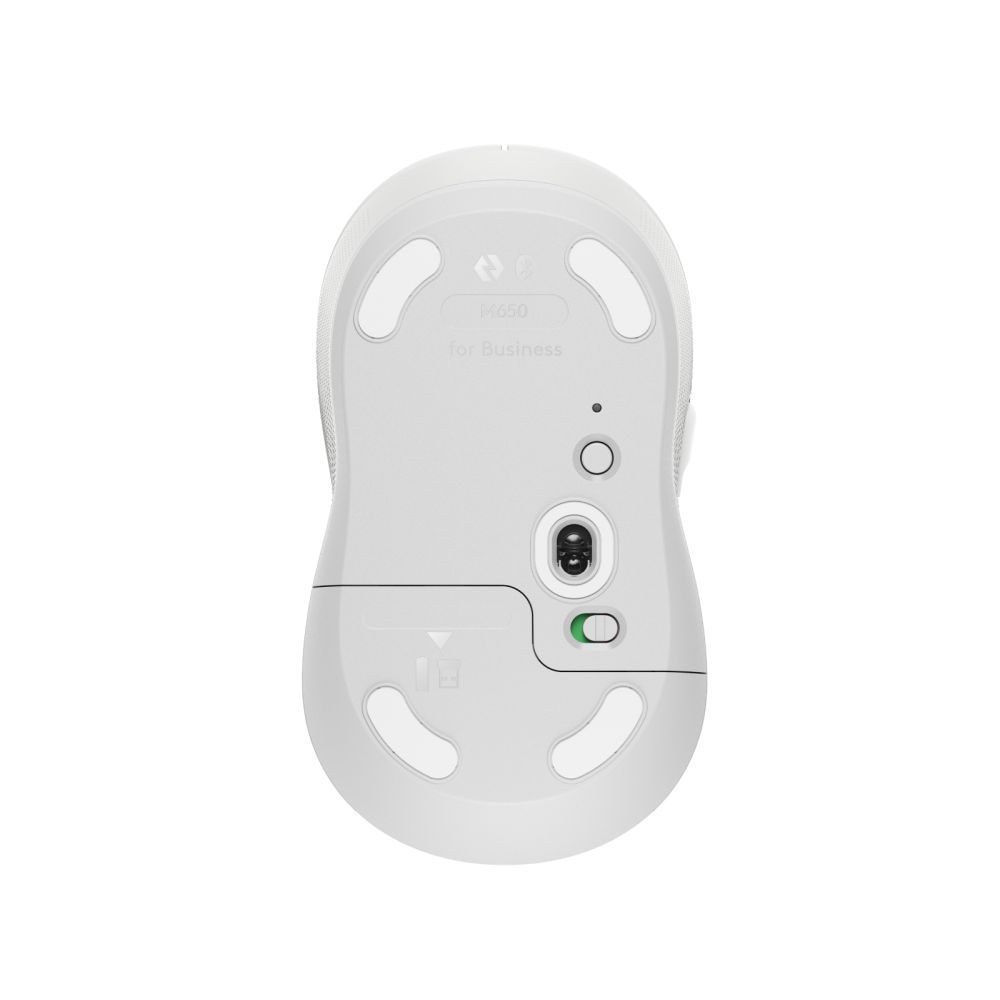
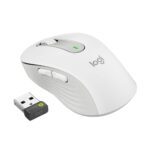
Connect via Bluetooth Low Energy or use the included Logi Bolt USB receiver for stable 10m wireless range. The mouse works seamlessly across Windows, macOS, Linux, ChromeOS, Android, and iPadOS platforms, making it versatile for mixed-device work environments.
Powered by a single AA alkaline battery, the M650 delivers up to 24 months of service life, eliminating frequent battery changes. The included battery and user documentation ensure immediate setup and operation.
The Logitech Signature M650 for Business delivers reliable wireless performance with ergonomic comfort, making it an excellent choice for office professionals and remote workers who need a dependable, long-lasting mouse. Its cross-platform compatibility and extended battery life provide excellent value for everyday productivity tasks. Covered by the applicable manufacturer warranty.
| Packaging content | Signature M650 for Business mouse Logi Bolt USB receiver (USB Type A) 1 AA battery User documentation |
|---|---|
| Compatibility | Logi Bolt USB Receiver |
| Minimum system requirements | Logi Bolt USB Receiver Required: Available USB port Windows 10, 11 or later macOS 10.10 or later Linux(4) Chrome OS(4) Bluetooth Low Energy Wireless Technology Required: Bluetooth Low Energy wireless technology macOS 10.15 or later iPadOS 13.4 or later(4) Android 5.0 or later(4) |
No account yet?
Create an Account

Reviews
Clear filtersThere are no reviews yet.