
Brand


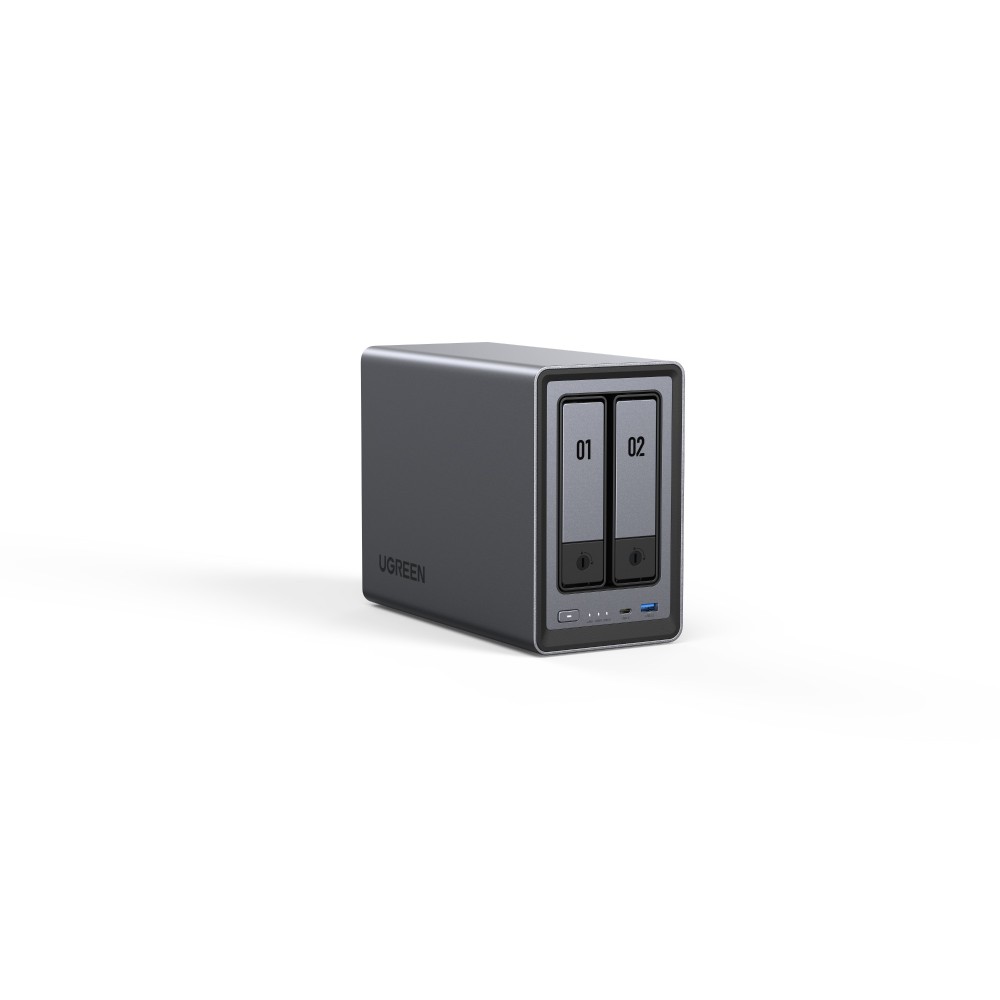
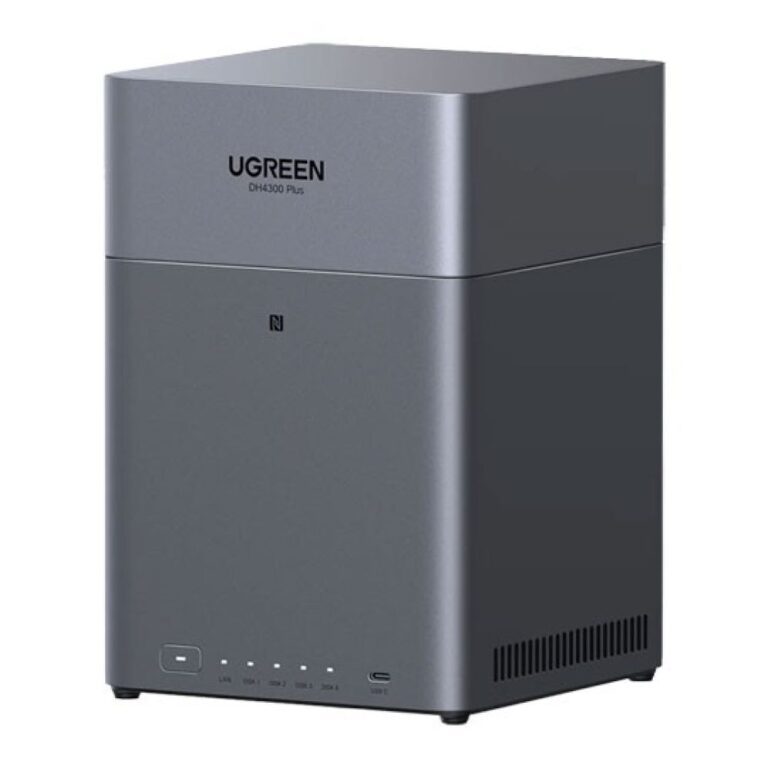
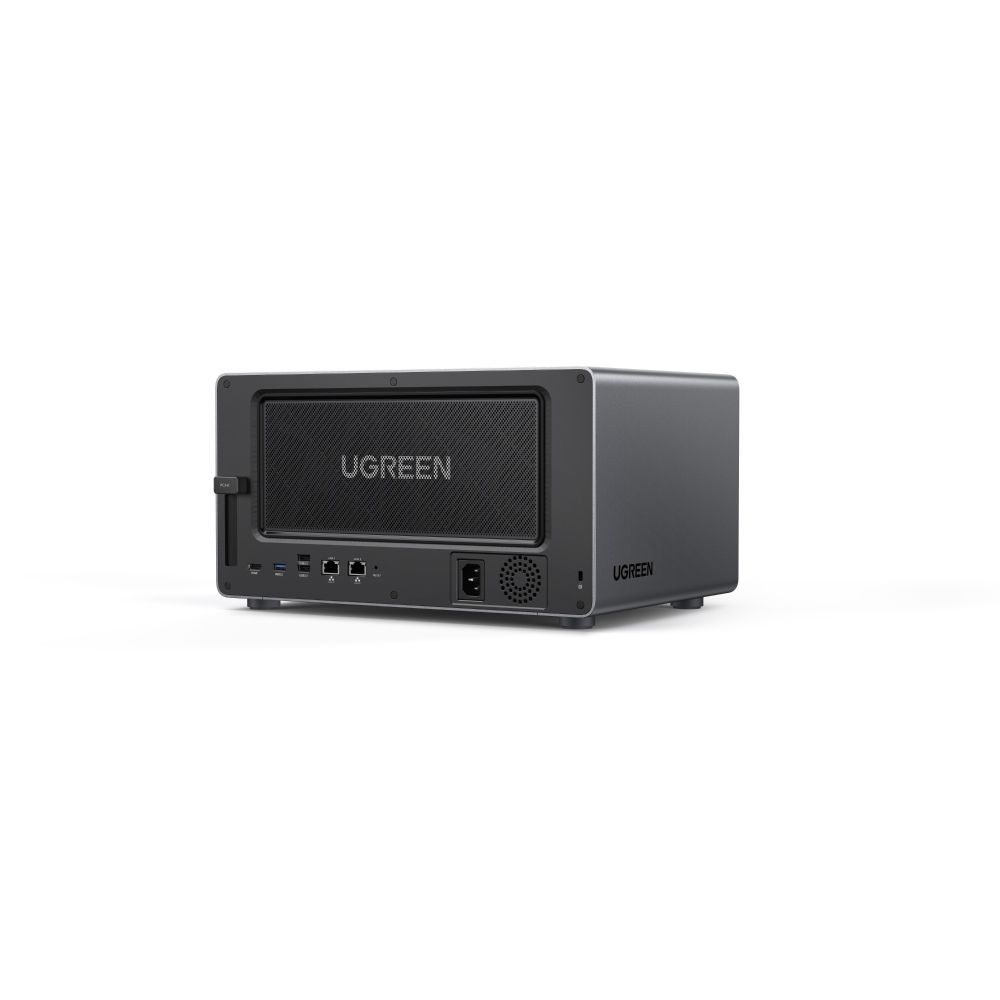
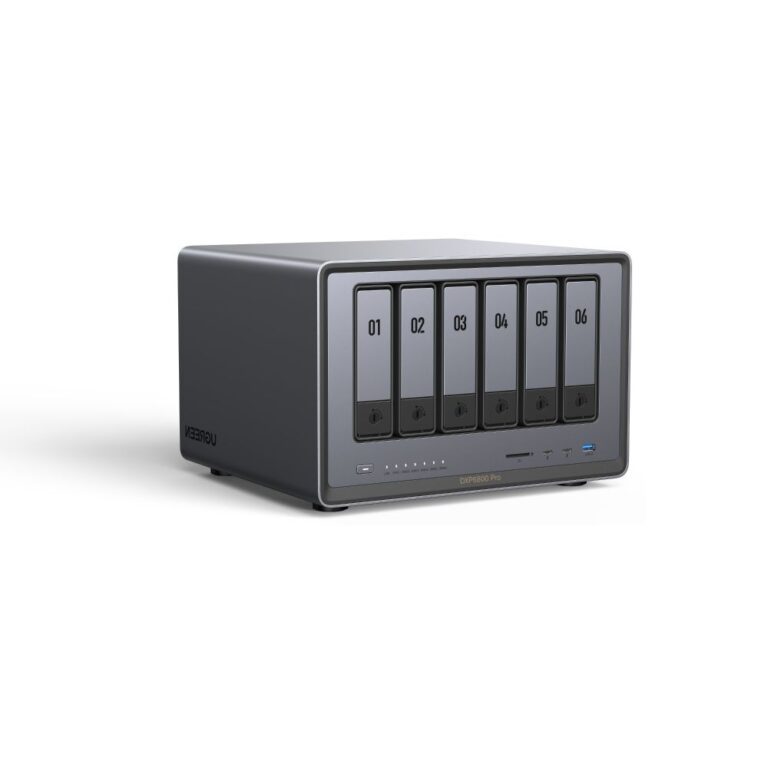
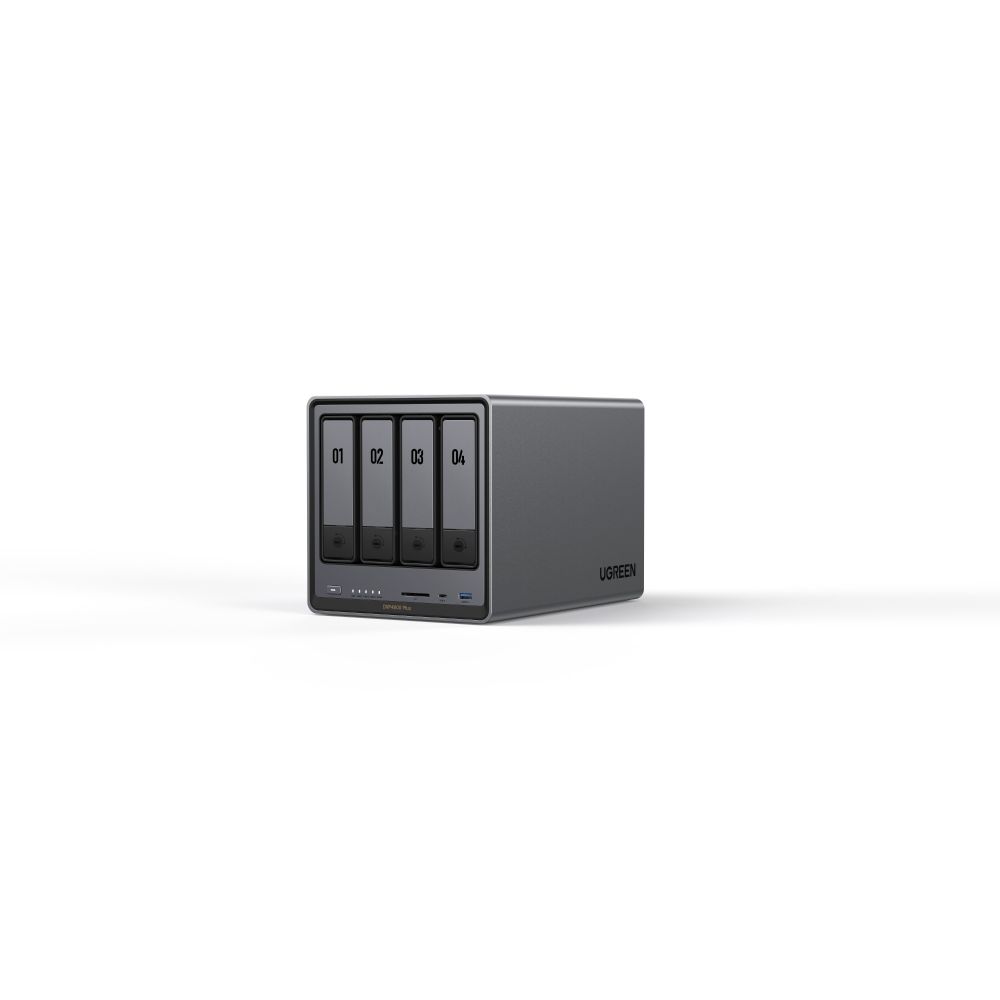
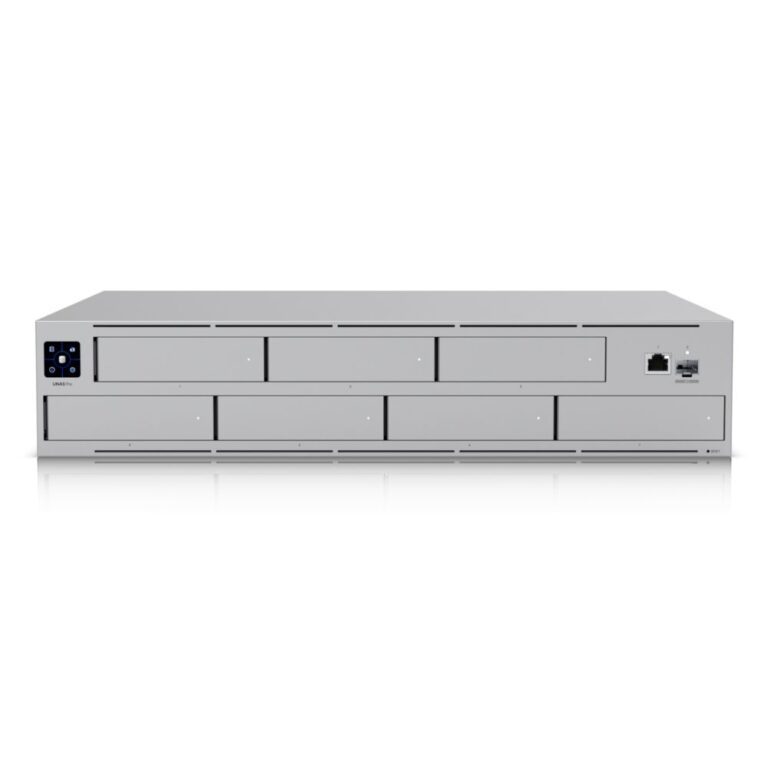
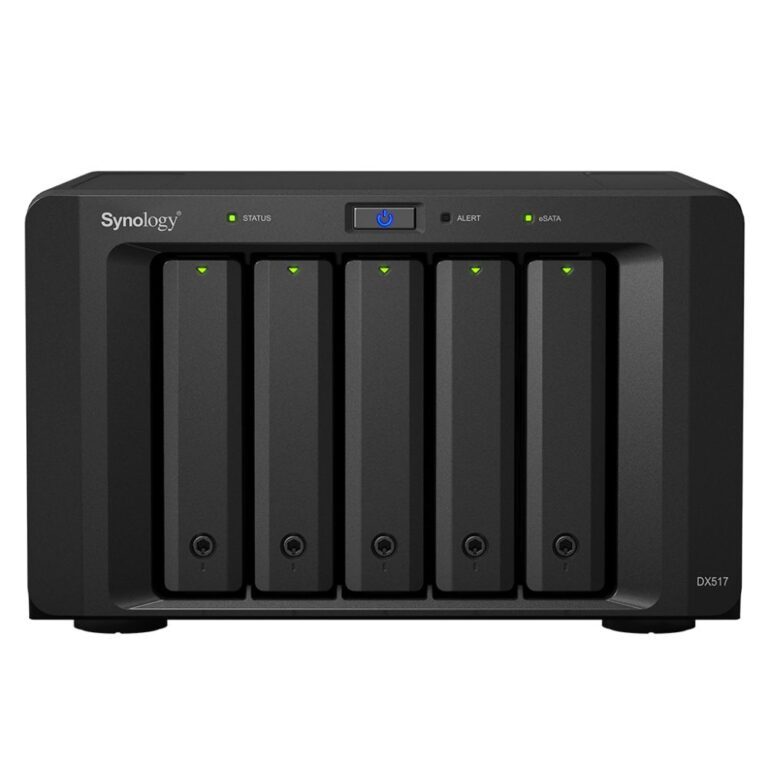
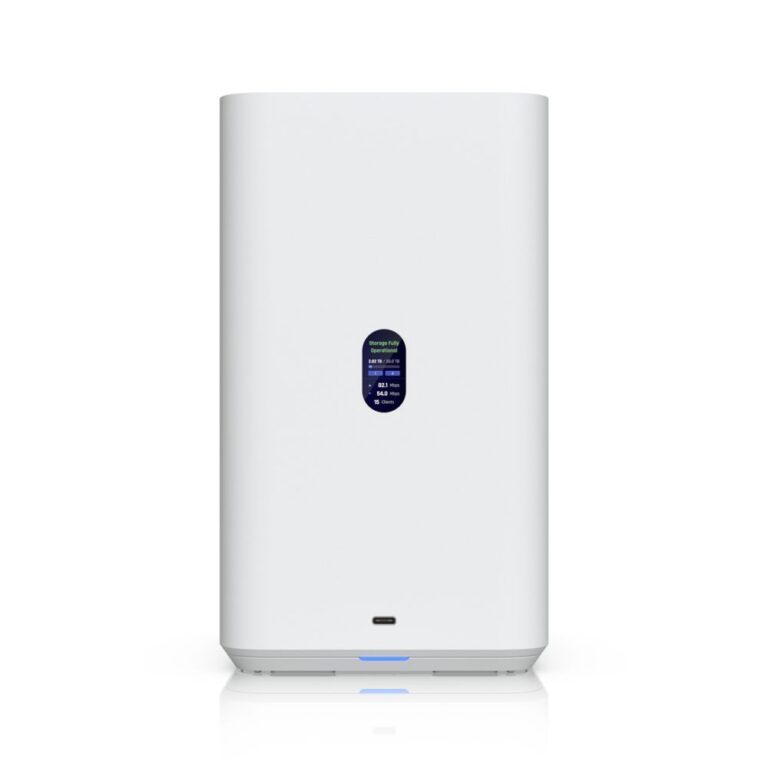
A NAS is a small always-on computer full of drives, shared across your network — central storage for a household or an office, automatic backups from every machine, media serving, and file access from outside without handing anything to a cloud provider.
Bays is the first decision. Two bays lets you mirror one drive to another so a single failure loses nothing. Four bays gives more usable capacity for the same redundancy. Buy for what you expect to need, since adding bays later means a new unit.
Diskless or populated. Most units here are sold diskless, so you choose the drives. Use NAS-rated drives rather than desktop ones — they are specified for continuous operation and for the vibration of a multi-bay enclosure.
The important caveat: RAID protects against a drive failing. It does not protect against fire, theft, ransomware or deleting the wrong folder, because all of that propagates instantly to every disk. A NAS needs its own backup, ideally offsite.
The range covers UGREEN and Ubiquiti UniFi.
This NAS (Network Attached Storage) range covers networking gear. Below are the common questions.
This category covers nas (network attached storage) that help you build a faster, more reliable home or office network. The right choice depends on your setup, so match it to your broadband, the number of devices and the coverage you need.
Most networking gear connects to a standard home network by cable or Wi-Fi. Check the standards and speeds it supports so it keeps up with your broadband and devices, and that it fits how your network is set up.
Wire your main devices where you can for speed and stability, use up-to-date Wi-Fi (Wi-Fi 6 or 7) for wireless, and place hardware to give even coverage. Gigabit ports are the sensible baseline.
No account yet?
Create an Account