








Price
Brand
Availability
Resolution
Shop Categories
UltraWide Monitors
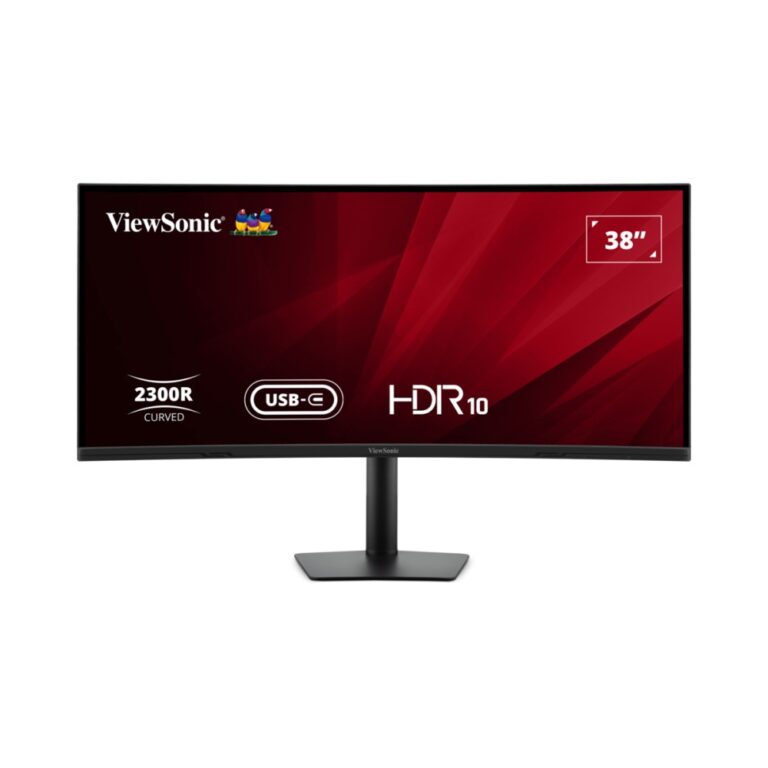
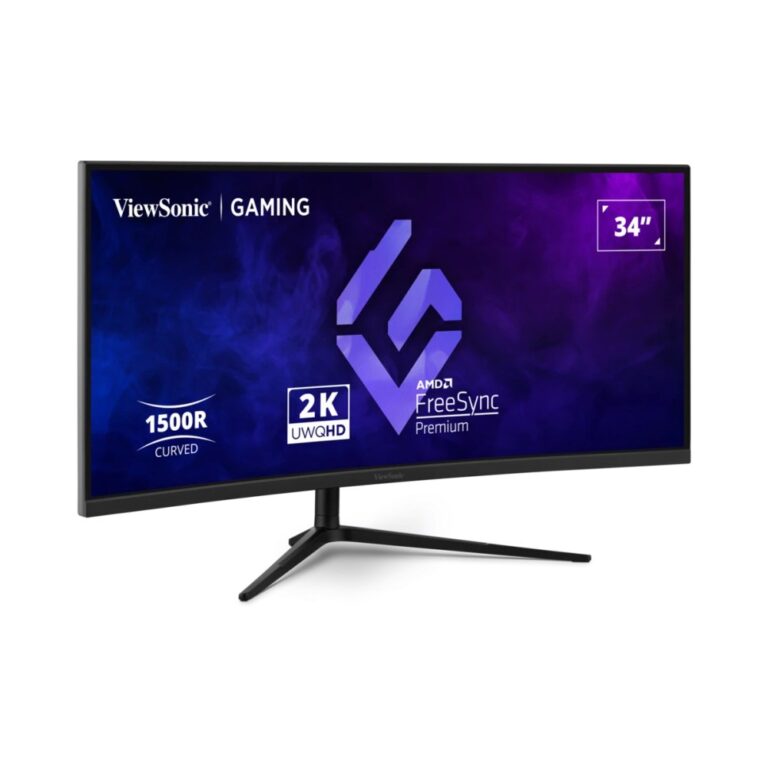
ViewSonic VX3418C-2K 34″ Curved Gaming Monitor UWQHD 180Hz VA Panel Black
In stock
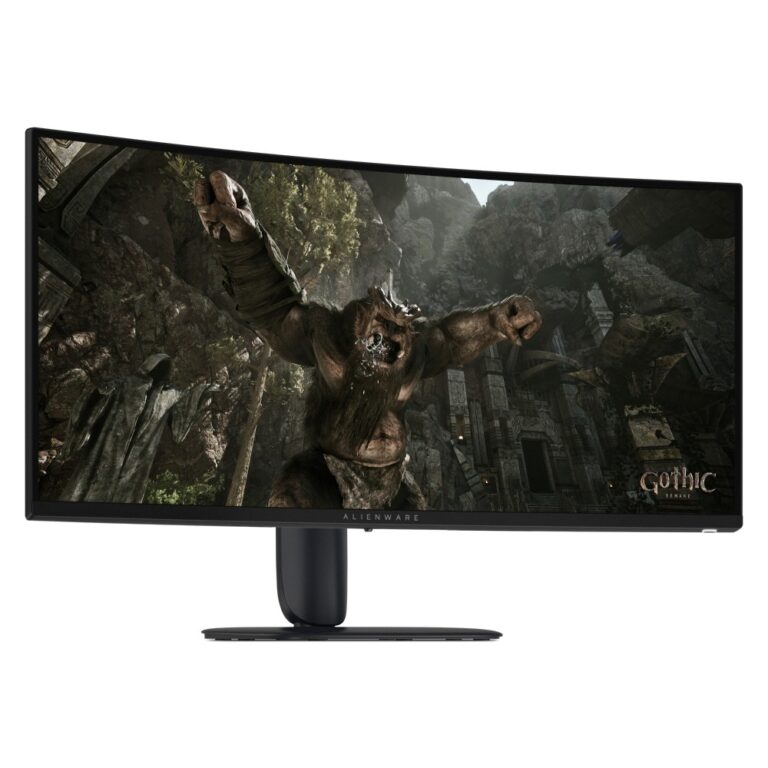
Alienware AW3426DWM Curved Gaming Monitor 34-inch 3440 x 1440 240 Hz VA Black
In stock
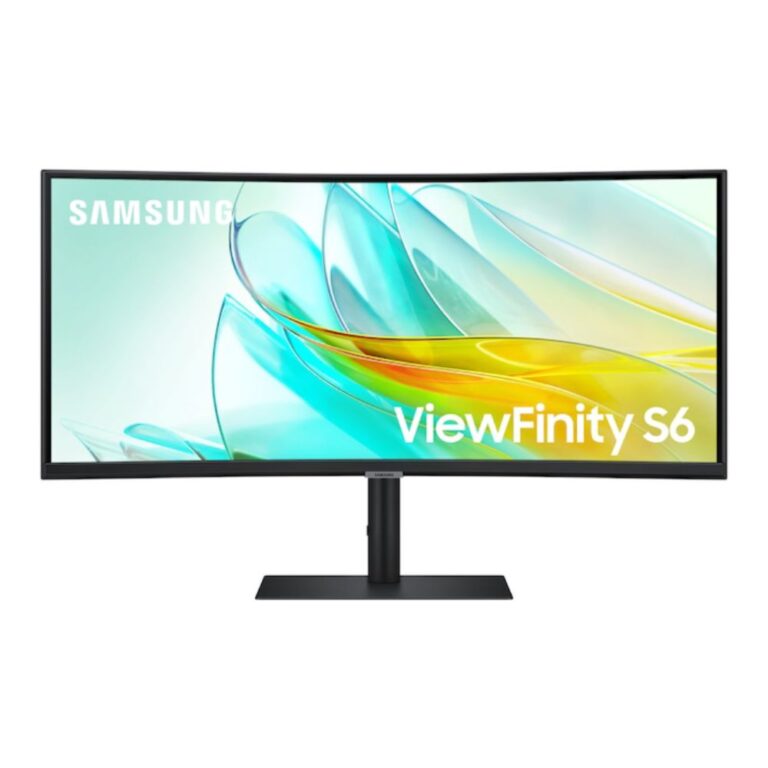
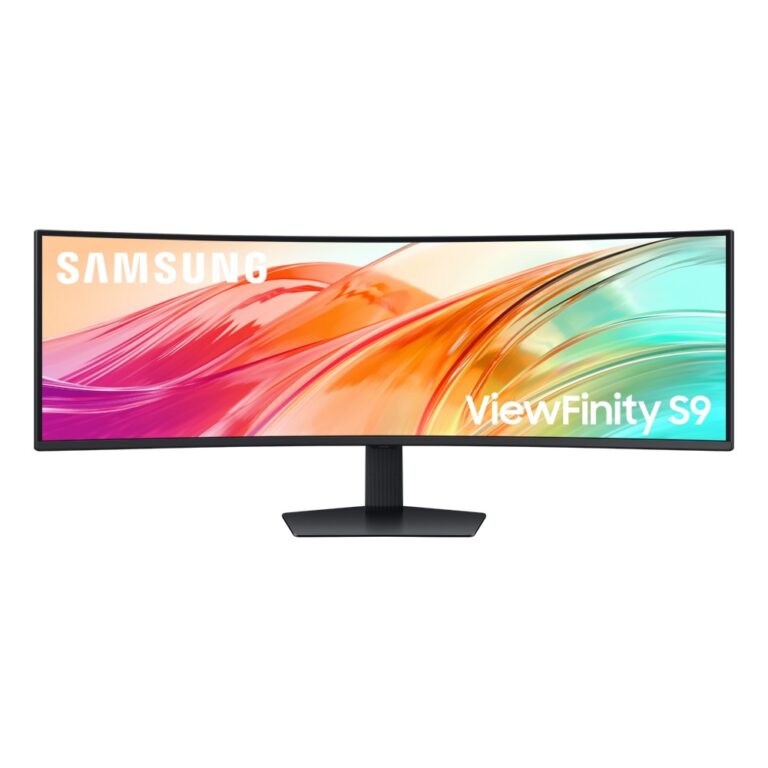
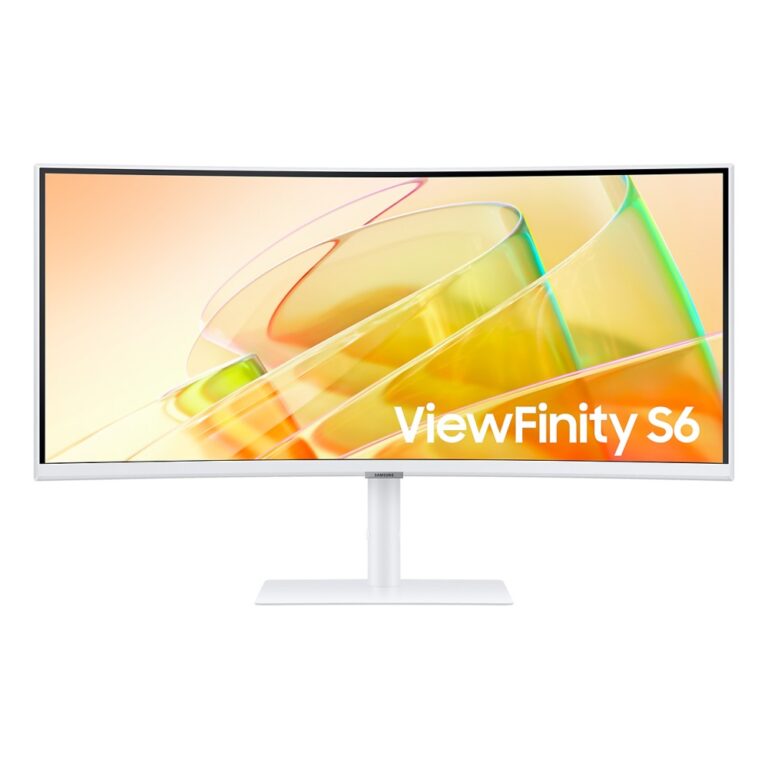
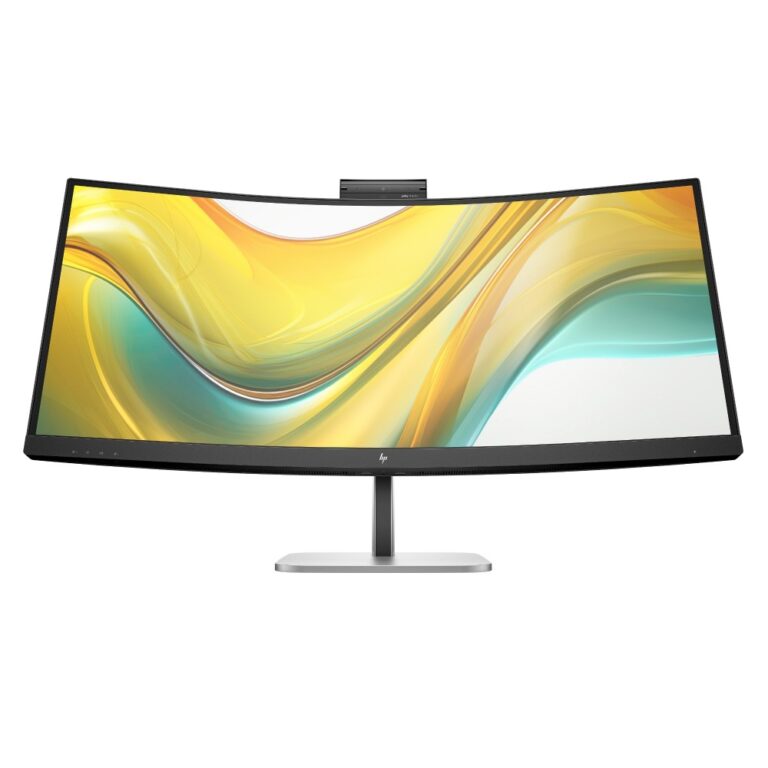
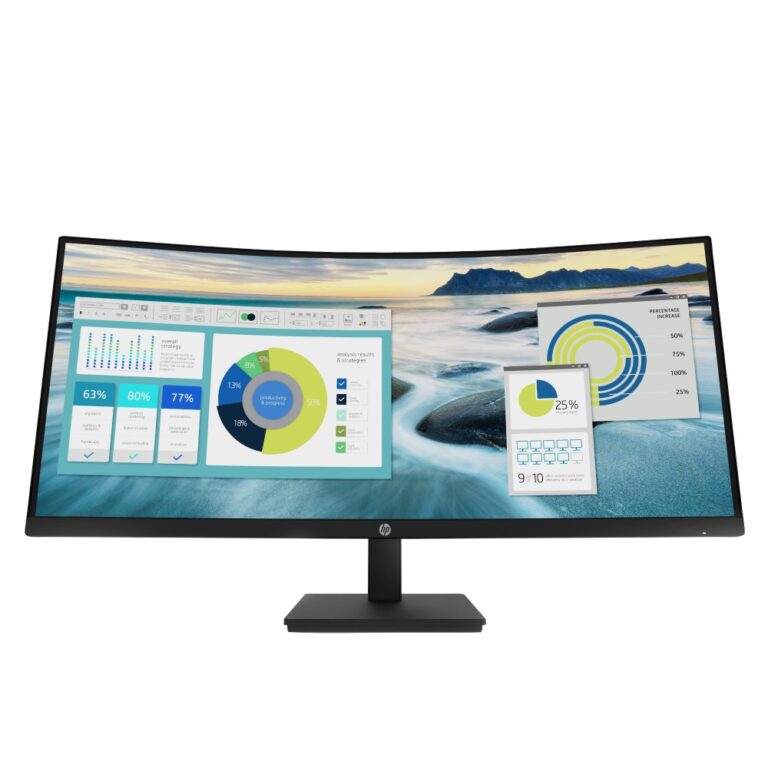
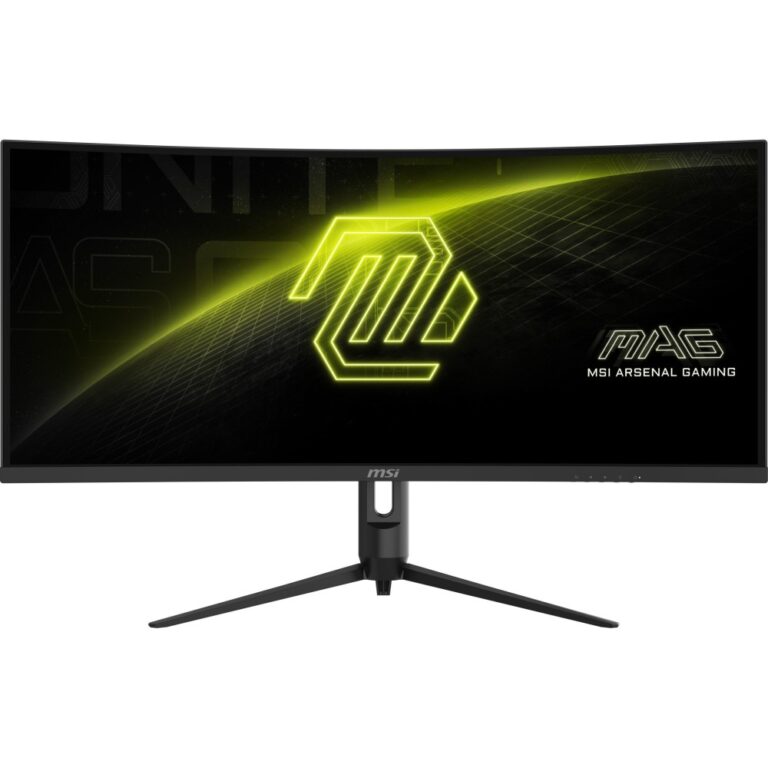
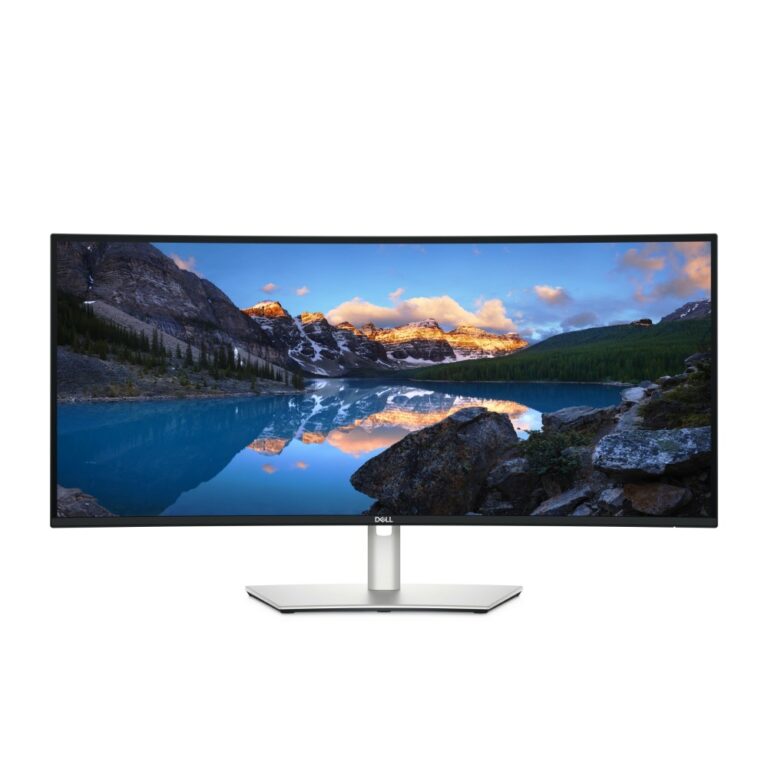
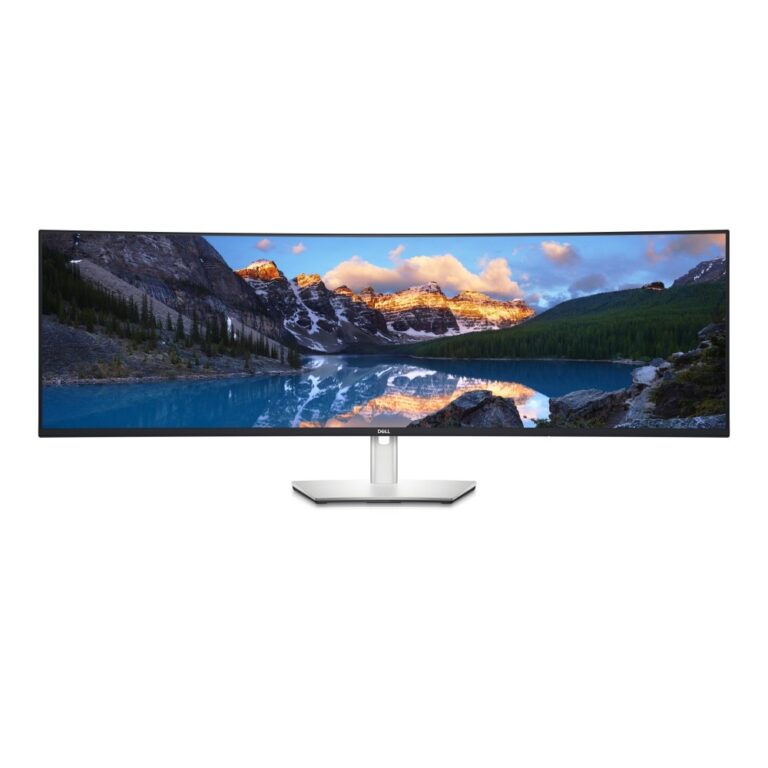
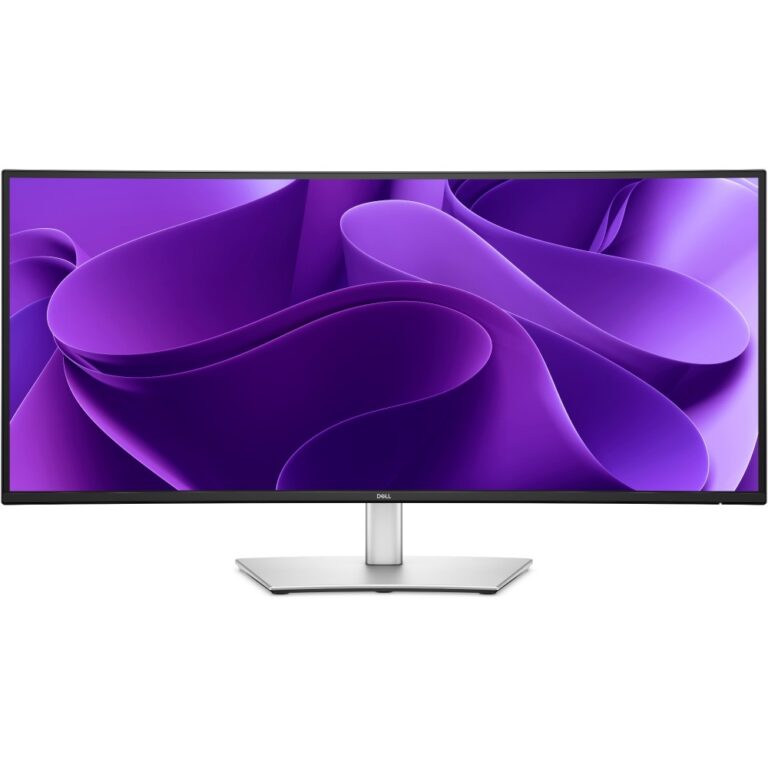
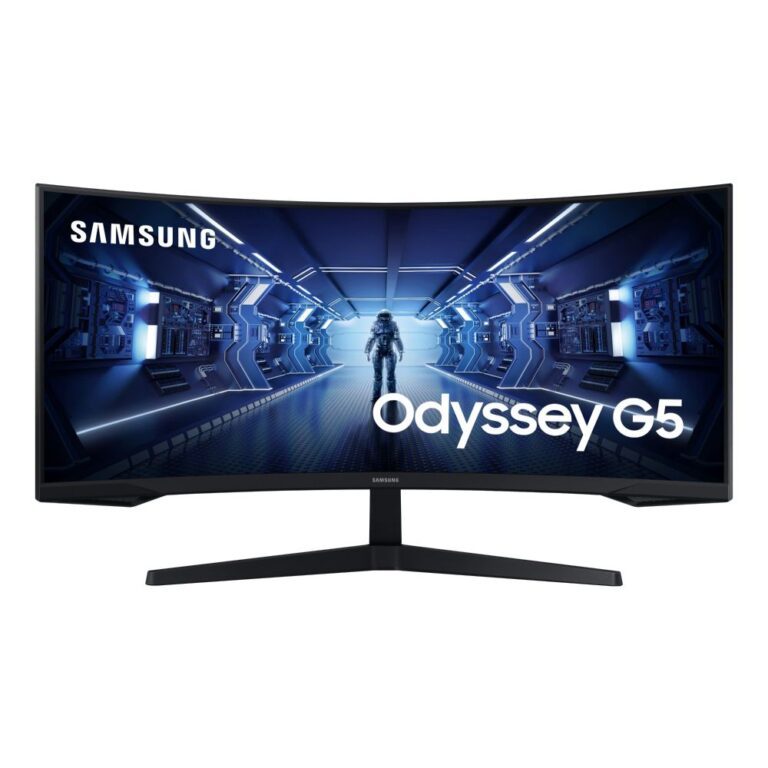
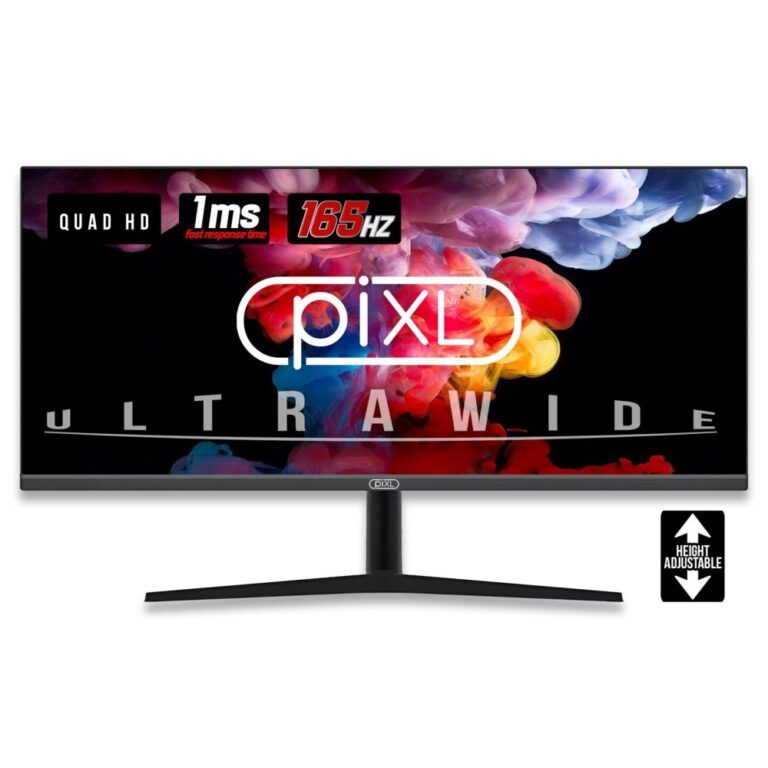
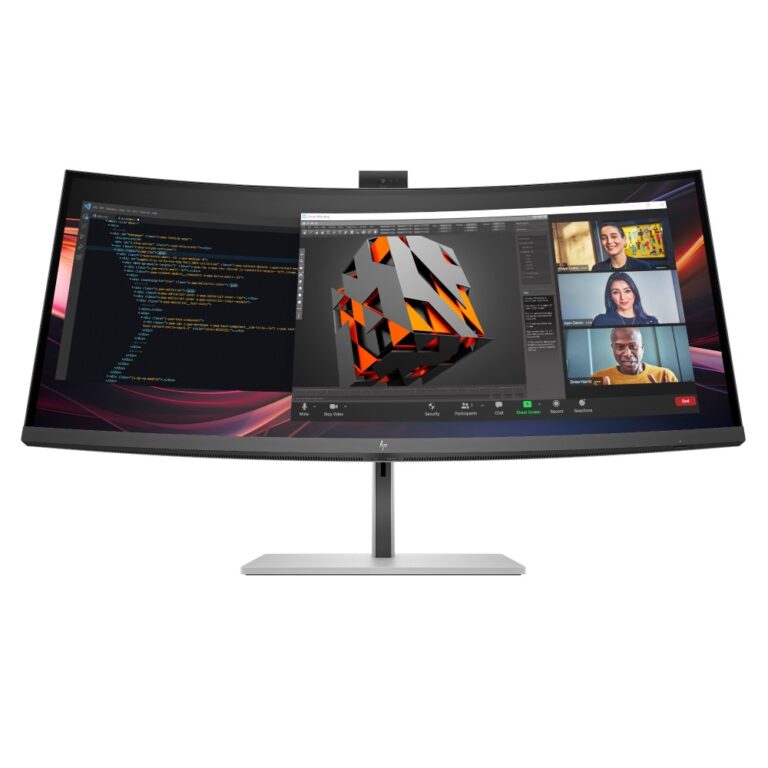
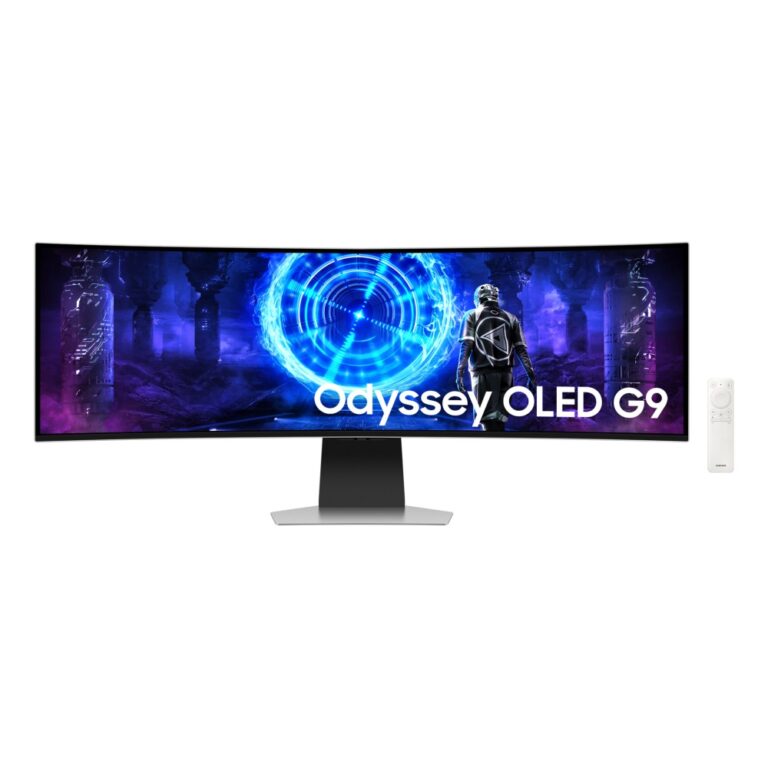
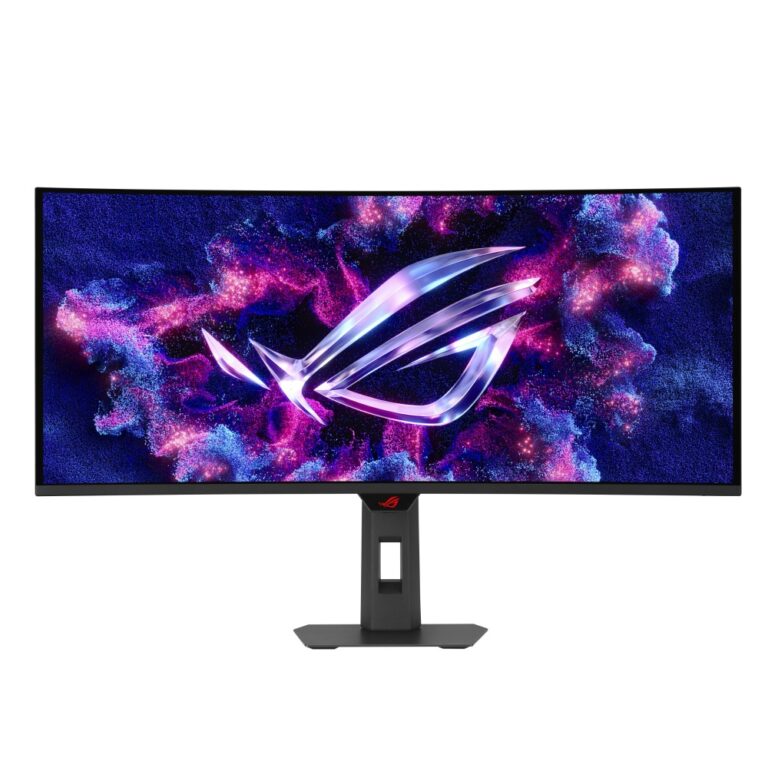
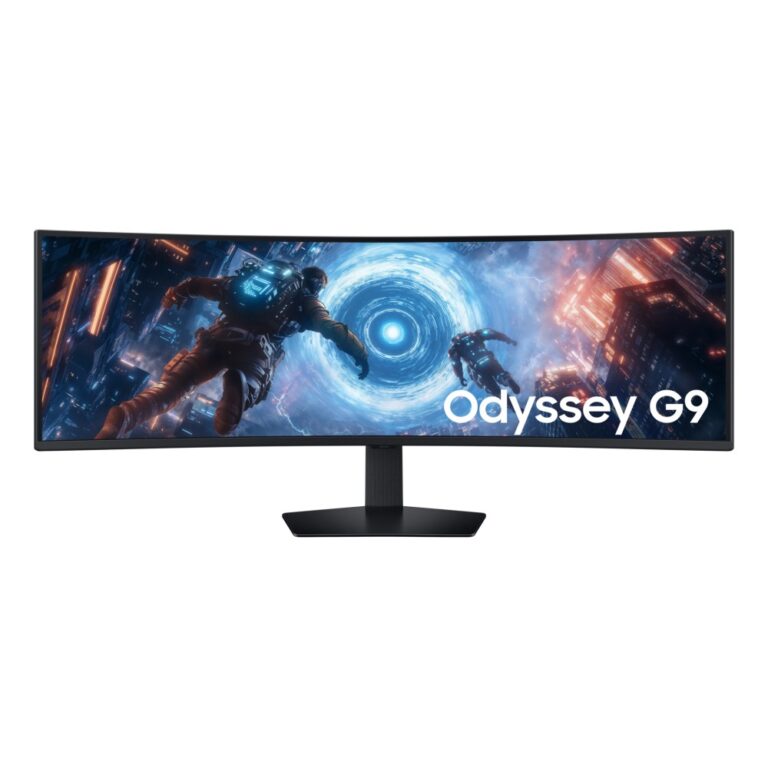
An ultrawide is a 21:9 or 32:9 screen that gives you the width of two monitors without the bezel running down the middle. For spreadsheets, timelines and code it means more visible at once; in games it widens your field of view rather than just making things bigger.
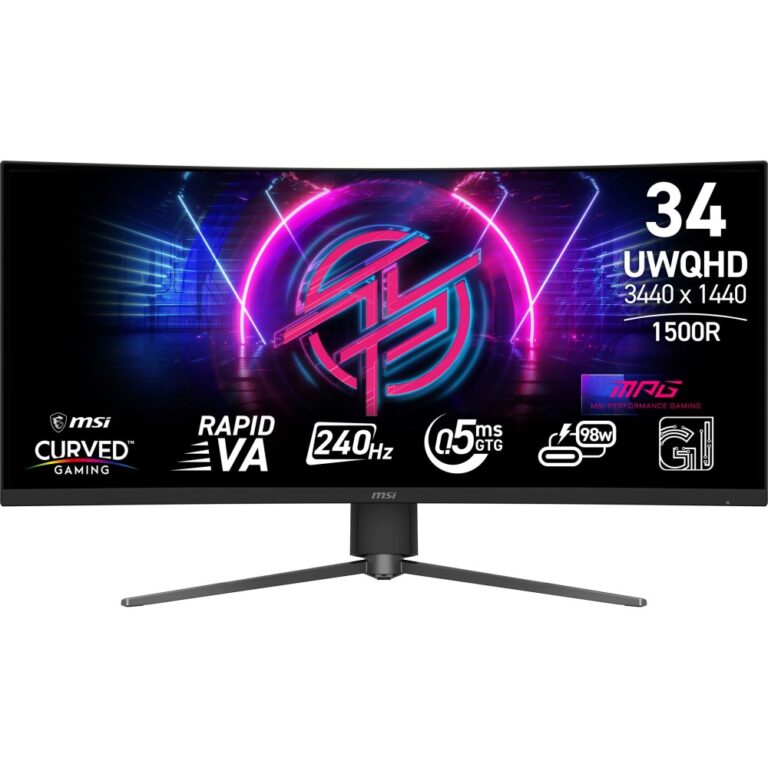
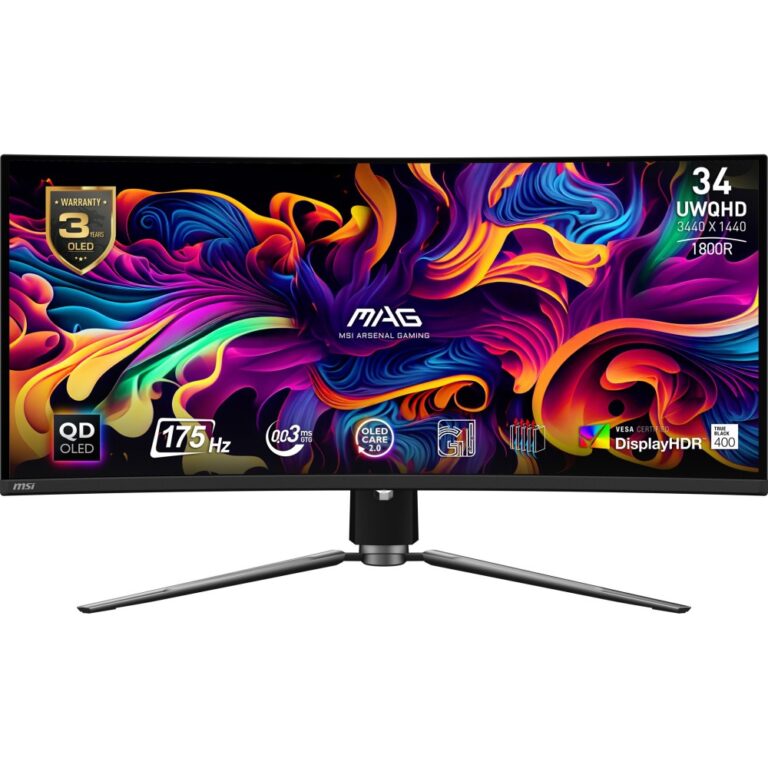
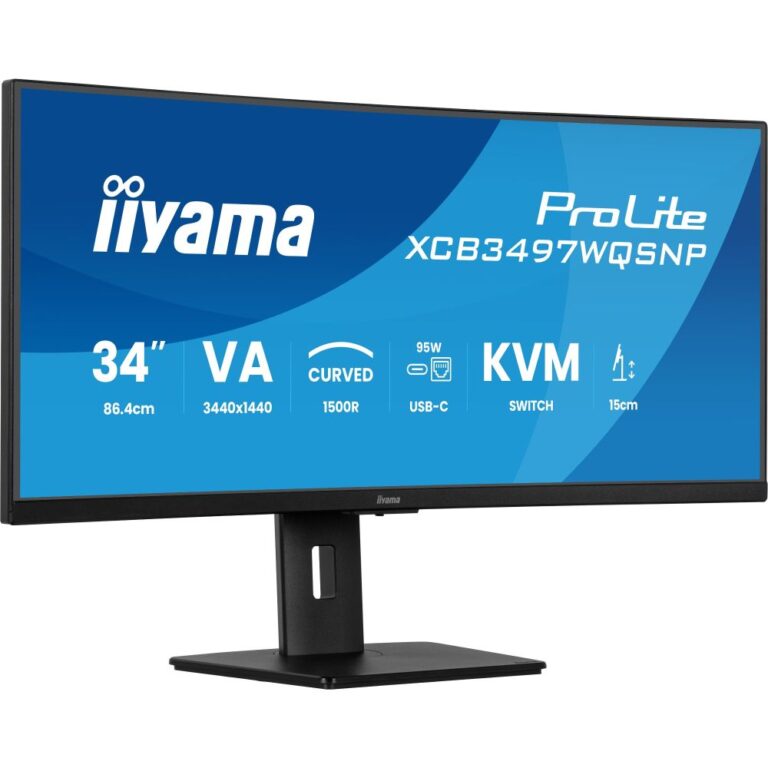
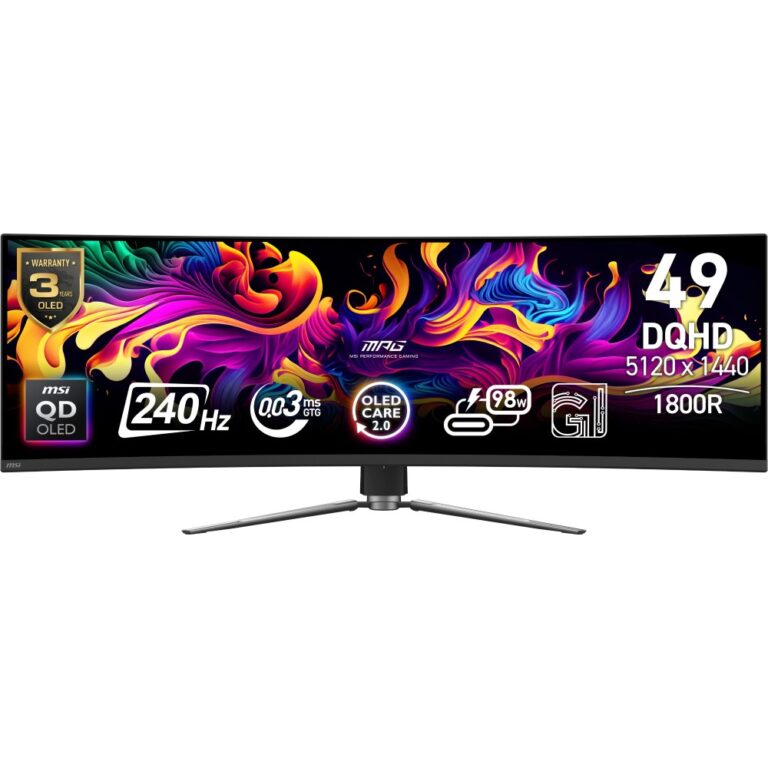
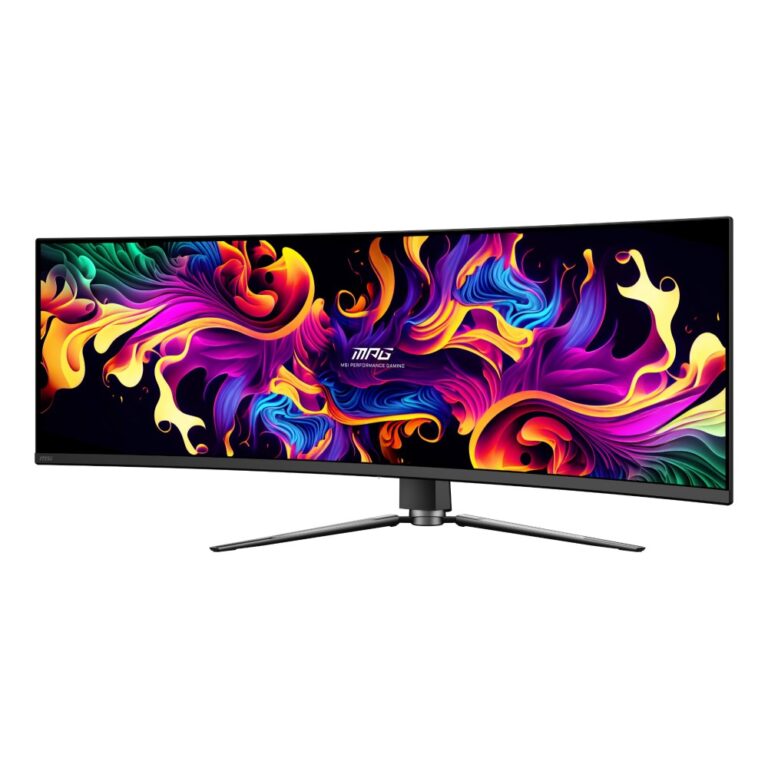
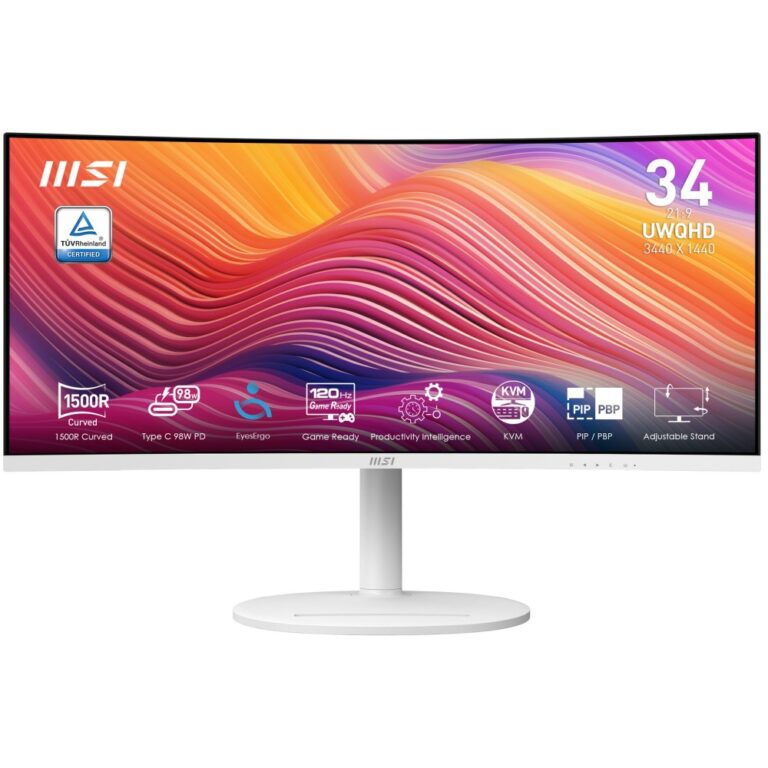
Three sizes matter here. 34in at 3440×1440 is the mainstream choice and the one most graphics cards drive comfortably. 37.5in to 40in steps up to 3840×1600 or 5K2K for more vertical space alongside the width. 49in at 5120×1440 is the 32:9 super ultrawide, genuinely equivalent to two QHD screens side by side.
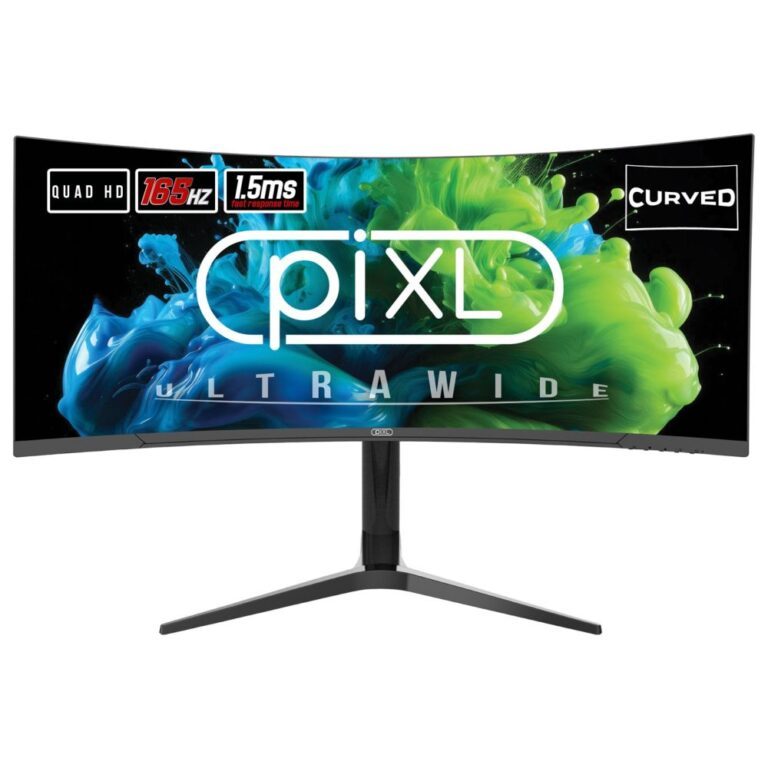
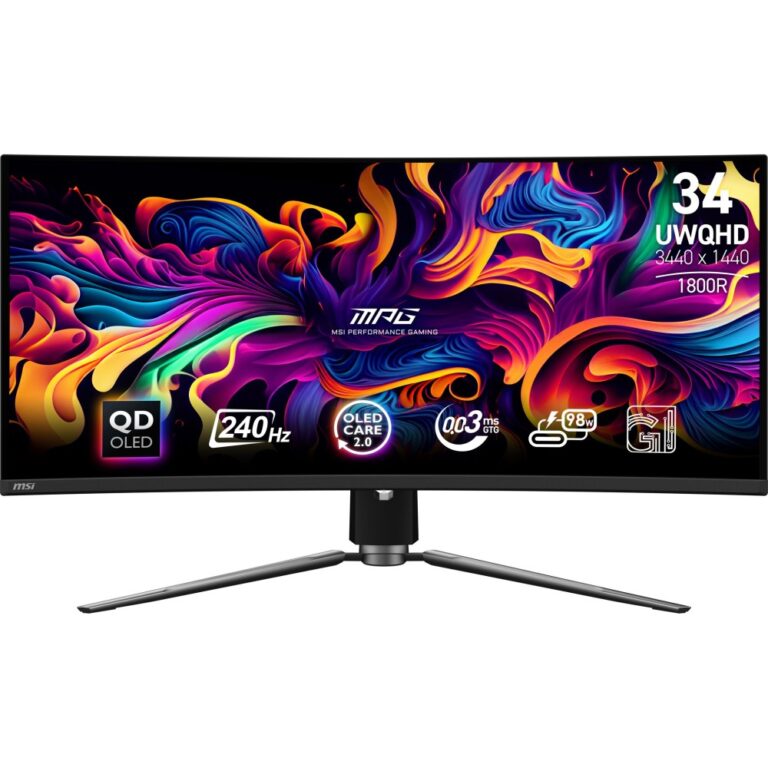
After size, check two things: whether the panel is curved (most 34in and all 49in models are, which keeps the far edges the same distance from your eyes), and whether it carries USB-C with power delivery, which lets a laptop run the screen and charge over one cable.
UltraWide Monitors Buying Guide and FAQ
This UltraWide Monitors range groups screens by resolution. Below are the common questions.
Is UltraWide right for me?
UltraWide is a wider 21:9 or 32:9 shape, more screen width that wraps the scene around you, brilliant for racing, flight and productivity. Pick the resolution your graphics card can comfortably run at the frame rate you want.
What graphics card do I need for UltraWide?
4K and ultrawide ask for a strong card such as an RTX 5080 or 5090. Higher resolution needs more graphics power, so balance the screen with your PC.
What size screen suits UltraWide?
4K shines on 32 inch and larger screens, and ultrawide suits 34 inch and up. Matching resolution to size keeps the image sharp.