Brand
 ACERACER 4
 AOCAOC 10
 ASROCKASROCK 4
 ASUSASUS 5
 DELLDELL 13
 HPHP 6
 IIYAMAIIYAMA 8
 LENOVOLENOVO 3
 LGLG 14
 MSIMSI 14
 PHILIPSPHILIPS 24
 PIXLPIXL 4
 SAMSUNGSAMSUNG 17
 VIEWSONICVIEWSONIC 6
New
Save £9.96
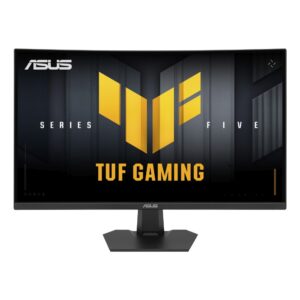
ASUS TUF Gaming VG27VQM5F 27″ Full HD 280Hz Fast VA Curved Gaming Monitor, Black
In stock
Original price was: £199.19.£189.23Current price is: £189.23.
Save £11
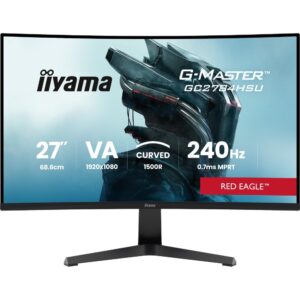
iiyama G-MASTER GC2784HSU-B1 27″ 1920 x 1080 240Hz VA Curved Gaming Monitor, Black
In stock
Original price was: £166.79.£156.13Current price is: £156.13.
Save £18
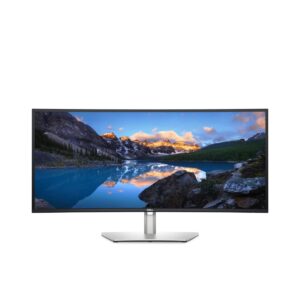
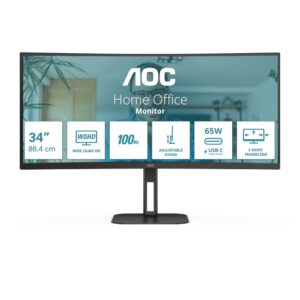
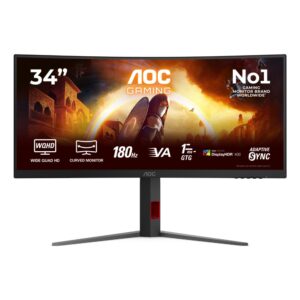
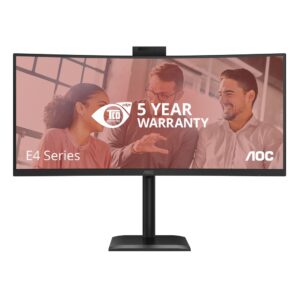
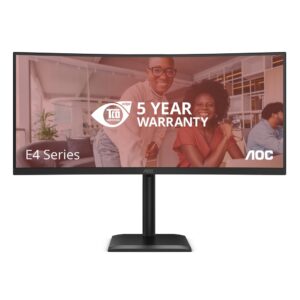
AOC CU34V5C/BK 34″ Curved Monitor, 3440 x 1440, 100Hz, VA, Black
In stock
Original price was: £358.79.£340.93Current price is: £340.93.
Save £18
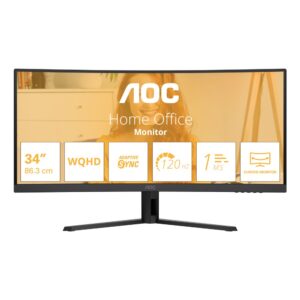
AOC E4 CU34E4CV 34″ Curved Monitor, 3440 x 1440, 120Hz, VA, Black
In stock
Original price was: £344.39.£326.52Current price is: £326.52.
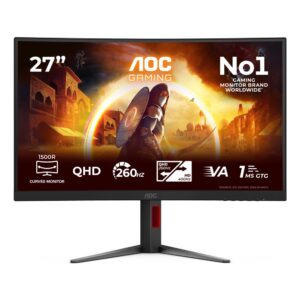
Save £12
AOC CQ27G4Z2 27″ QHD 260Hz Fast VA Curved Gaming Monitor, Black and Red
In stock
Original price was: £243.59.£231.30Current price is: £231.30.
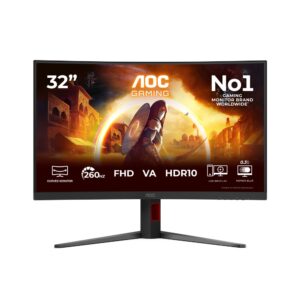
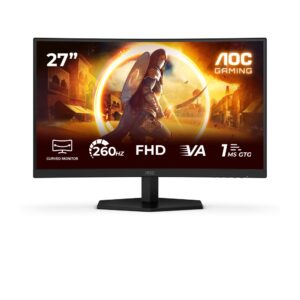
Save £10
AOC 27″ 1920 x 1080 Full HD Gaming Monitor, 260Hz Fast VA, Black/Red
In stock
Original price was: £178.79.£168.66Current price is: £168.66.
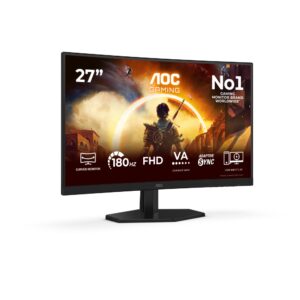
Save £11
AOC C27G42FE G4 Curved Gaming Monitor 27″ Full HD 180Hz, Black/Red
In stock
Original price was: £169.19.£158.56Current price is: £158.56.
Save £7.59
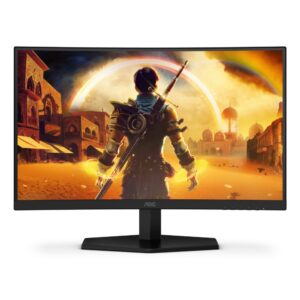
AOC C24G42FE G4 23.6″ Curved Gaming Monitor, Full HD 180Hz VA, Black/Red
In stock
Original price was: £137.99.£130.40Current price is: £130.40.