Price
Brand
- ALLIED TELESIS 1

ASUSASUS 12
BELKINBELKIN 2- BenQ 1
- Broadcom 11
CABLES DIRECTCABLES DIRECT 5- D-Link 3
DELLDELL 3
DIGITUSDIGITUS 2

EVO LABSEVO LABS 1

GIGABYTEGIGABYTE 4

HAMAHAMA 1

HEWLETT PACKARD ENTERPRISEHEWLETT PACKARD ENTERPRISE 16

HPHP 3

INTELINTEL 41

KENSINGTONKENSINGTON 3
LENOVOLENOVO 18
LINDYLINDY 2- LIVEWIRE 1
MERCUSYSMERCUSYS 6
MSIMSI 6- Netgear 2
- NVIDIA 1
OPTOMAOPTOMA 1- Origin Storage 4
- OWL LABS 1
PLUGABLEPLUGABLE 6
PREVOPREVO 5- QNAP 3
STARTECHSTARTECH 69
SYNOLOGYSYNOLOGY 6

TP-LINKTP-LINK 41

UBIQUITIUBIQUITI 2

UGREENUGREEN 1

VIEWSONICVIEWSONIC 2- Vision 2
Availability
Shop Categories
Network Adapters
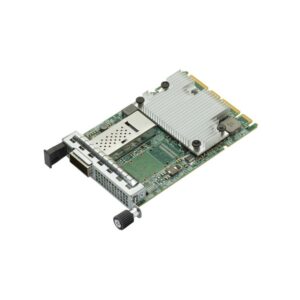
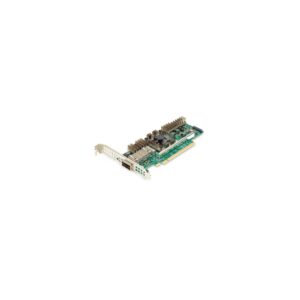
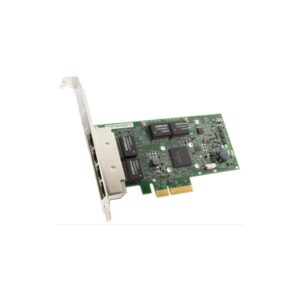
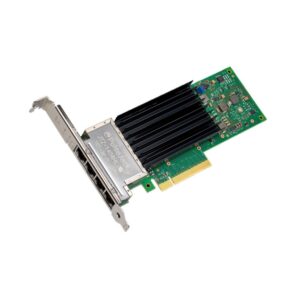
Broadcom BCM5719-4P 4-Port Gigabit Ethernet PCIe 2.0 Network Adapter
In stock
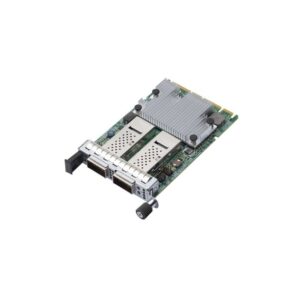
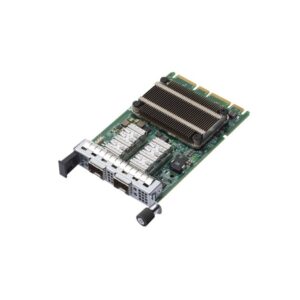
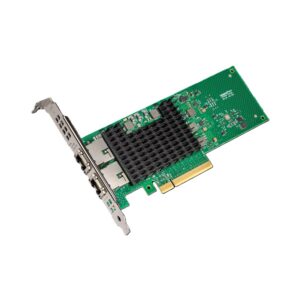
Intel X710-T2L Server Ethernet Network Adapter, 10GbE, 2 x RJ-45 Ports, PCIe 3.0
In stock
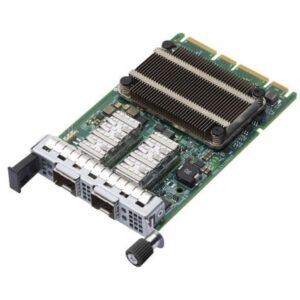
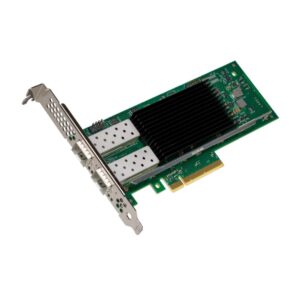
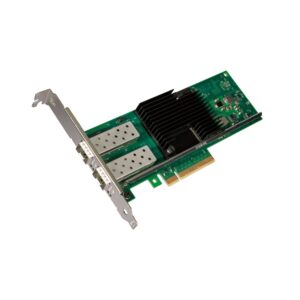
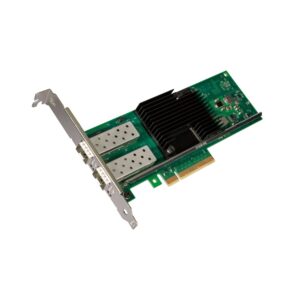
Intel X710DA2BLK 10GbE Server Network Interface Card, Dual SFP+ Ports, PCIe 3.0 x8
In stock
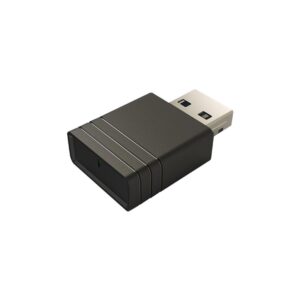
Viewsonic VB-WIFI-001 USB Wi-Fi 6 Bluetooth 5.2 Adapter, Dual-Band, Black
In stock
A network adapter adds a connection a machine did not ship with — Wi-Fi, Bluetooth, faster wired Ethernet, or mobile broadband.
The main decision is USB or PCIe. A USB adapter plugs into any machine, needs no case opening, and suits laptops or a quick fix. A PCIe card goes inside a desktop, generally performs better because it can use larger antennas or a full-height bracket, and is the only option for multi-port and high-speed Ethernet.
For Wi-Fi, match the standard to your router: Wi-Fi 5 (AC), Wi-Fi 6 (AX) and Wi-Fi 6E or 7 on the newer cards. An adapter cannot be faster than the router it connects to.
For wired, 2.5GbE cards from StarTech are the affordable step past gigabit, and 10GbE is for servers, NAS boxes and editing workflows.
WWAN modules from Dell and Lenovo add 4G LTE to compatible business laptops — these are model-specific, so check the part number against your machine.
Network Adapters Buying Guide and FAQ
This Network Adapters range covers networking gear. Below are the common questions.
What does this networking product do?
This category covers network adapters that help you build a faster, more reliable home or office network. The right choice depends on your setup, so match it to your broadband, the number of devices and the coverage you need.
Will it work with my existing network?
Most networking gear connects to a standard home network by cable or Wi-Fi. Check the standards and speeds it supports so it keeps up with your broadband and devices, and that it fits how your network is set up.
How do I get the best performance?
Wire your main devices where you can for speed and stability, use up-to-date Wi-Fi (Wi-Fi 6 or 7) for wireless, and place hardware to give even coverage. Gigabit ports are the sensible baseline.