






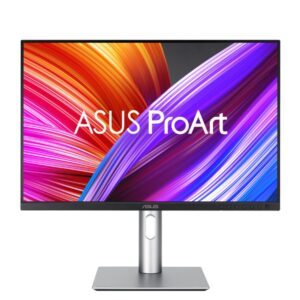
Save £18
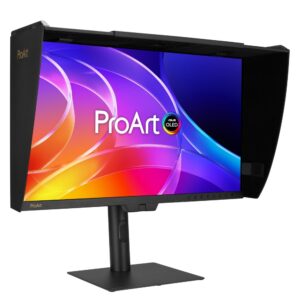
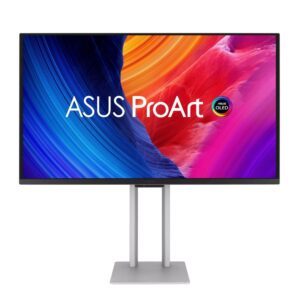
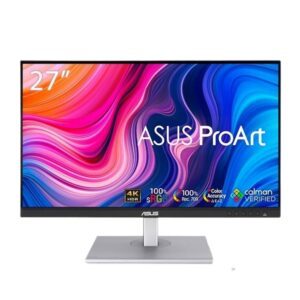
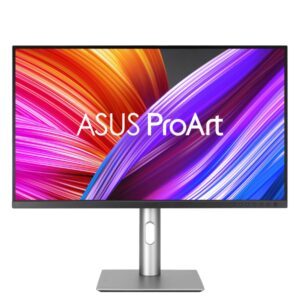
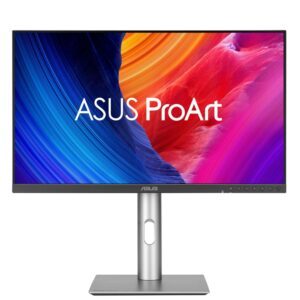
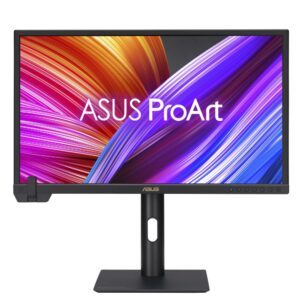
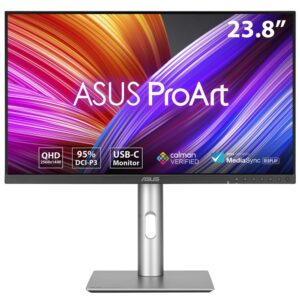
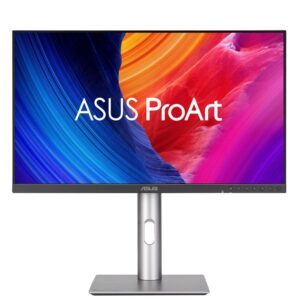
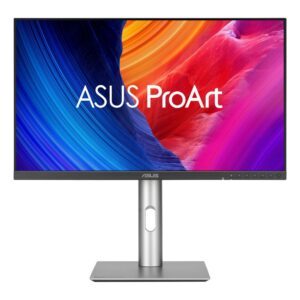
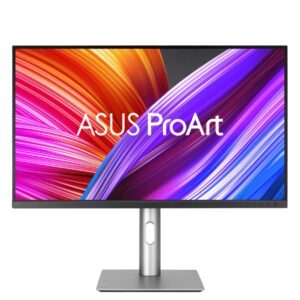
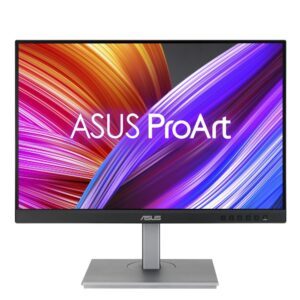
ASUS ProArt PA248CRV 24.1″ WUXGA Monitor
In stock
Original price was: £351.59.£334.09Current price is: £334.09.
New
In stock
A professional monitor is one you can trust to show colour correctly, which is a different thing from a monitor that looks good.
Two specifications do that work. Factory calibration means the panel was measured and adjusted before it shipped, usually with a report in the box, so what you see matches a known standard out of the gate. Wide gamut means it covers more of the sRGB, Display P3 or Adobe RGB colour spaces than a standard screen — necessary if your work will be printed or delivered to a client with its own colour expectations.
Beyond that, look for resolution (27in 4K and above is where fine detail work is comfortable), a stand with pivot for portrait layouts, and USB-C with power delivery so a laptop docks with one cable.
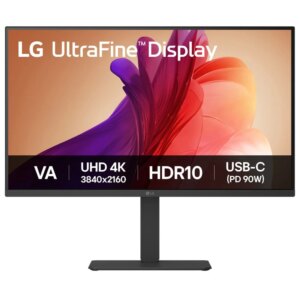
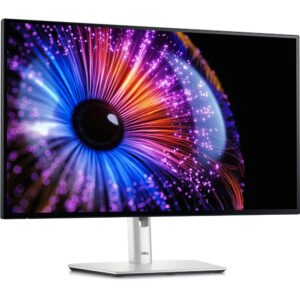
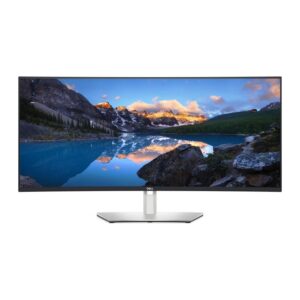
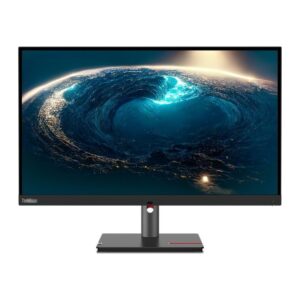
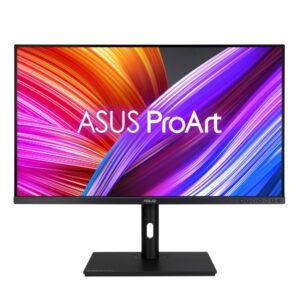
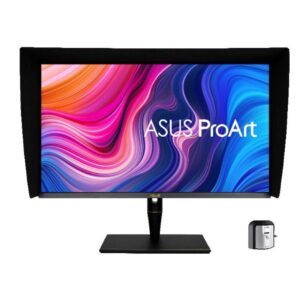
The range is led by the ASUS ProArt line from 23.8in Full HD up to 5K and 4K QD-OLED, alongside Dell UltraSharp ultrawide and Lenovo ThinkVision P series models.
If colour accuracy is not critical, an office monitor gives you more screen for the money.
This Professional Monitors range covers professional monitors. Below are the common questions.
For professional use, prioritise a comfortable resolution and size, good colour and an ergonomic stand for long days. A 27 inch 1440p or a 4K screen is a popular choice for clear text and plenty of workspace.
27 inch at 1440p is a great all-round work screen, while 4K at 32 inch gives extra detail and desk space. Pick the size to match your desk, and 4K if you want the sharpest text.
Look for an adjustable stand, plenty of inputs, and a panel with good colour such as IPS. A USB-C input that also charges a laptop is handy for a tidy desk setup.
No account yet?
Create an Account