
Price
Availability
Shop Categories

Powerline Adapters

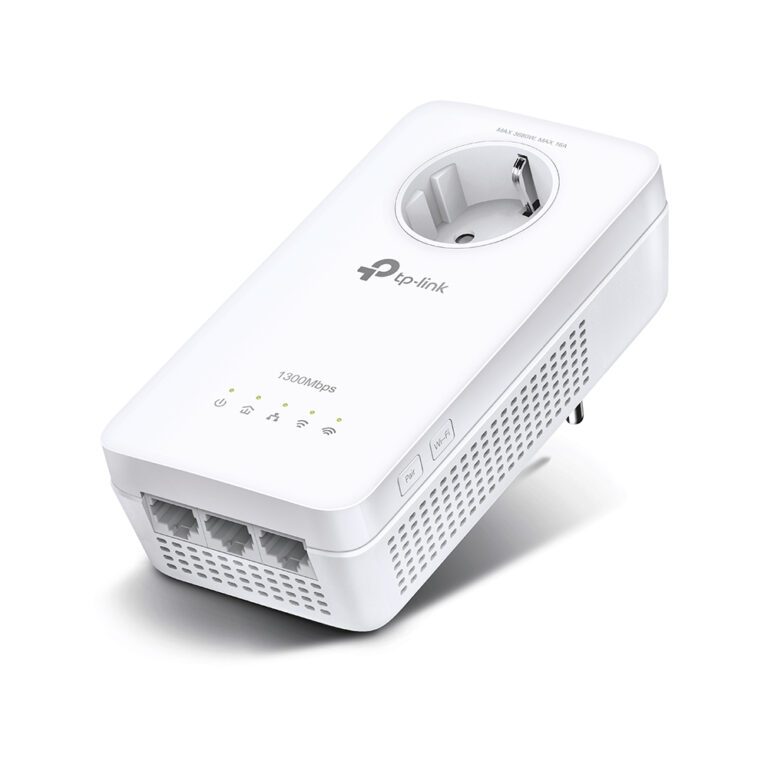
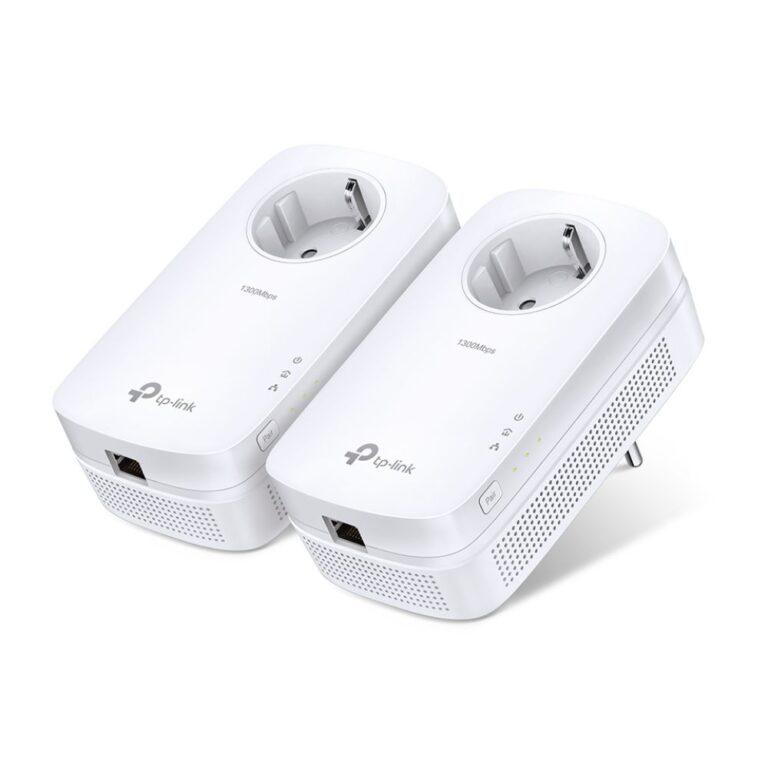
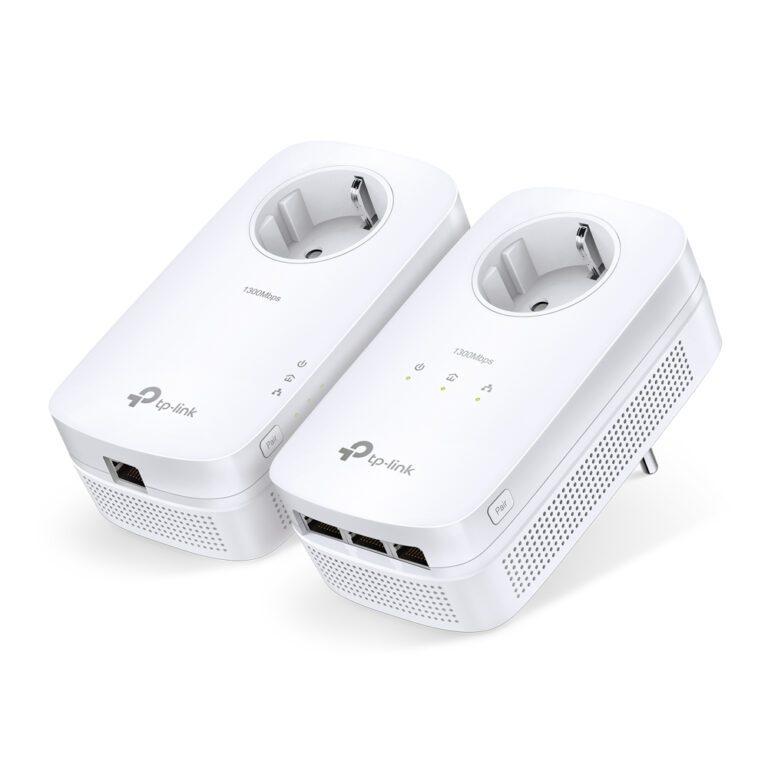
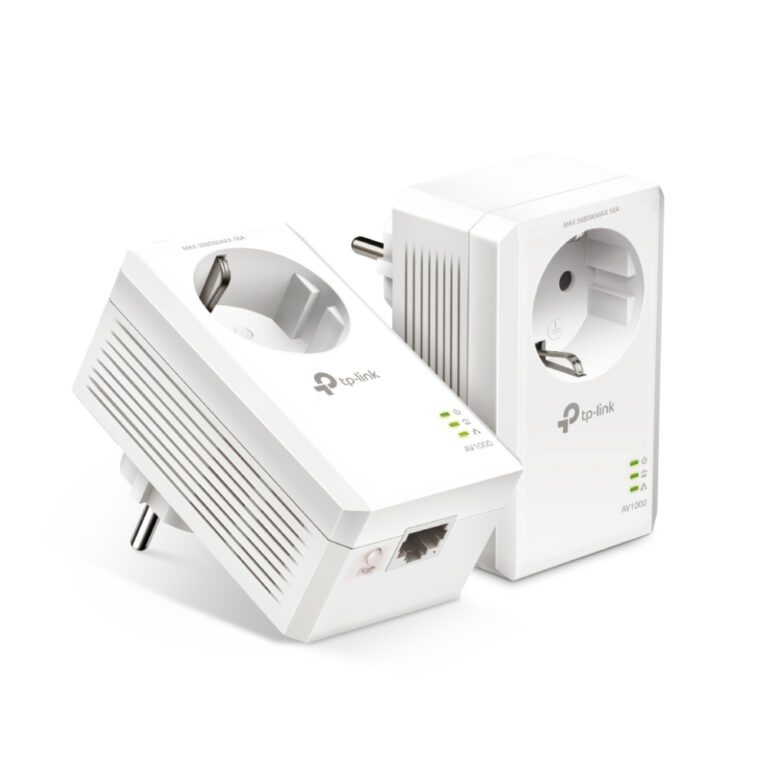
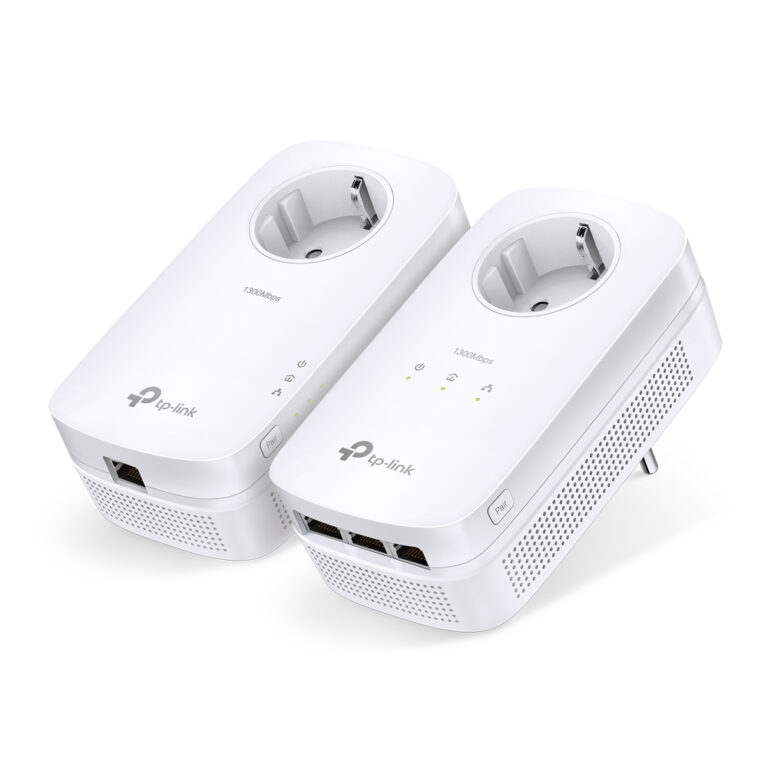
TP-Link TL-PA8033P KIT PowerLine Network Adapter 1300 Mbit/s Gigabit Ethernet 3 Ports White 2-Pack

In stock

Original price was: £110.39.Current price is: £104.44.

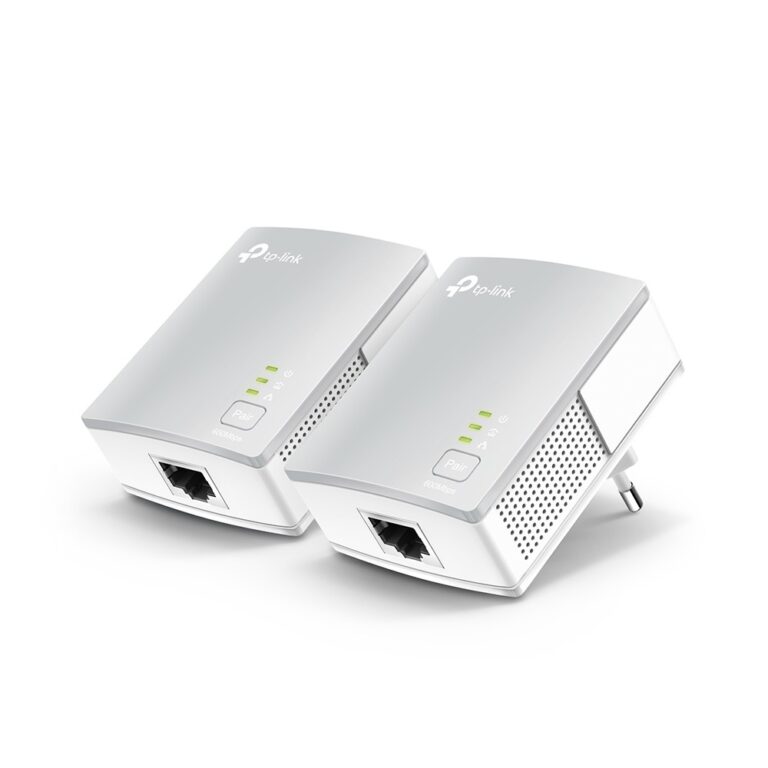
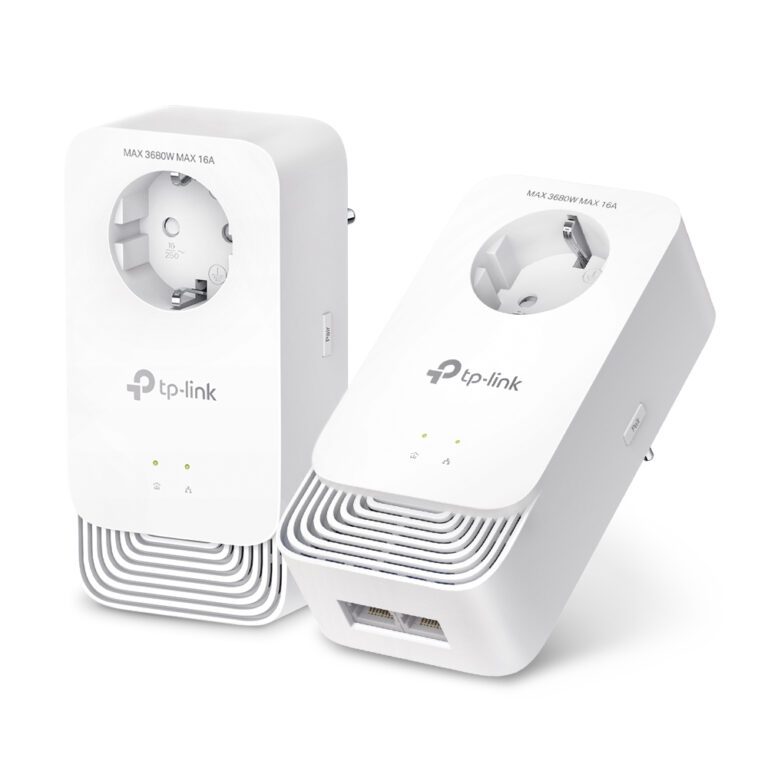
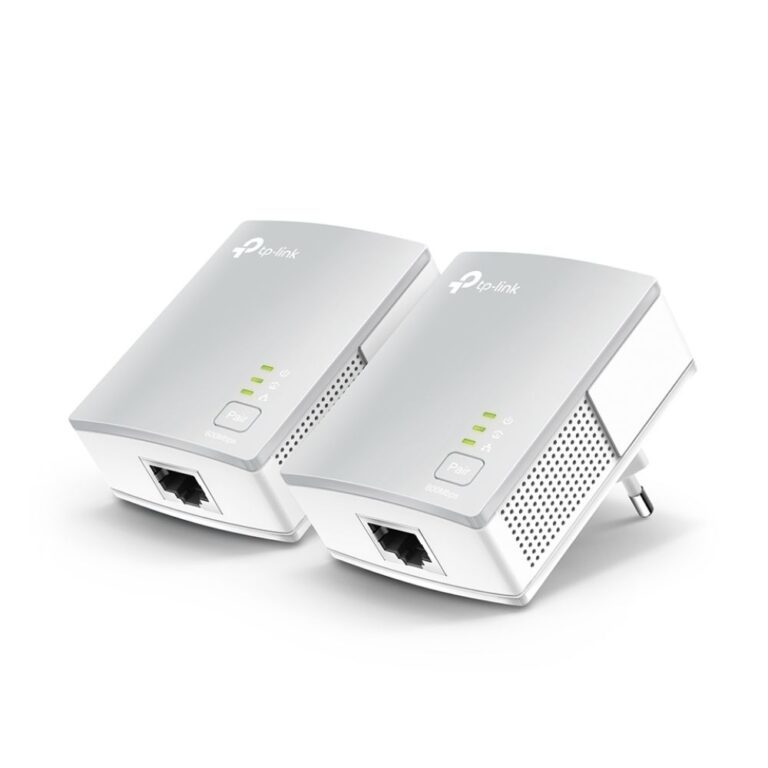
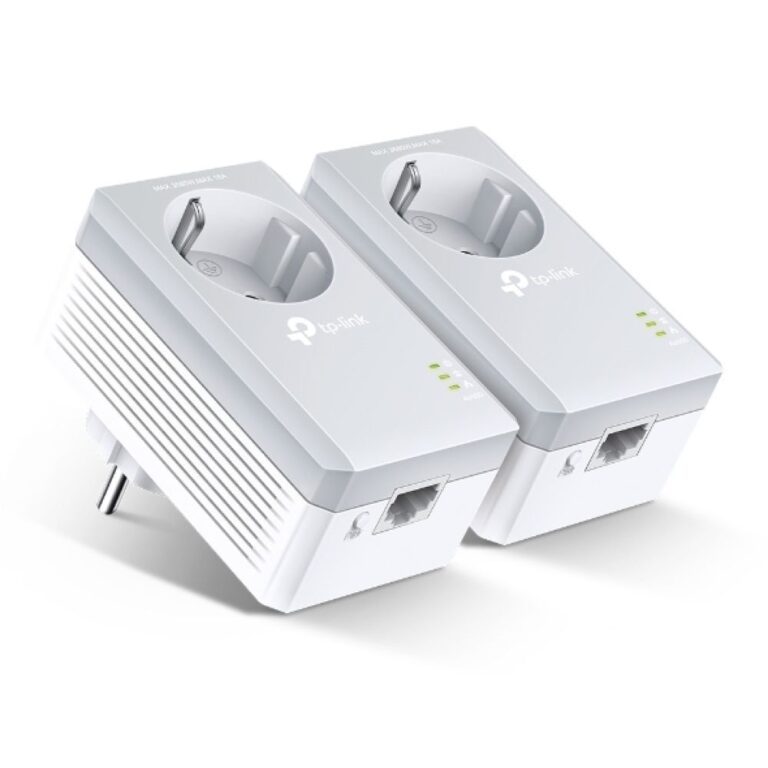
TP-Link TL-PA4010KIT Powerline Ethernet Adapter Kit 600 Mbit/s 2 Pack White

In stock

Original price was: £55.19.Current price is: £51.61.

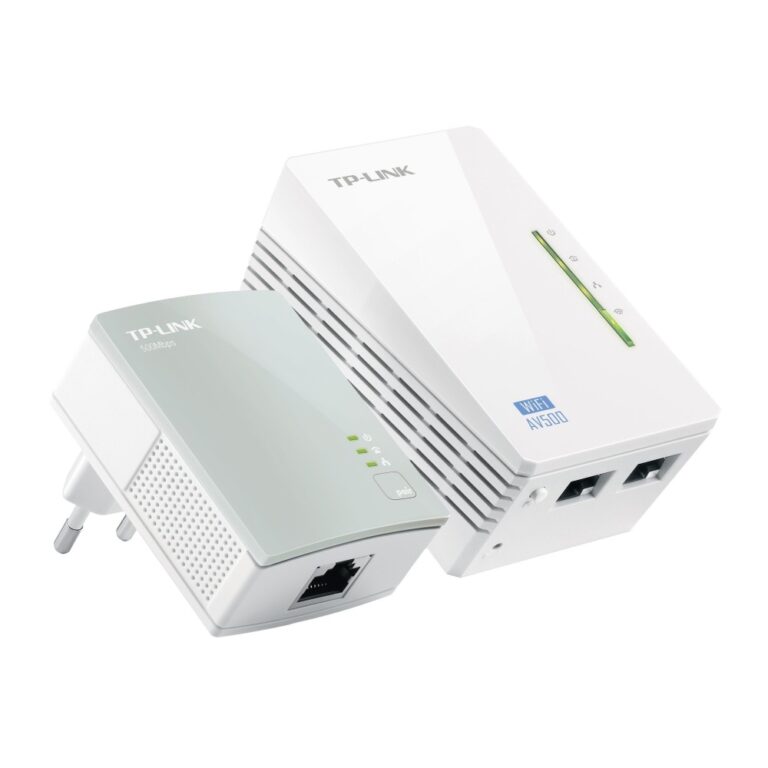
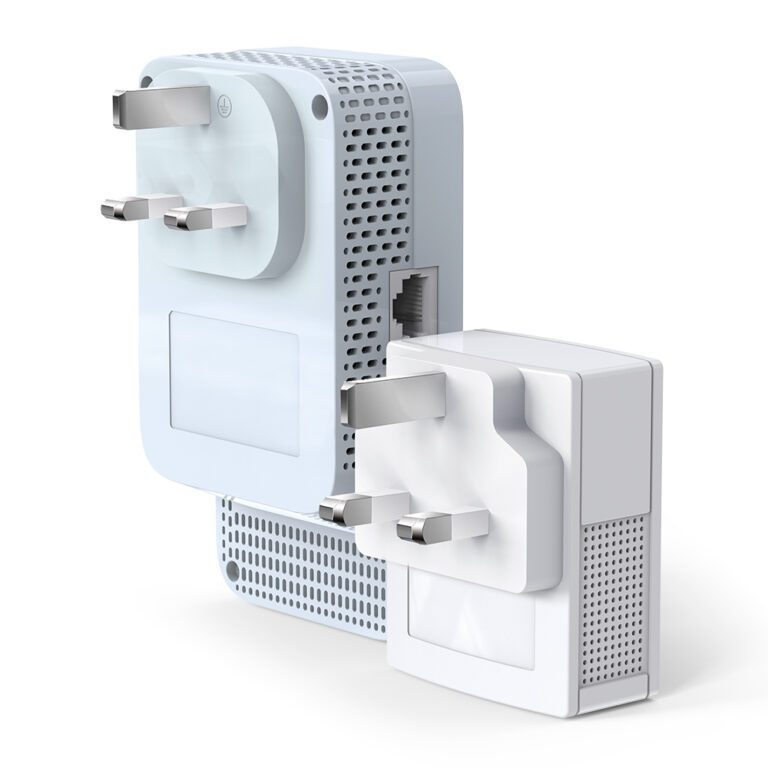
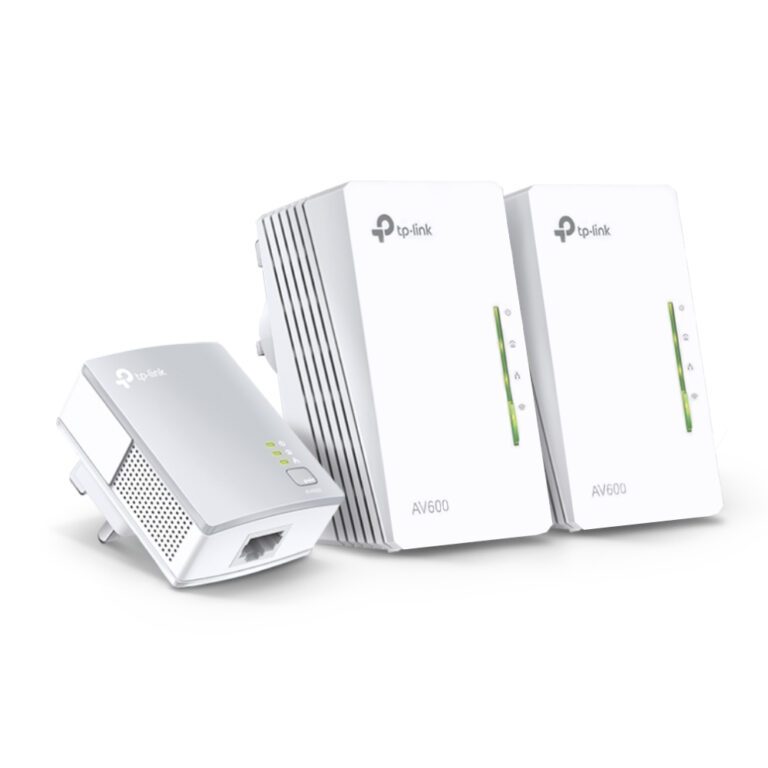
TP-Link TL-WPA4220 KIT PowerLine Network Adapter Wi-Fi 4 300 Mbit/s 2 Fast Ethernet Ports White

In stock

Original price was: £64.79.Current price is: £60.58.

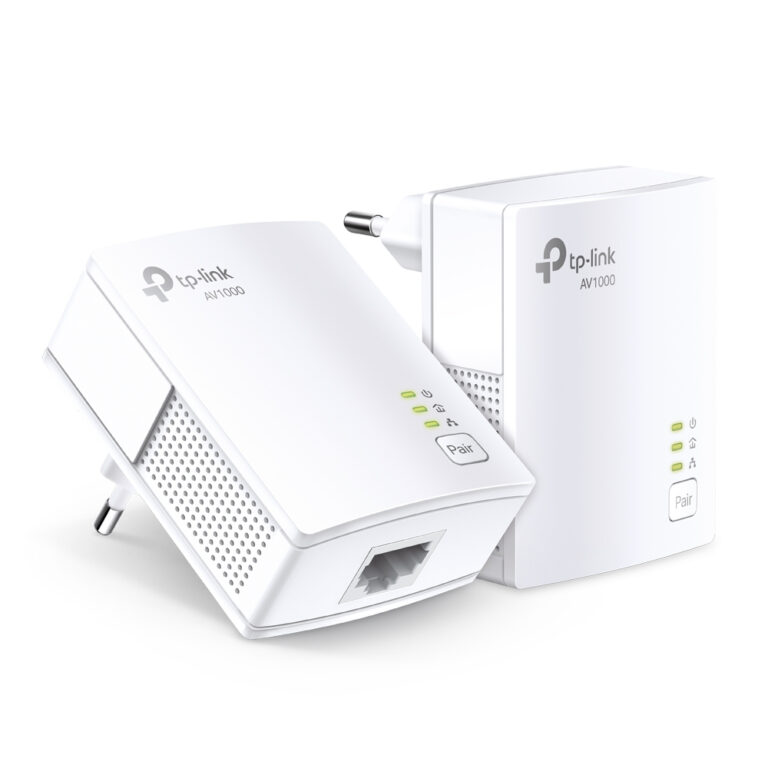
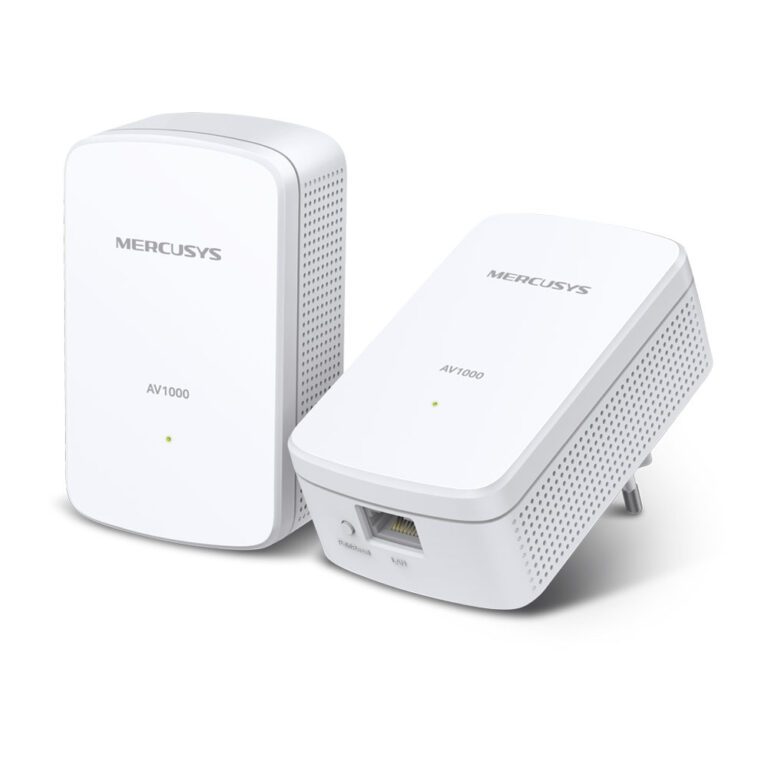
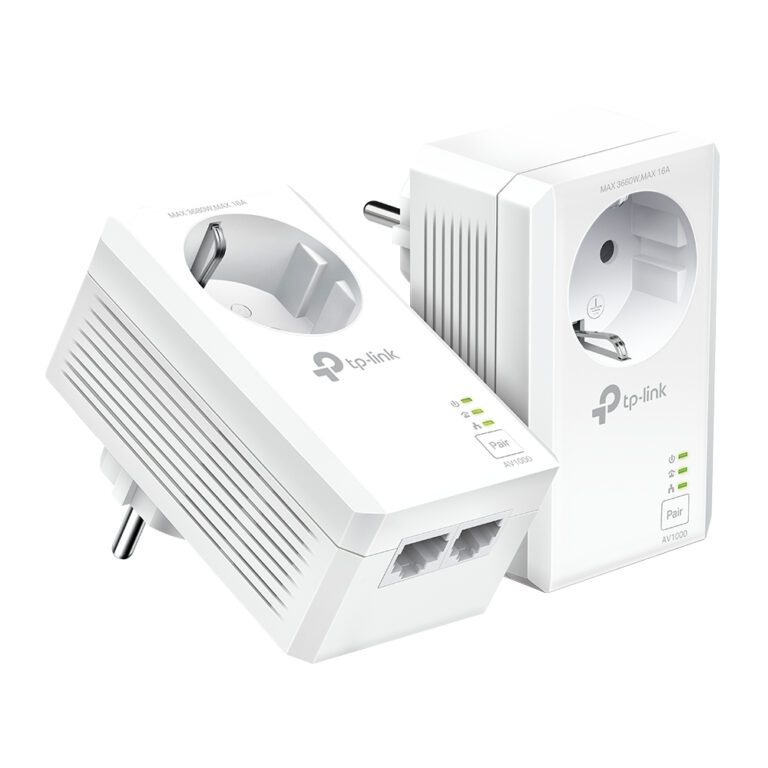
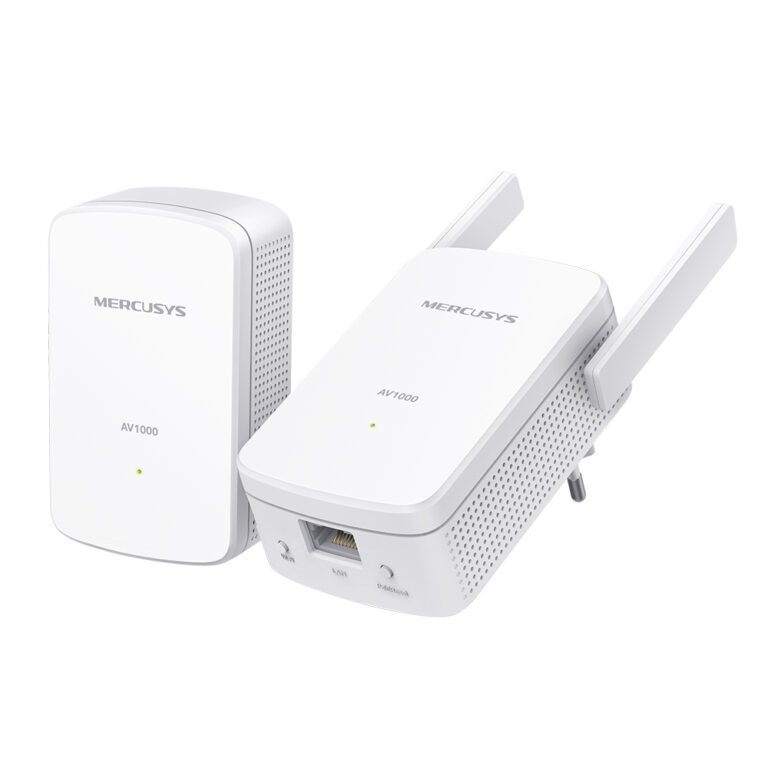
TP-Link TL-PA7017 KIT AV1000 Gigabit Powerline Network Adapter Kit – White, 2 Pack

In stock

Original price was: £63.59.Current price is: £59.69.

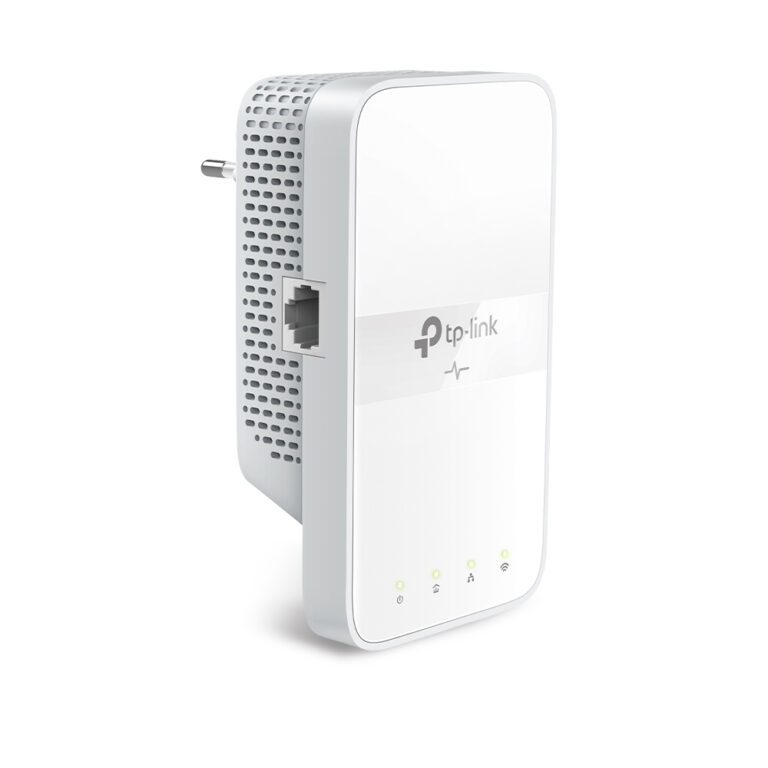
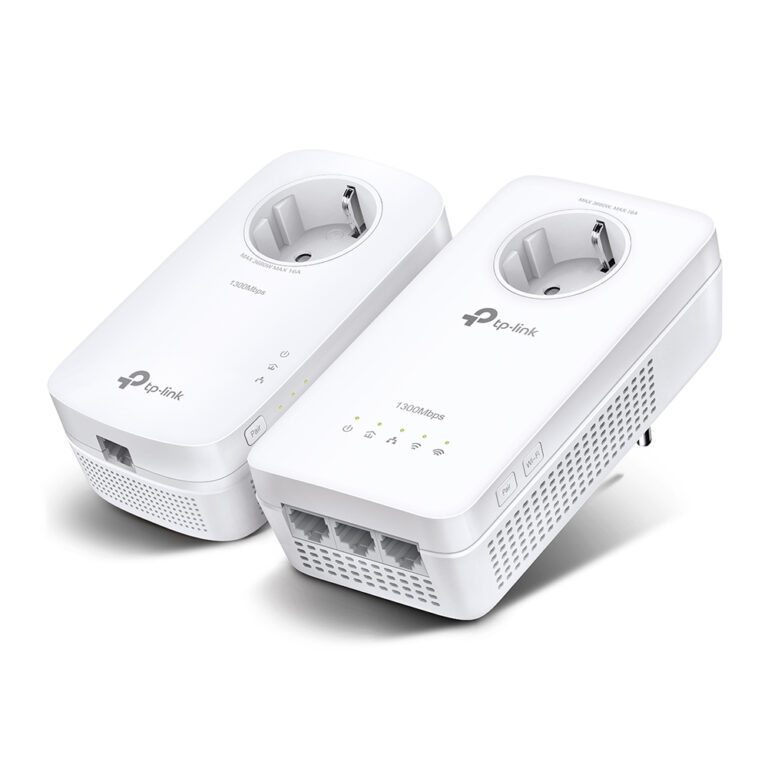
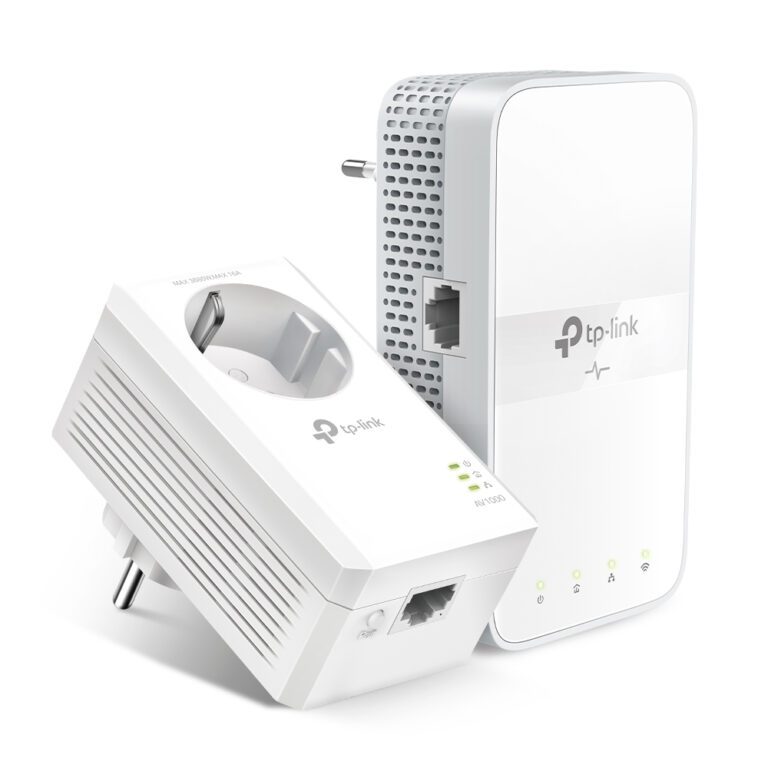
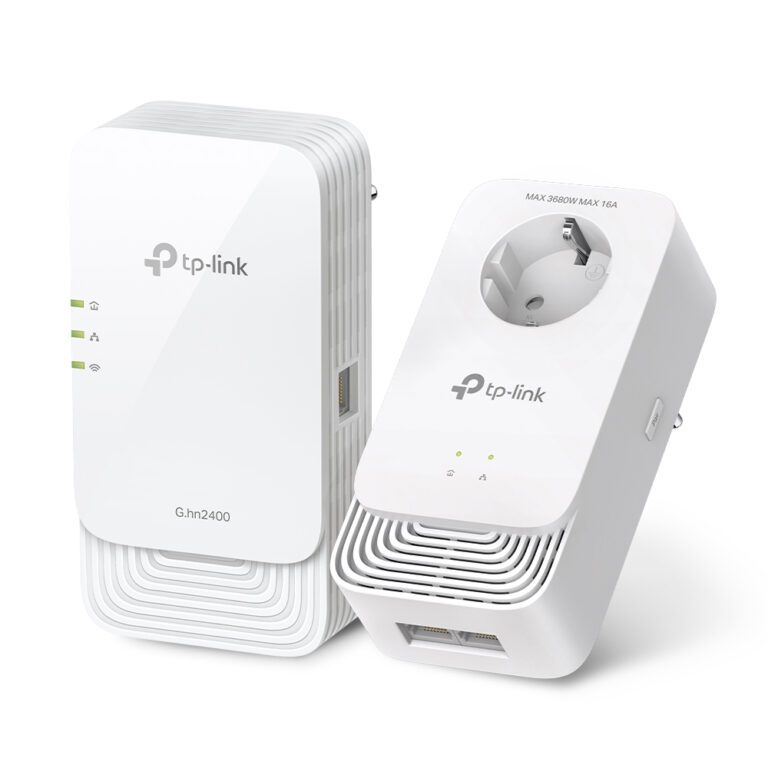
TP-Link PowerLine Adapter with Wi-Fi

In stock

Original price was: £117.59.Current price is: £110.27.

TP-Link PowerLine Adapter 1200 Mbps Wi-Fi

In stock

Original price was: £82.79.Current price is: £78.50.

Powerline adapters carry your internet and Ethernet connection over your home’s existing electrical wiring, which is a brilliant way to get a fast, stable connection to a room that Wi-Fi cannot reach well, without running long cables. Our range includes standard models, gigabit versions and units with built-in Wi-Fi extension, all backed by a full manufacturer warranty. They are ideal for a gaming console, a smart TV or a home office at the far end of the house. If you want to blanket the whole home instead, a mesh Wi-Fi system may suit you better.

Powerline Adapters Buying Guide and FAQ

This Powerline Adapters range covers networking gear. Below are the common questions.

What does this networking product do?

This category covers powerline adapters that help you build a faster, more reliable home or office network. The right choice depends on your setup, so match it to your broadband, the number of devices and the coverage you need.

Will it work with my existing network?

Most networking gear connects to a standard home network by cable or Wi-Fi. Check the standards and speeds it supports so it keeps up with your broadband and devices, and that it fits how your network is set up.

How do I get the best performance?

Wire your main devices where you can for speed and stability, use up-to-date Wi-Fi (Wi-Fi 6 or 7) for wireless, and place hardware to give even coverage. Gigabit ports are the sensible baseline.