
Price
Availability
Storage capacity
Screen size
Shop Categories

Workstation Laptops

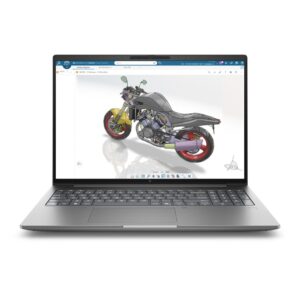
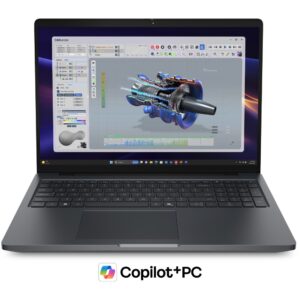
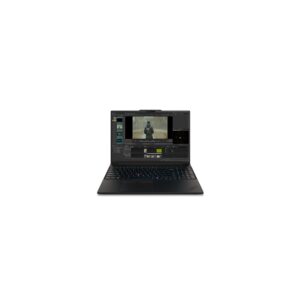
DELL Precision 5516 Laptop 16″ Ryzen AI 7 PRO 450 32GB 1TB SSD Radeon 860M Win 11 Pro Graphite

In stock

Original price was: £3,001.19.Current price is: £2,847.60.

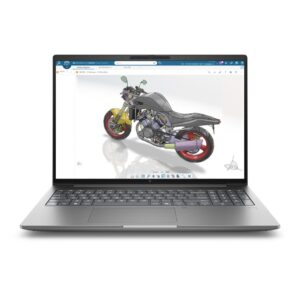
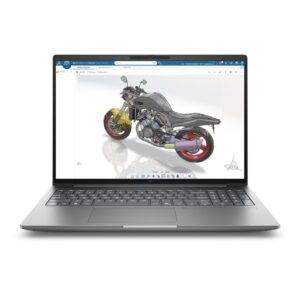
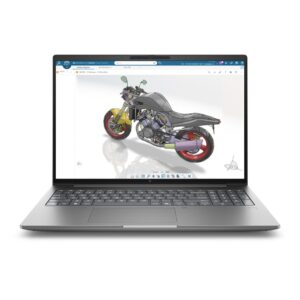
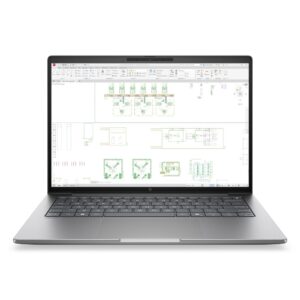
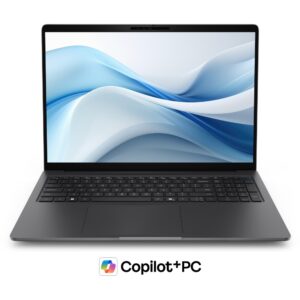
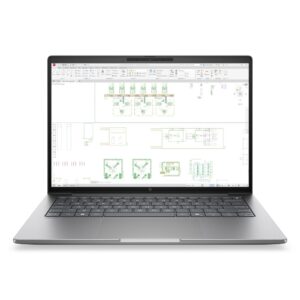
HP ZBook 8 AI Workstation 14″ WUXGA Intel 16 Core 32GB DDR5 1TB SSD NVIDIA 6GB Windows 11 Pro Silver

In stock

Original price was: £3,141.59.Current price is: £2,940.67.

A mobile workstation looks like a high-end gaming laptop on paper and is sold for different reasons.

The difference is certification. Workstation machines are validated by the makers of professional software — CAD, 3D, simulation, video finishing — and ship with drivers tuned for stability under long, heavy loads rather than for peak frame rates. If your work depends on that software behaving predictably, or your employer requires certified hardware, that is what you are paying for.

Other differences: memory capacity runs higher, with ECC available on some models; build and serviceability are geared to years of use; and support is typically longer and on-site.

If you do not need certification, a gaming laptop with the same processor and GPU will usually cost less and perform similarly — that is a legitimate choice and worth making deliberately.

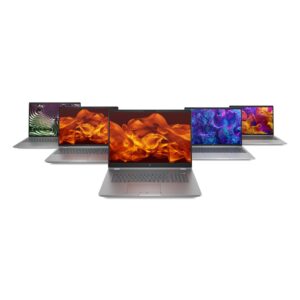
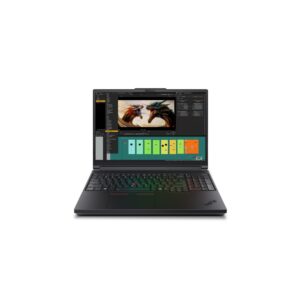
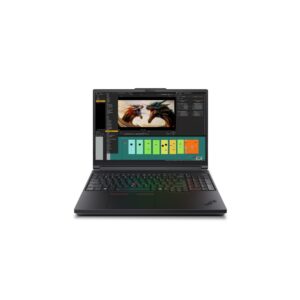
The range covers Lenovo ThinkPad P series and ASUS ProArt P16 and PX13, with configurations up to 64GB of memory, 4TB of storage and RTX 5090 graphics.

Workstation Laptops Buying Guide and FAQ

This Workstation Laptops range covers laptop laptops. Below are the common questions.

What makes a good laptop laptop?

For laptop use, prioritise the right balance of performance, portability and battery life. A modern CPU, 16GB of RAM and a fast SSD suit most needs, with a good screen and a sturdy build for daily carrying.

What specs do I need for a laptop laptop?

Aim for at least 16GB of RAM and a 512GB SSD, with 32GB and a larger drive if you multitask heavily or do creative work. Battery life and weight matter if you are often on the move.

How do I pick the right one?

Start with how you will use it, then match the processor, memory, storage and screen to that. Compare battery life and build quality, and set a budget that covers the specs you actually need.