






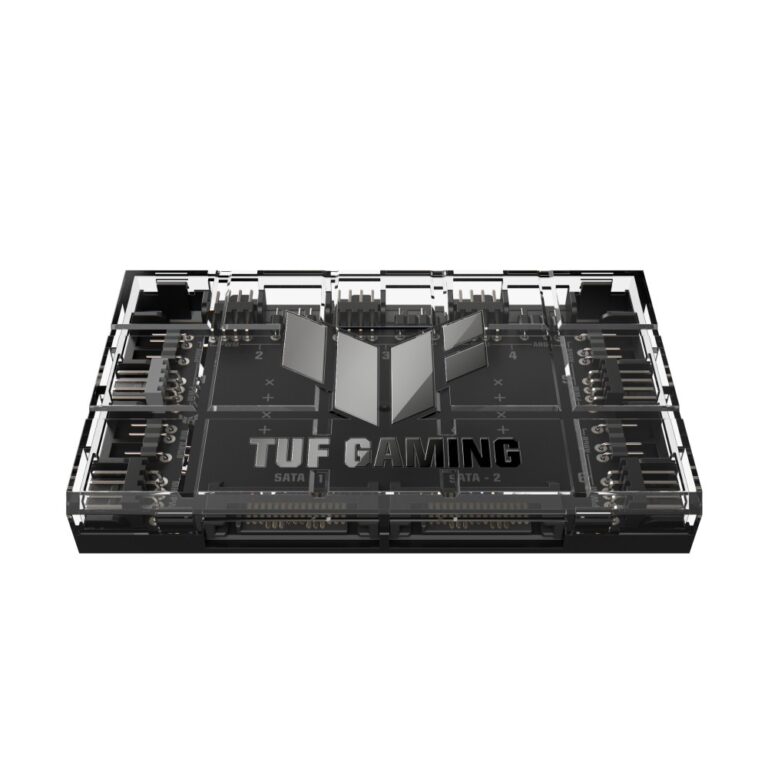
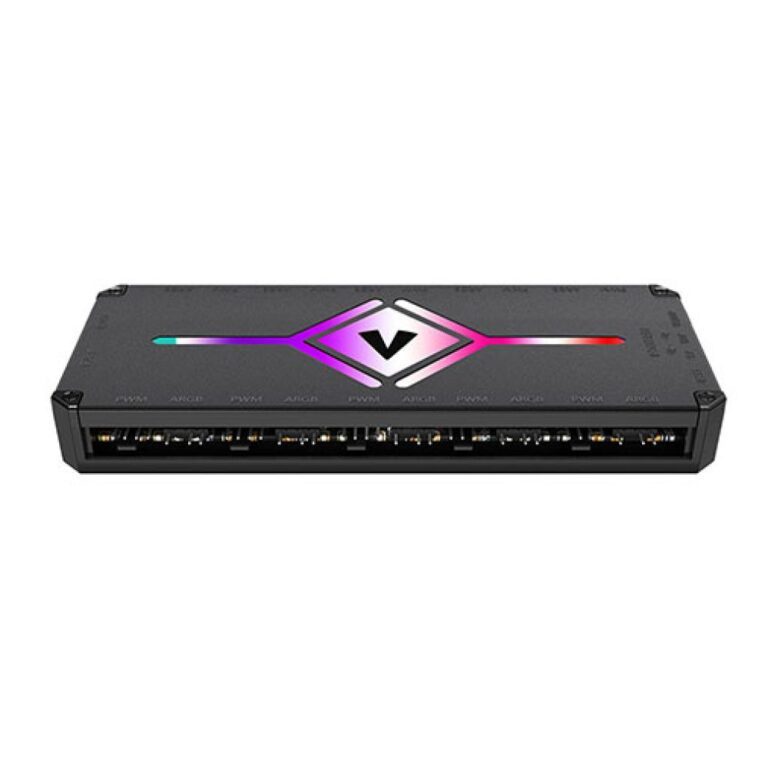
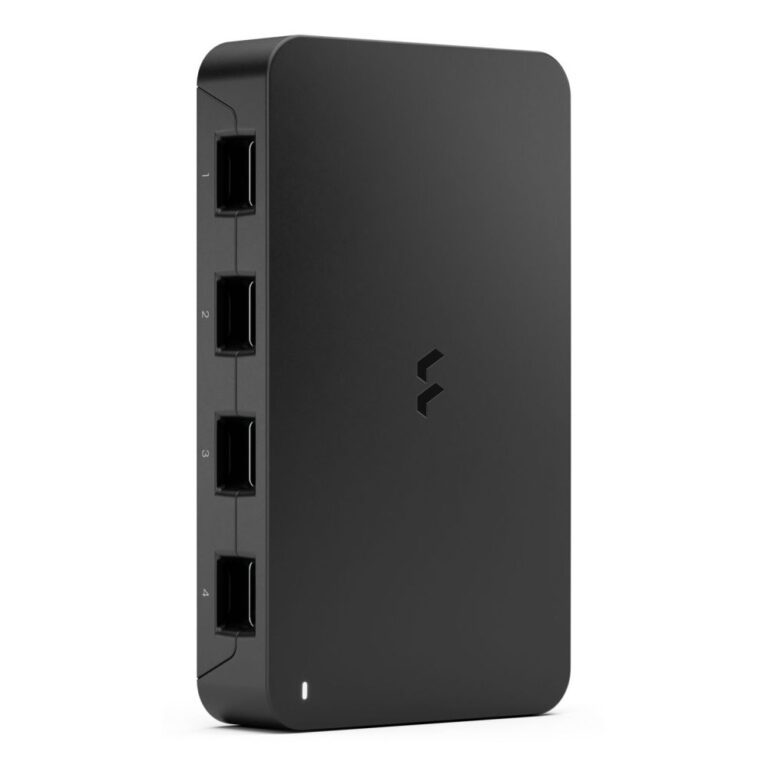
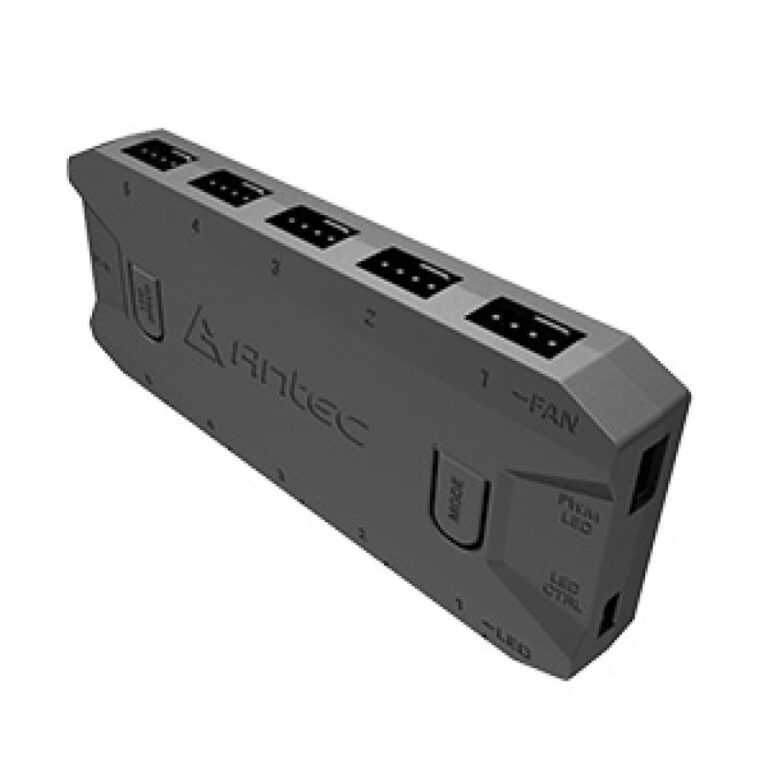
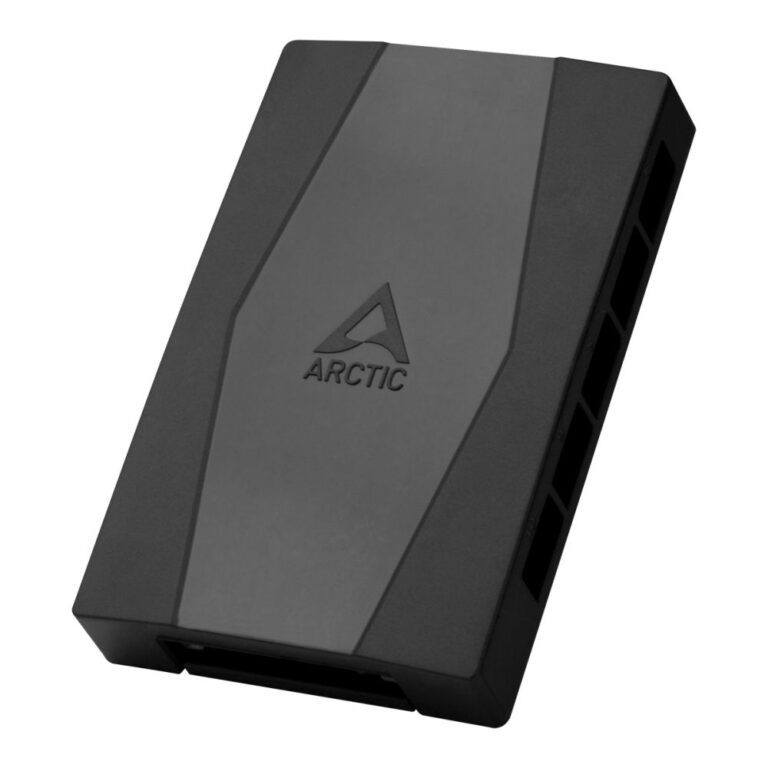
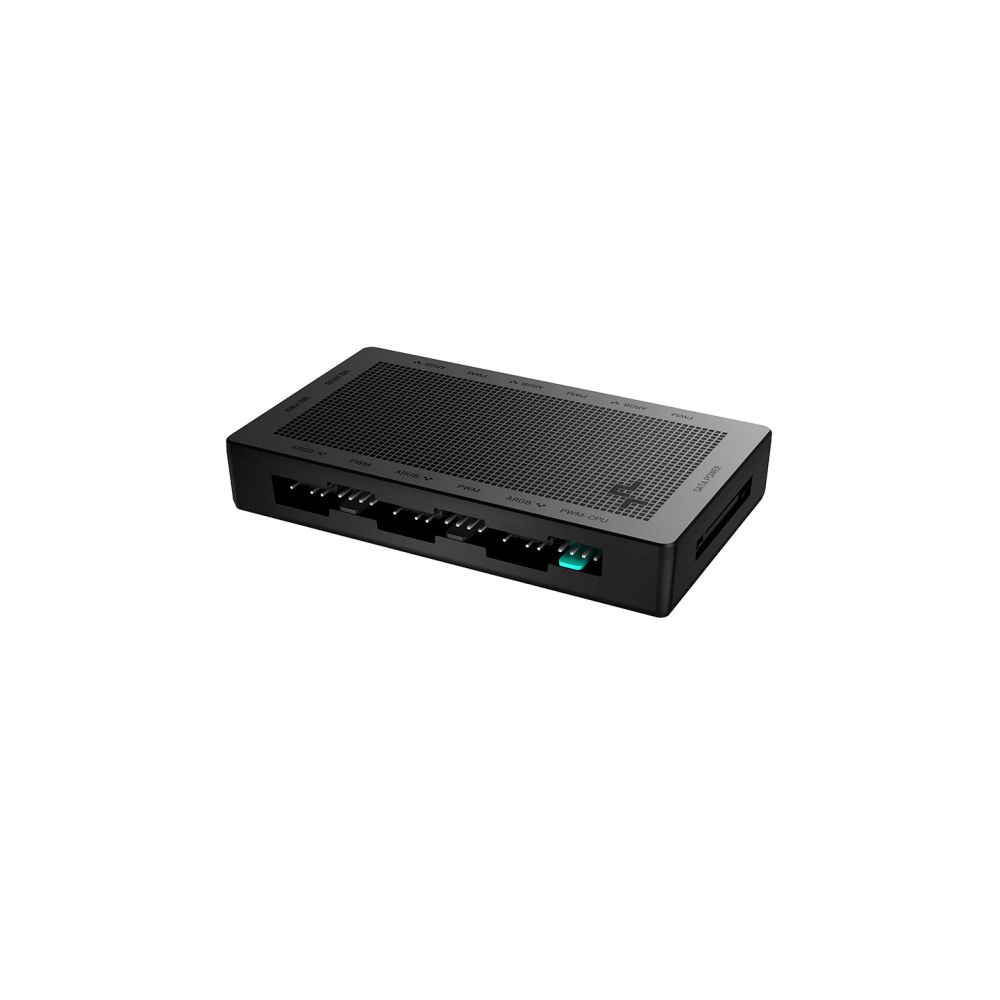
A fan hub or controller connects several fans to a single motherboard header, which solves a problem most builders hit part-way through: a case with six or eight fan mounts and a motherboard with three fan headers.
Two things are worth getting right.
PWM versus DC. A PWM hub passes the motherboard’s speed signal to every connected fan, so they all slow down when the machine is idle and speed up under load. That is what keeps a PC quiet most of the time. A basic splitter without PWM support runs fans at full speed constantly, which is loud and unnecessary.
ARGB is a separate circuit. Lighting and speed are controlled independently, so a build with lit fans needs both a fan hub and an ARGB hub — or a combined controller that handles the two. Motherboards typically have only one or two ARGB headers, which is why this comes up.
Also check the total current the hub supports against the number of fans; a hub powered directly from the power supply rather than the header handles more.
Worth buying at the same time as the fans, rather than discovering the shortage mid-build.
See also fans and cooling.
This Fan Controllers & Hubs range covers case fans. Below are the common questions on cooling your PC.
A good starting point is two intake fans at the front and one exhaust at the rear, which creates steady airflow. Add more if your build runs warm or you want lower temperatures and quieter running.
120mm and 140mm fans are the common sizes, with larger 200mm fans moving lots of air quietly on some cases. Match the size to your case mounts, and choose RGB fans if you want the lighting to match your build.
Check your case fan mount sizes (often 120mm or 140mm) and how many it supports. Most cases list the fan and radiator support, so match the fan size and count to those figures.
No account yet?
Create an Account