



Price
Brand
Availability
Shop Categories
Cable Locks
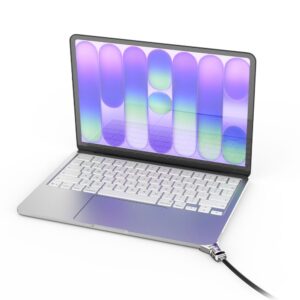
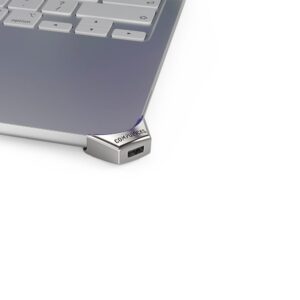
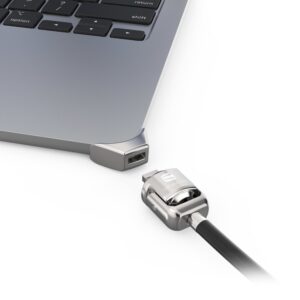
Compulocks Ledge Adapter for 13-inch MacBook Neo (2026) A3404 with Keyed Cable Lock, Corner Lock
In stock
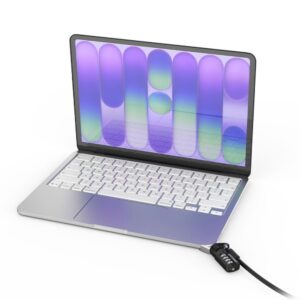
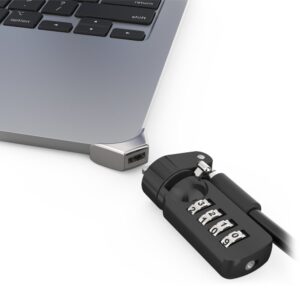
Compulocks Ledge Adapter with Combination Cable Lock for MacBook Neo 13″ (A3404)
In stock
Compulocks Mac Studio Ledge Lock Adapter for 2022 Mac Studio M1 Max and M1 Ultra, Compatible with T-Bar Cable Locks
In stock
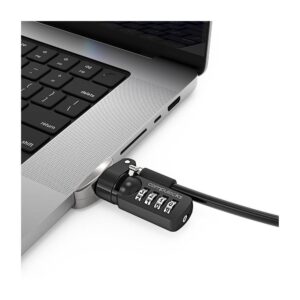
Compulocks Ledge Lock Adapter for MacBook Pro 16″ M1, M2, M3 & M4 with Combination Cable Lock
In stock
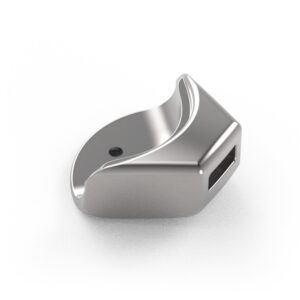
Compulocks Ledge Latch Adapter for MacBook Air 15″ M2/M3 with Keyed Cable Lock, Silver
In stock
Compulocks Ledge Laptop Security Adapter with Latch and Combination Cable Lock for 15″ MacBook Air M2/M3, Silver
In stock
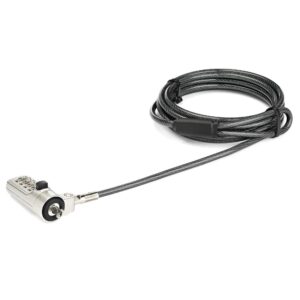
Compulocks Blade Universal Lock Slot Adapter with Keyed Cable Lock, 150 lb Capacity, Silver
In stock
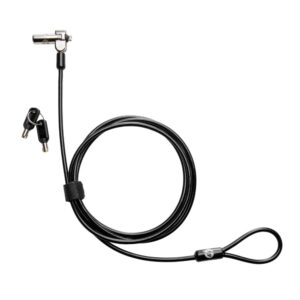
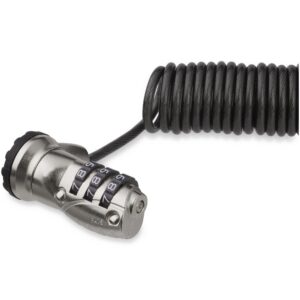
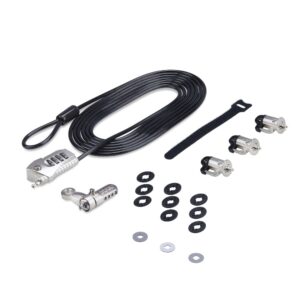
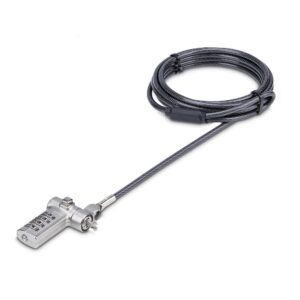
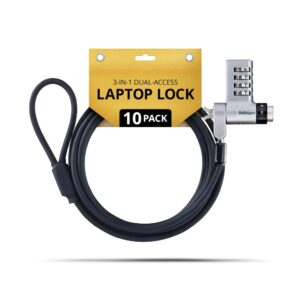
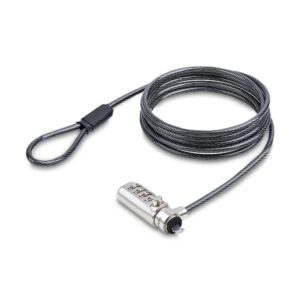
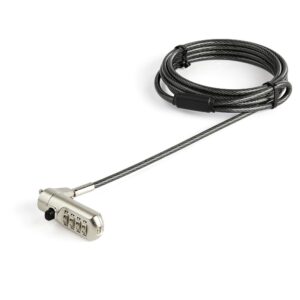
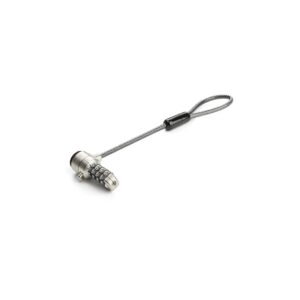
A cable lock secures a laptop or desktop to something immovable. It is standard practice in open offices, shared workspaces, schools, libraries and retail displays — anywhere equipment is left unattended in a space other people can reach.
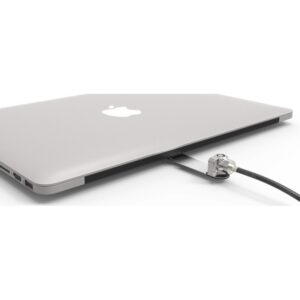
The first thing to check is which slot your machine has, because there are three and they are not interchangeable. The traditional Kensington Security Slot (K-Slot) is the rectangular one. Nano slots are much smaller and appear on thin laptops. Wedge slots are another variant. Buying the wrong one is the most common mistake; several manufacturers sell adapter kits for machines whose slot is too shallow.
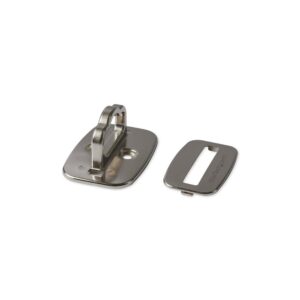
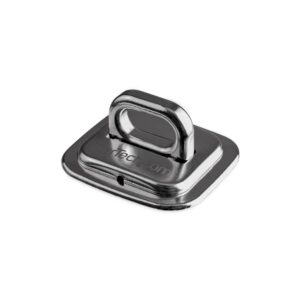
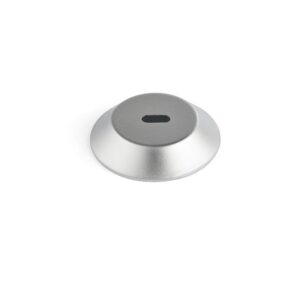
The second is what you anchor to. A lock is only as good as its anchor point — a desk with an open end, or a table leg that lifts, defeats it entirely. Desk-mount security anchors provide a fixed point where none exists, and are also used to secure peripherals.
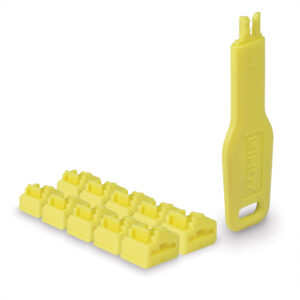
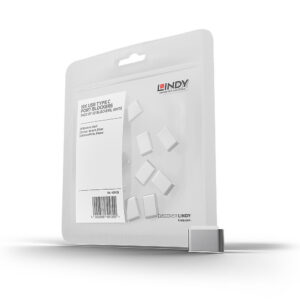
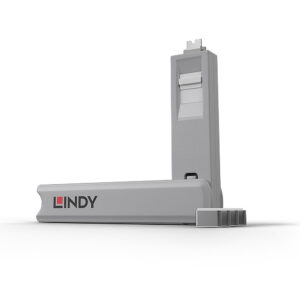
Port blockers are a related product: they physically block unused USB or RJ45 ports.
The range covers Kensington, Lindy, StarTech, Targus, Dell, Lenovo, Hama and HYPER.
Cable Locks Buying Guide and FAQ
Below are the common questions about choosing the right cable locks.
What should I look for in cable locks?
Focus on the features that matter for how you will use them, and match the spec to your setup and budget. If you are not sure where to start, our Cable guide covers the basics.
How do I choose the right one?
Decide what you need first, then compare options on the specs that affect your use, not just the price. Check that it is compatible with the rest of your kit before you buy.
What is the best value option?
The best value is the product that covers what you need without paying for features you will not use. Compare like for like, check the warranty, and pick a reputable brand for peace of mind.