Brand
 ANKERANKER 1
 ARCTICARCTIC 4
 ASUSASUS 4
 DELLDELL 10
 DIGITUSDIGITUS 6
- ERGONOMIC SOLUTIONS LTD 21
 ERGOTRONERGOTRON 72
 FELLOWESFELLOWES 17
 GAMEMAXGAMEMAX 1
 HAMAHAMA 11
 HANNSPREEHANNSPREE 3
 HPHP 11
 HP POLYHP POLY 16
 KENSINGTONKENSINGTON 17
 LENOVOLENOVO 4
 LINDYLINDY 1
 MULTIBRACKETSMULTIBRACKETS 3
 OPTOMAOPTOMA 8
- OWL LABS 1
 PEERLESSPEERLESS 24
 PIXLPIXL 2
 SAMSUNGSAMSUNG 10
 STARTECHSTARTECH 37
 VOGEL'SVOGEL'S 4
 VONHAUSVONHAUS 5



Save £5.19
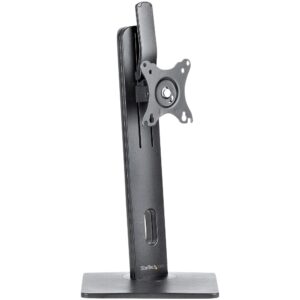
StarTech.com Free Standing Single Monitor Mount for 34″ Displays, 7kg, Height Adjustable, Black
In stock
Original price was: £86.39.£81.20Current price is: £81.20.
Save £10
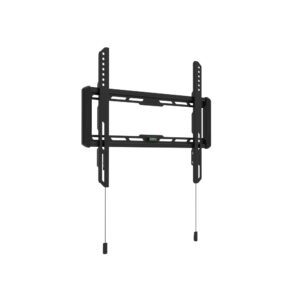
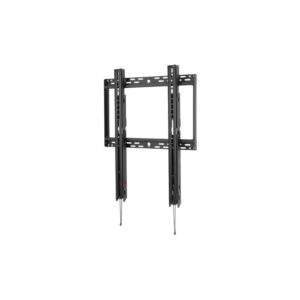
Peerless SFP680 Wall Mount for 46 to 90″ TVs 400x600mm VESA 158kg Black
In stock
Original price was: £201.59.£191.54Current price is: £191.54.
Save £13
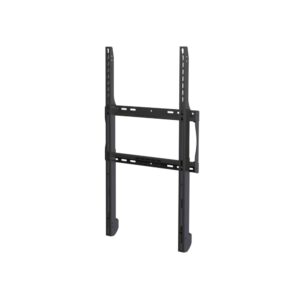
Peerless-AV ESF655P Outdoor Signage Wall Mount 80″ Max 42″ Min 68kg Capacity Black
In stock
Original price was: £265.19.£251.90Current price is: £251.90.
Save £9.78
HP Poly Studio E60 EagleEye IV HDCI Camera Mounting Bracket Black Colour
In stock
Original price was: £167.99.£158.21Current price is: £158.21.
Save £4.07
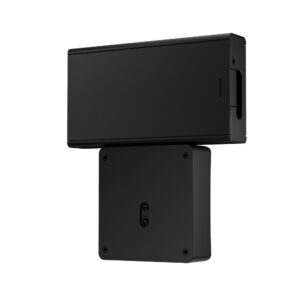
HP ProOne 400 G9 VESA Plate with Power Supply Holder 100 x 100 mm Black
In stock
Original price was: £82.79.£78.72Current price is: £78.72.
Save £6.04
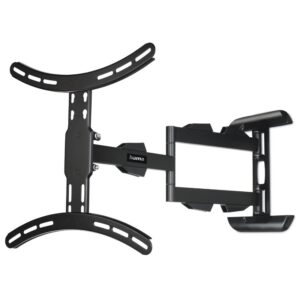
Hama TV Wall Bracket Swivel Extendable Long Arm 32″ to 65″ 25 kg Capacity 400 x 400 VESA Black
In stock
Original price was: £97.19.£91.15Current price is: £91.15.
Save £5.10
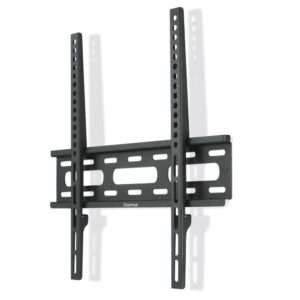
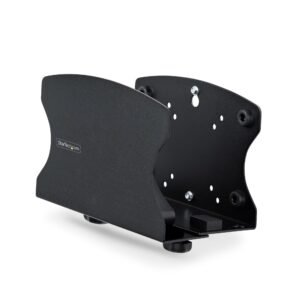
StarTech.com PC Wall Mount Bracket Desktop Holder 18kg Capacity 50-200mm Width Support Tool-Less Adjustment Steel Black
In stock
Original price was: £93.59.£88.49Current price is: £88.49.
Save £6.97
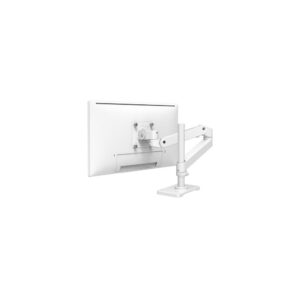
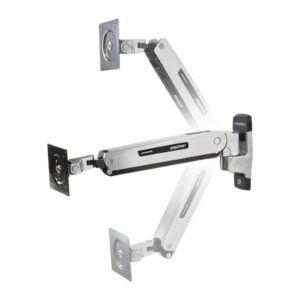
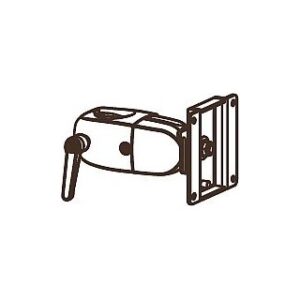
Ergotron DS100 Clamping Single Pivot Desk Mount Arm for 30″ Monitor 100×100 VESA 11.3kg Black
In stock
Original price was: £127.19.£120.22Current price is: £120.22.
Save £9.01
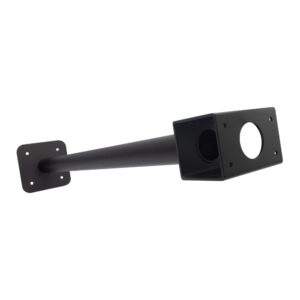
HP Poly Studio E60 Ceiling Mount Black Compatible with Poly Studio E60
In stock
Original price was: £137.99.£128.98Current price is: £128.98.
Save £3.91
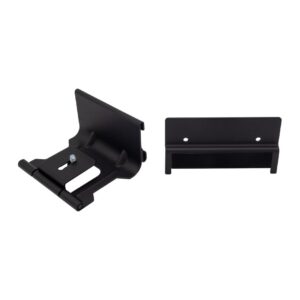
HP Poly Studio P15/R30 Wall Mount Black Mounting Bracket Hardware Component
In stock
Original price was: £63.59.£59.68Current price is: £59.68.
Save £7.00
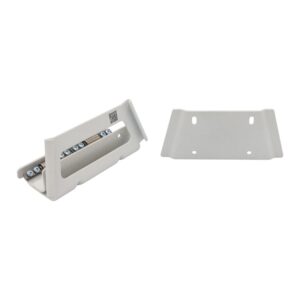
HP Poly Studio X52 V52 Wall Mount White Colour Compatible with Systems
In stock
Original price was: £123.59.£116.59Current price is: £116.59.
Save £5.73
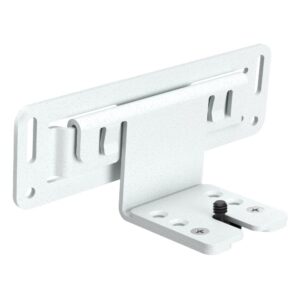
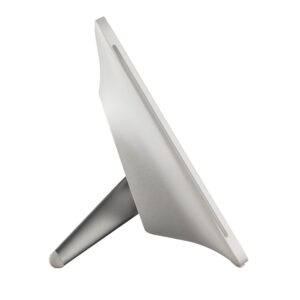
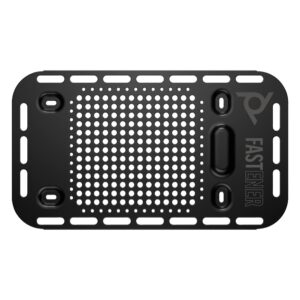
HP Poly Studio X30 VESA Wall Mount White for X30 X32 V12
In stock
Original price was: £117.59.£111.86Current price is: £111.86.
Save £6.18
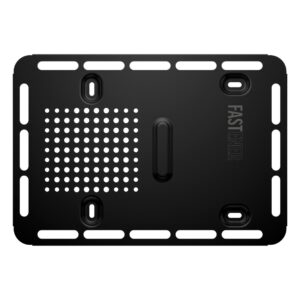
HP Poly Studio G62 Wall Mount Plate Mount Black Accessories
In stock
Original price was: £117.59.£111.41Current price is: £111.41.
Save £5.99
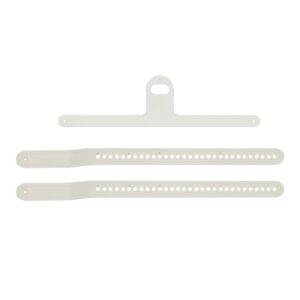
HP Poly Studio A2 Plate Mount for Audio Bridge Mounting Fixture
In stock
Original price was: £99.59.£93.60Current price is: £93.60.
Save £12
HP Poly Studio E70 VESA Wall Mount White Colour Package Weight 300g
In stock
Original price was: £244.79.£232.52Current price is: £232.52.

Save £3.95
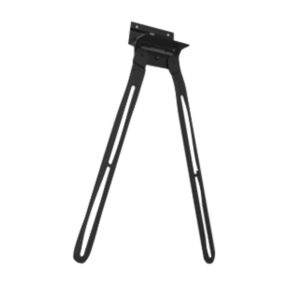
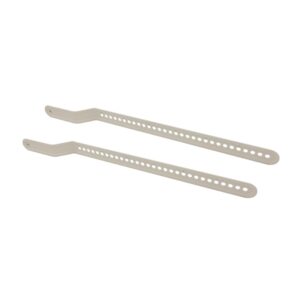
HP Poly Studio P15/R30 VESA Mount Bracket Stand Product Silver
In stock
Original price was: £75.59.£71.64Current price is: £71.64.
Save £4.93
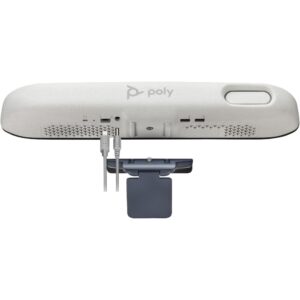
HP Poly Studio E70/P15/R30 Display Clamp Camera Mount Grey
In stock
Original price was: £103.19.£98.26Current price is: £98.26.