




Price
Brand
Availability
Shop Categories
Card Readers
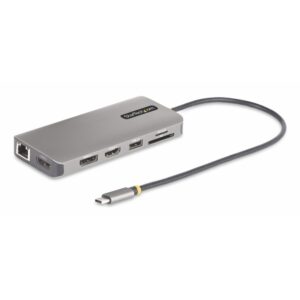
StarTech.com USB-C Triple Multiport Adapter, Dual 4K 60Hz + 4K 30Hz HDMI & DisplayPort, 100W PD Pass-Through, GbE, SD/MicroSD Card Reader, Grey
In stock
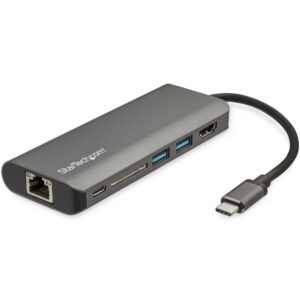
StarTech.com USB-C Multiport Adapter with 4K HDMI, 3x USB 3.0, SD Card Reader, GbE, 60W PD 3.0
In stock
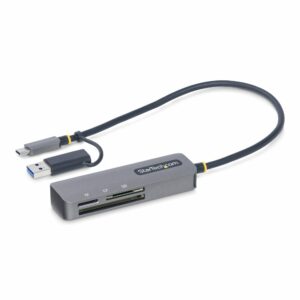
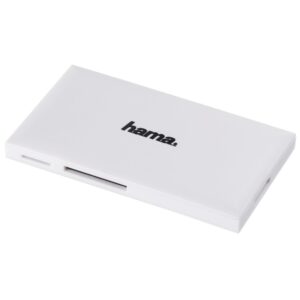
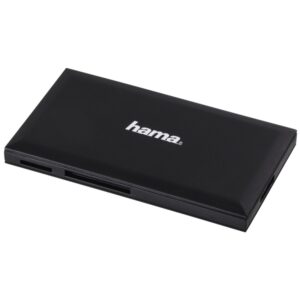
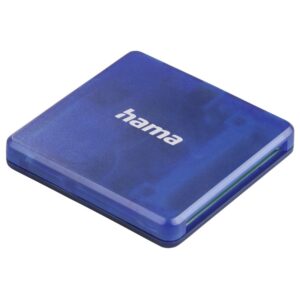
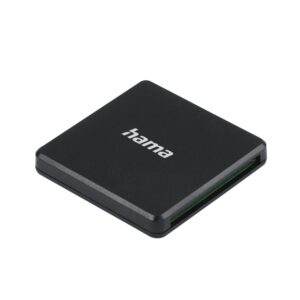
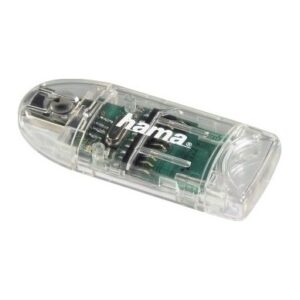
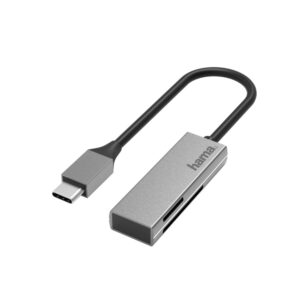
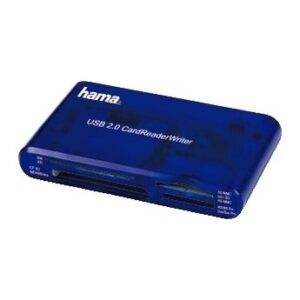
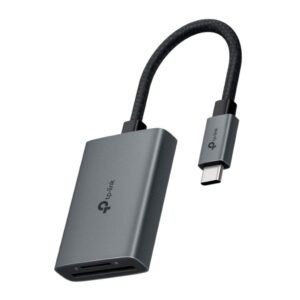
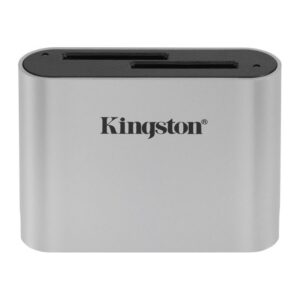
A card reader connects a camera, drone or dashcam memory card to a computer — still the fastest and most reliable way to move photos and video, and often the only way on a laptop with no built-in slot.
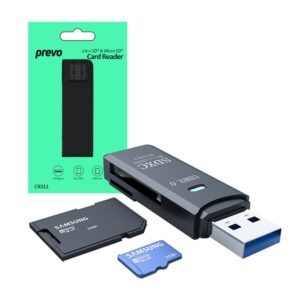
Check the formats. SD is the full-size card used by most cameras. microSD is used by phones, drones, action cameras and handheld consoles, and usually comes with an SD-size adapter. CompactFlash and CFexpress appear on professional cameras. Multi-format readers cover several at once, which is worth having if you own more than one device.
Check the interface speed. A USB 2.0 reader runs at 480Mbps, which is fine for occasional photos and slow for a full card of 4K video — a large transfer can take many minutes longer than it needs to. USB 3.0 (5Gbps) readers cost very little more and remove that bottleneck.
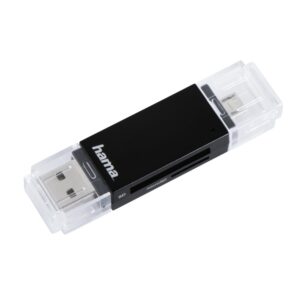
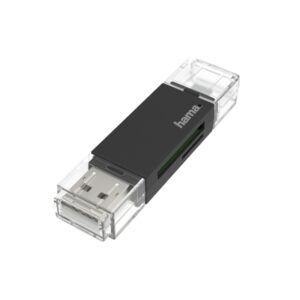
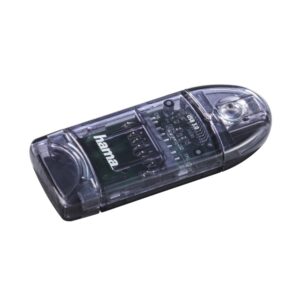
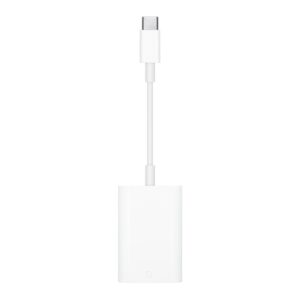
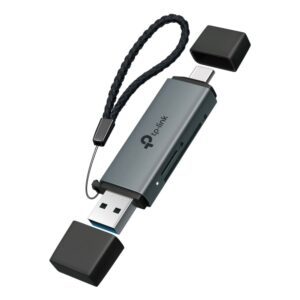
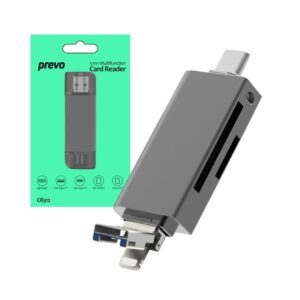
OTG readers with a USB-C or micro-USB plug connect a card directly to a phone or tablet.
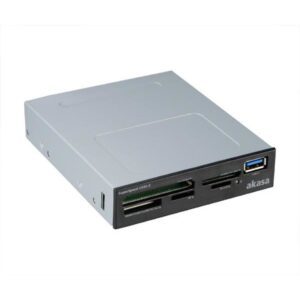
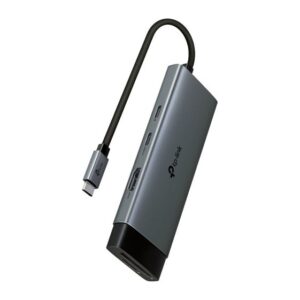
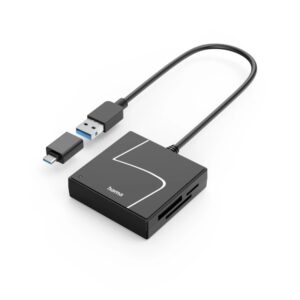
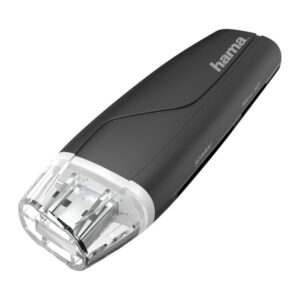
The range covers Hama, StarTech, TP-Link, Akasa and Apple.
Card Readers Buying Guide and FAQ
Below are the common questions about choosing the right card readers.
What should I look for in card readers?
Focus on the features that matter for how you will use them, and match the spec to your setup and budget. If you are not sure where to start, our cables and charging guide covers the basics.
How do I choose the right one?
Decide what you need first, then compare options on the specs that affect your use, not just the price. Check that it is compatible with the rest of your kit before you buy.
What is the best value option?
The best value is the product that covers what you need without paying for features you will not use. Compare like for like, check the warranty, and pick a reputable brand for peace of mind.