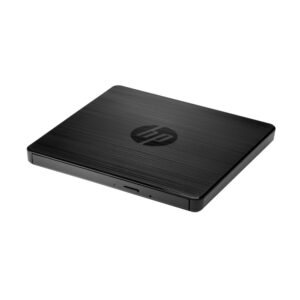
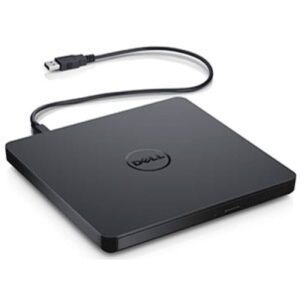
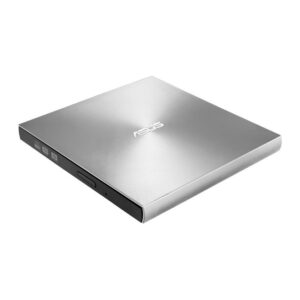
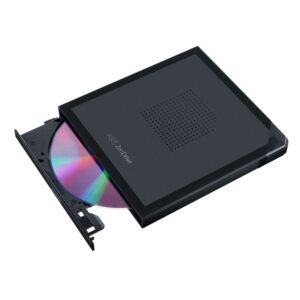
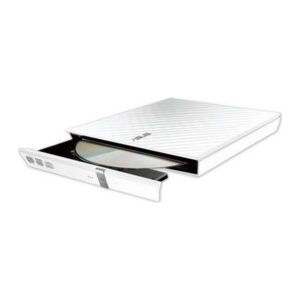
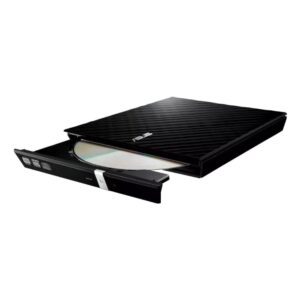
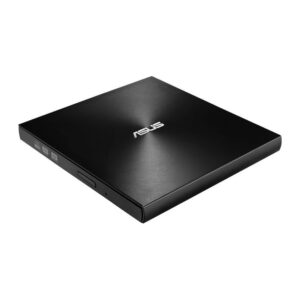
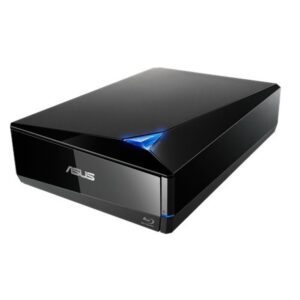
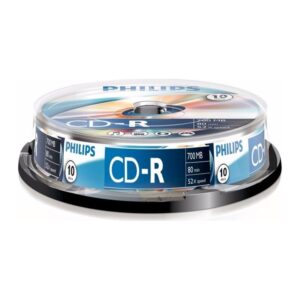
Almost no laptop and few desktops now ship with an optical drive, so this is usually a deliberate purchase for a specific need: installing older software, reading archived discs, ripping a CD collection, or playing DVDs.
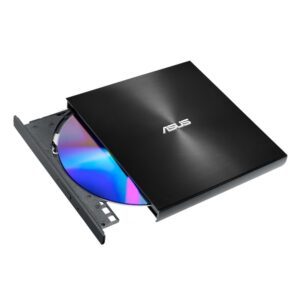
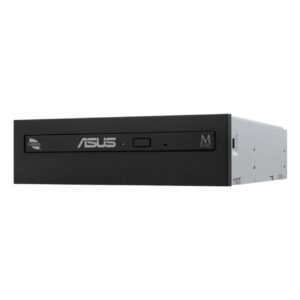
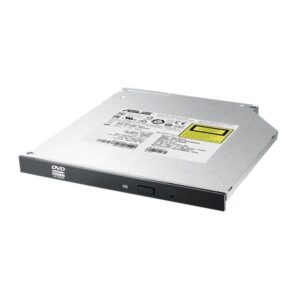
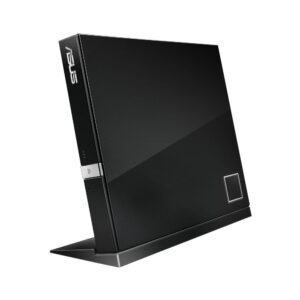
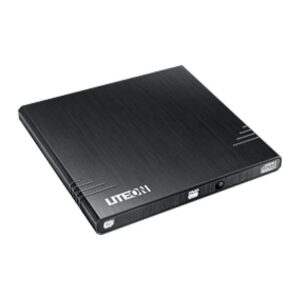
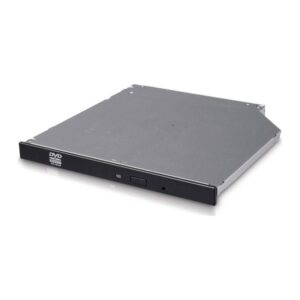
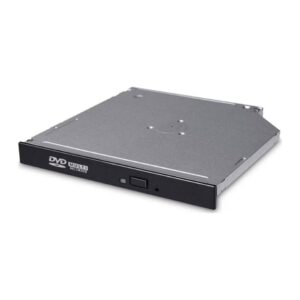
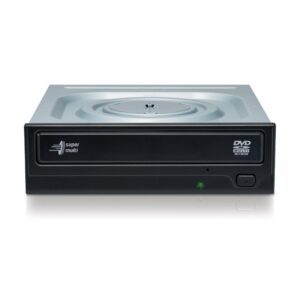
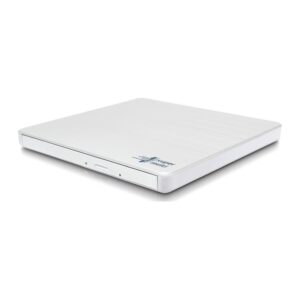
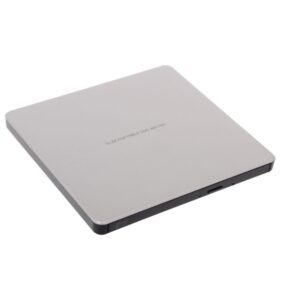
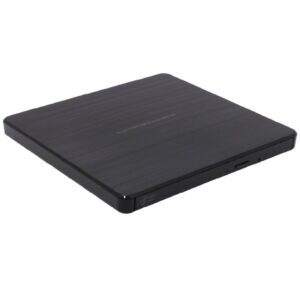
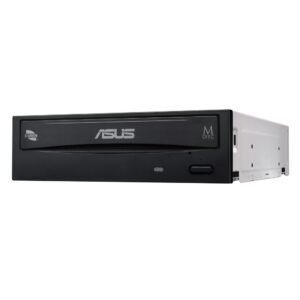
The first decision is internal or external. An internal drive fits a desktop’s 5.25in bay and connects over SATA — cheaper, and it needs the case to have a bay, which many modern cases no longer do. An external USB drive works with any laptop or desktop, needs no installation, and can move between machines.
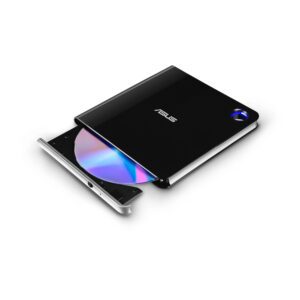
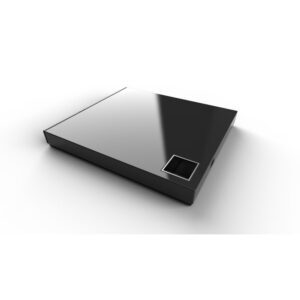
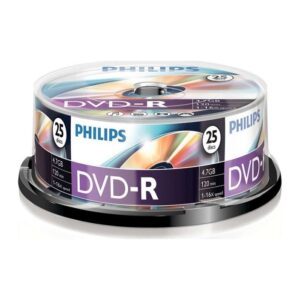
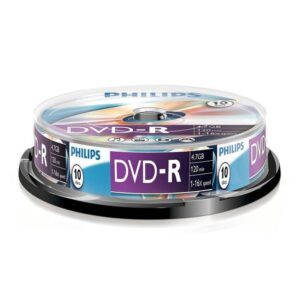
The second is format. A DVD-RW drive reads and writes CDs and DVDs, which covers most needs. A Blu-ray drive is needed for Blu-ray discs, and Blu-ray writers are a separate step again.
One point worth knowing: playing commercial Blu-ray films on a PC requires licensed playback software, which is not always included.
Check the connector on an external drive — USB-A or USB-C — and whether it is bus-powered or needs its own supply.

 ASUSASUS 15
 DELLDELL 1
 HPHP 1
 LGLG 6
 LITE-ONLITE-ON 1
 PHILIPSPHILIPS 3