










Save £18
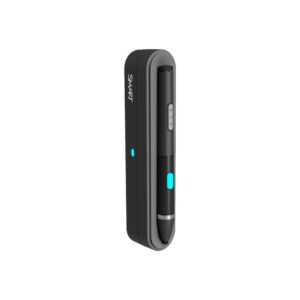
Smart SMS-TE-IQ4 Wireless Active Stylus with Docking Station
In stock
Original price was: £356.39.£338.40Current price is: £338.40.
Save £4.44
Avocor Stylus Pen Pair for Use with G & W Series Display Models
In stock
Original price was: £73.19.£68.75Current price is: £68.75.
Save £6.61
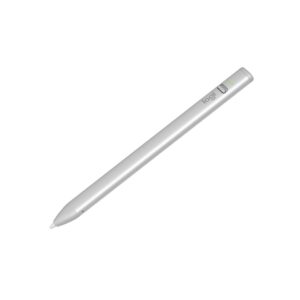
Logitech Crayon Stylus for Apple iPad, Silver, 7-Hour Battery, iPadOS 12.2 and Later
In stock
Original price was: £110.39.£103.78Current price is: £103.78.

Save £3.64
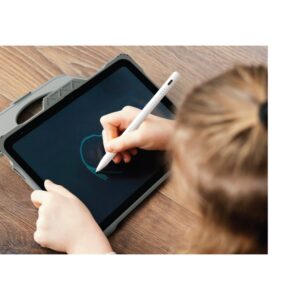
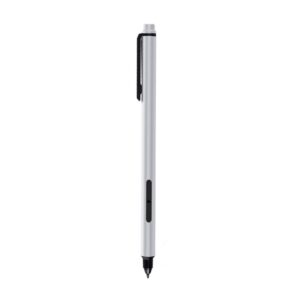
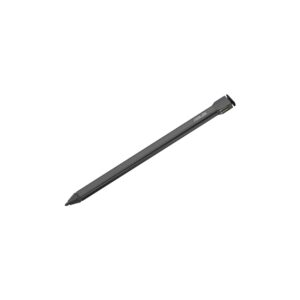
ASUS Garaged Stylus SA304H Pen USI 2.0 4096-Level Pressure Sensitivity Compatible with Select Asus Devices Bronze
In stock
Original price was: £70.79.£67.15Current price is: £67.15.
Save £7.08
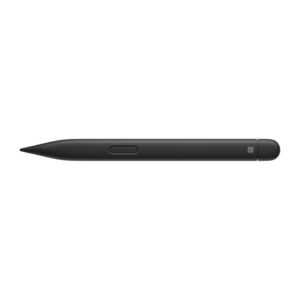
Microsoft Surface Slim Pen 2 Stylus Bluetooth 5.0 Haptic 15 Hour Battery Black for Surface Pro 8 9 Laptop Studio
In stock
Original price was: £130.79.£123.71Current price is: £123.71.
Save £5.20
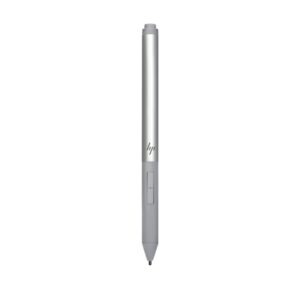
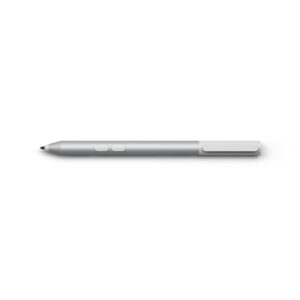
HP Rechargeable Active Pen G3 Grey for HP EliteBook x360 1030 G3 G4 1040 G5 G6 Elite x2 and ZBook Studio x360
In stock
Original price was: £97.19.£91.99Current price is: £91.99.
Save £4.23
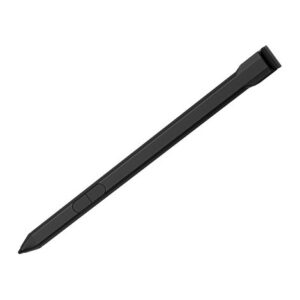
ASUS Garaged Stylus SA204H Pen for Asus BR1102FGA BR1402FGA Laptops MPP 2.0 4096 Pressure 2 Buttons Black
In stock
Original price was: £70.79.£66.56Current price is: £66.56.
Save £3.04
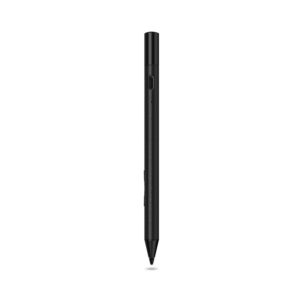
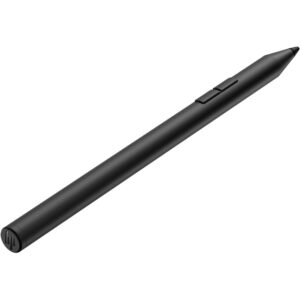
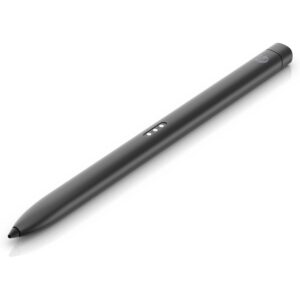
HP 705 Rechargeable Multi Pen Black with Built-in Lithium-Ion Battery for Laptop
In stock
Original price was: £62.39.£59.35Current price is: £59.35.
Save £17
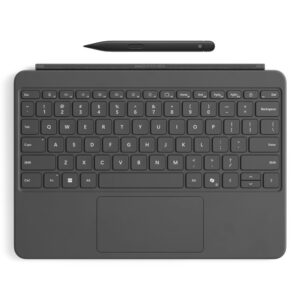
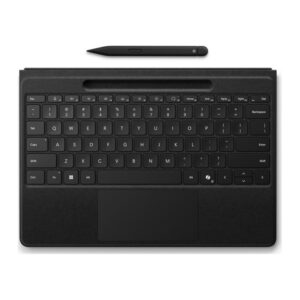
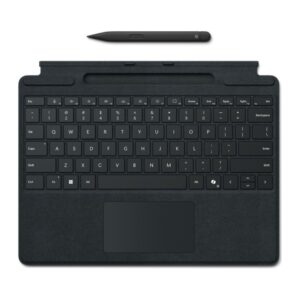
Microsoft Surface Pro Keyboard with Slim Pen Business Wireless QWERTY Mechanical Black Alcantara Touchpad Copilot Key for Surface Pro 8/9/10/11
In stock
Original price was: £334.79.£317.99Current price is: £317.99.
Save £6.59
Save £4.61
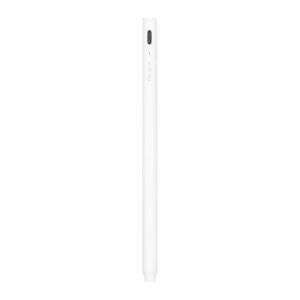
Targus AMM174AMGL Active Stylus Pen for Apple iPad (2018 and later) White
In stock
Original price was: £83.99.£79.38Current price is: £79.38.