






Save £2.97
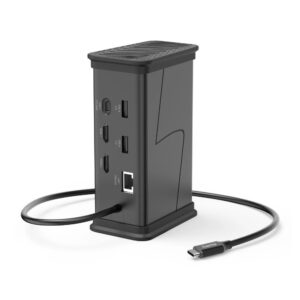
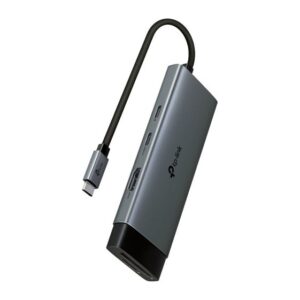
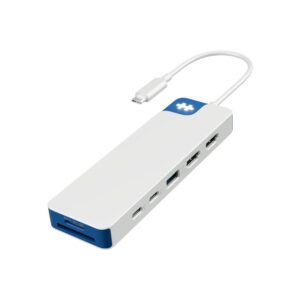
Hyper HYPER HD4103BUGL USB-C 7-Port Hub with Dual HDMI SD Card Reader 100W PD Blue and White
In stock
Original price was: £65.99.£63.02Current price is: £63.02.
Save £3.66
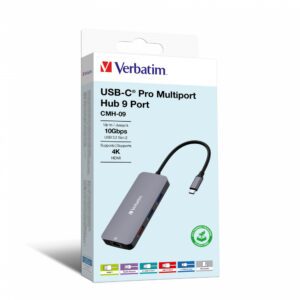
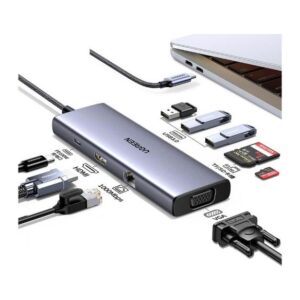
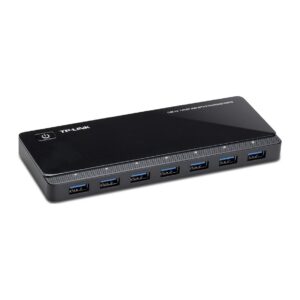
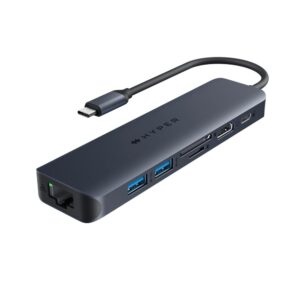
HYPER HD4003GL USB-C 7 Port Hub with 4K HDMI, 10Gbps USB, 100W Power Delivery, SD/MicroSD, Gigabit Ethernet Blue/Grey
In stock
Original price was: £75.59.£71.93Current price is: £71.93.
Save £5.64
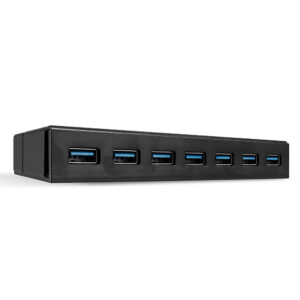
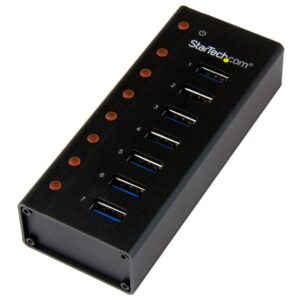
StarTech.com 7-Port USB 3.2 Gen 1 Hub 5Gbps Desktop or Wall-Mountable Metal Enclosure Black
In stock
Original price was: £88.79.£83.15Current price is: £83.15.
Save £6.87
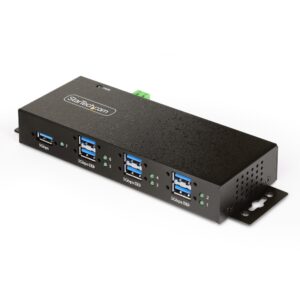
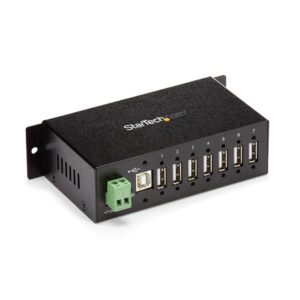
StarTech.com 7-Port USB 2.0 Hub – Metal Industrial USB-A Hub with ESD & Surge Protection, TAA, Black
In stock
Original price was: £123.59.£116.72Current price is: £116.72.
Save £4.13
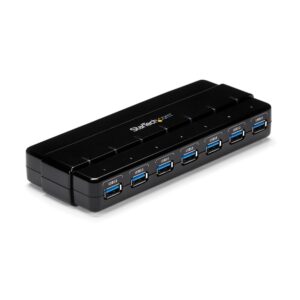
StarTech.com 7-Port USB 3.2 Gen 1 Hub – 5Gbps, Type-B Host, 7x Type-A Ports, Black
In stock
Original price was: £71.99.£67.86Current price is: £67.86.