













Save £3.45
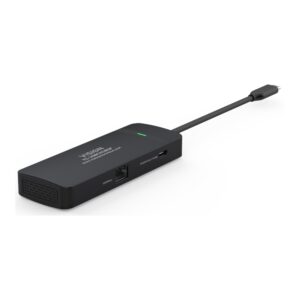
Vision TC-USBCHUB5P USB-C Docking Station, 4K 60Hz, 100W Power Delivery, HDMI, Gigabit Ethernet, Black
In stock
Original price was: £71.99.£68.54Current price is: £68.54.
Save £11
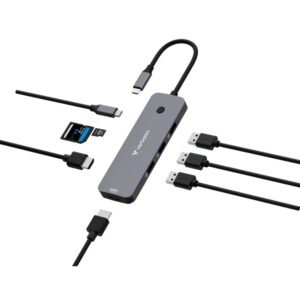
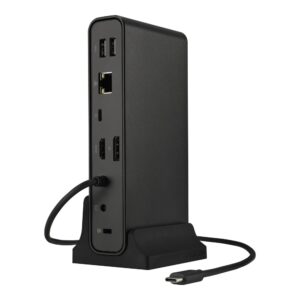
ASUS DC300 Triple Display USB-C Dock 90W Power Delivery 3 Monitors HDMI 2.0 DisplayPort 1.4 Ethernet SD Card Reader Black
In stock
Original price was: £225.59.£214.10Current price is: £214.10.
Save £11
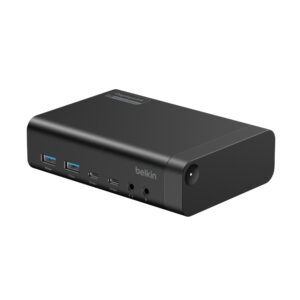
Belkin Connect Uni 14-in-1 Dual Display Docking Station 100W Power Delivery 4K@60Hz 2x HDMI Ethernet Black
In stock
Original price was: £202.79.£192.11Current price is: £192.11.
Save £13
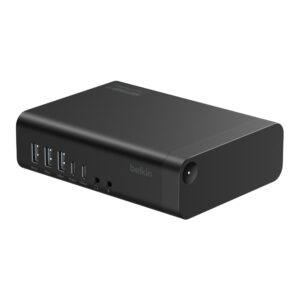
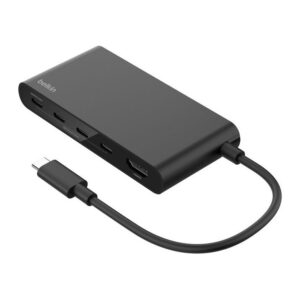
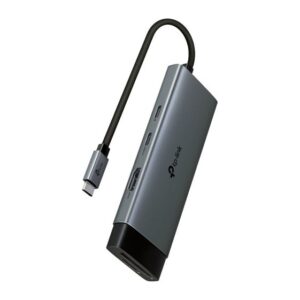
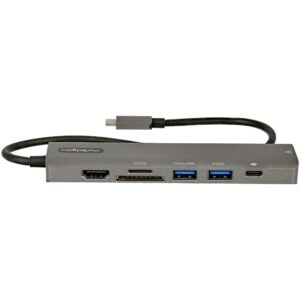
Belkin Connect Universal 16-in-1 Triple Display Docking Station USB-C 100W Power Delivery 2.5Gb Ethernet HDMI Black
In stock
Original price was: £260.39.£247.25Current price is: £247.25.
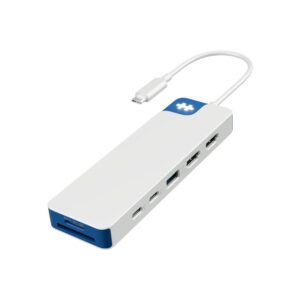
Save £2.97
Hyper HYPER HD4103BUGL USB-C 7-Port Hub with Dual HDMI SD Card Reader 100W PD Blue and White
In stock
Original price was: £65.99.£63.02Current price is: £63.02.
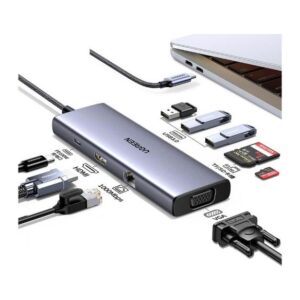
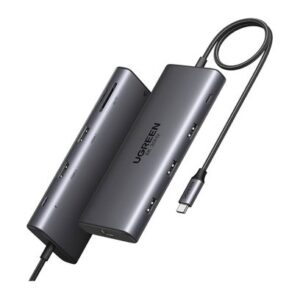
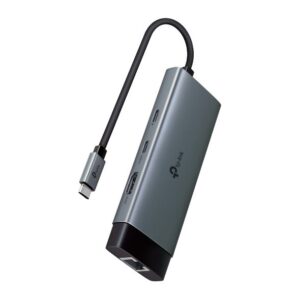
Save £3.66
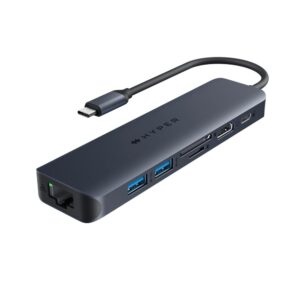
HYPER HD4003GL USB-C 7 Port Hub with 4K HDMI, 10Gbps USB, 100W Power Delivery, SD/MicroSD, Gigabit Ethernet Blue/Grey
In stock
Original price was: £75.59.£71.93Current price is: £71.93.
Save £5.23
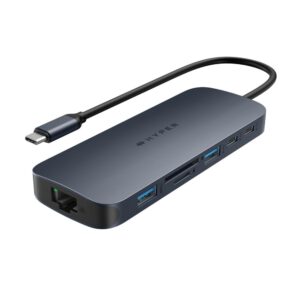
HYPER HyperDrive Next 11-Port USB-C Hub Dual 4K HDMI 140W PD Gigabit Ethernet Blue/Grey
In stock
Original price was: £111.59.£106.36Current price is: £106.36.
Save £5.10
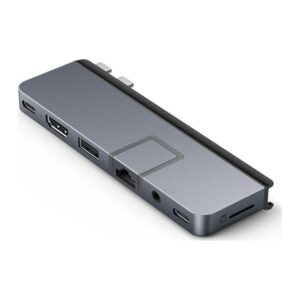
HYPER HyperDrive DUO PRO 7-in-1 USB-C Hub with HDMI 4K 60Hz, Gigabit Ethernet, 100W Power Delivery, Grey
In stock
Original price was: £109.19.£104.09Current price is: £104.09.
Save £5.68
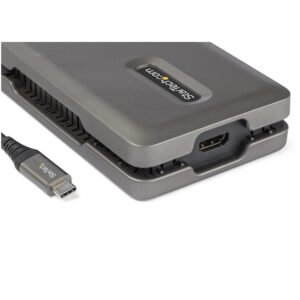
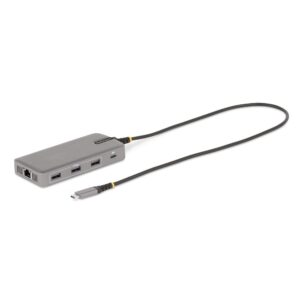
StarTech.com USB-C Multiport Adapter, Triple 4K 60Hz HDMI/DisplayPort, 3-Port 10Gbps USB Hub, 100W PD, GbE, Grey
In stock
Original price was: £118.79.£113.11Current price is: £113.11.
Save £4.62
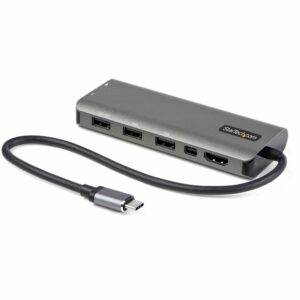
StarTech.com USB-C Multiport Adapter, HDMI/Mini DisplayPort 4K 60Hz, 100W PD, 4-Port 10Gbps USB Hub
In stock
Original price was: £99.59.£94.97Current price is: £94.97.
Save £11
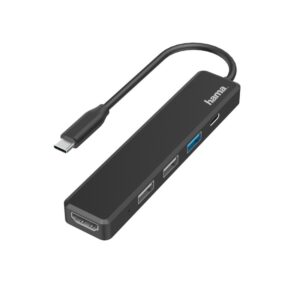
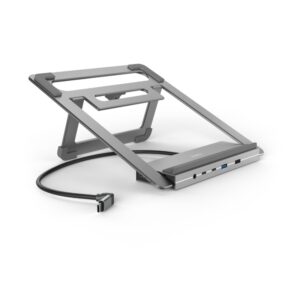
Hama Connect2Office Laptop Stand with 12-Port USB 3.2 Gen 2 Type-C Hub, Dual 4K HDMI, Gigabit Ethernet – Anthracite
In stock
Original price was: £166.79.£155.80Current price is: £155.80.
Save £3.66
Belkin INC024HQSGY USB-C 8-in-1 Hub with 100W Power Delivery, 4K 60Hz HDMI, 2.5 Gigabit Ethernet, Grey
In stock
Original price was: £70.79.£67.13Current price is: £67.13.