Price
Availability
Shop Categories

Power Cables & Extensions

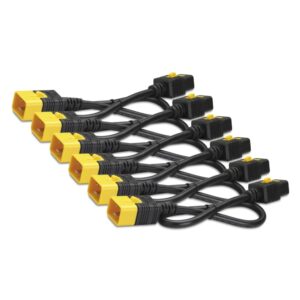
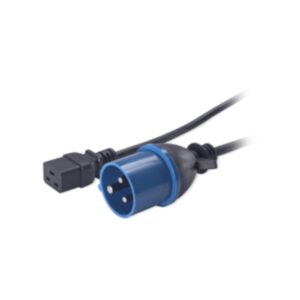
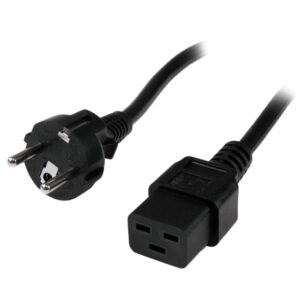
APC AP9876 NetShelter Power Cord, IEC 60309 16A Male to C19 Female

In stock

Original price was: £116.39.Current price is: £109.31.

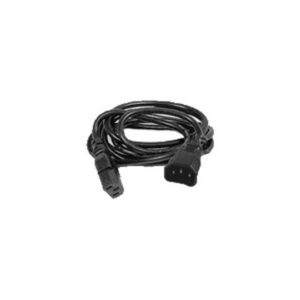
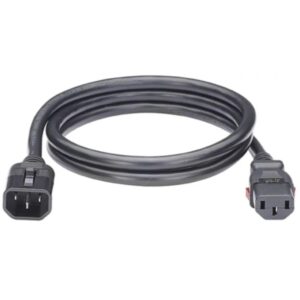
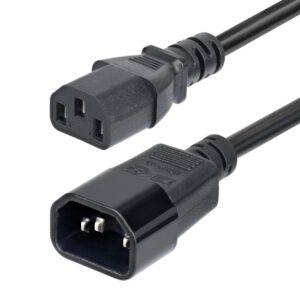
Juniper C13 Female to C14 Male Power Cable, 2.5 m, 250 V, 16 A, Black

In stock

Original price was: £68.39.Current price is: £64.90.

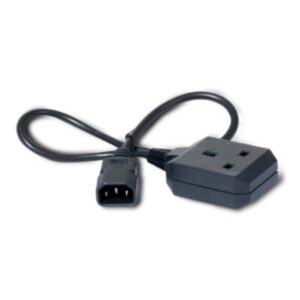
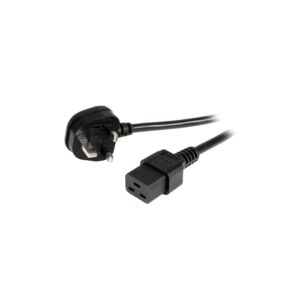
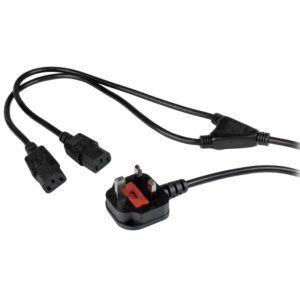
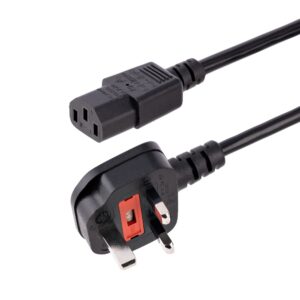
APC Power Cord, IEC C14 Male to UK BS 1363 Female, 0.6 m, 10 A, Black

In stock

Original price was: £79.19.Current price is: £74.68.

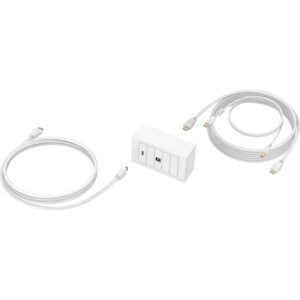
Vision TC3-PK5M HDMI + USB Type-B Wall Socket Outlet, USB 3.2 Gen 1, 5m Cable, White

In stock

Original price was: £134.39.Current price is: £126.06.

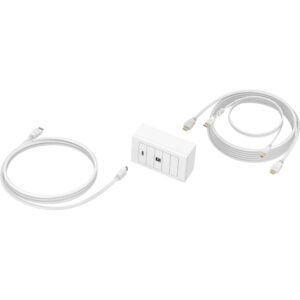
Vision TC3-PK3M Techconnect HDMI and USB Type-B Wall Plate Kit, 3 m, White

In stock

Original price was: £107.99.Current price is: £101.27.

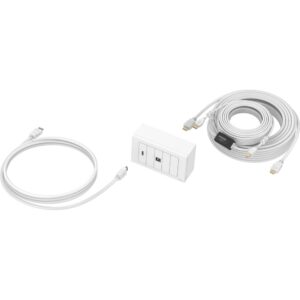
Vision TC3-PK10M Techconnect AV Faceplate Kit, HDMI + USB Type-B, 10 m, White

In stock

Original price was: £149.99.Current price is: £140.87.

Power cables are simple until you order the wrong connector, so it is worth knowing the names.

IEC C13 is the three-pin “kettle lead” used by desktop PCs, monitors and most equipment with an earthed metal case. C14 is the matching socket on the device.

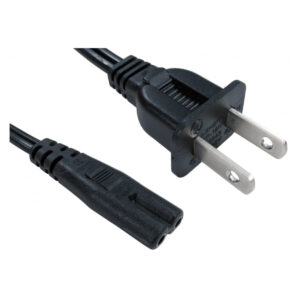
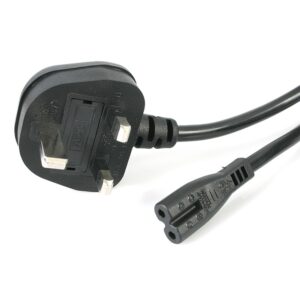
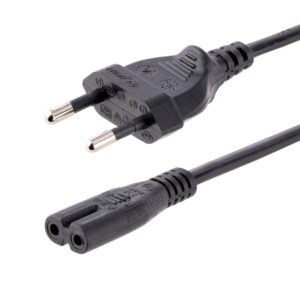
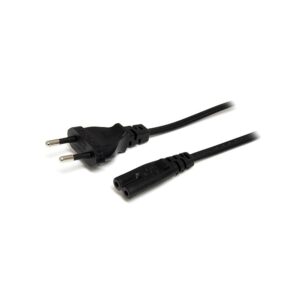
IEC C7 is the two-pin “figure of eight” used by laptop power bricks, printers, consoles and other double-insulated equipment. It is not interchangeable with C13.

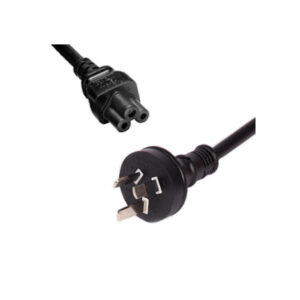
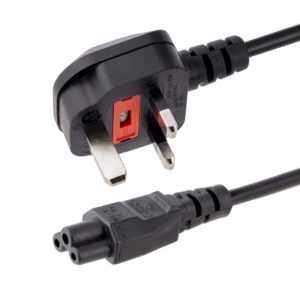
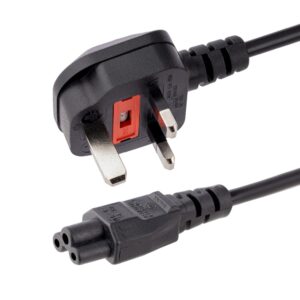
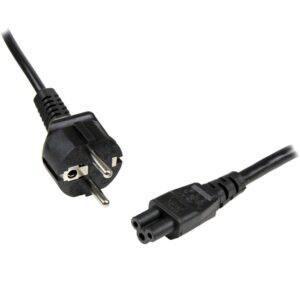
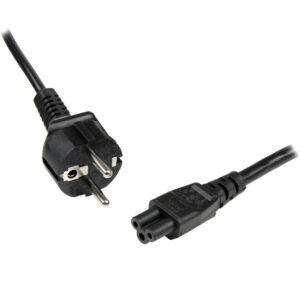
C5 is the three-pin “cloverleaf” or “Mickey Mouse” connector used by many laptop chargers.

C13 to C14 cables are used inside racks and with UPS units, connecting equipment to a power distribution strip rather than to a wall socket.

A few practical points. Check the length you need before ordering, since a lead that is too short is the most common problem. For extensions and distribution, look at the total load rather than the number of sockets. And in a rack or under a desk, right-angled connectors often make the difference between a cable that fits and one that fouls.

The range covers Lindy, Cables Direct, Belkin, Verbatim and CyberPower.

Power Cables & Extensions Buying Guide and FAQ

Below are the common questions about choosing the right cable.

Which cable do I need?

Match the cable to the ports on your devices, such as USB-C, USB-A, HDMI or DisplayPort, and to the speed or resolution you need. Buying the right type and version means the cable supports the full speed or display output your gear can manage.

What length should I choose?

Measure the run and add a little slack so the cable reaches without strain. Shorter cables keep things tidy and can be better for very high speeds, while longer cables suit reaching across a desk or room.

Will this cable support my display or device speed?

Check the cable version against your needs, since higher resolutions, refresh rates and data speeds need a cable rated for them. Match the cable spec to your devices so you get the full performance.