
Brand
 APPLEAPPLE 1
- ATEN 15
 BELKINBELKIN 13
- C2G 8
 CABLES DIRECTCABLES DIRECT 110
- CISCO 1
- Crestron 1
 DELLDELL 3
 DIGITUSDIGITUS 6
 GROUPGEARGROUPGEAR 12
 HAMAHAMA 27
 HPHP 7
 KENSINGTONKENSINGTON 1
 LENOVOLENOVO 3
 LINDYLINDY 61
 LINKSYSLINKSYS 2
- Origin Storage 5
 PLUGABLEPLUGABLE 1
 PNYPNY 1
 PREVOPREVO 6
 STARTECHSTARTECH 306
 TARGUSTARGUS 1
- TRIPP LITE 6
 VCOMVCOM 1
 VERBATIMVERBATIM 1
- Vision 42







New
Save £5.26 New
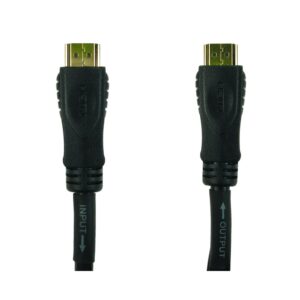
Cables Direct HDMI Cable, 30 m HDMI Type A Male to HDMI Type A Male, Black
In stock
Original price was: £105.59.£100.33Current price is: £100.33.
New
Save £7.79 New
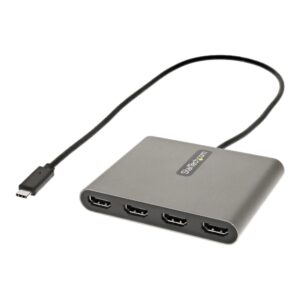
StarTech USBC2HD4 USB-C to 4x HDMI Adapter, 1080p 60Hz, Grey
In stock
Original price was: £118.79.£111.00Current price is: £111.00.
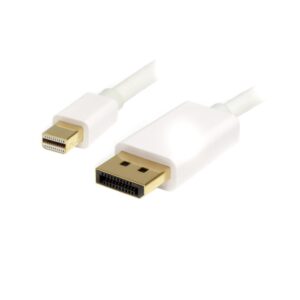
New
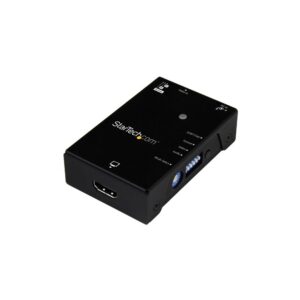
Save £9.46
StarTech.com VSEDIDHD HDMI EDID Emulator, HDMI to HDMI, 1080p, USB Powered, Black, TAA Compliant
In stock
Original price was: £148.79.£139.33Current price is: £139.33.
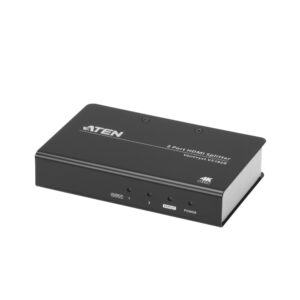
Save £6.53
ATEN VS182B True 4K HDMI 2.0 Splitter, 2 HDMI Outputs, 4096 x 2160 at 60Hz
In stock
Original price was: £107.99.£101.46Current price is: £101.46.
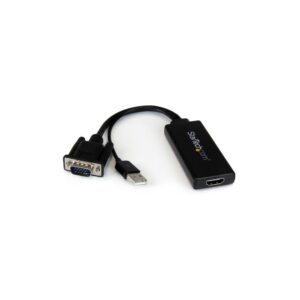
Save £3.63
StarTech.com VGA2HDU VGA to HDMI Adapter, USB-Powered with USB Audio, 1080p સુધી
In stock
Original price was: £63.59.£59.96Current price is: £59.96.
Save £4.37
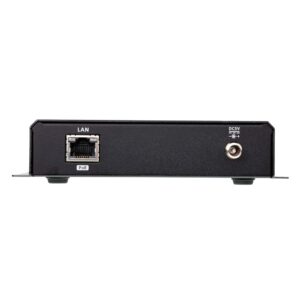
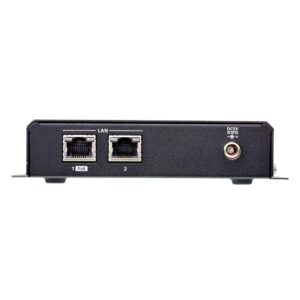
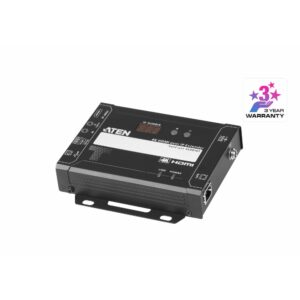
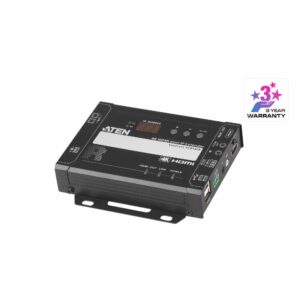
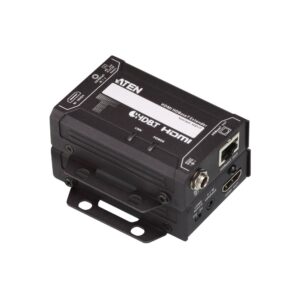
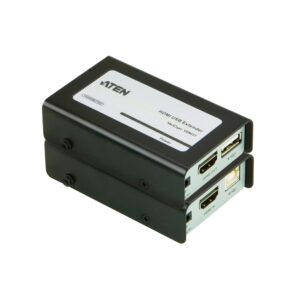
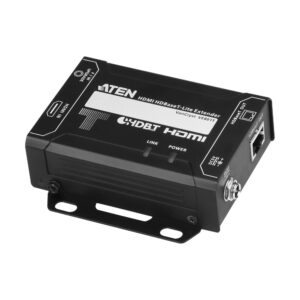
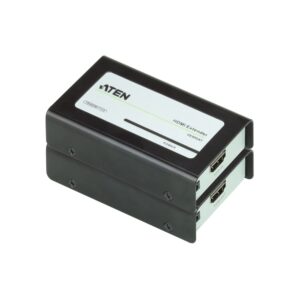
ATEN VE800A HDMI Extender AV Receiver, 60 m over Cat5e, Black
In stock
Original price was: £93.59.£89.22Current price is: £89.22.
Save £9.17
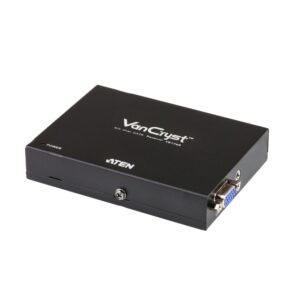
ATEN VE170R AV over Cat 5 Receiver, 300 m, 1920 x 1200, Black
In stock
Original price was: £163.19.£154.02Current price is: £154.02.
Save £5.17
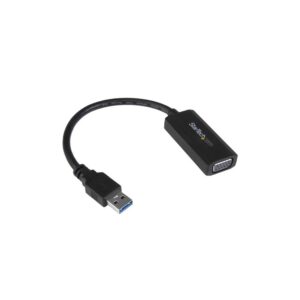
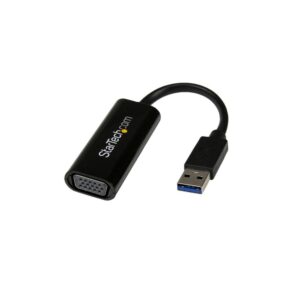
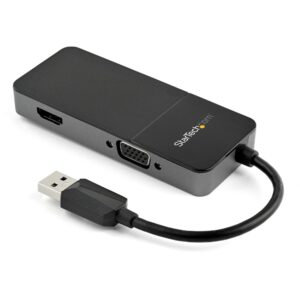
StarTech.com USB32HDVGA USB-A to HDMI and VGA Dual Display Adapter, 4K 30Hz, 0.109 m, for Mac and Windows
In stock
Original price was: £82.79.£77.62Current price is: £77.62.
Save £5.95
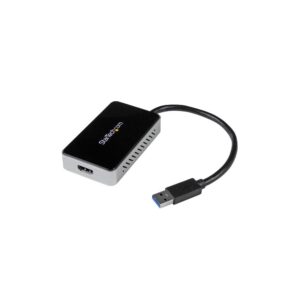
StarTech.com USB32HDEH USB 3.0 to HDMI Adapter, 0.16 m, 1920 x 1200, USB-A Pass-Through, Windows Only
In stock
Original price was: £94.79.£88.84Current price is: £88.84.
Save £4.86
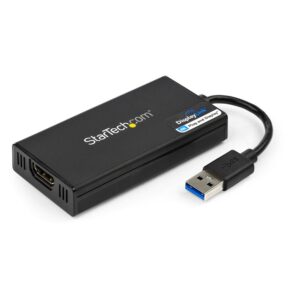
StarTech.com USB32HD4K USB-A to HDMI Adapter, 6.3 cm, 4K 30Hz, DisplayLink, Windows, macOS, ChromeOS and Linux
In stock
Original price was: £100.79.£95.93Current price is: £95.93.