
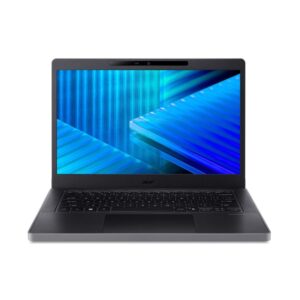
Acer TravelMate
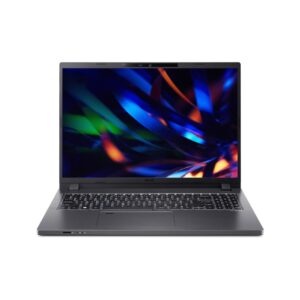
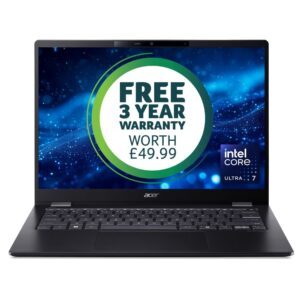
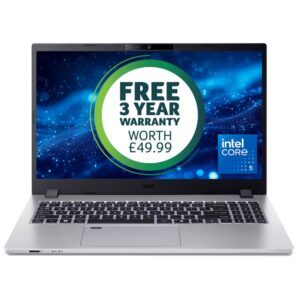
Acer TravelMate B5 14 TMB514-31-G2-TCO-3688, Intel Core 3 N355, 8 GB LPDDR5X RAM, 128 GB UFS, 14″ · 1920 × 1080 · 60 Hz display, Windows 11 Pro Education
In stock
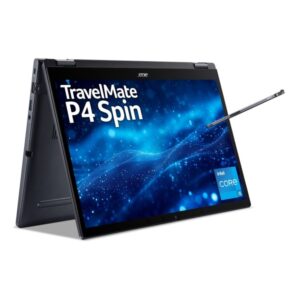
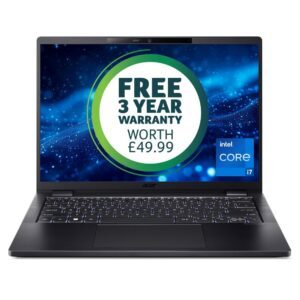
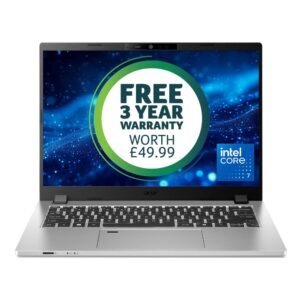
Acer TravelMate P4 Spin 14 TMP414RN-53, Intel Core i3-1315U, 8 GB DDR4 RAM, 256 GB SSD, 14″ · 1920 × 1200 display, Windows 11 Pro Education
In stock
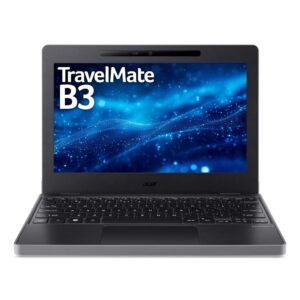
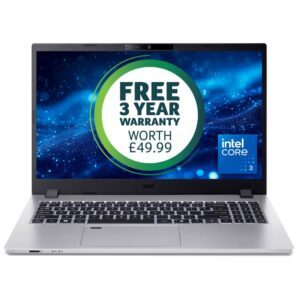
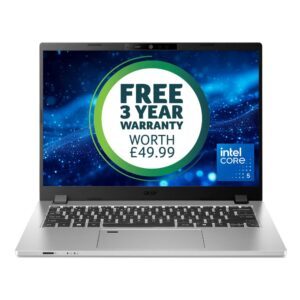
Acer TravelMate B3 11 TMB311-33-TCO-P7GQ, Intel N200, 8 GB LPDDR5 RAM, 128 GB NVMe SSD, 11.6″ · 1366 × 768 · 60 Hz display, Windows 11 Pro Education
Out of stock
TravelMate is Acer’s business laptop range, and it is the value option in a category otherwise dominated by ThinkPad, Latitude and EliteBook.
What you get for that positioning: a durability-tested chassis, business security features such as a fingerprint reader and TPM, serviceability, and longer driver and parts support than a consumer machine — the things that matter when an IT department has to keep a fleet running.
The model codes are readable. P2 is the mainstream workhorse, P4 and P6 step up in build and weight, and the number after indicates the screen size. Spin marks a convertible, whose screen folds all the way back into tablet mode — useful for presentations, note-taking and signature capture.
Who it suits: a small business buying several machines, or anyone who wants business durability without the premium the better-known business brands command.
See also Acer laptops for the consumer ranges.
Acer TravelMate Buying Guide and FAQ
This Acer TravelMate range covers TravelMate laptops. Below are the common questions.
Are TravelMate laptops any good?
TravelMate is a well-known laptop maker with models spanning everyday, business and gaming use. The right one depends on your needs, so look at the processor, memory, storage and screen rather than the badge alone.
Which TravelMate laptop should I choose?
Decide what you need first: a light everyday laptop, a business machine, or a gaming laptop with RTX graphics. Then pick the TravelMate model with a modern CPU, at least 16GB of RAM and a fast SSD that fits your budget.
What should I check before buying a TravelMate laptop?
Check the processor and graphics for the work you do, the RAM and storage (16GB and a 512GB or larger SSD is a good baseline), the screen size and quality, and the battery life. For gaming, focus on the RTX graphics and cooling.