Price
Availability
Storage capacity
Screen size
Shop Categories

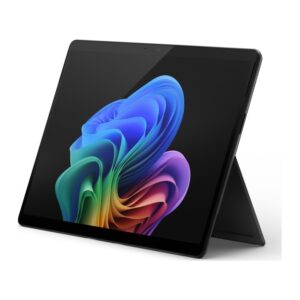
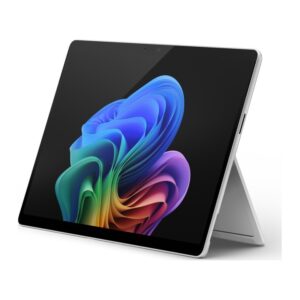
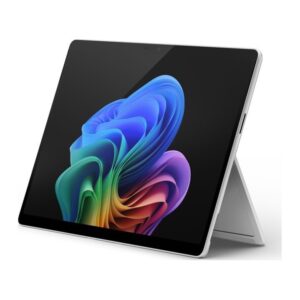
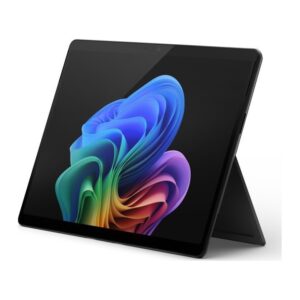
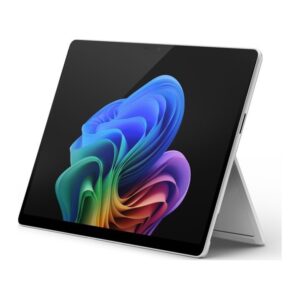
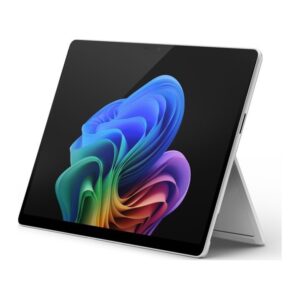
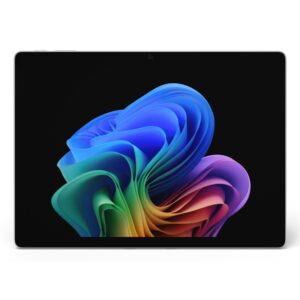
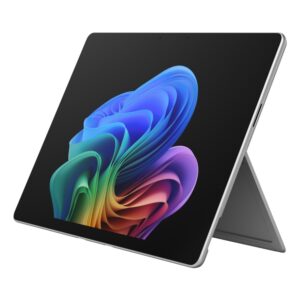
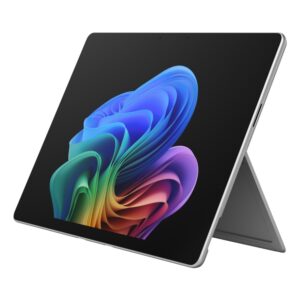
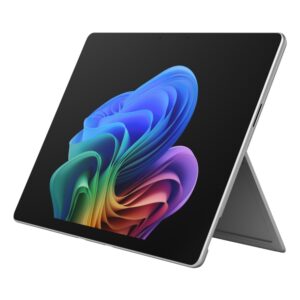
Microsoft Surface Pro

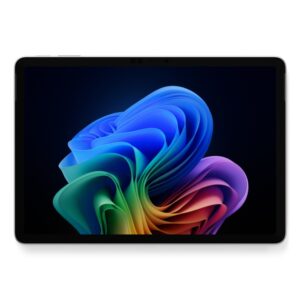
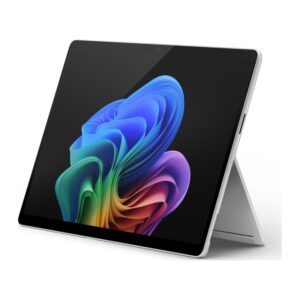
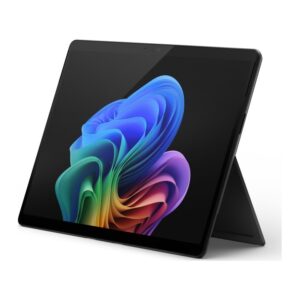
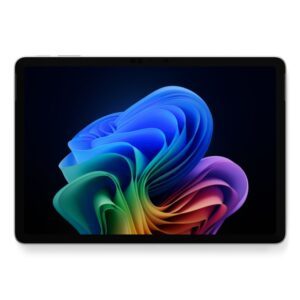
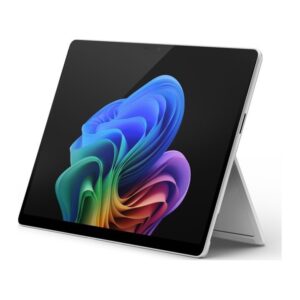
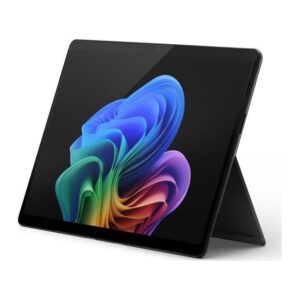
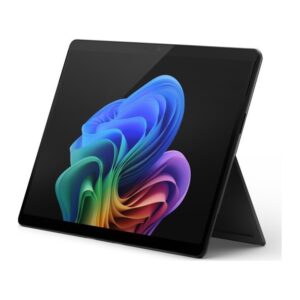
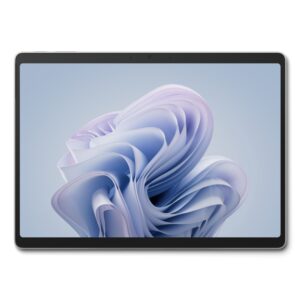
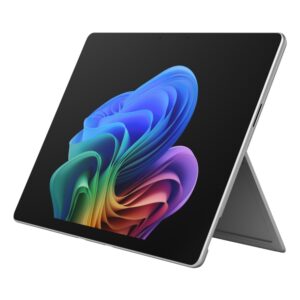
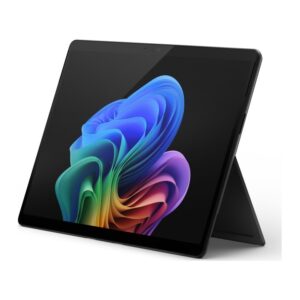
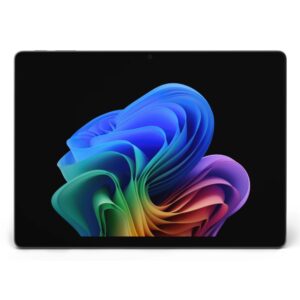
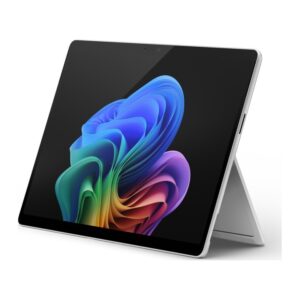
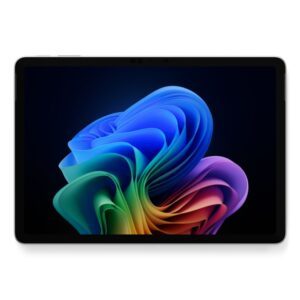
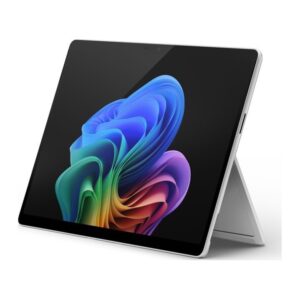
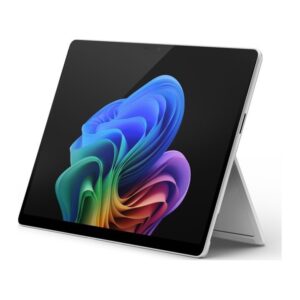
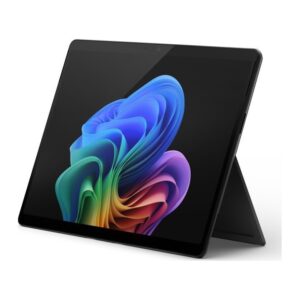
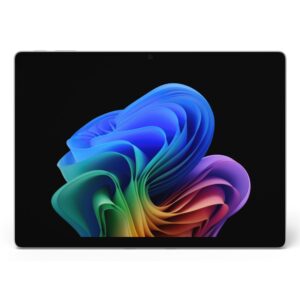
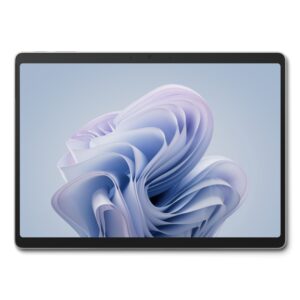
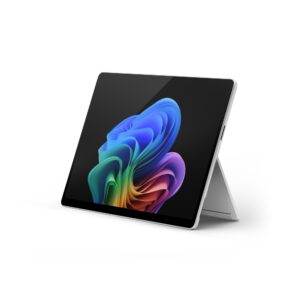
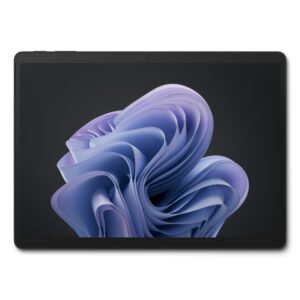
Surface Pro is a full Windows tablet with a kickstand, which becomes a laptop when you attach a keyboard cover. It suits people who want one machine for both jobs and who value weight and the pen over ports and upgradability.

Two things to know before buying.

The keyboard is usually a separate purchase. The tablet is the product; the Type Cover and the Surface Pen are accessories. Check what a listing includes.

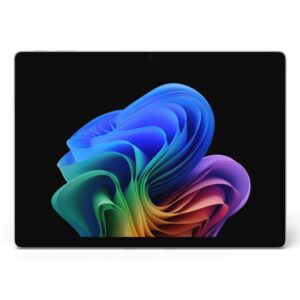
There are two processor families. Intel Core Ultra models run every Windows application without qualification. Snapdragon Copilot+ PC models use an Arm processor, which brings much longer battery life and the on-device Copilot+ features, and runs most software through emulation — excellent for mainstream apps, but worth checking if you depend on specialist or older Windows software.

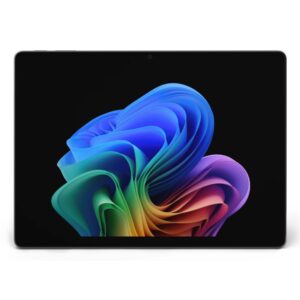
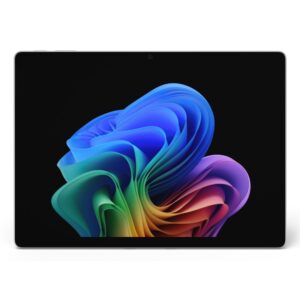
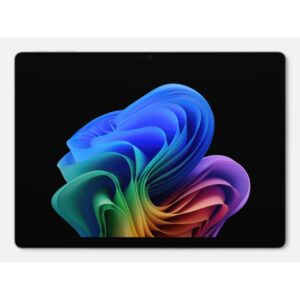
The Surface Pro 11 range here spans 13in displays including OLED, with 16GB of memory and 256GB or 512GB storage.

Microsoft Surface Pro Buying Guide and FAQ

This Microsoft Surface Pro range covers Surface laptops. Below are the common questions.

Are Surface laptops any good?

Surface is a well-known laptop maker with models spanning everyday, business and gaming use. The right one depends on your needs, so look at the processor, memory, storage and screen rather than the badge alone.

Which Surface laptop should I choose?

Decide what you need first: a light everyday laptop, a business machine, or a gaming laptop with RTX graphics. Then pick the Surface model with a modern CPU, at least 16GB of RAM and a fast SSD that fits your budget.

What should I check before buying a Surface laptop?

Check the processor and graphics for the work you do, the RAM and storage (16GB and a 512GB or larger SSD is a good baseline), the screen size and quality, and the battery life. For gaming, focus on the RTX graphics and cooling.