



Save £187
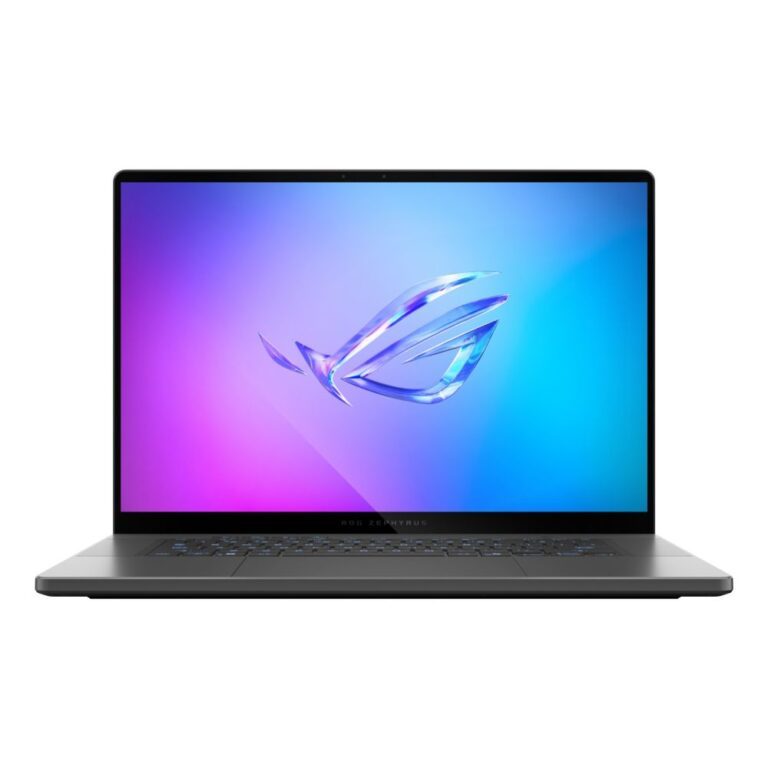
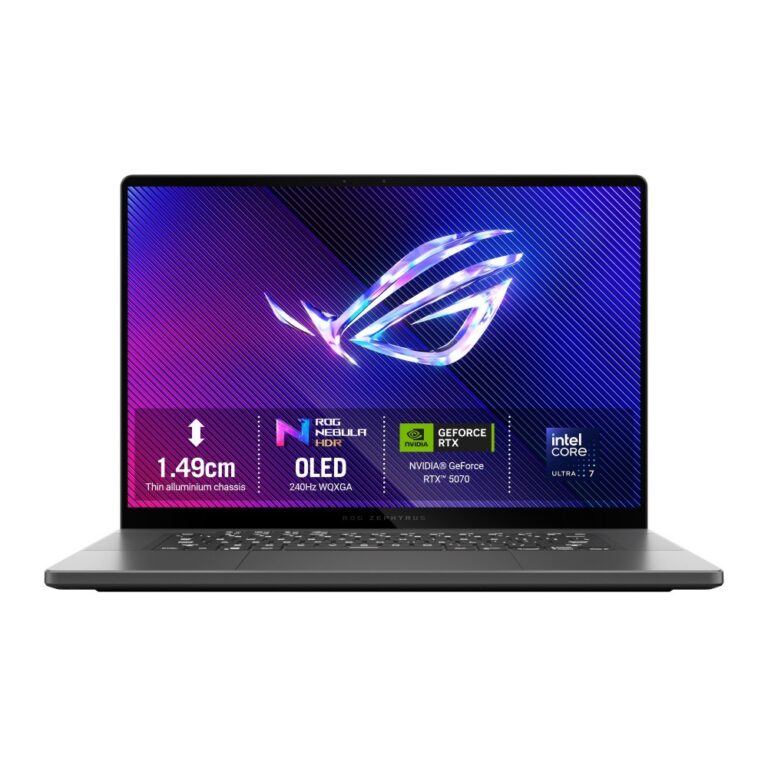
ASUS ROG Zephyrus G16 Laptop Intel Core Ultra 7 255H 16GB 1TB RTX 5070 16″ 2.5K OLED 240Hz Windows 11 Grey
In stock
Original price was: £2,689.19.£2,502.02Current price is: £2,502.02.
Save £154
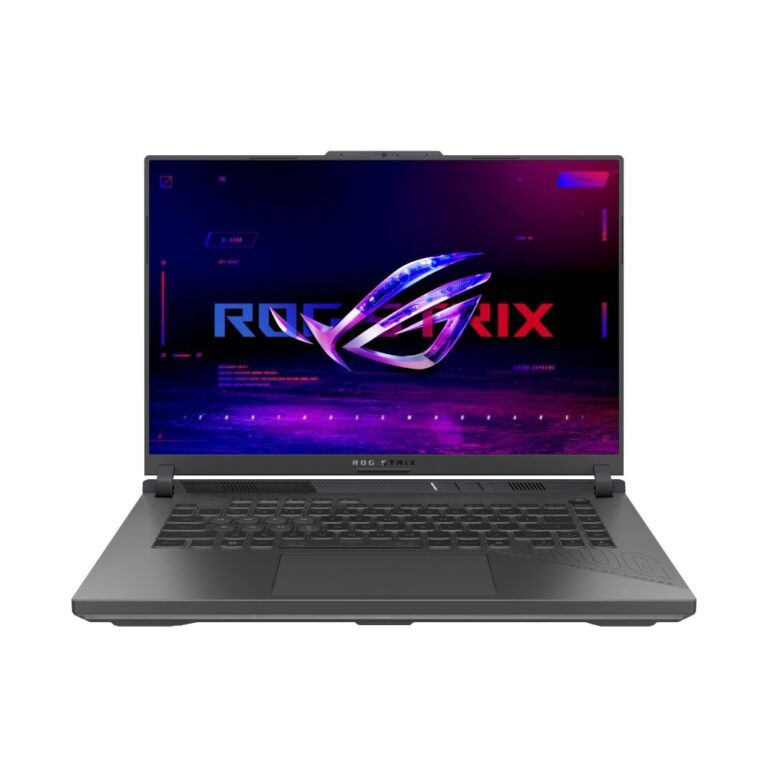
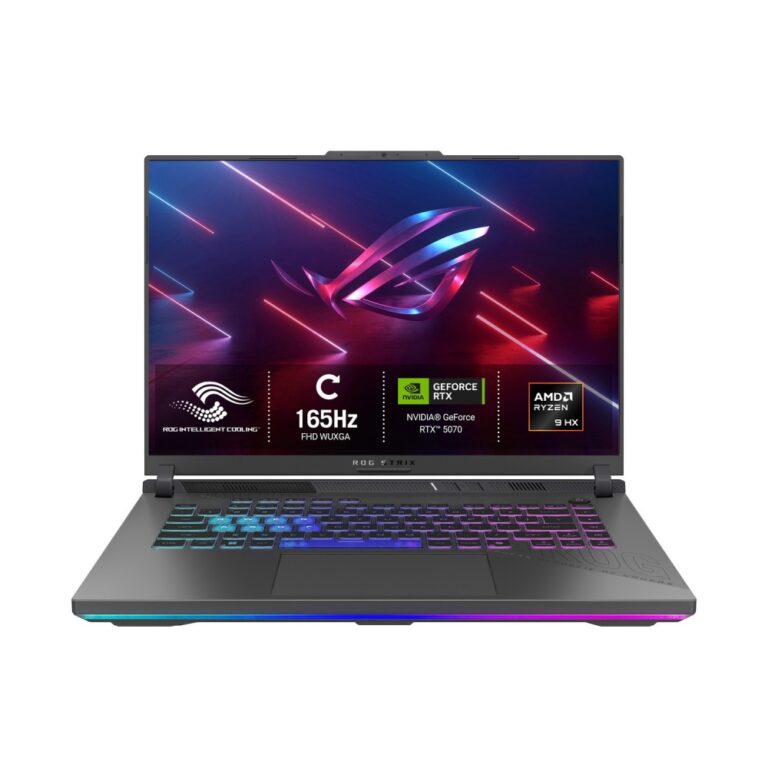
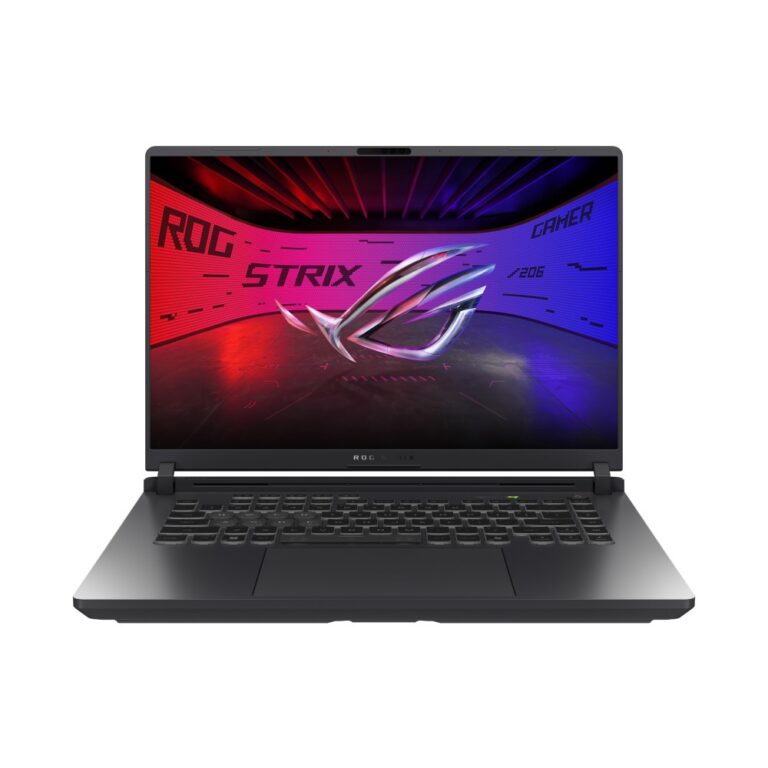
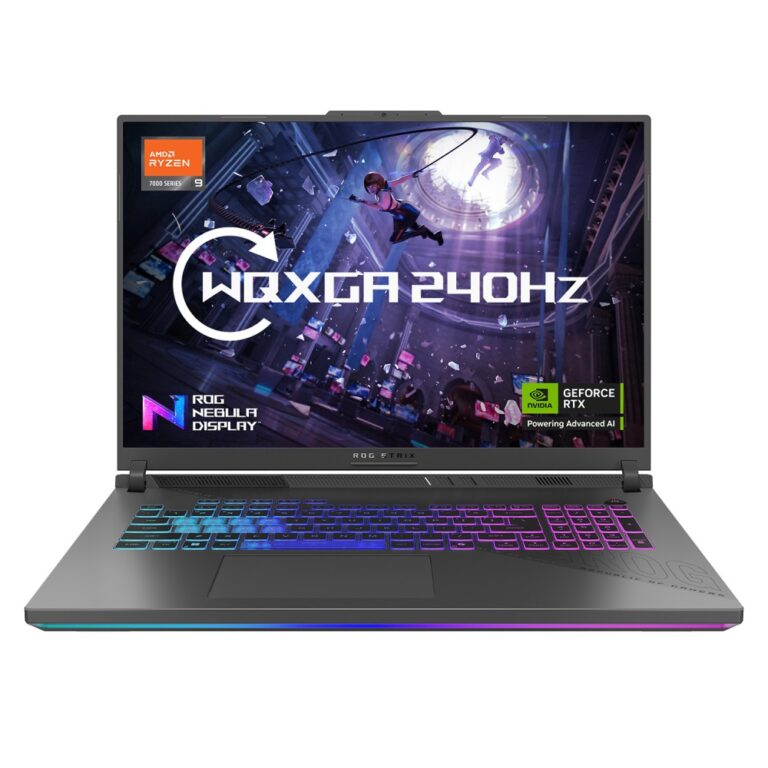
ASUS ROG Strix G16 16″ 165Hz Gaming Laptop AMD Ryzen 9 16GB RAM 1TB SSD NVIDIA GeForce RTX 5070 Windows 11
In stock
Original price was: £2,241.59.£2,087.59Current price is: £2,087.59.
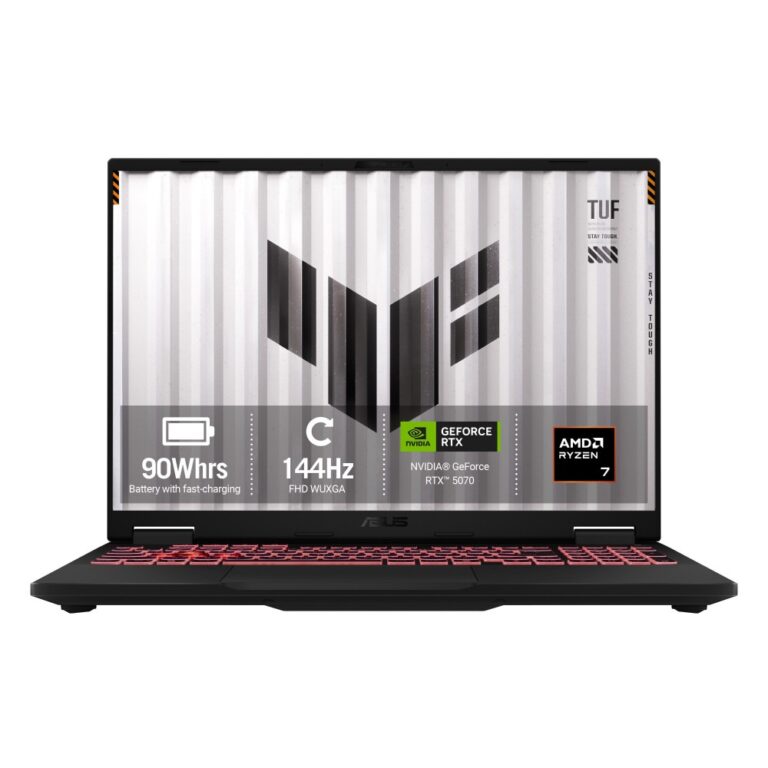
ASUS TUF A16 16″ WUXGA 165Hz IPS Ryzen 7 260 16GB DDR5 1TB SSD RTX 5070 Windows 11 Grey
Out of stock
£2,263.09
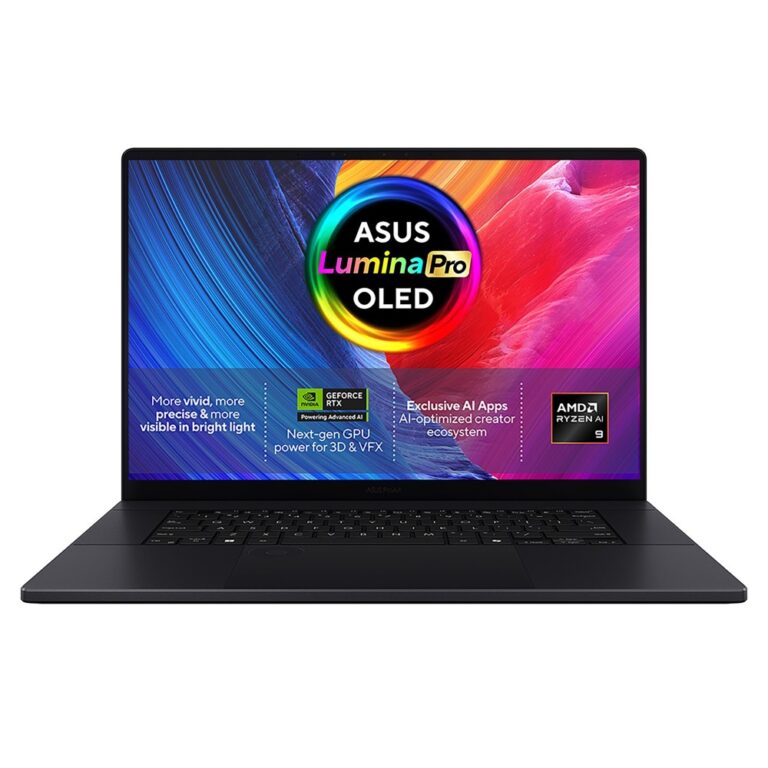
ASUS ProArt P16 Laptop 16″ 3K OLED Ryzen AI 9 465 16GB RAM 1TB SSD RTX 5070 Windows 11 Black
Out of stock
£2,869.09

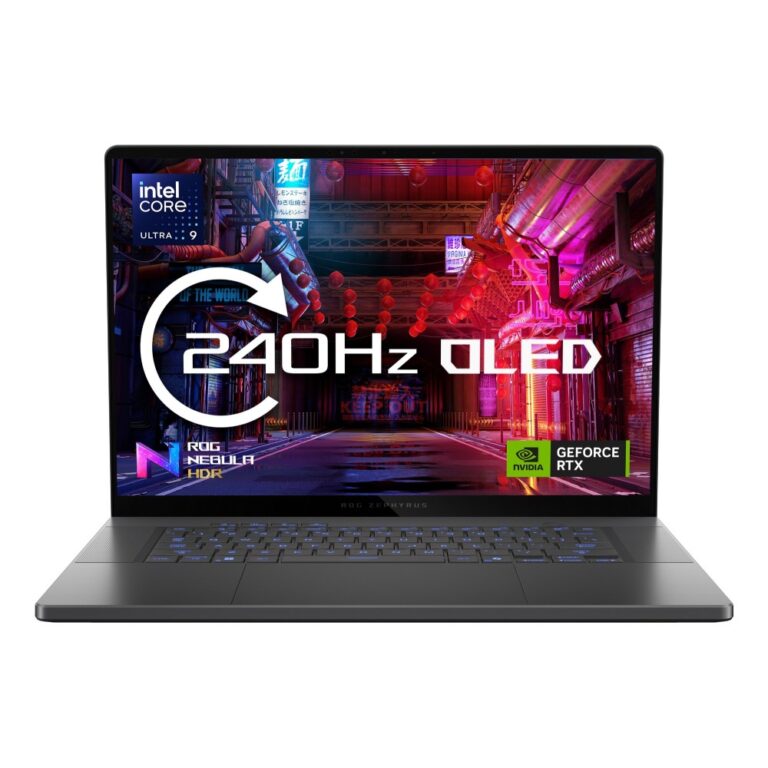
Save £231
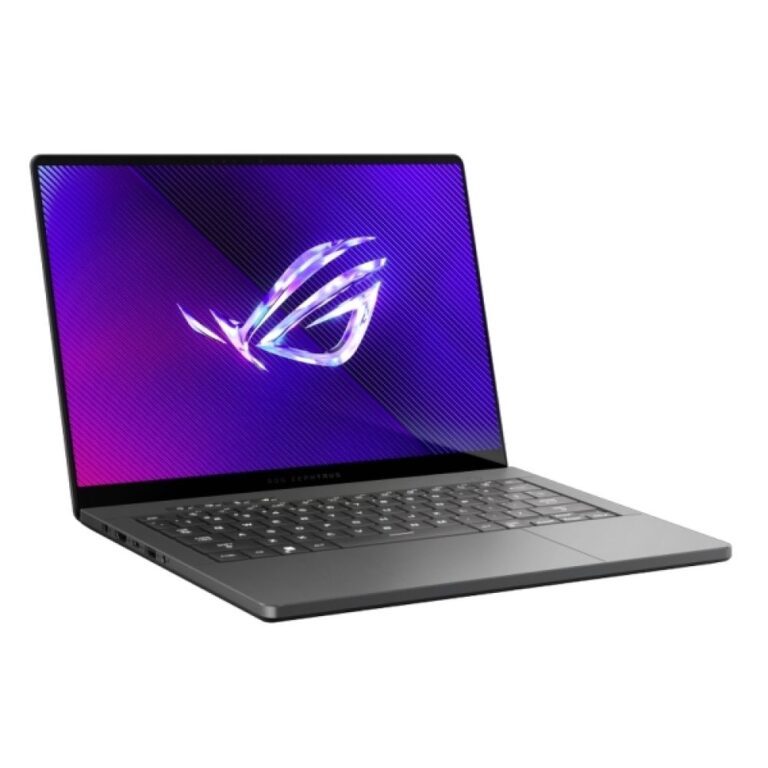
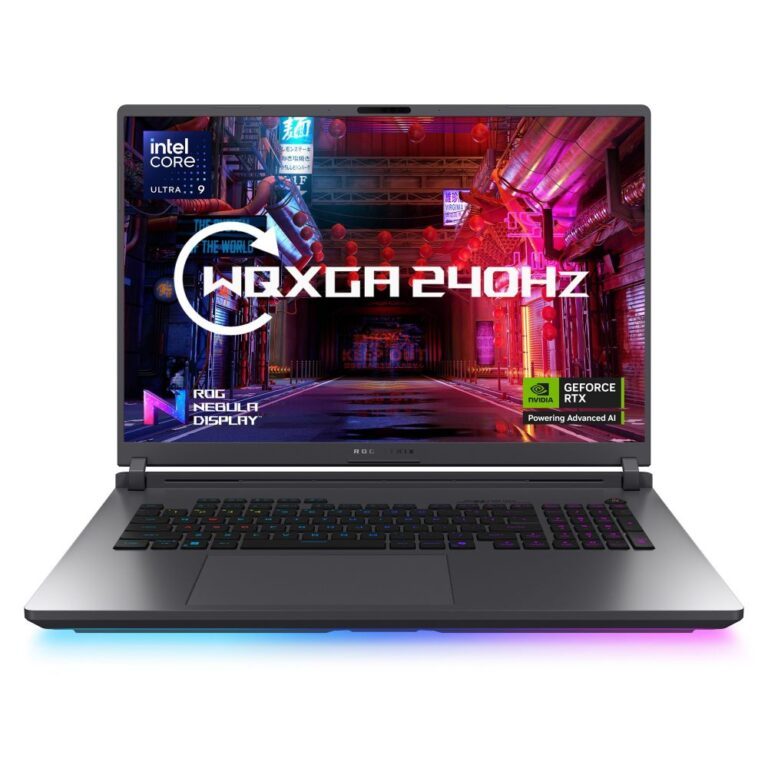
ASUS ROG Zephyrus G16 GU606AP-TB002W Ultra 9 386H 32GB 1TB RTX 5070 Win 11 Home
Out of stock
Original price was: £3,473.99.£3,242.62Current price is: £3,242.62.
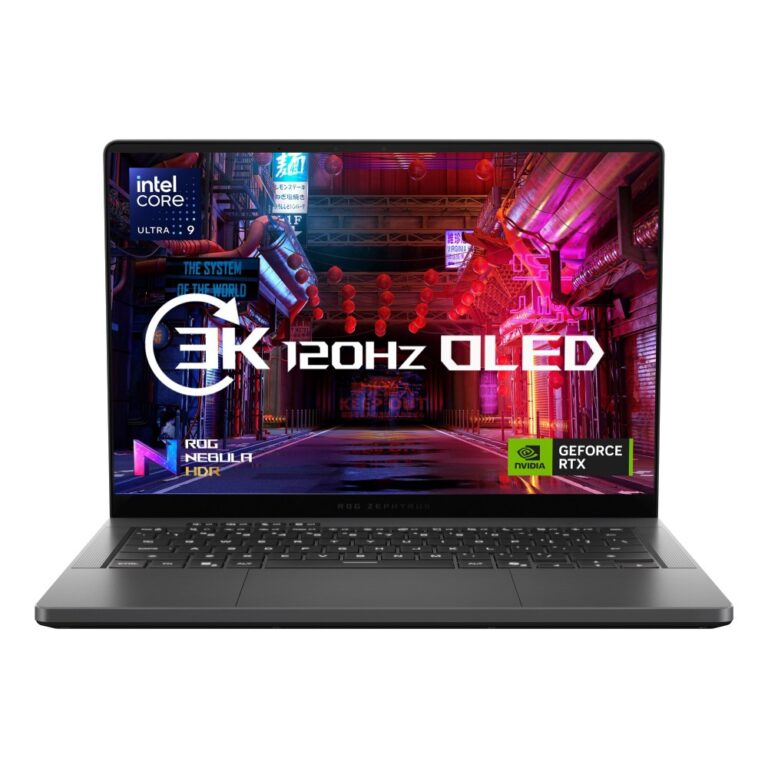
Save £185
ASUS ROG Zephyrus G14 GU405AP-SY004W Ultra 9 32GB 1TB RTX 5070 14″ 3K Win 11 Home
Out of stock
Original price was: £3,249.59.£3,064.69Current price is: £3,064.69.
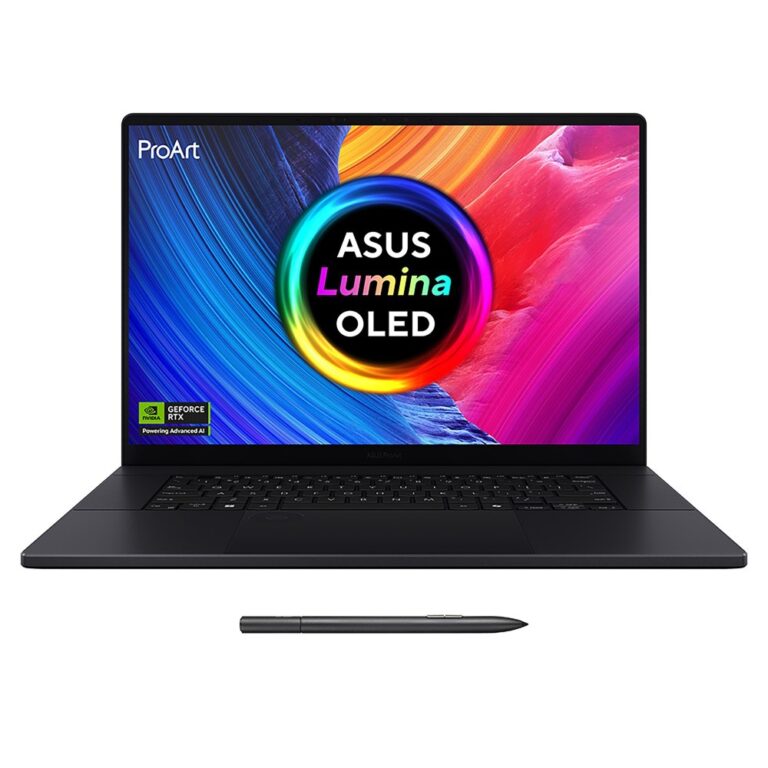
ASUS ProArt P16 H7606WP 16″ 3K Touch Ryzen AI 9 HX 370 RTX 5070 4TB SSD 64GB RAM
Out of stock
£3,281.18
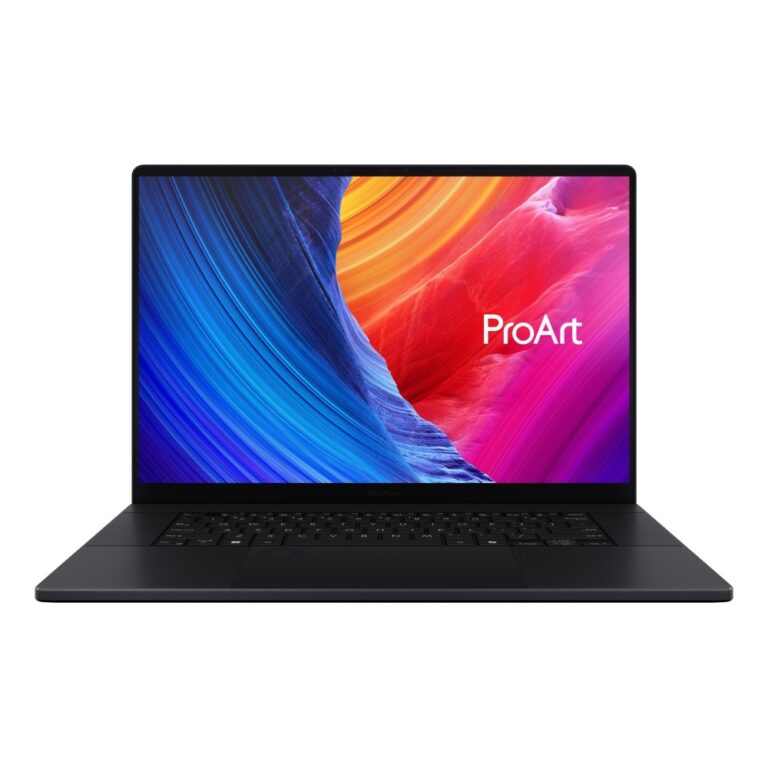
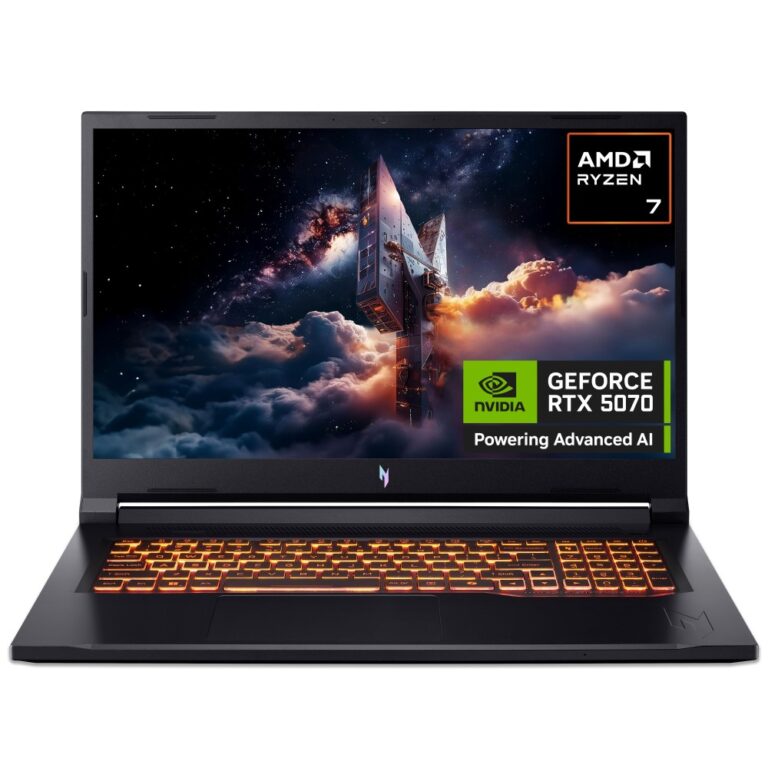
Acer Nitro V 17 AI ANV17-41 | Ryzen 7 260 | 16GB | 1TB NVMe | RTX 5070 | 17.3″ FHD | Win 11
Out of stock
£1,790.96