

Price
Brand
Availability
Processor
Shop Categories
RTX 5080 Laptops
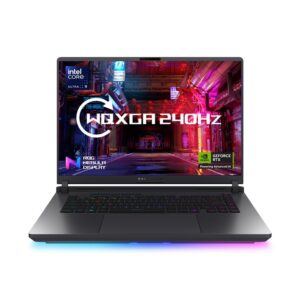
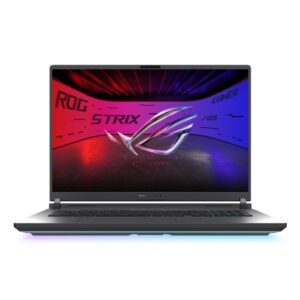
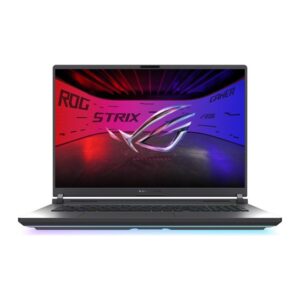
ASUS ROG Strix G18 G815LW-SA265W Ultra 9, RTX 5080, 32GB, 2TB SSD, Win 11
In stock
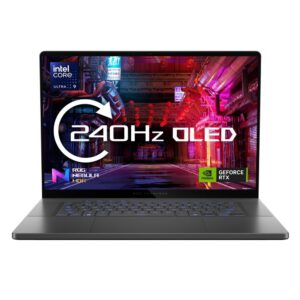
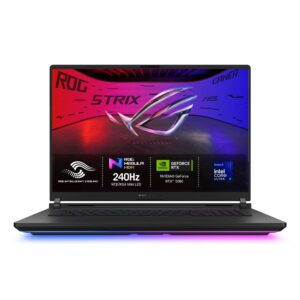
Asus ROG Zephyrus G16 16 Inch Laptop – Intel Core Ultra 9, 32GB RAM, 2TB SSD, GeForce RTX 5080, 240Hz, Windows 11
Out of stock
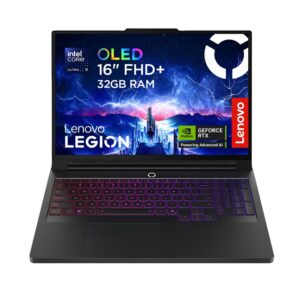
Lenovo Legion Pro 7 16IAX10H 16″ WQXGA 240Hz OLED Core Ultra 9 275HX 32GB DDR5 1TB SSD RTX 5080 Windows 11 Black
Out of stock
The RTX 5080 in a laptop sits near the top of NVIDIA’s mobile range, aimed at 1440p at high refresh rates, 4K with DLSS, and professional work — 3D rendering, video finishing and AI tasks that use the card’s memory.
At this level the laptop matters as much as the GPU. These parts draw a great deal of power and produce a great deal of heat, so only a substantial 16in or 18in chassis with serious cooling will sustain the highest graphics power limits through a long session. A thinner machine with the same card will run fast briefly and then settle considerably lower. Where the manufacturer publishes the graphics power figure, it tells you more than the card name does.
Expect the consequences: weight approaching 3kg, a large external power brick, and audible fans under load. That is what the performance costs, not a fault.
Match the display — QHD or WQXGA at a high refresh rate, not Full HD — and expect 32GB of memory at this price.
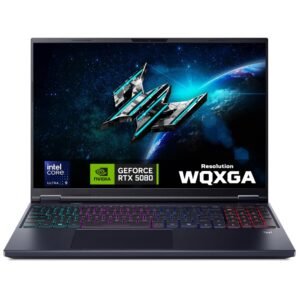
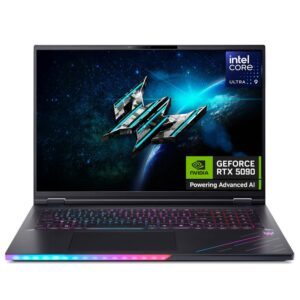
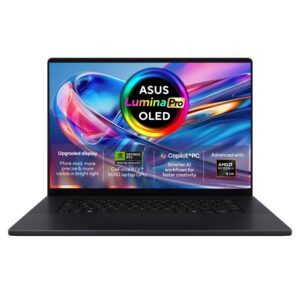
The range covers ASUS ROG Strix and ProArt, and Acer Predator Helios Neo.
See all gaming laptops.
RTX 5080 Laptops Buying Guide and FAQ
This RTX 5080 Laptops range covers laptop laptops. Below are the common questions.
What makes a good laptop laptop?
For laptop use, prioritise the right balance of performance, portability and battery life. A modern CPU, 16GB of RAM and a fast SSD suit most needs, with a good screen and a sturdy build for daily carrying.
What specs do I need for a laptop laptop?
Aim for at least 16GB of RAM and a 512GB SSD, with 32GB and a larger drive if you multitask heavily or do creative work. Battery life and weight matter if you are often on the move.
How do I pick the right one?
Start with how you will use it, then match the processor, memory, storage and screen to that. Compare battery life and build quality, and set a budget that covers the specs you actually need.