







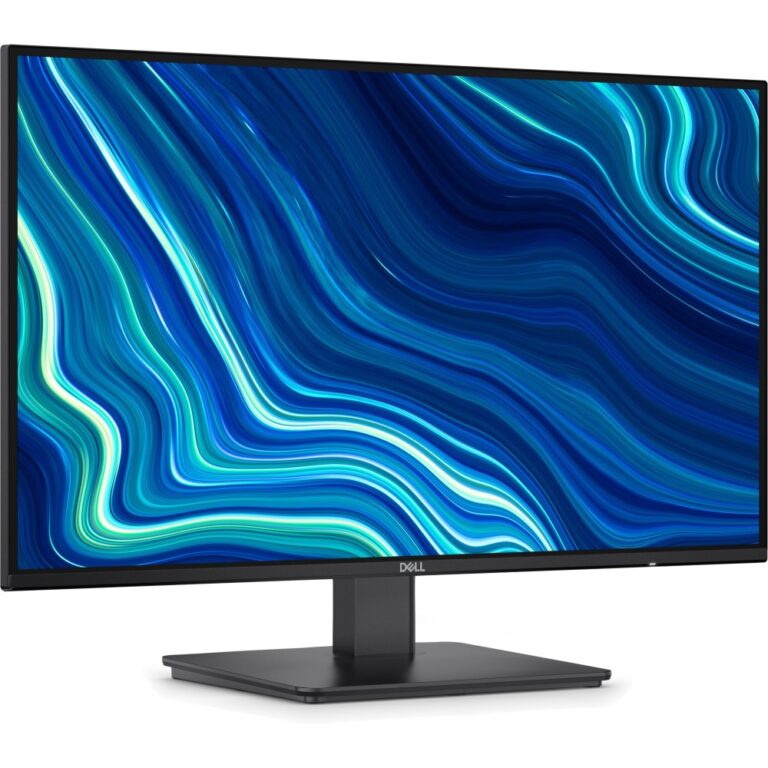
Save £8.26
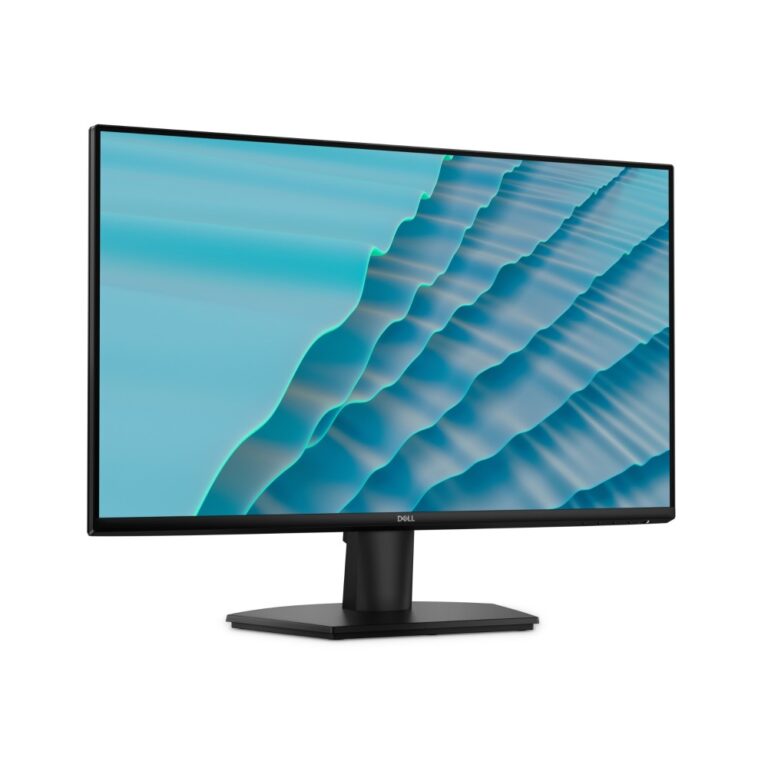
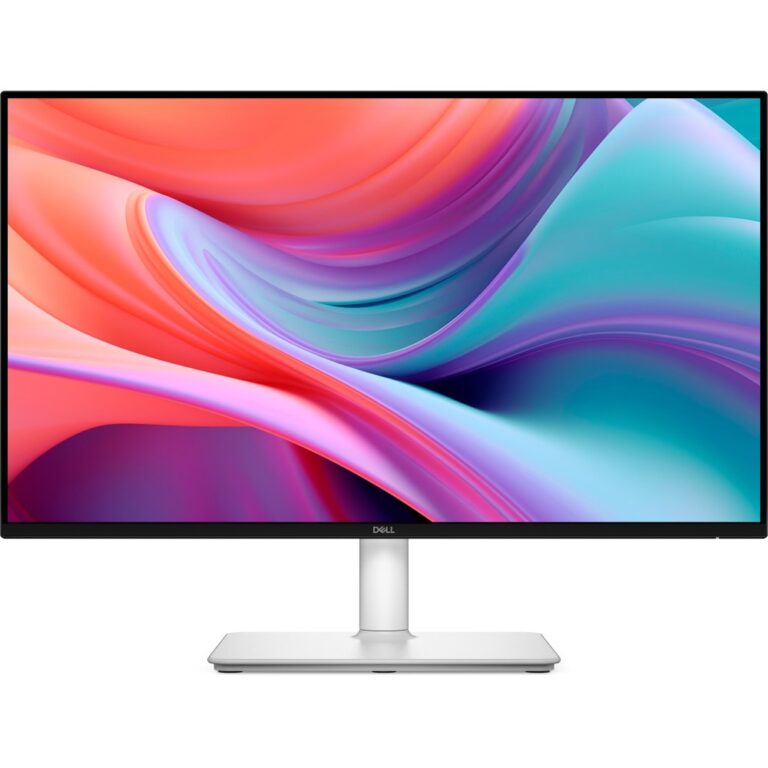
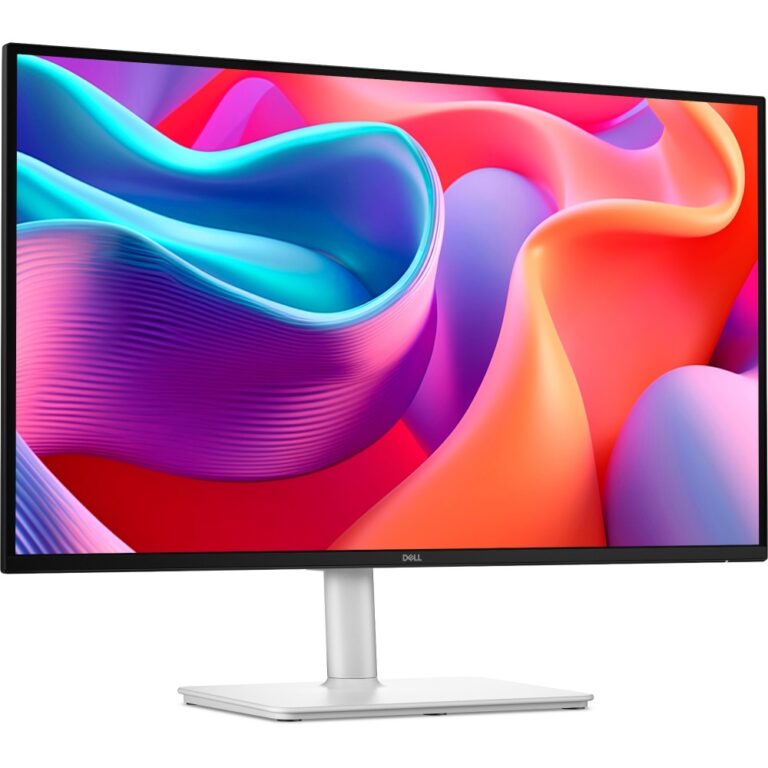
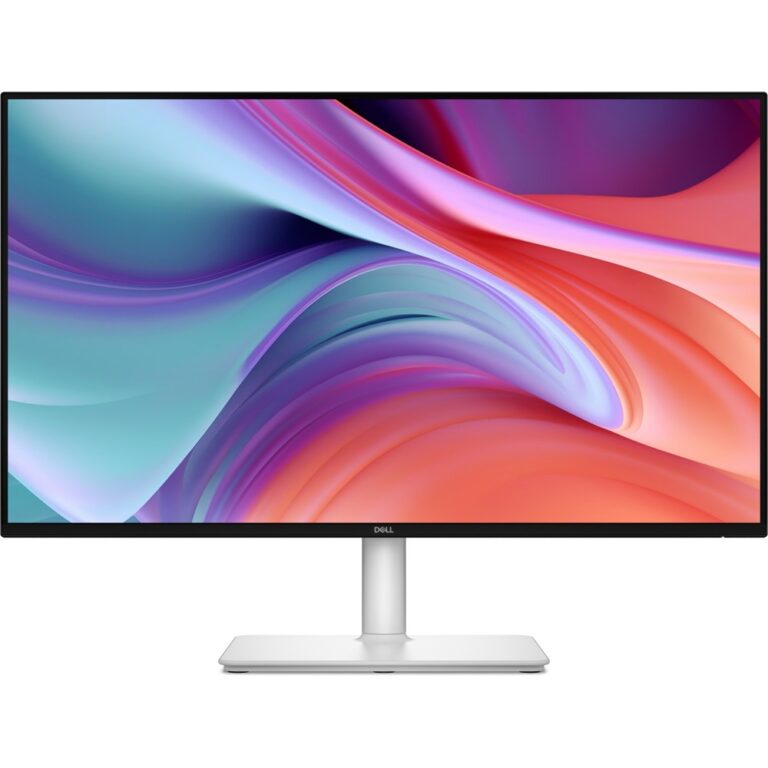
Dell SE2726D 27-Inch QHD 144Hz IPS Monitor, Black
In stock
Original price was: £152.39.£144.13Current price is: £144.13.
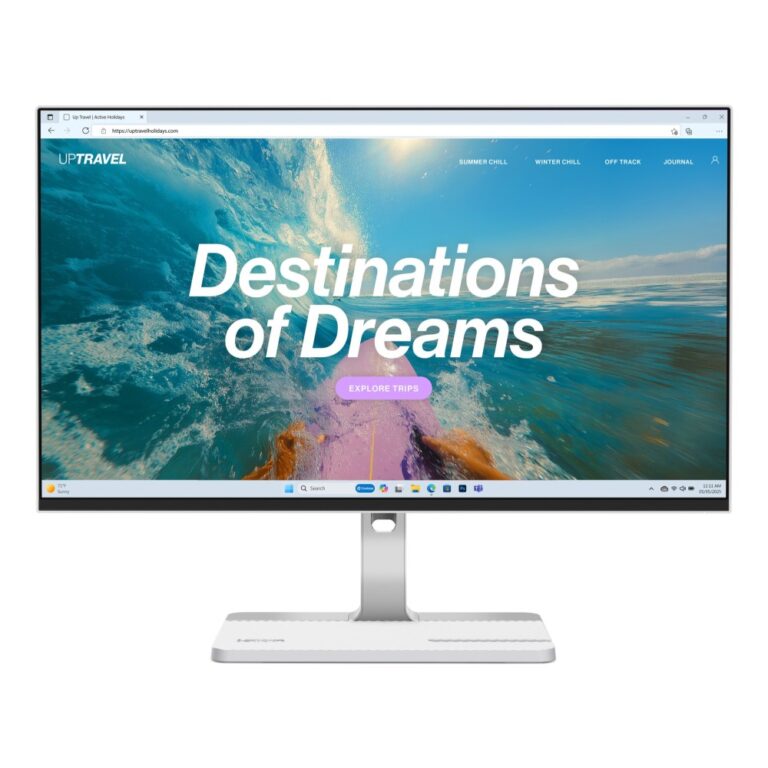
Save £9.17
Lenovo L24D-4C Monitor 23.8″ Full HD IPS 144Hz 1920×1080 FreeSync USB-C Grey
In stock
Original price was: £177.59.£168.42Current price is: £168.42.
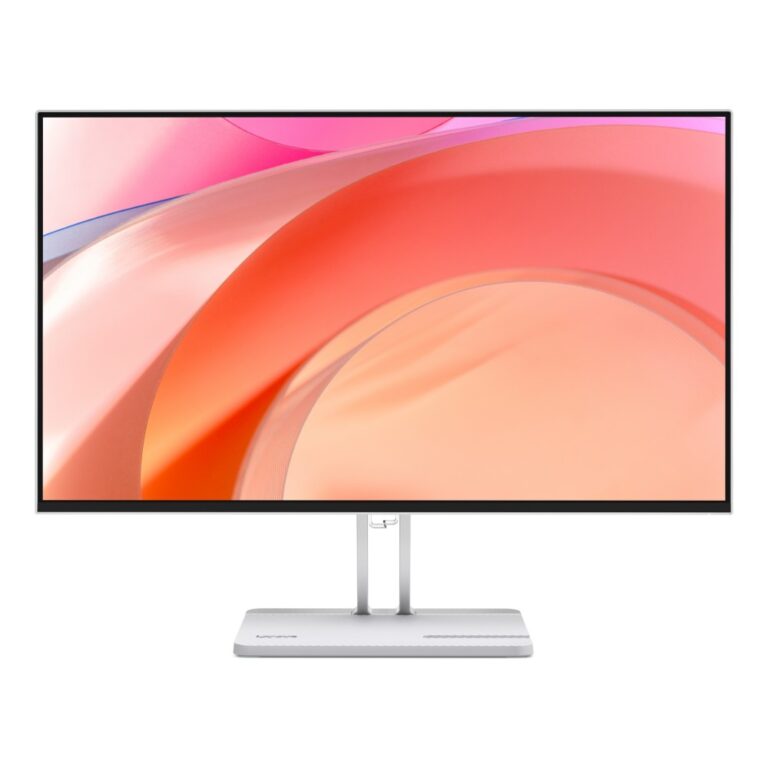
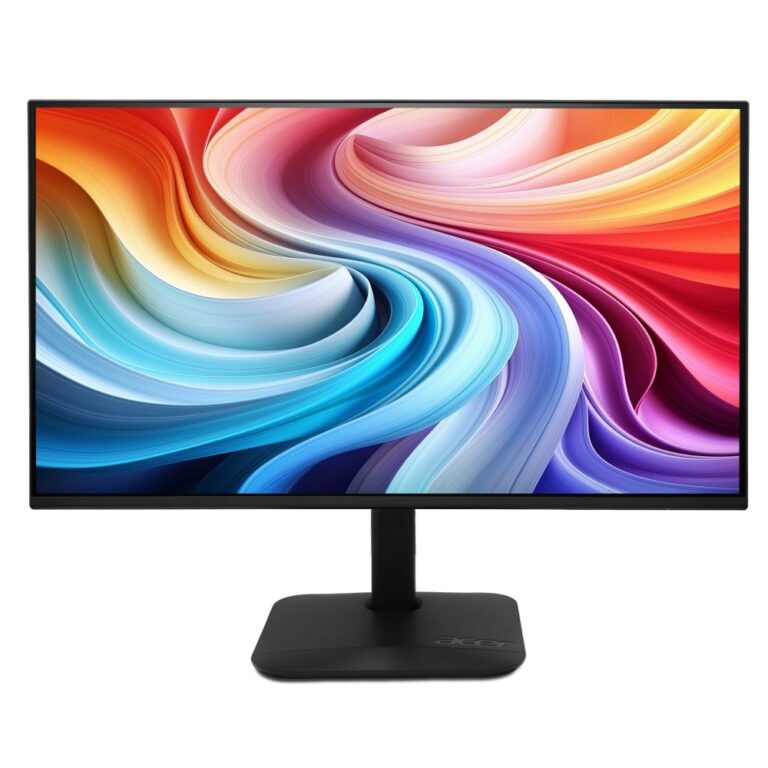
Save £5.20
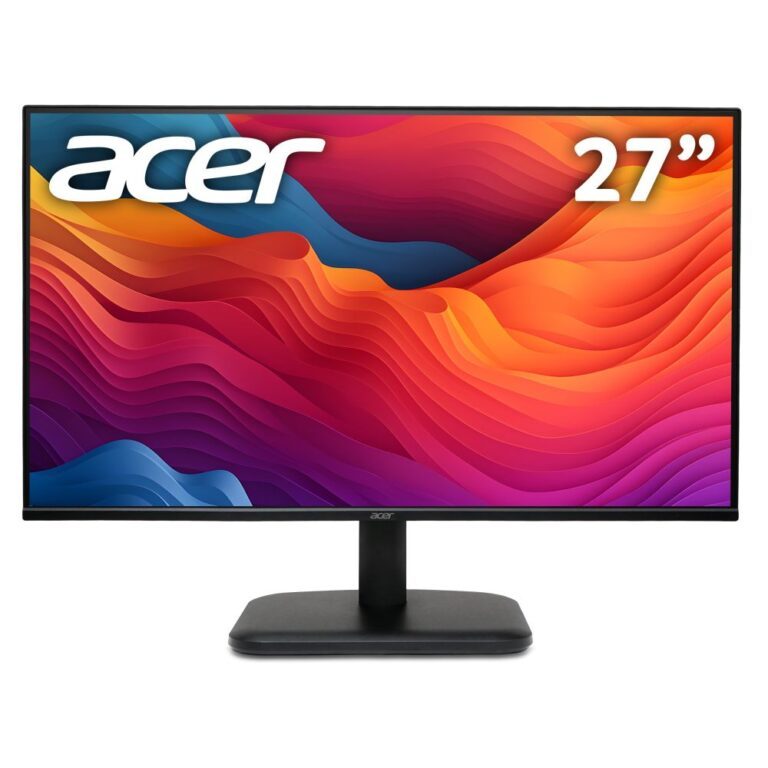
Acer KA272P6 27″ Full HD IPS Monitor, 1920×1080, 144Hz, 1ms, FreeSync, Black
In stock
Original price was: £92.39.£87.19Current price is: £87.19.
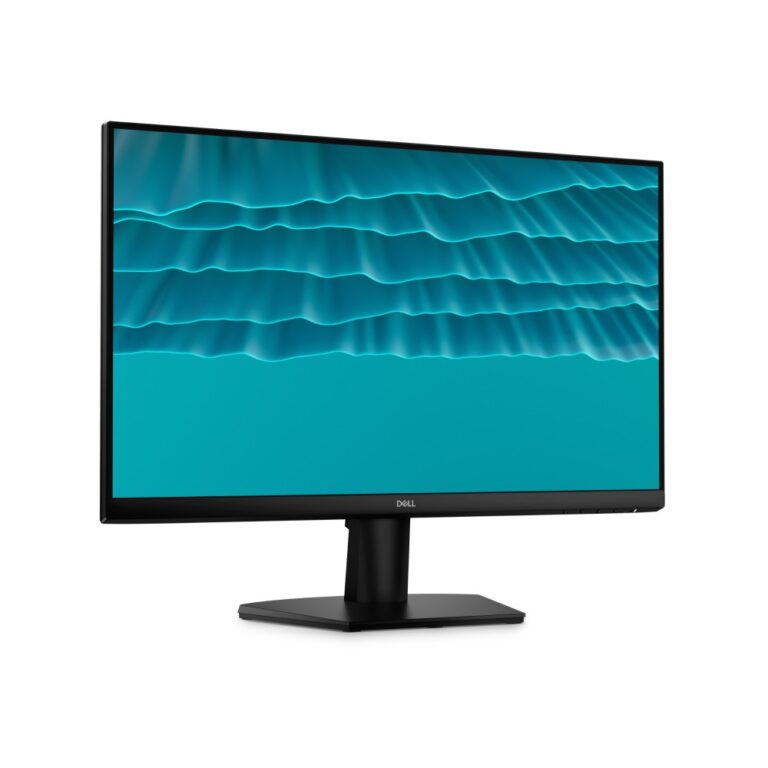
Save £6.69
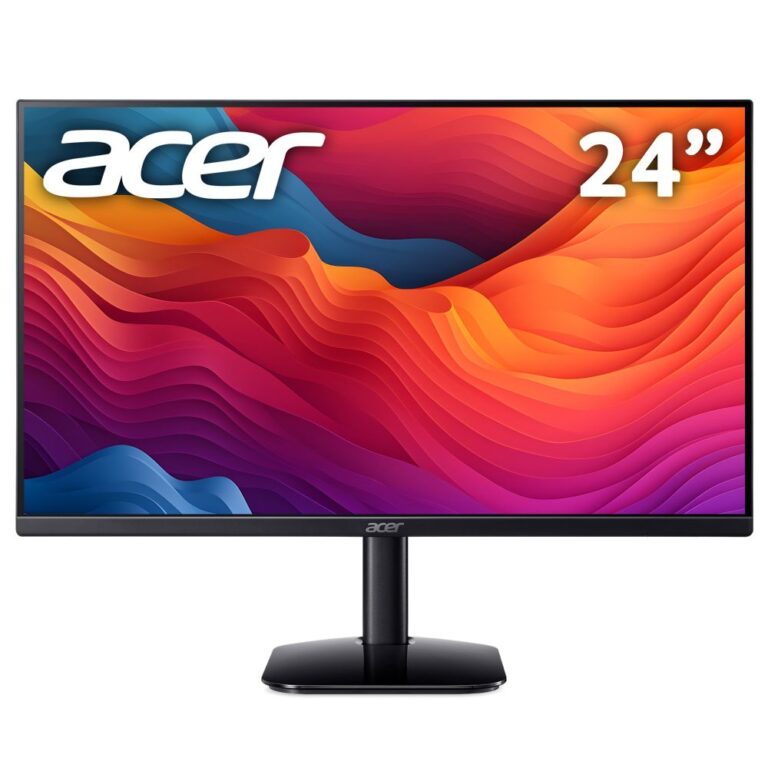
DELL SE2426H 23.8″ Full HD LCD Monitor
In stock
Original price was: £99.59.£92.90Current price is: £92.90.
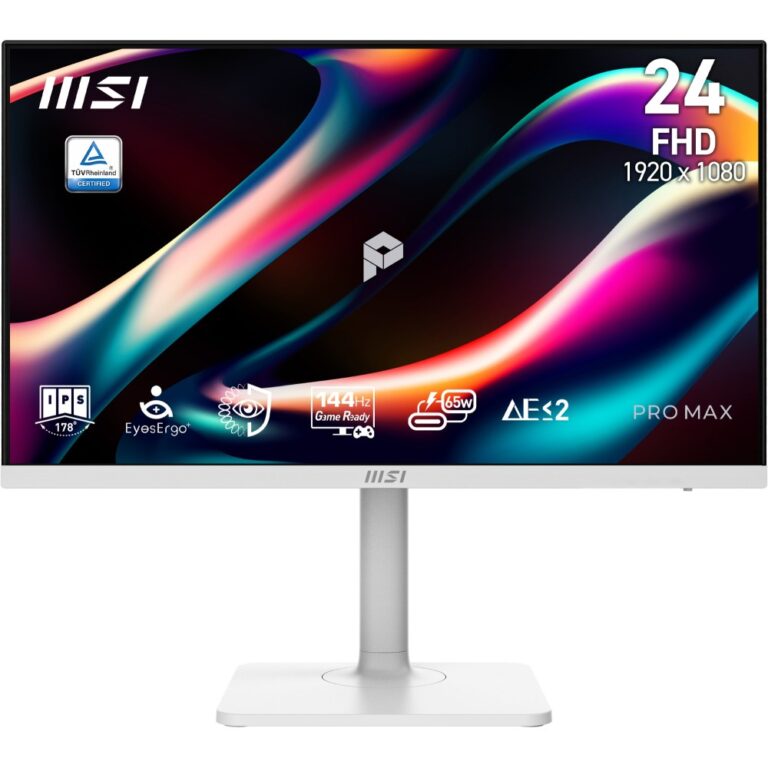
Save £9.91
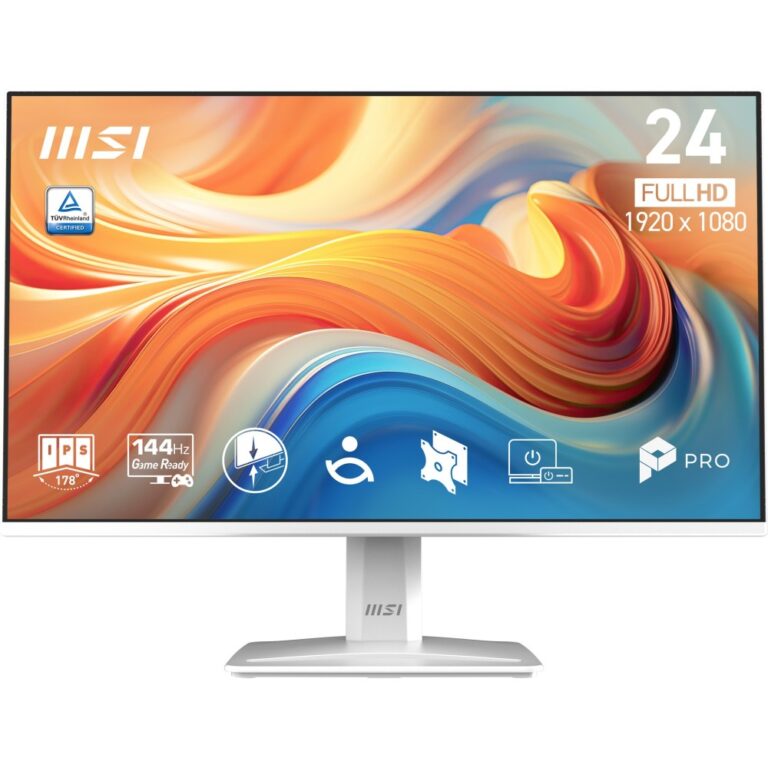
MSI PRO 241PHW 23.8″ Full HD White Monitor
In stock
Original price was: £188.39.£178.48Current price is: £178.48.
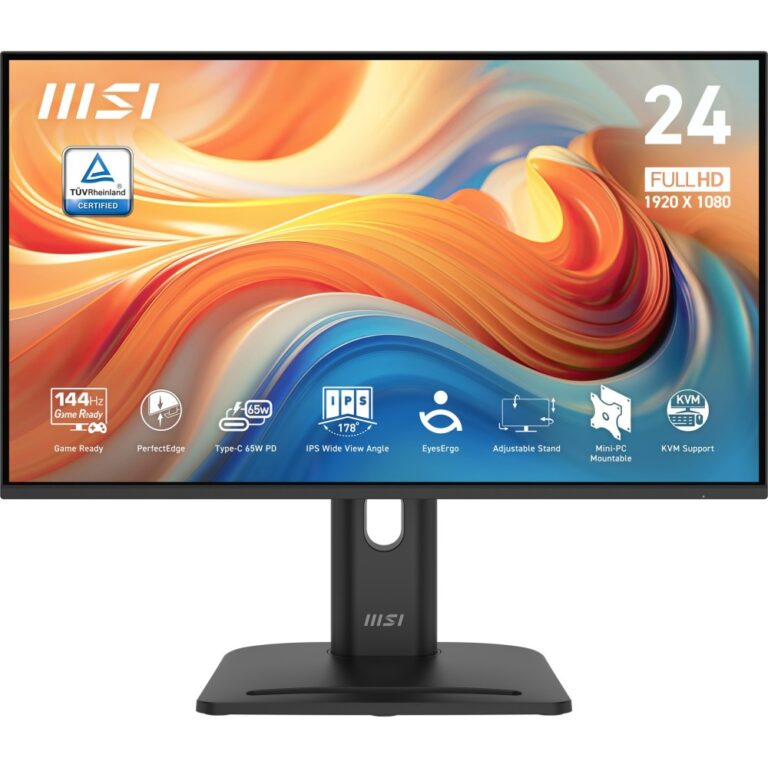
Save £9.61
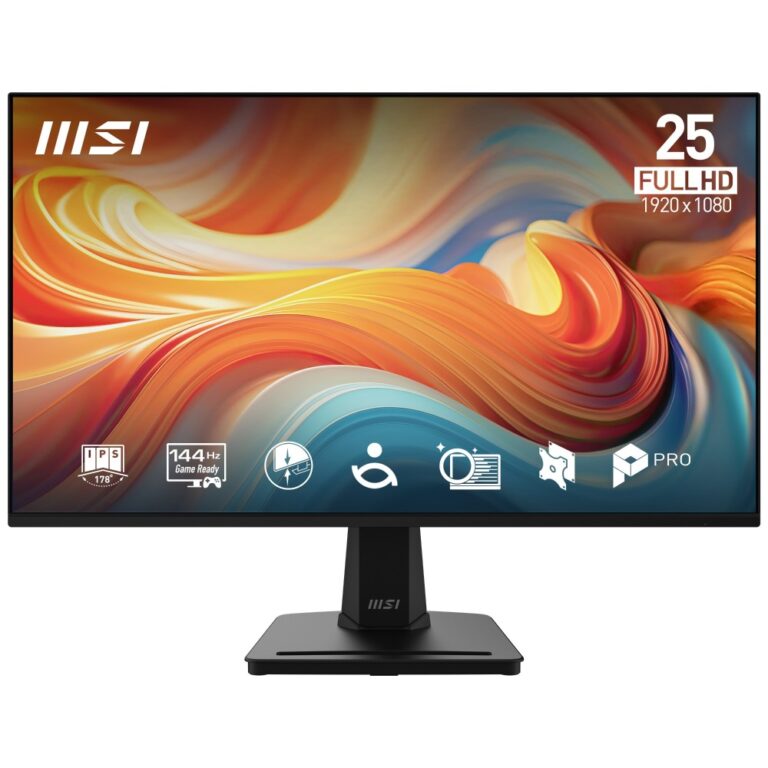
MSI Pro MP245PHG E14 23.8″ Full HD Monitor
In stock
Original price was: £188.39.£178.78Current price is: £178.78.
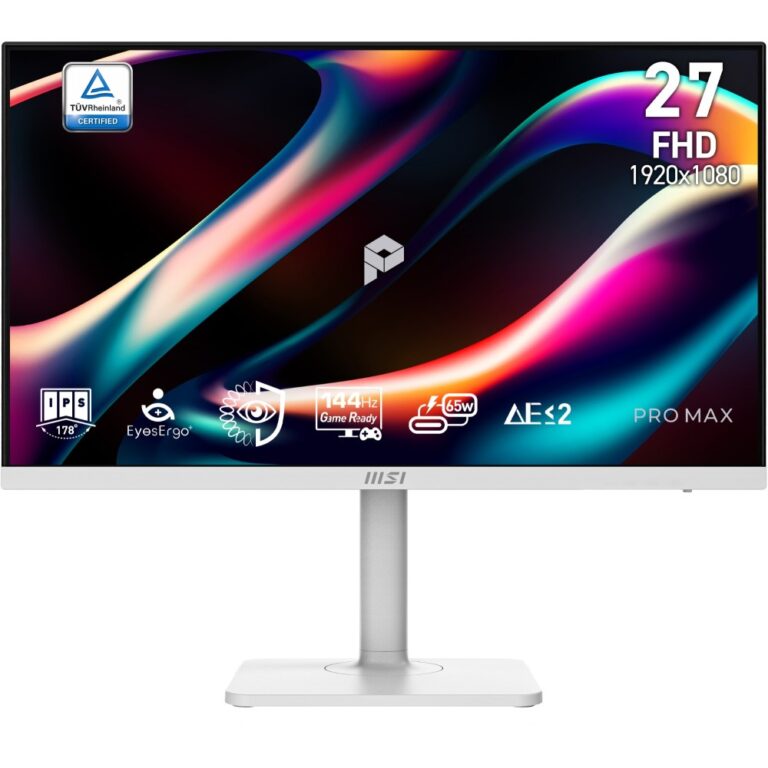
Save £13
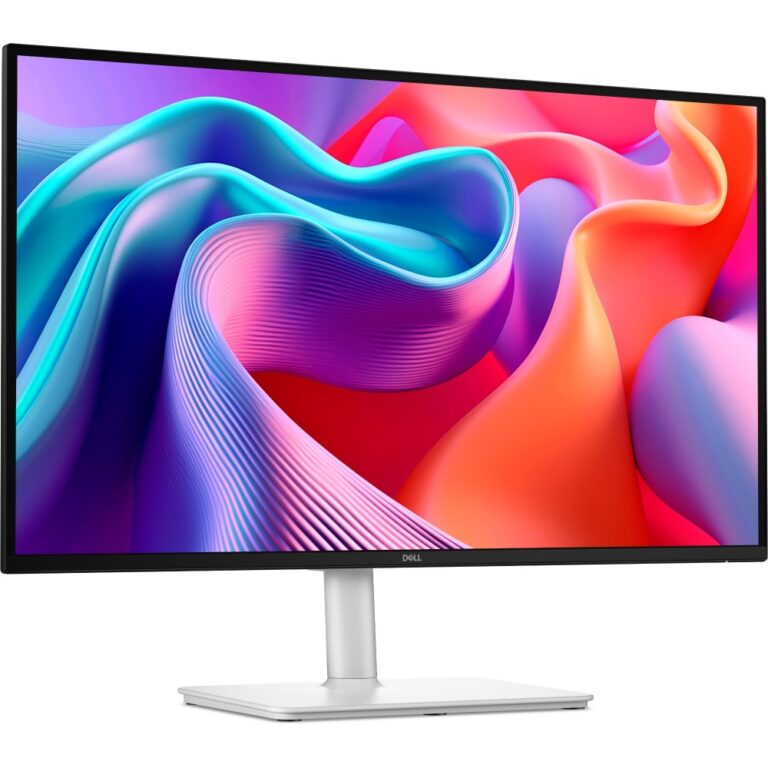
DELL S2725DSM 27″ 2560×1440 Quad HD White Monitor
In stock
Original price was: £237.59.£224.26Current price is: £224.26.
Save £7.42
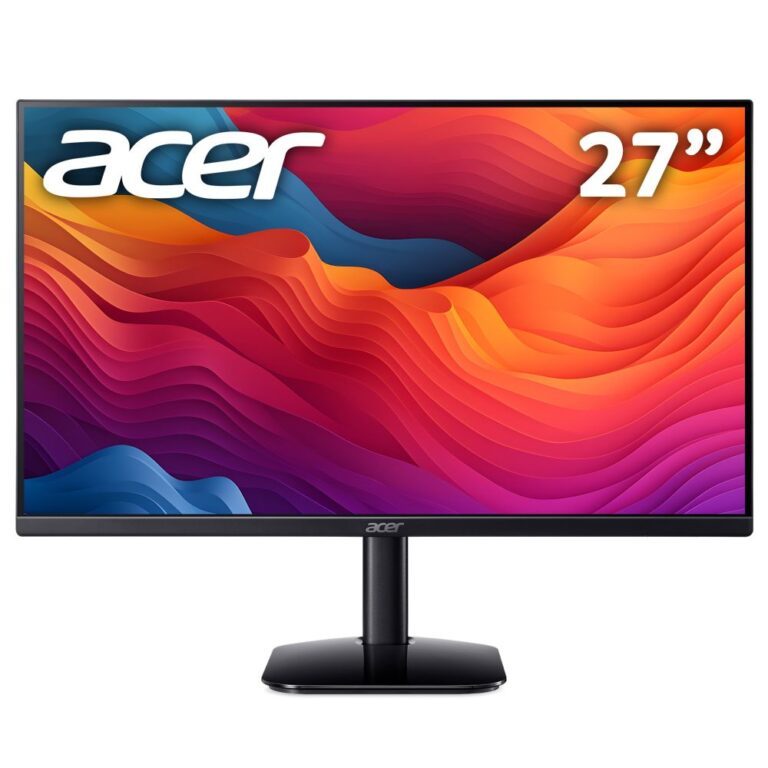
Acer KB272P0 27″ 144Hz Gaming Monitor
In stock
Original price was: £121.19.£113.77Current price is: £113.77.
Save £7.41
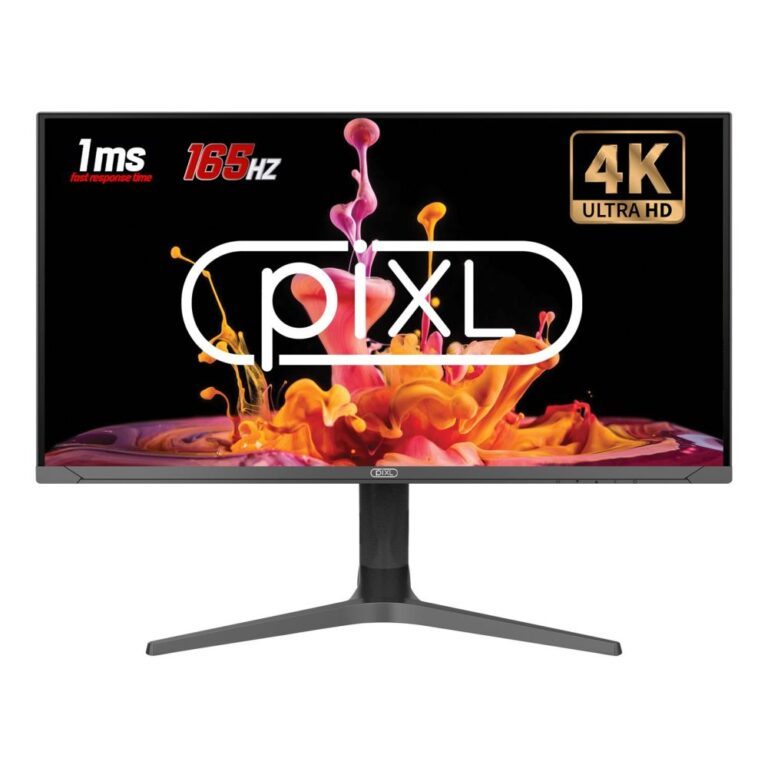
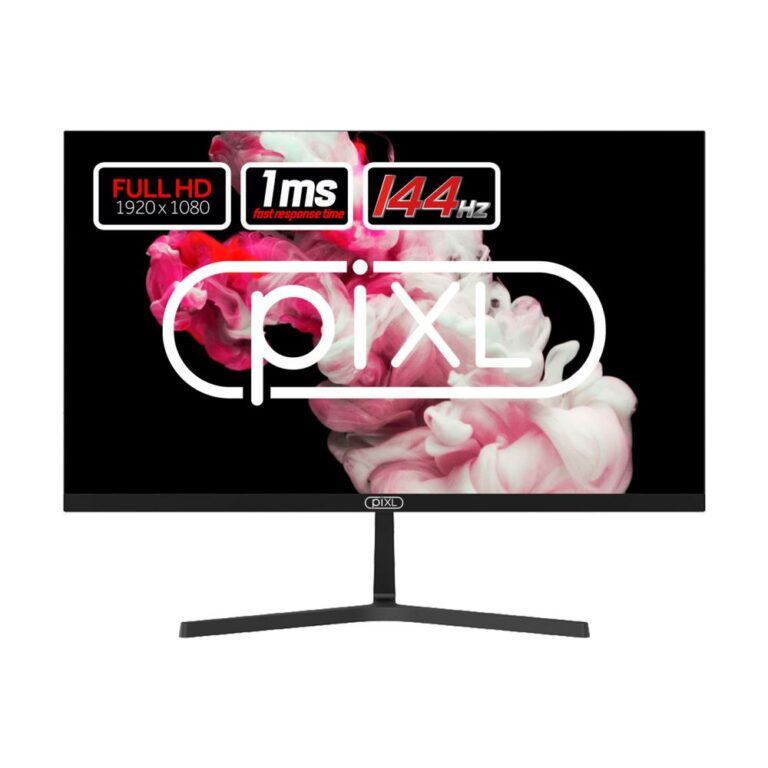
PIXL 27″ 144Hz IPS Monitor with Speakers
In stock
Original price was: £112.79.£105.38Current price is: £105.38.