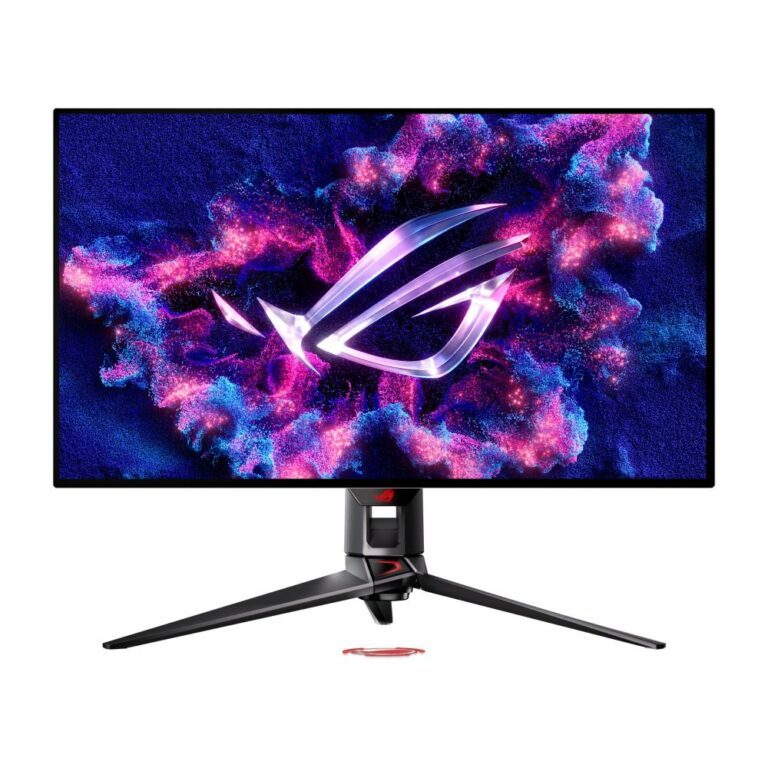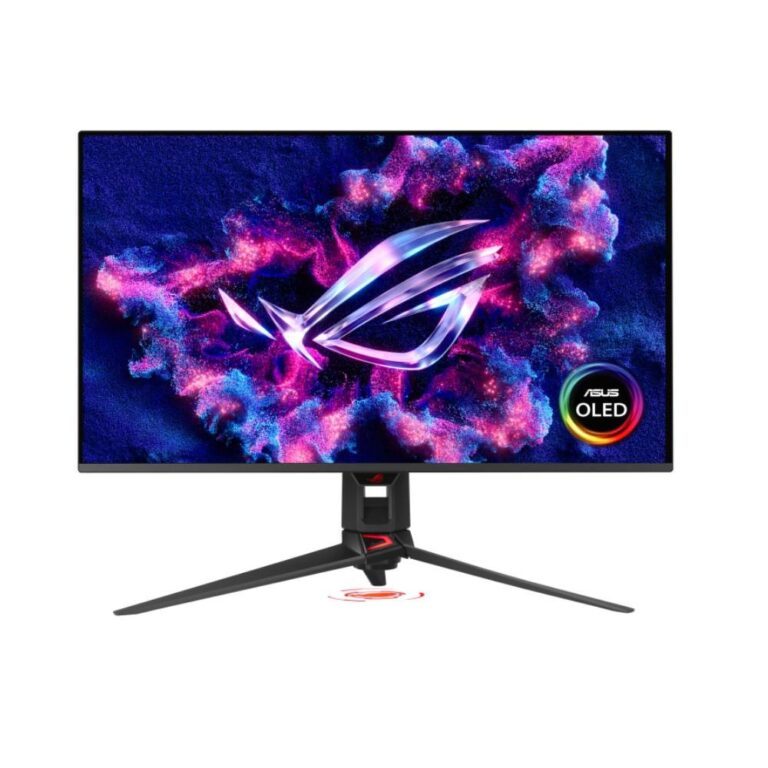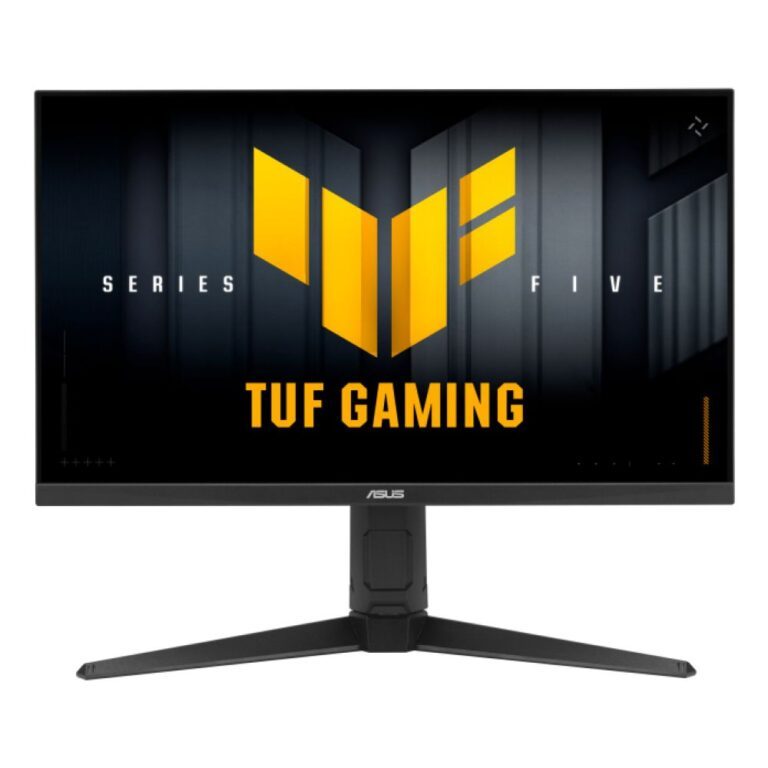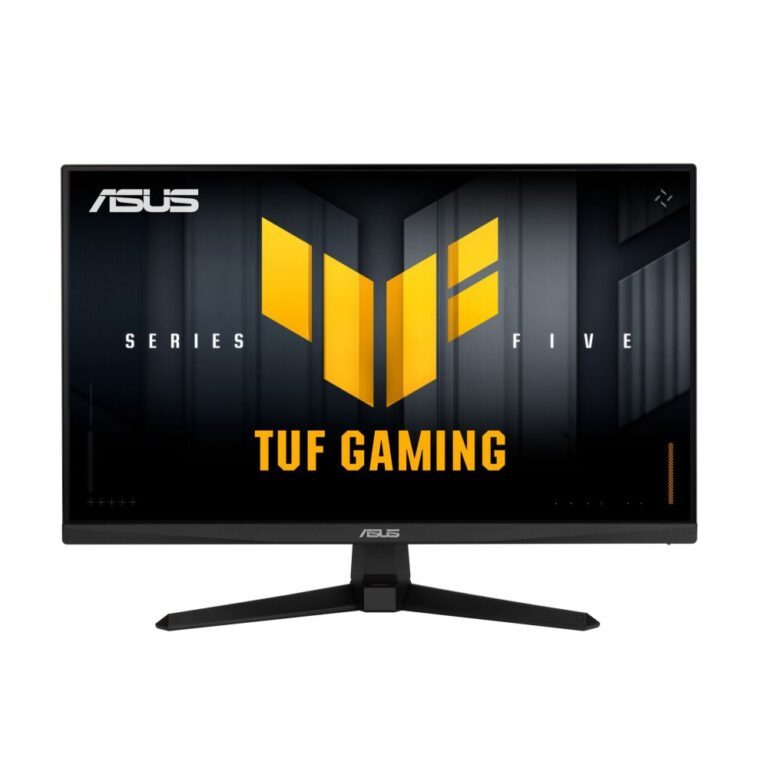






240Hz Monitors
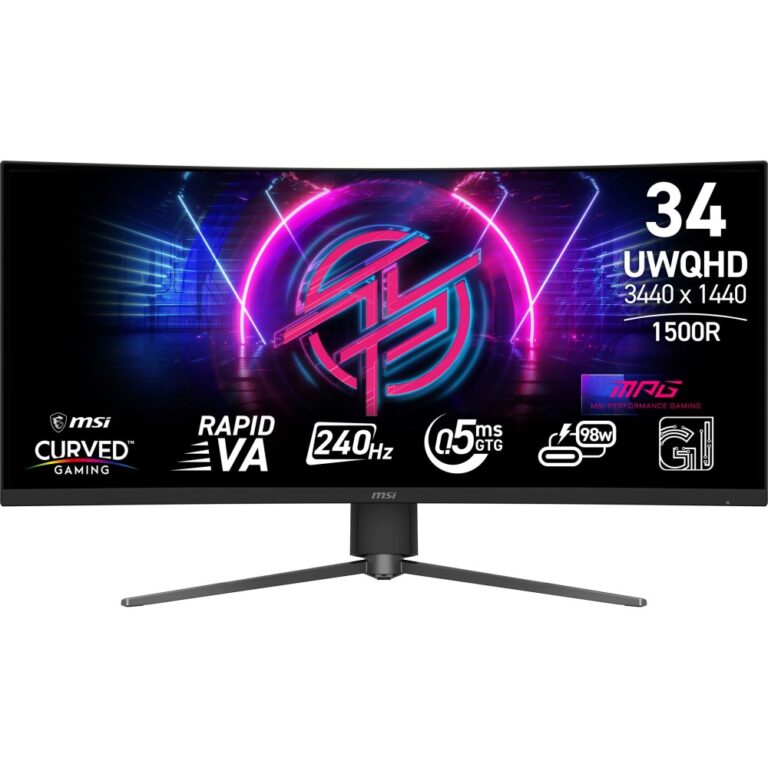
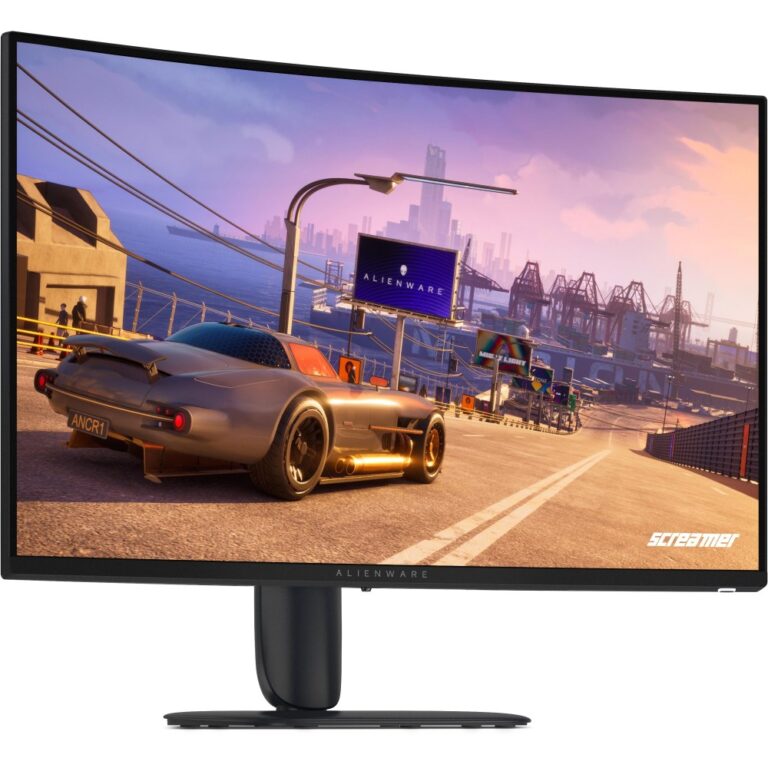
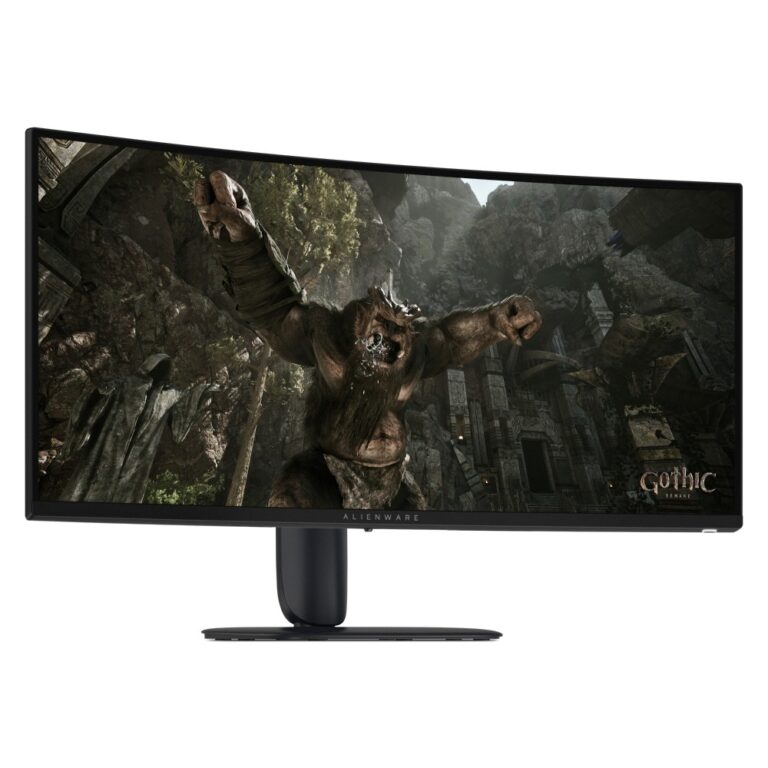
Alienware AW3426DWM Curved Gaming Monitor 34-inch 3440 x 1440 240 Hz VA Black
In stock
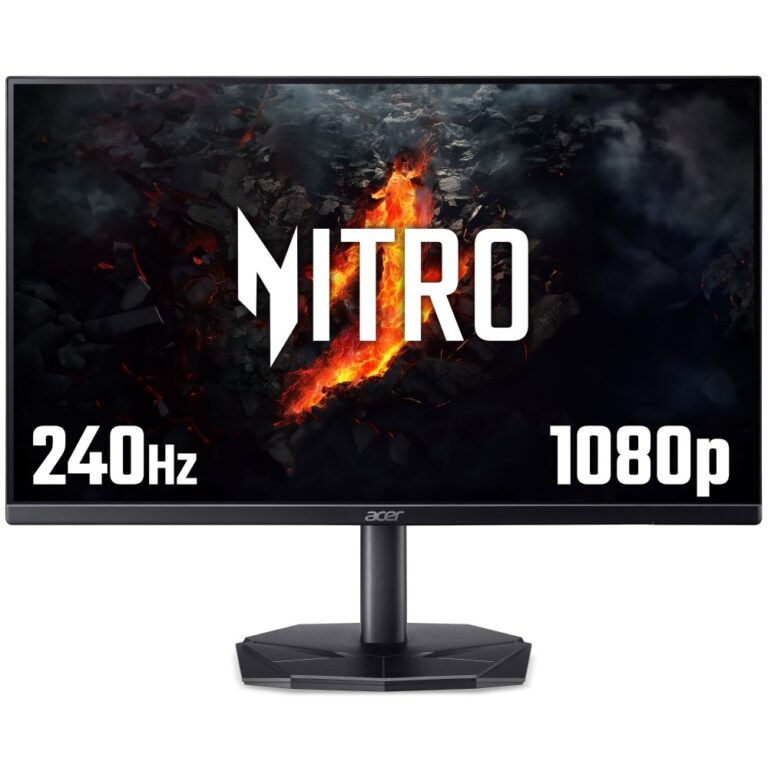
Acer Nitro KG240YW3bmiipx 23.8″ FHD IPS 240Hz FreeSync Premium UK
In stock
Acer KG0 Nitro KG270W3bmiipx 27″ FHD IPS 240Hz 1ms UK
In stock
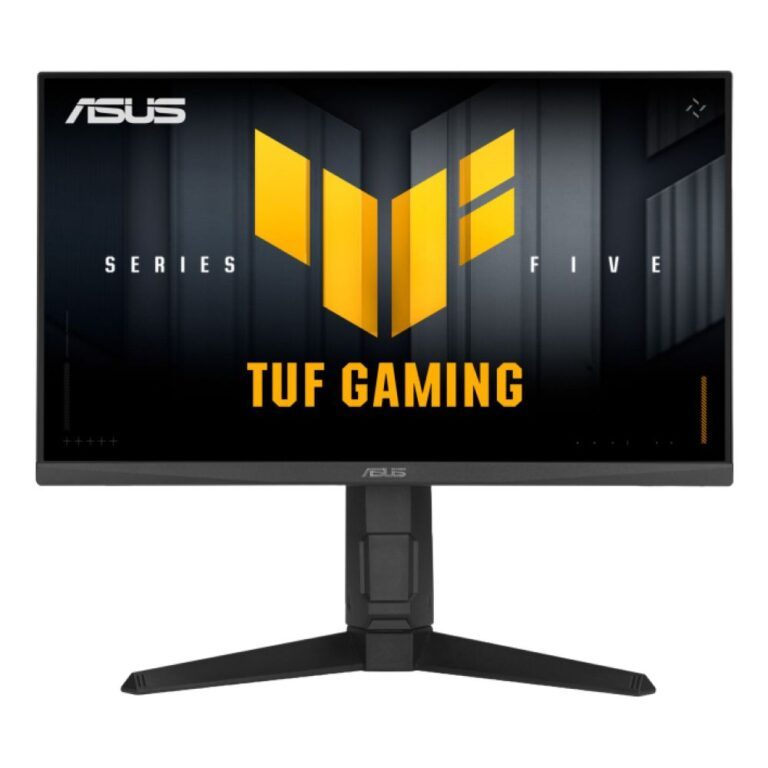
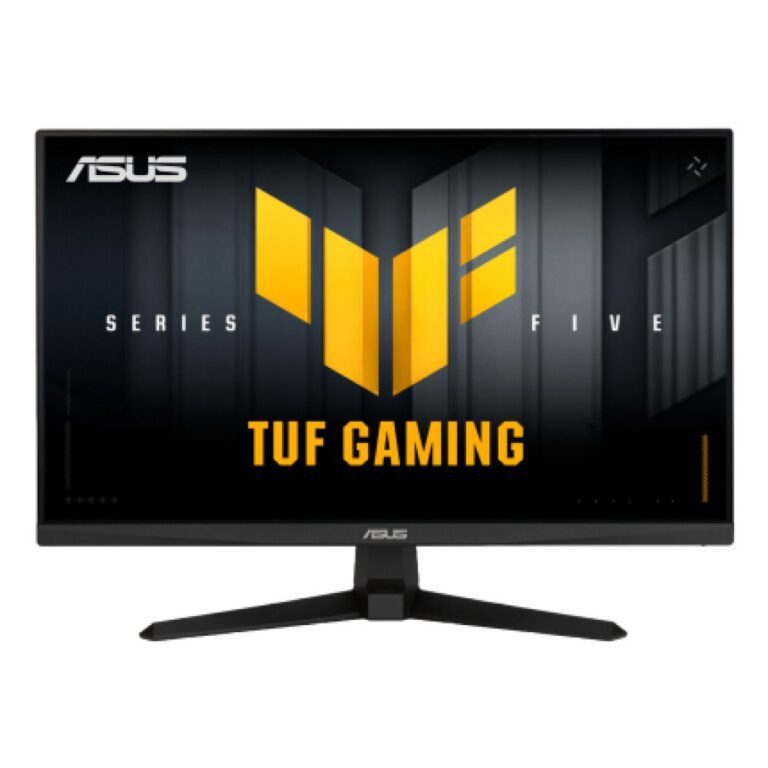
ASUS TUF Gaming 23.8″ Full HD Monitor
In stock
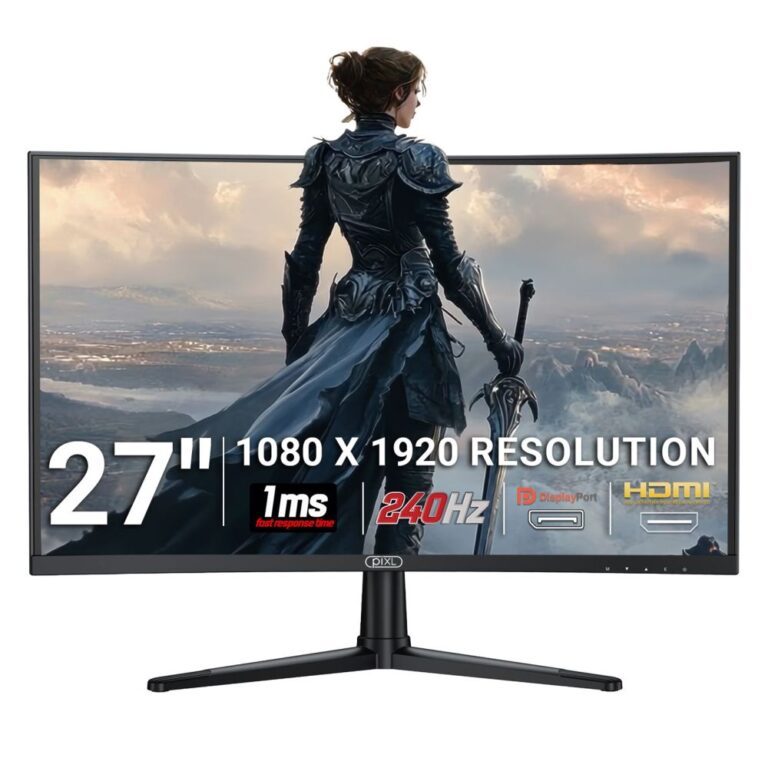
27″ 240Hz HDR Gaming Monitor with 1ms Response
In stock
240Hz shows 240 frames a second. The step up from 144Hz is real but far smaller than the step from 60Hz to 144Hz, and it only pays off if your PC actually produces that many frames — which in practice means competitive shooters and esports titles rather than the latest single-player release.
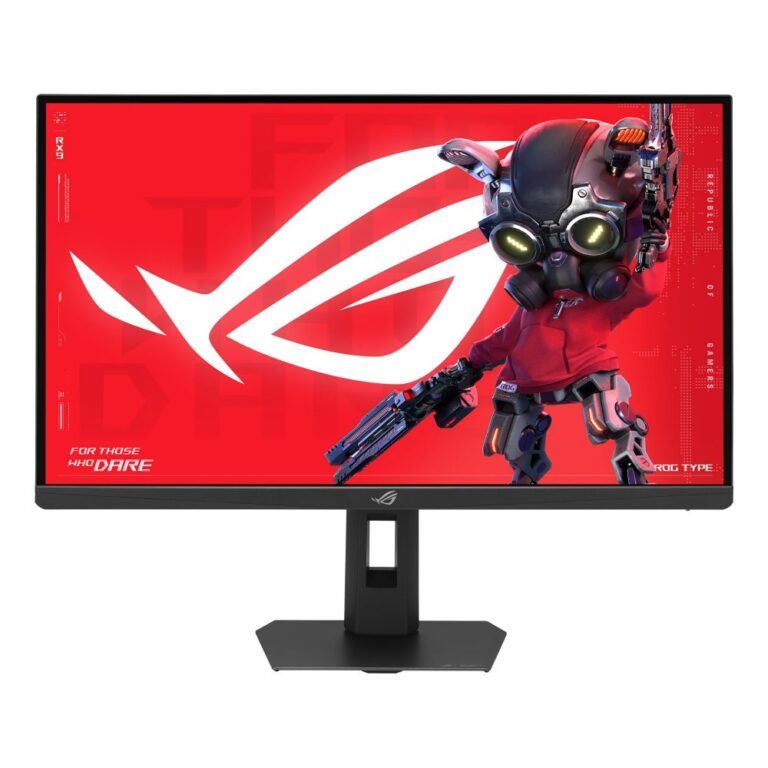
That is why the cheapest 240Hz panels here are Full HD at 23.8in and 27in: a smaller, lower-resolution screen is far easier to drive at high frame rates, and competitive players prefer having the whole picture inside their field of view.
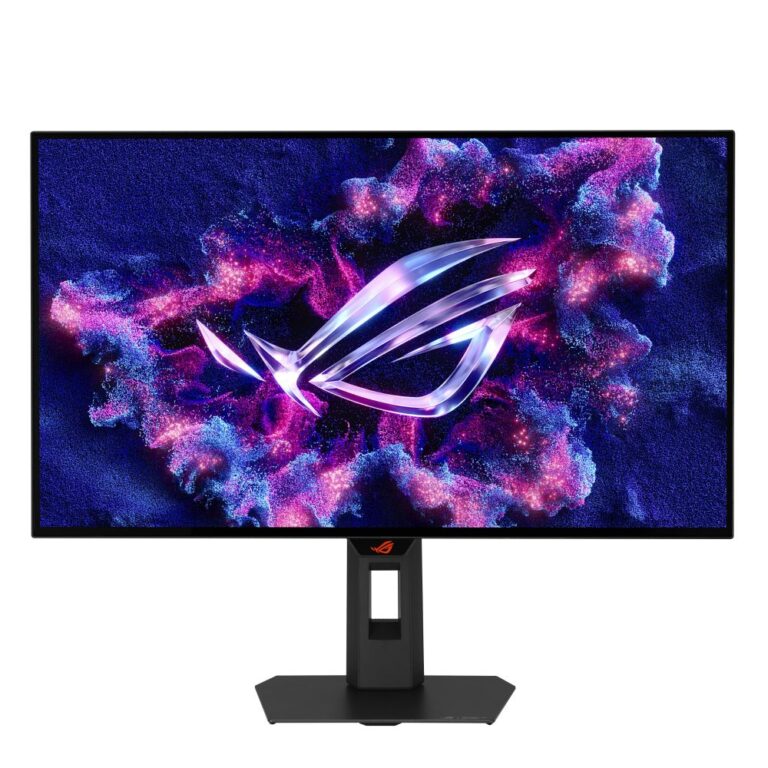
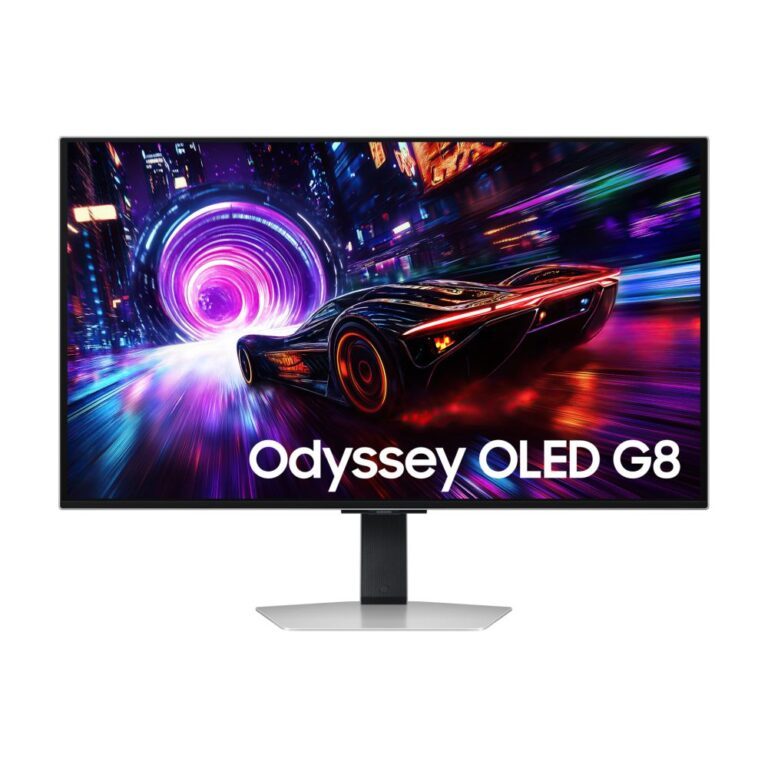
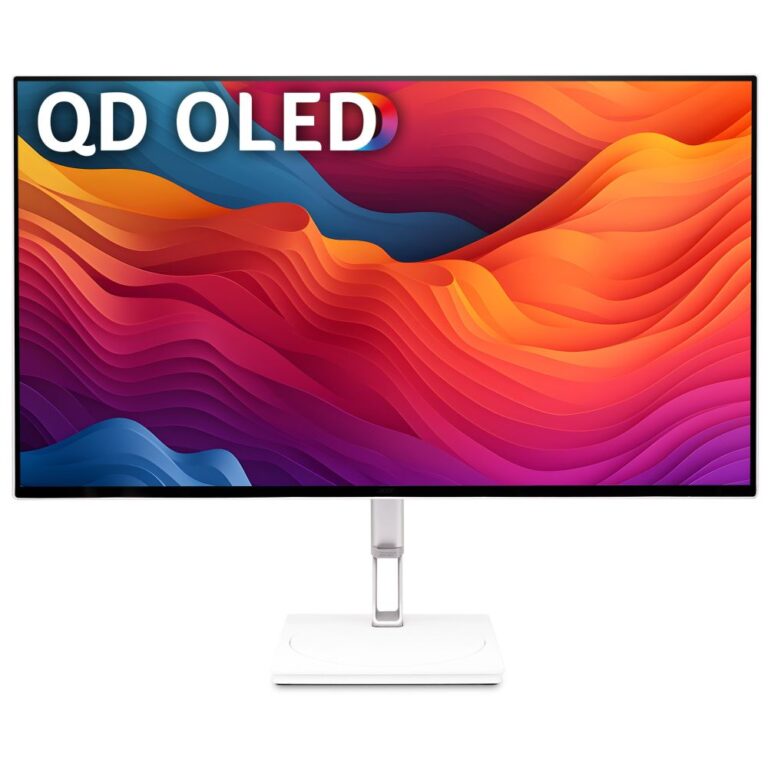
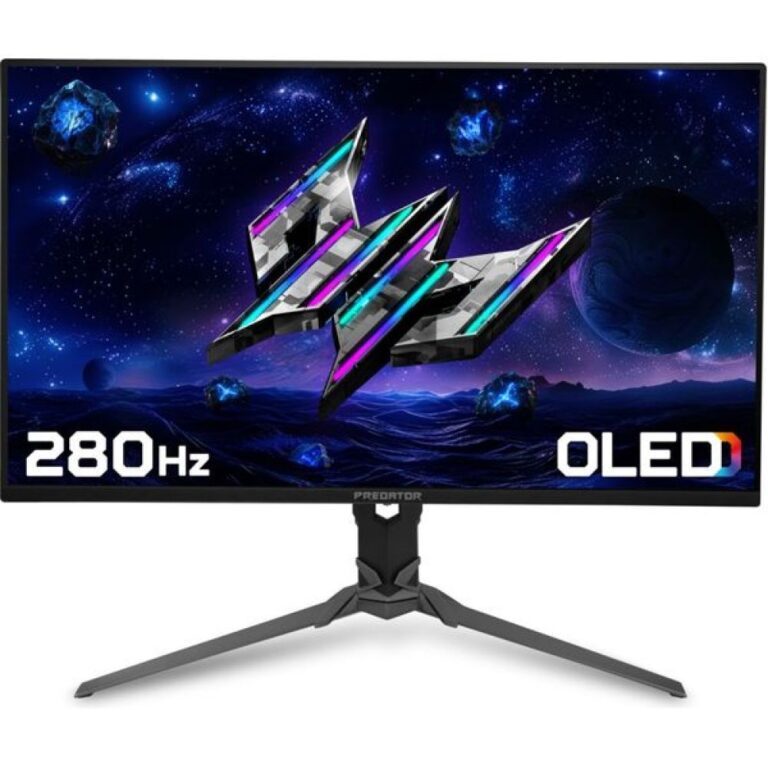
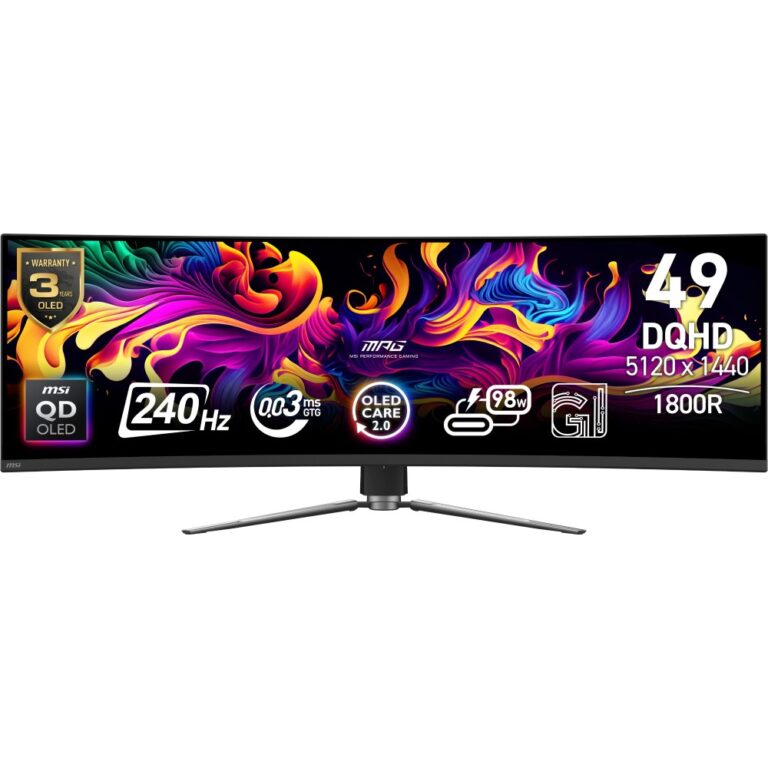
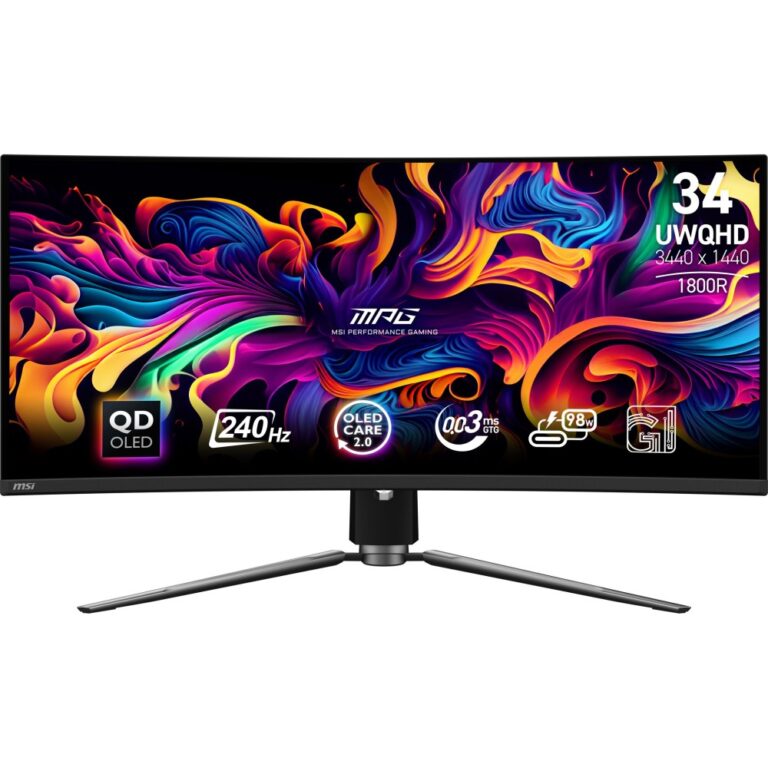
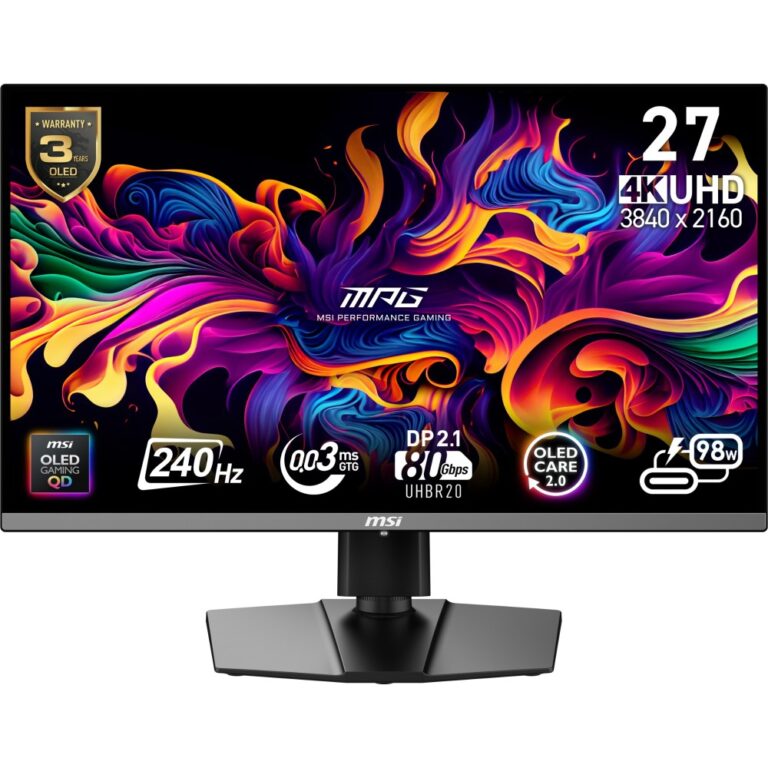
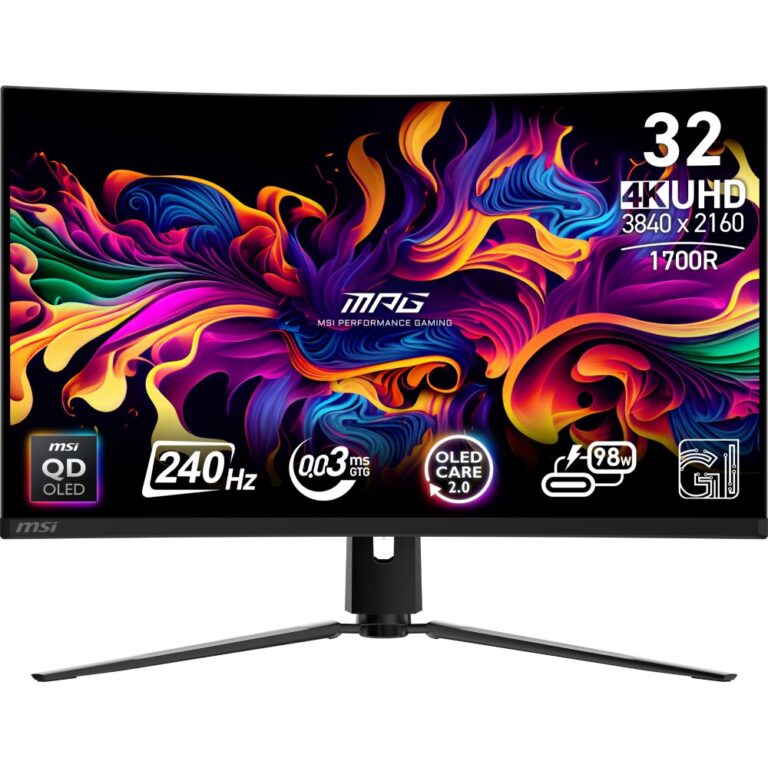
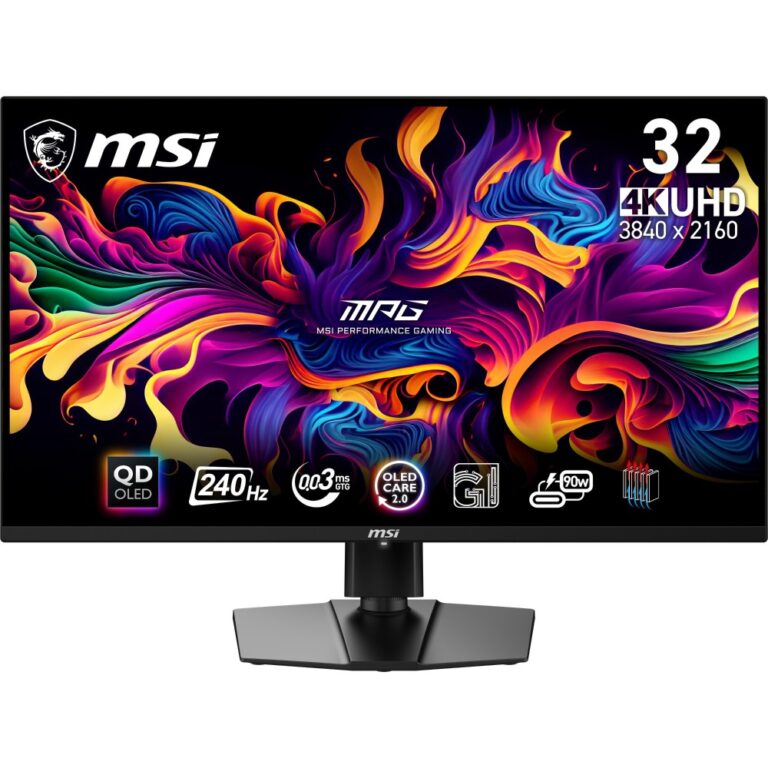
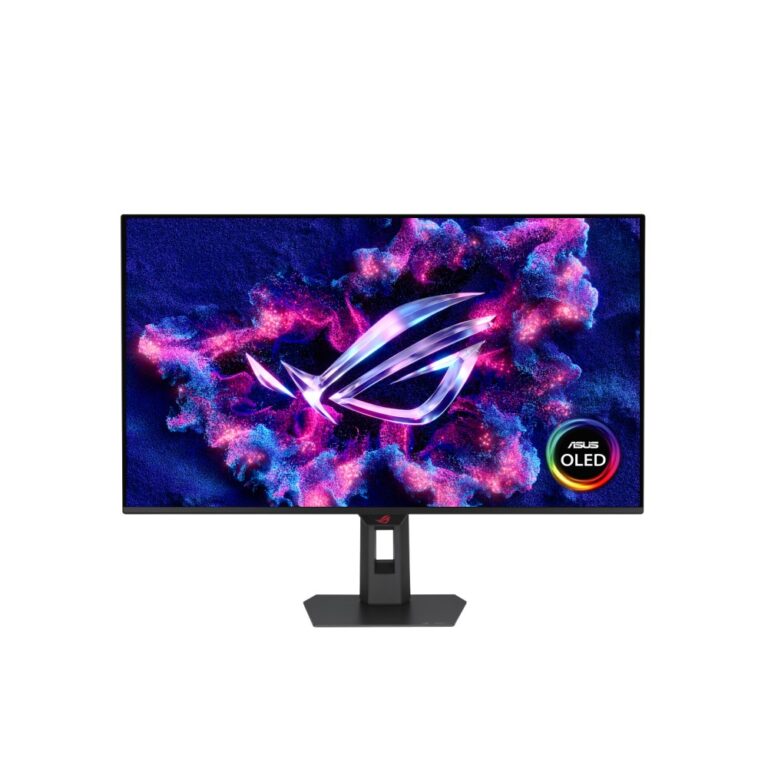
The other group is QD-OLED at QHD and 4K, where 240Hz arrives alongside near-instant pixel response and true black. These are the do-everything screens — fast enough for competitive play, good enough for films — and priced accordingly. Check that your graphics card has a DisplayPort output capable of the resolution and refresh rate together.
240Hz Monitors Buying Guide and FAQ
This 240Hz Monitors range groups screens by refresh rate. Below are the common questions on what 240Hz gives you.
Is a 240Hz monitor worth it?
A higher refresh rate means smoother motion. 240Hz suits fast competitive games if your PC can push the frames.
Can my PC reach 240Hz?
You only feel the benefit if your graphics card can push frames near 240Hz in the games you play. Fast esports titles reach high frame rates easily, while demanding games at high resolution need a strong GPU. Match the refresh rate to what your PC can deliver.
Do I need variable refresh with a 240Hz screen?
Yes, G-Sync or FreeSync keeps motion tear-free by syncing the screen to your graphics card, and it is worth having on any gaming monitor. Most modern high-refresh screens include it, so check the spec lists FreeSync or G-Sync support.