








Price
Availability
Screen size
Panel type
Shop Categories

33" and Above Monitors

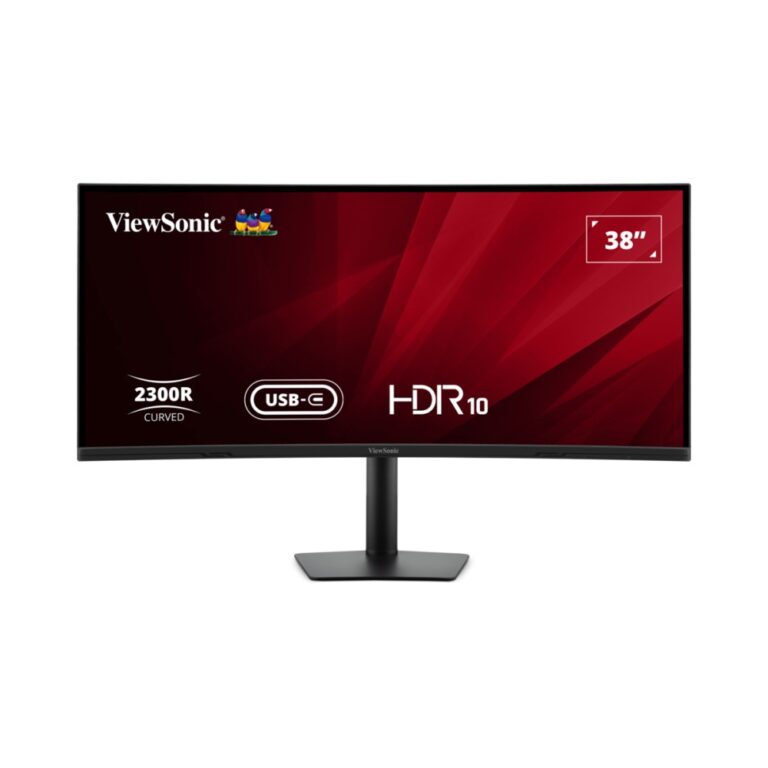
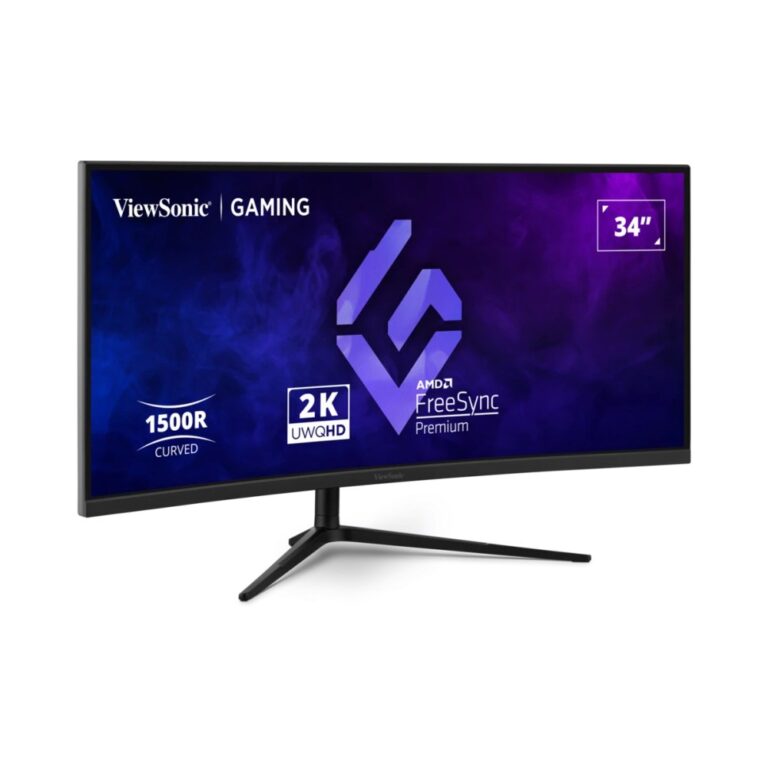
ViewSonic VX3418C-2K 34″ Curved Gaming Monitor UWQHD 180Hz VA Panel Black

In stock

Original price was: £245.99.Current price is: £232.96.

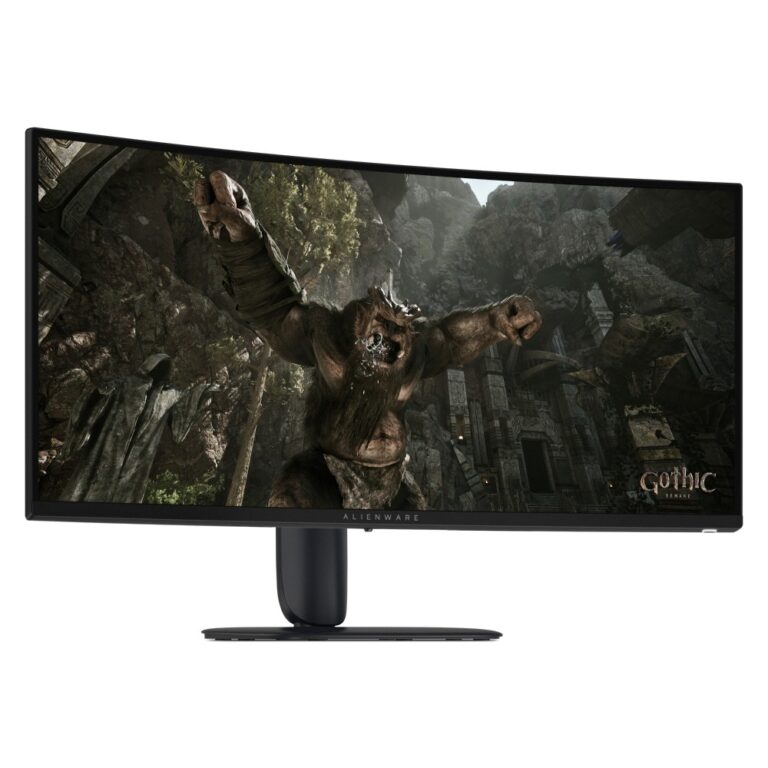
Alienware AW3426DWM Curved Gaming Monitor 34-inch 3440 x 1440 240 Hz VA Black

In stock

Original price was: £373.19.Current price is: £352.81.
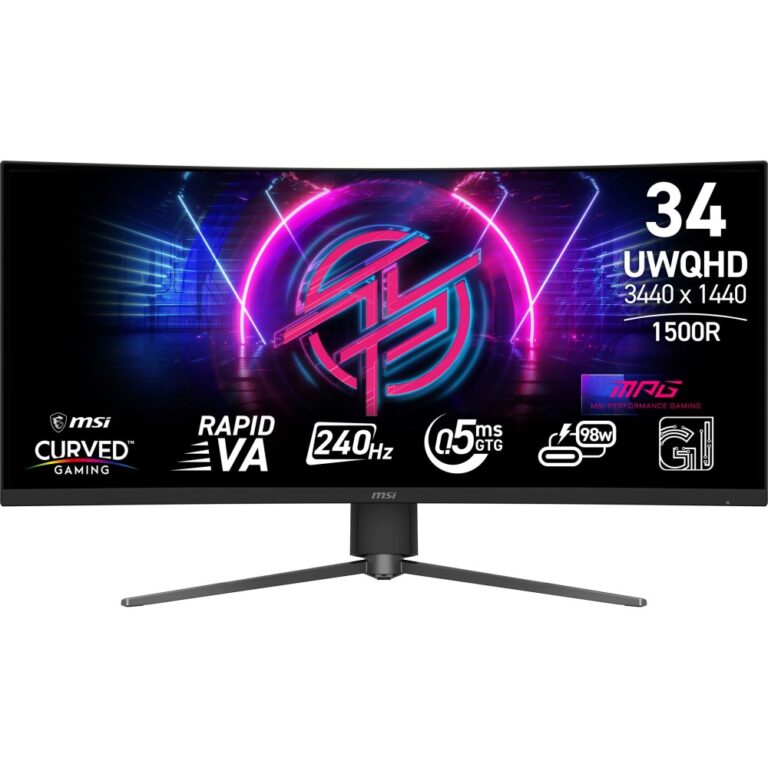
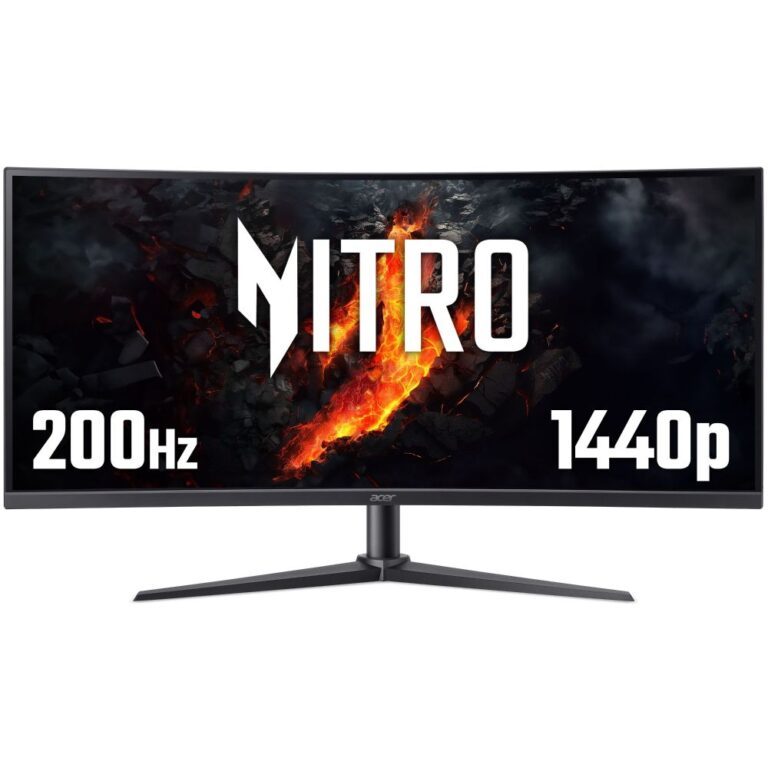
Acer 34” WQHD 200Hz Curved Gaming Monitor

In stock

Original price was: £349.19.Current price is: £330.26.

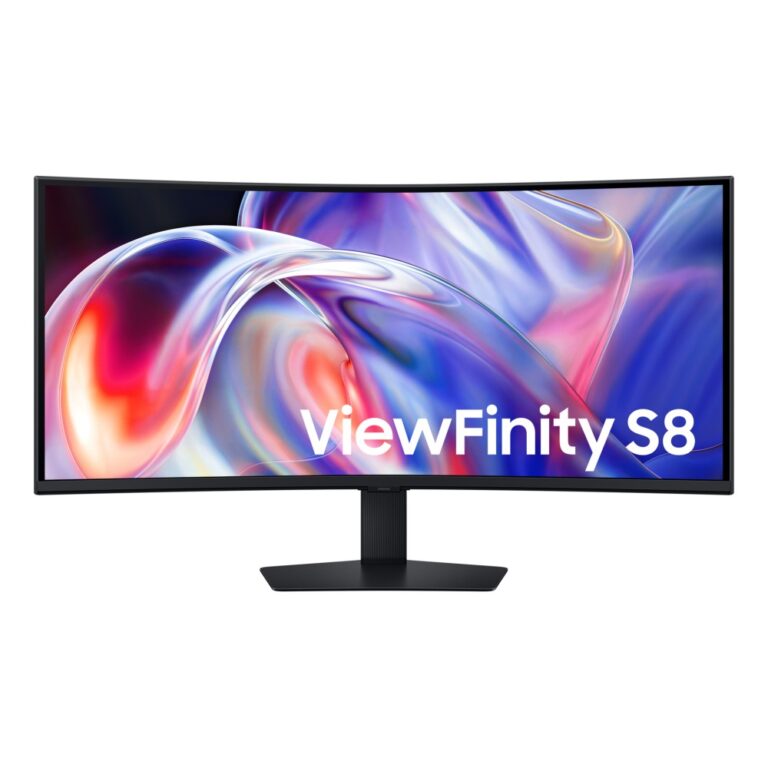
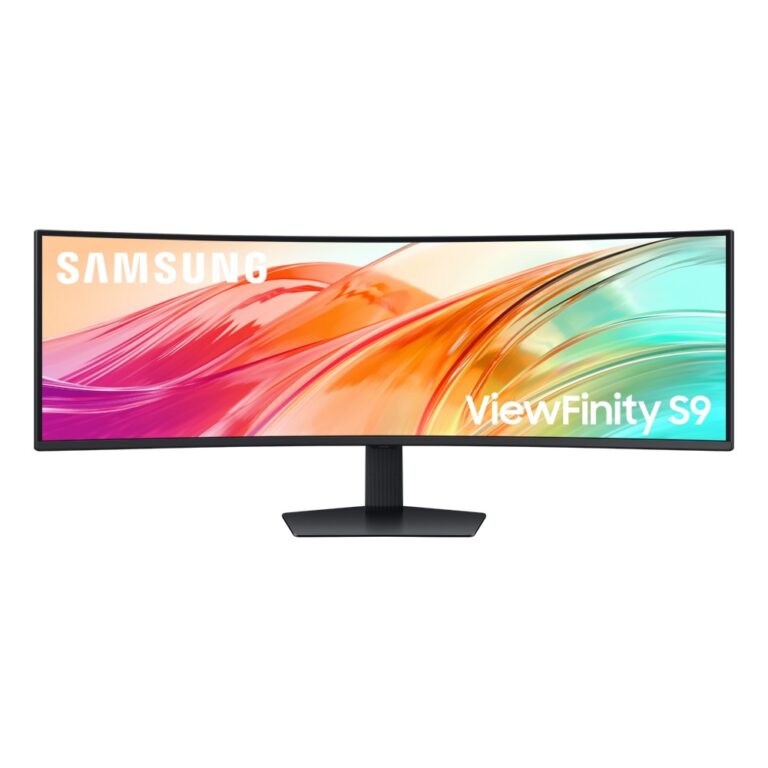
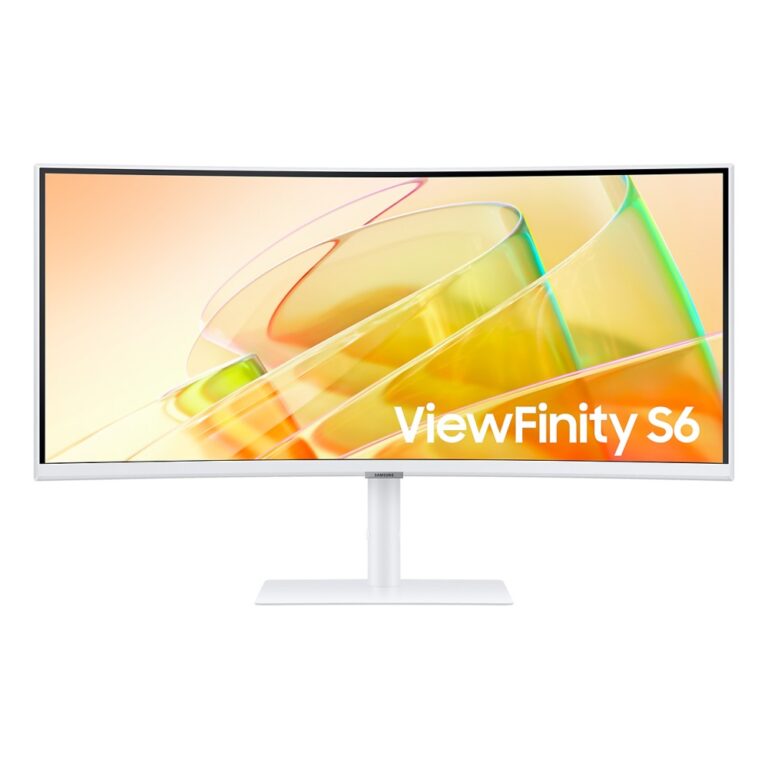
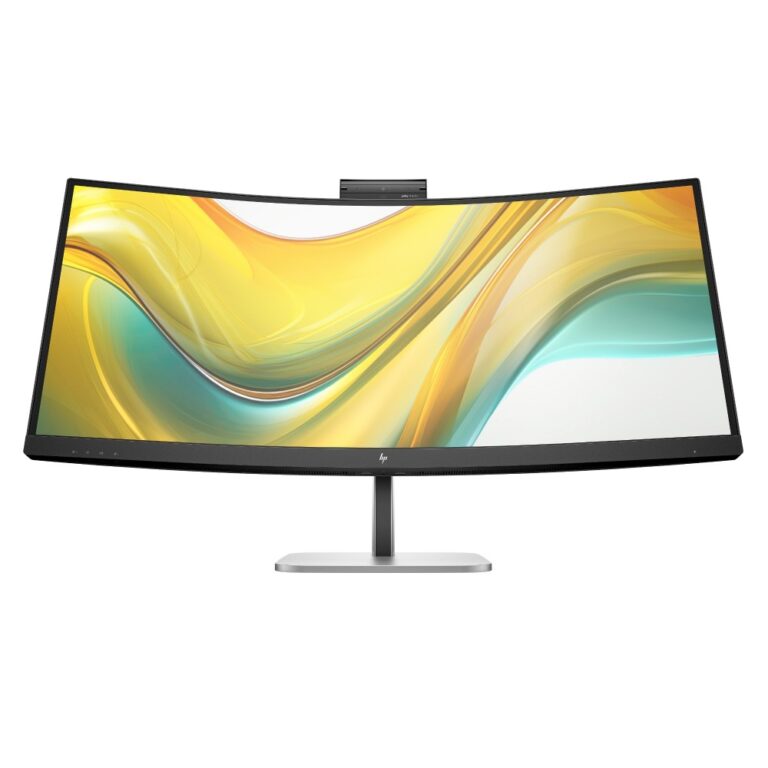
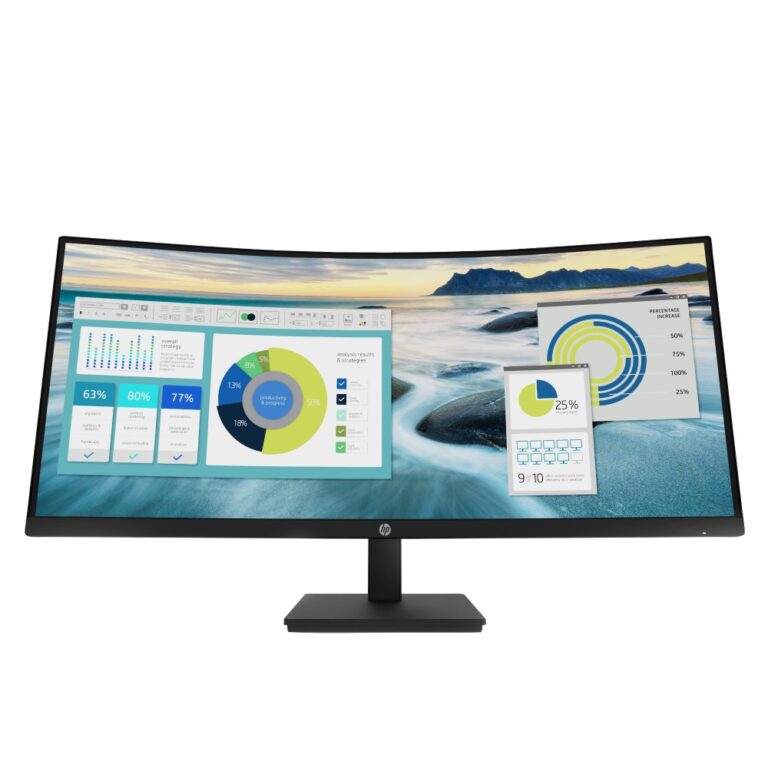
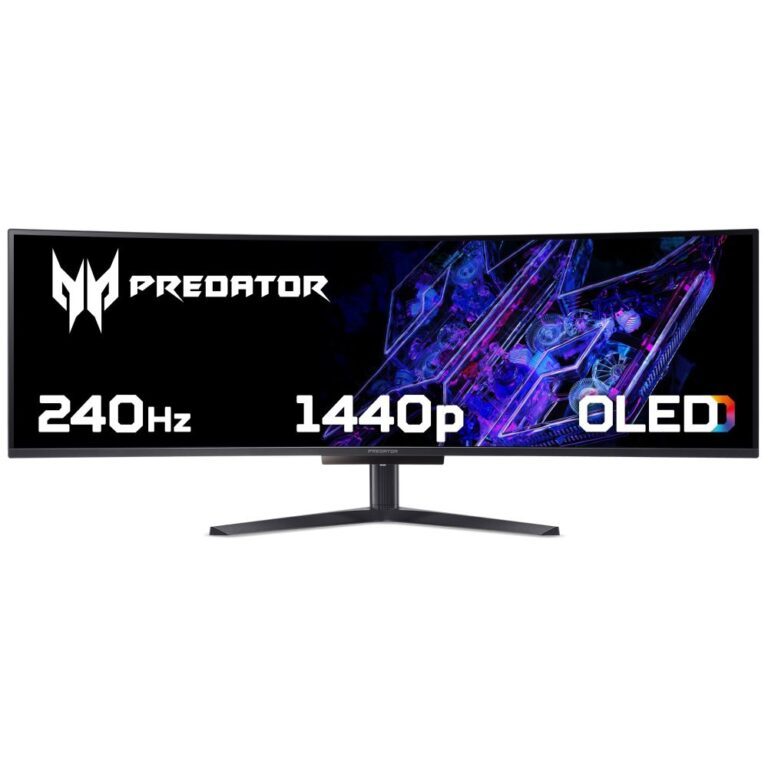
At 33in and above a single monitor genuinely replaces a two-screen setup, and the first decision is the shape.

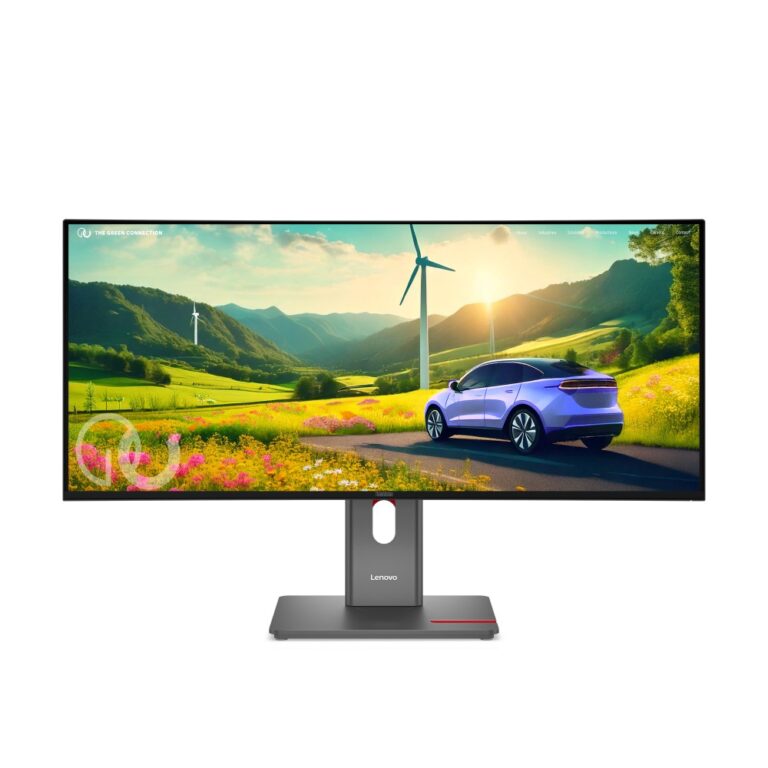
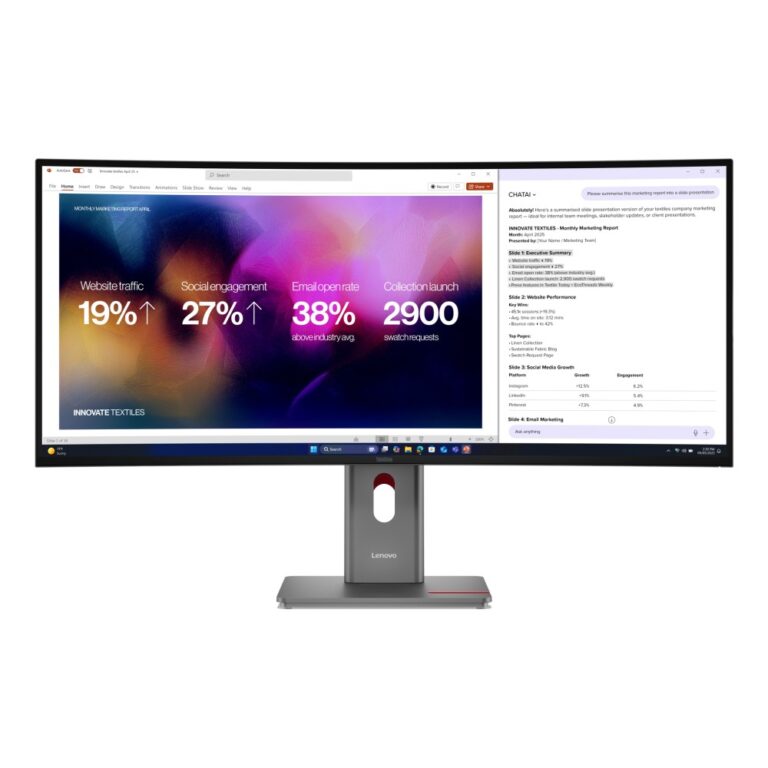
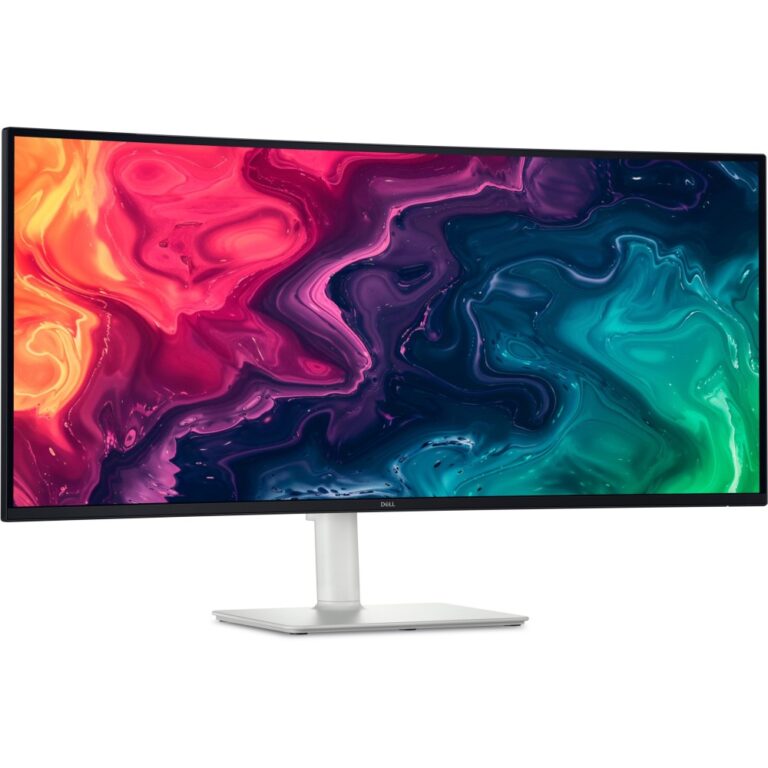
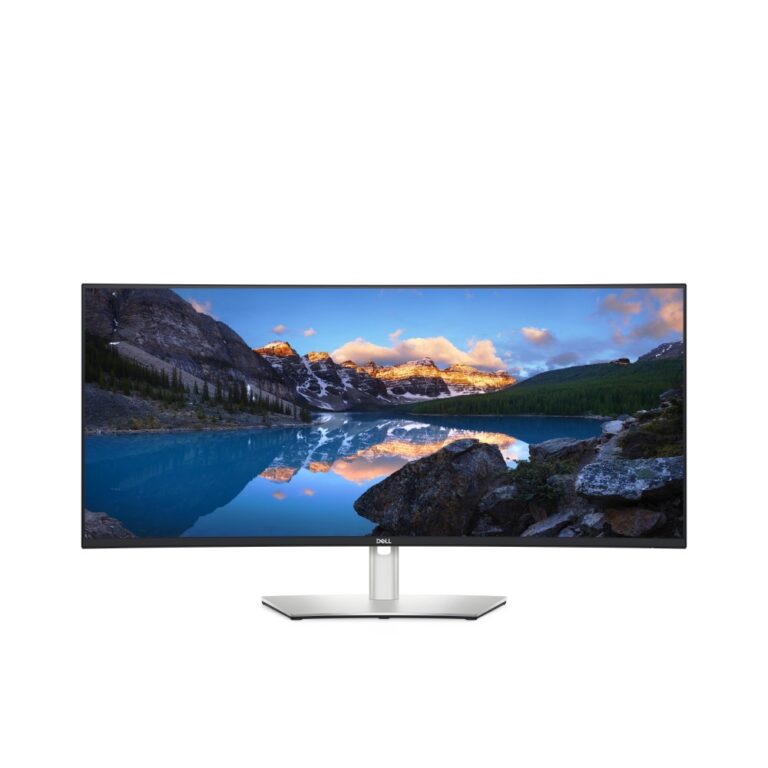
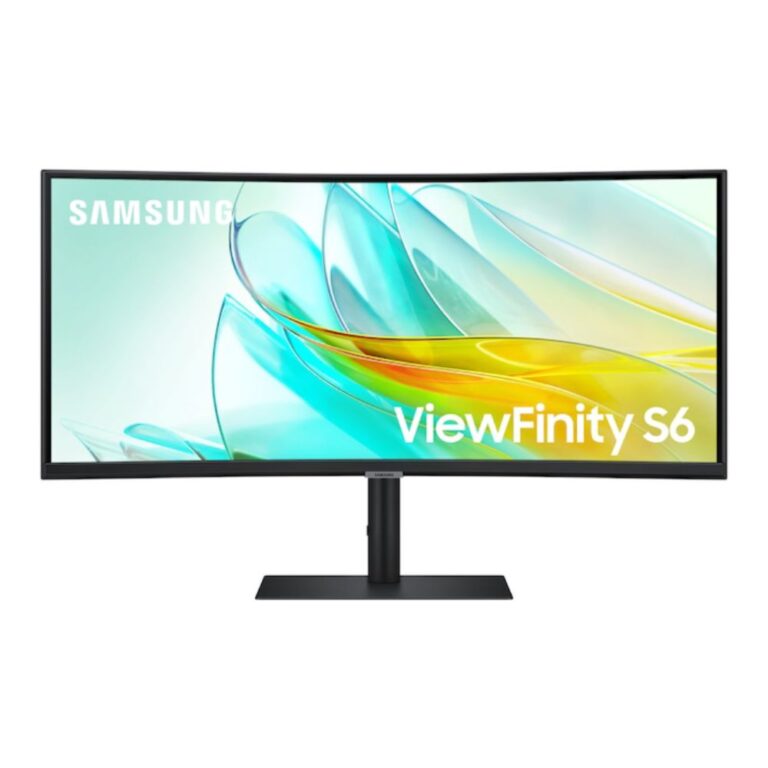
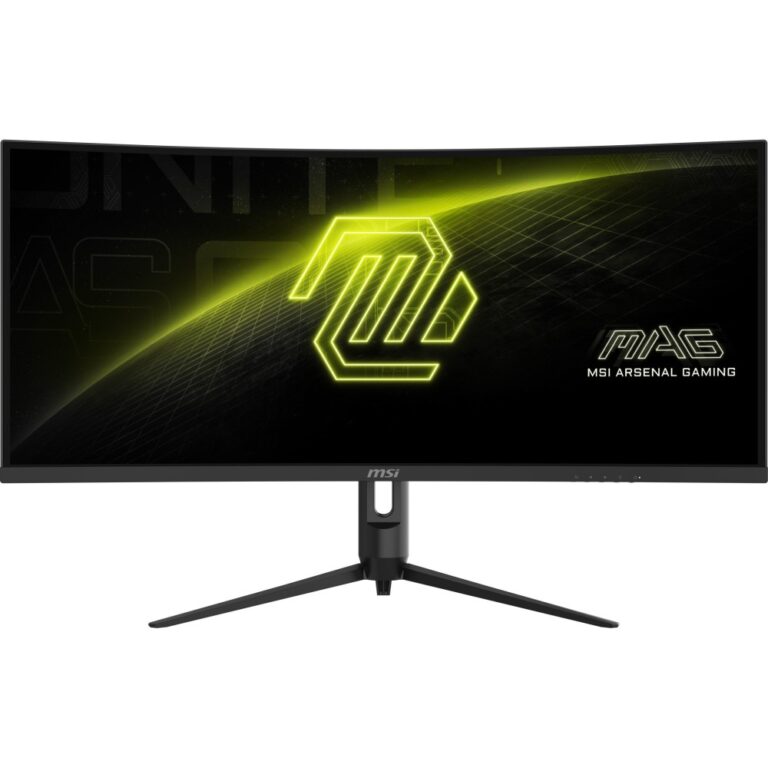
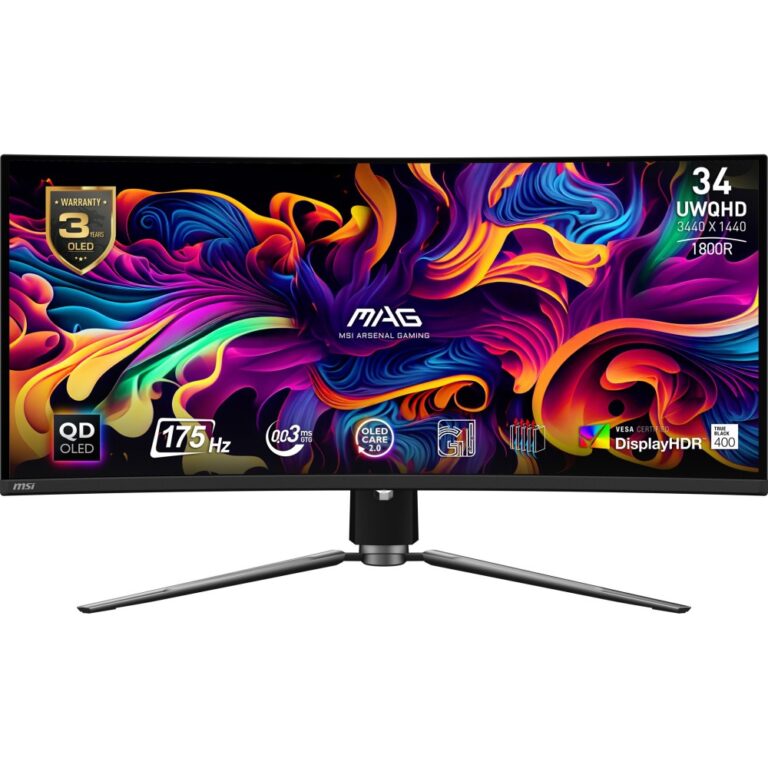
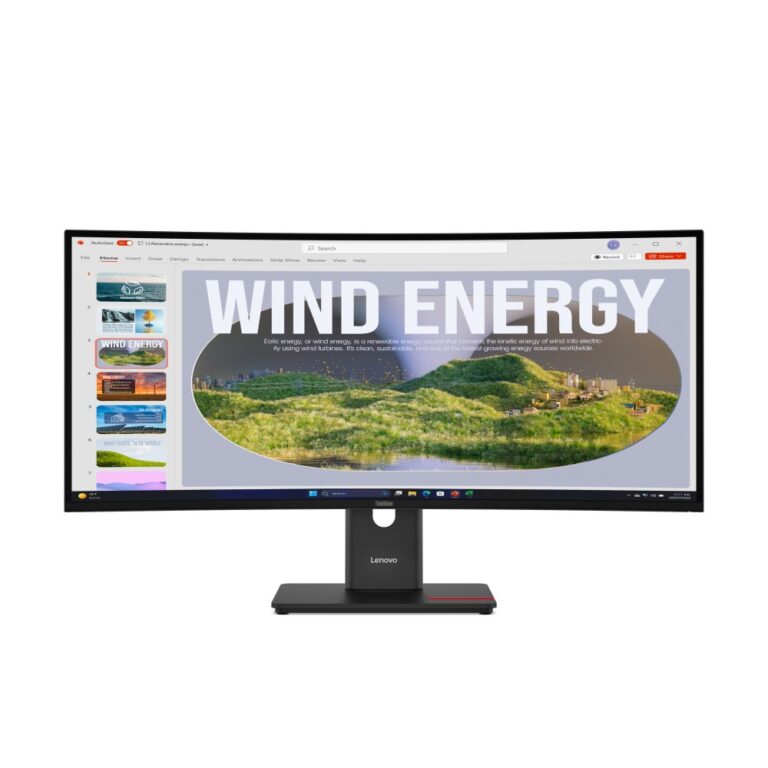
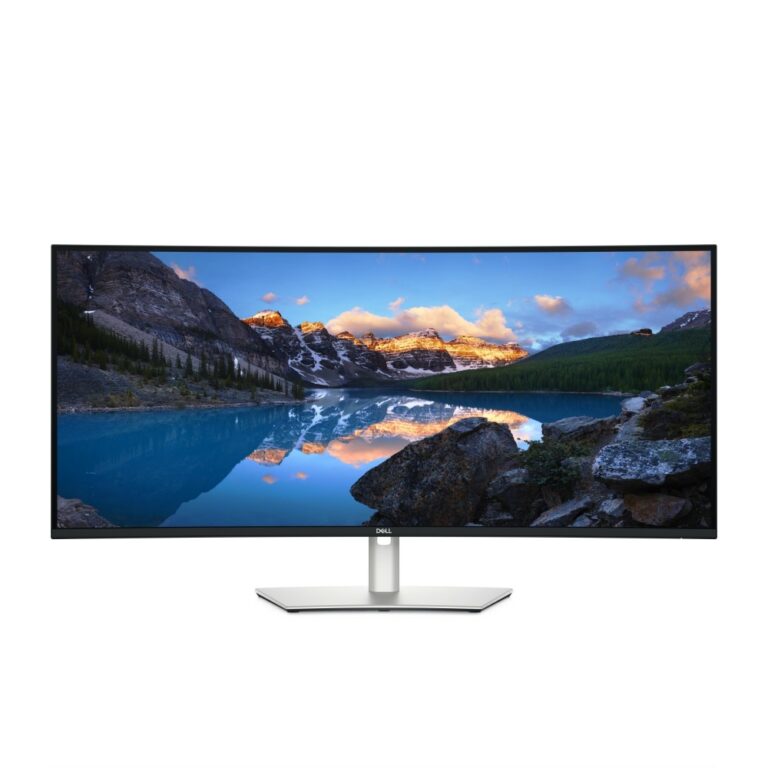
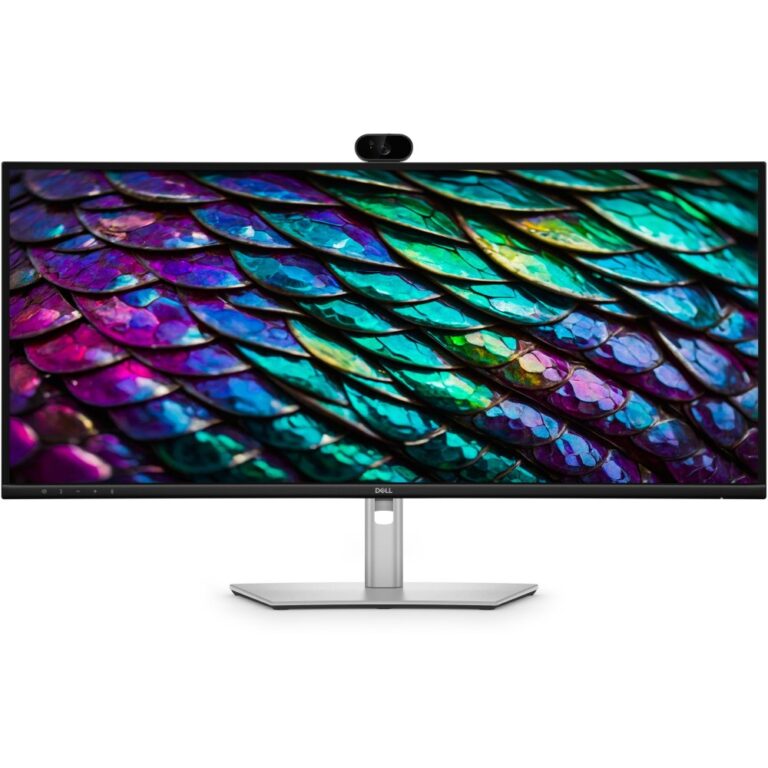
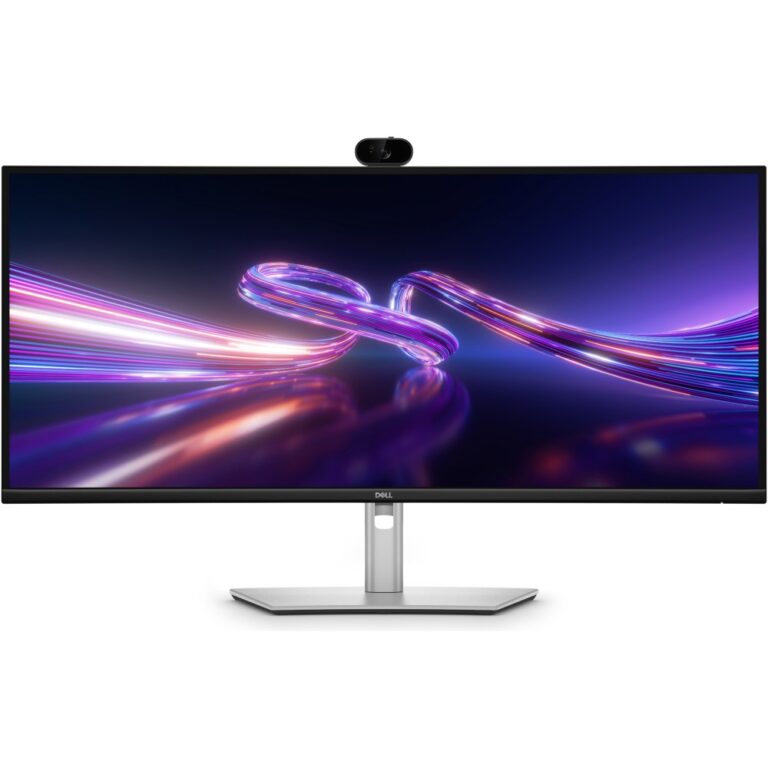
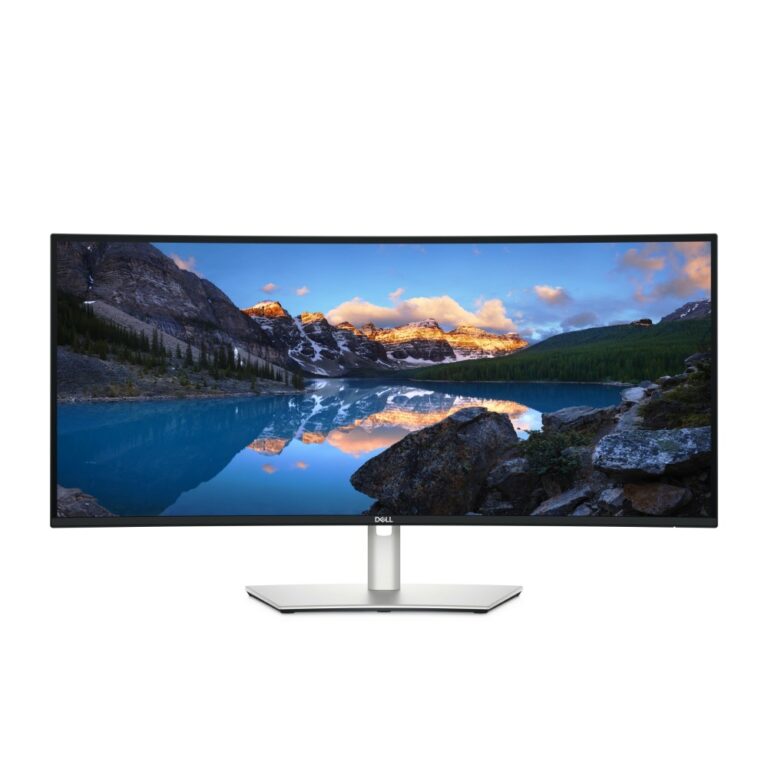
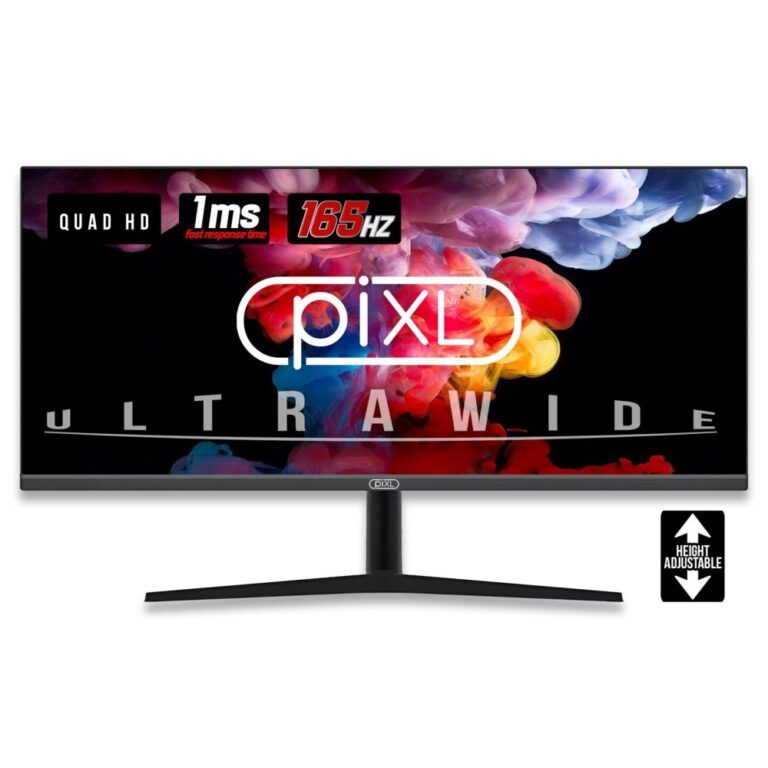
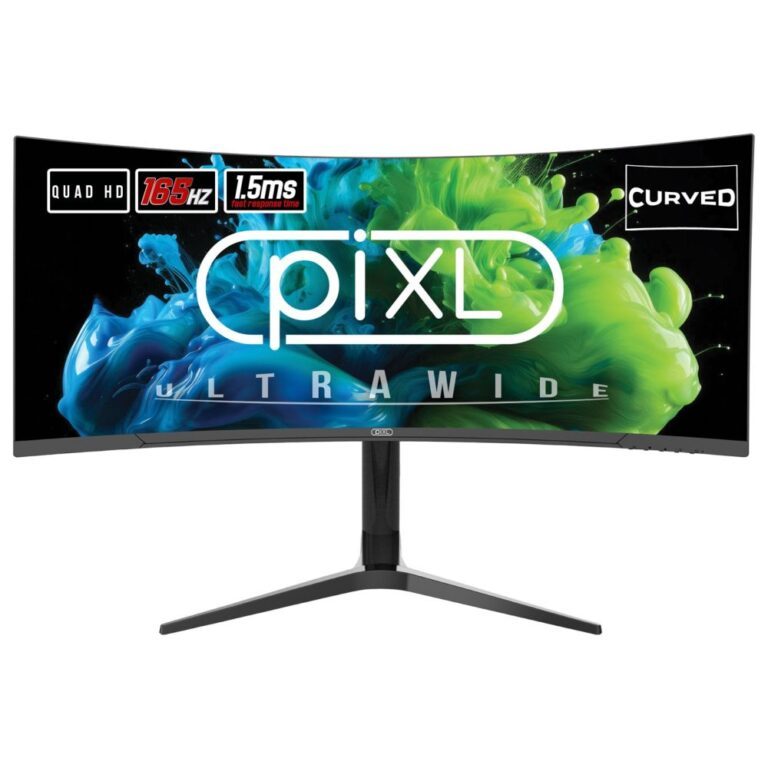
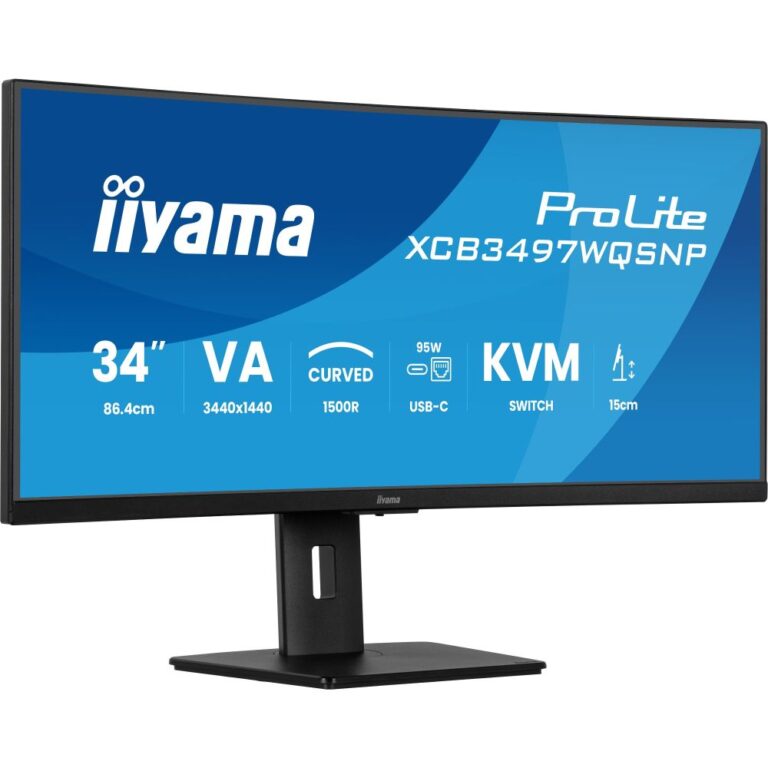
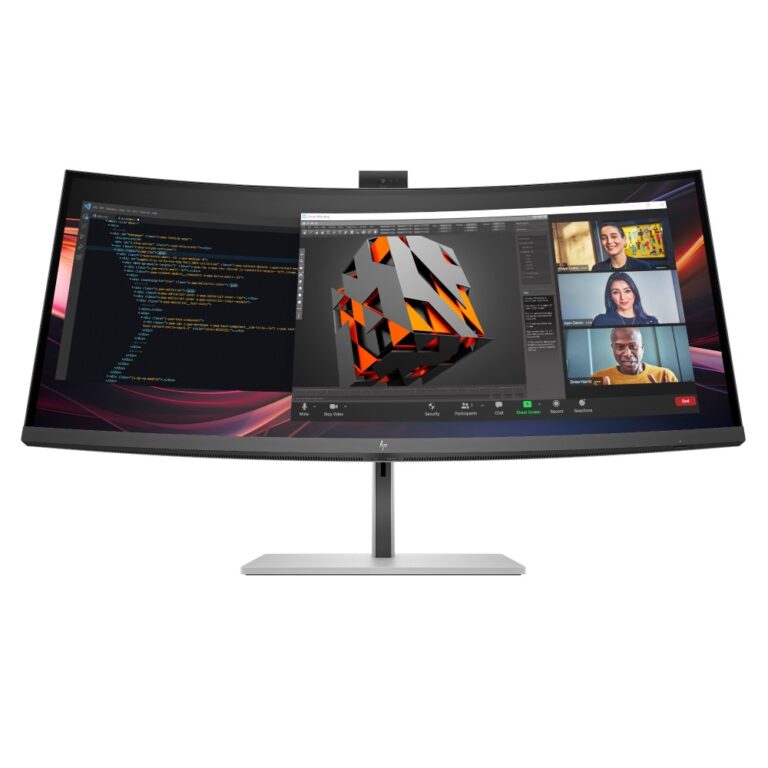
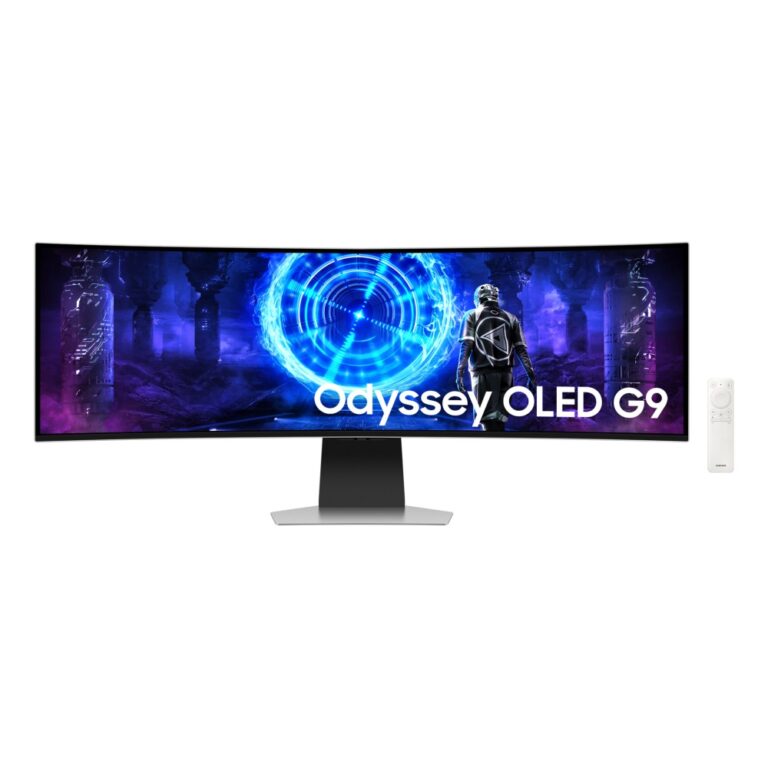
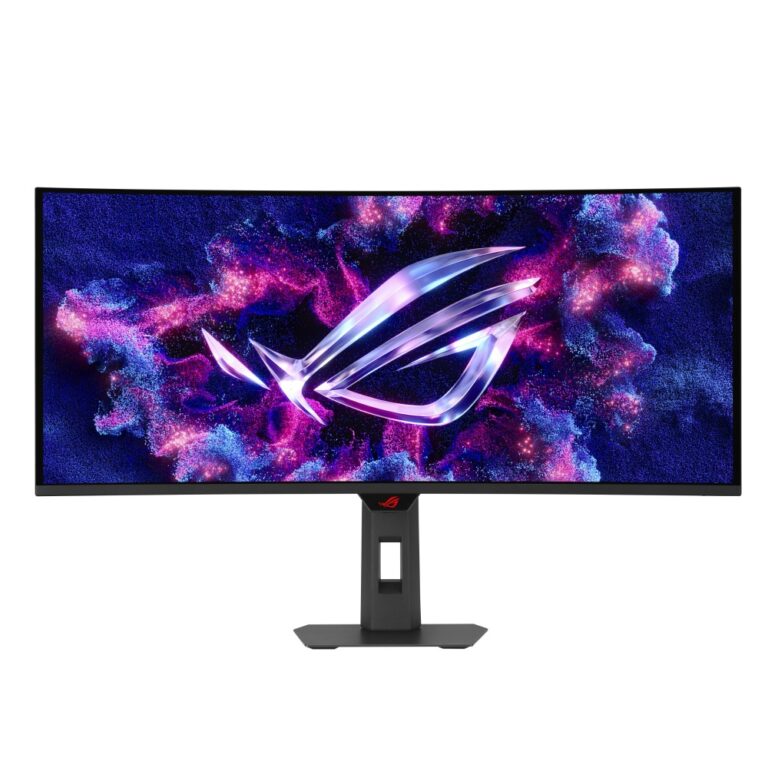
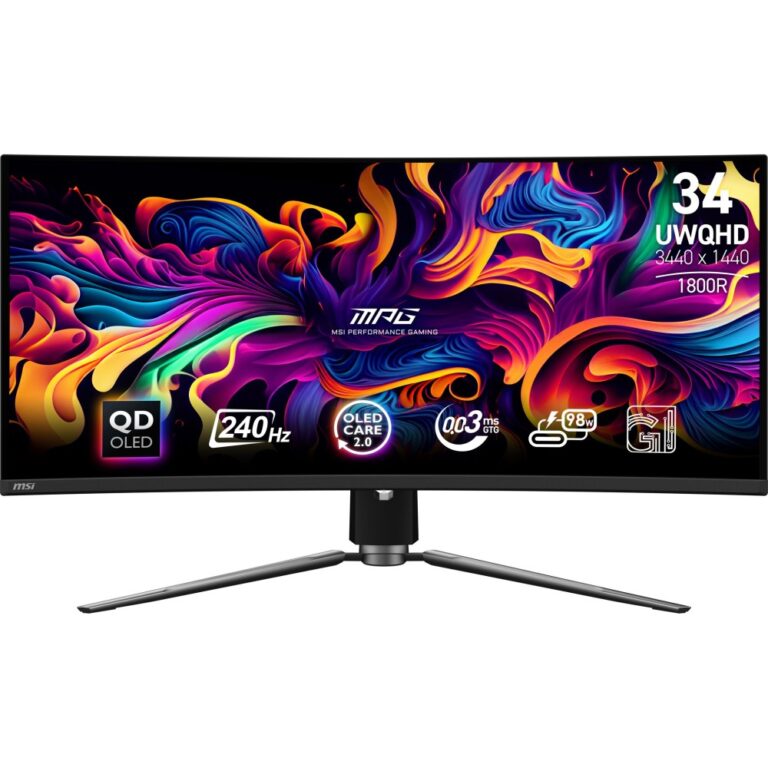
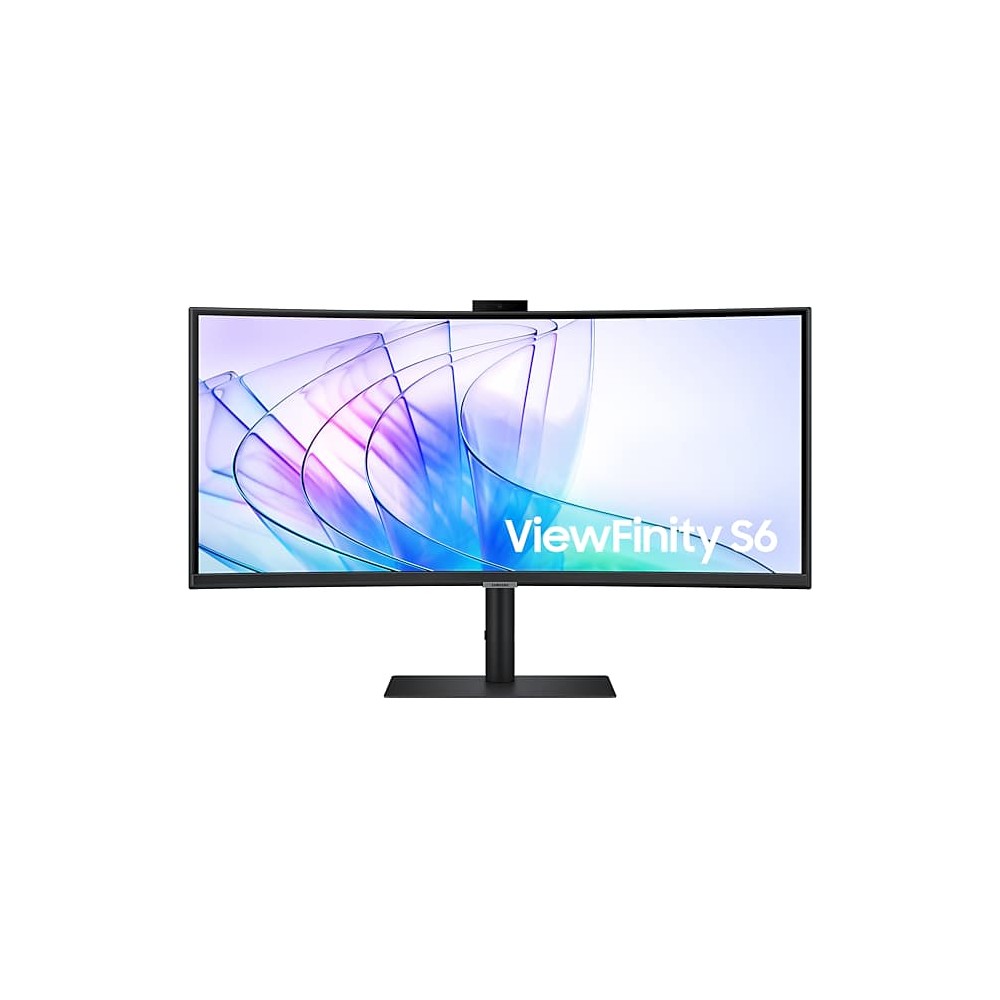
34in ultrawide (21:9) at 3440×1440 is the most popular size here. It gives the width of two screens with no bezel down the middle, which suits spreadsheets, timelines, code and immersive gaming. Most are curved, which keeps the far edges the same distance from your eyes.

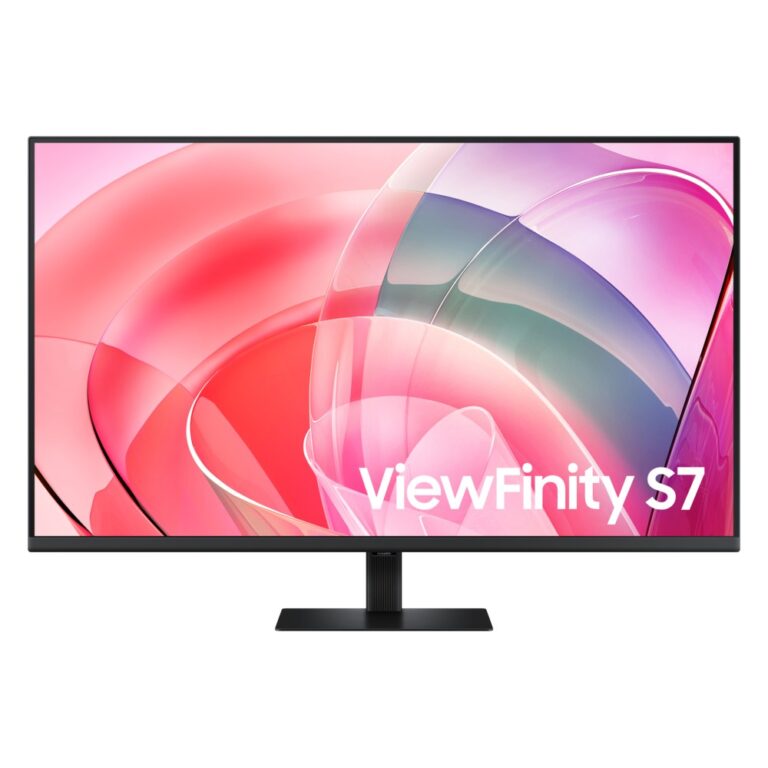
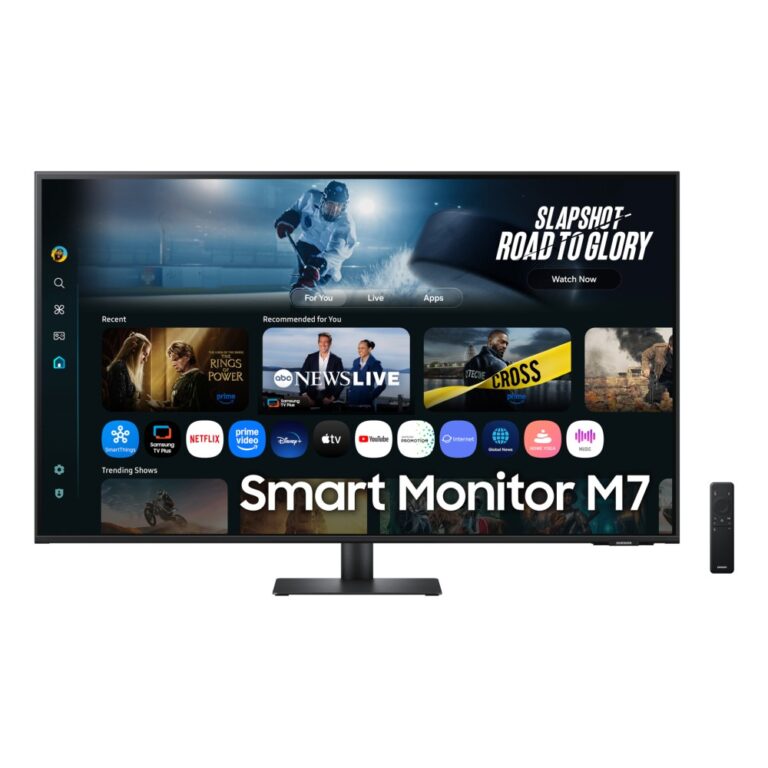
Large 16:9 screens at 32in and above in QHD or 4K give more vertical space instead of width — better for documents, design and anything where you scroll.

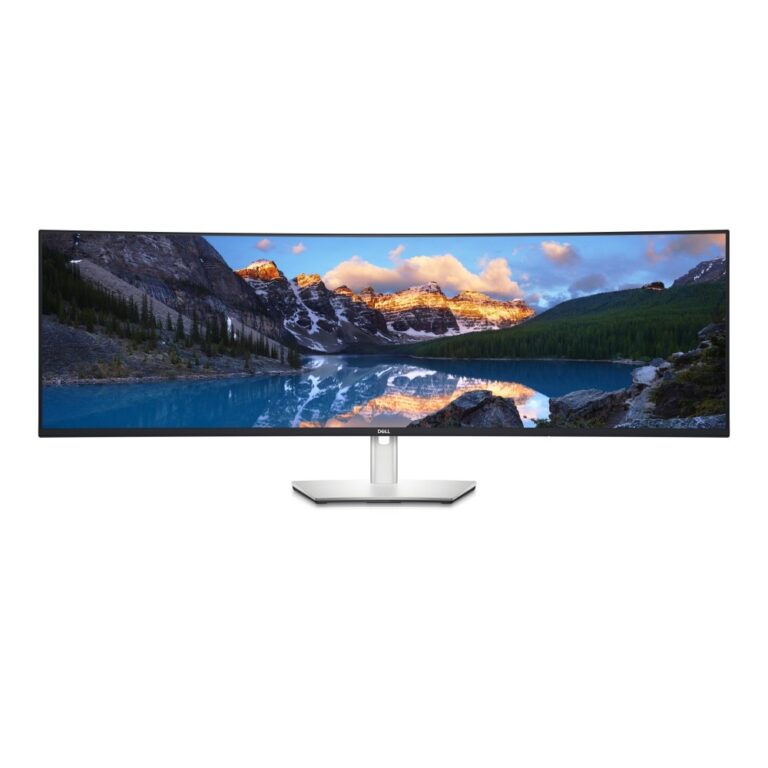
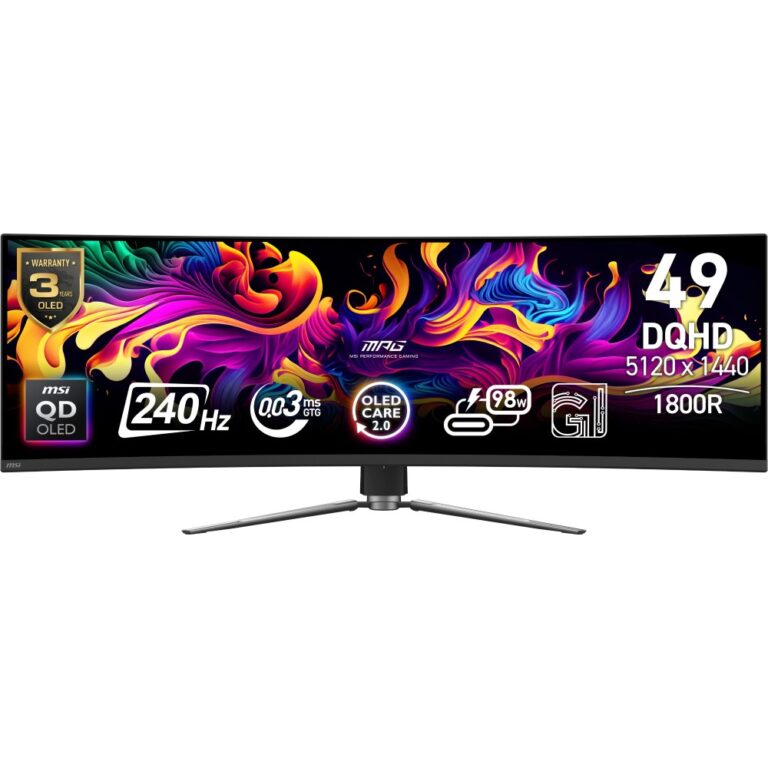
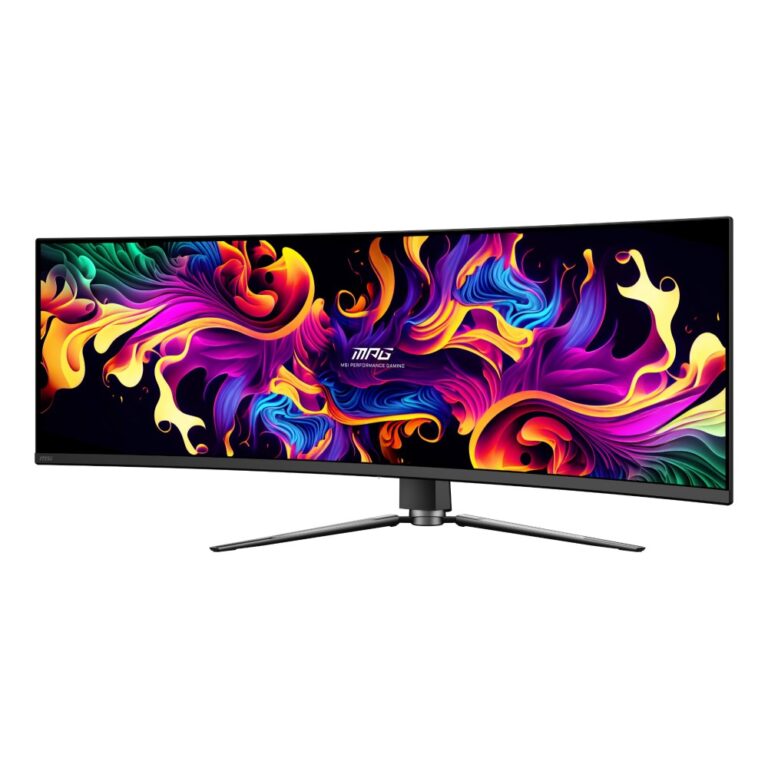
49in super ultrawide (32:9) is two QHD screens in one continuous panel, for trading, monitoring and multi-window work.

Two practical points. Resolution has to scale with size: Full HD at 32in looks soft, so QHD is the minimum and 4K is better. And check your graphics card can drive the resolution and refresh rate together over DisplayPort.

The range covers Dell, Samsung, MSI, HP, Acer, Lenovo, iiyama and PIXL. See also ultrawide monitors.

33" and Above Monitors Buying Guide and FAQ

This 33" and Above Monitors range groups screens by size. Below are the common questions on choosing the right size.

What size monitor should I choose?

24 inch suits 1080p and close-up competitive play, 27 inch is the popular all-rounder for 1440p, and 32 inch and above is great for 4K and immersive games. Pick the size to match your desk distance and resolution.

Does screen size affect the resolution I need?

Yes. Larger screens benefit from higher resolution to stay sharp, so 27 inch pairs well with 1440p and 32 inch and up with 4K. Match resolution to size, and make sure your graphics card can drive it.

How far should I sit from this size of screen?

As a rough guide, sit a little further back from larger screens so you can take in the whole image comfortably. If desk space is tight, a smaller screen or a monitor arm can help you set the right distance.