
Brand






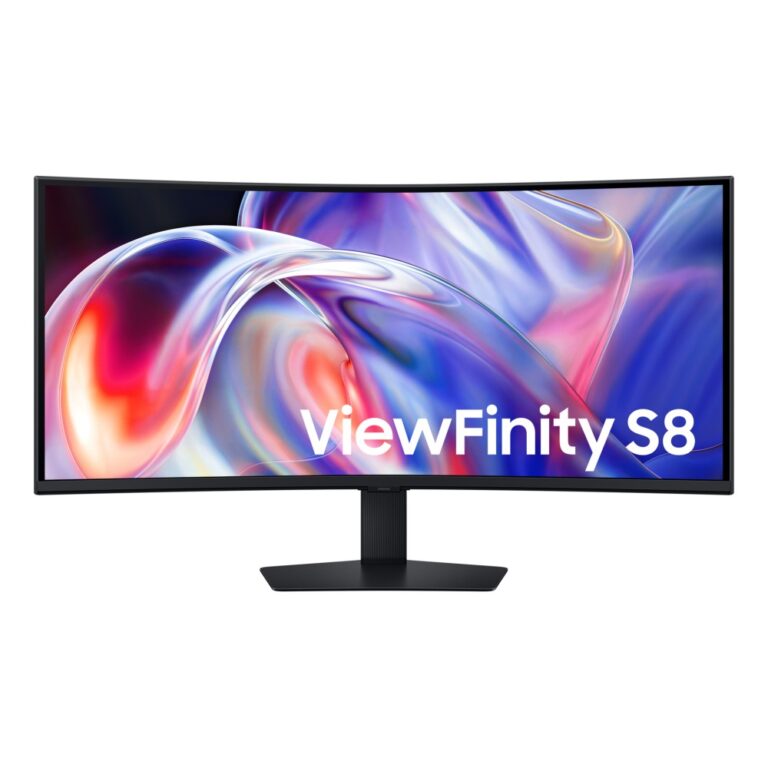
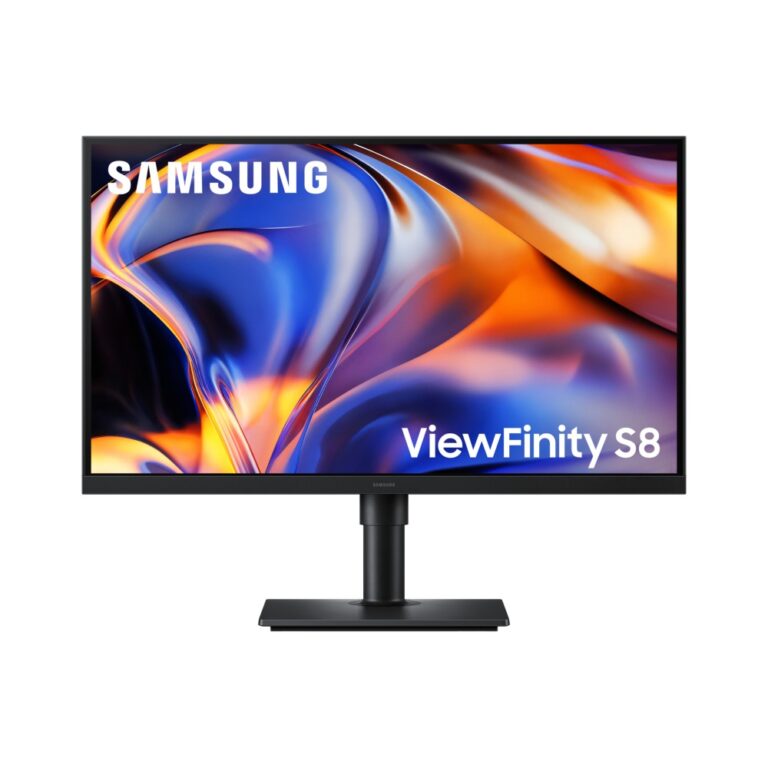
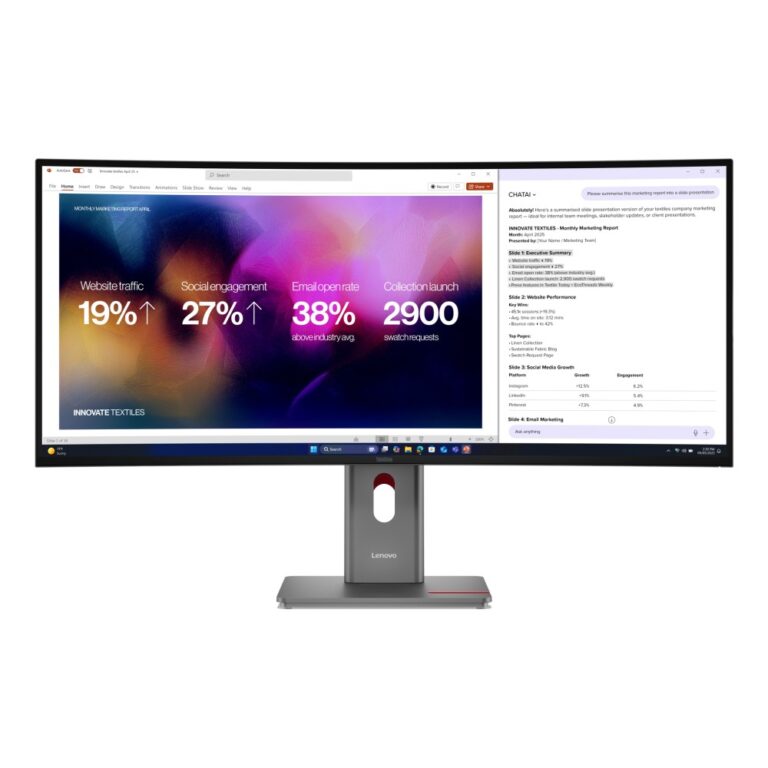
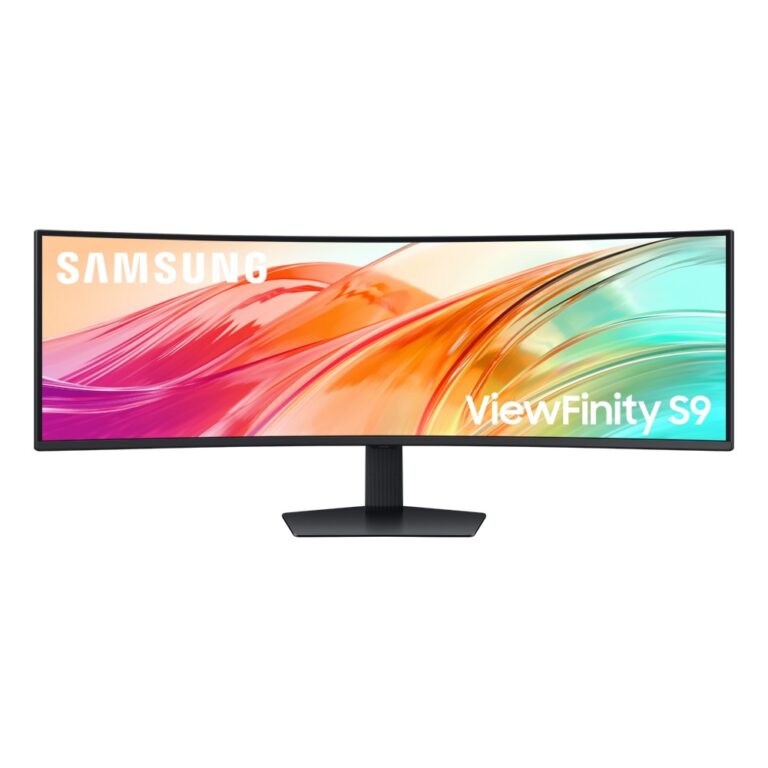
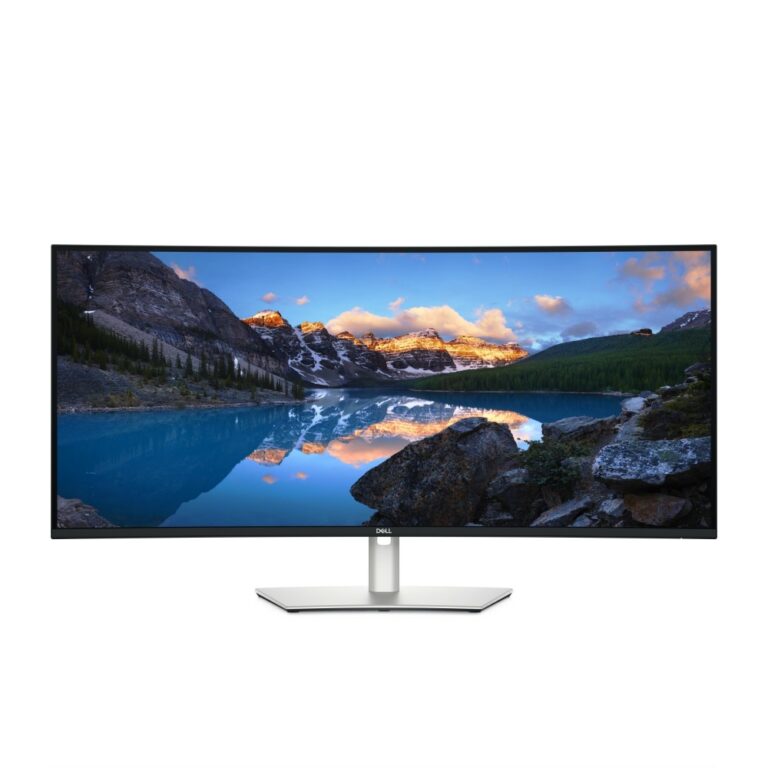
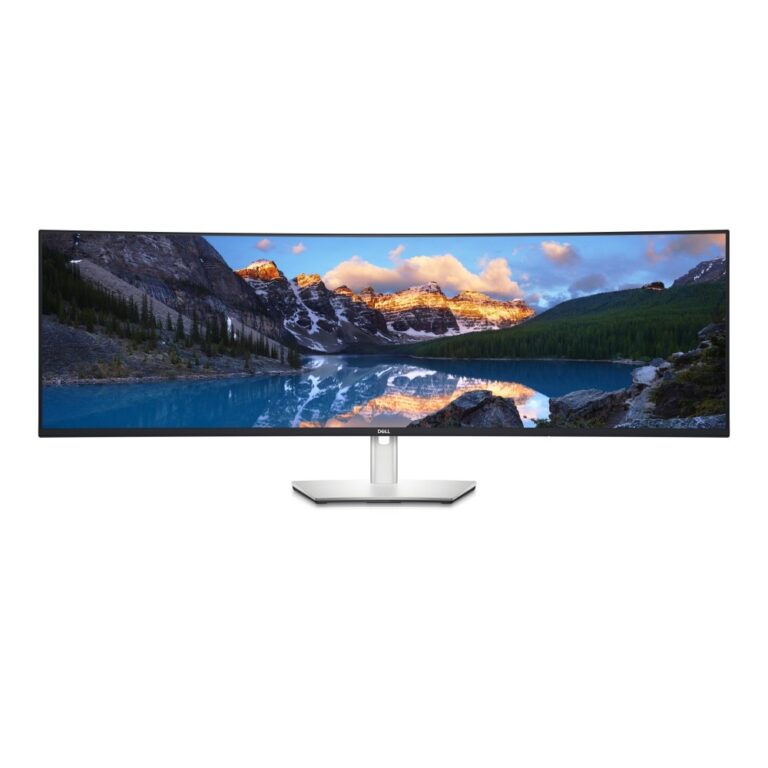
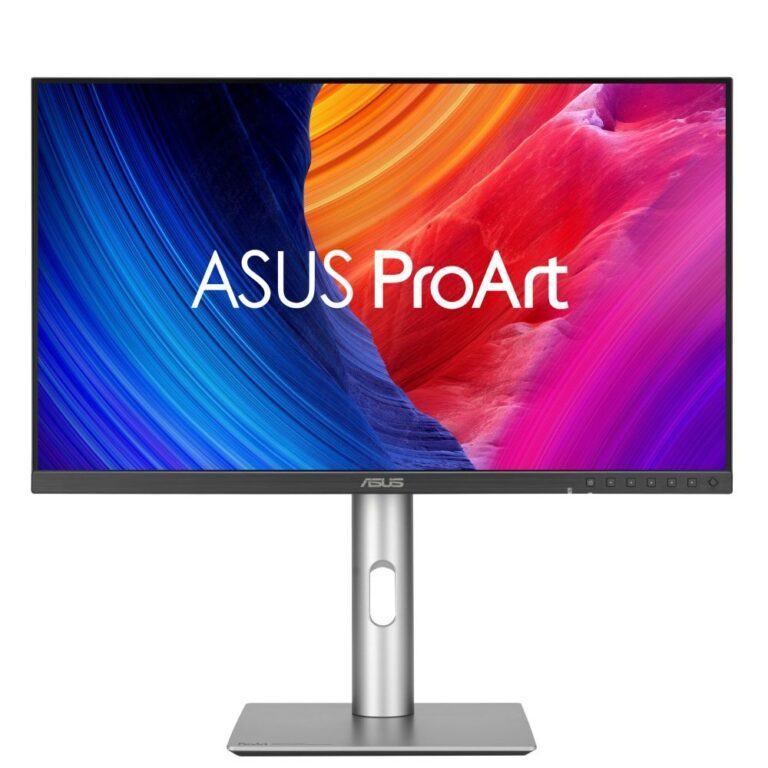

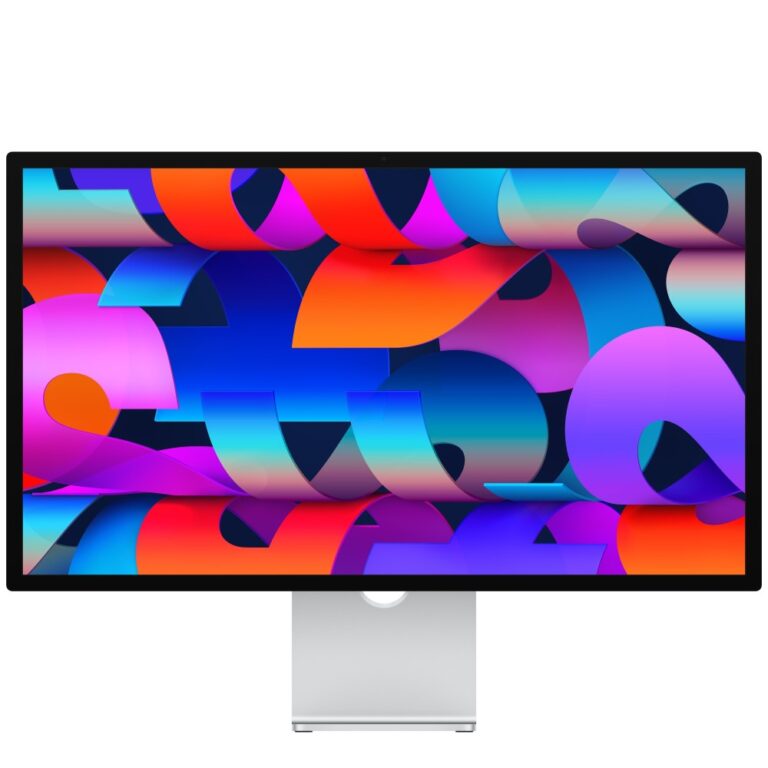
Apple Studio Display – Standard glass – VESA mount adapter (Stand Not Included)
Out of stock
£1,525.98
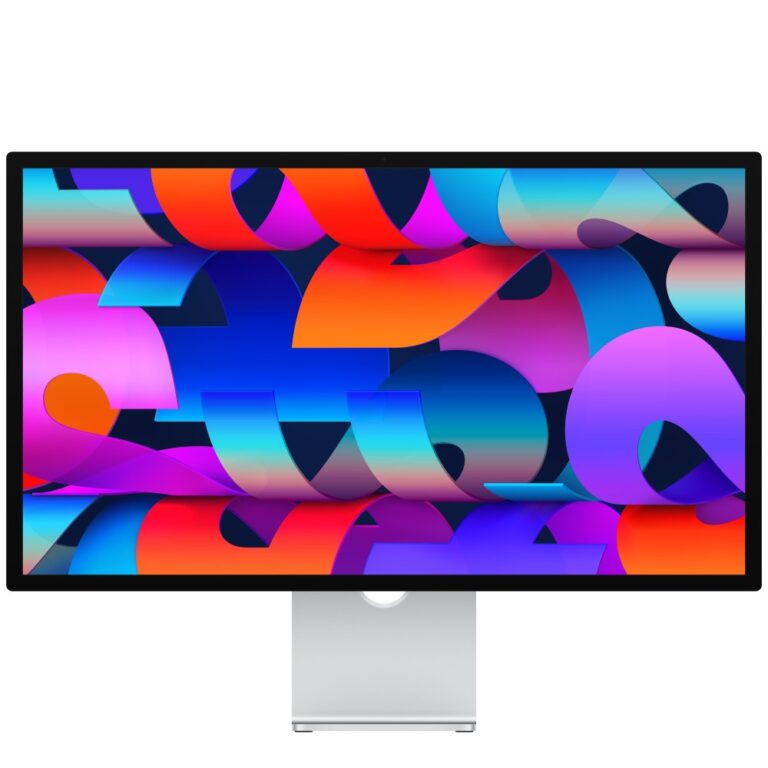
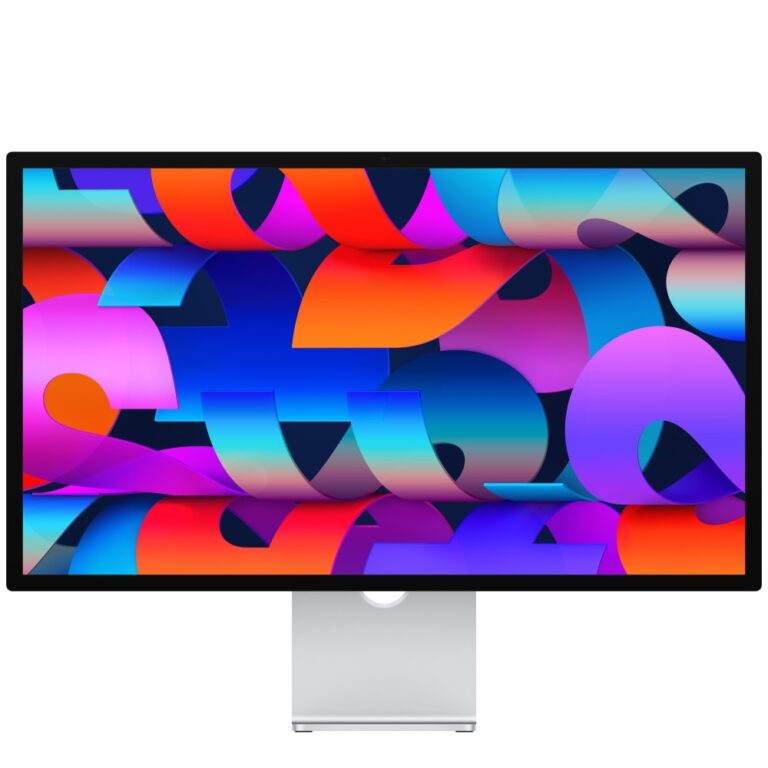
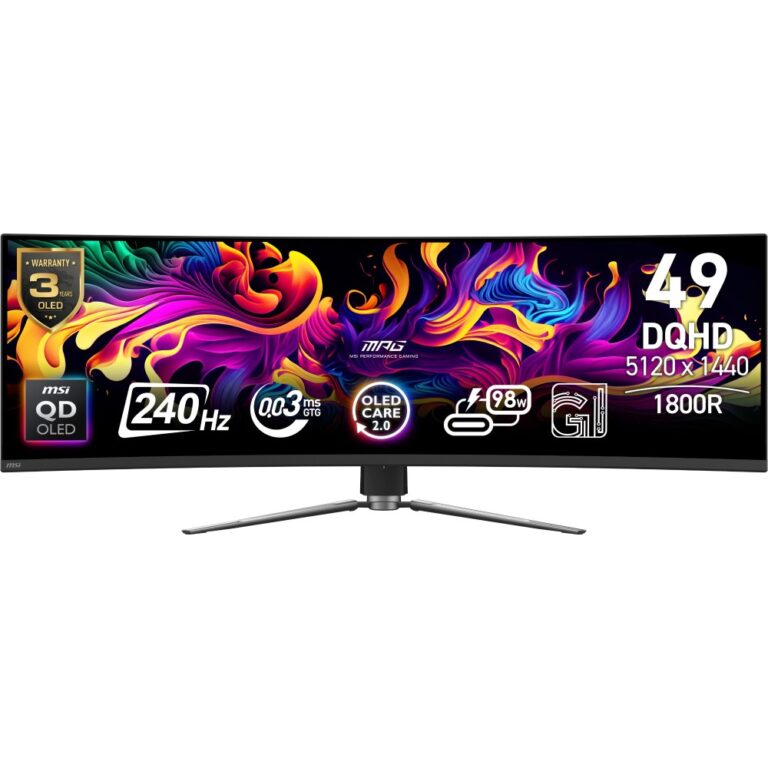
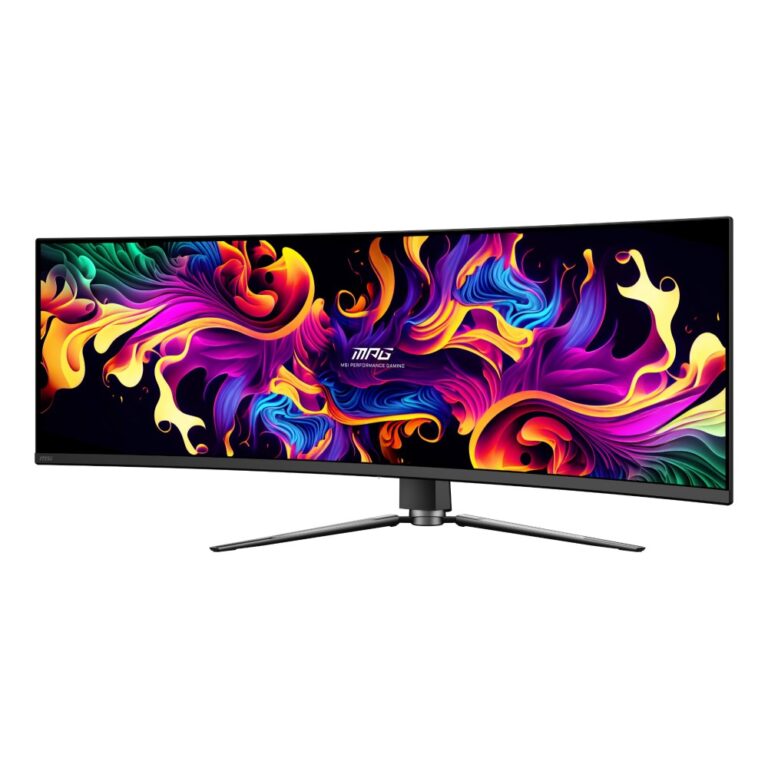

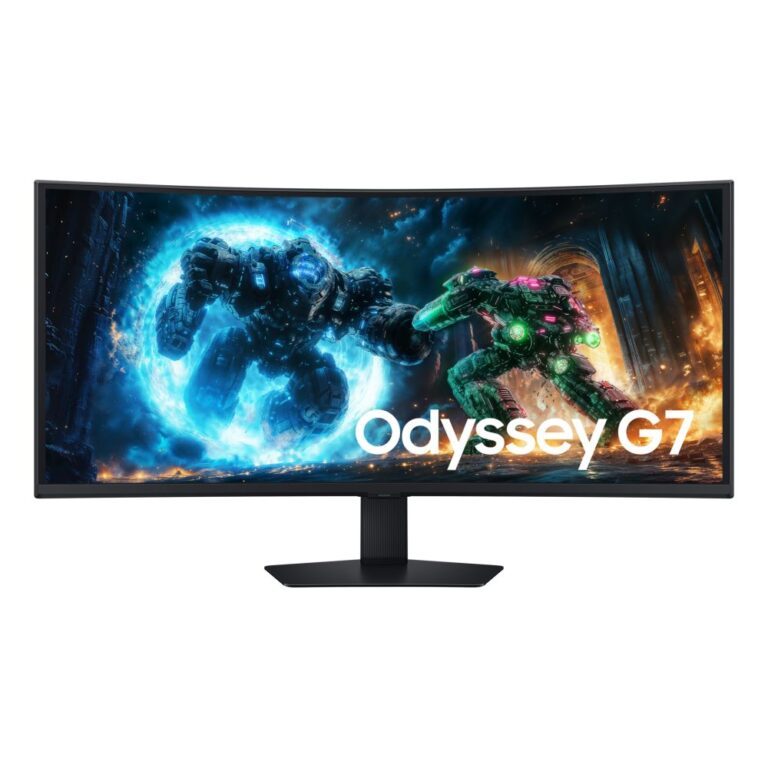
“5K” describes roughly 5,120 pixels horizontally, and it covers two quite different screens. Knowing which you want matters.
5120×2880 at 27in is the traditional 5K — the same shape as a 4K screen but sharper still, at a pixel density high enough that text looks like print. It is aimed at photo and design work, and at anyone who wants a genuinely crisp desktop at 27in without scaling artefacts.
5120×1440 is the 32:9 super ultrawide, typically 49in. It is not sharper than QHD; it is two QHD screens side by side in one continuous panel, aimed at trading, monitoring, timeline editing and immersive gaming. 5K2K (5120×2160) at 40in sits between the two.
At these resolutions check your machine can drive the panel — you generally need DisplayPort 1.4 or Thunderbolt, and a laptop’s USB-C port must support the mode.
The range covers Dell UltraSharp, Samsung ViewFinity and ASUS ProArt, several with USB-C power delivery and built-in KVM.
This 5K Monitors range groups screens by resolution. Below are the common questions.
5K is 5120x2880, extra-high resolution for detailed professional and creative work. Pick the resolution your graphics card can comfortably run at the frame rate you want.
4K and ultrawide ask for a strong card such as an RTX 5080 or 5090. Higher resolution needs more graphics power, so balance the screen with your PC.
4K shines on 32 inch and larger screens, and ultrawide suits 34 inch and up. Matching resolution to size keeps the image sharp.
No account yet?
Create an Account