Price
Brand
Availability
Screen size
Resolution
Refresh rate
Panel type
Shop Categories

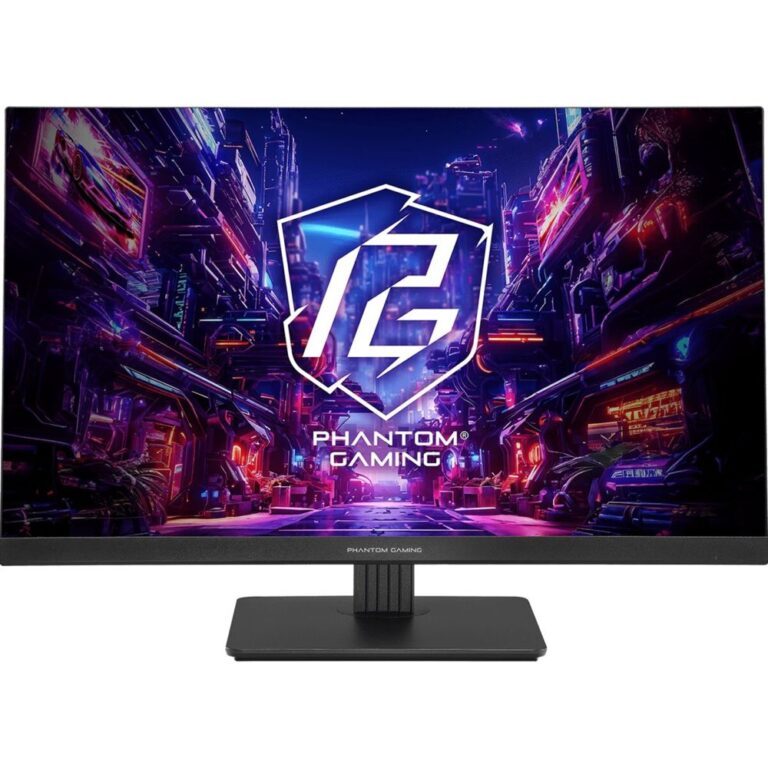
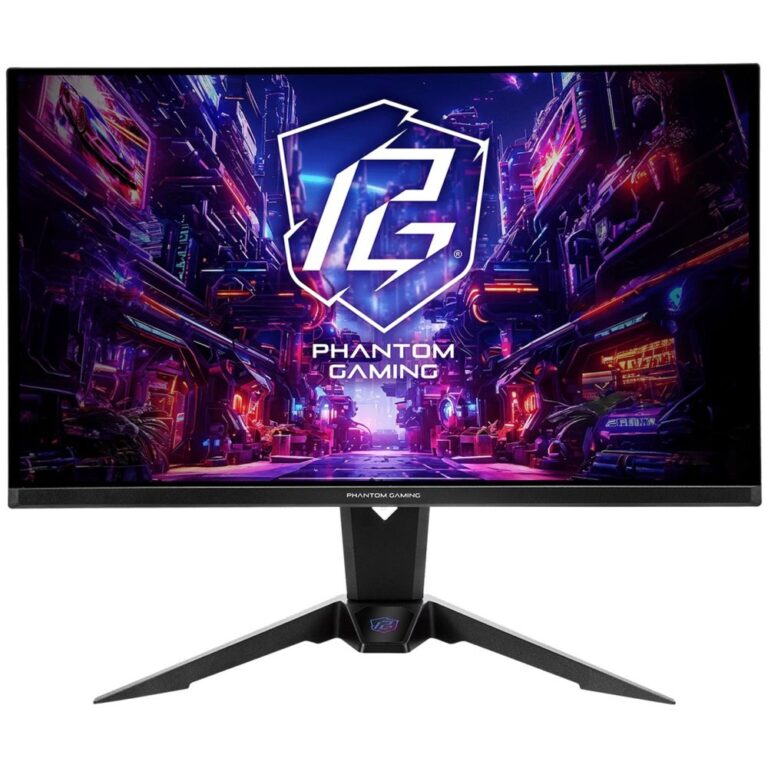
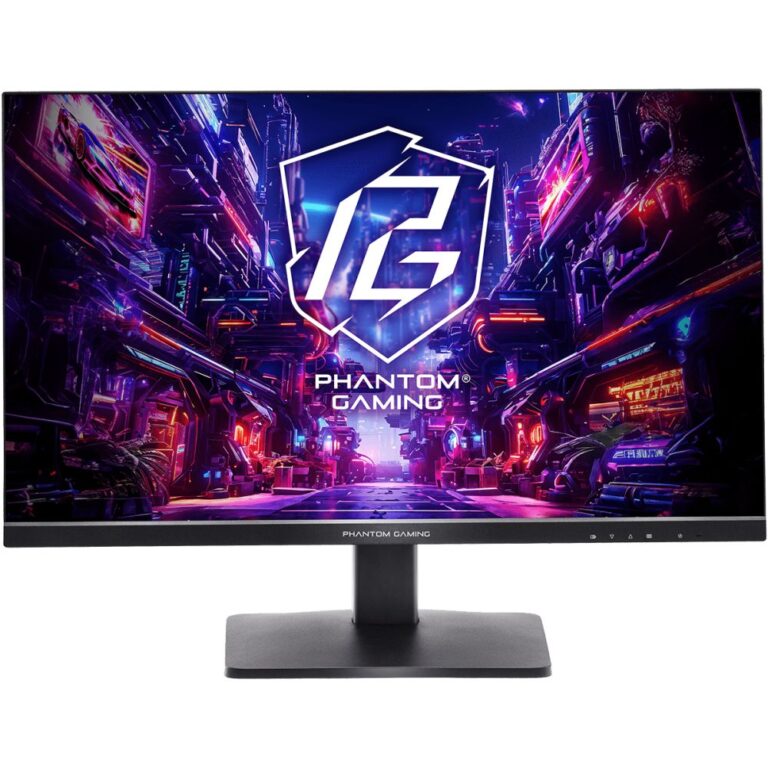
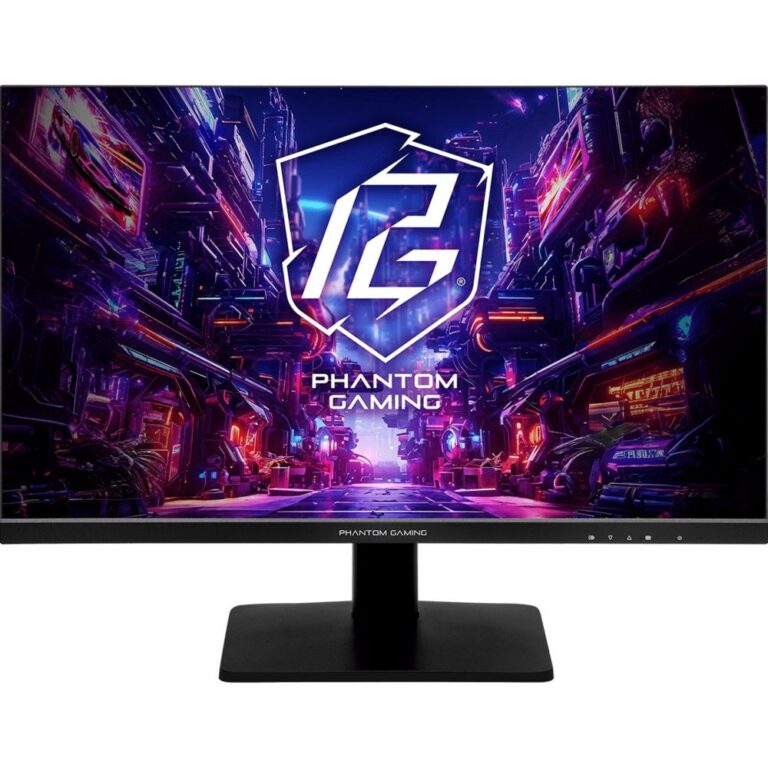
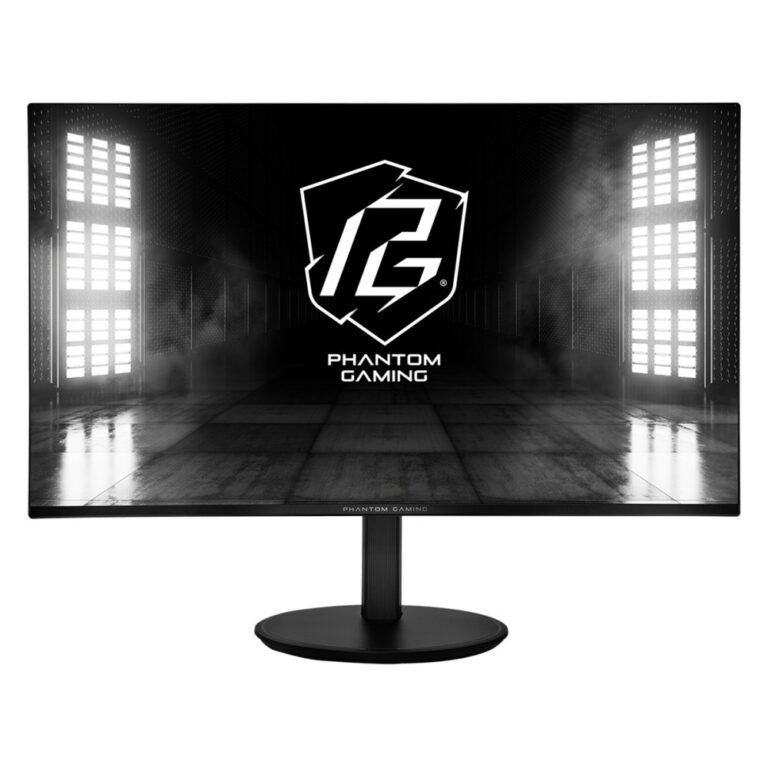
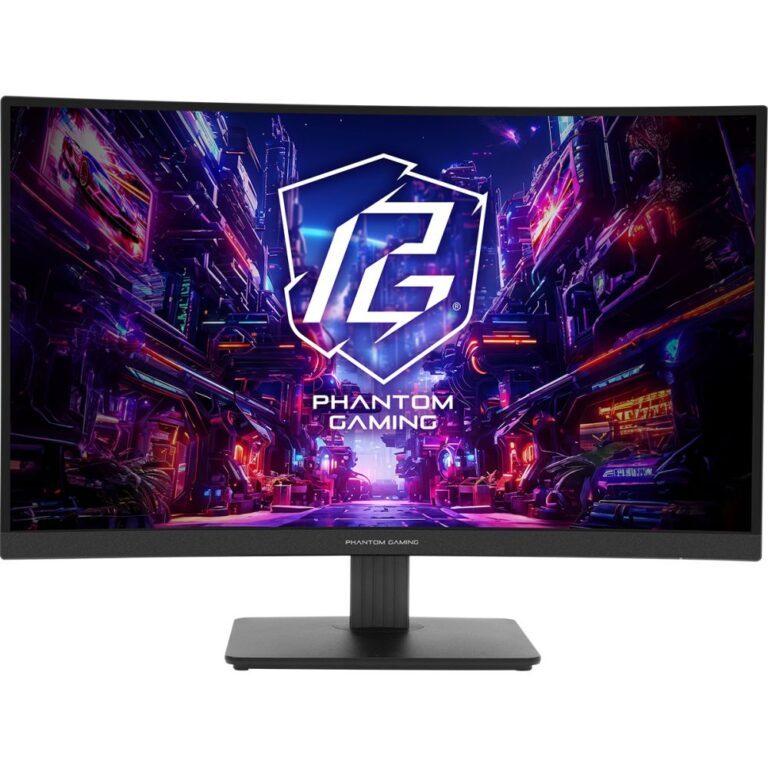
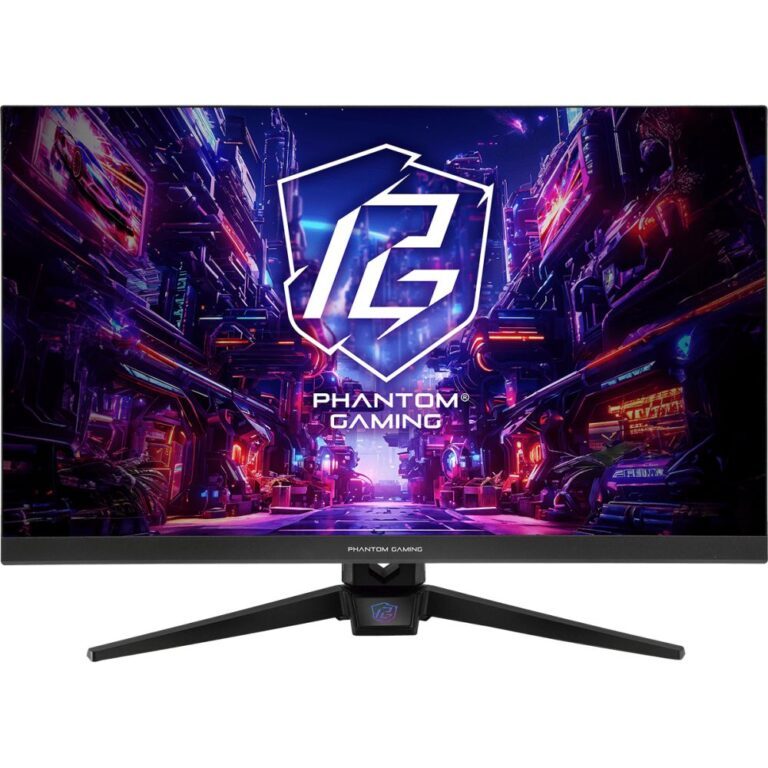
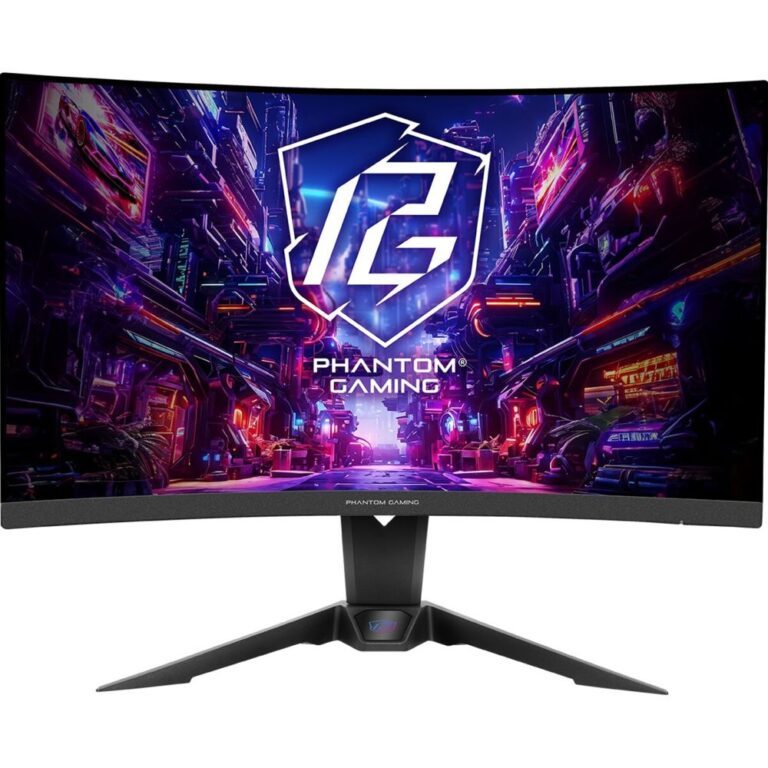
ASRock Phantom Gaming Monitors

Phantom Gaming is ASRock’s display range, and it competes on one thing above all: refresh rate for the money. ASRock is better known for motherboards, and the monitors follow the same approach of putting the budget into the specification rather than the badge.

The range is focused. Almost everything is 27in, split between Full HD at 165Hz, 180Hz and 240Hz, and QHD (2560×1440) at 180Hz and above, with flat and curved options. At the top sit very high refresh models — 400Hz and 520Hz Full HD panels and a QHD OLED — aimed at competitive play.

Be realistic about which of those you can use. A 520Hz panel only shows 520 frames if your PC produces them, which in practice means older or well-optimised competitive titles. For most people a 27in QHD at 180Hz is the better balance of sharpness and speed.

Use DisplayPort, or HDMI 2.1 for the highest modes — an older cable silently caps the refresh rate.


ASRock Phantom Gaming Monitors Buying Guide and FAQ

This ASRock Phantom Gaming Monitors range covers gaming monitors. Below are the common questions.

What makes a good gaming monitor?

Balance resolution and refresh rate, then match them to your graphics card. A fast 1080p or 1440p screen at 144Hz or higher suits most gamers, with variable refresh (G-Sync or FreeSync) to keep motion tear-free.

What refresh rate and resolution for gaming?

1440p at 144Hz or higher is the current sweet spot. Choose higher refresh (240Hz or 360Hz) for competitive play if your PC can push the frames, and higher resolution (4K) for visual single-player games if your GPU can drive it.

OLED or IPS for a gaming monitor?

OLED gives the best contrast and motion and looks stunning, while IPS is excellent value with great colour. Pick OLED for the best image and IPS for value, and check the size suits your desk and resolution.