Price
Brand
Availability
Screen size
Panel type
Shop Categories

ASUS Monitors

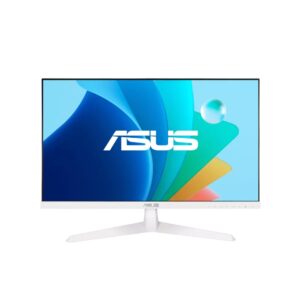
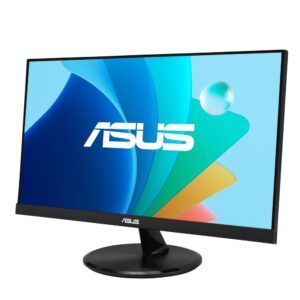
ASUS VY249HF-W 23.8″ Full HD 100 Hz IPS Gaming Monitor, White

In stock

Original price was: £171.59.Current price is: £161.27.

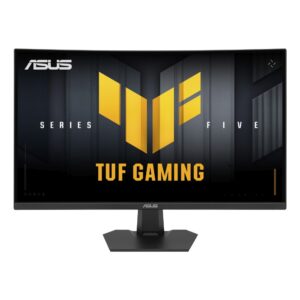
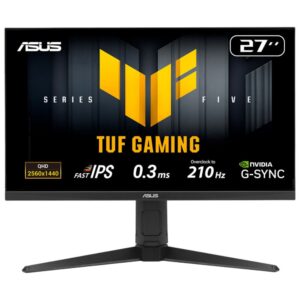
ASUS TUF Gaming VG27VQM5F 27″ Full HD 280Hz Fast VA Curved Gaming Monitor, Black

In stock

Original price was: £199.19.Current price is: £189.23.

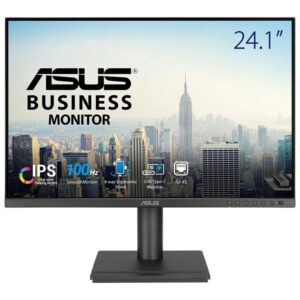
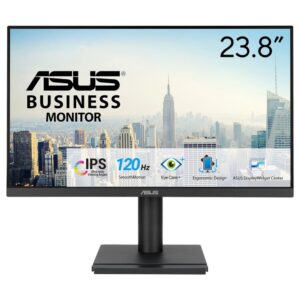
ASUS VA249QGSE 23.8″ Full HD 120Hz IPS Business Monitor – Black

In stock

Original price was: £149.99.Current price is: £142.49.

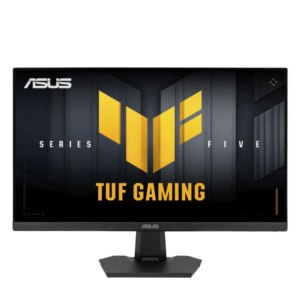
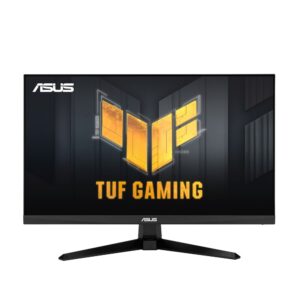
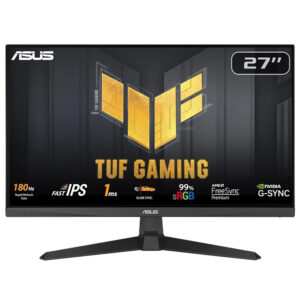
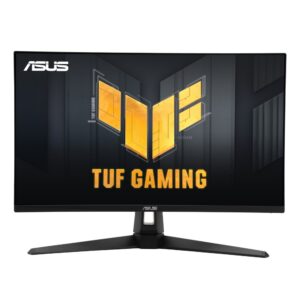
ASUS TUF Gaming VG246H1A 23.8″ Full HD IPS Gaming Monitor 100Hz 0.5ms Black

In stock

Original price was: £156.70.Current price is: £147.96.

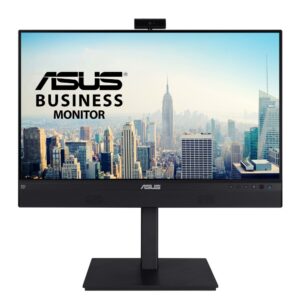
ASUS BE24ECSNK 23.8″ Full HD IPS Monitor 60Hz with Webcam, USB-C Docking, RJ45, Black

In stock

Original price was: £375.59.Current price is: £356.17.

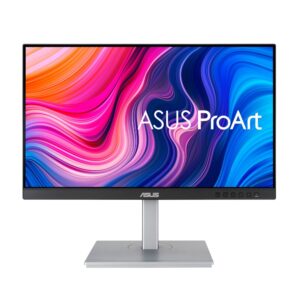
ASUS PA247CV 23.8″ Full HD LED Monitor Black/Silver

In stock

Original price was: £290.39.Current price is: £275.94.

ASUS EyeCare VP229HF 21.4″ Full HD Monitor

In stock

Original price was: £101.99.Current price is: £97.14.

ASUS names its monitor families by job, which makes choosing easier than reading spec sheets side by side.

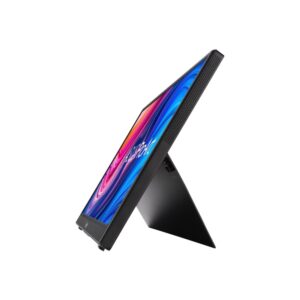
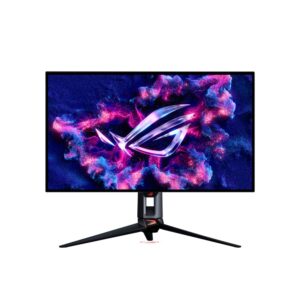
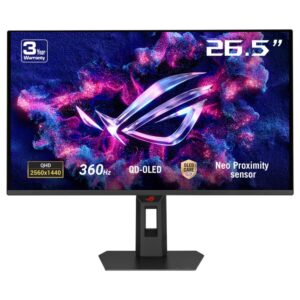
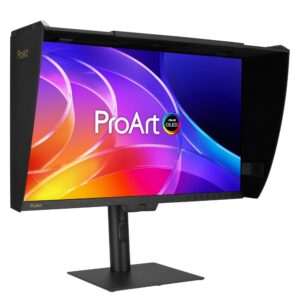
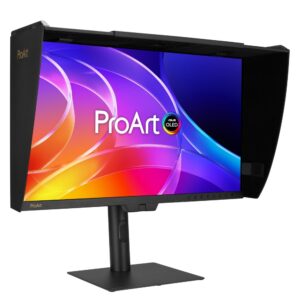
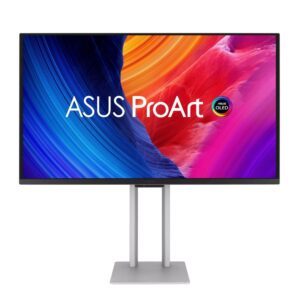
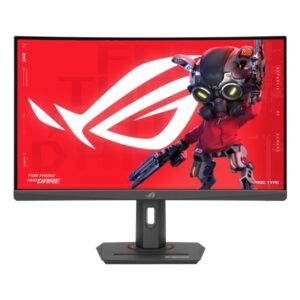
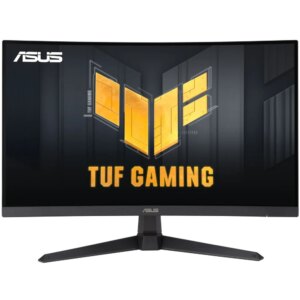
VA, VY, VZ and BE are the everyday desk and business screens, mostly 21.5in to 27in Full HD, some with a built-in webcam and USB-C docking so one cable carries video, data and laptop power. TUF Gaming raises the refresh rate at Full HD and 1440p without moving into premium pricing. ROG Strix is the gaming line proper, running from 24.5in Full HD esports panels up to 27in QD-OLED and 4K. ProArt is built for colour accuracy in photo, video and design work, up to 5K. ZenScreen is the portable range that runs from a laptop’s USB-C port as a second screen.

ASUS Monitors Buying Guide and FAQ

This ASUS Monitors range covers ASUS products. Below are the common questions.

Are ASUS monitors any good?

ASUS is a well-regarded name in monitors, with a range that spans budget to high-end. The best model depends on your needs and budget, so compare the key specs rather than choosing on the badge alone.

Which ASUS model should I choose?

Start with what you need from your monitors, then pick the ASUS model whose features and price fit. If you want help comparing, our monitors guide explains what to look for.

What should I check before buying?

Match the key specs to your setup and budget, check compatibility with your other parts or devices, and look at the warranty. The right ASUS product is the one that fits your needs, not just the most expensive.