Brand
 DELLDELL 95
New
Save £6.12
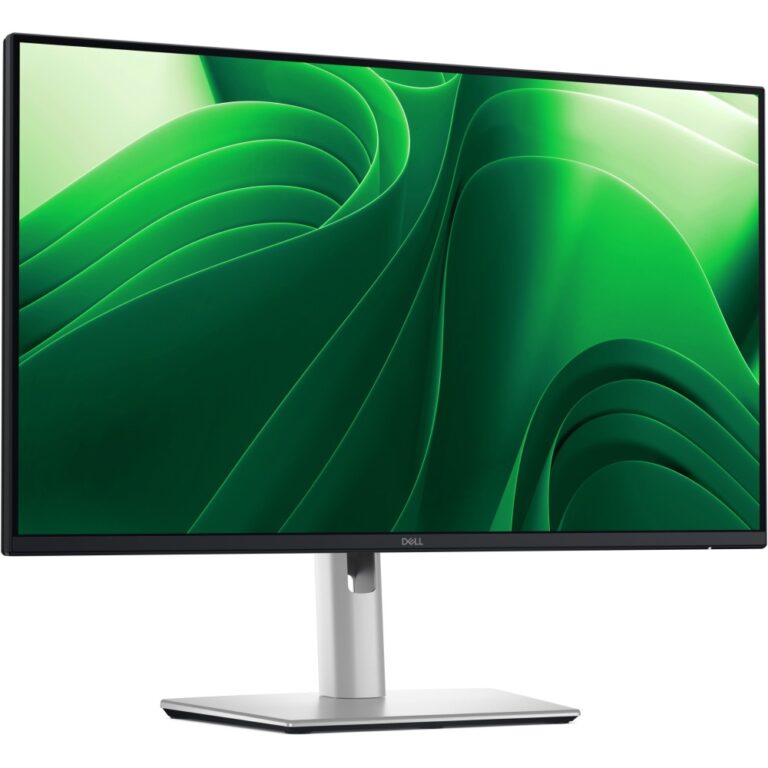
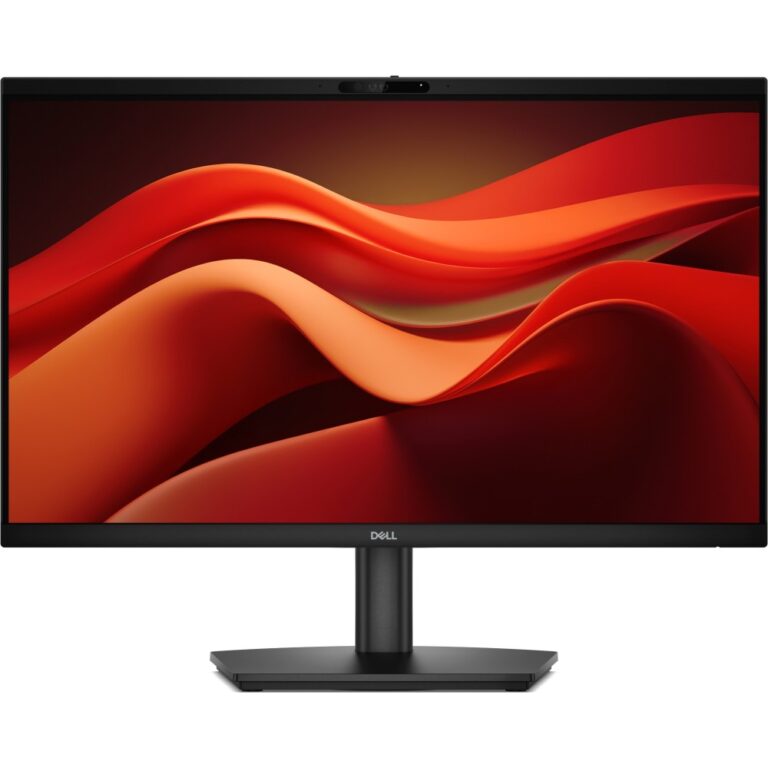
DELL Pro E2426H Monitor 23.8″ 1920 x 1080 Full HD 120 Hz IPS Black
In stock
Original price was: £111.59.£105.47Current price is: £105.47.
Save £5.10
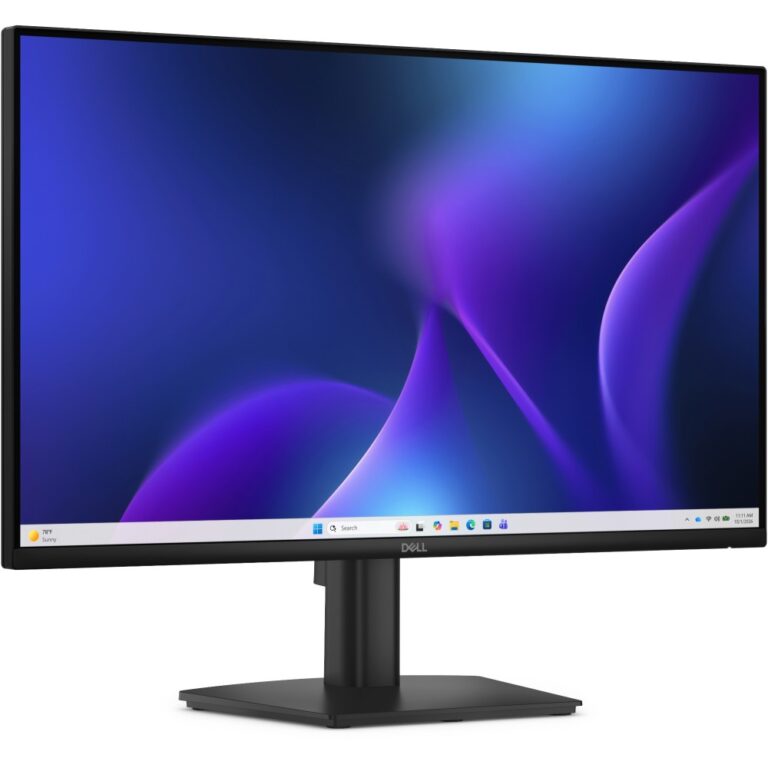
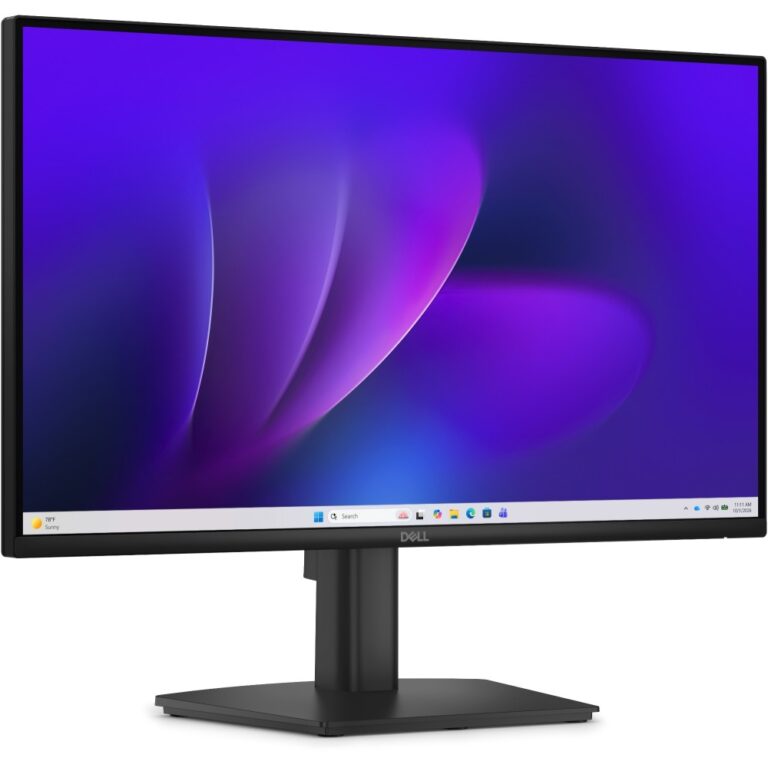
DELL Pro E2226H Monitor 21.5″ Full HD IPS 100Hz 1920×1080 Black
In stock
Original price was: £95.99.£90.89Current price is: £90.89.
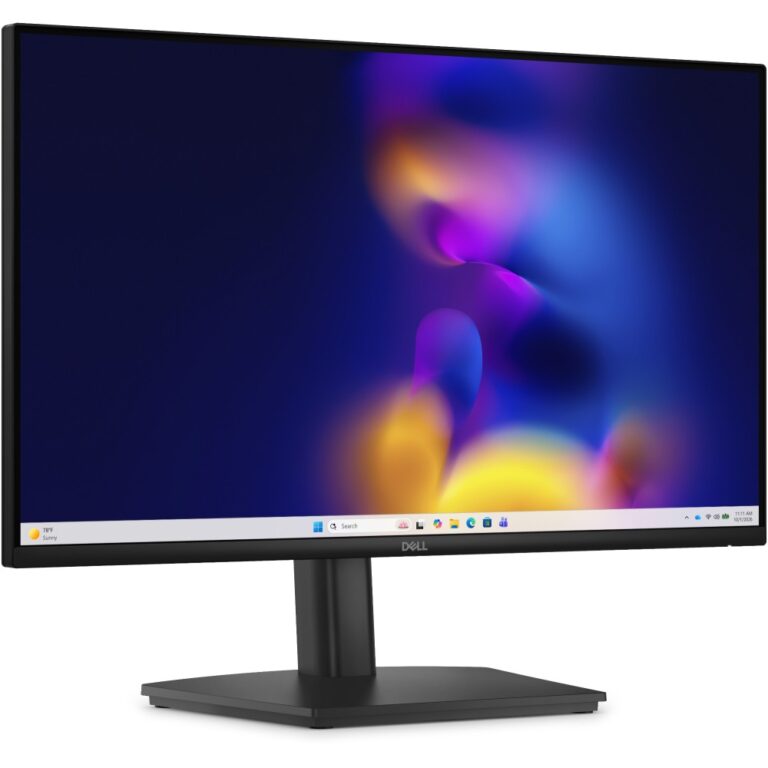
Save £6.54
Dell Pro E2426HS Monitor 23.8″ Full HD 120 Hz IPS Black
In stock
Original price was: £129.59.£123.05Current price is: £123.05.
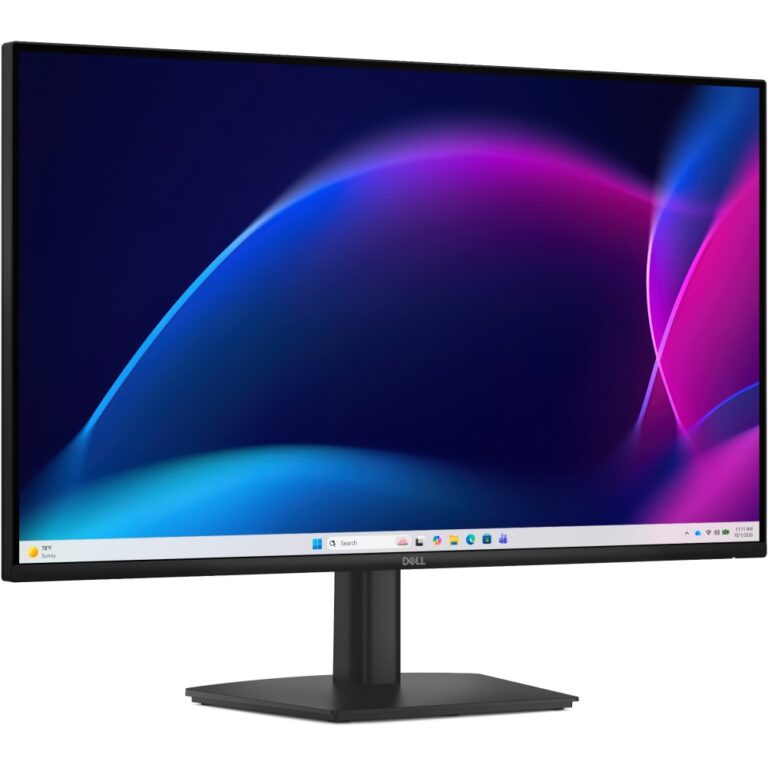
Save £8.88
DELL Pro E2726H 27″ Full HD IPS Monitor 1920×1080 120 Hz Black
In stock
Original price was: £131.99.£123.11Current price is: £123.11.
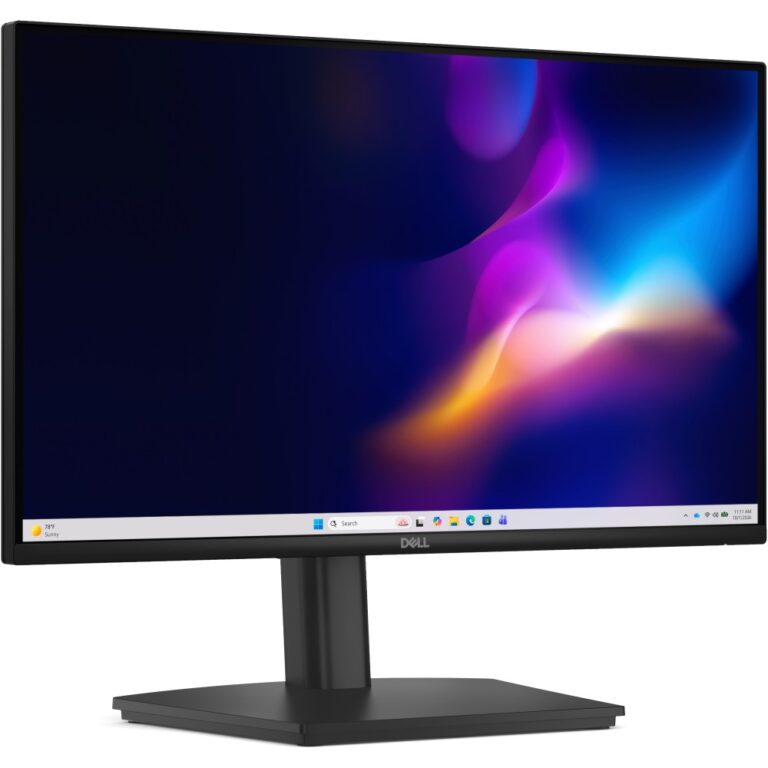
Save £6.46
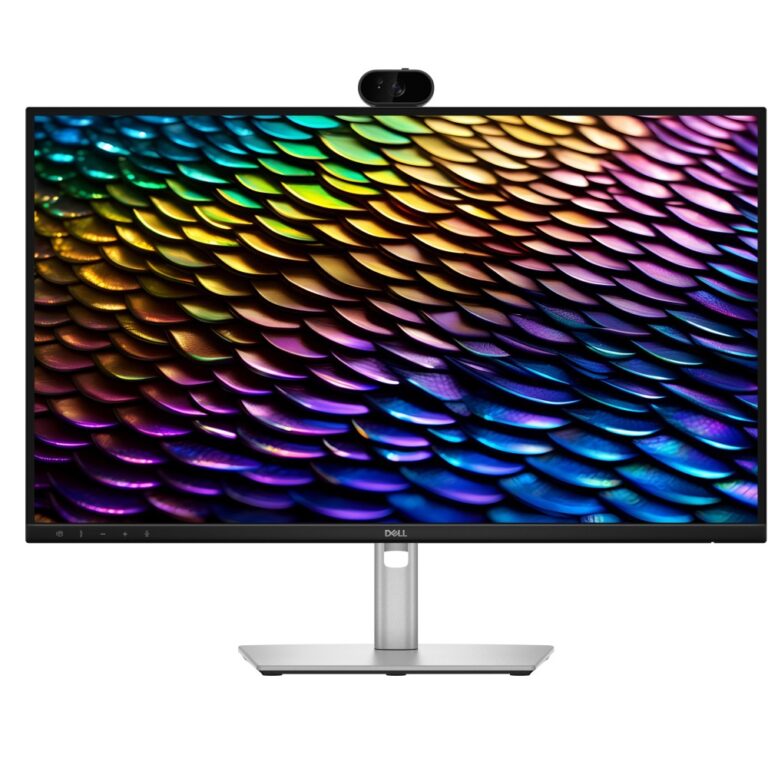
DELL Pro E2226HS 21.5″ IPS Monitor 1920×1080 100Hz Black Height Adjustable
In stock
Original price was: £107.99.£101.53Current price is: £101.53.
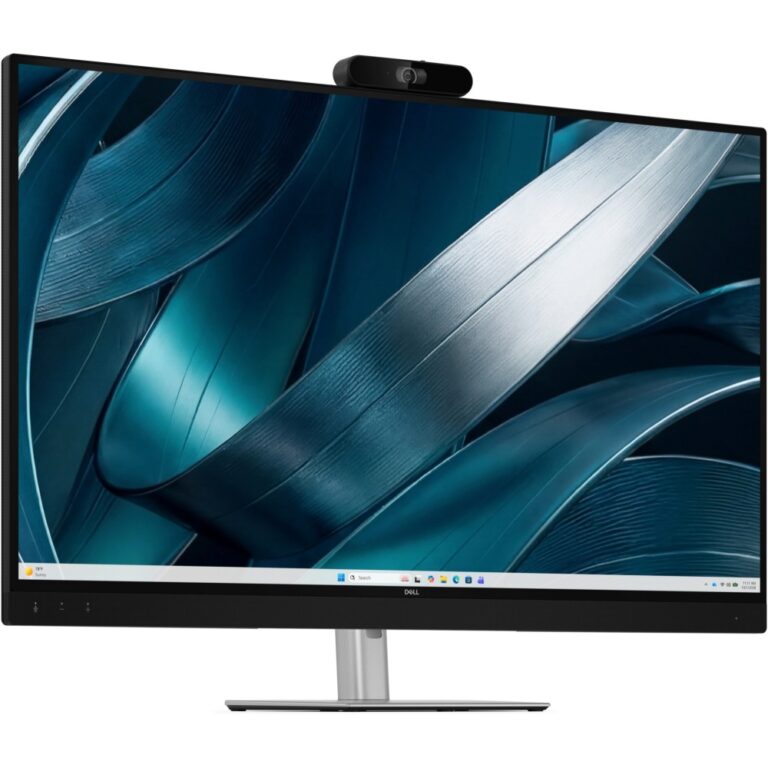
Save £11
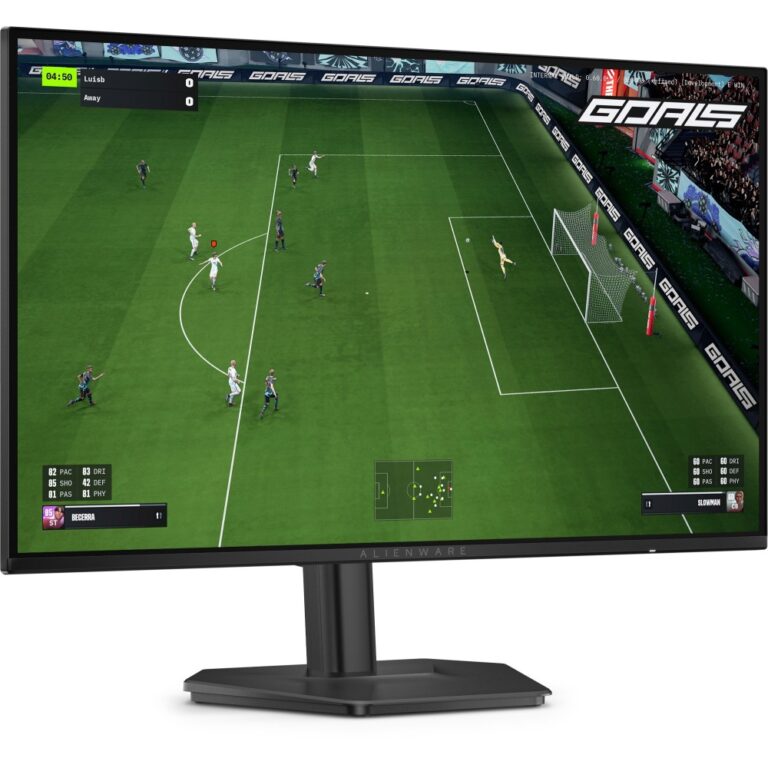
Alienware AW2726DL 27-inch Quad HD IPS Gaming Monitor, 2560 x 1440, 280 Hz, Black
In stock
Original price was: £197.99.£186.80Current price is: £186.80.
Save £20
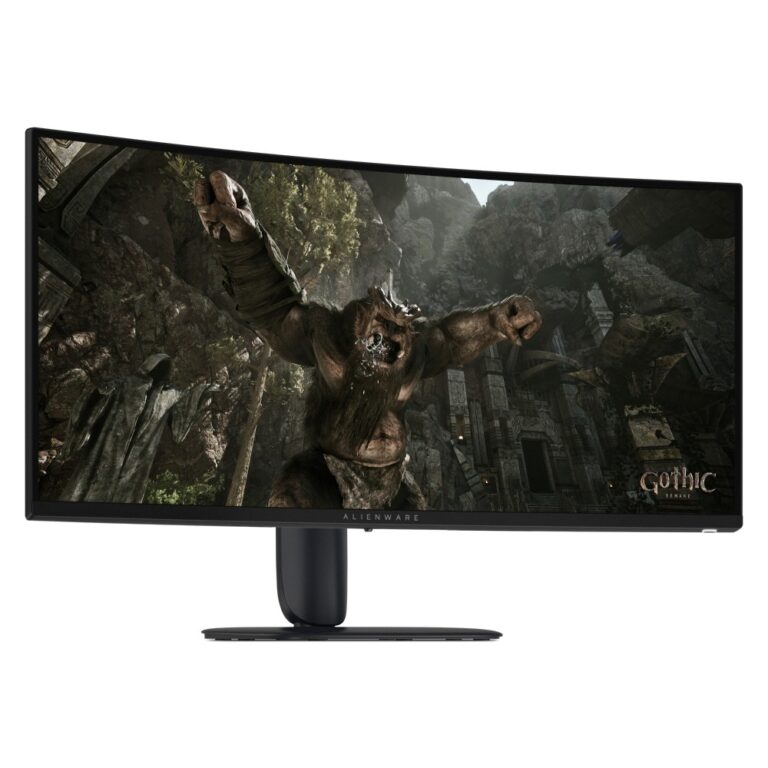
Alienware AW3426DWM Curved Gaming Monitor 34-inch 3440 x 1440 240 Hz VA Black
In stock
Original price was: £373.19.£352.81Current price is: £352.81.
Save £8.26
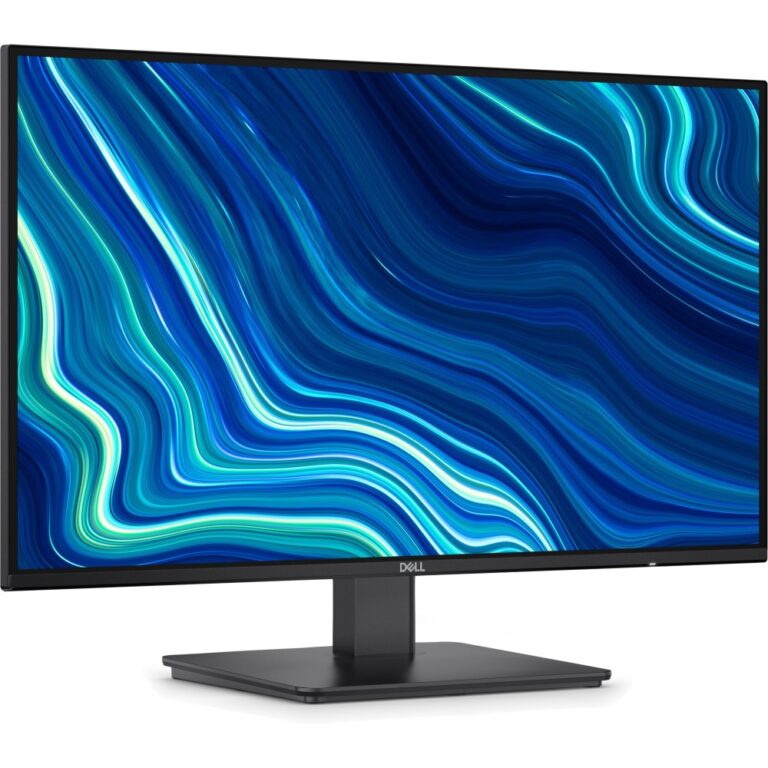
Dell SE2726D 27-Inch QHD 144Hz IPS Monitor, Black
In stock
Original price was: £152.39.£144.13Current price is: £144.13.
Save £7.11
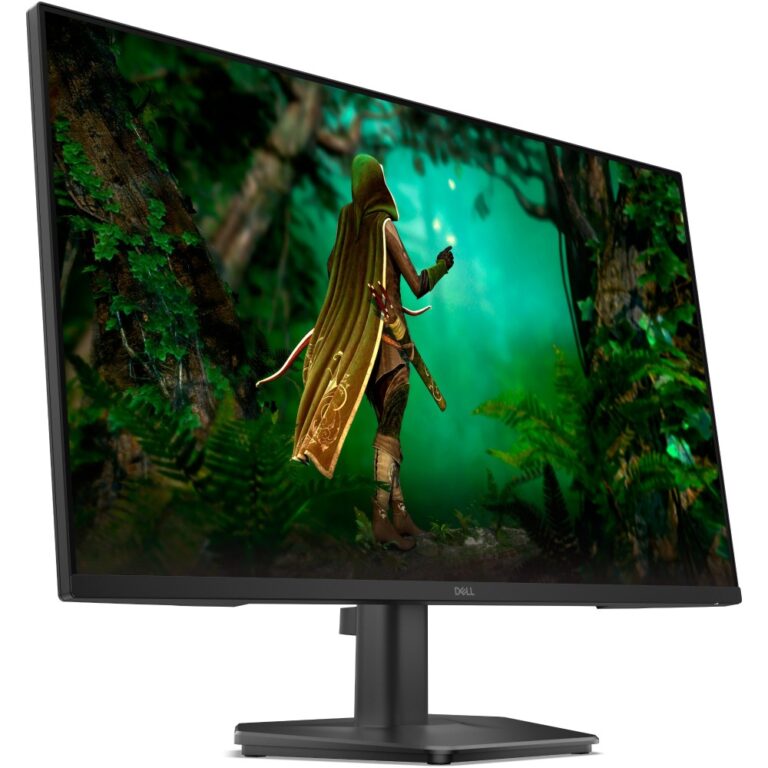
Dell SE2725HG 27-inch Full HD IPS Monitor, 200 Hz, FreeSync Premium, Black
In stock
Original price was: £135.59.£128.48Current price is: £128.48.
Save £5.40
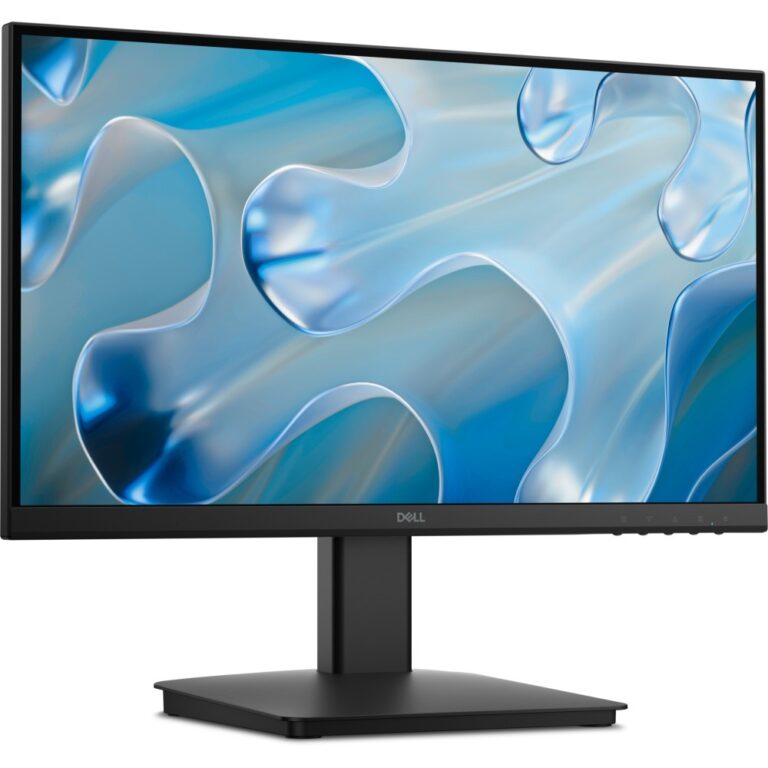
Dell SE2225HM 21.5″ Full HD VA Computer Monitor, 100 Hz, Black
In stock
Original price was: £87.59.£82.19Current price is: £82.19.
Save £6.69
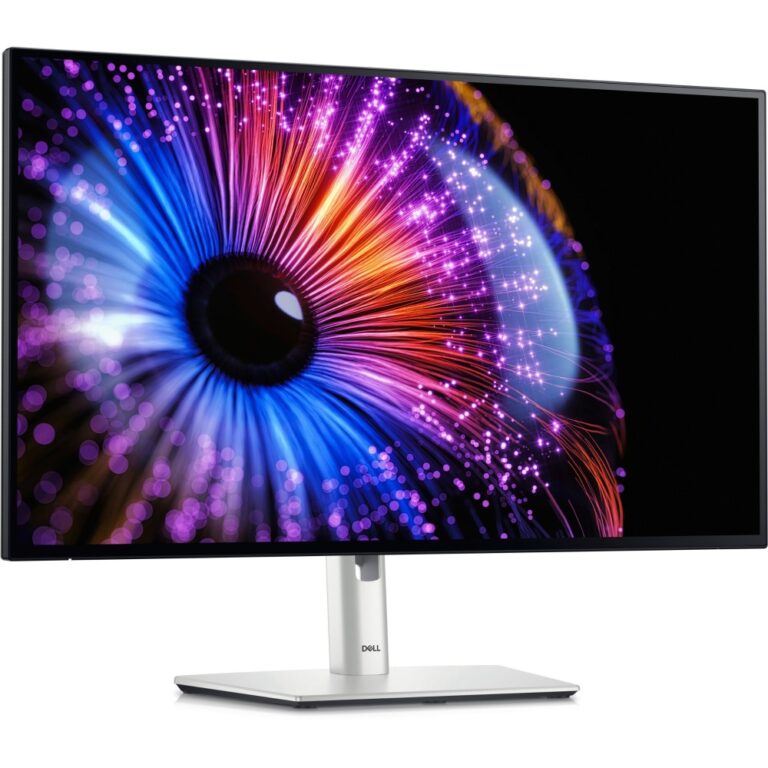
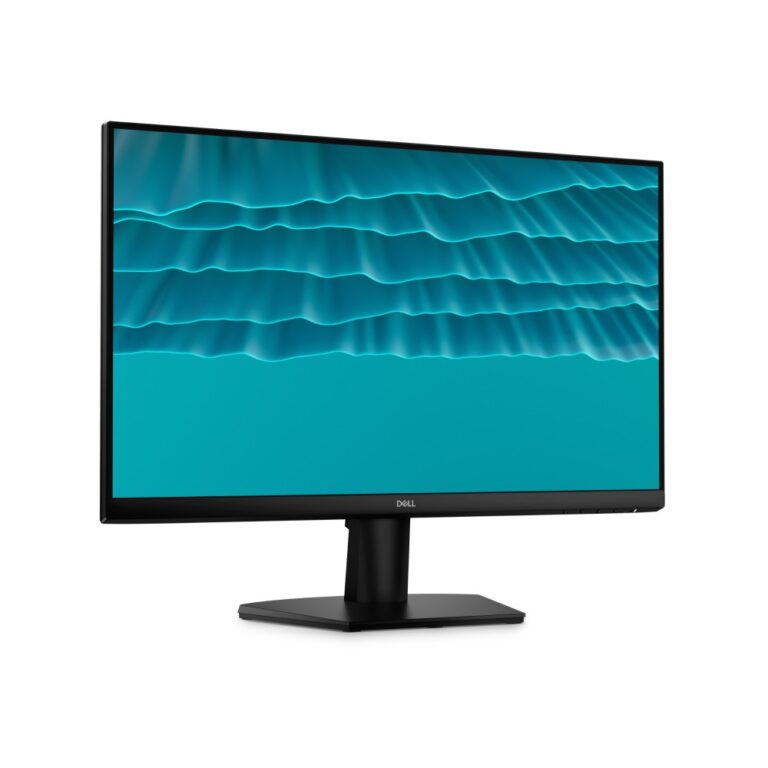
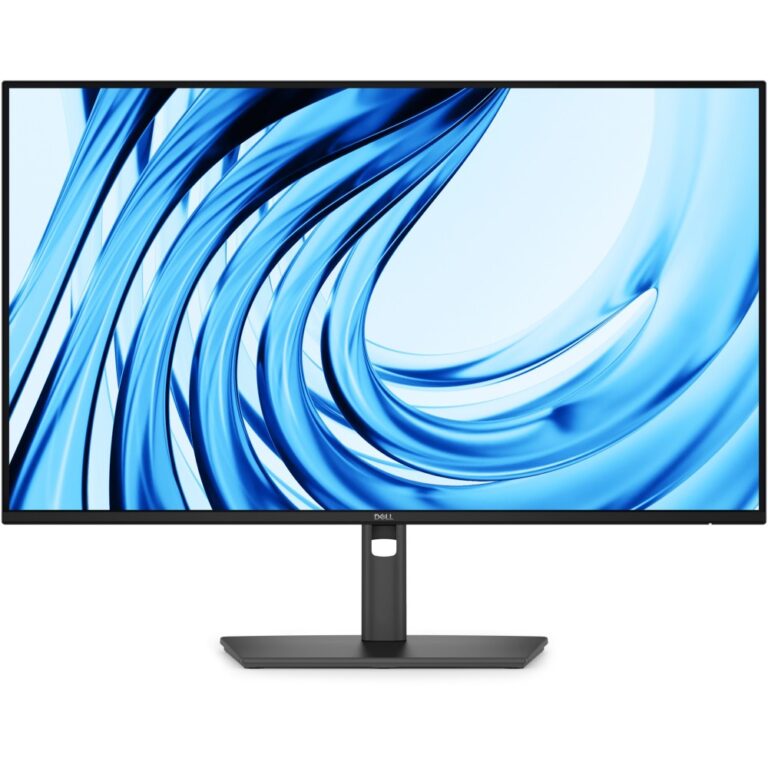
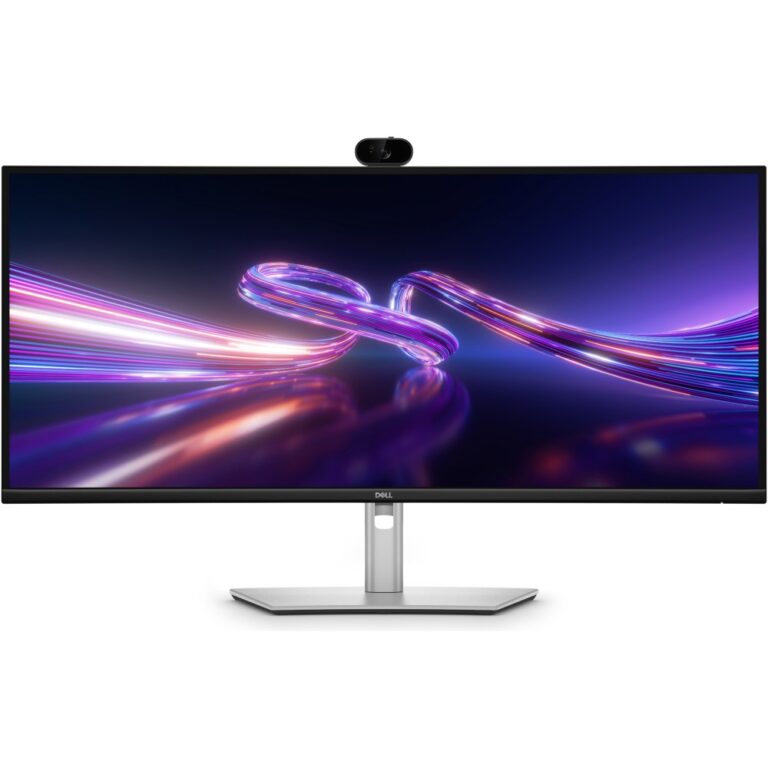
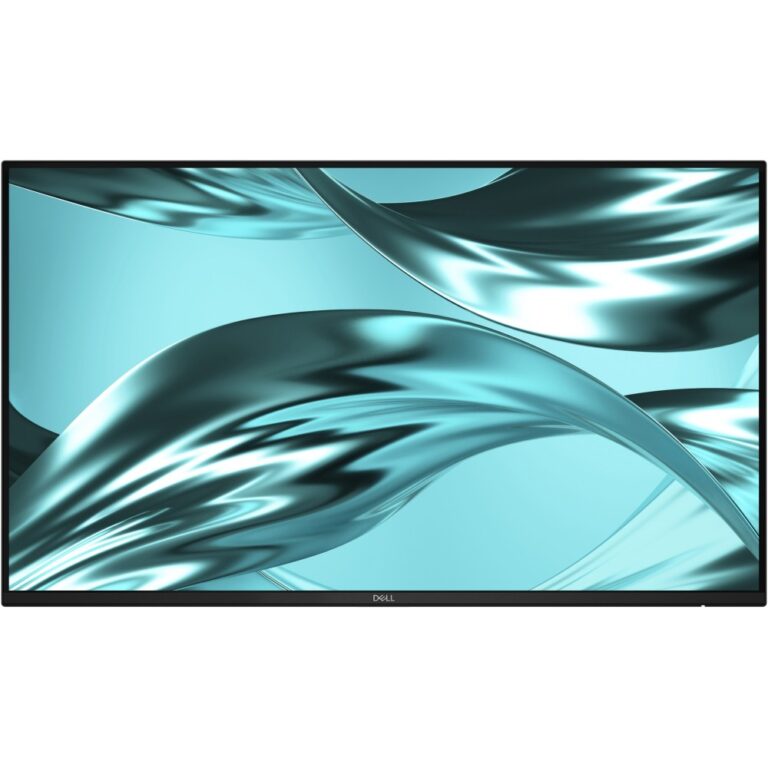
DELL SE2426H 23.8″ Full HD LCD Monitor
In stock
Original price was: £99.59.£92.90Current price is: £92.90.
Save £11
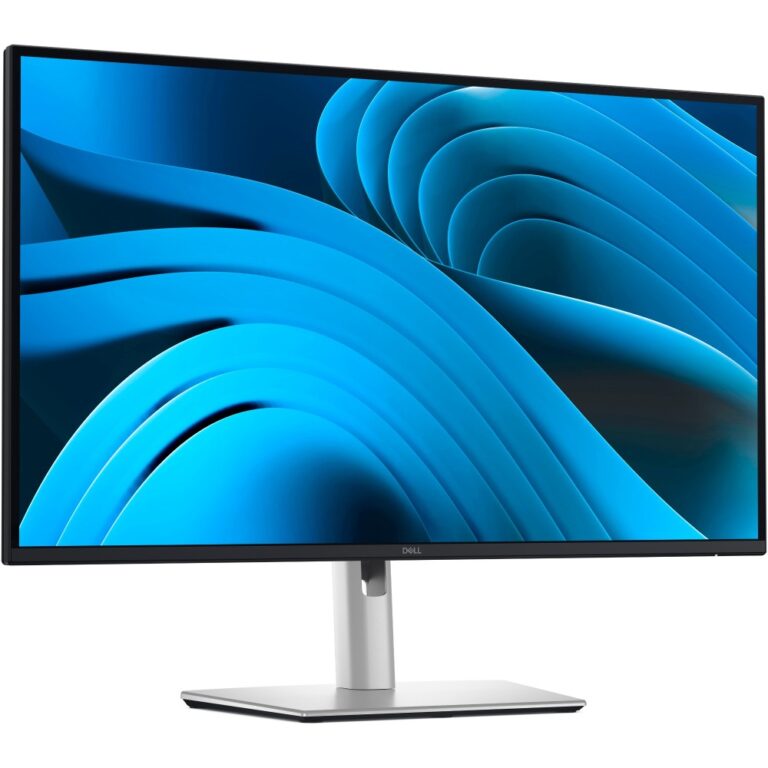
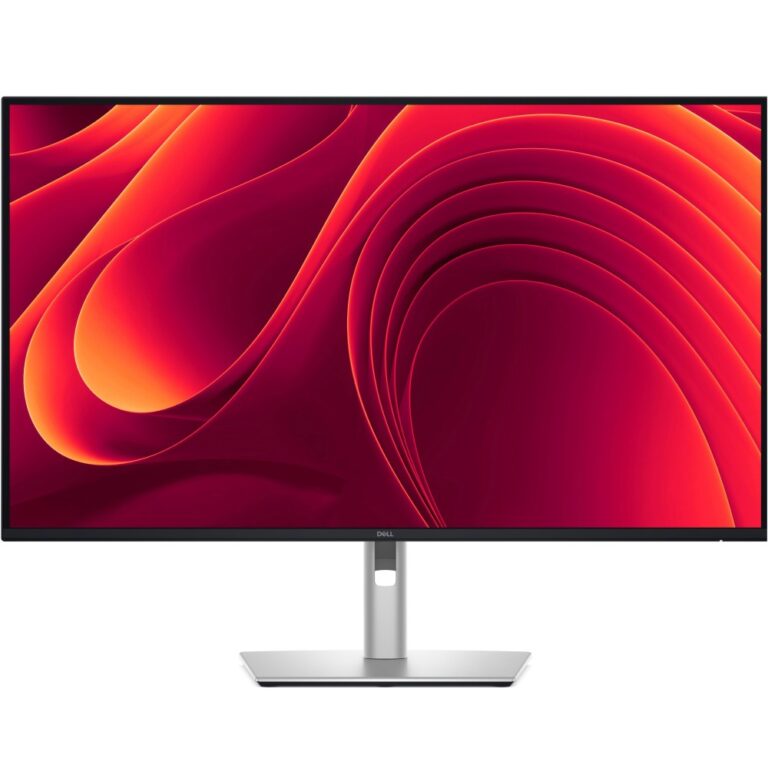
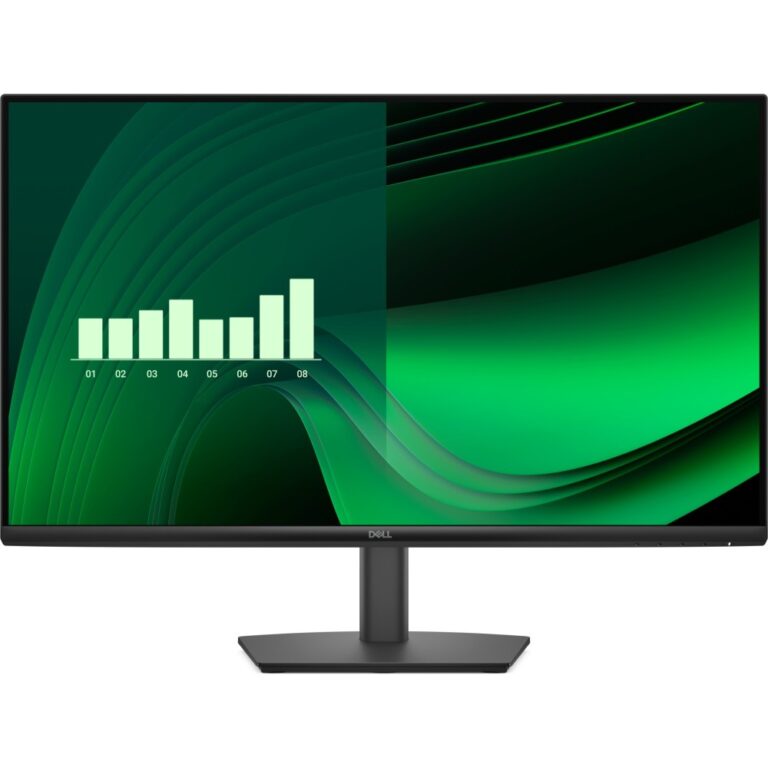
DELL P2426H 24″ Full HD Monitor 1920×1080 Black
In stock
Original price was: £164.39.£153.54Current price is: £153.54.
Save £6.83
DELL E Series E2725HM 27″ Full HD Monitor 1920×1080 Black
In stock
Original price was: £111.59.£104.76Current price is: £104.76.
Save £16
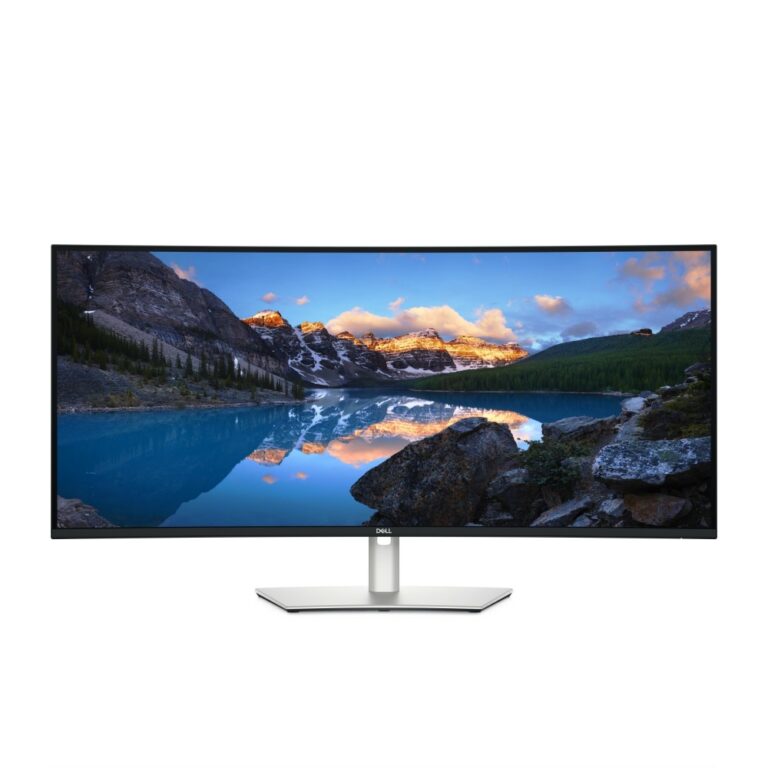
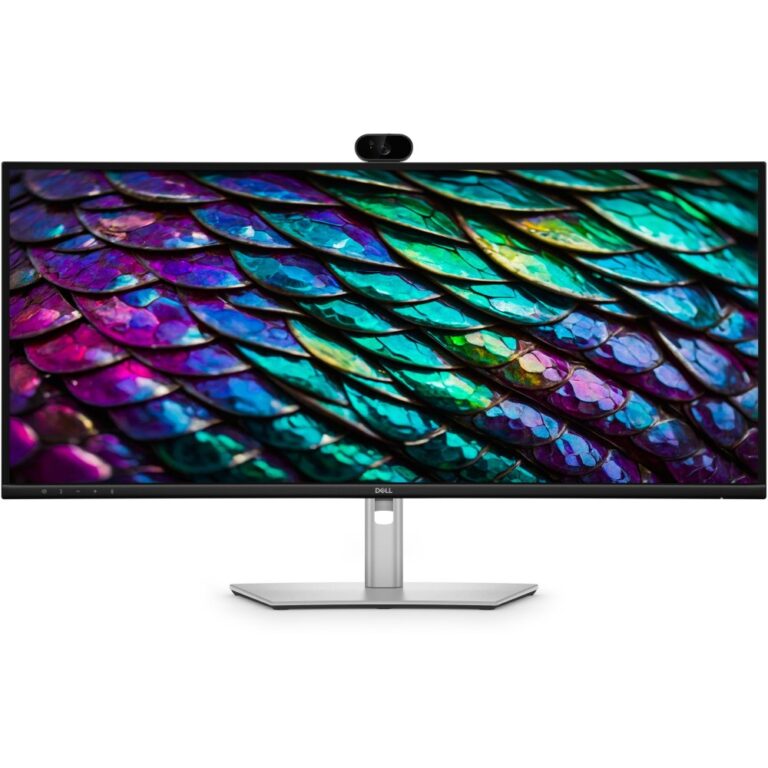
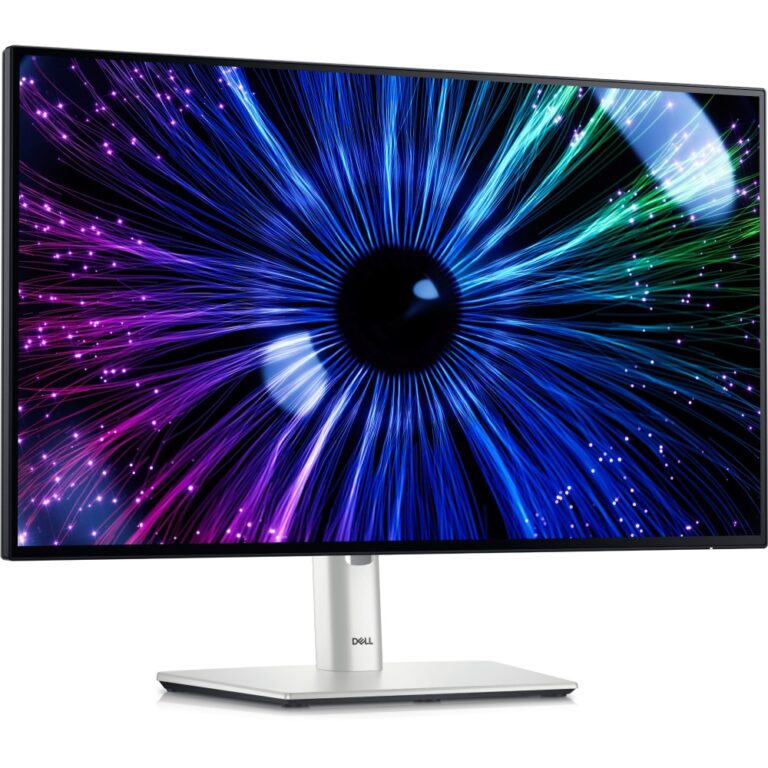
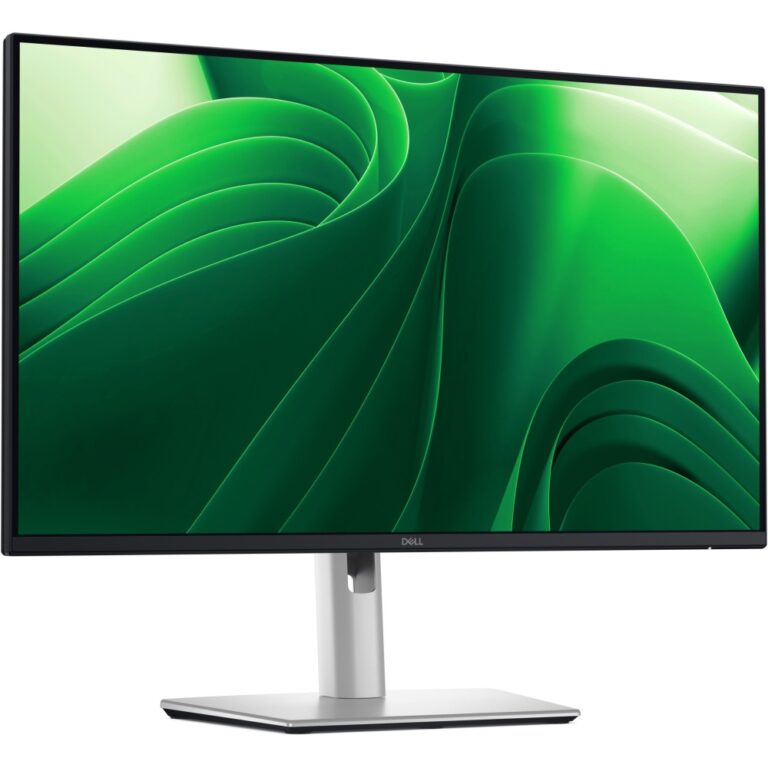
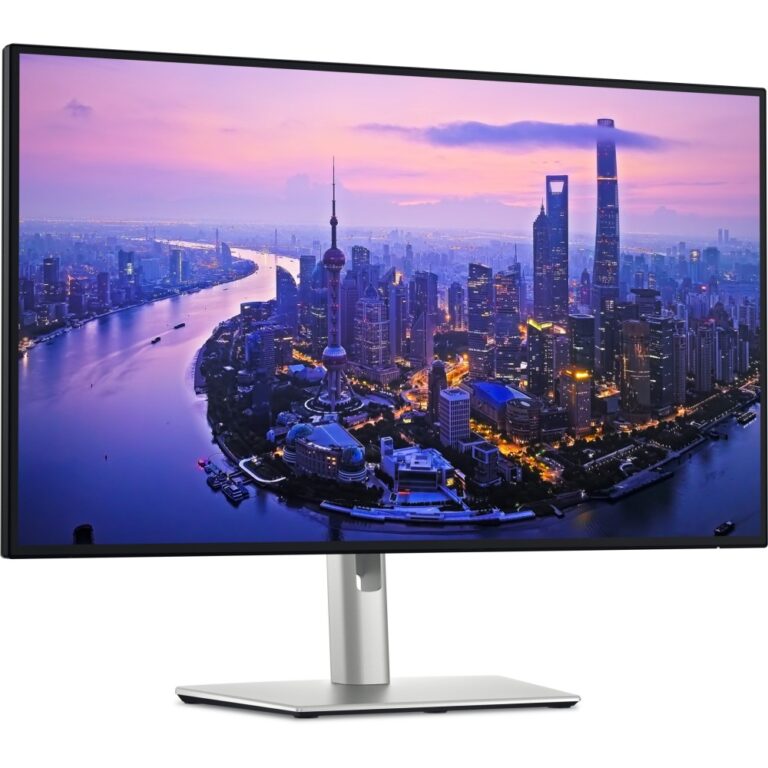
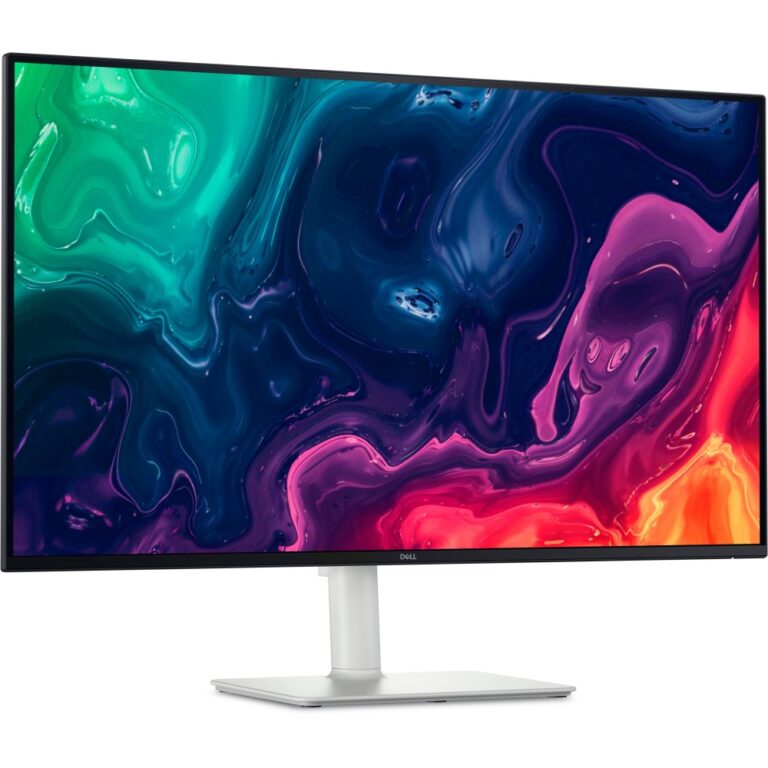
DELL UltraSharp U2424HE 23.8″ Full HD 60Hz IPS Monitor Black/Silver
In stock
Original price was: £292.79.£276.50Current price is: £276.50.
Save £8.59
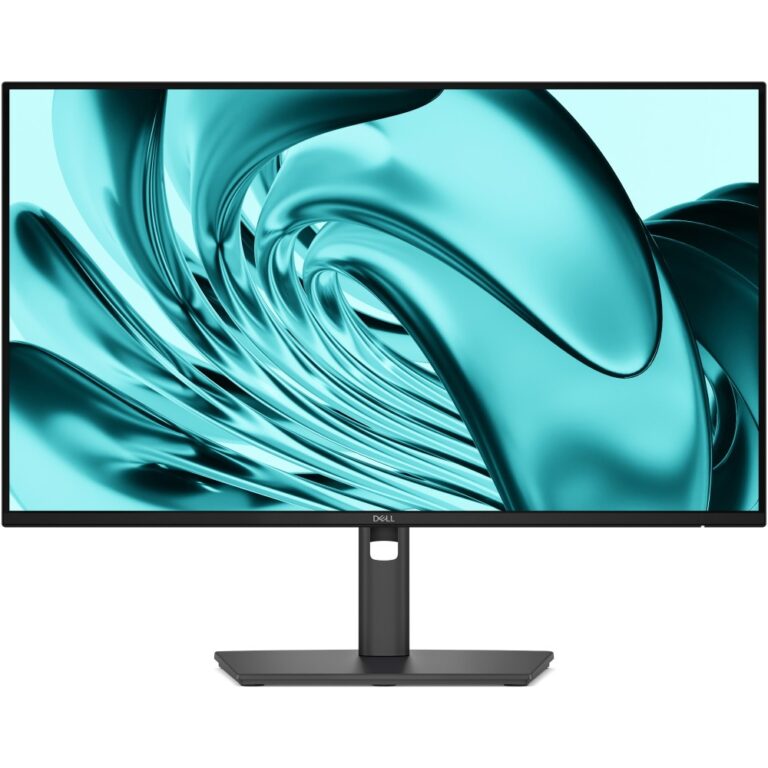
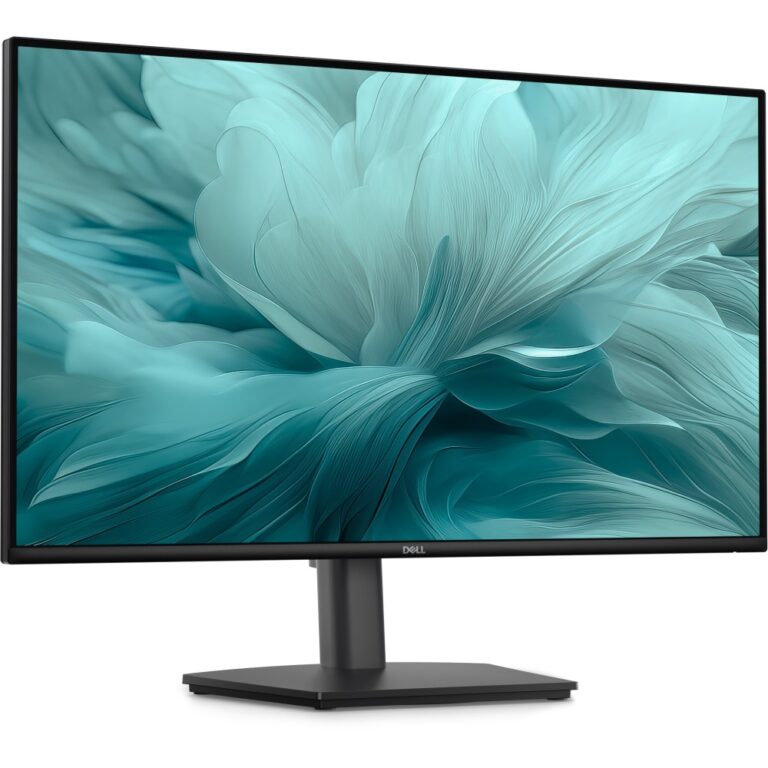
DELL Pro E2726HS 27″ Full HD Monitor 1920×1080 Black
In stock
Original price was: £124.79.£116.20Current price is: £116.20.
Save £14
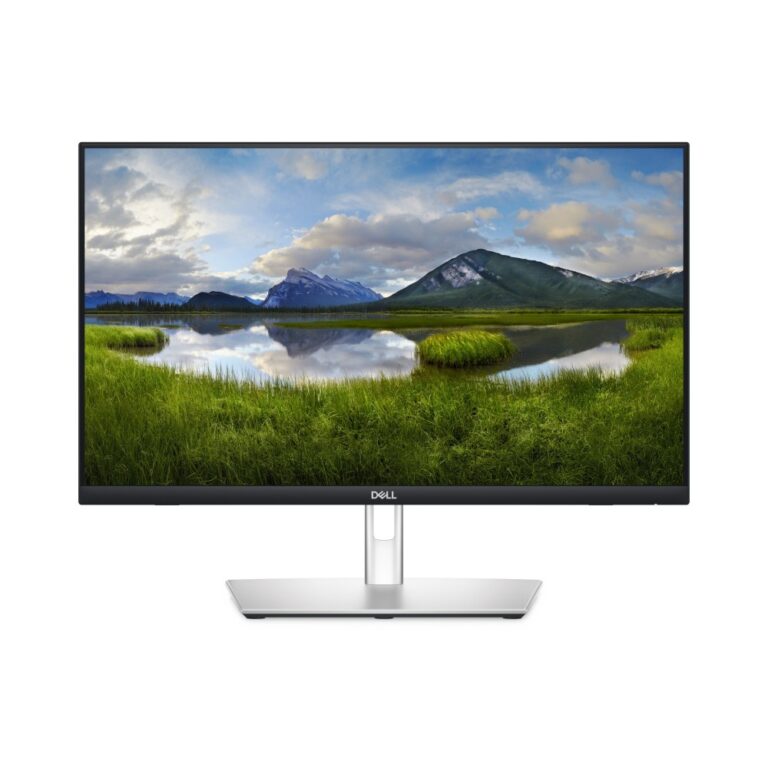
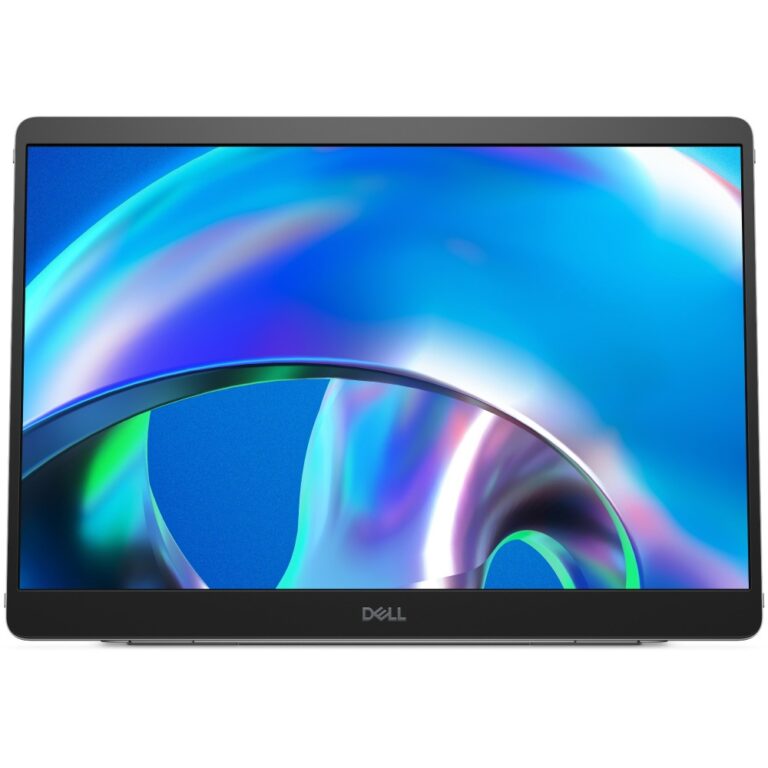
DELL Pro Plus P1425 14″ WUXGA Monitor Silver
In stock
Original price was: £262.79.£248.65Current price is: £248.65.