
Brand

Save £10
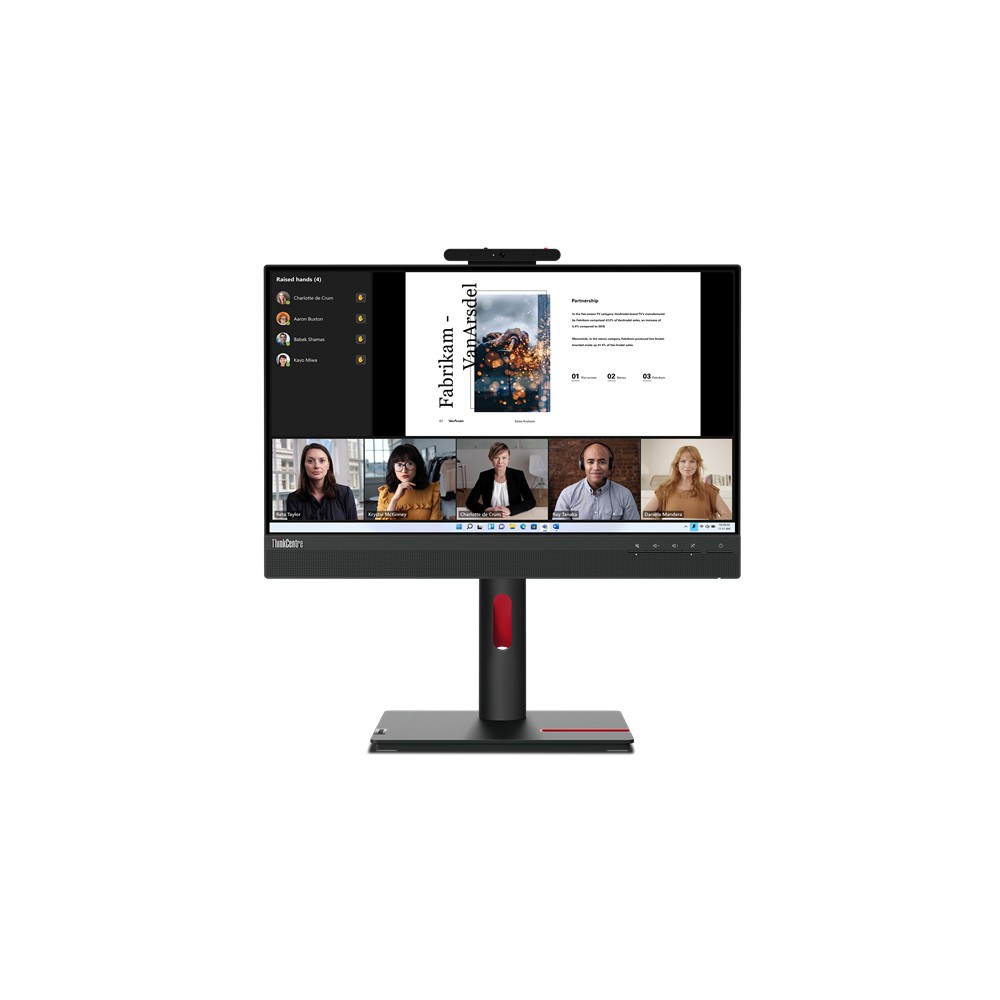
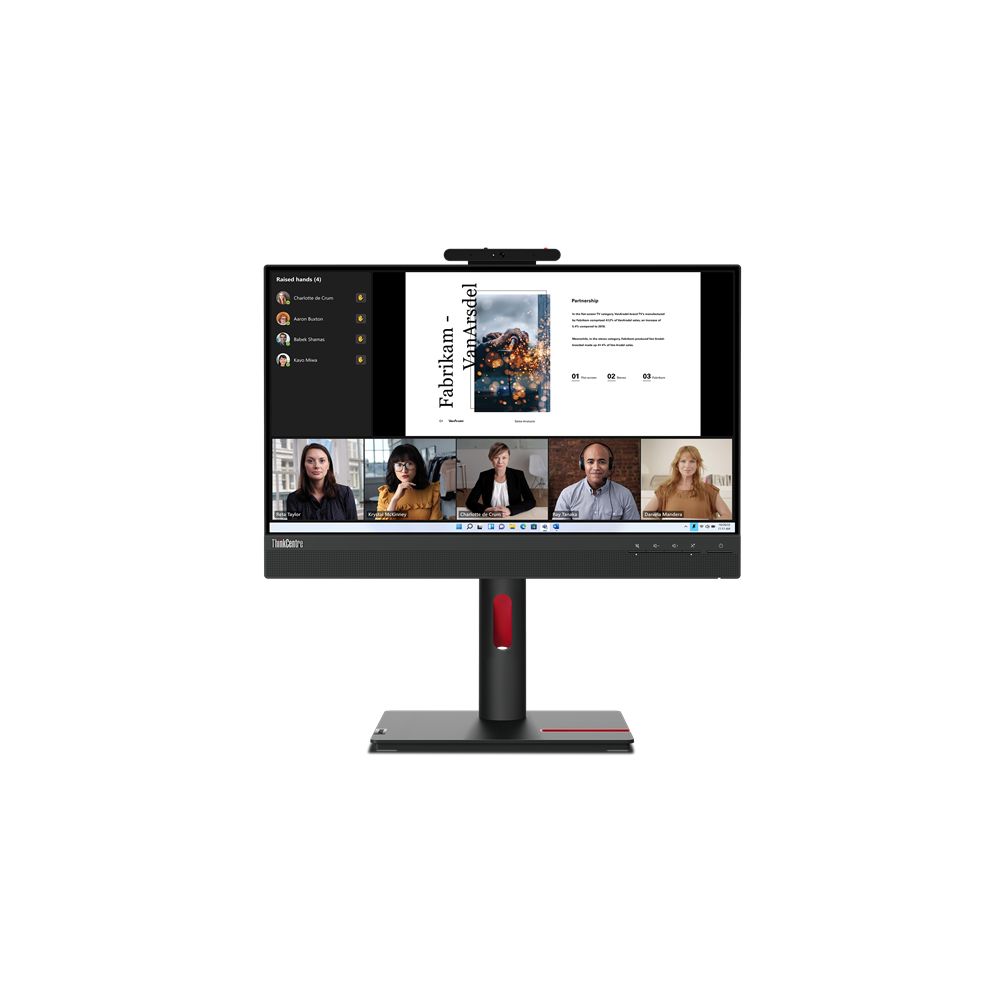
Lenovo ThinkCentre 24″ Full HD Monitor
In stock
Original price was: £197.99.£187.96Current price is: £187.96.
In stock
ThinkCentre monitors are built to pair with Lenovo’s ThinkCentre desktops, and the Tiny-In-One models do something genuinely useful with that.
A Tiny-In-One monitor has a bay behind the panel that a Lenovo ThinkCentre Tiny desktop slots straight into. The two become a single all-in-one machine with one power cable and no visible PC — but unlike a true all-in-one, the computer and the screen remain separate products. You can replace the desktop in three years and keep the monitor, or replace the monitor and keep the desktop. For an organisation refreshing hardware on a cycle, that halves what has to be bought each time.
The rest of the specification is business-standard: Full HD panels at 21.5in and 24in, with proper height, tilt, swivel and pivot adjustment.
Check the Tiny generation the monitor bay accepts if you are pairing it with an existing desktop.
See also Lenovo monitors for the ThinkVision range.
This Lenovo ThinkCentre Monitors range covers Lenovo products. Below are the common questions.
Lenovo is a well-regarded name in monitors, with a range that spans budget to high-end. The best model depends on your needs and budget, so compare the key specs rather than choosing on the badge alone.
Start with what you need from your monitors, then pick the Lenovo model whose features and price fit. If you want help comparing, our monitors guide explains what to look for.
Match the key specs to your setup and budget, check compatibility with your other parts or devices, and look at the warranty. The right Lenovo product is the one that fits your needs, not just the most expensive.
No account yet?
Create an Account