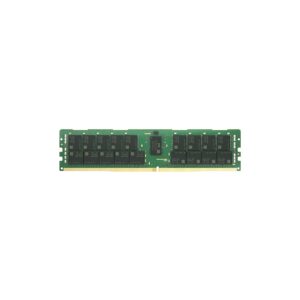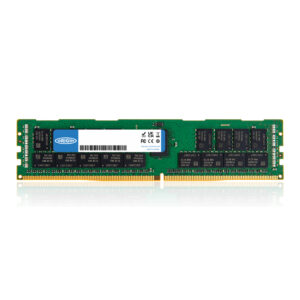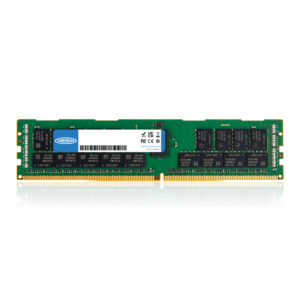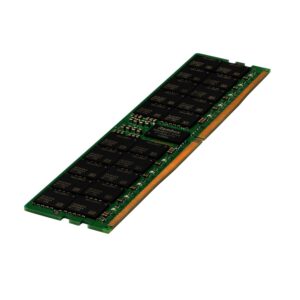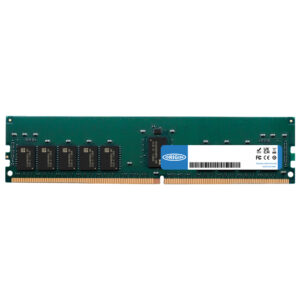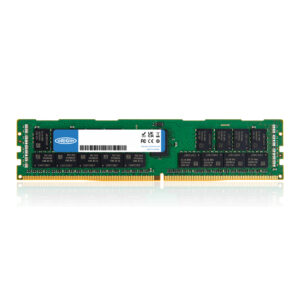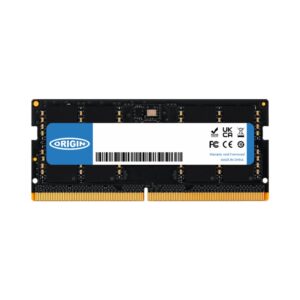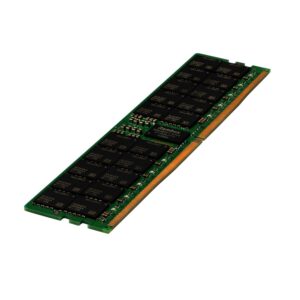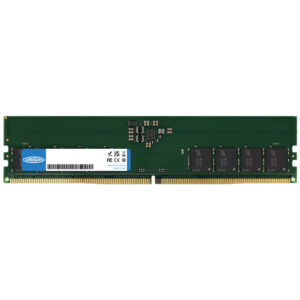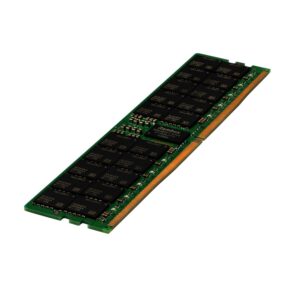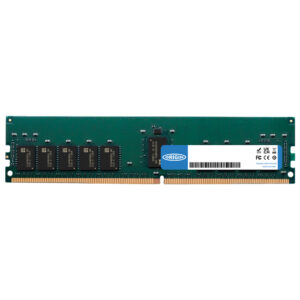





64GB is a lot of memory, and it helps in one specific circumstance: when your work does not fit in less. Video editing with 4K or higher footage, large 3D scenes, virtual machines, big datasets and heavy multitasking are the honest use cases.
If you are gaming, 64GB will not make games faster. 16GB is the current comfortable floor and 32GB is generous. The money is better spent on the graphics card.
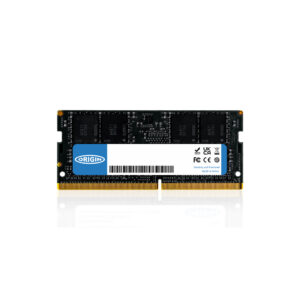
Two practical points. Buy a matched kit rather than combining separate modules — a 2x32GB kit is tested to run together at its rated speed, whereas mixing modules often forces everything to a slower setting or refuses to boot at the advertised speed. And check your platform: DDR4 and DDR5 are not interchangeable, DIMM is desktop and SO-DIMM is laptop, and your motherboard’s manual lists the maximum capacity it supports.
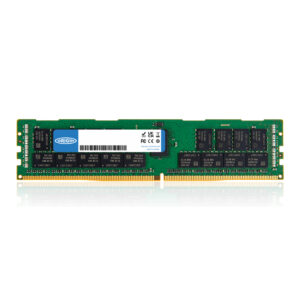
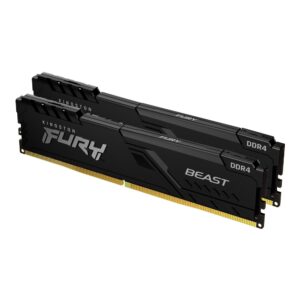
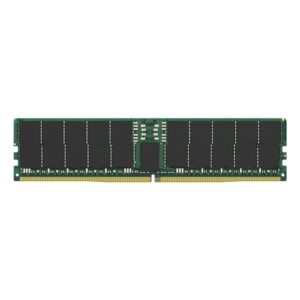
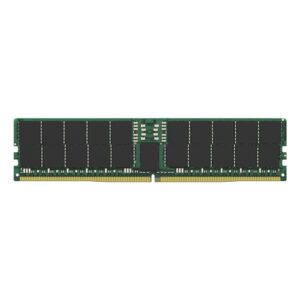
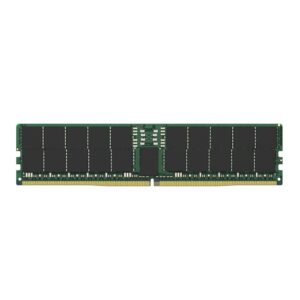
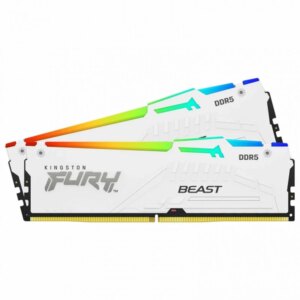
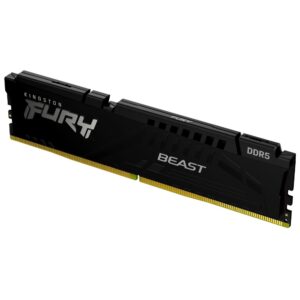
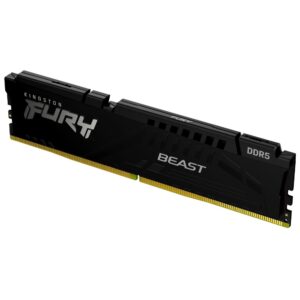
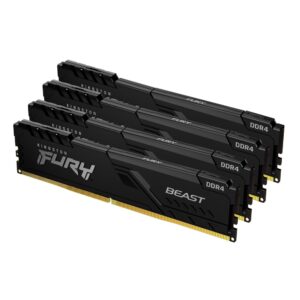
The range covers DDR4 and DDR5 kits, desktop DIMM and laptop SO-DIMM, and ECC modules, from Kingston FURY, Corsair Vengeance, Team Group and XPG.
This 64GB RAM range covers kits at this capacity. Below we answer the common questions about how much memory you need and how to choose.
For most modern gaming, 64GB is plenty for gaming and well into creator territory. Heavy video editing, 3D or virtual machines are where larger kits earn their place.
Buy 64GB as a matched dual-channel kit (for example two sticks) rather than a single module. Running in dual channel gives noticeably better performance, especially in games, and a matched kit avoids mixing modules that may not play nicely together.
Check the memory type first: DDR5 only fits DDR5 boards and DDR4 only fits DDR4 boards. Then enable the EXPO or XMP profile in the BIOS so the kit runs at its rated speed rather than the slower default. Your motherboard support list shows tested kits.
The best value is a matched 64GB kit at a sensible speed for your platform, such as DDR5-6000 CL30 on a modern AMD build. Pay for capacity and a solid rated speed rather than flashy extras, and make sure it matches your board.
No account yet?
Create an Account